Anthony Bouchard

Anthony Bouchard joined the iDownloadBlog.com team in 2016 after originally covering Apple and iPhone jailbreak news at ModMyi.com. As an experienced editor, he brings more than 15 years’ worth of jailbreaking knowledge to our in-depth guides, opinion pieces, and news articles. His passion for device customization and user choice sparks his strong push to empower readers with the tools they need to explore and enjoy the freedom that comes with jailbreaking. Anthony blogs about not only jailbreaking, but also Apple software & accessories, drones & photography, and Nintendo gaming systems. Anthony honed his advanced technical knowledge over the years with hands-on projects ranging from gaming PC builds to engine repair mechanics. His never-ending hunger for knowledge is why you’ll always find him tinkering – tearing things apart and putting them back together to understand what makes them tick.

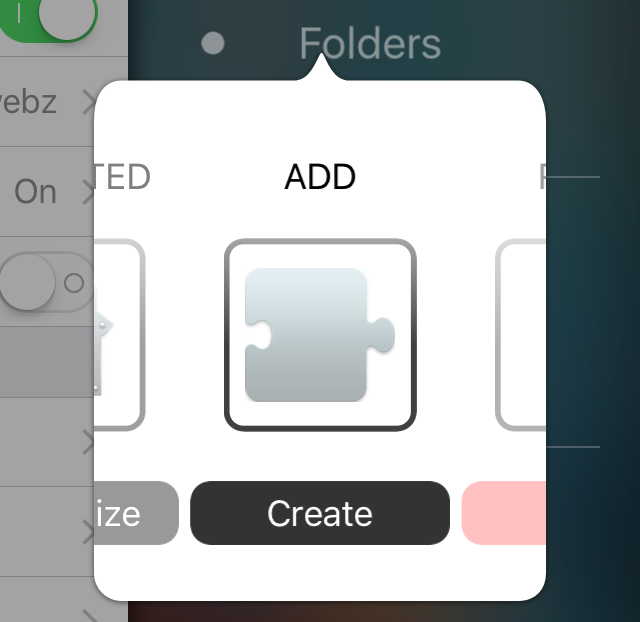
PaperGram sets your wallpaper to pictures from any Instagram feed

Wallpapers are one of those things that we often like to change up on our iPhones every so often, and it can be difficult to choose the right one at times.

A new free jailbreak tweak called PaperGram eliminates the process of having to choose a wallpaper yourself by automatically setting your wallpaper to something different at time increments of your choice. What's more is it sources the wallpaper images from Instagram, whether you're an Instagram user or not.
Why making a support account on Twitter was a great move by Apple

Within just a single day of launching a support account on Twitter, Apple has well over 130,000 followers and is answering over 100 people with questions about Apple products and services per hour.

Although it's taken Apple quite a while to finally use Twitter as a support medium for its main products, depsite having Twitter accounts for Apple Music, Beats 1, and iTunes for quite some time, it's still great to see Apple is using another method of communication to reach its users.

In this piece, we'll talk about why we think creating the support account on Twitter was a great move for Apple.

Why and how to use custom DNS settings on your iPhone, iPad, and Mac

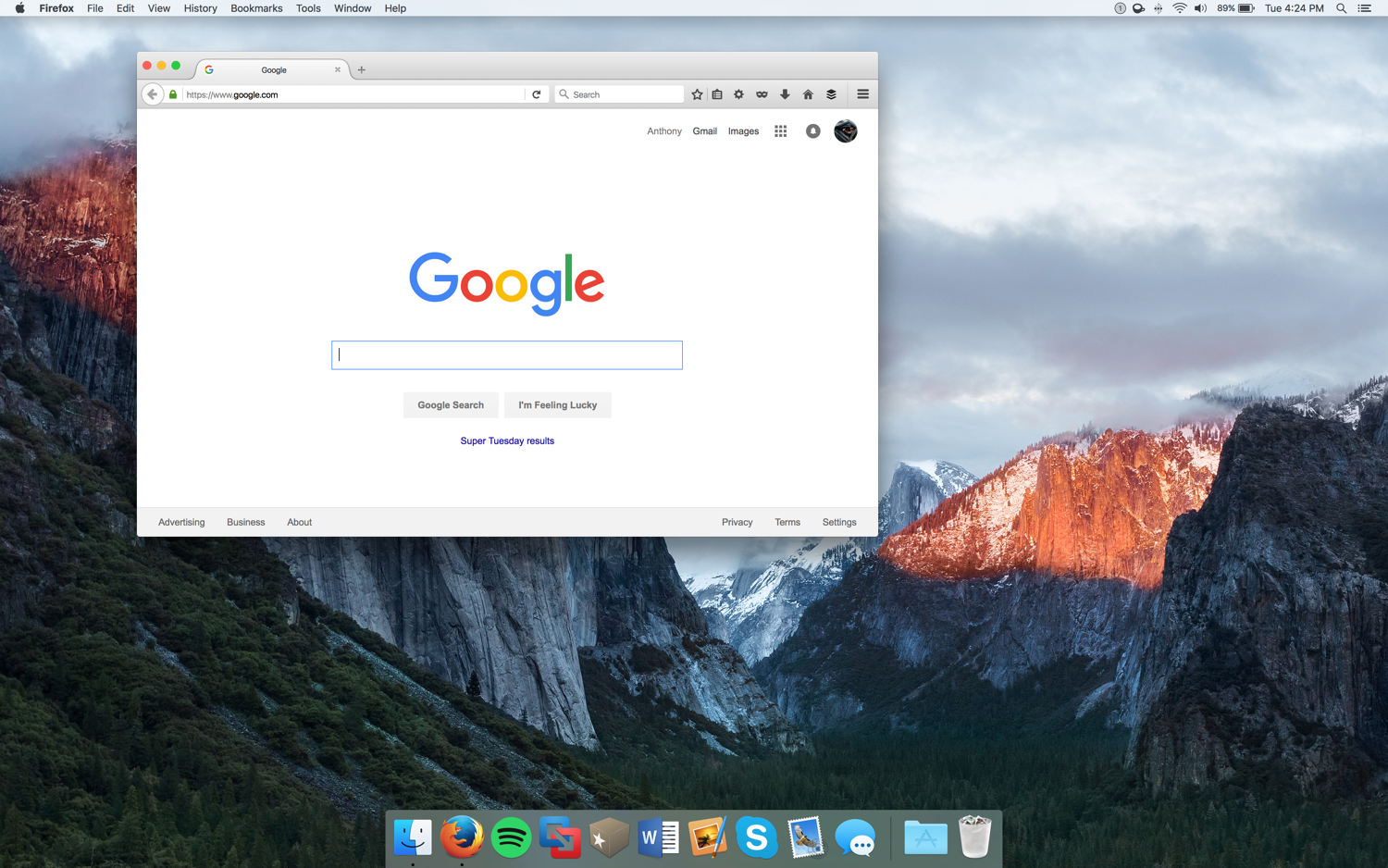
DNS Settings on Mac

When you visit a website on your computer, such as iDownloadBlog or Google, you're using domain name system (DNS) protocol to exchange information between your computer and the server providing you with that website.

Depending on the DNS server you're using on your Mac or iOS device; you might not be experiencing the best speeds and web securities that you could be.

In this piece, we'll tell you why you may want to consider switching to a new DNS and show you how to use a custom DNS on your Mac, iPhone, or iPad.

PreferenceTag3 lets you organize the iOS Settings app your own way

If you're like me, then you don't use every single setting that your iPhone comes with, and it would make life easier in the organization department if you could move around your Settings app's preference cells and hide the ones you don't use.

If this functionality sounds useful to you, then PreferenceTag3, which is a jailbreak tweak you can grab from Cydia for $1.99, is going to be your new best friend because it'll let your organize your Settings app exactly how you like it.

In this review, we'll show you what PreferenceTag3 is all about and how it works.

SafariHistory lets you quickly and selectively delete Safari history on your iPhone

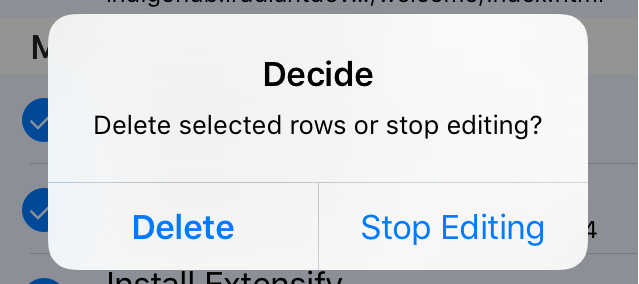
SafariHistory is a handy new jailbreak tweak that is now available for free in Cydia and it will give Safari users that don't use Private Browsing mode an easier way to delete their Safari history in bulk.

Although Safari on your iPhone and iPad includes a 'Clear' button to quickly delete all of your browsing history, the only way to delete individual history items is to swipe to the left on them to reveal the red "Delete" button, and this can take forever.

SafariHistory instead makes it easier to remove individual items in bulk without clearing your entire Safari browsing history, as you're about to see in this review.

10 useful keyboard shortcuts for the Preview app

Preview app keyboard shortcuts for Mac

The Preview app comes pre-installed on all Macs and is more useful than a lot of people give it credit for. It's not only used for opening different file types that reside on your Mac but it can also be used to edit those files and extract images from apps.

Regardless, most of you probably use just your mouse or trackpad to get things done in the Preview app. In this piece, we'll show you 10 ways you can use your keyboard to quickly perform actions in Preview by way of these useful individual keyboard shortcuts.

Give your Retina Mac’s screen more real estate with scaling options

Macs that comes with retina displays allow the user to configure their own resolution scaling options.

These scaling options can be taken advantage of to give your Mac more screen space and gives you the illusion that your screen is bigger than it really is. With that in mind, you can run more windows side-by-side and be more productive.

In this tutorial, we'll be showing you how you can create more space on your screen for additional windows on your Retina display Mac – this includes the new MacBook, some MacBook Pro models, and even some iMac models.

Using your iPhone to diagnose your car’s check engine light

All the do-it-yourself mechanics out there love being able to troubleshoot their own check engine light (CEL) to see what's going on under the hood of their own cars. Typically, doing so requires an expensive OBD II scanner tool that plugs into the OBD II port underneath the dash.

But, with an app on your iPhone and a tiny accessory that plugs into the OBD II port, you could save some money and you'll still have access to a lot of the information the scan tool would give you. In fact, because of how advanced your iPhone is, you may even get more information than a lot of the scan tools will offer.

In this review, we'll be taking a look at the LELink Bluetooth Low Energy OBD II car diagnostic tool, which can be had for about $35 on Amazon, as well as the $9.99 OBD Fusion app, which can be had from the iOS App Store.

Hound voice assistant launches in the App Store, but how does it compare to Siri?

There are numerous companies competing to be the top dog in voice assistant software, but the makers of sound-tagging service SoundHound have made another alternative called Hound that promises an excellent voice assistant experience. Many initial reports suggest it's even more capable than the voice assistants you're used to using already, such as Siri, Google Now, and Cortana.

So just how capable is Hound? In this piece, we'll walk you through the new free-to-download Hound voice assistant for iOS and find out if it's as good as everyone says.