Anthony Bouchard

Anthony Bouchard joined the iDownloadBlog.com team in 2016 after originally covering Apple and iPhone jailbreak news at ModMyi.com. As an experienced editor, he brings more than 15 years’ worth of jailbreaking knowledge to our in-depth guides, opinion pieces, and news articles. His passion for device customization and user choice sparks his strong push to empower readers with the tools they need to explore and enjoy the freedom that comes with jailbreaking. Anthony blogs about not only jailbreaking, but also Apple software & accessories, drones & photography, and Nintendo gaming systems. Anthony honed his advanced technical knowledge over the years with hands-on projects ranging from gaming PC builds to engine repair mechanics. His never-ending hunger for knowledge is why you’ll always find him tinkering – tearing things apart and putting them back together to understand what makes them tick.

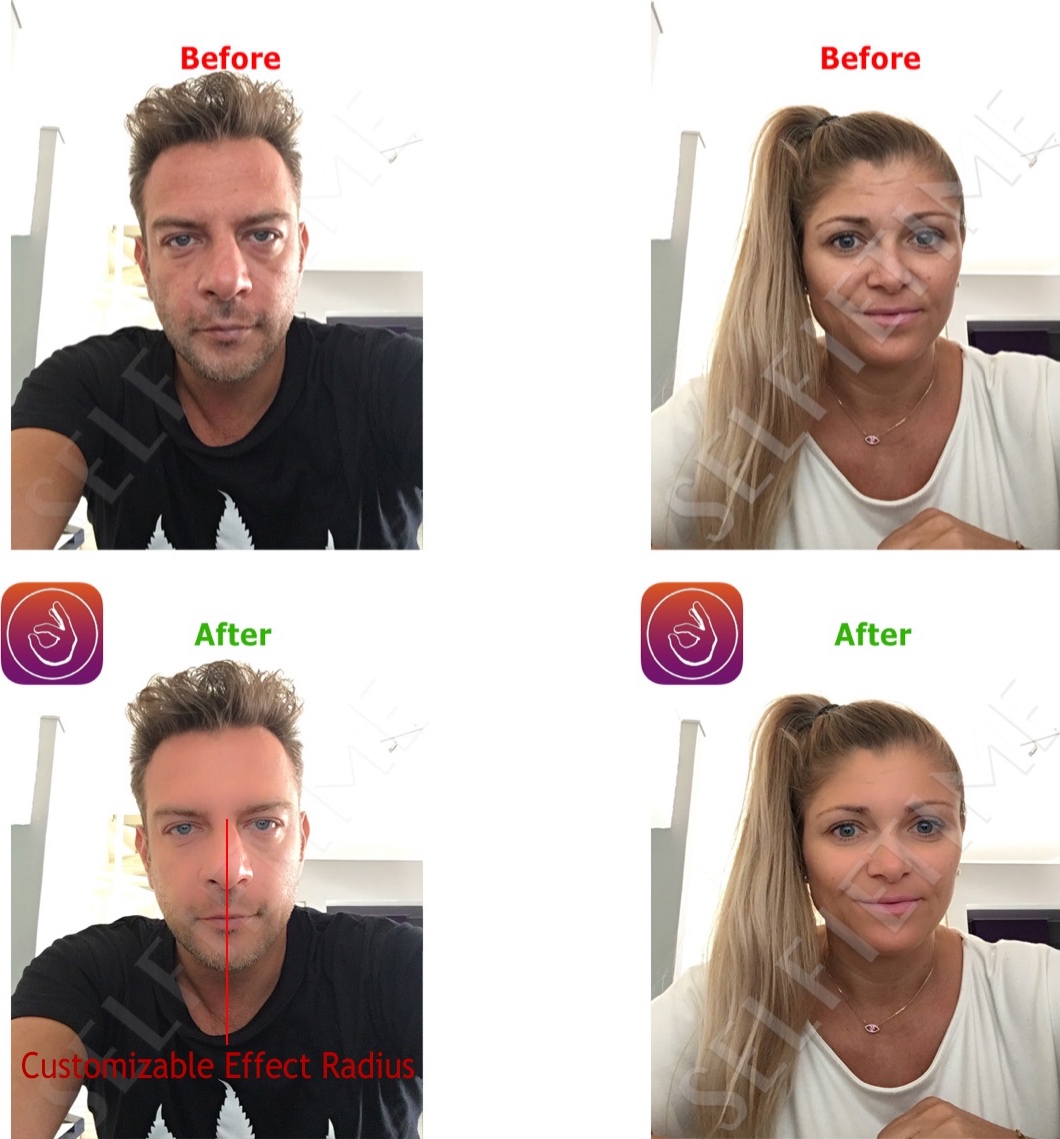
SelfieTime makes you look like a champ in selfie photographs and FaceTime Video chats

Although some people have no problem with snapping selfies and carrying out FaceTime Video calls with their friends or colleagues, some people simply aren't happy with the way they look and are more self-conscious about how folks will judge their character.

SelfieTime is a new jailbreak tweak by veteran iOS developer Elias Limneos that can help people of the latter group look better for their selfies and feel more confident during FaceTime Video calls.
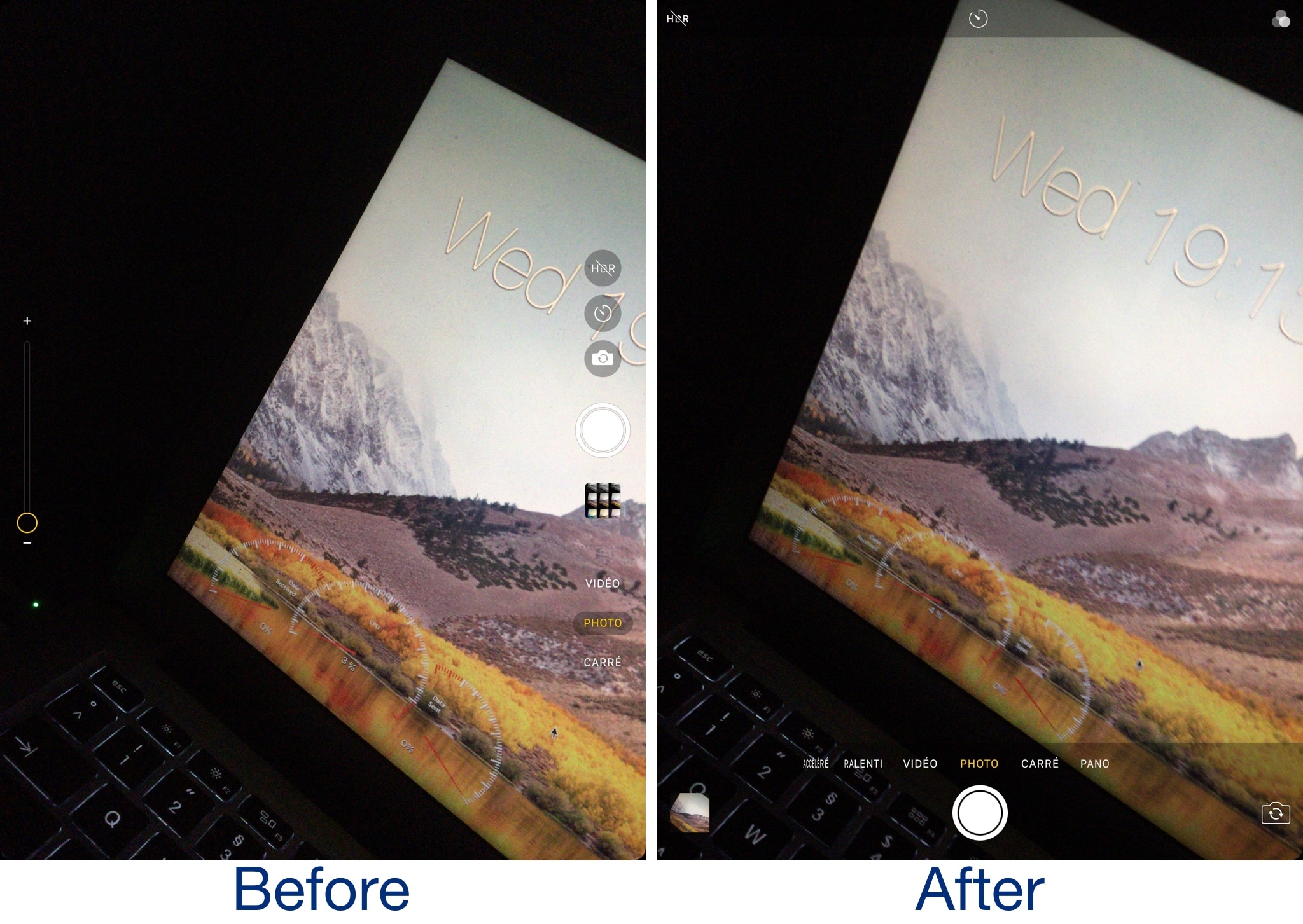
This tweak brings the iPhone’s Camera app user interface to the iPad

If you have both an iPhone and an iPad, then you should already know that each device's Camera app has a different look and feel to it.

The iPad’s Camera app interface is built with a larger display in mind, making some tools more readily accessible. On the other hand, many use their iPhone for photography more often and would prefer having the same familiar experience on their iPad.

Enter a new free jailbreak tweak called iPhone Cam for iPad by iOS developer Adel Hammoud. As the name implies, this tweak ports the iPhone-style Camera user interface to your jailbroken iPad so that the photography experience feels one and the same across your devices.

Add new privacy and aesthetic options to WhatsApp Messenger with ABetterPrivacyforWhatsApp

WhatsApp Messenger is one of the most popular third-party messaging platforms used on the iOS platform today, but there are countless ways it could be improved.

With a new free jailbreak tweak called ABetterPrivacyforWhatsApp, iOS developer CydiaGeek provides jailbroken WhatsApp Messenger users with the means of customizing their experience, allowing for better privacy and aesthetics in the app.

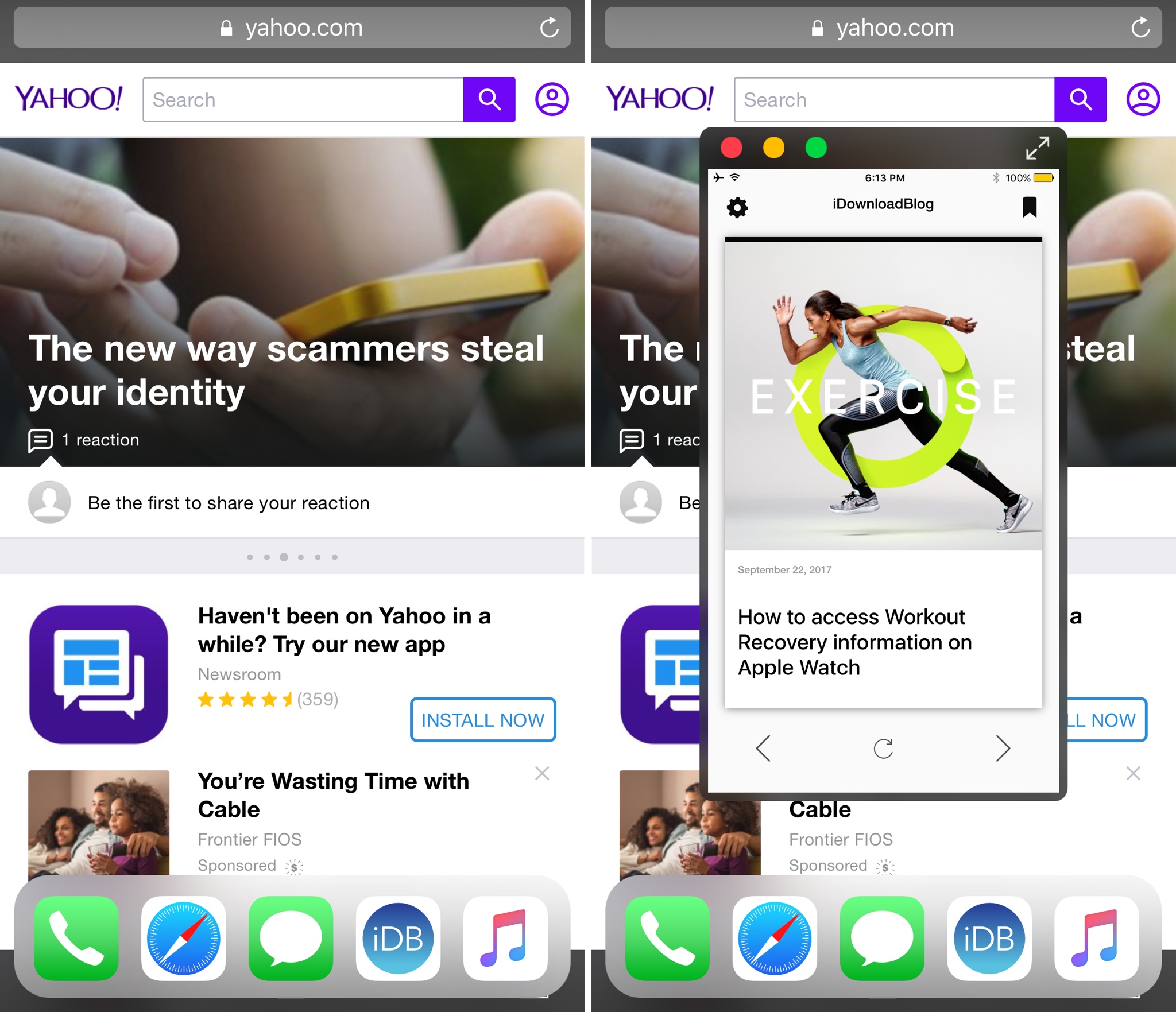
Dock+ for iPhone, OLEDification, and other jailbreak tweaks to check out this weekend

Once again, we're experiencing a cooldown period following last week's Apple event, but the jailbreak community is still pulling through with interest-piquing new jailbreak tweak releases intended to make your iOS experience even better.

In this roundup, we'll discuss all the jailbreak tweaks released throughout the last week, starting with our favorites. We'll outline the rest of them afterward. 

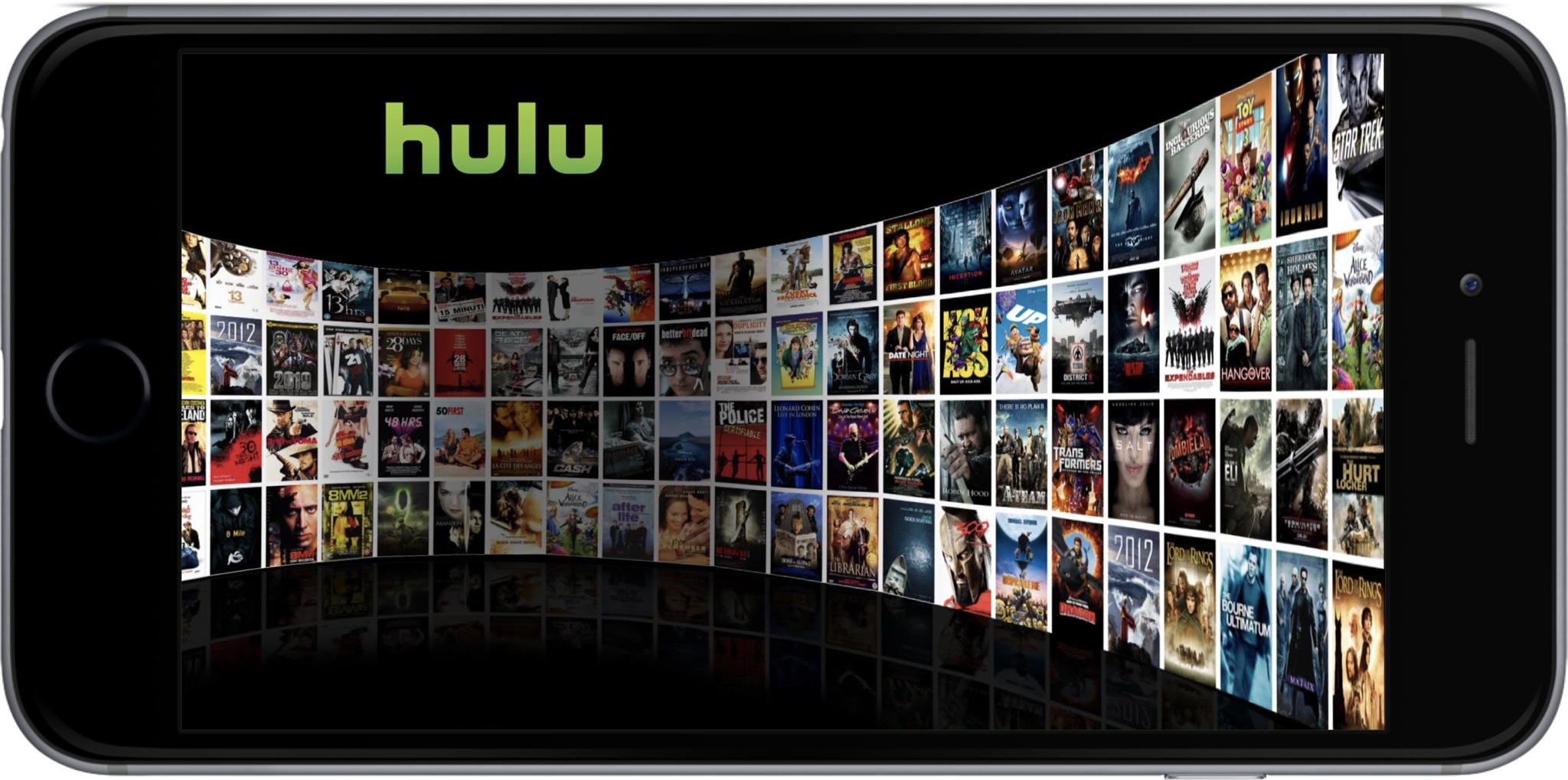
Quickly scrub past advertisements in Hulu as needed with Huu for Hulu

Hulu is a great app for watching your favorite movies and TV shows on demand, but like most services, it supports advertisements; even if you’re paying for the reduced-cost monthly bargain plan.

Enter a new free jailbreak tweak called Huu for Hulu by iOS developer WhiteSauce, which gives users more power over their advertisements from the Hulu app. Huu for Hulu doesn’t skip ads entirely, but it does let users scrub past them when needed.

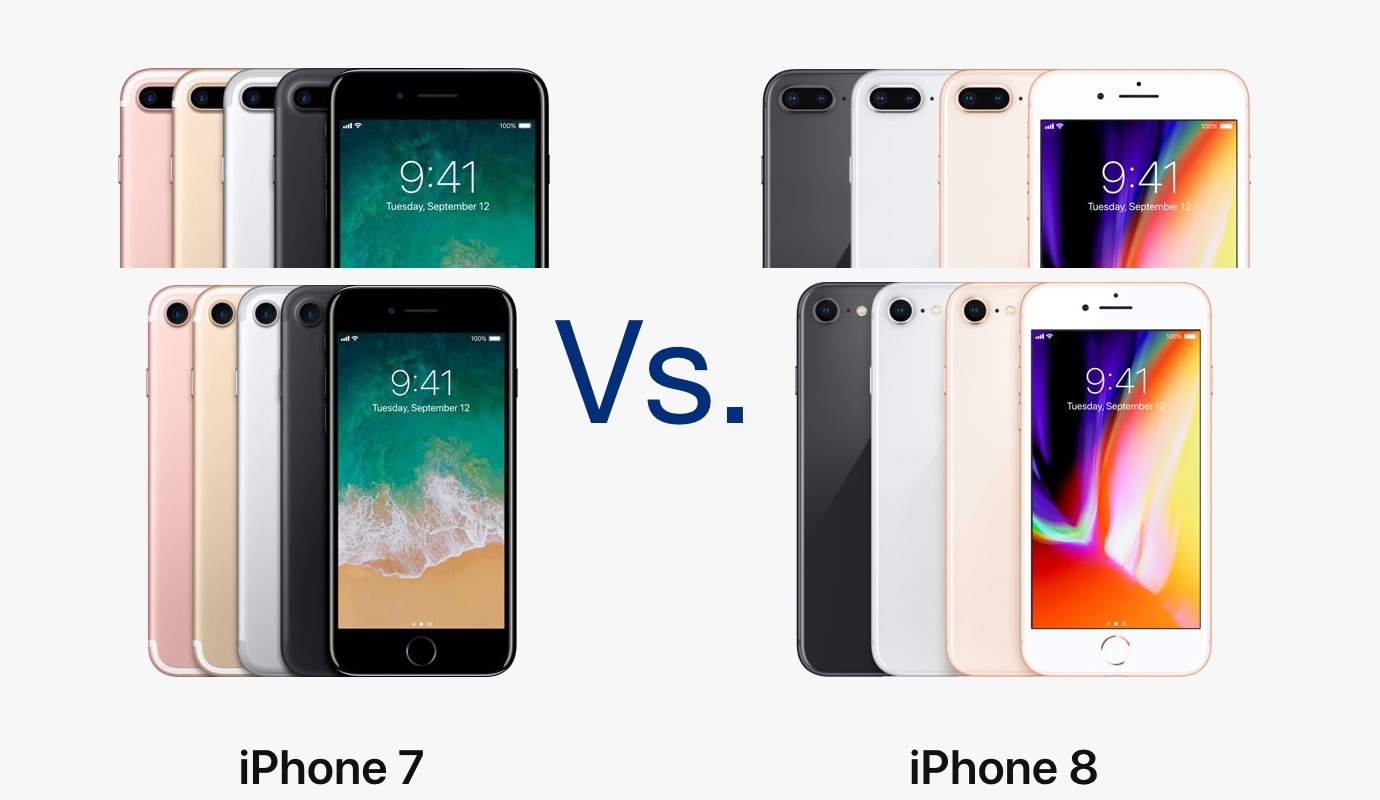
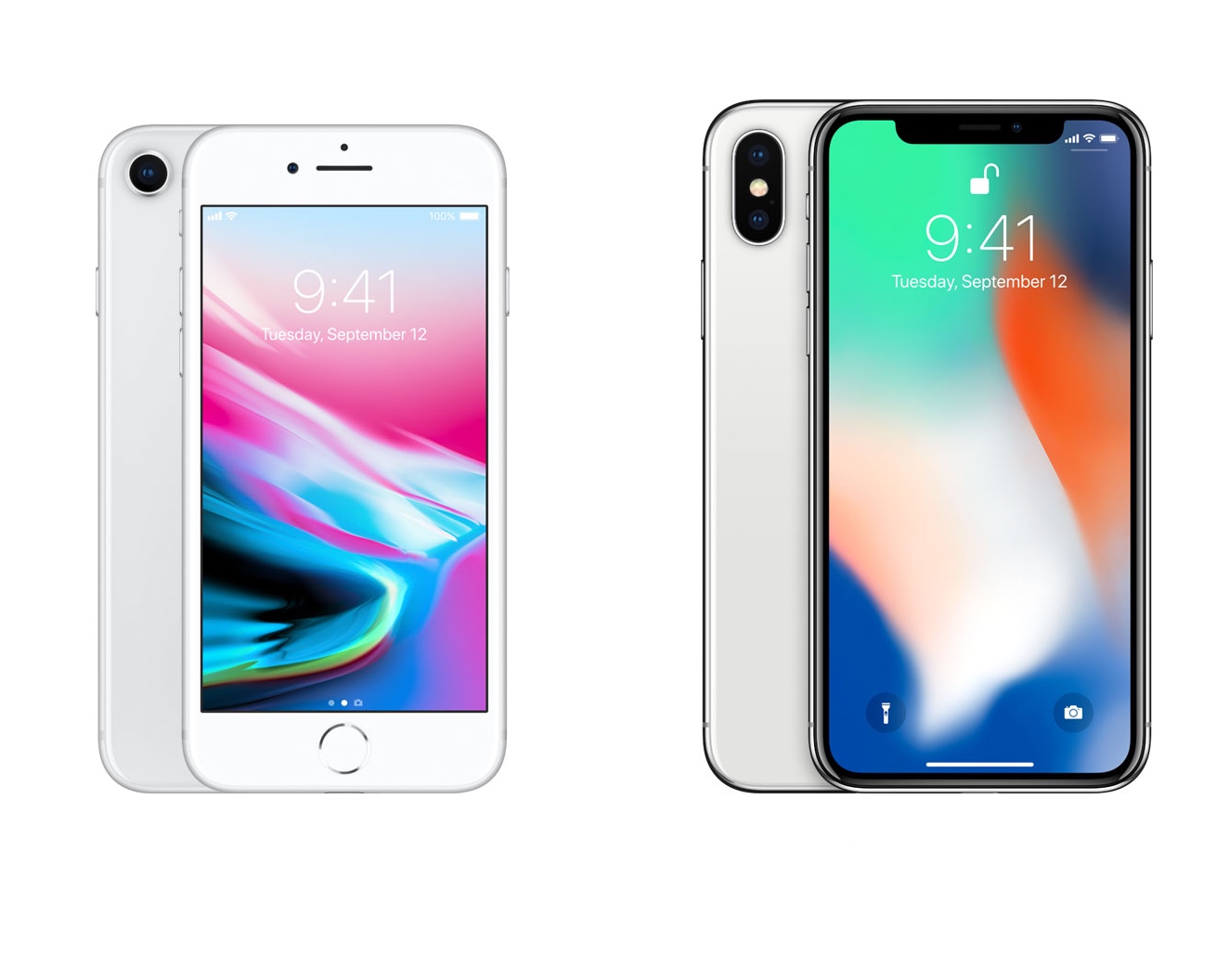
Is the iPhone 8 worth the upgrade from the iPhone 7?

There’s undoubtedly a lot of hype for Apple's new iPhone X, but if you’re looking to save some money and get the iPhone 8 or iPhone 8 Plus instead, then you’re probably interested in how it compares to the previous generation model and whether it's worth the upgrade.

While they look similar at first glance, some distinguishing features set the two models apart. In this piece, we’ll dispel some confusion by going over some of the most significant changes between the previous-generation iPhone 7/7 Plus and the new iPhone 8/8 Plus.

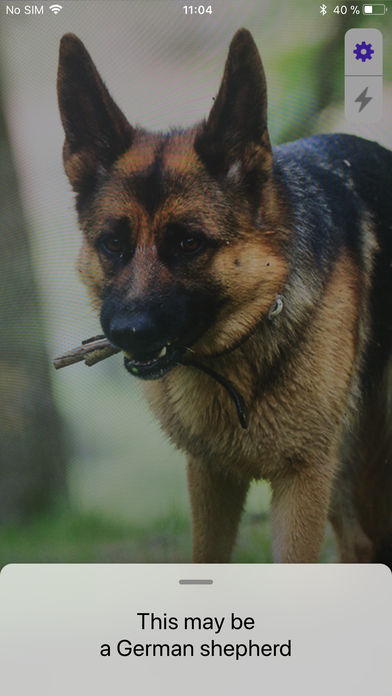
Iryss: an app that uses Machine Learning to identify objects

There are countless new features to take advantage of in iOS 11, but many of them are under the hood in the form of APIs and require App Store apps to get the full effect.

Iryss is a new app developed by Florian Hebrard, better known by the jailbreak community as Ziph0n, that takes advantage of Apple’s brand-new CoreML (Machine Learning) API to recognize objects around you in real time.

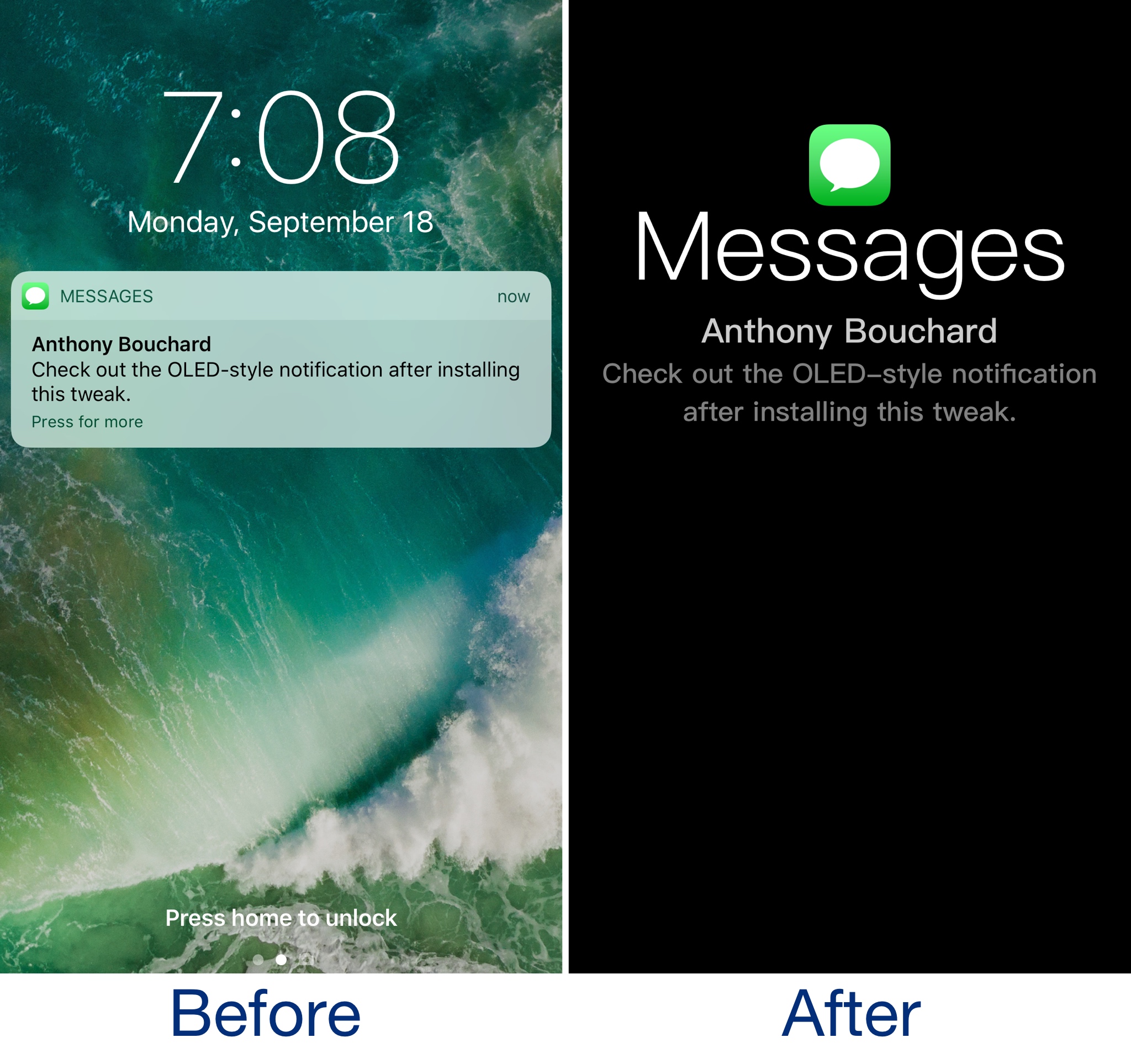
OLEDification emulates OLED-style notifications on your jailbroken iPhone

OLEDification is a new jailbreak tweak by iOS developer Shyam Lad that captures the notification experience of various devices with OLED displays and brings it to the Lock screen of your jailbroken iPhone.

Once installed, the Lock screen interface disappears when you receive notifications. Instead, you’re shown an immersive full-screen experience in which the background is dark, and the notification content itself makes up the only color you see on your display.

Weight, size, and battery life: iPhone X vs iPhone 8 vs iPhone 7

Rather than announcing just one new iPhone this year with two different screen sizes, Apple shook things up by announcing an entirely new iPhone X with a 5.8-inch edge-to-edge OLED display alongside their typical 4.7-inch and 5.5-inch iPhone models.

There’s bound to be some confusion about some of the most important specs between the devices, so in this piece, we’ll talk about the differences in weight, dimensions, and battery life as we do every year.

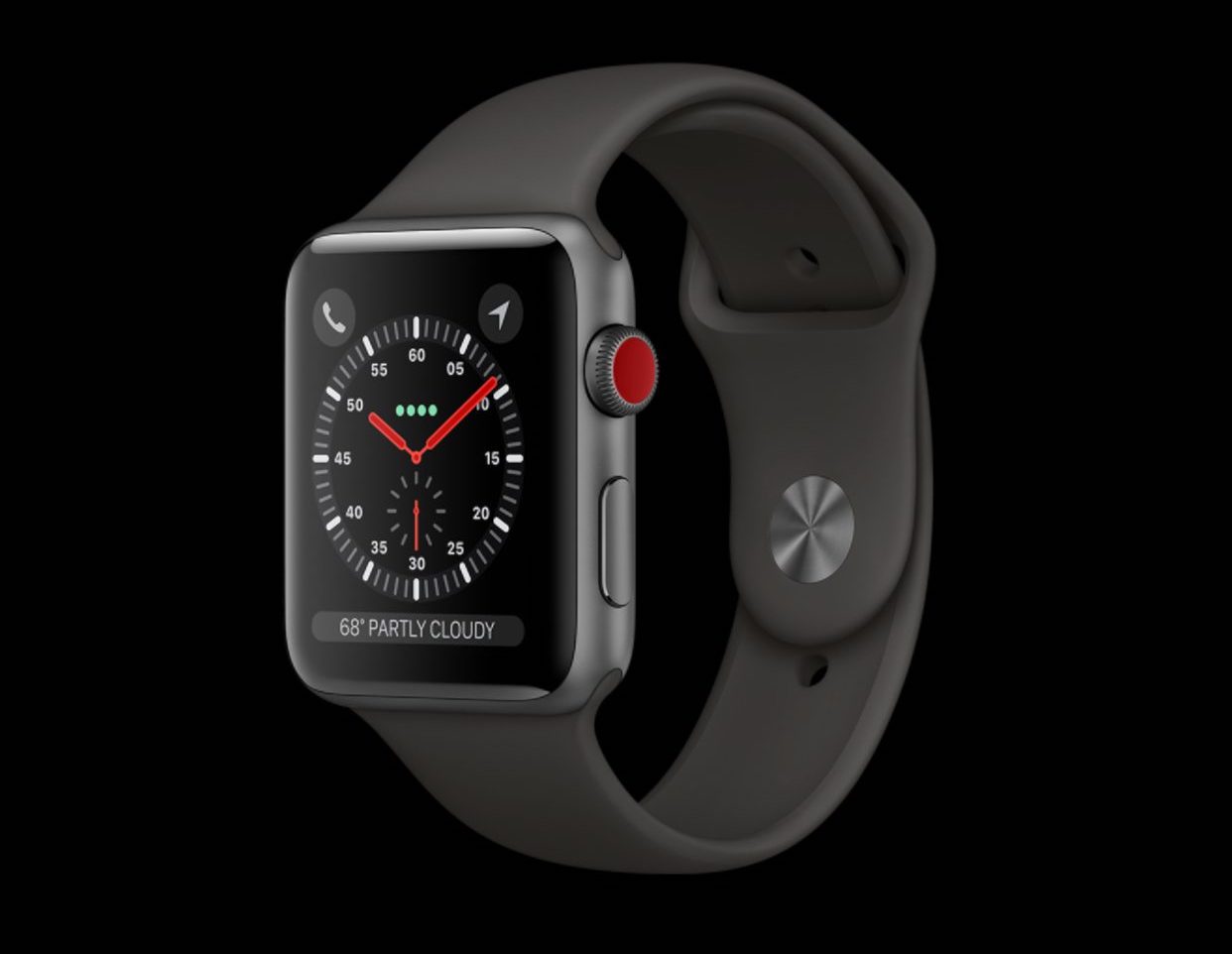
How Apple Watch Series 3’s tech specs compare to Series 2

Apple unveiled its all-new Apple Watch Series 3 last week alongside the iPhone 8 and iPhone X, and while they were clear that it would become the flagship model of their popular smartwatch, they weren’t clear about how it stacks up to the current Apple Watch Series 2.

In this piece, we’ll go over the tech specs of each so that you can compare them side by side and choose what one is right for you.