Learn effective tips and tricks to optimize your Mac’s startup time and boost its performance with a few simple steps.
How to make your Mac start up faster

Learn effective tips and tricks to optimize your Mac’s startup time and boost its performance with a few simple steps.
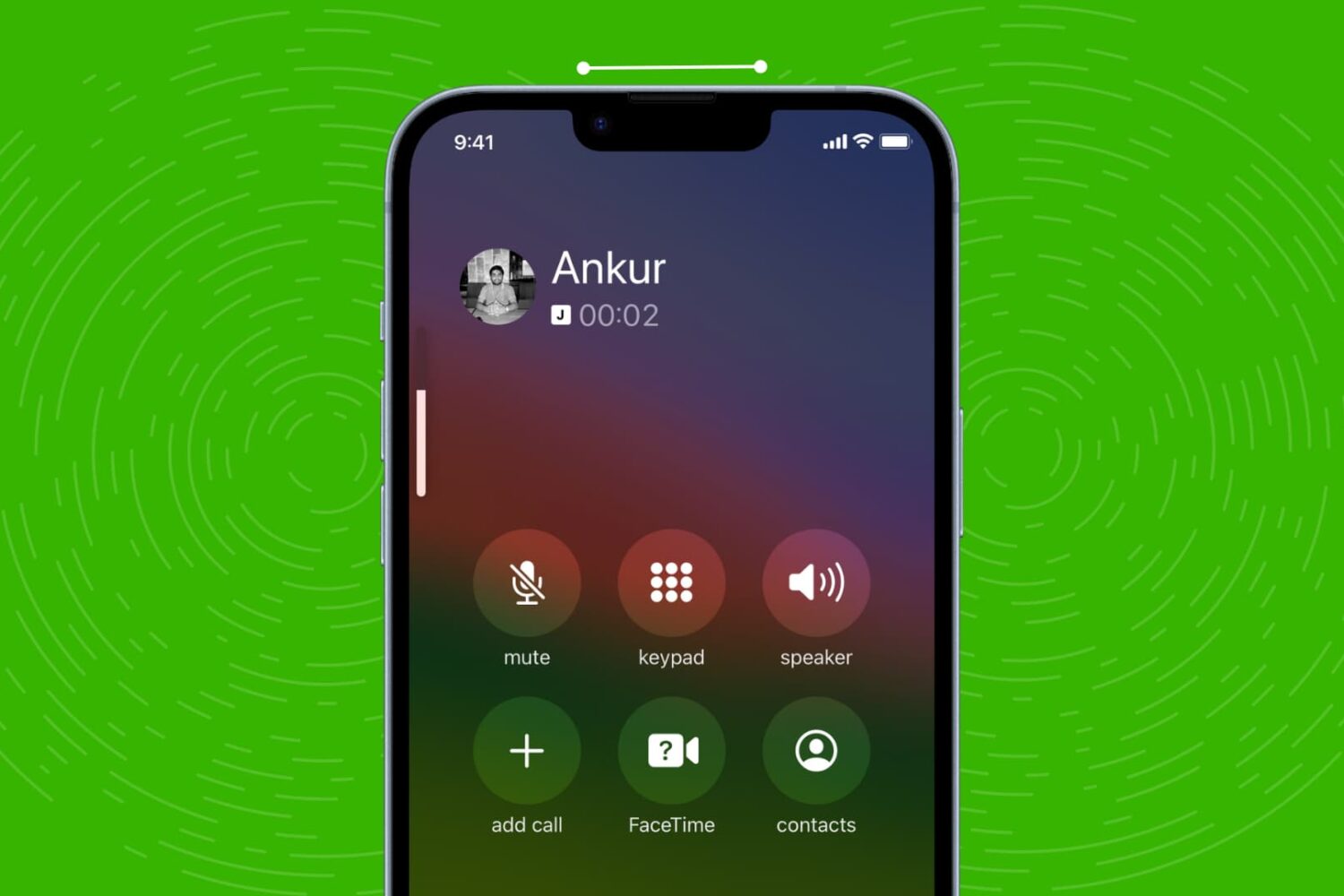
Check out these quick solutions to resolve low phone call sound issues and increase the volume if you’re struggling to hear during calls on your iPhone.

Learn how to quickly straighten your pictures on iPhone and iPad using the stock Photos app, ensuring your memories always look perfectly aligned.

Learn how to install macOS Sequoia on a different volume (disk partition) and have two macOS versions simultaneously on your Mac.
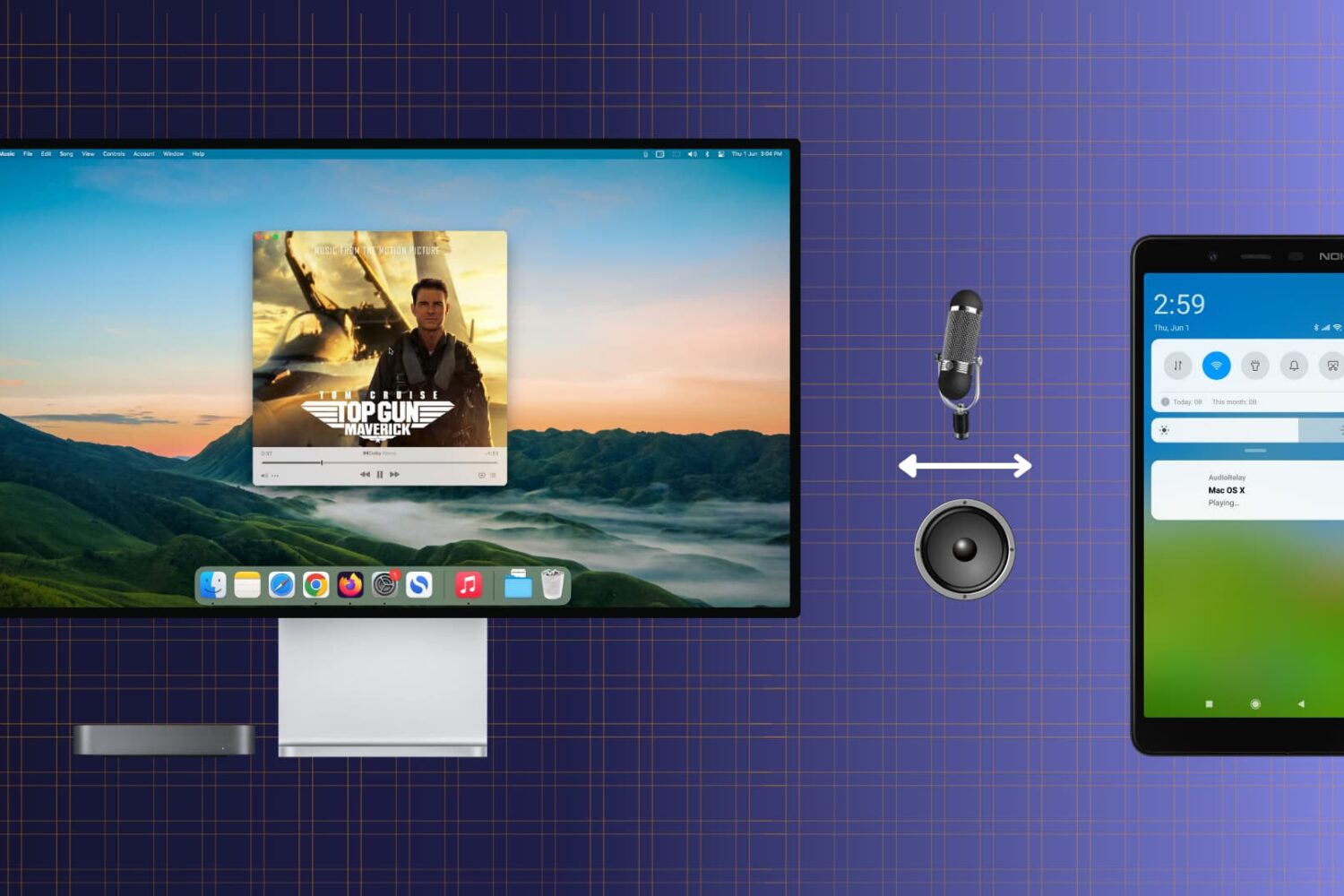
Check out this free and easy way to turn your Android phone into a convenient wireless speaker or microphone for your Mac.
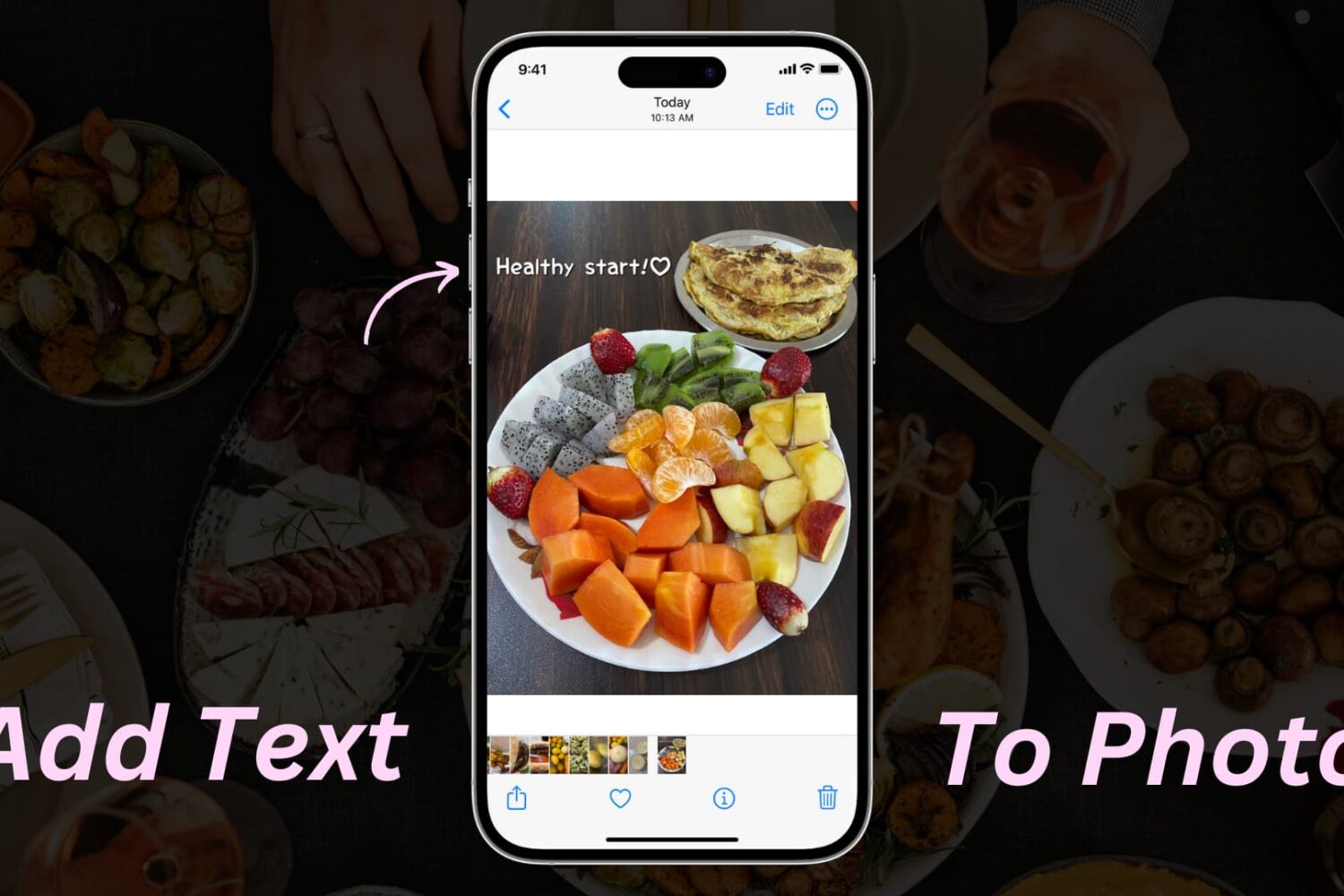
Learn how to add text or text-based signatures to your photos on iPhone, iPad, and Mac so your images stand out and effectively convey your message.

Learn how to get macOS Sequoia on a USB thumb drive and use it to install macOS 15 on multiple Macs without needing to download the large macOS file each time.
Whether you want to create backups, share multiple copies, or organize your media files, the Apple Photos app makes it easy to duplicate your photos and videos.
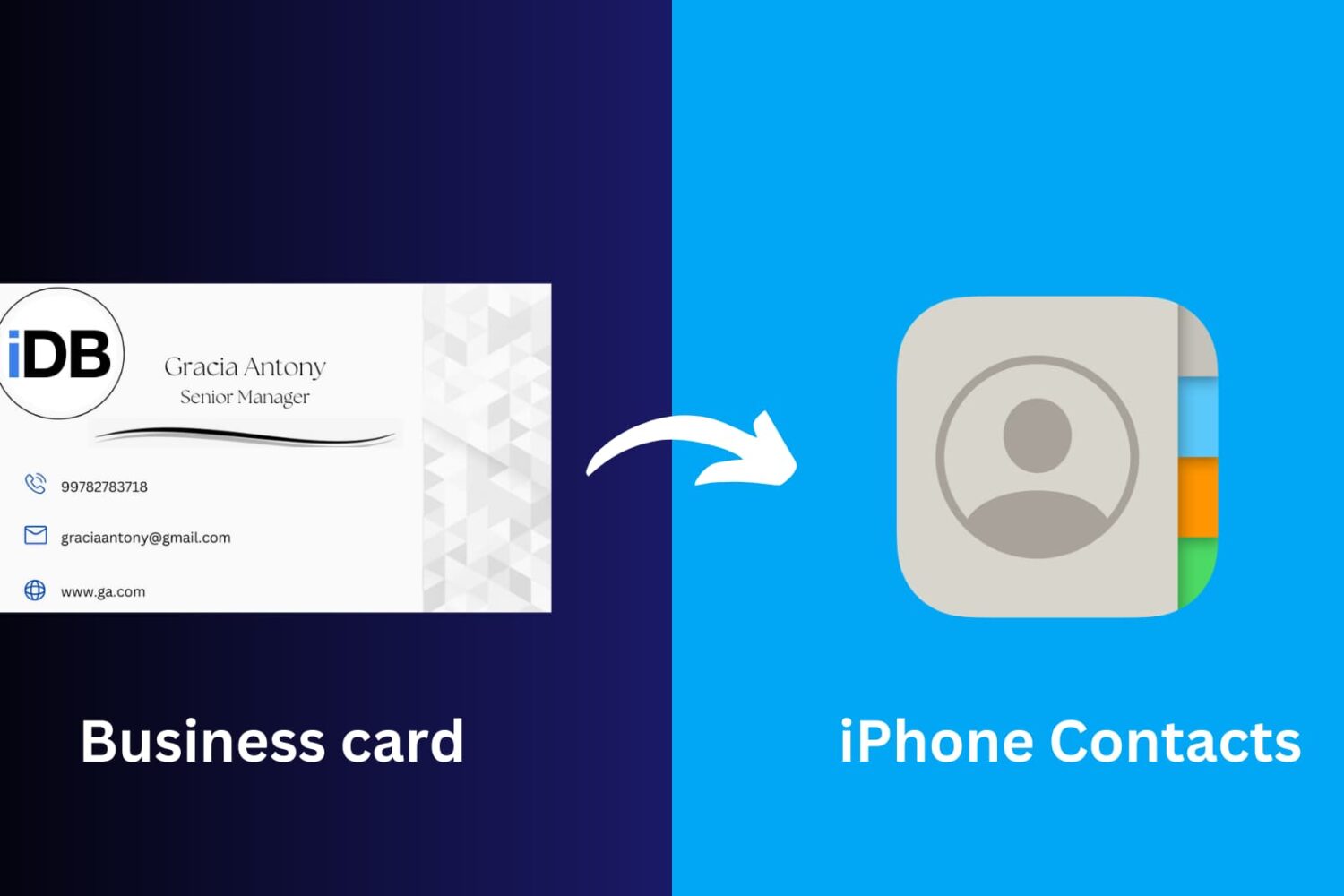
This article will guide you through the simple process of scanning a business card and seamlessly saving its information to your iPhone Contacts app, ensuring you never miss a beat in networking and professional connections.
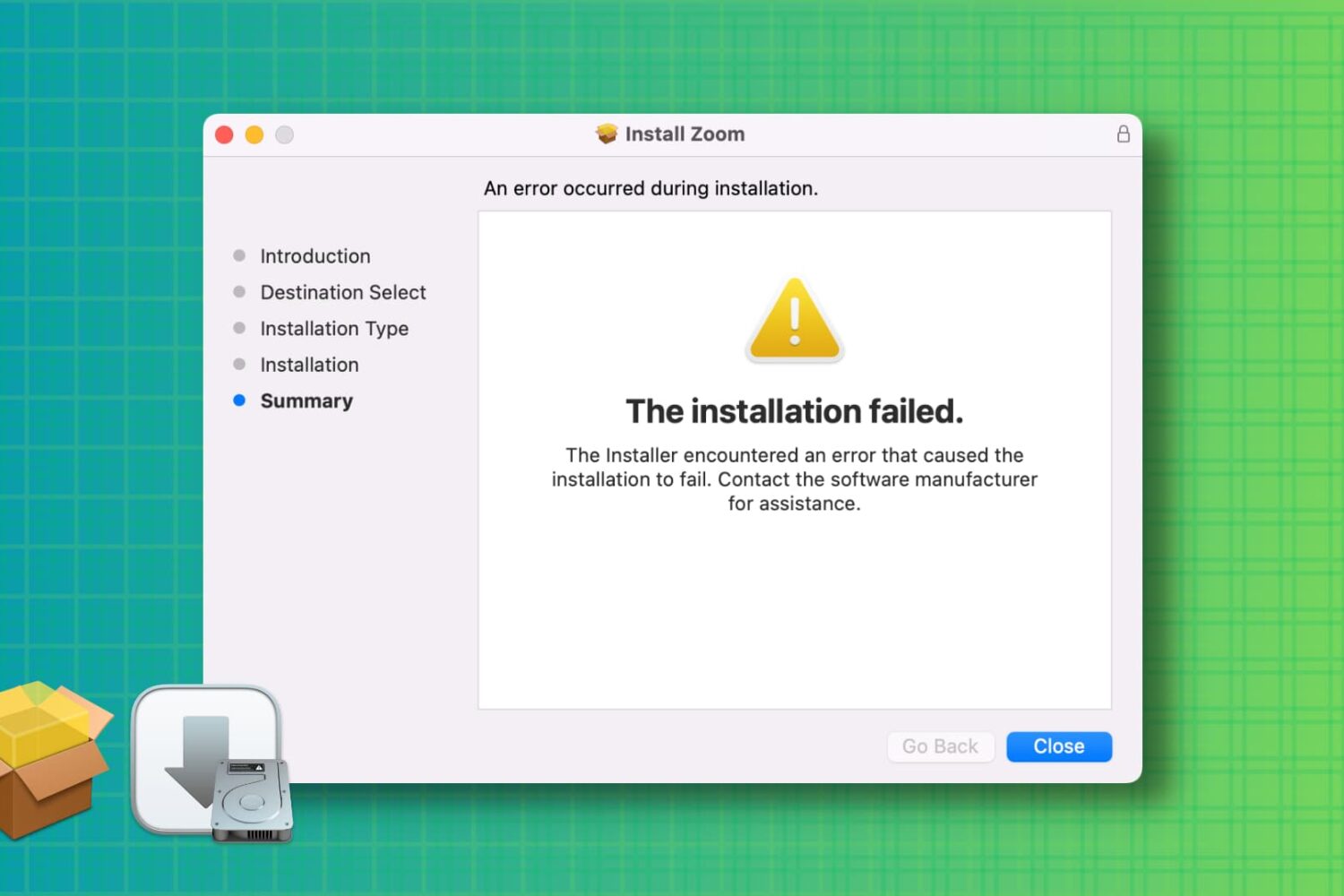
Learn how to troubleshoot and fix the “installation failed” error when installing a Mac app using a downloaded PKG, DMG, or ZIP file.
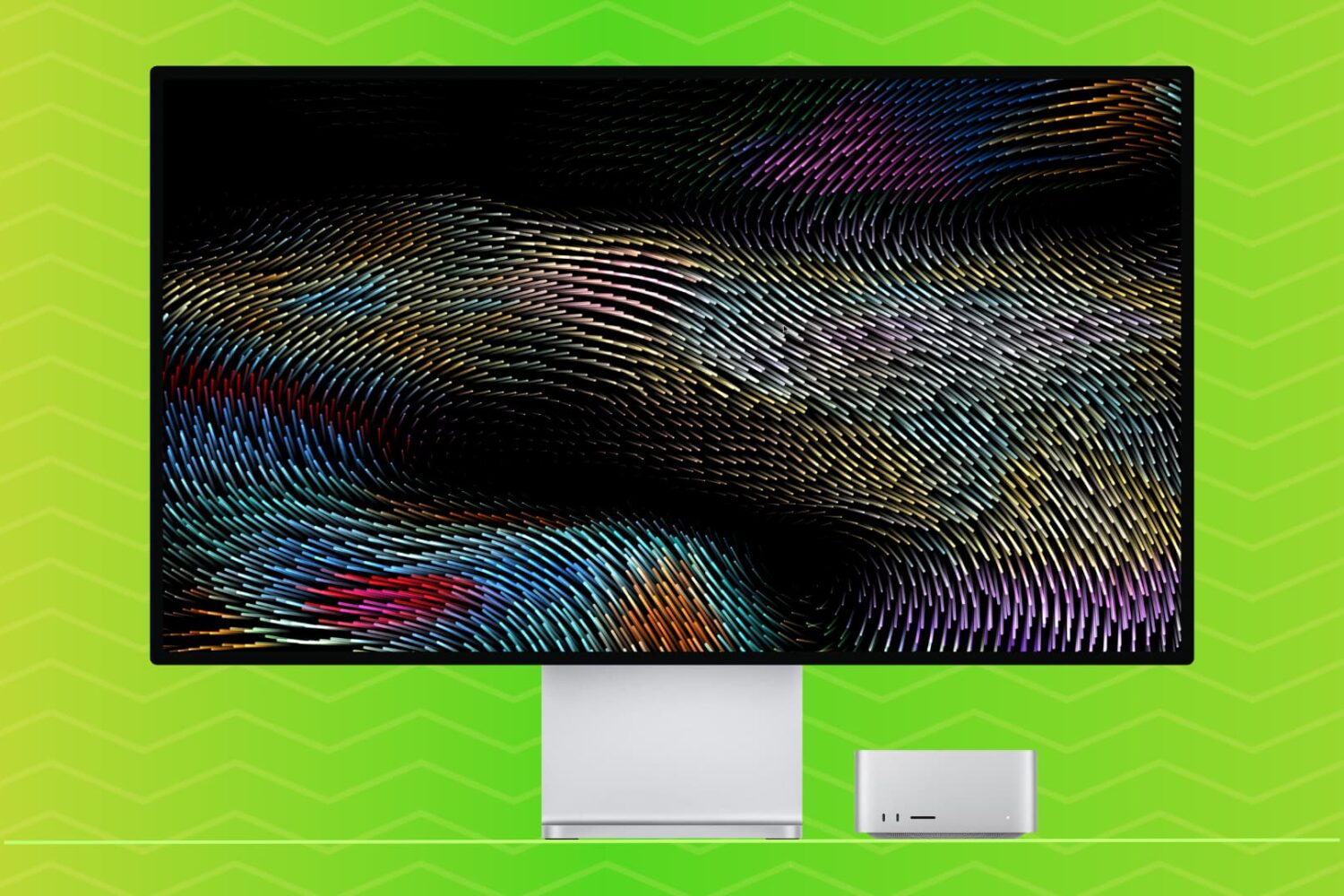
Learn how to set up a screensaver in macOS 27 Golden Gate or macOS 26 Tahoe to hide your desktop when you’re not using your computer by displaying photos, music album art, word of the day, and other custom visuals.
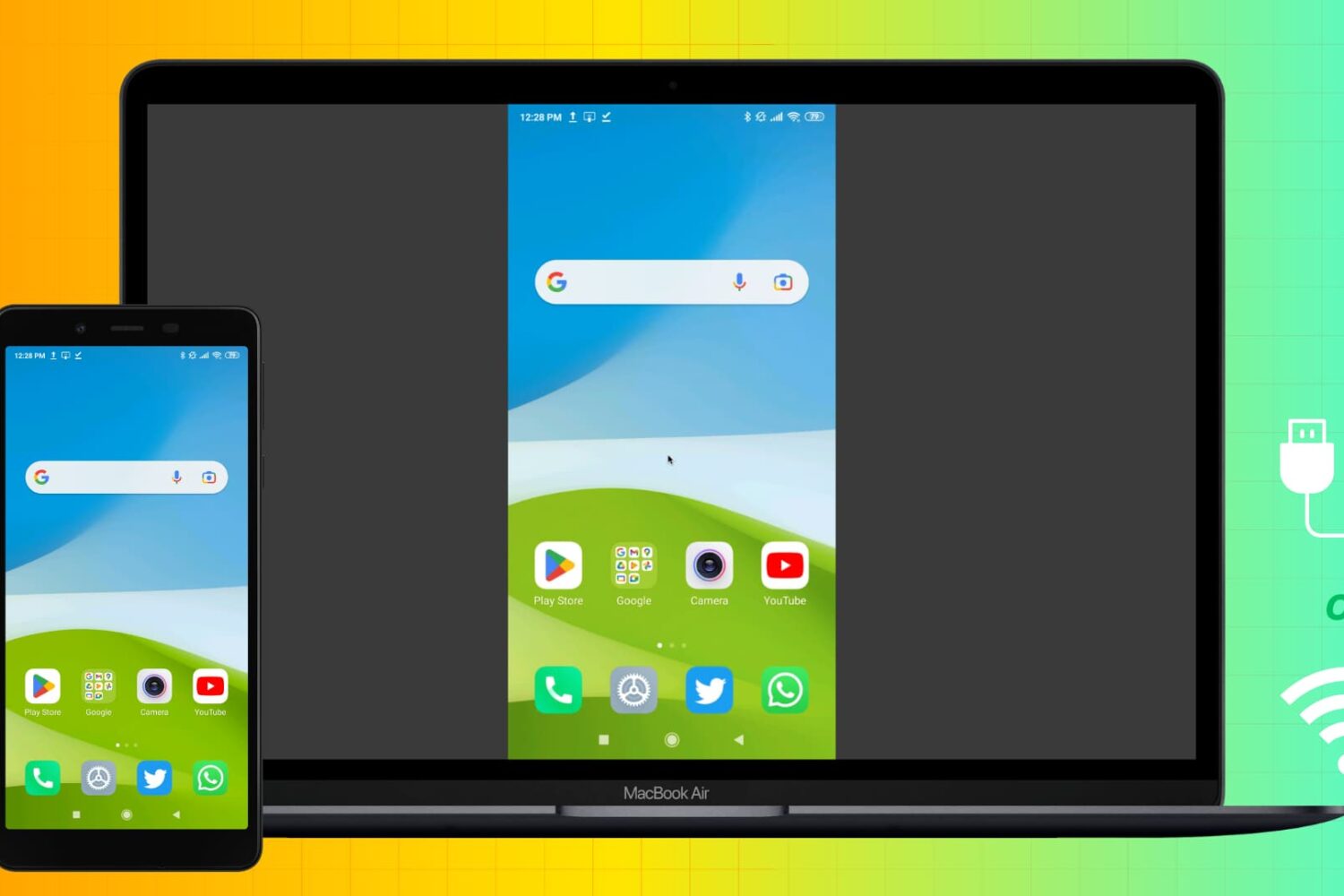
Learn how to mirror your Android phone screen to your Mac wirelessly or using a USB cable without rooting your device.