Learn how to restrict the camera feature on your iPhone, iPad, or MacBook if you’re concerned about privacy or want to disable its usage completely.
How to completely block the camera on iPhone, iPad, or Mac
Learn how to restrict the camera feature on your iPhone, iPad, or MacBook if you’re concerned about privacy or want to disable its usage completely.
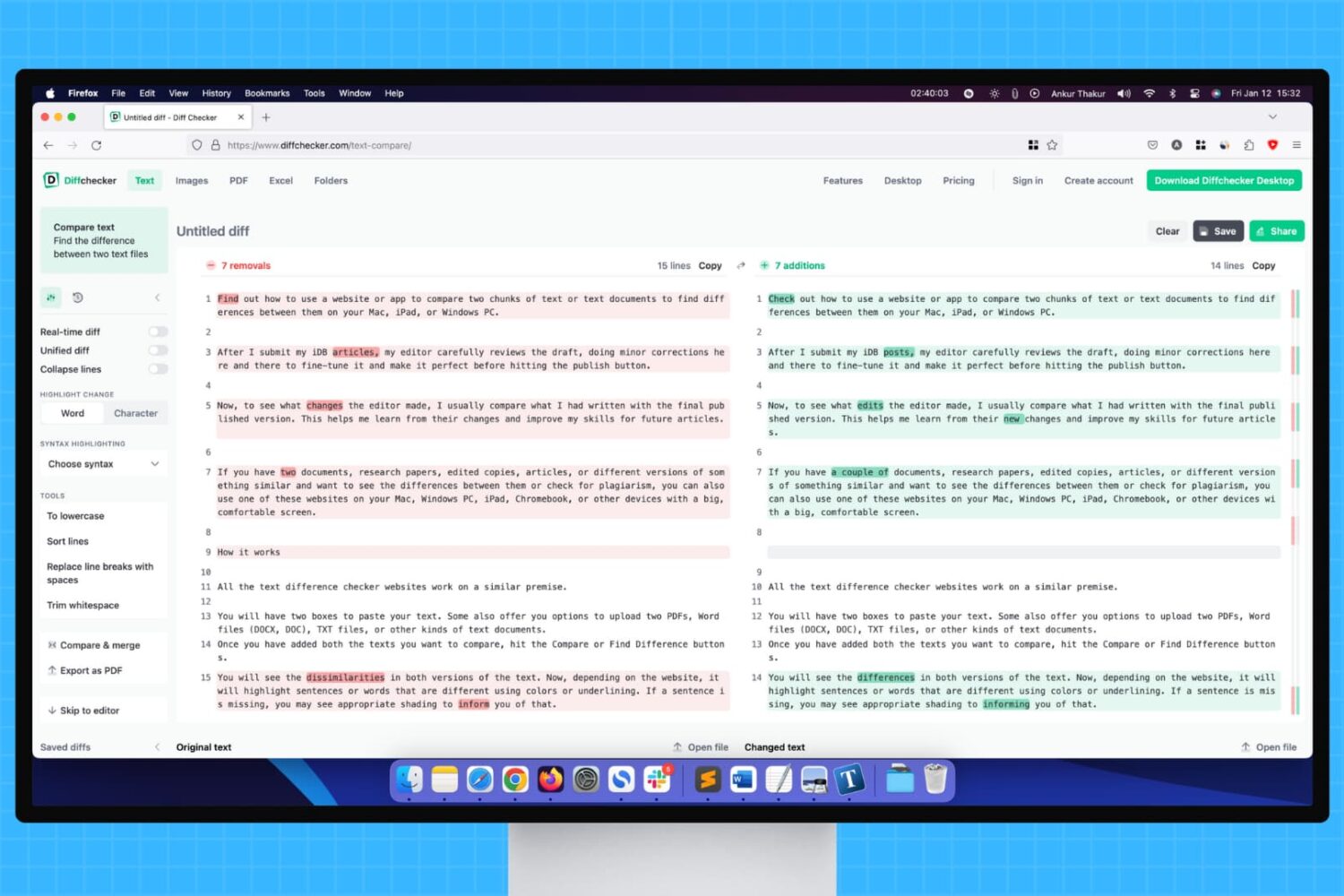
Learn how to use a website or app to compare two chunks of text or documents to find differences between them on your Mac, iPad, or Windows PC.
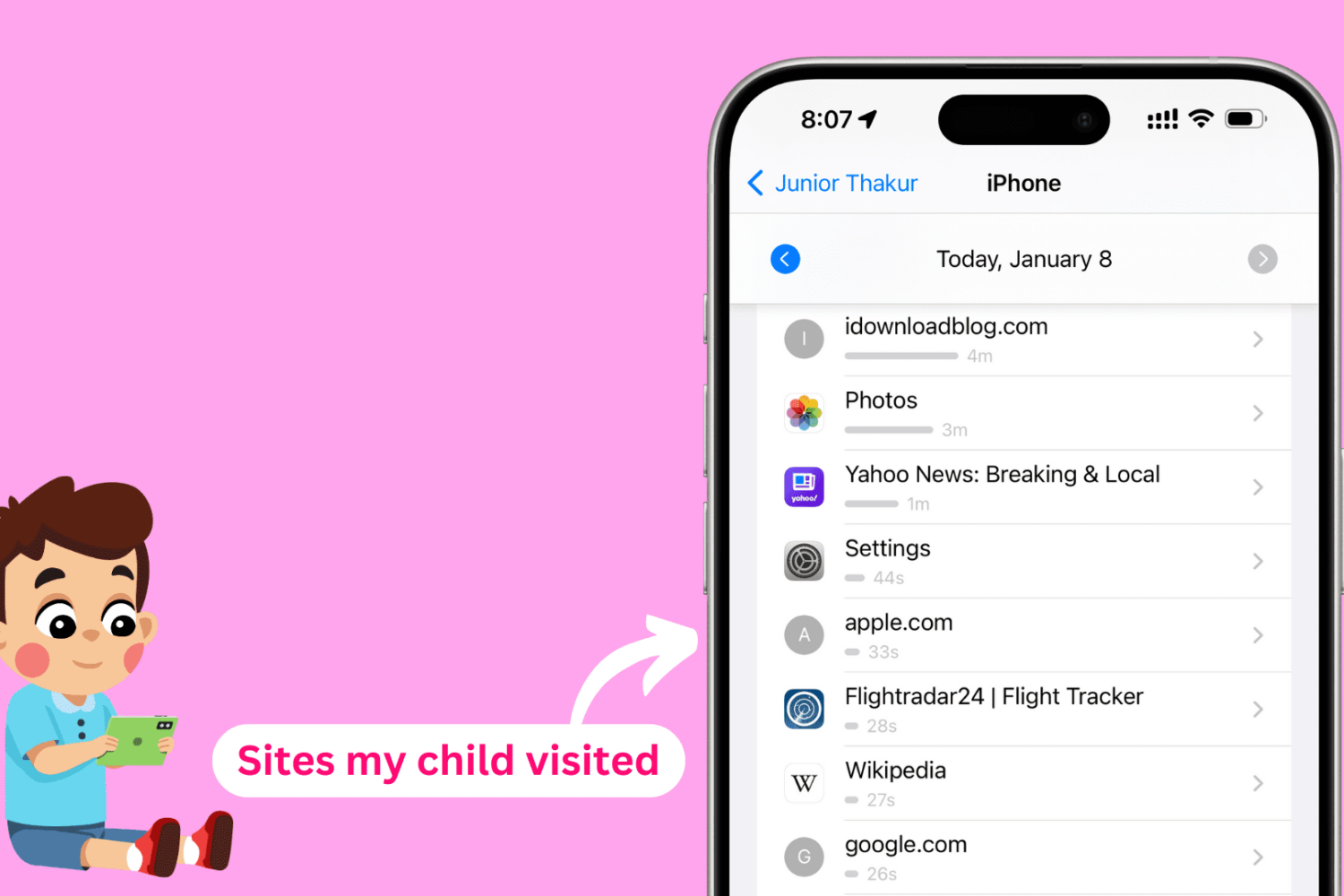
In this tutorial, we will show you how to see the websites your kids have visited on their iPhone, iPad, or Mac and set a daily time limit for individual websites you'd like them to spend less time on.
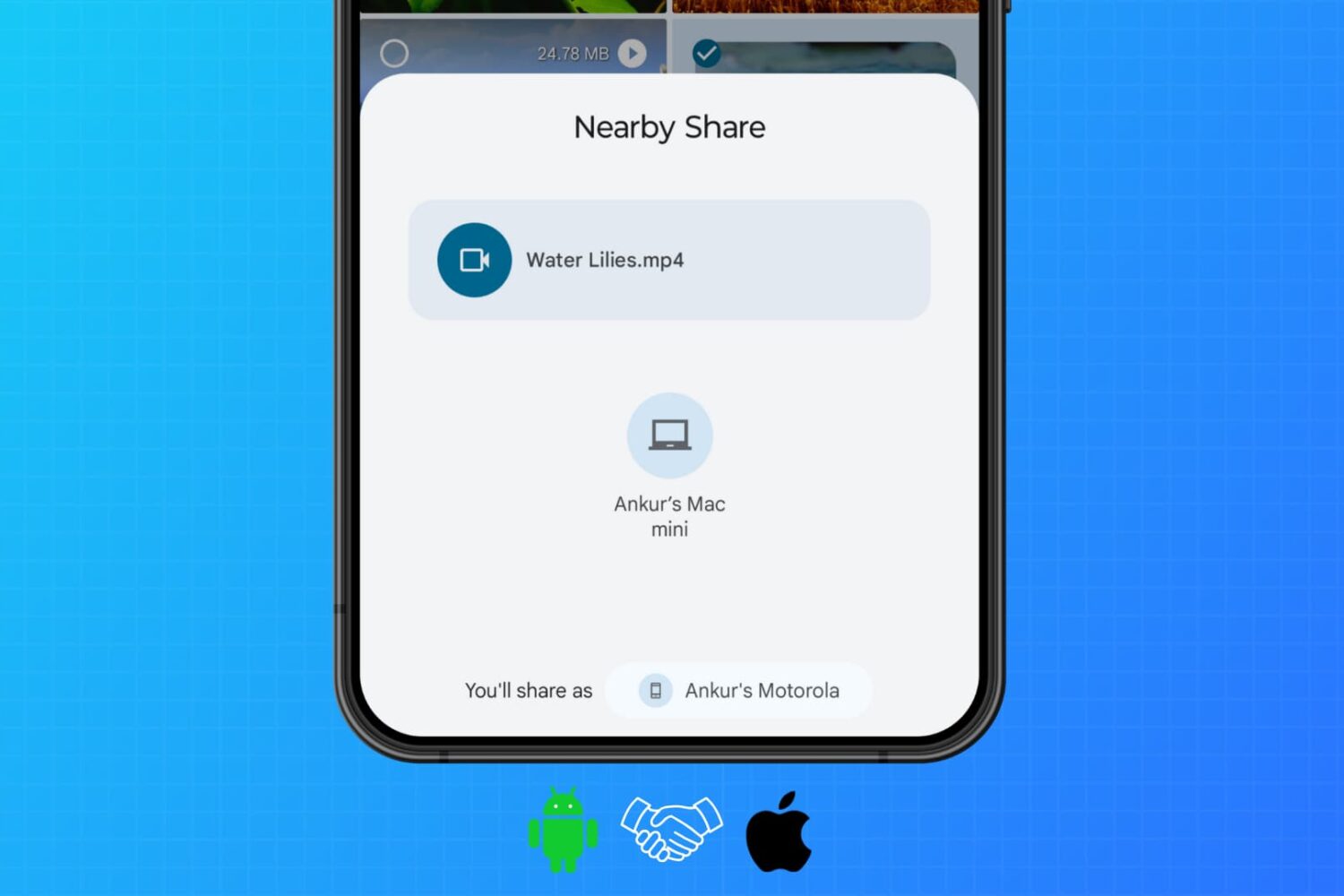
Learn how to use WarpShare and NearDrop apps to utilize Apple's AirDrop and Android's Nearby Share/Quick Share protocols to send photos, videos, audio, documents, and other files from your Android phone to your Mac.
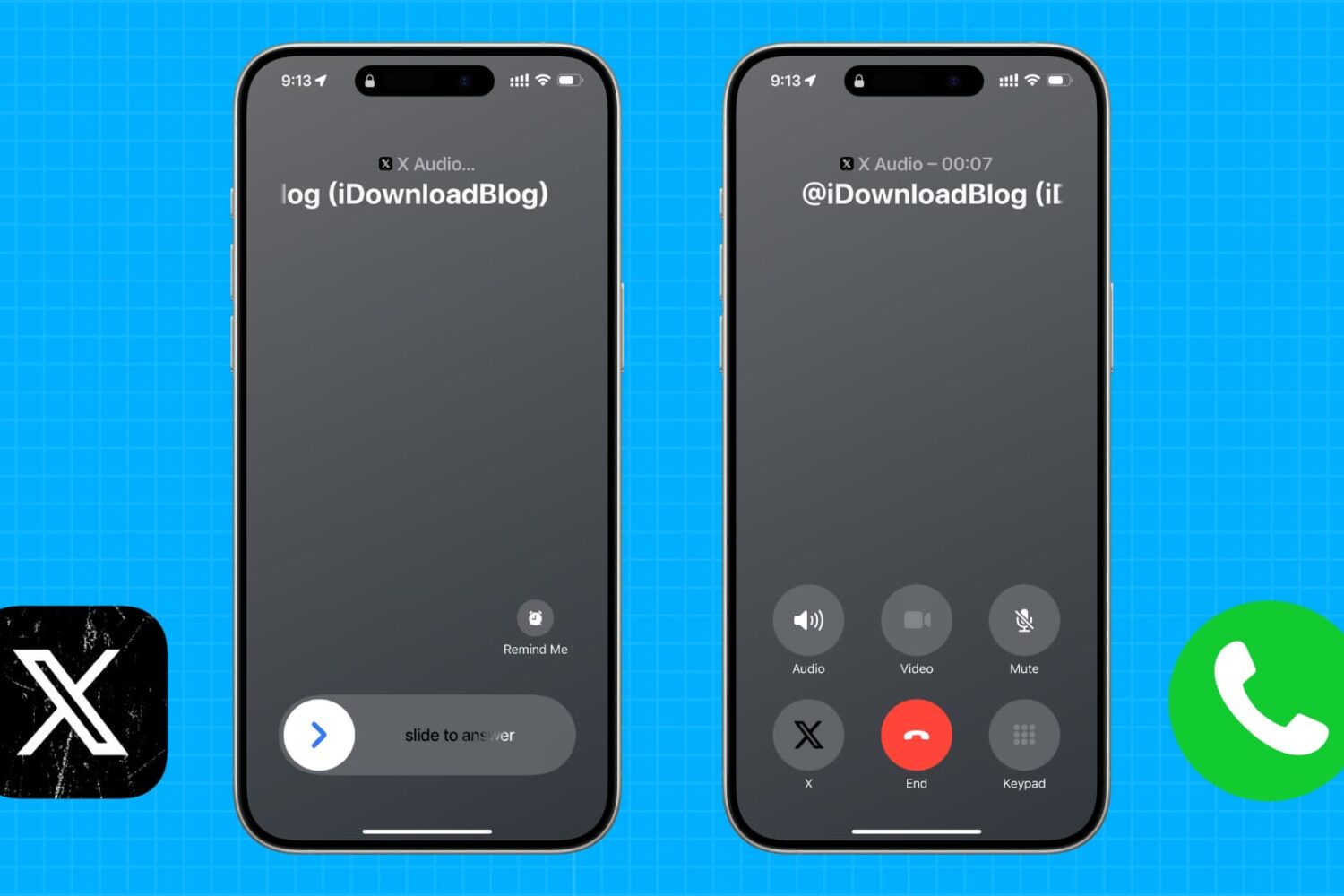
Learn how to turn off voice and video calling for your X (formerly Twitter) account to stop unsolicited VoIP calls from others and enhance your privacy.
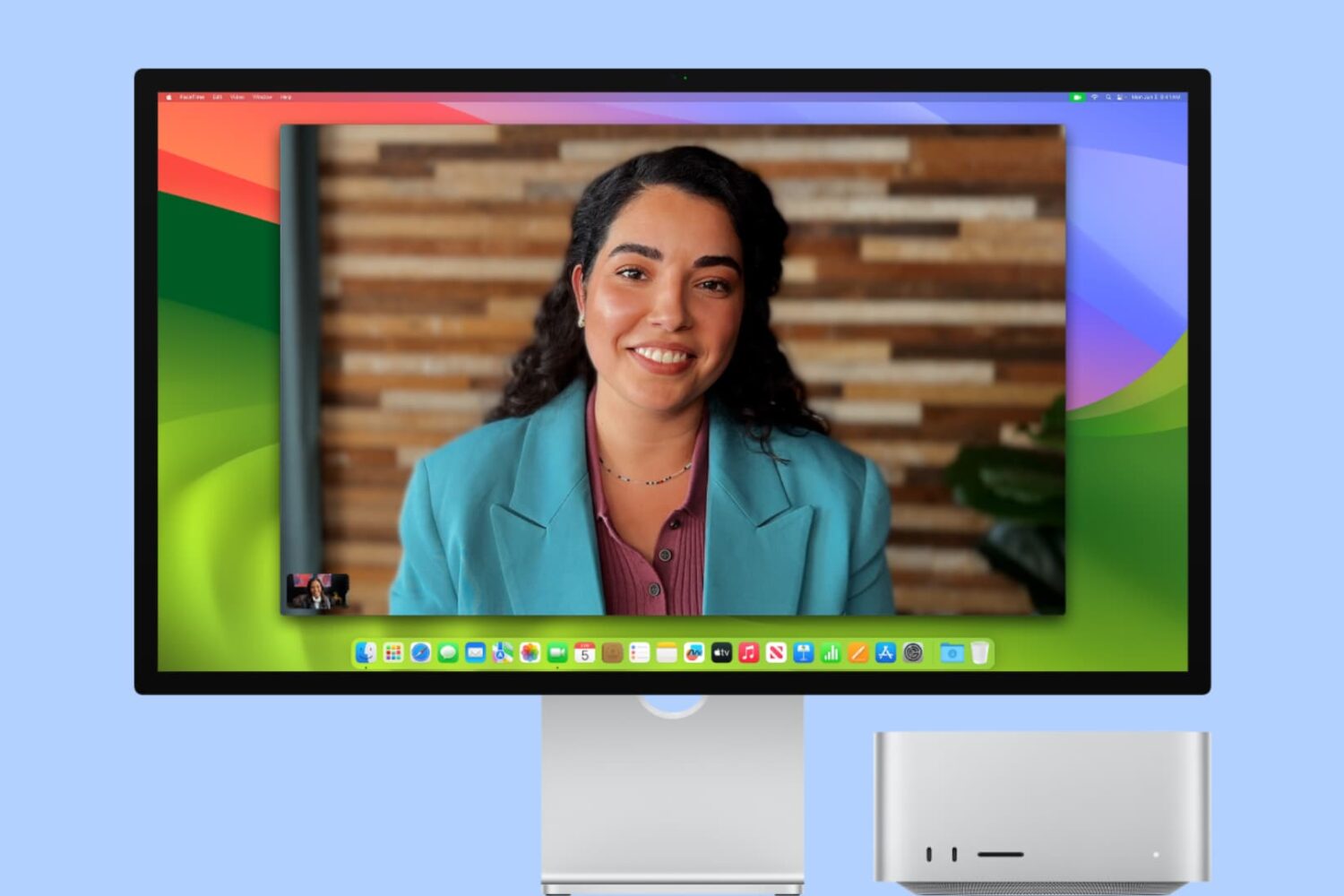
In this tutorial, we will explain what Center Stage is and how to enable or disable it when you are on a video call on your iPad or Mac.
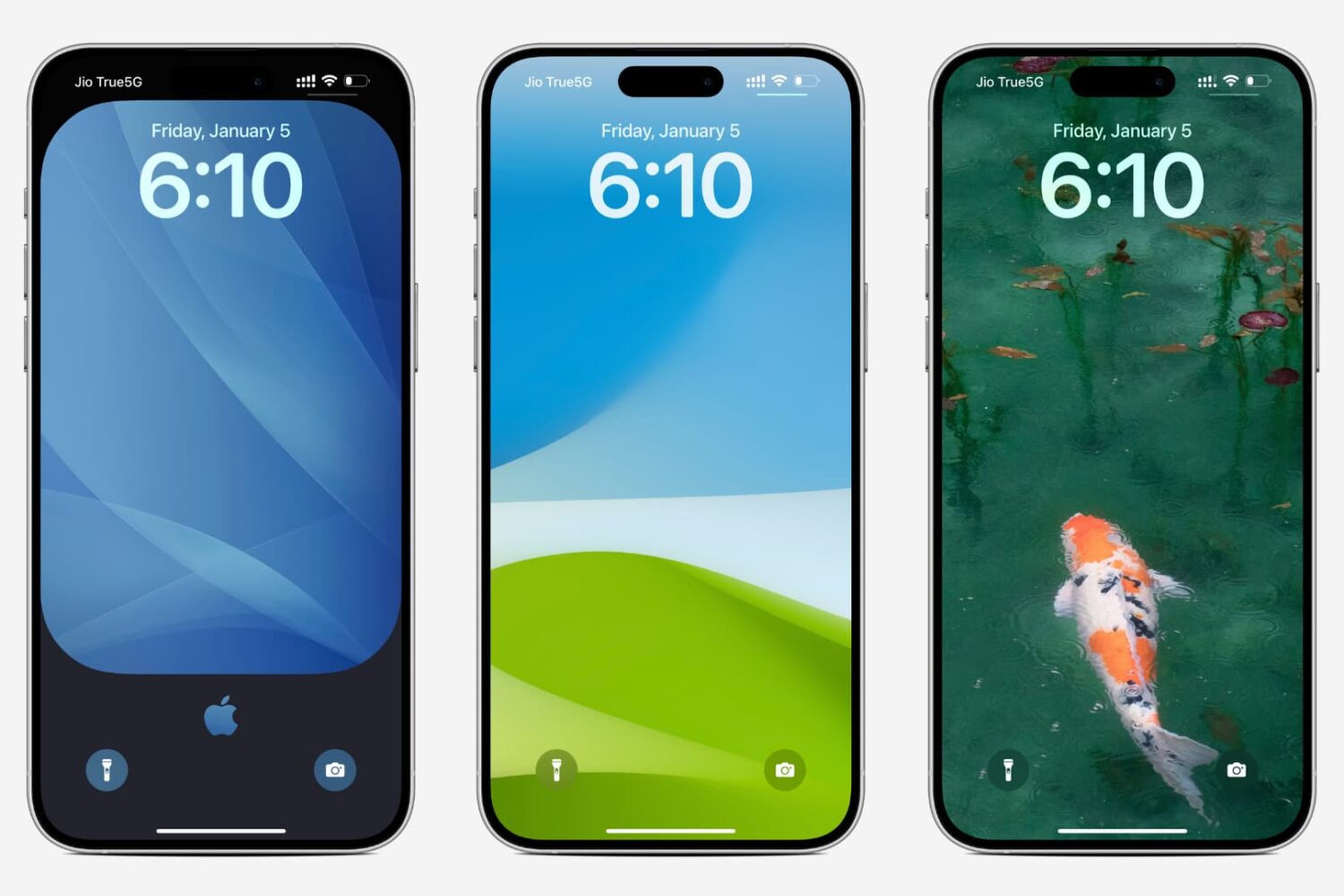
Download the stunning wallpapers we use in our articles to spice up the Lock Screen, Home Screen, and desktop of your iPhone, iPad, or Mac.
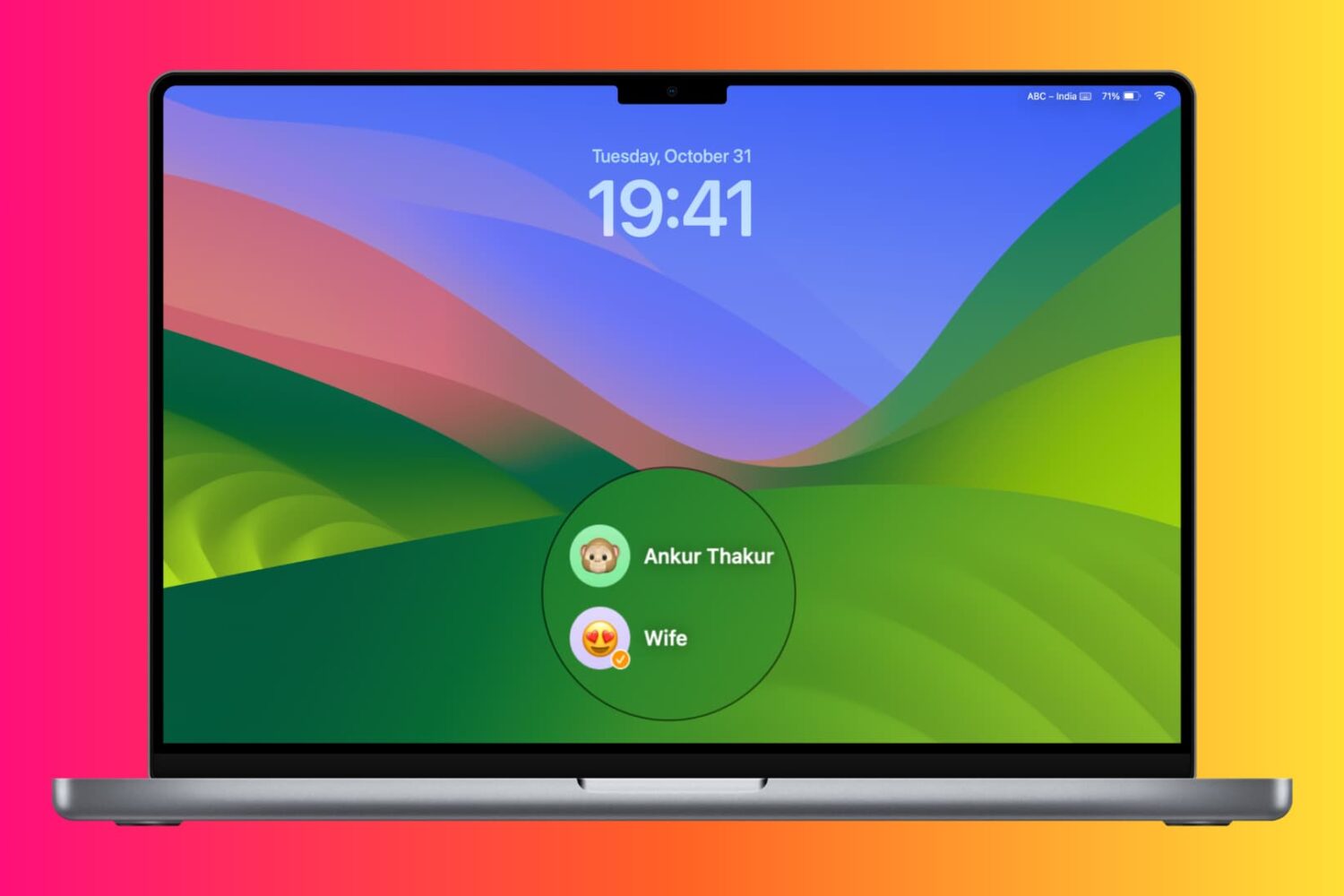
Learn about various ways to switch to a different account on your Mac desktop or MacBook.
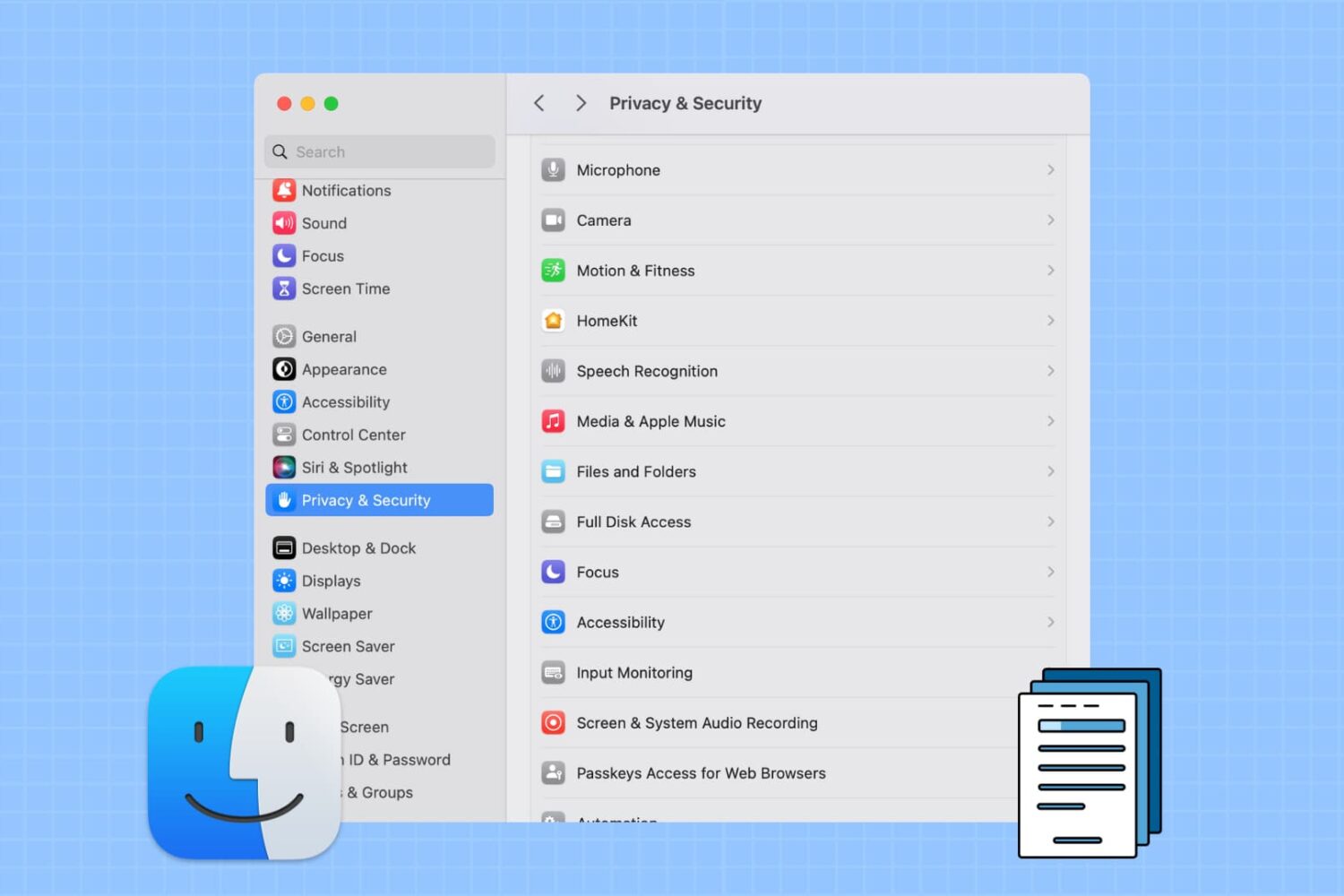
Learn how to prevent specific apps from accessing your personal photos, PDFs, and files stored in Downloads, Documents, Desktop, iCloud Drive, and other Finder folders on your Mac.
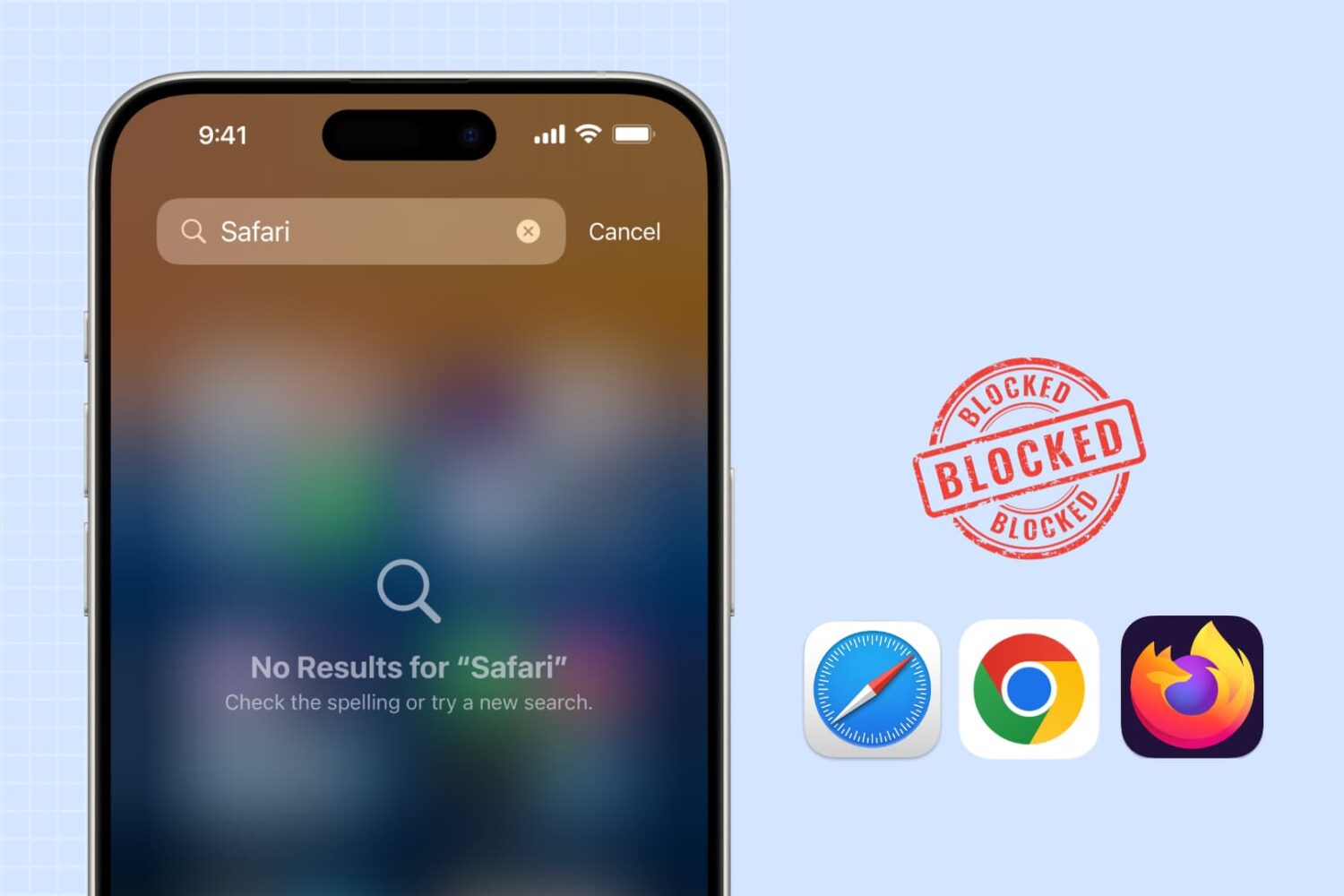
Learn how to block web browsing in Safari, Google Chrome, and other browsers to increase security, limit distractions, and protect children from inappropriate content on iPhone or iPad.

Learn how to track the real-time location of your spouse, kids, family members, and friends directly from your iPhone with the Share My Location feature.