Learn how to add, change, or delete your Apple account/iCloud profile picture using your iPhone, iPad, Mac, or web browser.
How to change your iCloud and Apple Account profile picture
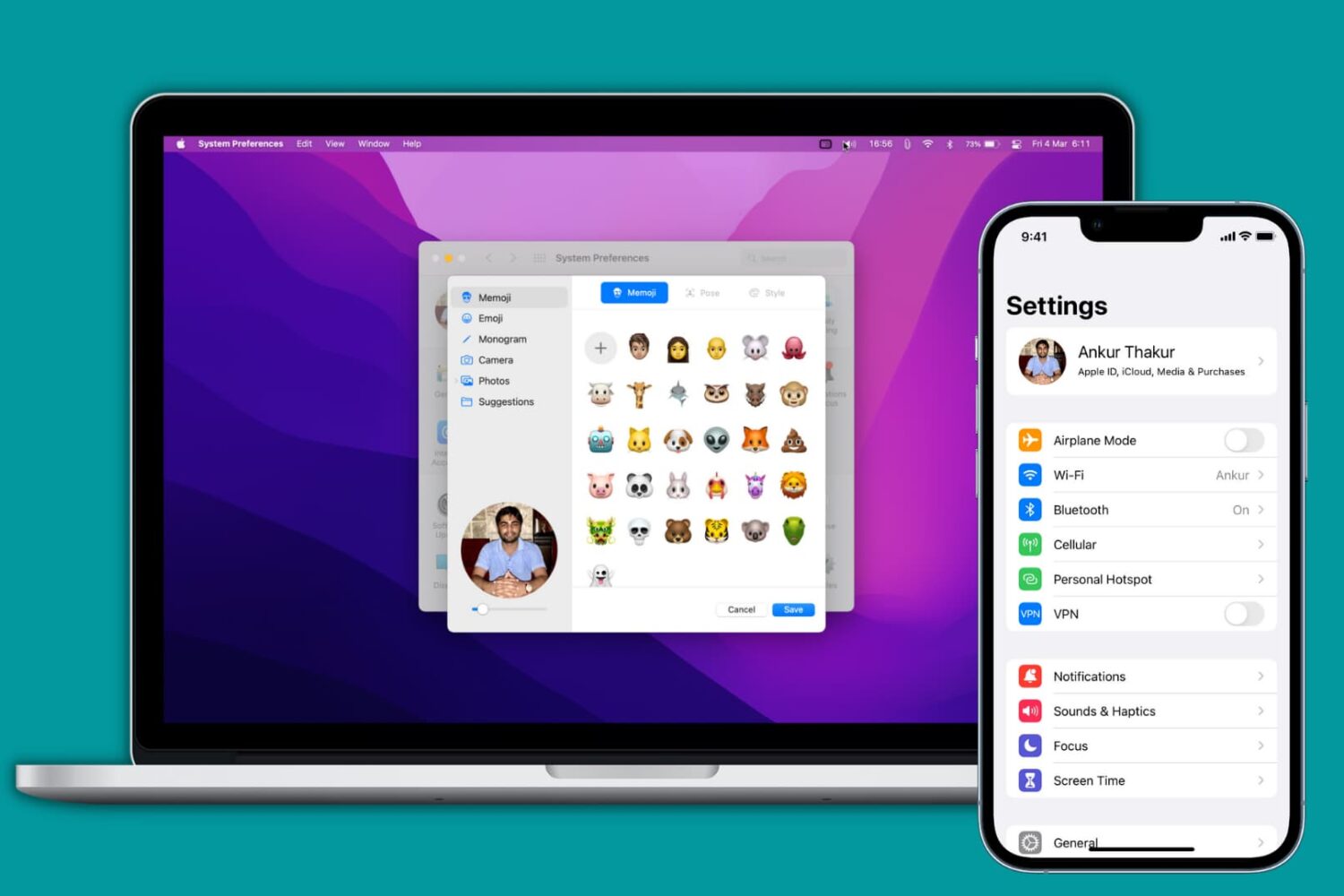
Learn how to add, change, or delete your Apple account/iCloud profile picture using your iPhone, iPad, Mac, or web browser.

Learn about a few quick ways to find duplicate images in your Mac’s Photos app and permanently delete them to free up space.

Try these tips if you’re having Bluetooth problems on your Mac and can’t connect accessories, AirPods, or other wireless devices, or send files to an Android phone or Windows PC.
A trusted device is an iPhone, iPad, or Mac, where you have previously signed in using your Apple ID. Trusted devices are used to verify your identity when signing in and keep your Apple ID secure with two-factor authentication.
In this tutorial, we will go over trusted devices for Apple ID two-factor authentication, their requirements, and some other pieces of valuable information that you should know.
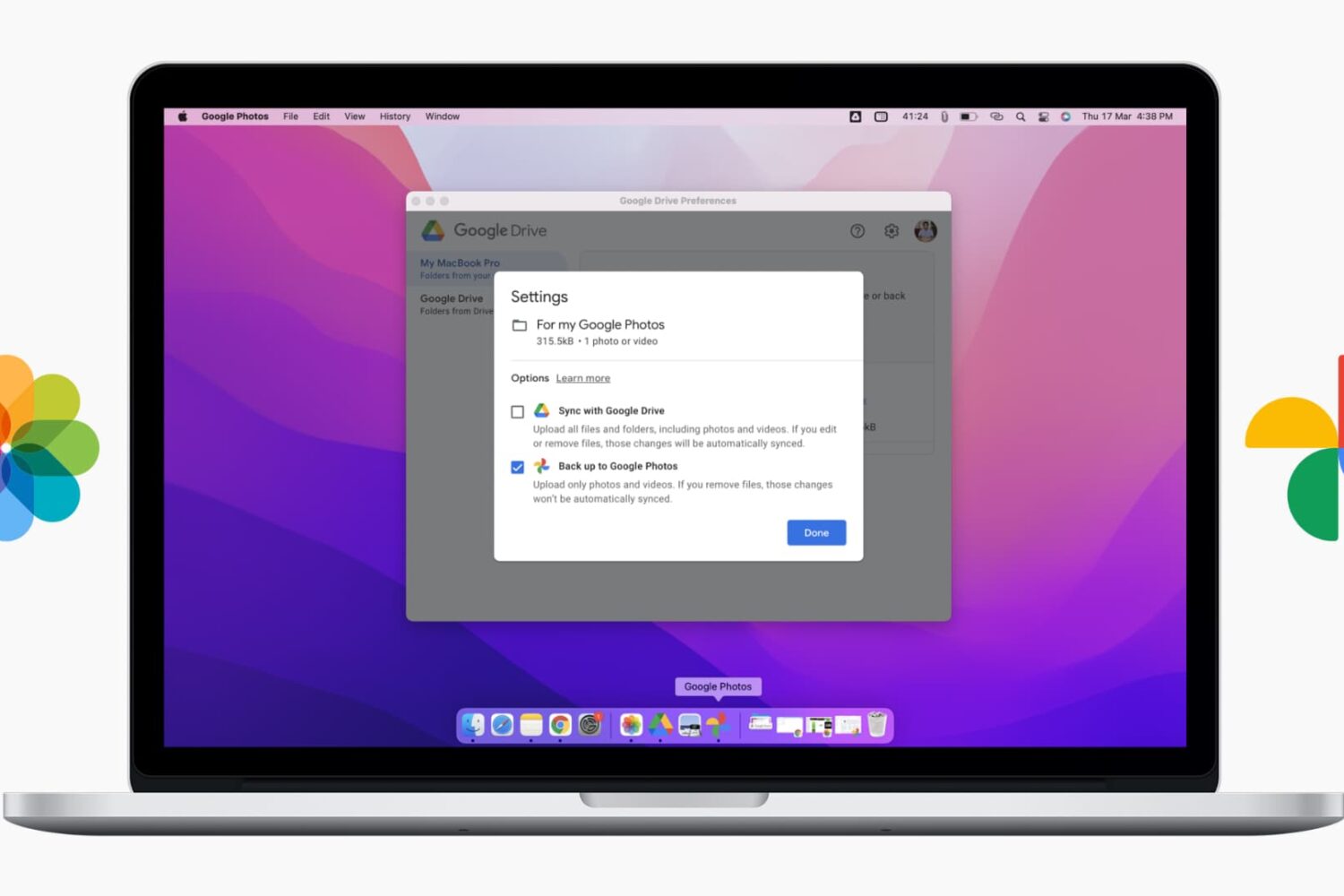
This complete guide shows you how to upload photos and videos stored inside your Mac's Photos app (your entire macOS Photo Library) or a Finder folder to Google Photos. We show you both automatic and manual methods.

Learn how to download and install apps on your Apple Watch from the App Store, either directly on the watch itself or through the paired iPhone.

In this quick tutorial, we’ll show you how to delete apps from your Apple Watch with or without your iPhone.

If you want to take screenshots of your Apple Watch screen, you must first turn this feature on. Here are the steps to enable screenshots. And after that, we will show you how to take a screenshot on the Apple Watch running any version of watchOS.
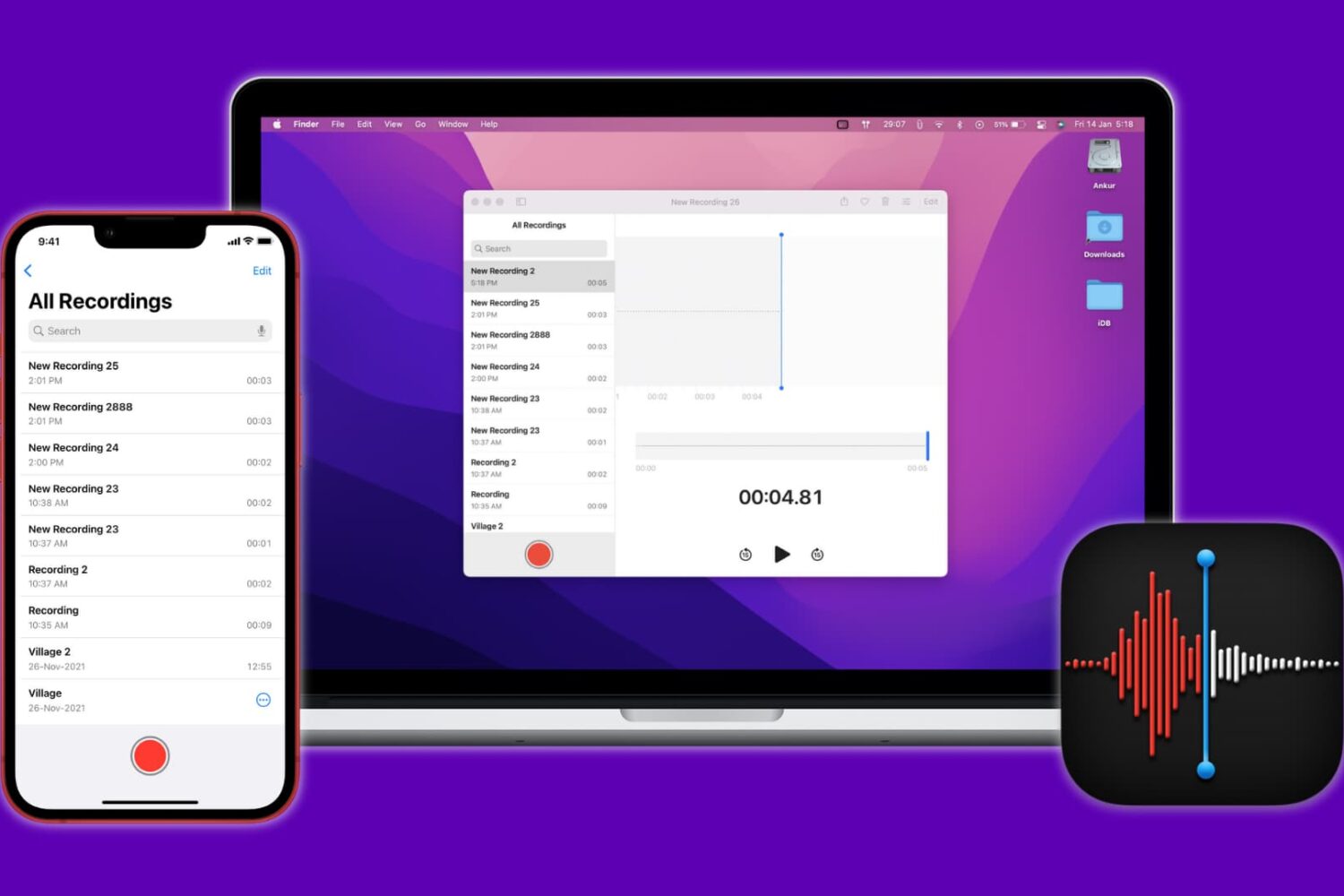
Have multiple voice recordings inside the iPhone Voice Memos app and wondering how to get them to your computer? In this guide, we show you six ways to transfer voice memos from iPhone to Mac or PC.
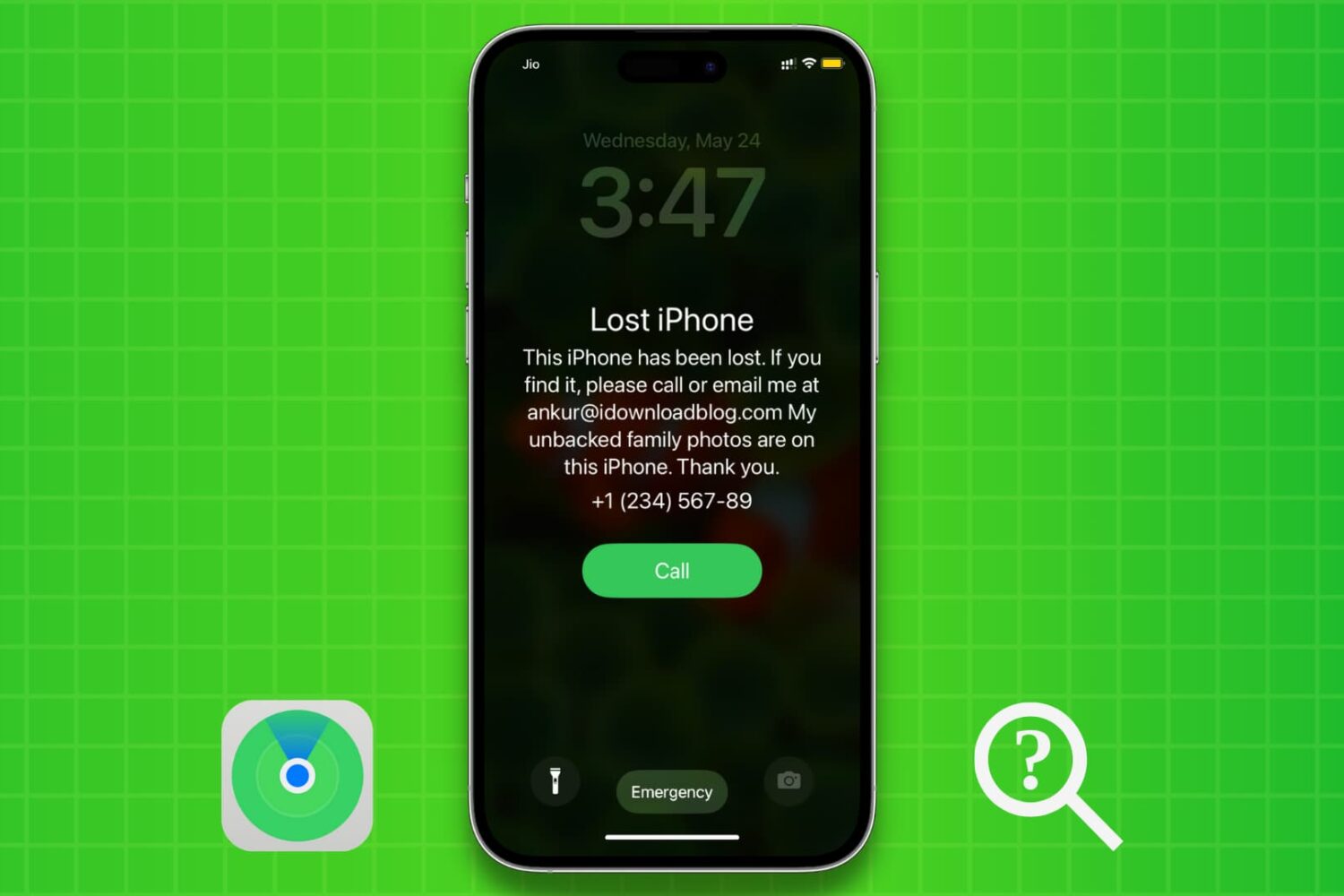
We’ll show you how to use Apple’s Find My service to enable Lost Mode for your iPhone or iPad that was lost, stolen, misplaced, or left behind. Lost Mode will password-protect your device, lock it remotely, and also display a custom message on the device Lock Screen with your phone number.