No longer want or need an Apple ID? In this step-by-step tutorial, we'll show you how to permanently delete your Apple account or your iCloud account.
How to permanently delete your Apple Account
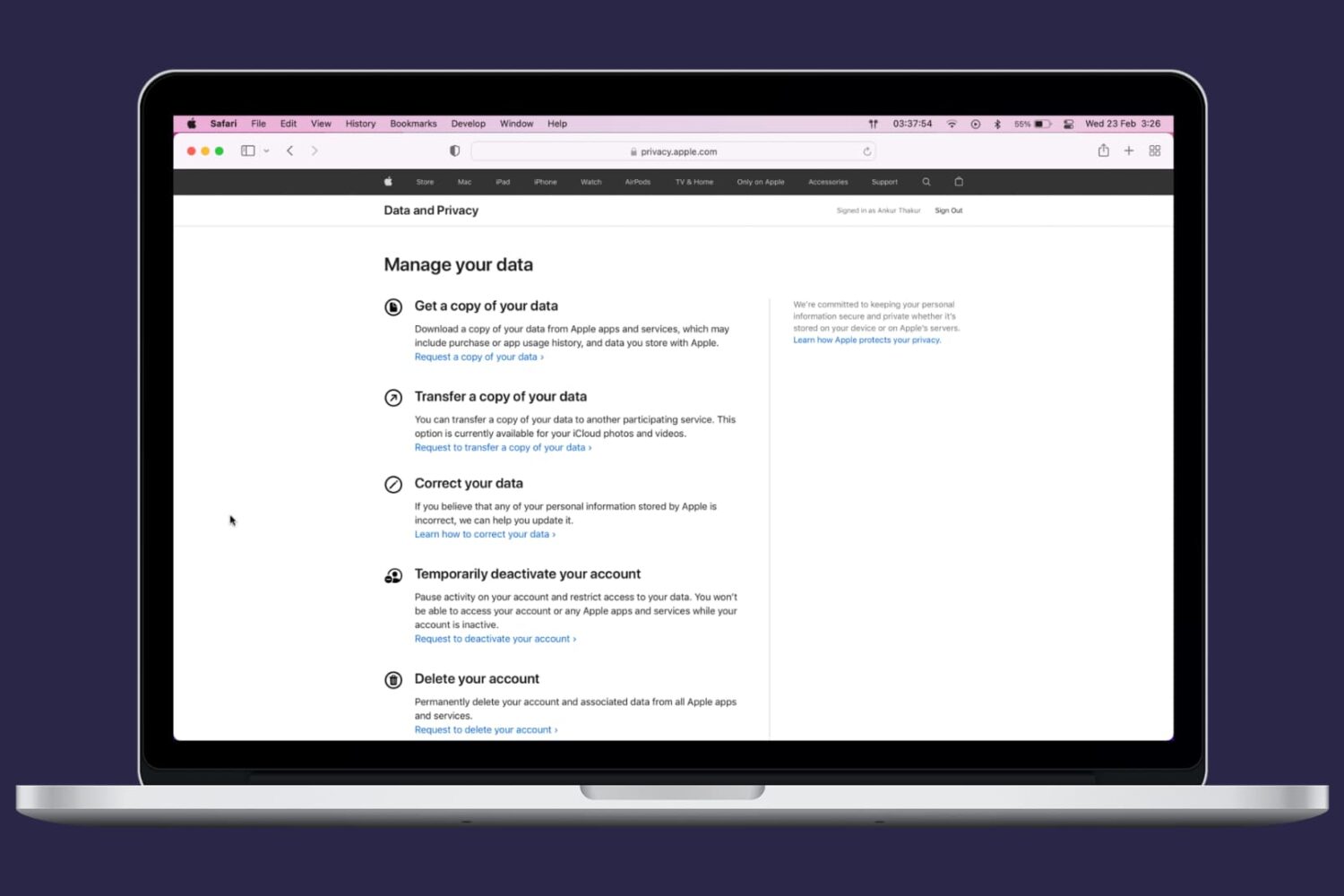
No longer want or need an Apple ID? In this step-by-step tutorial, we'll show you how to permanently delete your Apple account or your iCloud account.
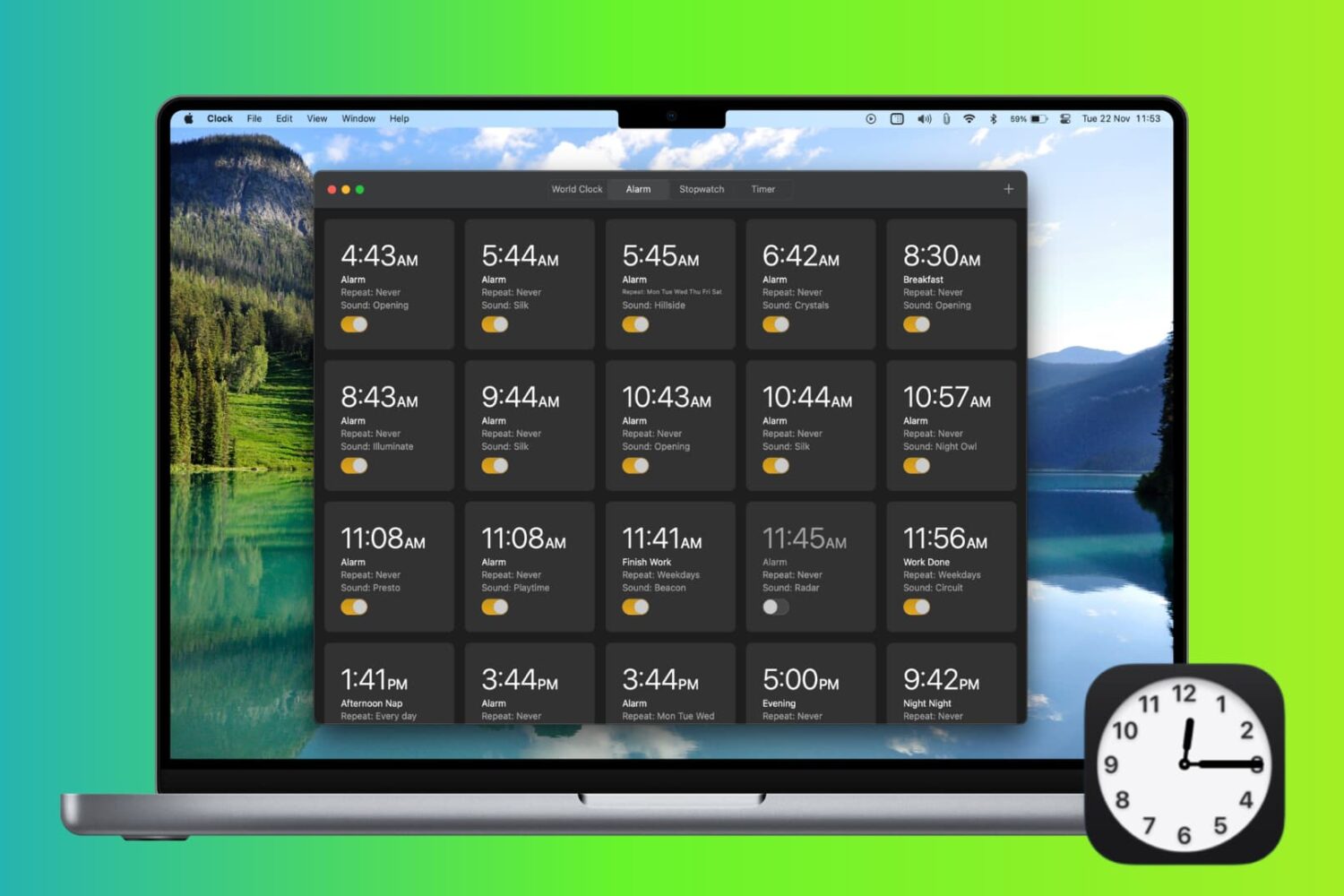
Check out 4 easy ways to create an alarm on Mac and have it alert you at the specified time.

Learn how to hide all apps from your iPhone Home Screen to create an empty Home Screen, giving you an unobstructed view of your wallpaper.
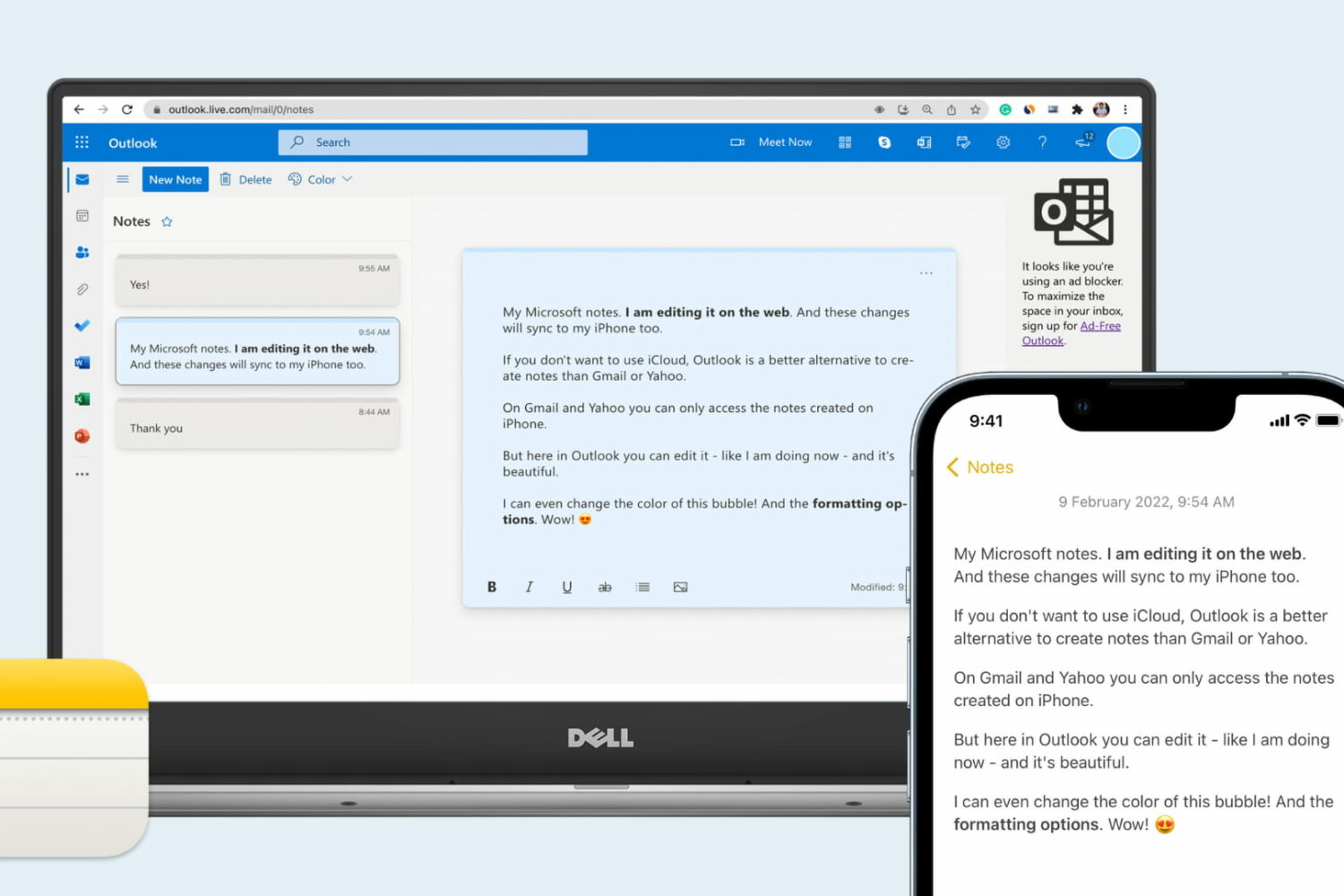
Want to access your Apple Notes on a PC? In this tutorial, we'll show you how to create, edit, move, delete, and work on your iPhone notes on a Windows computer.
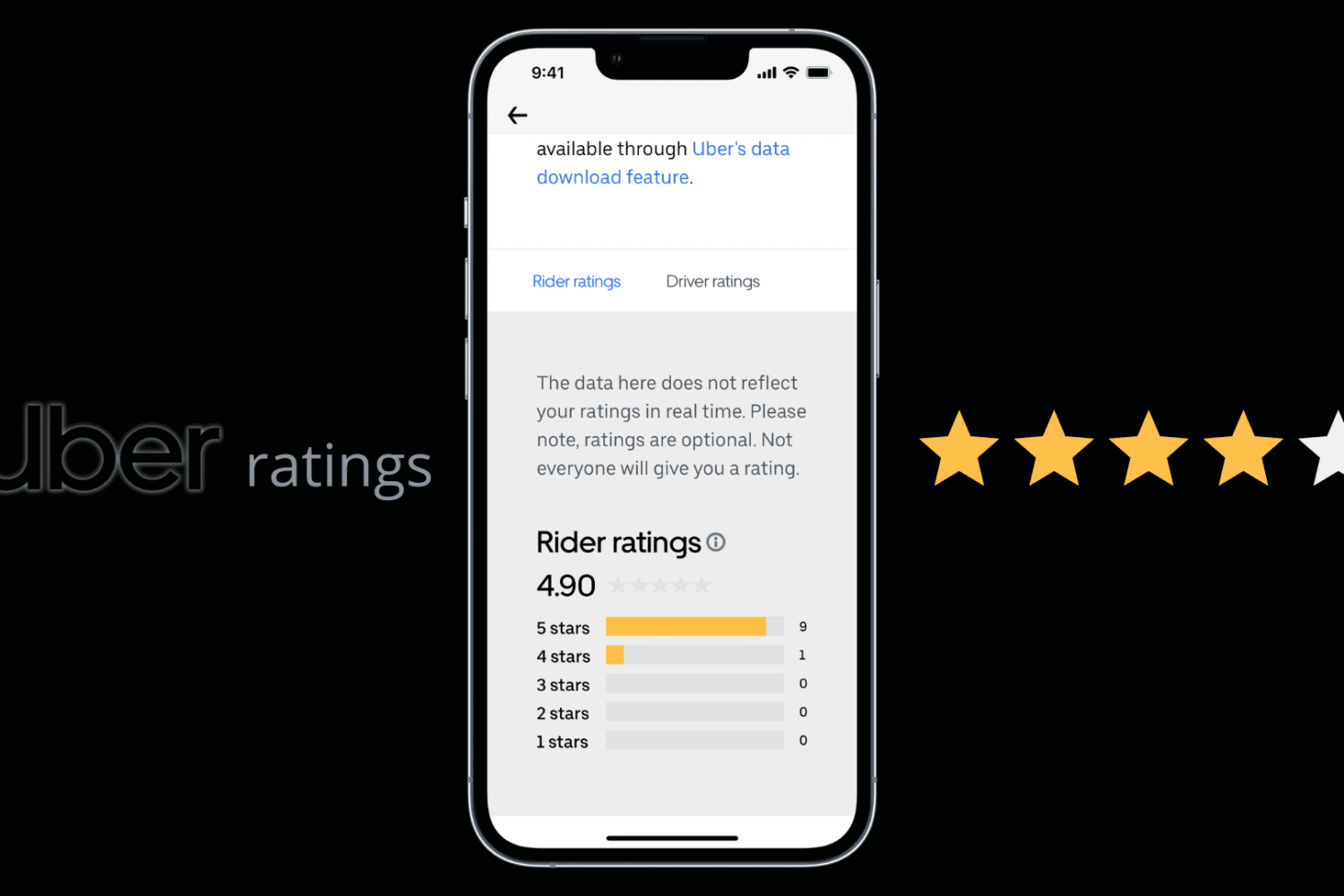
Learn how to easily check your Uber rider rating and view the number of 5, 4, 3, 2, and 1 stars you’ve received from Uber drivers.
Learn how to set Google Chrome, Firefox, Microsoft Edge, Brave, Opera, or some other app as the default web browser on your Mac.
Check out over 40 tips to increase the battery life of your MacBook Neo, MacBook Air, or MacBook Pro and get more use time on a single charge.
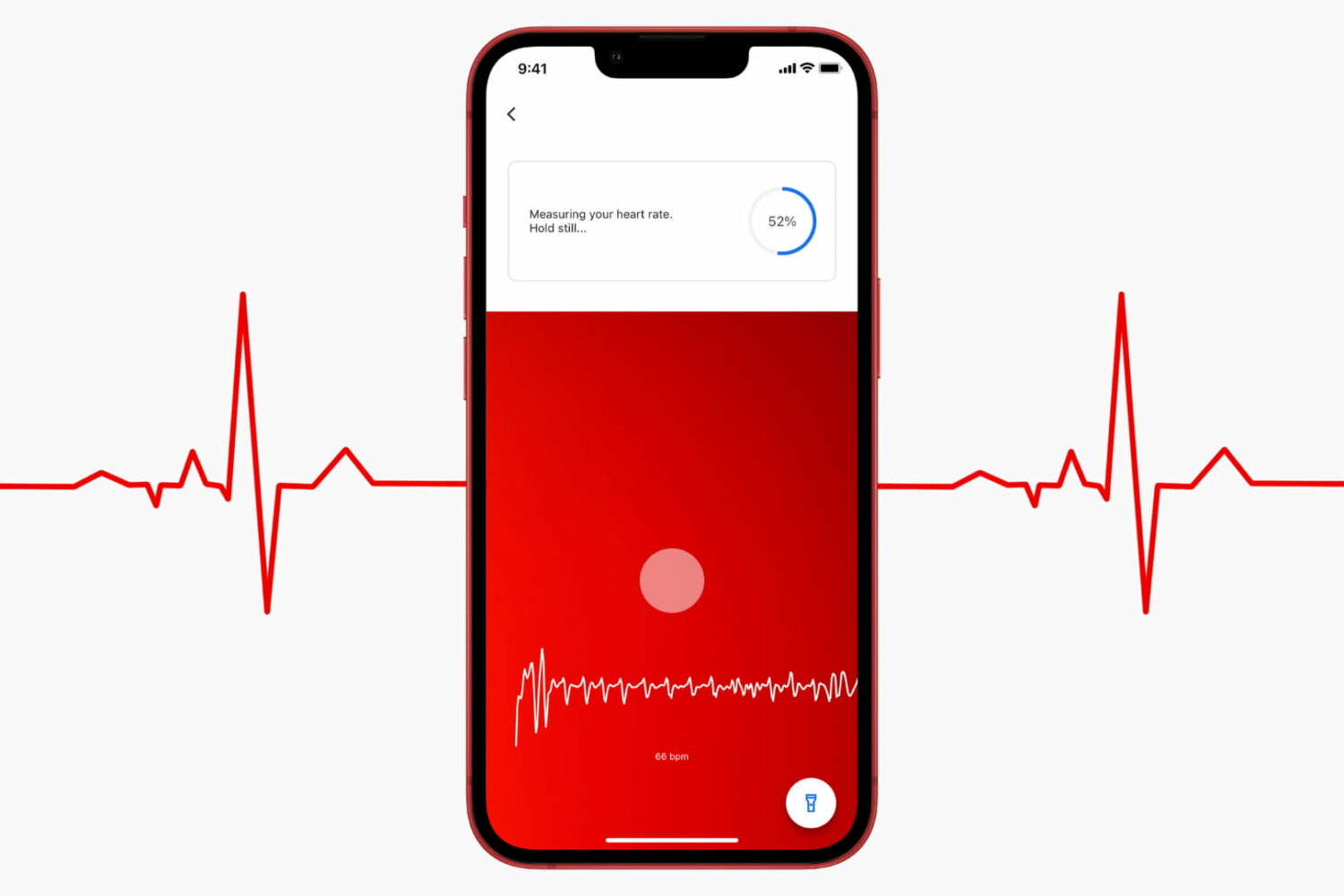
In this brief tutorial, we show you how to check your heart rate using the free Google Fit app on your iPhone and how its readings compare with heart rate from an Apple Watch.
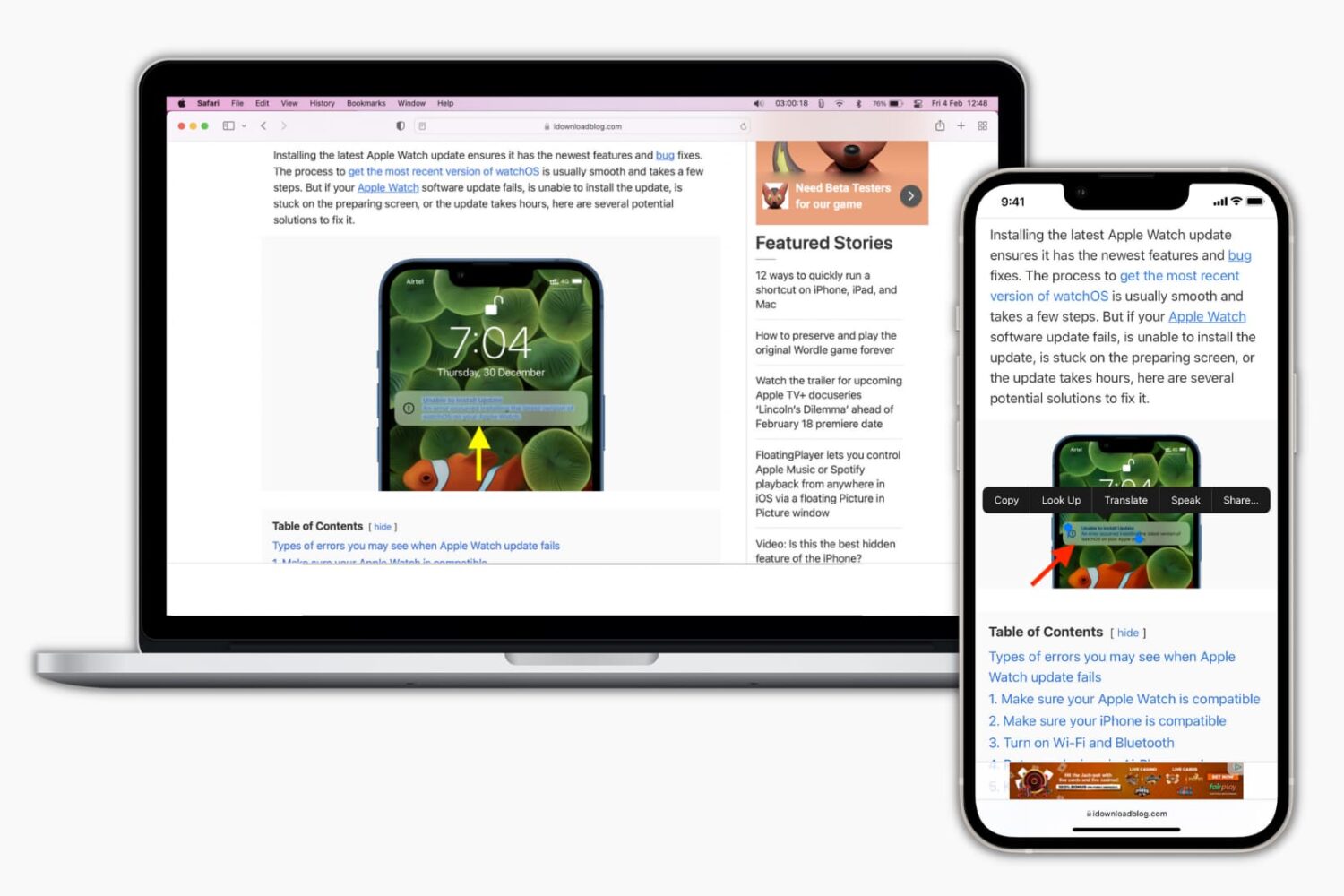
Learn how to disable the Live Text feature on your iPhone, iPad, or Mac if you get distracted by the text selector when you’re working on an image or screenshot with text in it.
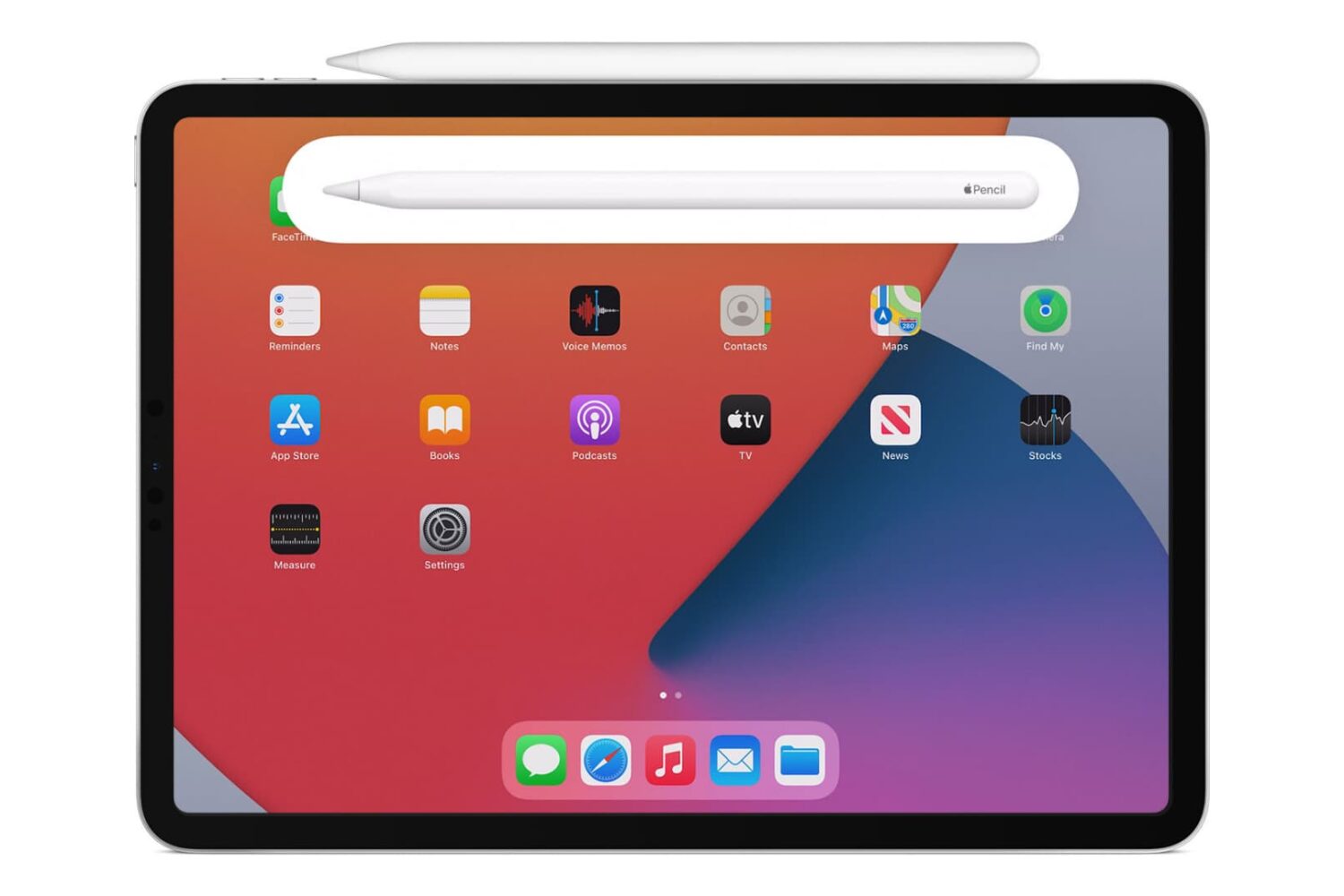
Is your Apple Pencil not charging? Check out all the solutions to fix the charging problems on your Apple Pencil and get back to using it again in no time.
Learn how to request blurring of your house, car license plate, or face on Apple and Google Maps to enhance your privacy with this step-by-step guide
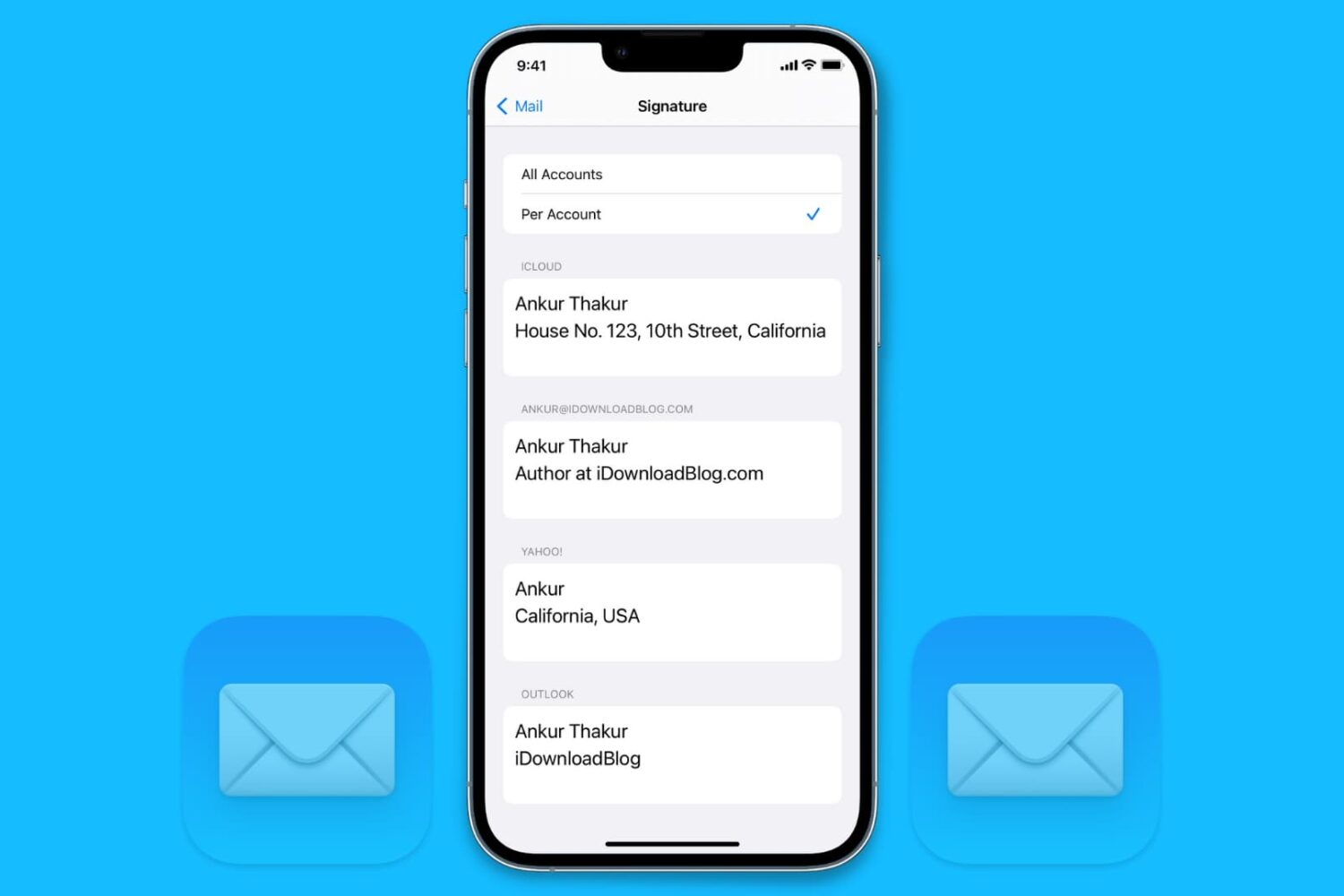
Learn how to add different signatures for each of your email accounts in the Apple Mail app on iPhone, iPad, and Mac for more personalized and professional emails.