In this quick step-by-step tutorial, we show you how to copy iCloud contacts that are on your iPhone, iPad, or Mac to Google Contacts using several easy methods.
How to copy iCloud Contacts to Google Contacts
In this quick step-by-step tutorial, we show you how to copy iCloud contacts that are on your iPhone, iPad, or Mac to Google Contacts using several easy methods.
In this guide, we share nine ways to hide sensitive phone numbers on your iPhone to make it harder for people with access to your phone to find those contacts.
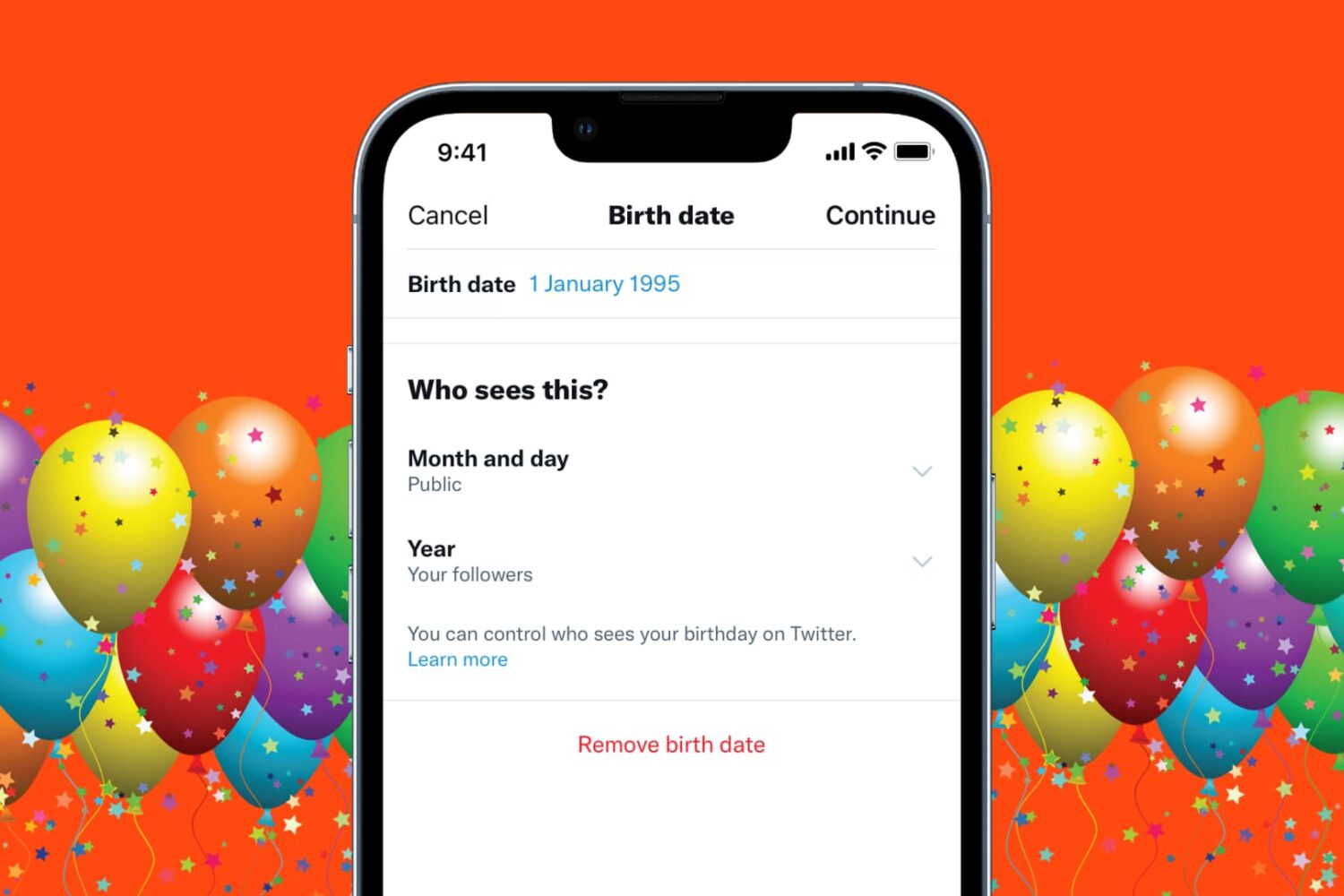
Learn how to hide or remove your birthday from your X (Twitter) profile for increased privacy if you don’t want people to know your birthday.
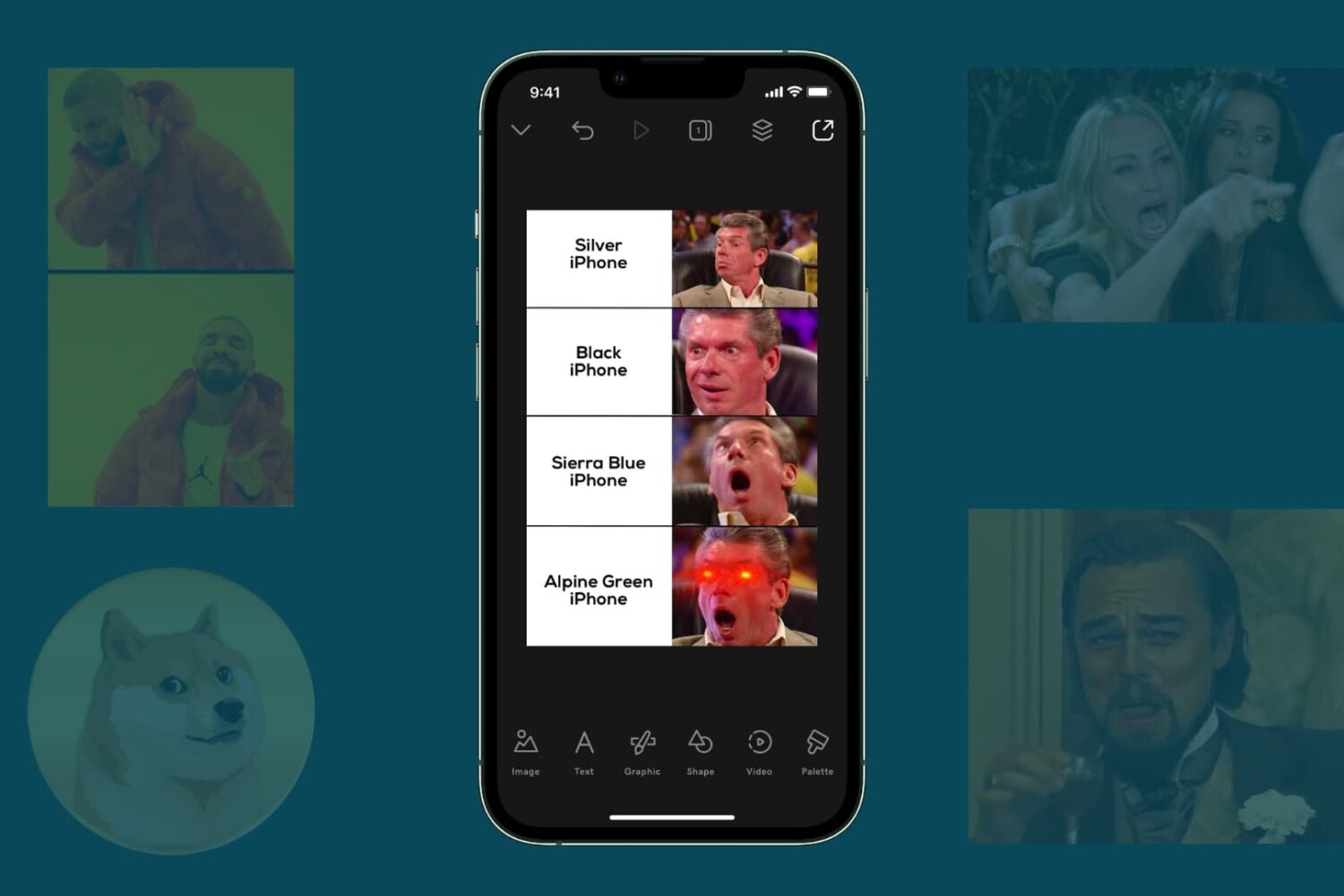
Check out these 5 free methods to create fun and engaging memes on your iPhone and iPad using user-friendly apps and tools.

Learn how to easily create GIFs on your iPhone or iPad using various free methods and bring your images to life.
This tutorial shows you how to create a separate volume (partition) on your Mac’s internal drive to install macOS Ventura on it.
Using this method, you will have two macOS versions on the same Mac. The first volume will have the macOS you’re currently running (likely macOS Monterey), and the second volume will have macOS Ventura. You will be able to start up your Mac into either one.
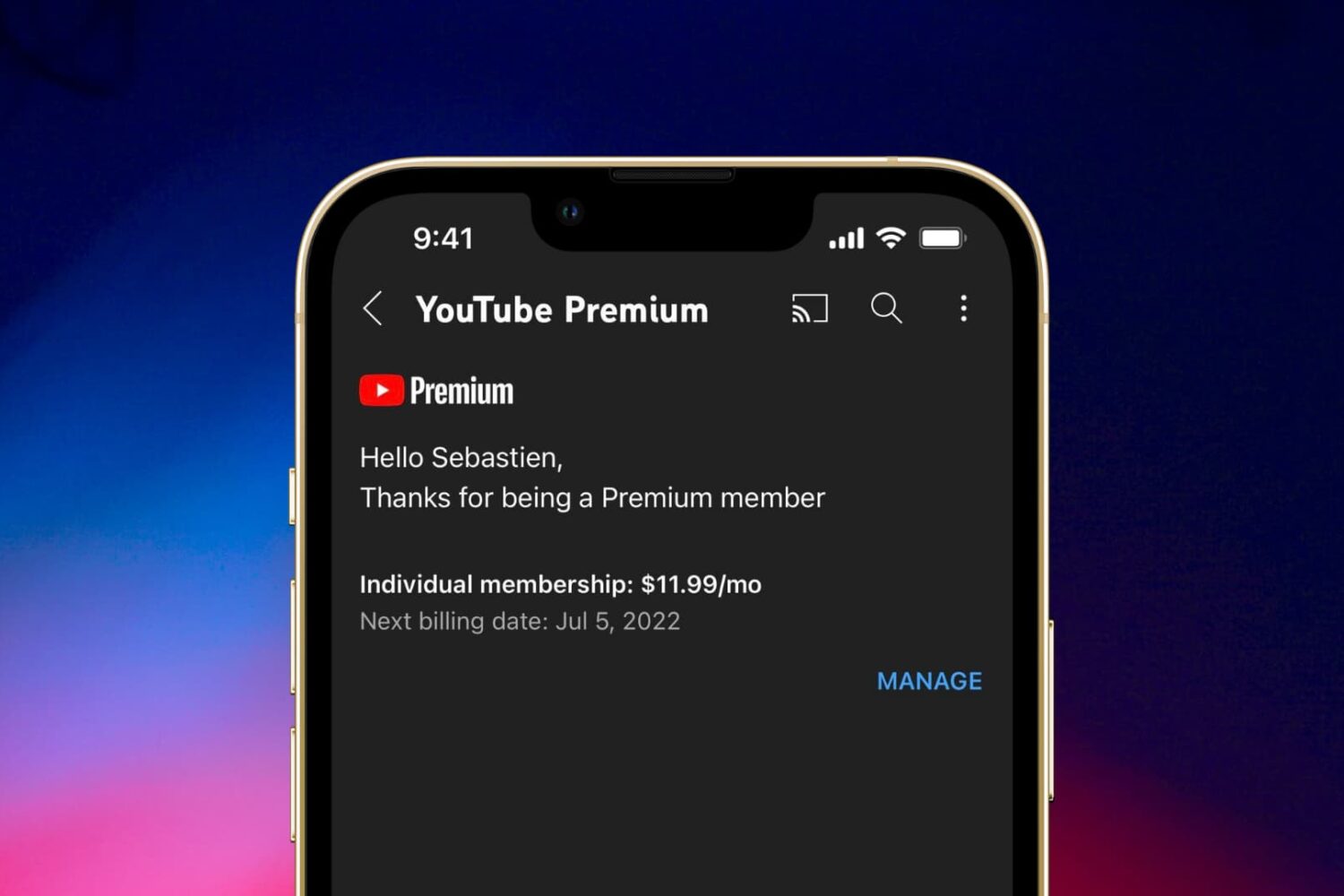
Canceling a YouTube Premium subscription can be confusing. Check out two ways to stop your YouTube membership from your iPhone or iPad.
You can create a bootable installer for macOS Ventura on a USB flash drive or secondary volume. This is useful if you want to install macOS Ventura on multiple Macs and don't want to download the huge 12 GB file every time on each computer.
In this tutorial, we show you how to create a bootable installer for macOS Ventura on an external drive.
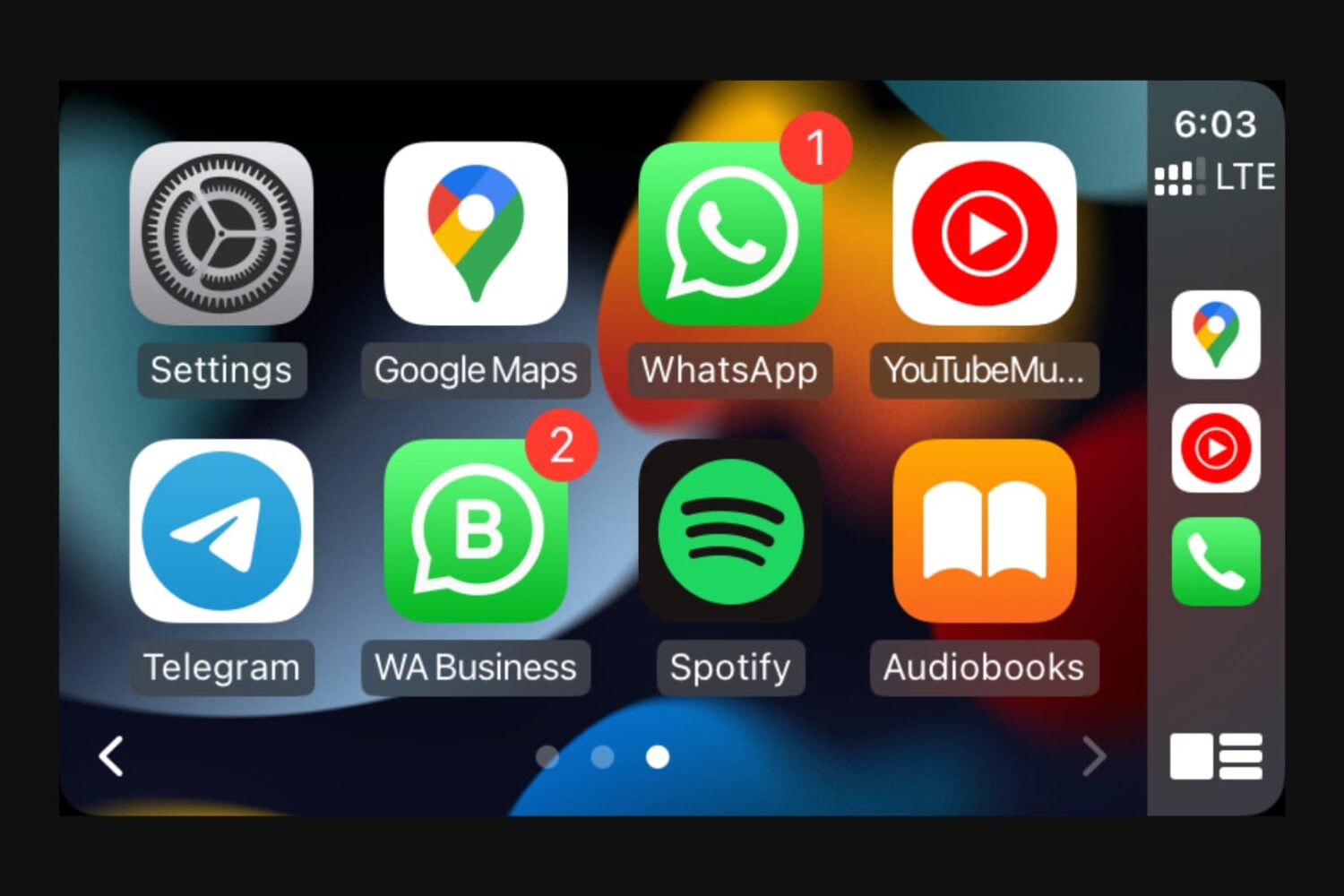
Learn how to show, hide, and rearrange CarPlay apps to have the perfect user experience on your car’s screen when driving.
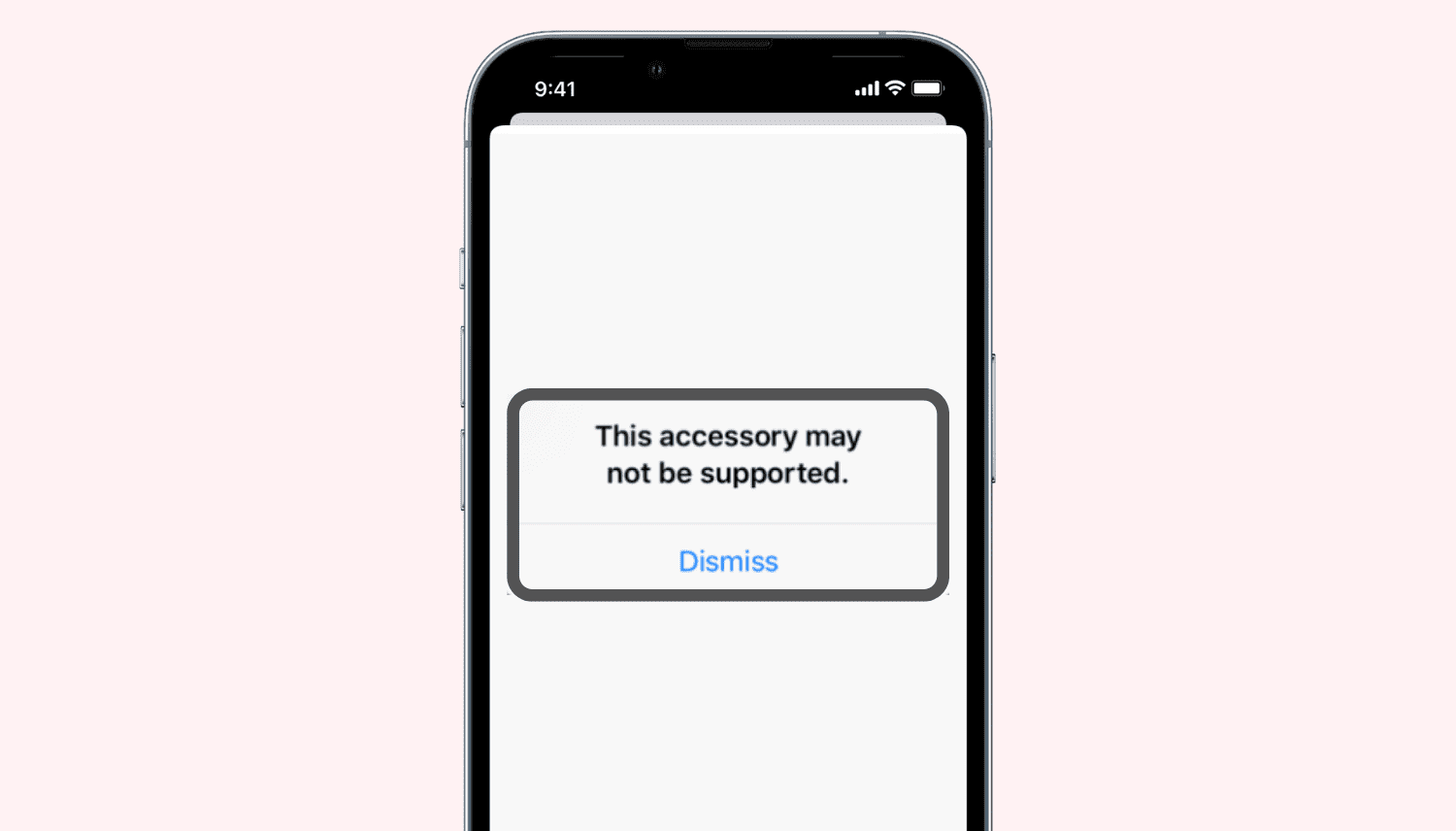
Do you repeatedly see a popup saying, "This accessory may not be supported" when you insert a charging cable, dongle, flash drive, two-factor authentication key, or other accessories into your iPhone or iPad's Lightning or USB-C port? Find out why this happens and how to fix this issue.
Follow along as we guide you through all the possible solutions to fix the built-in camera or externally connected webcam not working on your Mac.
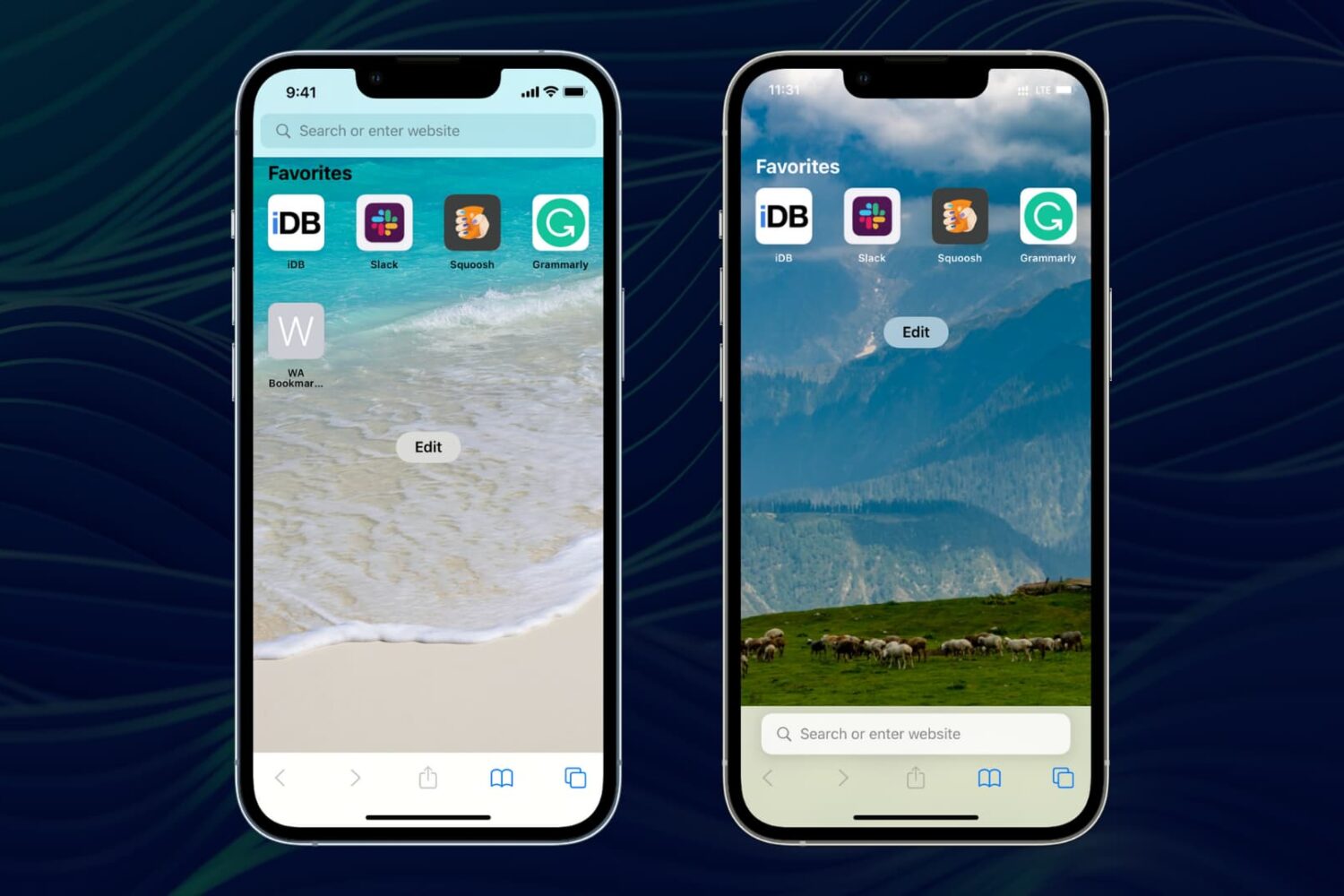
Here are 11 things you can tweak to personalize Safari on your iPhone or iPad and make it truly yours.