From the makers of Astropad Studio, Luna Display and Rock Paper, Slate lets you control your Mac and draw in apps with your iPad and Apple Pencil.
Acting as a no-screen pen tablet, Slate lets you draw in creative Mac apps like Adobe Illustrator using your Apple Pencil and iPad. It can also transform anything you write in the handwriting input box on your iPad into typed text on the Mac.
Astropad Slate Pen Tablet launched as a free public beta in October 2023, and now v1.0 is officially live on the App Store.
Astropad Slate: Control your Mac with iPad + Apple Pencil
The app supports the Apple Pencil hover feature. Don’t own a recent iPad model that supports hover? No problem, Slate can also simulate hovering—just gently drag the tip of your Apple Pencil across the iPad’s display to move the pointer with the adjustable pressure level. To perform a click, tap your Apple Pencil.
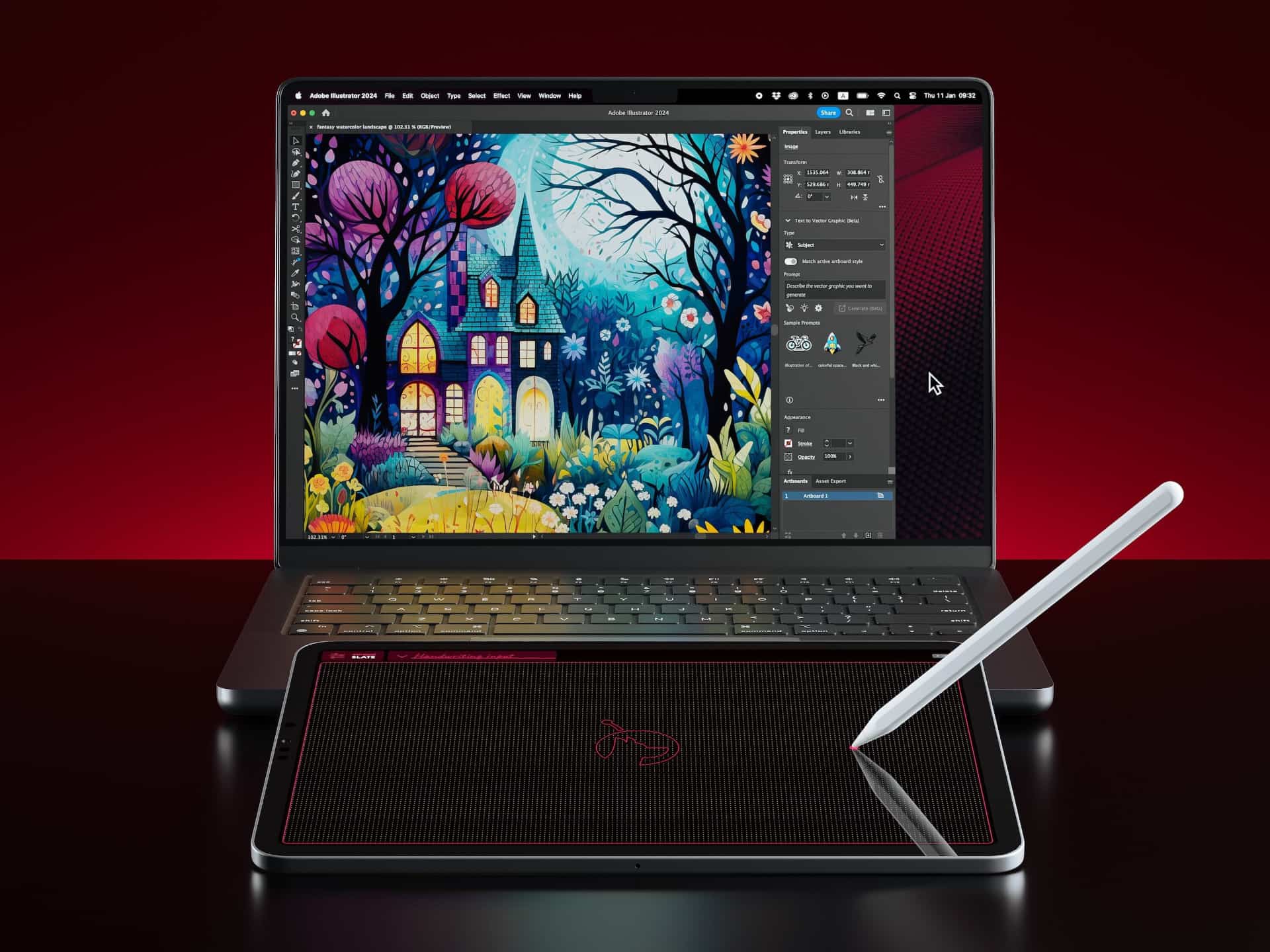 Astropad was founded by two former Apple engineers. The company is renowned for Luna Display, a dongle that turns an iPad or Mac into a wireless second display with zero lag. In 2023, Astropad launched its Rock Paper accessory that attaches magnetically to the iPad screen, making drawing on the iPad with Apple Pencil feel like using a ballpoint pen on physical paper.
For further information about Slate, visit the Astropad website.
Relative and absolute positioning modes
There are two basic modes of operation in Slate, relative and absolute. In the relative positioning mode, your iPad basically becomes a giant trackpad for your Mac. By contrast, the absolute positioning mode maps the whole iPad screen to the entire Mac display (like with a traditional pen tablet, the mapping is adjustable).
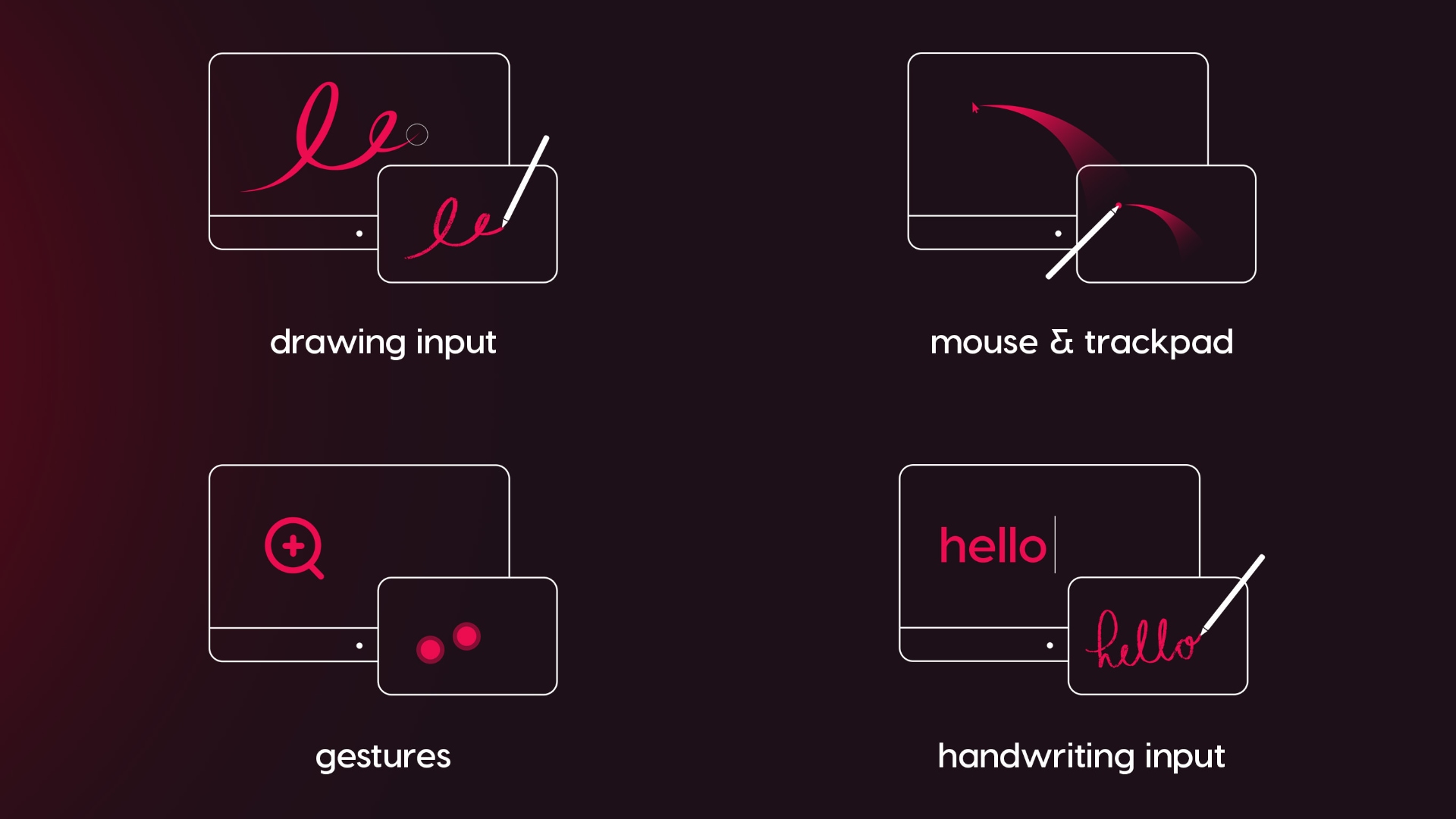 Slate supports wireless and wired connections, the former offering the lowest latency. There’s also a peer-to-peer mode where the devices bypass your Wi-Fi router and establish a direct wireless connection that’s faster and more stable.
Astropad Studio vs. Slate vs. Apple Sidecar?
Astropad already offers a similar app, Studio, for using iPad as a drawing tablet on Mac and PC computers, while Slate mimics a no-screen pen tablet on Macs.
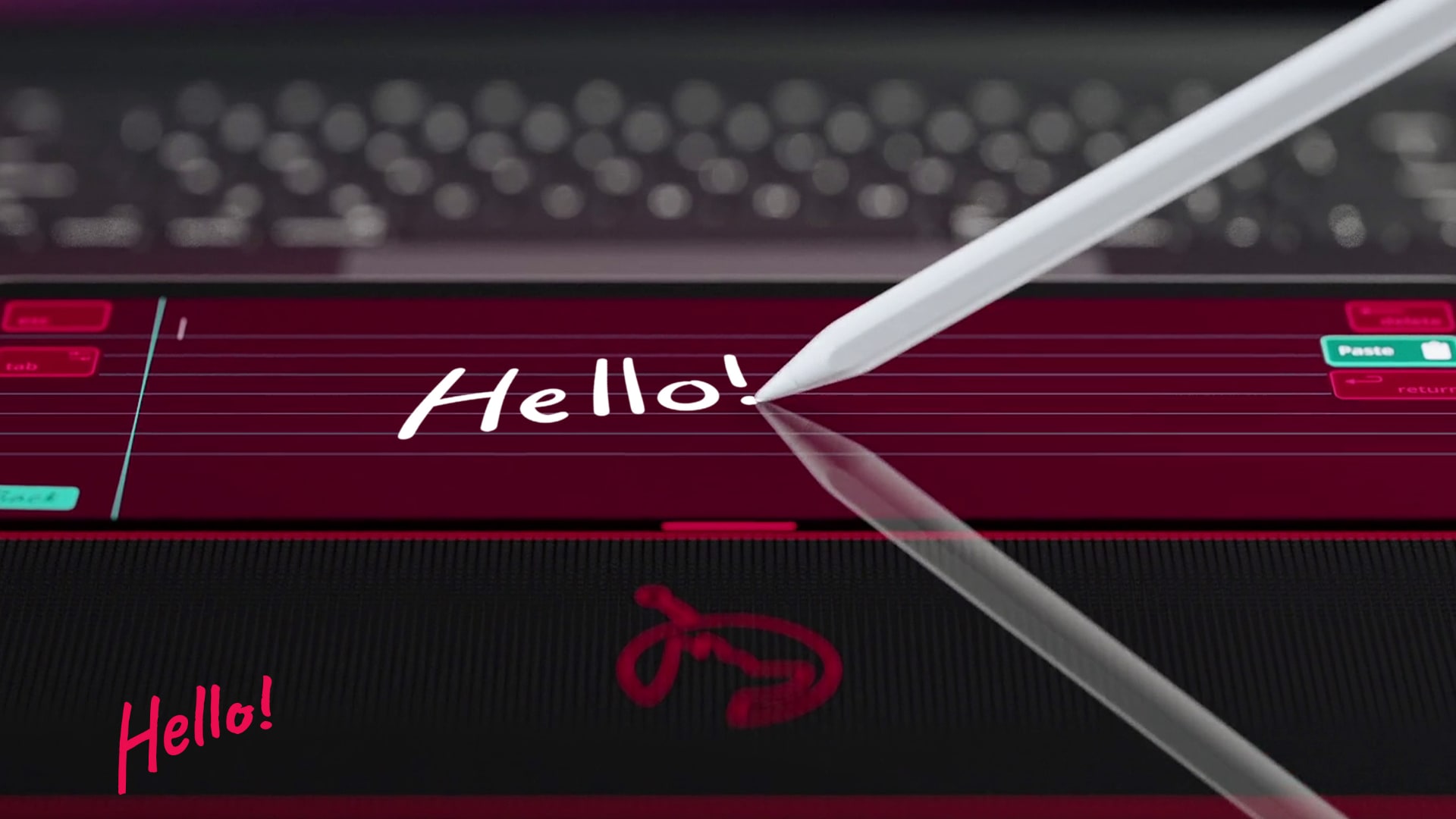 “Slate maps your iPad input to your Mac desktop but displays only a blank screen on your iPad,” Astropad says, while Studio “mirrors your desktop display on your iPad.”
Apple offers similar features but not quite the same functionality as Astropad Slate, like Sidecar, which lets you use your iPad and Apple Pencil in Mac apps. There’s also Scribble, which converts your handwriting into raw text, and Universal Control for controlling Macs and iPads with a single keyboard and mouse.
Pricing and availability
Astropad Slate is free to download on the App Store, with a one-time $20 purchase to unlock everything. The app requires macOS Big Sur and iPadOS 15.0 or later. Astropad Slate is optimized for iPad Pro and all Apple Pencil models.