Learn about the Optic ID feature in visionOS, which securely unlocks Apple’s Vision Pro mixed-reality headset and authenticates purchases.

Apple’s visionOS platform offers a secure authentication feature, dubbed Optic ID, which is similar to Face ID. By taking advantage of the uniqueness of each person’s iris, Optic ID unlocks the Vision Pro headset as soon as the user puts it on their head.
Your optical fingerprint is encrypted and stored in the Secure Enclave coprocessor to protect your privacy and is never shared with apps or uploaded anywhere.
You just need to double-press the Vision Pro’s top button to authorize an action using Optic ID. Here’s how Optic ID works and the technology behind it.
What is Optic ID? How does it work?
Optic ID was unveiled during the Vision Pro and visionOS segments of the WWDC 2023 keynote. It’s a secure biometric system for authenticating Apple headset users. Like Face ID and Touch ID, it combines hardware and software.
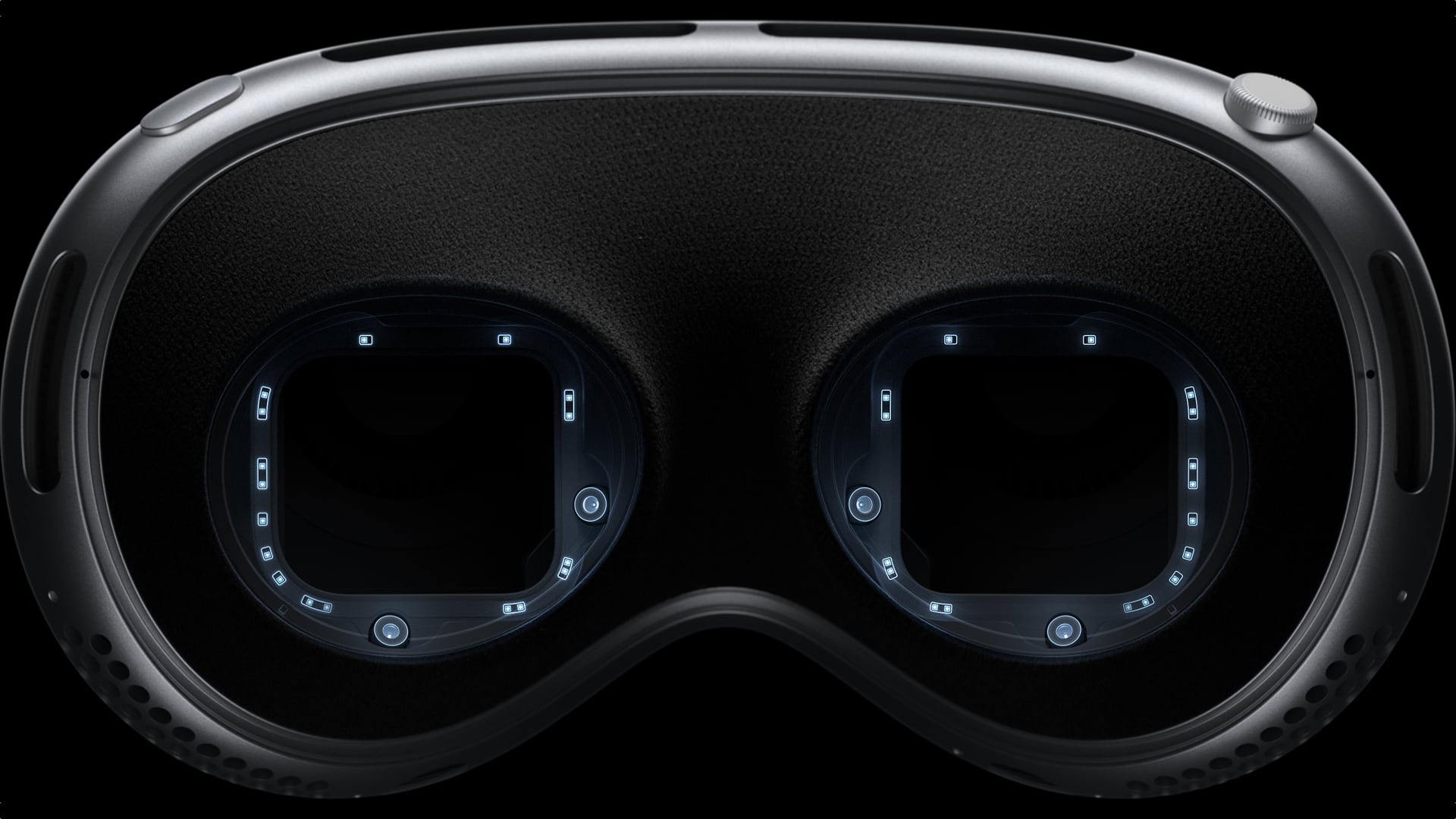
A series of LEDs arranged in a ring pattern shoots invisible infrared light onto each eye. The inward-facing cameras capture a series of images of the iris under various exposures. These images are sent to the dedicated Neural Engine coprocessor, which runs a machine learning algorithm that compares the data to the enrolled Optic ID data.
If there’s a match, the headset unlocks automatically.
What can you use Optic ID for?
Optic ID protects the same private information on your Vision Pro headset as Face ID and Touch ID do on iPhone and iPad.
You can use Optic ID in visionOS to:
- Unlock your Vision Pro headset
- Authorize purchases on the App Store
- Authorize Apple Pay purchases
- AutoFill saved passwords on websites and in apps
- Unlock the Hidden and Recently Deleted albums in Photos
The same system that powers Optic ID also makes precise eye tracking possible.
Optic ID: Security and privacy
Optic ID relies on the uniqueness of your iris.
It doesn’t suffer from Face ID’s evil twin problem because even identical twins have unique irises. In that regard, Optic ID is more secure than Face ID for authorizing Apple Pay transactions.
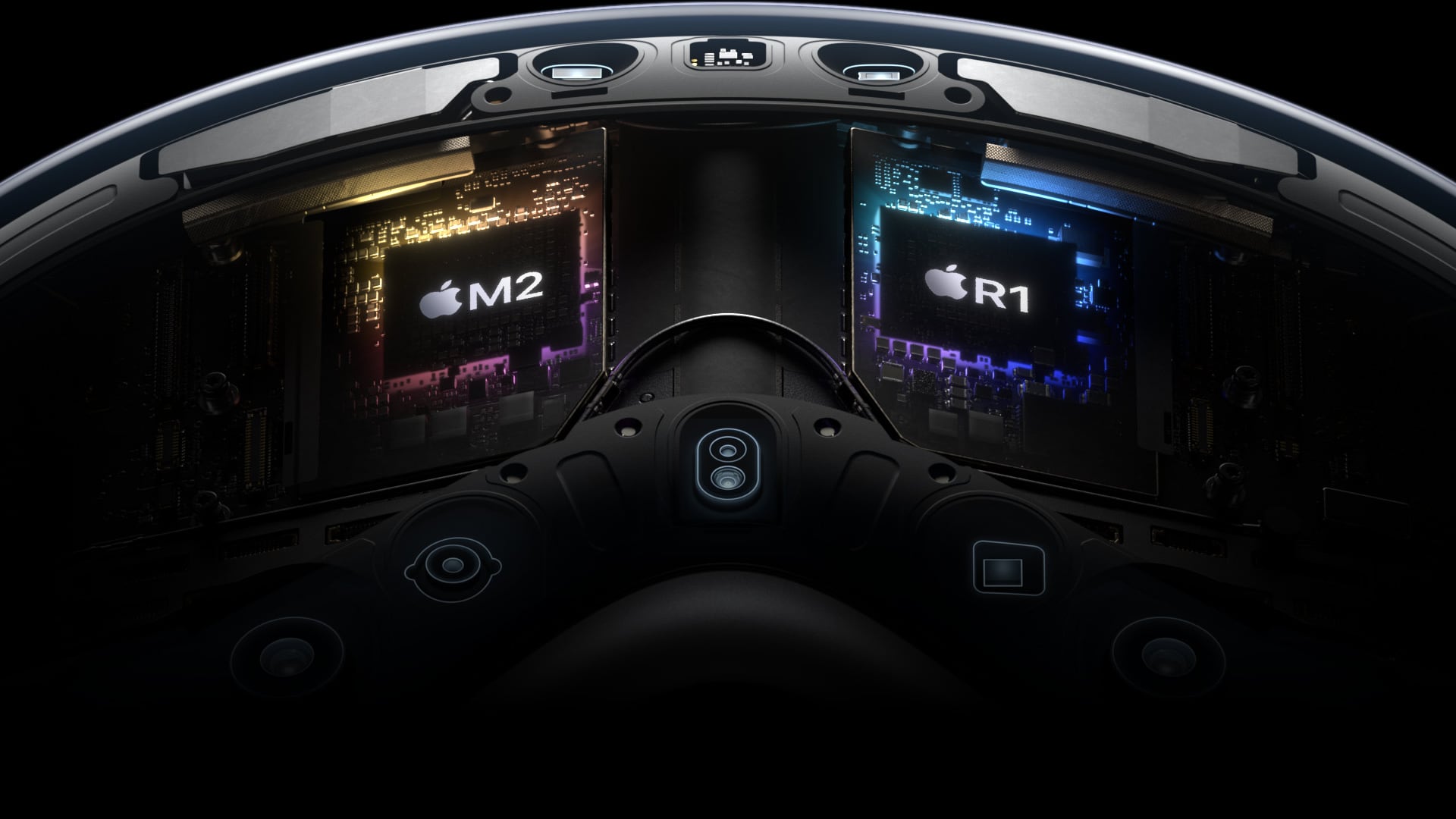
Privacy and security are guaranteed because your iris data is encrypted and stored securely by the Secure Enclave cryptographic coprocessor. This isolates Optic ID data from the rest of the system, making it inaccessible to apps. In fact, only the Secure Enclave can access your Optic ID data.
Additionally, your enrolled Optic ID profile is never uploaded to Apple’s servers, nor is it shared with other companies or third-party apps and websites.
What you’re looking at stays private
According to Apple, what you’re looking at stays private because visionOS isolates this data in a separate background process.
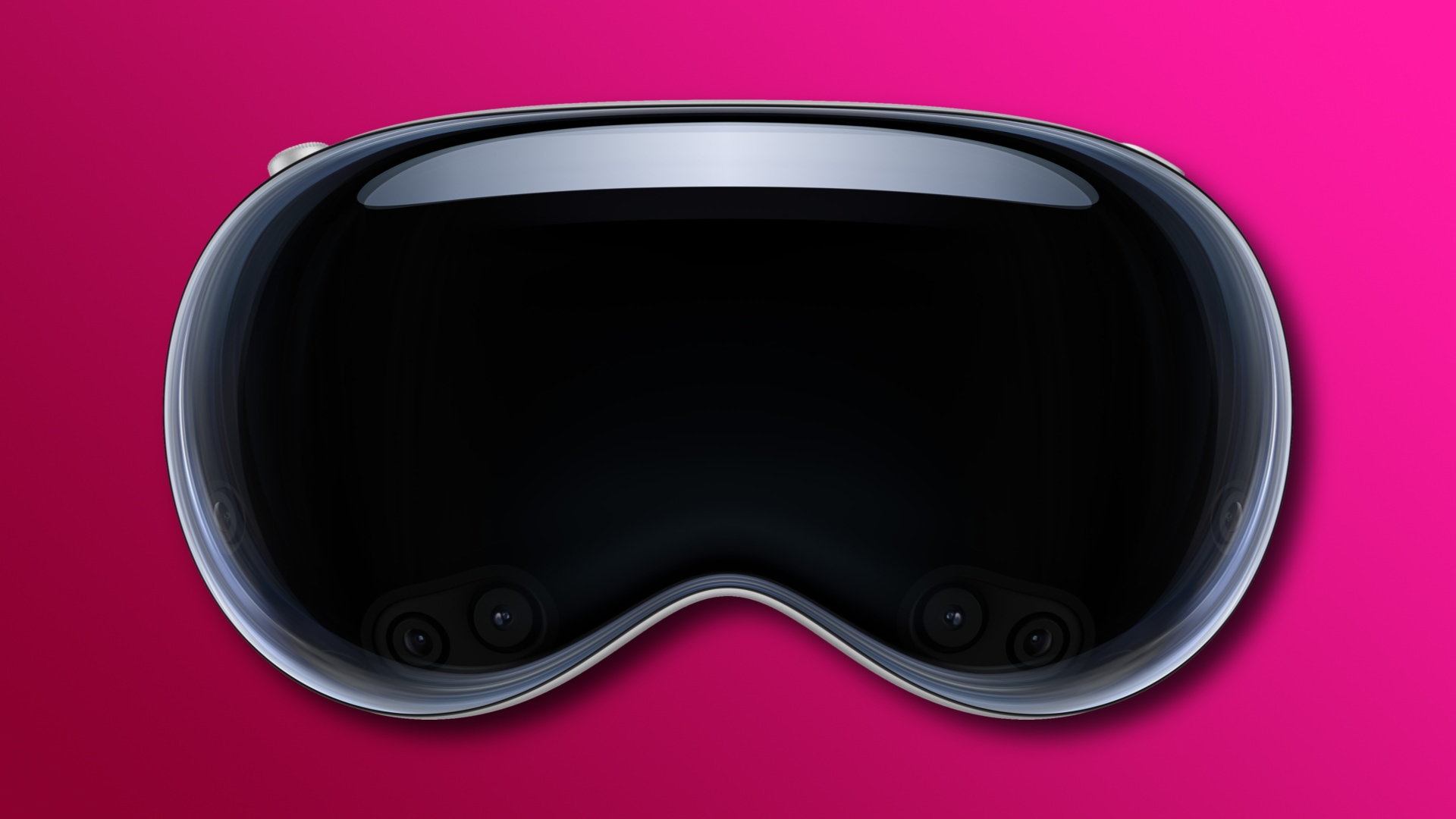
This is by design, so no one, including Apple and third-party apps and websites, can use Optic ID data to guess what you might be thinking. Only the final selection is revealed to the system when you tap your fingers.
Apple says data from the Vision Pro’s cameras and sensors is processed at the system level; the headset isn’t sending everything you see to the cloud.
Additionally, apps are prohibited from accessing the sensors and cameras directly. “Individual apps do not need to see your surroundings to enable spatial experiences,” reads Apple’s Vision Pro page.
More tips for your Vision Pro: