iOS and iPadOS have a cute little feature that allows you to use emojis as your wallpaper. So, if there is a specific emoji or set of emojis you love, you can easily make a wallpaper out of those with various colors and patterns.
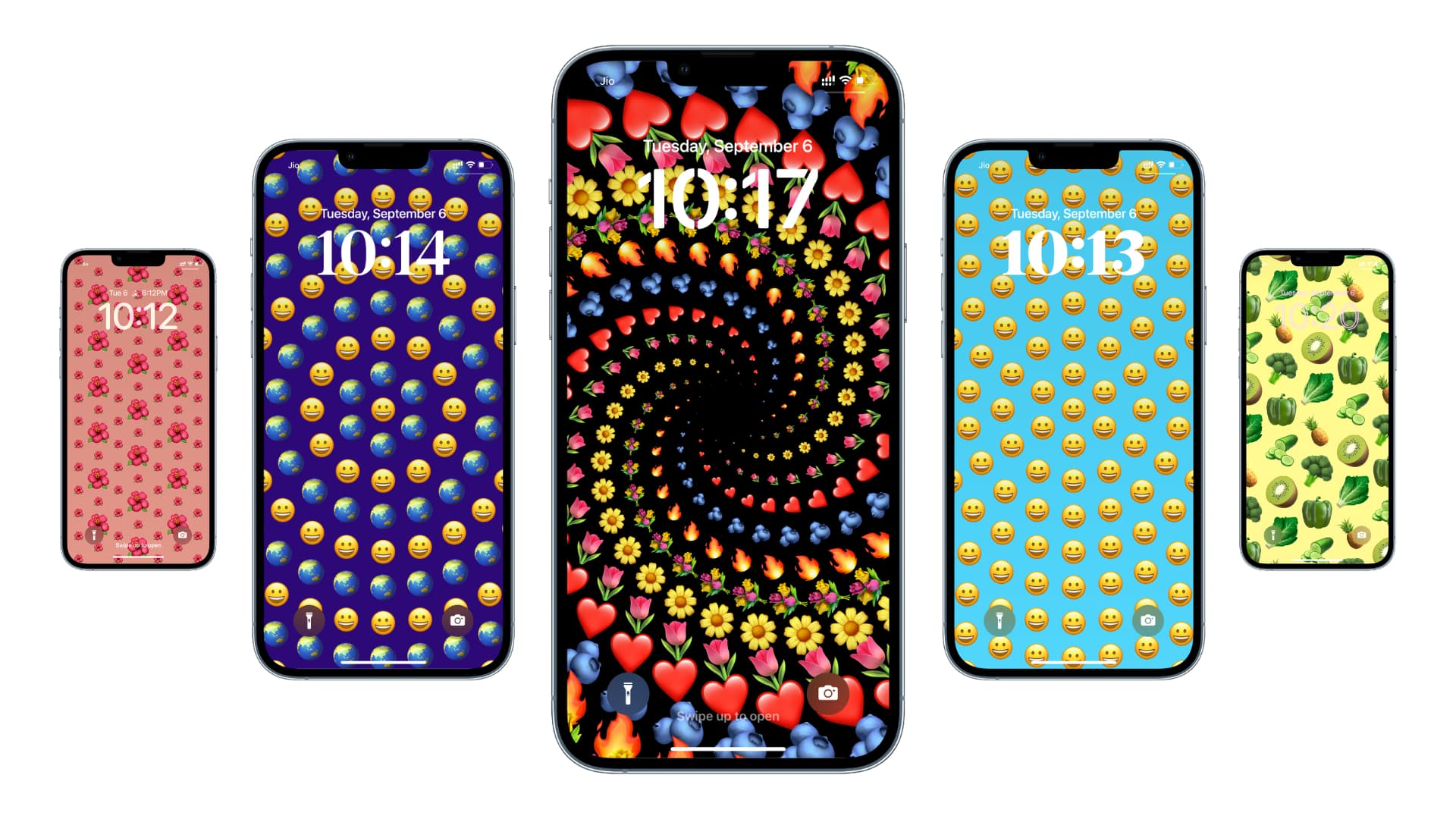
Use one or more emojis as your iPhone or iPad wallpaper
1) Open the Settings app and tap Wallpaper.
2) Tap Add New Wallpaper.

3) Scroll down and tap Get for the Emoji wallpapers. Your iPhone or iPad will take a few seconds to download the wallpapers. Then, browse through the emoji wallpapers and select one.

4) If you want to change the emojis, tap the smile icon and select up to six other emojis of choice.

5) Then, tap the color icon and change it if you want.

6) Next, swipe left or right on the emoji wallpaper to change styles: Dynamic, Grid, Large, Radial, or Spiral.

7) With everything set up the way you like, tap Add from the top. After that, choose Set as Wallpaper Pair to use it as both your Lock Screen and Home Screen background. Or tap Customize Home Screen to further personalize it.

On a related note: