Learn how to automatically download missing album artwork from Apple or upload custom cover art in the Apple Music app on your Mac or Windows PC.
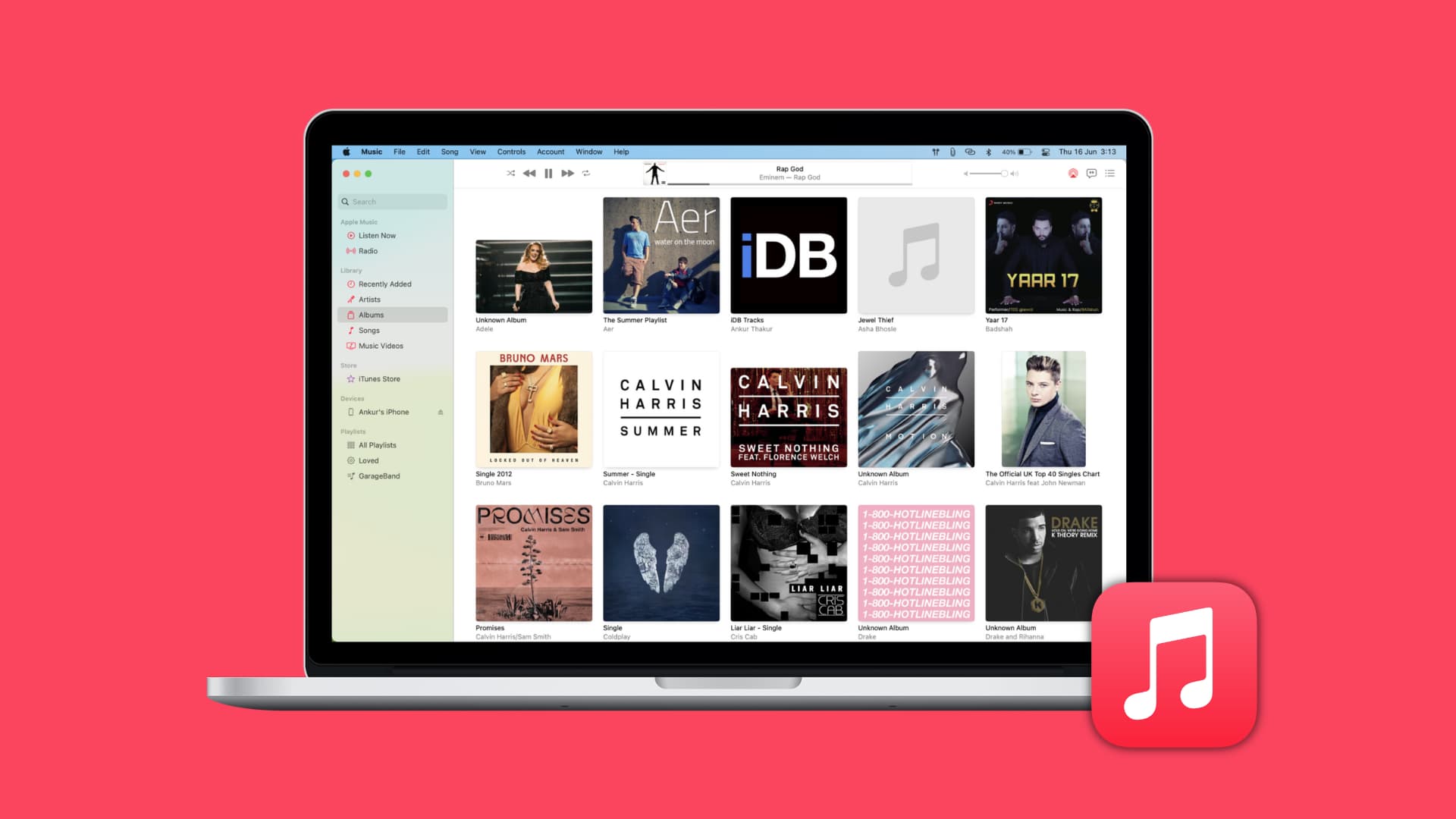
Cover artwork for songs and albums enhances your music-listening experience with visual flair, making it more visually appealing to browse your music.
But if some of the songs or albums in your library have missing artwork, you can download the official cover art from Apple or upload your own. Any custom artwork you provide syncs with the Music app on your iPhone, iPad, and other devices.
Download missing album artwork from Apple
We’re using a Mac for the steps below, but the instructions are similar for the Music app on Windows.
- Open the Music app on your Mac.
- Select the Albums option in the Library section of the sidebar.
- Right-click or Control-click an album with missing cover art, and pick Get Album Artwork from the menu. If Apple Music finds a match, the missing artwork will appear.
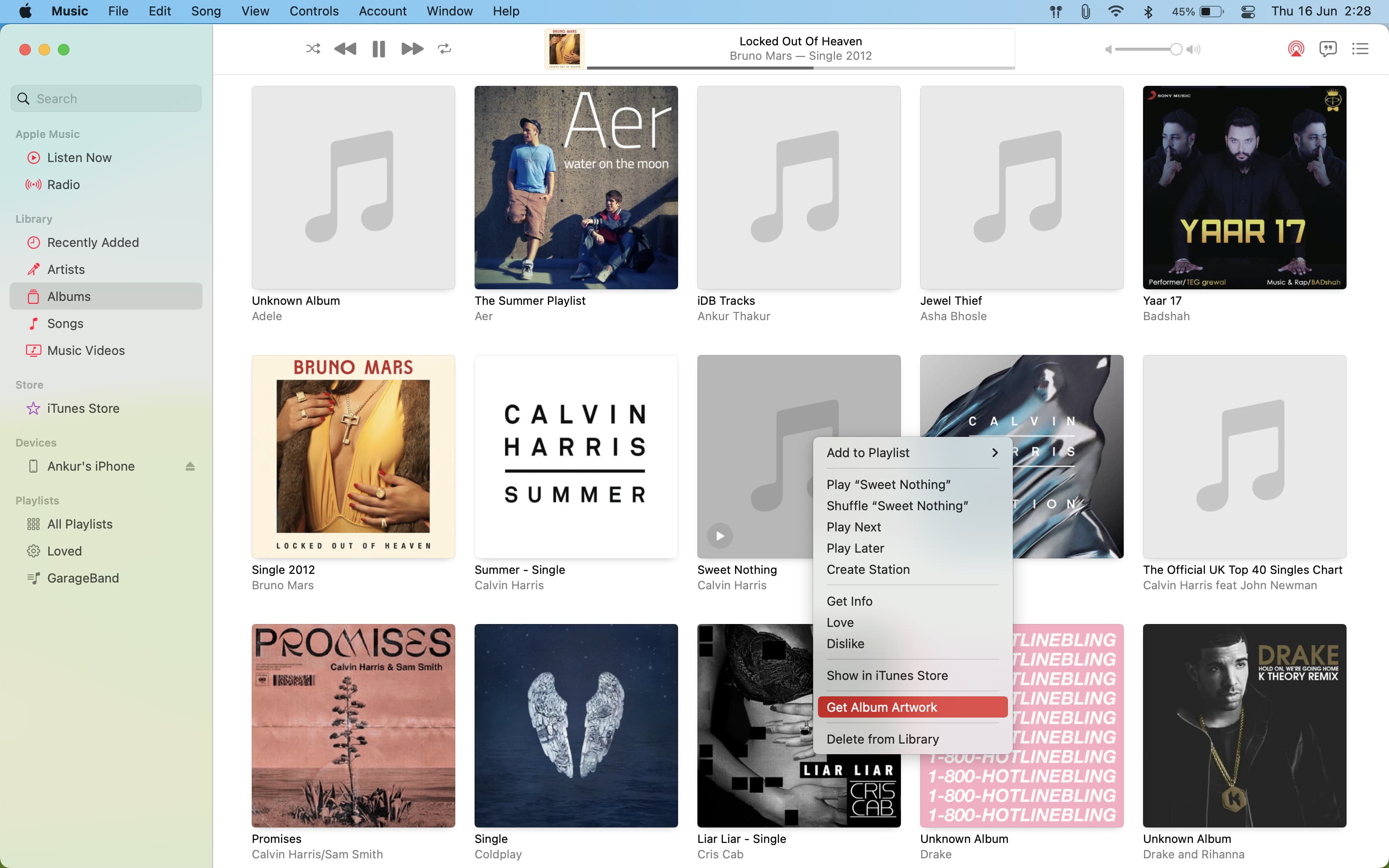
To sync downloaded cover art to your iPhone or iPad, click the File > Library > Update iCloud Library menu. Then, launch the Music app on your iPhone or iPad, remove the download with missing artwork, and tap the cloud icon to redownload the item, this time with cover artwork. If you manually sync your music, missing artwork will appear the next time you sync your library.

Add your own cover artwork
If Apple cannot find album artwork, you’ll need to upload your own image. It could be the official album cover downloaded from the internet or something you’ve put together yourself in an image editor like Pixelmator.
1) Control-click or right-click an album with missing artwork and choose Get Info.
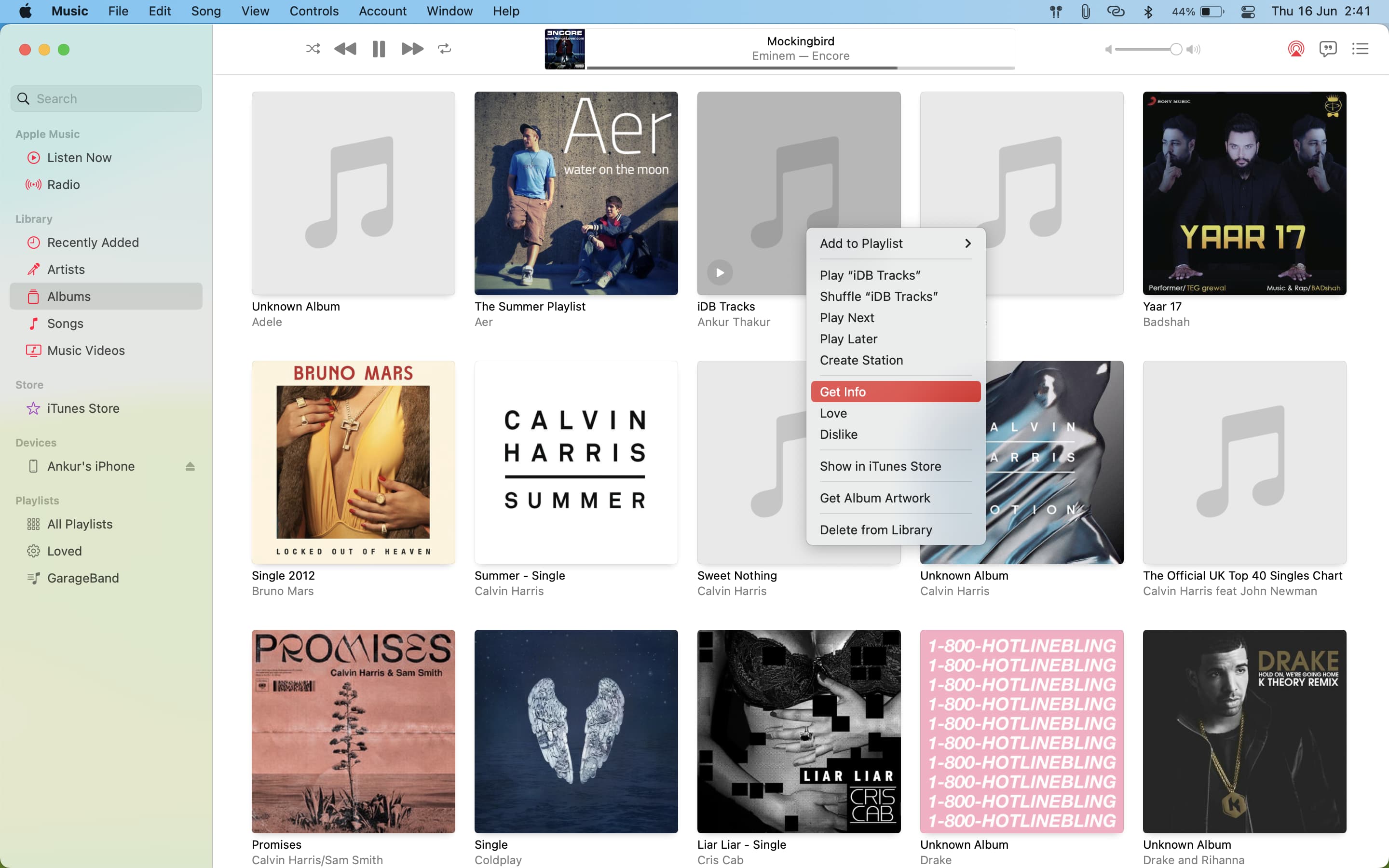
2) Click Artwork, followed by Add Artwork.
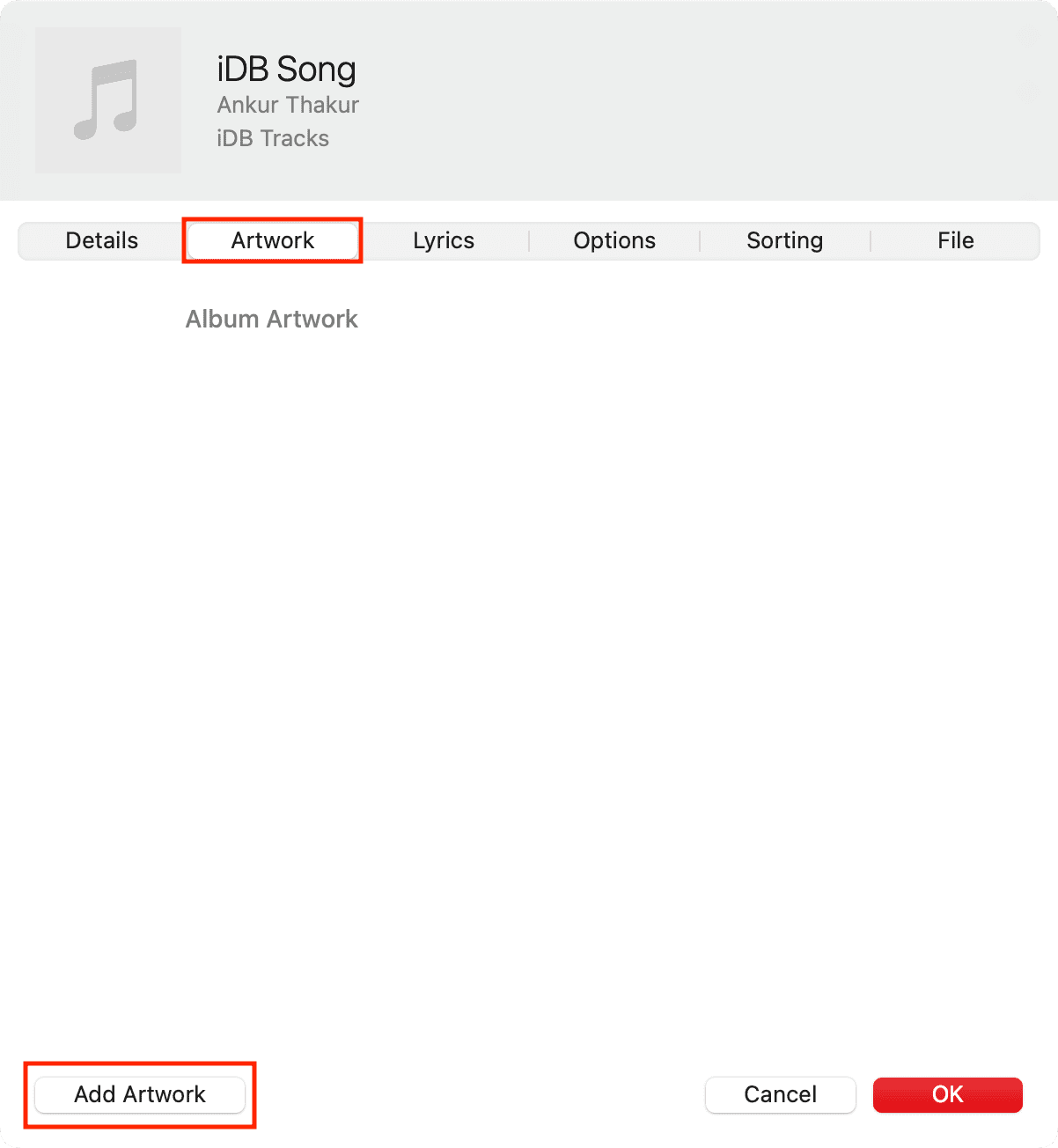
3) Pick an image from your Mac and click Open. Then click OK to set it as album artwork.

Follow the same steps to add custom artwork to individual songs instead of albums. To delete existing cover art, go to the Artwork screen and press the delete key.
With little effort, you can add missing album artwork so you can browse your music visually, without the ugly sight of gray placeholder boxes in place of missing artwork.
Do the same in Spotify: How to change a Spotify playlist cover image in the app and web