Learn how to prevent pictures you take inside Instagram from automatically saving to your iPhone’s Photos app, which helps declutter your media library and save storage space.
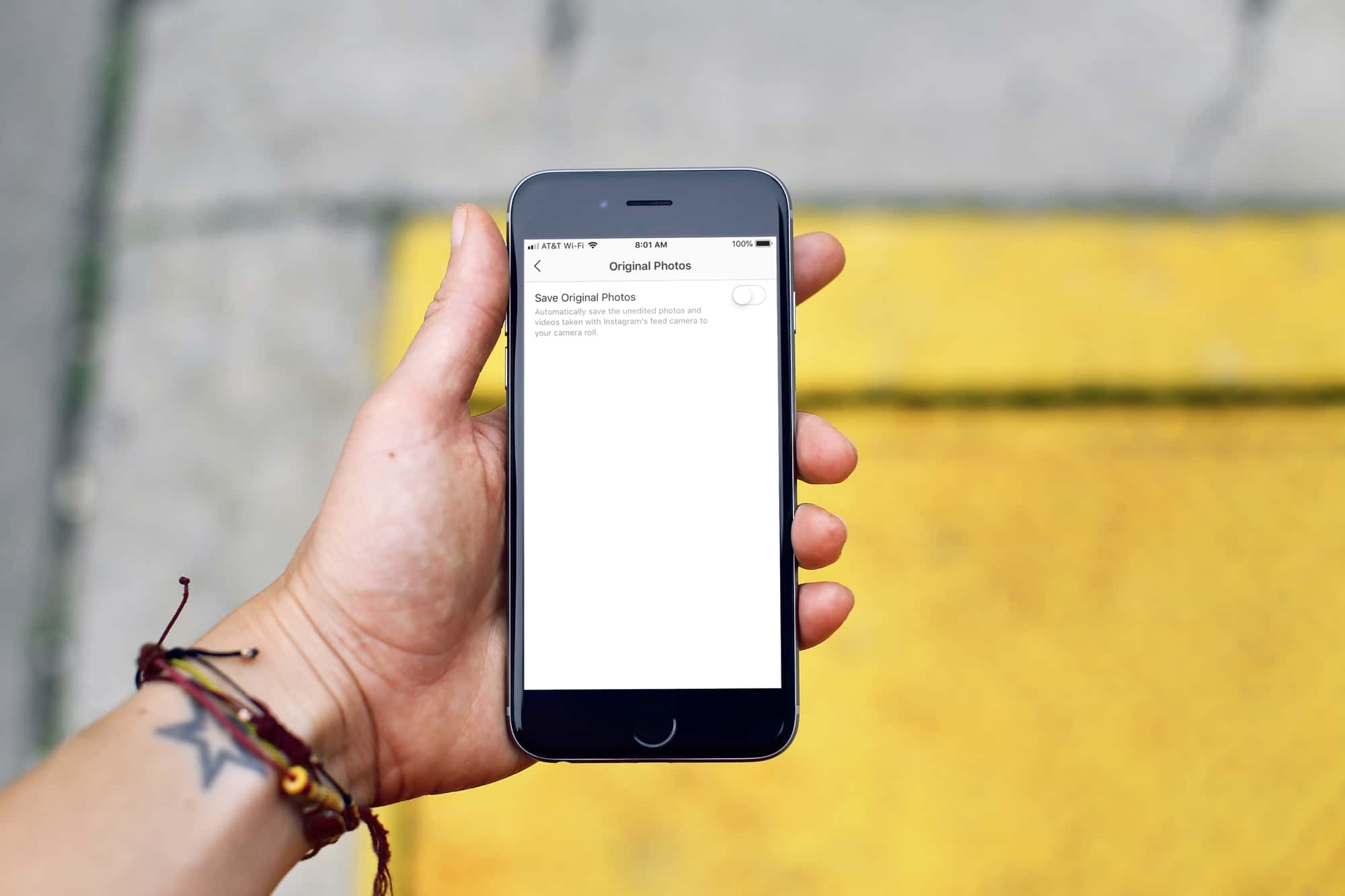
If you’re an Instagram user, then you might like the feature that saves every photo you take and post on Instagram to your iPhone Camera Roll. But many might find this inconvenient or unnecessary. If the latter is you, then this tutorial is for you.
Stop Instagram from saving media to the iOS Photos app
- Open Instagram on your iPhone and go to your profile tab.
- Tap the hamburger menu icon at the top to access Instagram settings.
- Scroll down to the “Your app and media” section and tap Archiving and Downloading.
- Turn off Save Original Photos and Save Story to Camera Roll.

- Turning off the first option prevents unedited photos and videos taken using the Instagram in-app camera from being saved to your device’s Photos app.
- And the second option blocks the app from automatically saving your stories to the iOS Photos app.
If you change your mind about disabling this later, you can easily return to Instagram settings and turn the switches back on.
Also, check out: