In addition to sending and receiving GIFs, WhatsApp also lets you send a short video or Live Photo from your Camera Roll as an animated GIF. This option may not be obvious, but with these tips, the process becomes evident.
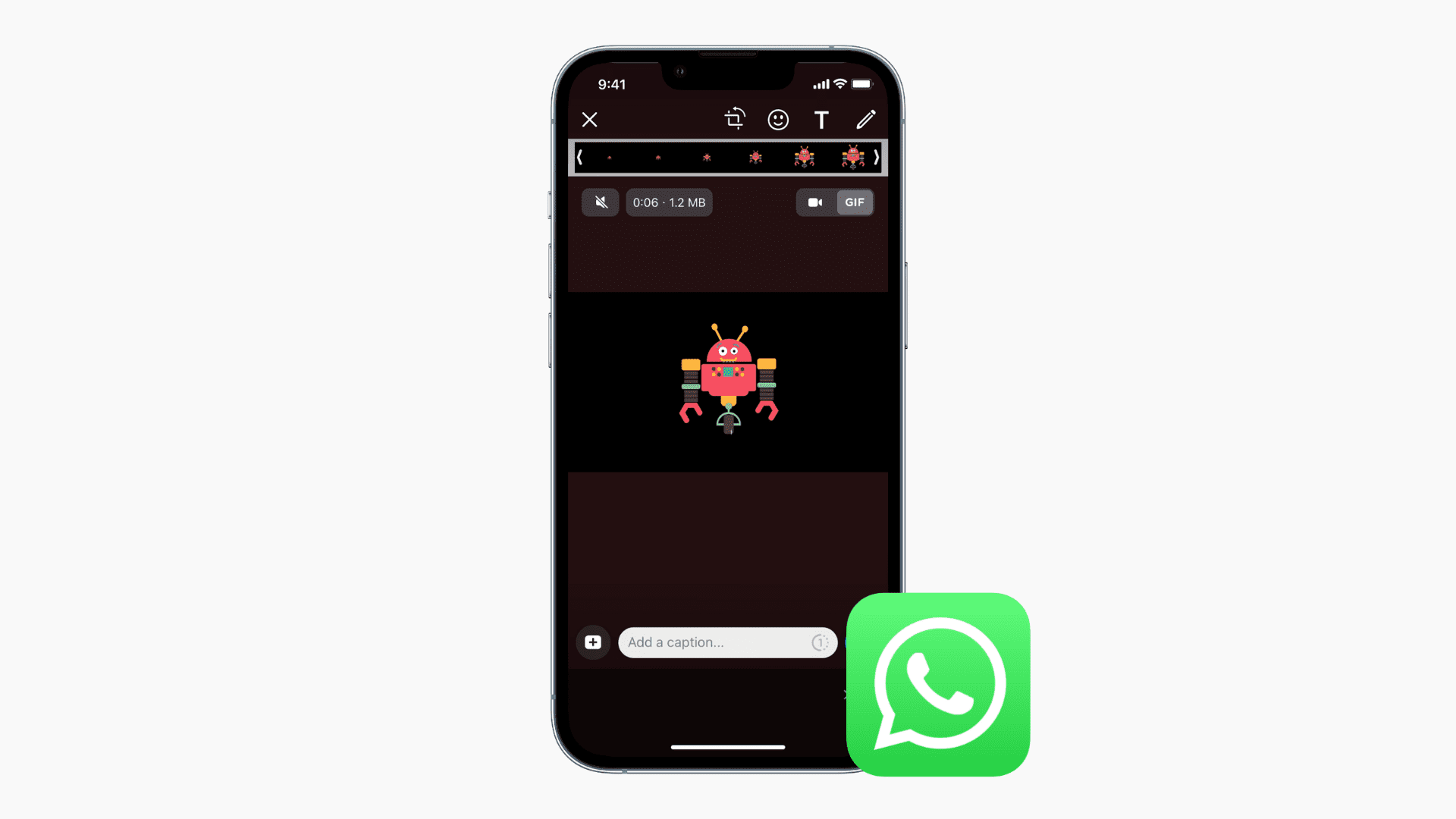
Send Live Photo as GIF on WhatsApp directly from the app
- Open WhatsApp on your iPhone and go into a conversation.
- Tap the plus button (+) and select Photos.
- Find the Live Photo, touch and hold it (don’t tap it), and then tap Select as GIF.
- Finally, tap the send button to send the Live Photo as an animated GIF on WhatsApp.

Note: You can also just leave the Live Photo icon uncrossed to send it as a live moving photo.
Send a short video as a GIF on WhatsApp
You can send videos that are six seconds or shorter as animated GIFs on WhatsApp.
- Go inside a WhatsApp conversation, tap the plus button, and choose Photos.
- Select a very short video.
- Tap the pencil editing icon as shown in the screenshot below.
- Tap GIF next to the video icon. Optionally, you can shorten the video length using the slider at the top. Finally, tap the blue send button to send a video as an animated GIF on WhatsApp.

More on WhatsApp: