Learn how to disable the iPhone's Raise to Wake feature to avoid the screen automatically turning on when you lift the device, whether accidentally or purposefully.
How to turn off Raise to Wake on your iPhone
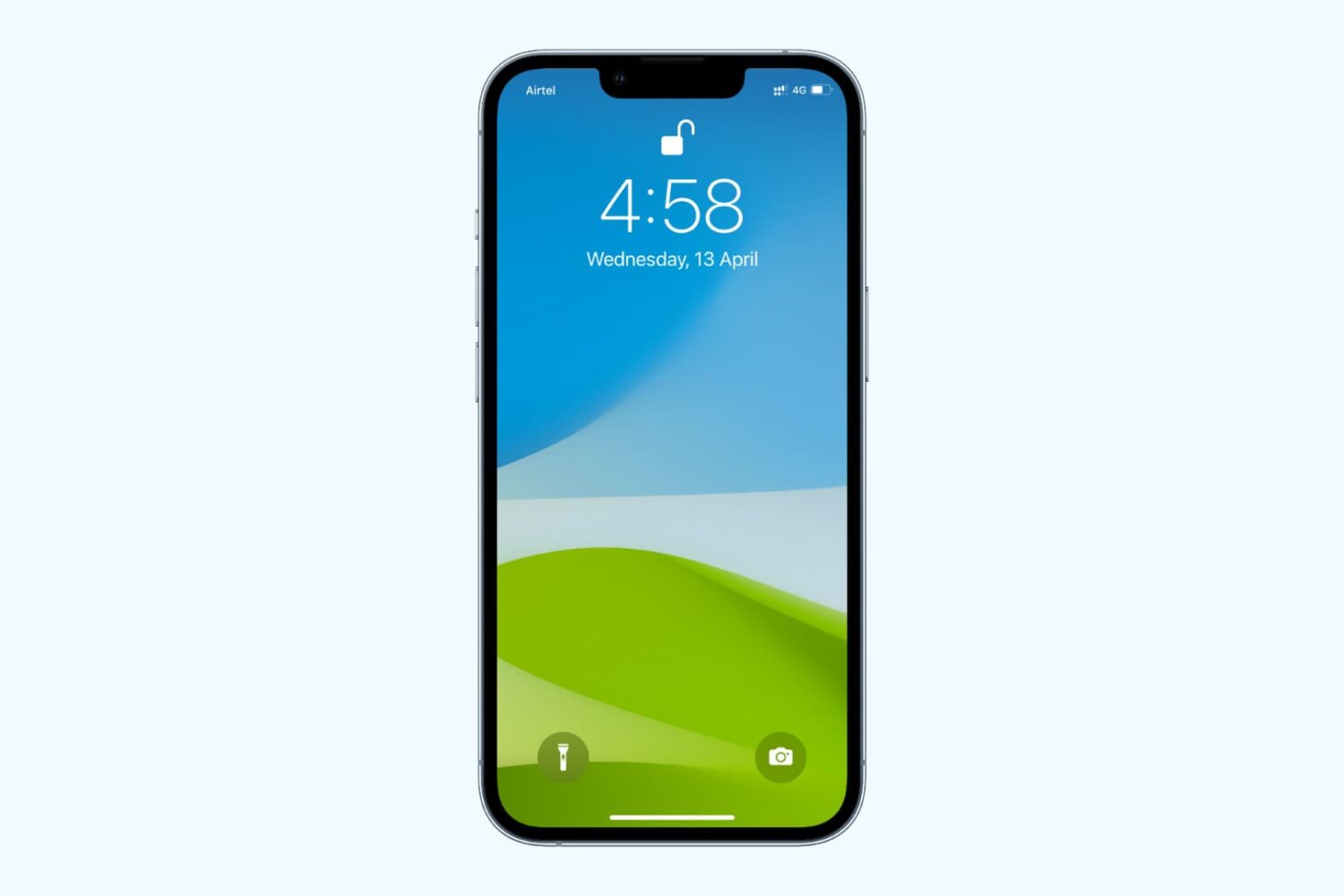
Learn how to disable the iPhone's Raise to Wake feature to avoid the screen automatically turning on when you lift the device, whether accidentally or purposefully.
Apple released iOS 10 to the public Tuesday afternoon, and as you can imagine, many people raced to download the update as soon as it came out.
Unfortunately, it didn't go as smoothly for some people and left many people with error messages preventing them from using their devices.
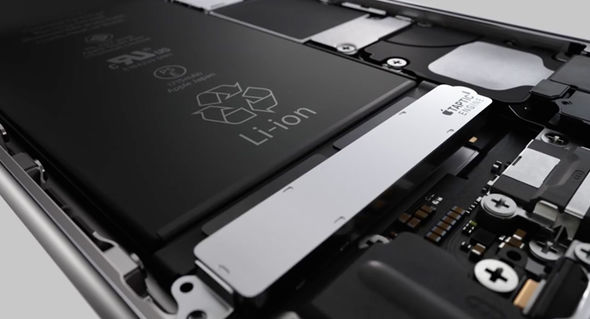
Apple's iPhone 7 and iPhone 7 Plus are said to sport higher-capacity internal Lithium-Ion batteries than their predecessors.
No official battery capacity specs are listed on Apple's website, but they do say that the iPhone 7 and iPhone 7 Plus are supposed to get 2 and 1 additional hour(s) of battery life respectively, in what are supposed to be after effects of the new power-sipping A10 Fusion chip combined with the efficient iOS 10 firmware.
On the other hand, a higher-capacity internal battery may also have something to do with it.

Hot on the heels of iOS 10 and watchOS 3, Apple on Tuesday released tvOS 10. The software update is available free and compatible with all fourth-gen Apple TVs—the latest generation of Apple's popular set-top box.
tvOS 10 should install automatically on your Apple TV, but depending on your settings you may have to push it manually. You can do this by navigating to System > Software Updates > Update Software on your device.
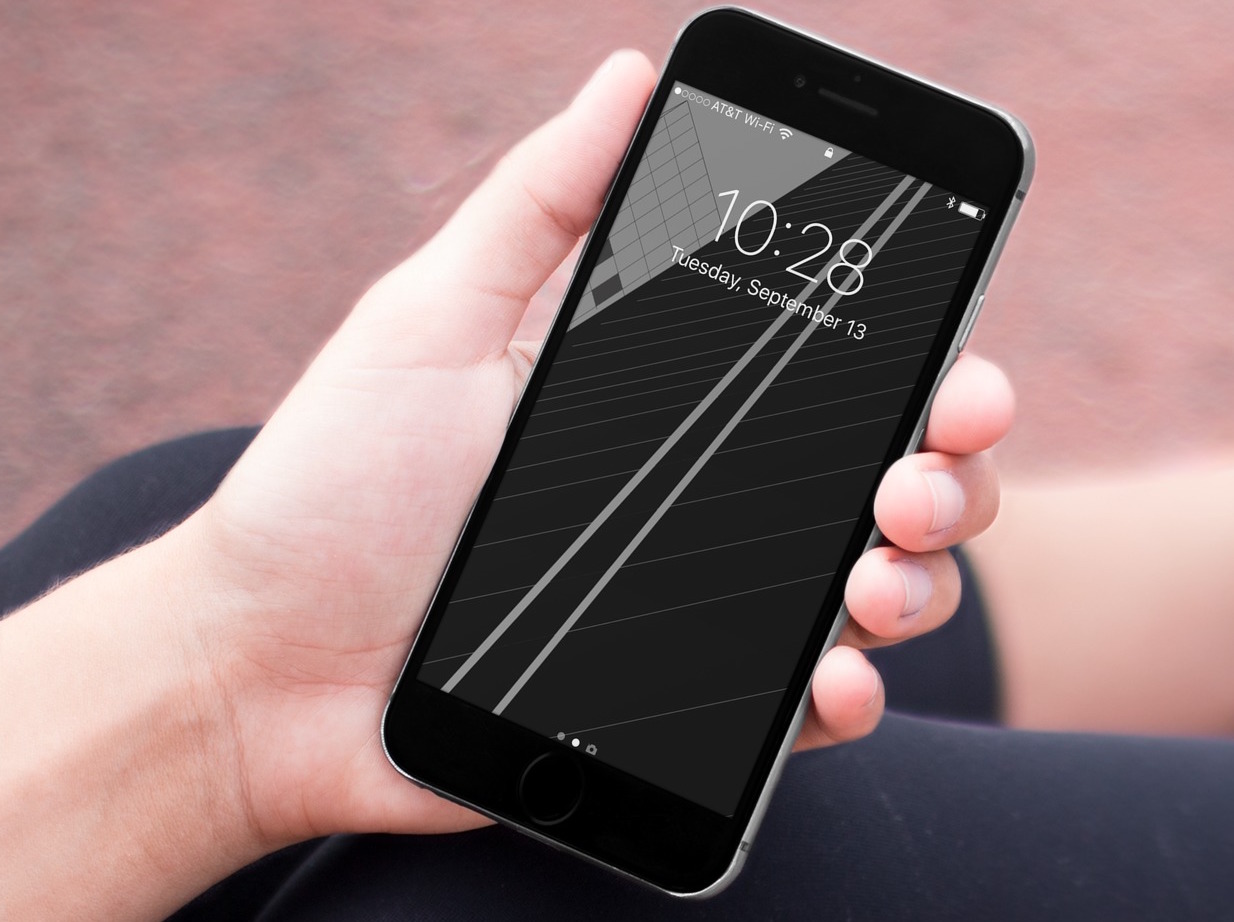
This special edition of the Wallpapers of the Week is coming a little earlier than usual to celebrate the release of iOS 10, but also because there has been an incredible demand for this one specific wallpaper.
Thanks to some very quick work from @AR72014, we present to you a re-creation of the wallpaper found on Apple's iPhone 7 website.
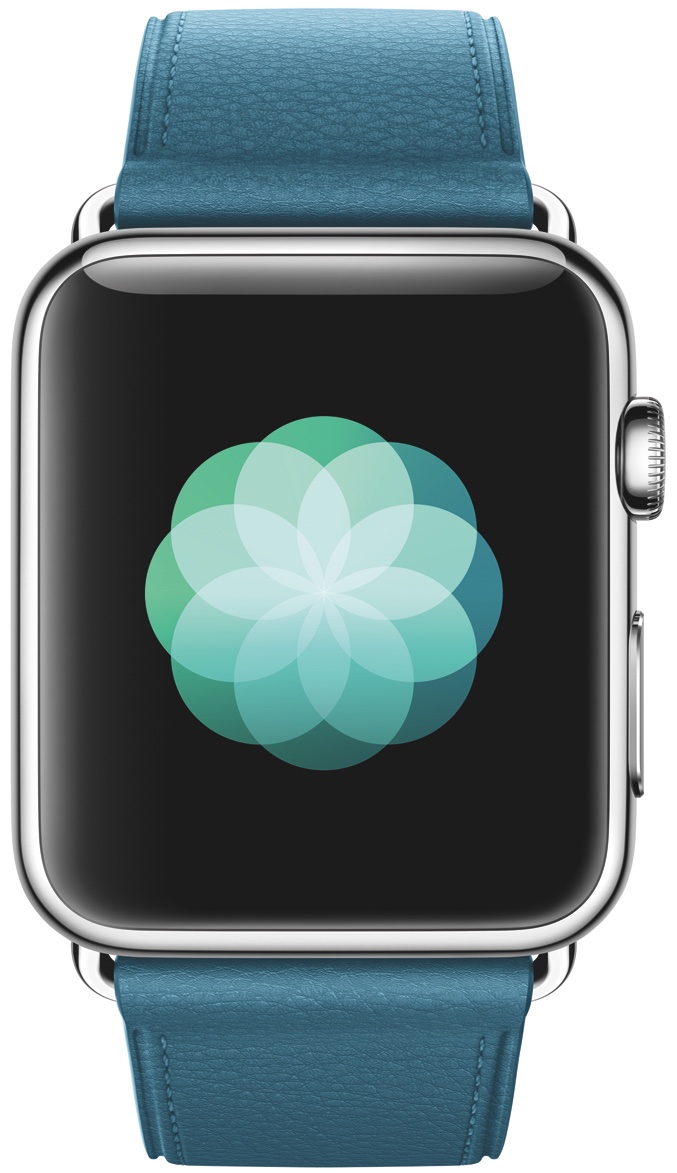
In addition to iOS 10, Apple on Tuesday also released watchOS 3 for the Apple Watch. The update, which has been in beta for the past 3 months, is free and compatible with all available models of the Apple Watch.
To install the new software, you'll have to ensure your iPhone is on iOS 10. Once that's confirmed, simply open the Watch app and navigate to General > Software Update. Your Watch must be within range of your iPhone on Wi-Fi, connected to its charger, and have at least 50% battery life.

As promised, Apple on Tuesday released iOS 10 for its mobile devices. The software update is free and technically compatible with the iPad 4, iPad mini 2, the iPhone 5, the iPod touch sixth-generation, and all subsequent models.
If you have one of these devices, you can update to iOS 10 by navigating to the Settings app > General > Software Update, and it will install automatically. The update is also on our Downloads page, and you can install it manually by plugging your device into a computer with iTunes installed. Obviously if you're jailbroken, you'll want to steer clear of iOS 10.

Apple on Tuesday morning released iTunes 12.5.1 for Mac and Windows, ahead of the release of iOS 10 later that day, and macOS Sierra on September 20th. This release brings along an all-new Apple Music design supposed to bring greater clarity and simplicity to an otherwise clunky application.

After going over the tales of their pre-orders, Cody and Sebastien go back on last week's event to share their perspective of the new products announced. Cody is more unsure than ever about Apple Watch, but Sebastien is still a strong believer, except for one annoying detail. This podcast was made possible thanks to our sponsors. And courage, of course.
Subscribe on iTunes
Support Let’s Talk iOS: Want to get into HomeKit? Visit idevicesinc.com and use promo code iOS for 15% off your home’s evolution.
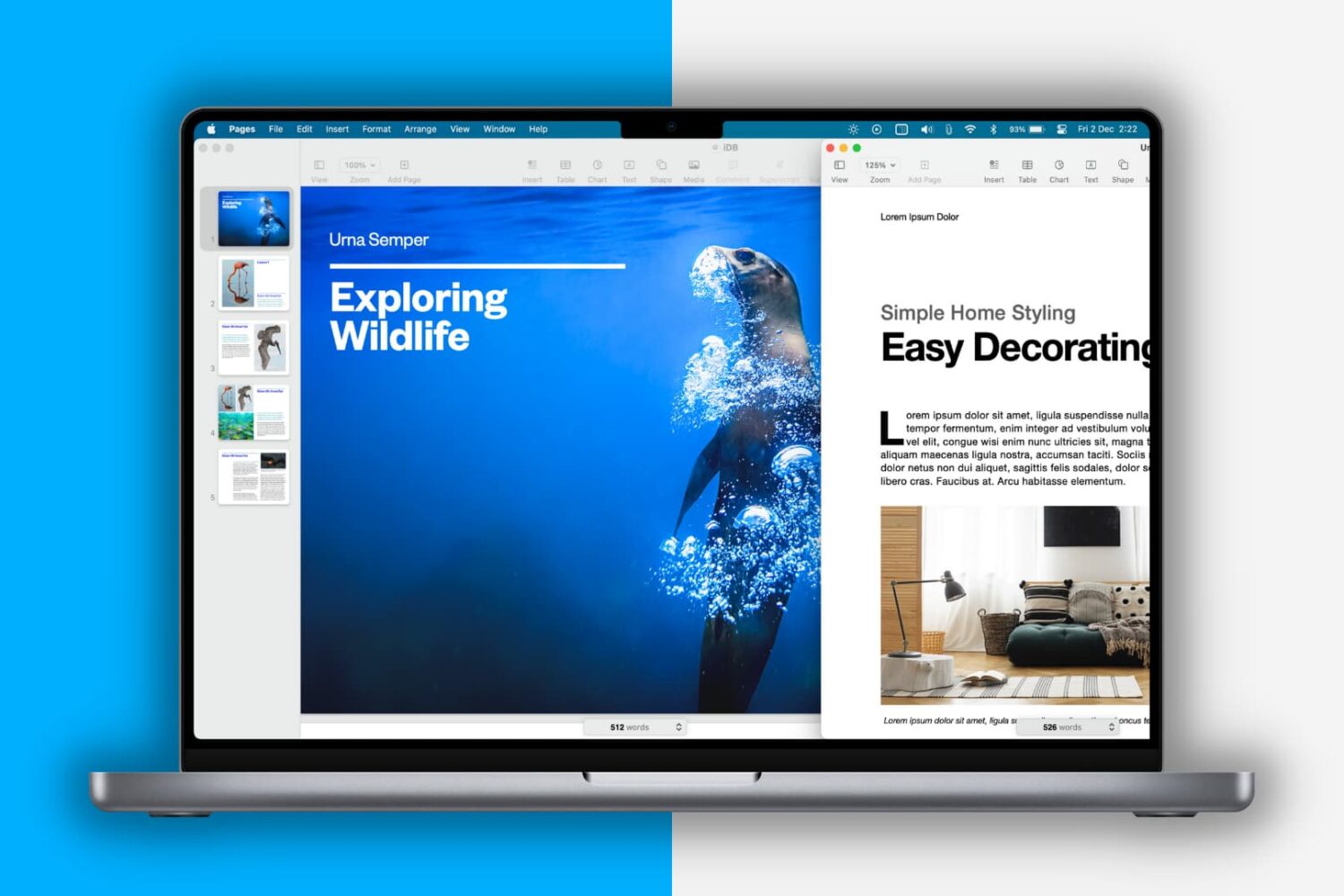
Learn how to use a keyboard shortcut to switch between two or more open documents inside Preview, Pages, Word, and other apps on Mac.

Instagram rolled out an anti-harassment update for its mobile app on Monday that now enables users to filter comments from their photos and videos based on specific keywords.
In this tutorial, we'll show you how you can use it.

Saurik has released an update for Cydia Substrate on Monday for jailbroken iOS devices, bringing the software up to version 0.9.6301 in the Cydia Store.