Year: 2016

Wallpapers of the week: planets

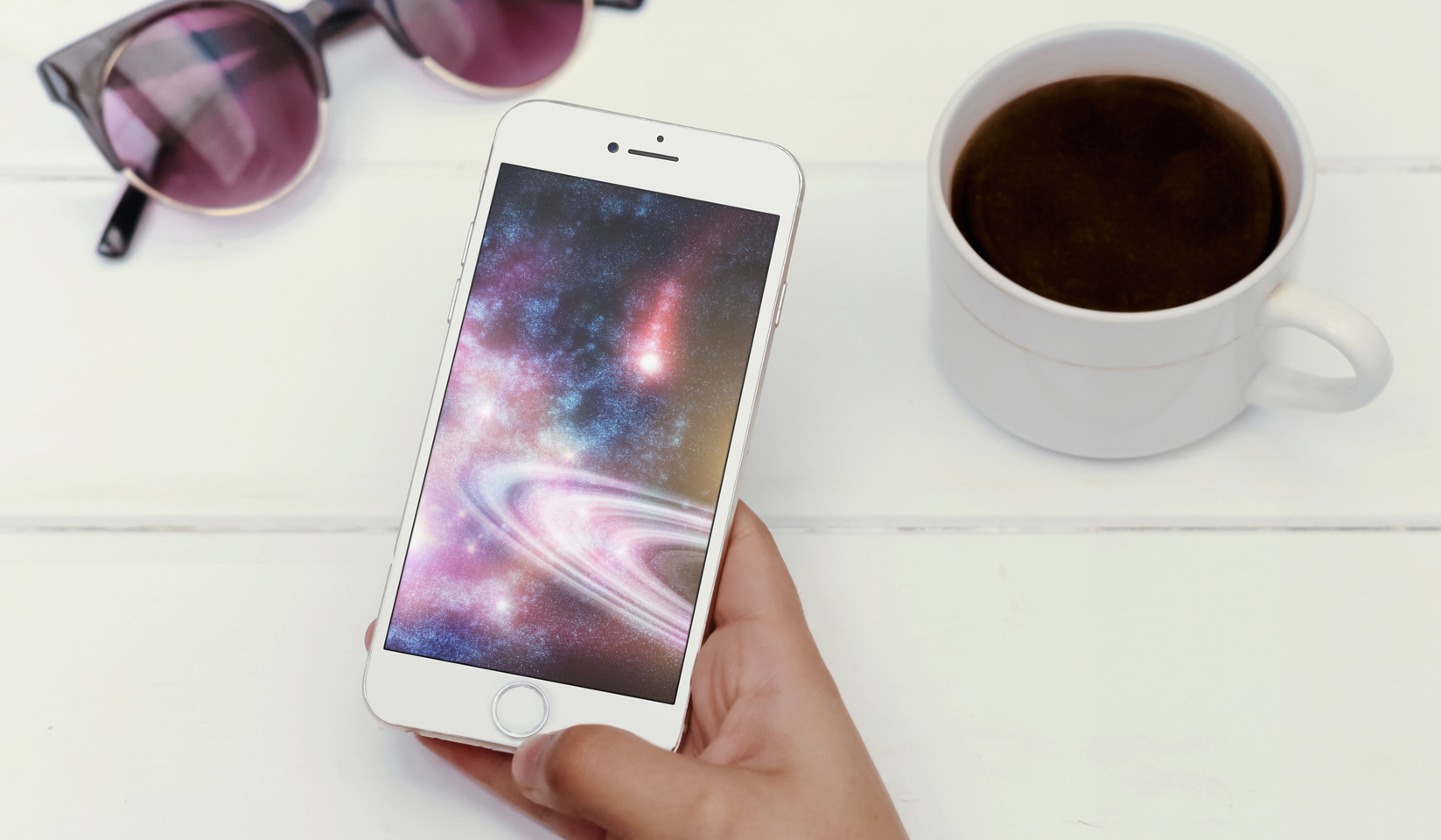
The Wallpapers of the Week section continues with a mix of photography and digital creativity by highlighting planet based wallpapers. As galaxy and planetary images proved previously popular, today is another chance to grab some of great images, both created and natural.

Inside is a small set of images curated from Interfacelift.com, where artists post their creations in galleries. Below each image, you will find a link to that artist's page, giving necessary credit and allowing you to explore their collection. Step inside for the latest.

Jailbreak tweaks of the week: Gravitation, Snakebite, & more…

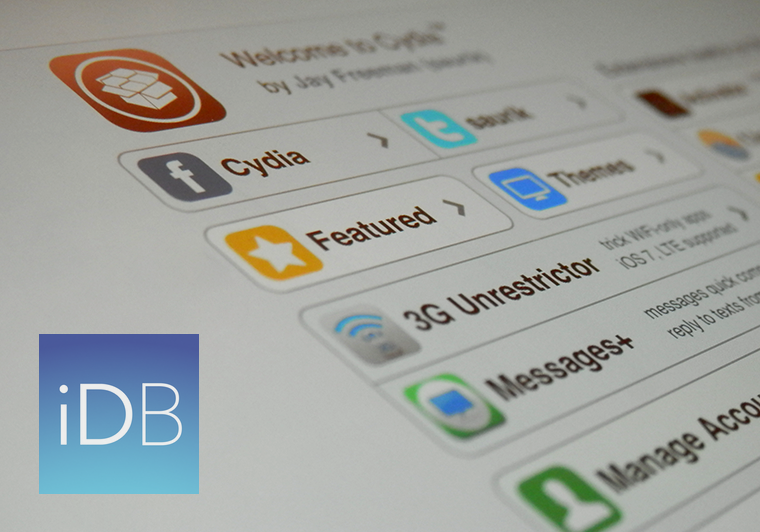
This week, we've gone through a bit of a lull in new jailbreak tweak releases in Cydia. Despite the slowness, there are some releases worth taking a look at.

We'll show you our favorite jailbreak tweak releases this week first, and then outline all of the rest of the jailbreak tweaks launched in Cydia. Our favorites are the ones we thought were either the most fun to use, or made the biggest impact on how we use our devices.

Get where you’re going with fewer steps using these 3D Touch shortcuts in Apple Maps

Getting where you’re going with fewer steps is a lot easier with time-saving 3D Touch shortcuts in Apple Maps. For example, pressing the Maps icon on the Home screen lets you instantly get directions home, send your location to a friend, search what’s nearby or drop a pin on your current location so you can remember where you parked your car.

And within the Maps app, 3D-touching a point of interest lets you preview it quickly, navigate there, call the place and more.

In this tutorial, you're going to learn about all the ways you can take advantage of 3D Touch shortcuts that are currently supported in Apple Maps.

Get the classic iOS camera shutter animation back with this tweak

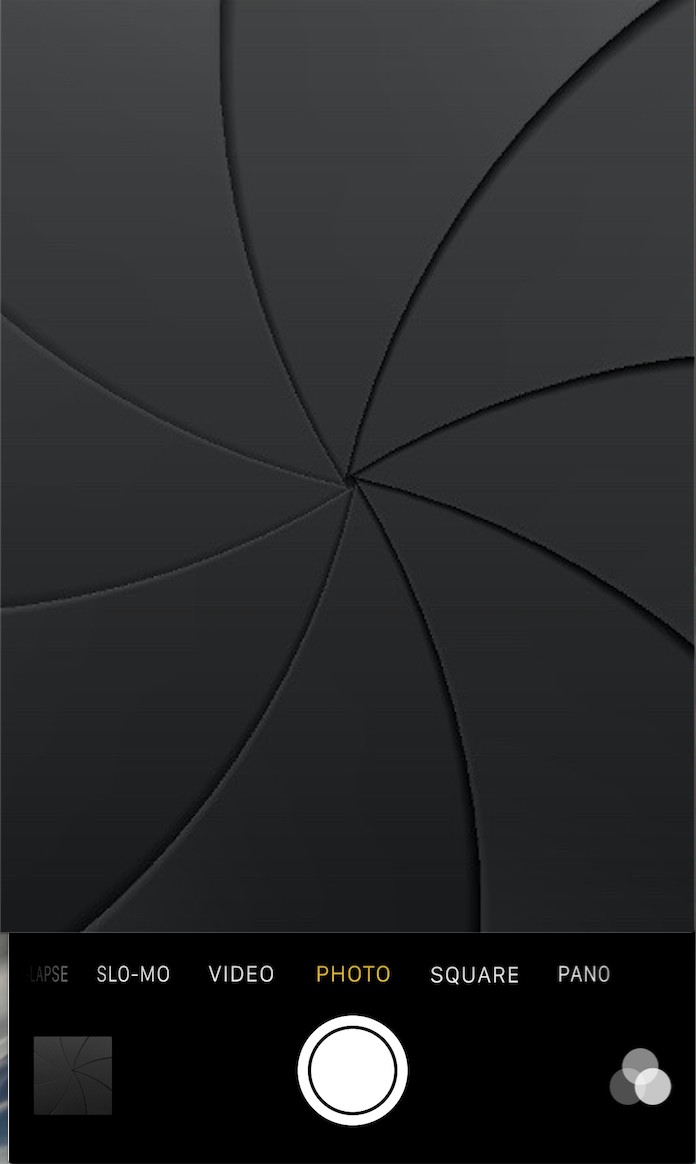
Starting with iOS 7, Apple redesigned the Camera app and it got an all-new shutter animation. Some would argue it's a little bit boring compared to the realistic camera shutter animation we had with iOS 6 and earlier.

Fortunately, anyone who's feeling a little nostalgic now have a way to get it back by way of a new free jailbreak tweak in Cydia's BigBoss repository called ClassicShutterAnimation.

How to stop ‘Up Next’ videos from autoplaying on YouTube

One of my pet peeves with YouTube is how after completing a video, the service shoves a new video down your throat with a feature called "Up Next," which gives you a 15-second time frame to click the "X" button at the top right of the video before the next video starts to play.

Sounds familiar? If you feel the same way, then you've stumbled upon the right tutorial, because we're going to be showing you how you can disable this feature right from the YouTube website without installing any plug-ins, hacks, or other crazy stuff.

1 Meter, Day One 2, OmniPlan 3, and more apps to check out this weekend

Hello friendly readers. This weekend's app list spotlight is the last article I'll be writing for iDB. I've had a wonderful time as a part of the team and will miss every one of the editors (I've already cried with them privately). I'll also miss the iDB readers' funny, snarky, and sometimes ornery comments (you know who you are). Thanks for listening to me express my love of all things app-related.

Now, on with the show. Check out this week's (and my final week's) list of apps and games.

12 great 3D Touch jailbreak tweaks you should try

3D Touch is the flagship new feature of Apple's iPhone 6s handset. It's a part of the display that is capable of capturing forceful touches and performing actions based on how firmly you're pressing, and Apple has done a great job creating a range of features throughout iOS that take advantage of this display technology.

But for those that feel iOS leaves a lot to be desired, the jailbreak community has come up with a variety of new uses for 3D Touch, whether your iPhone supports 3D Touch or not. And in this roundup, we're going to show you a number of tweaks that we think really help compliment the 3D Touch experience on a jailbroken iPhone.

With this time-saving shortcut, you can quickly set some Mac display options

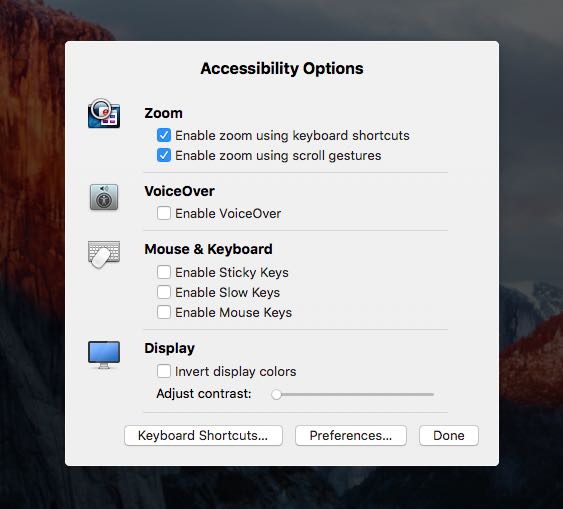
In addition to adjusting the screen resolution and choosing between the available display modes on your Mac, the macOS System Preferences application gives you additional display options to play with.

If you use display zoom, a great feature for people with less than perfect eyesight who find themselves squinting at the screen all the time, or you want to quickly access common features related to making items on the screen easier to see and the display easier to read, use the following time-saving shortcut to quickly adjust these options.

Error 53: Apple warns iOS 9 bricks iPhone 6 in case of unauthorized Touch ID repair

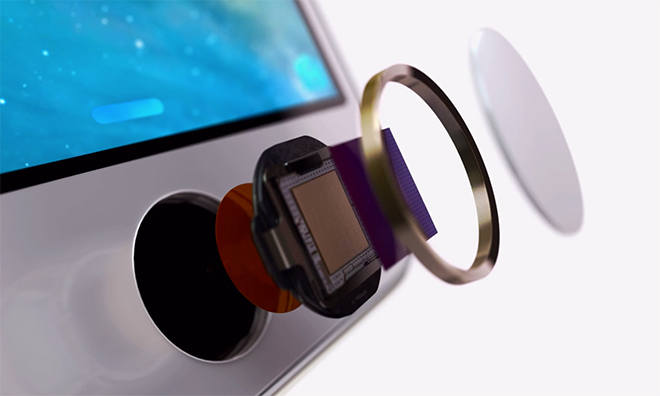
The Guardian on Friday reported that unauthorized third-party repairs to the iPhone 6's Touch ID Home button will brick the device as soon as iOS 9 is installed. Of course, we all know that using an unauthorized repair service not only voids warranty but puts oneself at risk of having a sub-par component that isn't sanctioned by Apple.

But is deliberate bricking really necessary here? Should users be inconvenienced just because they trusted someone to change their phone's Touch ID button or the cable connecting the Home button to the logic board? According to Apple, this is a security-related feature of iOS 9.

Apple Stores in Japan are now offering iPhone screen protector installation service

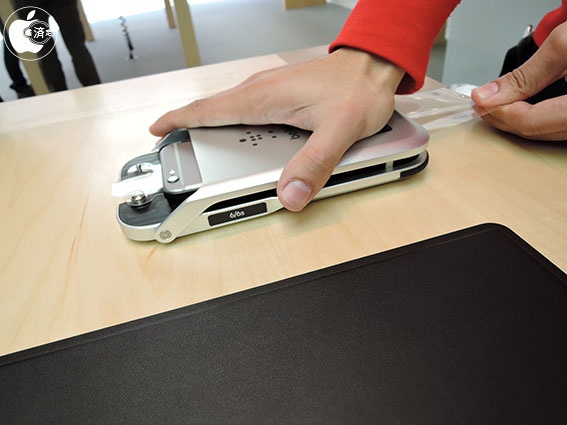
As first noted by MacOtakara, employees of Apple Stores in Japan have now received specialized Belkin tools to install screen protectors on iPhones in-store, though it's unclear if this iPhone screen protector installation service might soon expand to other Apple Stores around the world.

Using Belkin's TrueClear Pro device, store employees are able to apply a screen protector in a straightforward and easy manner. Prices range from 2,180 yen to 4,280 yen, depending on material and device size, which works out to about $19 to $37.

Apple TV universal search expands to FOX NOW, FXNOW and Nat Geo TV

According to an Apple support document which was updated yesterday, the universal search feature on the fourth-generation Apple TV will now surface video content provided by FOX NOW, FXNOW and Nat Geo TV channels.

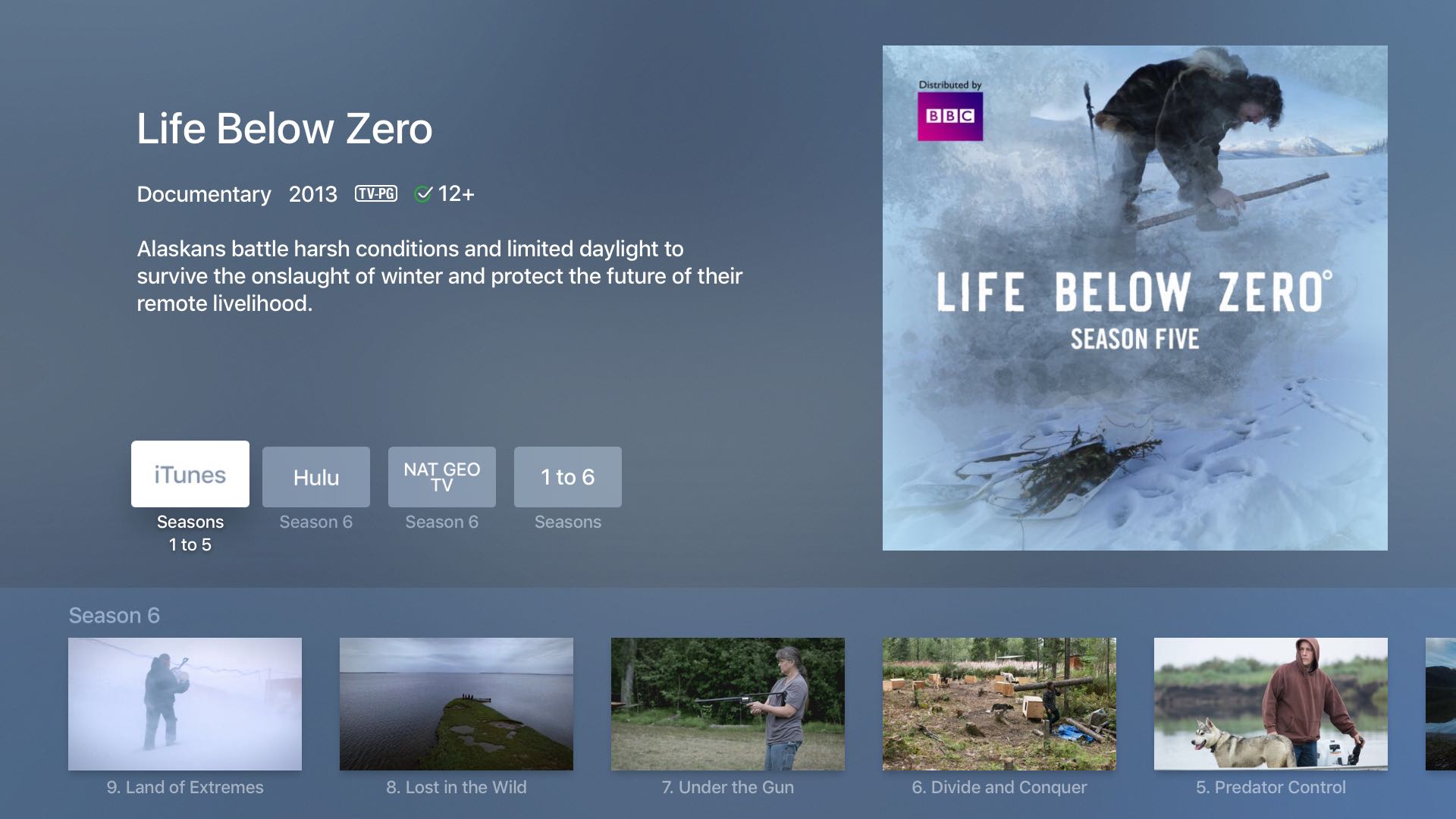
Users who install these apps on their set-top box can press the Siri Remote's microphone button and say things such as “Watch Life Below Zero” and land on the page that now includes that show by the National Geographic channel, in addition to other content sources.

AppRecs: a search engine that filters out apps with fake or questionable reviews

One of the things that can be annoying when using the App Store is when you are trying to find a good app and dozens of fake reviews push junk apps to the top of the search results when all you want is to find the best of the best. Since not all reviews are honest, it can be difficult to filter the good from the bad on your own.

To help combat this problem, a new web app called AppRecs has been created that claims to be able to filter good reviews from the bad. This way, you can skip everyone's junk reviews and junk apps and just see the best apps in the App Store that are truly worth checking out based off of honest reviews.