Year: 2016

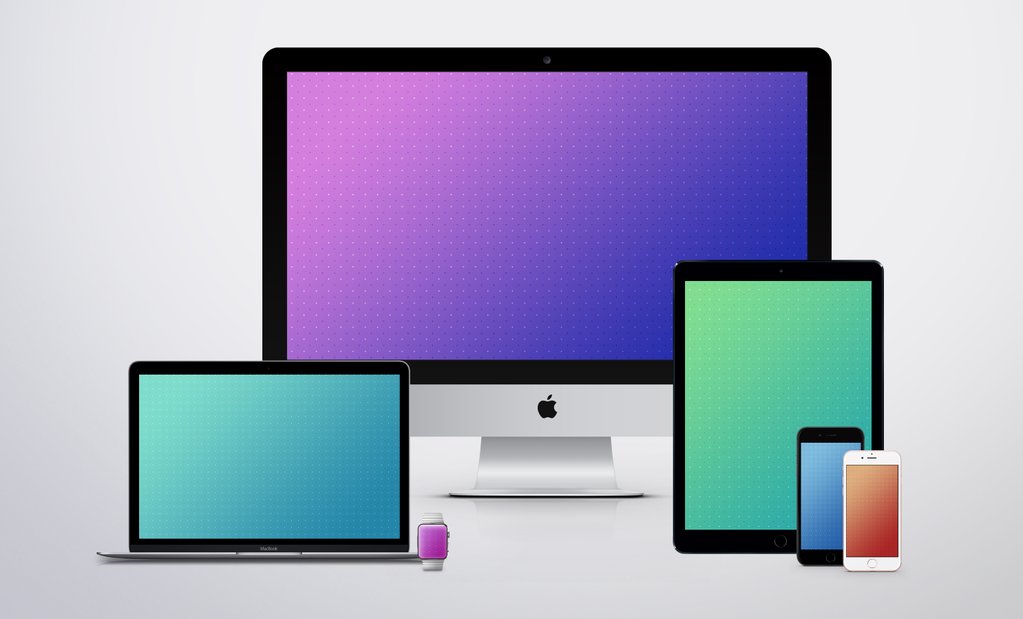
Gradient wallpapers for iPhone, iPad, Apple Watch and desktop

Sunday arrives with a fresh set of device images for the Wallpapers of the Week section. One of the site's most anticipated weekly posts, aims to bring you new device-specific wallpapers. There are a myriad of images amongst the vast Internet, but we ensure they are photo quality and perfectly scaled for your iOS, and sometimes desktop, devices.

The section is completed with images found around the Web, submitted to us directly, or stumbled upon through Twitter. Today, we highlight a long-time iDB fan favorite wallpaper creator, Jason Zigrino. Step inside for his latest.

Jailbreak tweaks of the week: PersonalAssistant, & more…

Every week, we do a recap on all of the jailbreak tweaks we show you. This Sunday will be no different.

Although Cydia isn't exactly kicking with new releases like it does after a fresh new jailbreak, the community is continuing to show its fortitude as new releases hit the Cydia store for current jailbreakers.

First, we will kick off by showing you our favorite releases this week, and then we'll show you the rest of them.

The top stories of the week on iDB

Like every Sunday, we get to take a look at some of the most popular posts that were published on iDB during the week that just ended. Whether it is a news item, a new jailbreak tweak, a tutorial, or an app review, we sum it all up in one convenient place for you.

As always, if you like what you're reading, please feel free to spread the love by sharing our posts on your favorite social network.

We're usually hanging out a lot on Twitter and Facebook, more rarely on Google+.

Don't forget to listen to the latest episode of our new podcast, Let's Talk iOS:

Subscribe on iTunes

Want to support iDB? Visit our Deals Store and buy something from us.

Bring organization to your SMS & iMessage conversations with Message Groups [jailbreak]

Message Groups is a new jailbreak tweak that aims to give you more organization in your Messages app, especially if you're like the developer and have many conversations going on at once, as shown above.

With this tweak, you can add and manage your own custom groups in the Messages app, making it easy to filter through certain contacts or conversations, and as a result, making it quicker and easier to text in general.

In this review, we'll talk about Message Groups and how it can help you.

A fix for iTunes deleting users’ music without permission is coming early next week

Following multiple reports from disgruntled users that a glitch in iTunes is causing the software to inadvertently delete music from their personal library, an Apple spokesperson has acknowledged the issue in a statement issued to The Loop yesterday.

The company is unsure as to what might be causing this issue and has not been able to reproduce it, but it'll still deliver an update for iTunes early next week “which includes additional safeguards”.

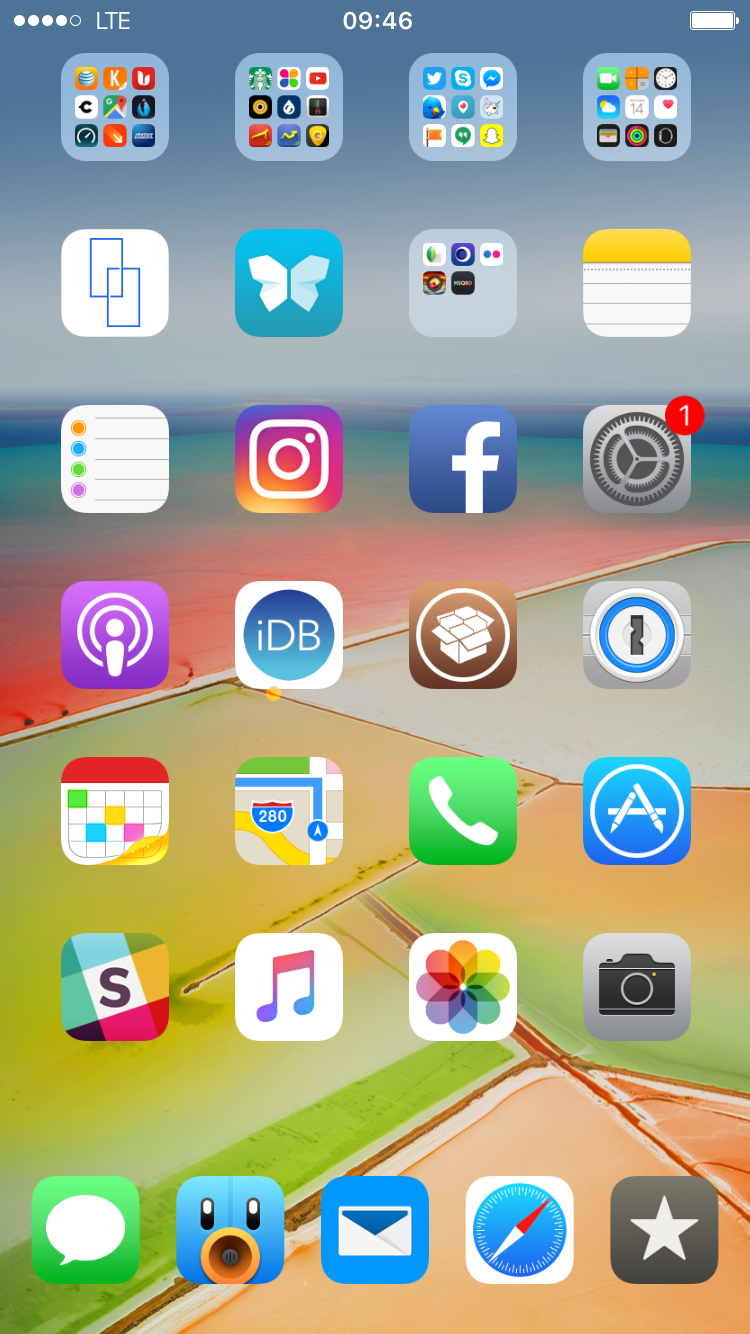
What’s on your Home screen: Sebastien Page

"Show me your Home screen and I'll tell you who you are."

Indeed, the Home screen is a very personal place that reflects who we are and how we use our devices. The way we organize apps and folders can tell a whole lot about our personality, and so does our specific choice of apps.

I've been asked twice this week to share a screenshot of my Home screen set up, so I figured I might as well share with all of you and explain the rational behind the placement of icons and the overall layout, and of course, the specific apps I use.

Using your iPhone as a remote for your Mac or PC

You're probably familiar with Apple's Remote app for iOS devices, which allows you to control your iTunes playback on your Mac from your iPhone, iPod touch, or iPad so long as you're on the same network.

On the other hand, when I think of the word "remote," I think of much more than just controlling music.

It would seem that the makers of the popular Mobile Mouse Remote app for iOS thought the same, and in this piece, we'll talk about how the app works to make your iOS device a superior remote for your Mac.

3 simple tips for eye-popping photos

We are back with another installment in our photo education series. Today we will share an easy tip for making your photos really pop. If you missed the first in this series, you can catch up and find out how to create beautiful HDR photos in under 3 minutes.

Do you ever take a photo of something, only to show it to your friends later and have to add “Well, you had to see it for yourself. It looked better than that.” I think we have all been there. Our photos don’t always accurately represent what we saw, and certainly they can’t represent how we felt at that moment, which in my opinion is intricately tied to the final image.

While there are countless apps available that allow you to make minor adjustments to your iPhone photos, I like to adjust mine with the many tools available in the Creative Kit by Macphun. It’s super-easy to use Creative Kit on your iPhone photos by running them inside of Photos for Mac; you’ll be creating your own masterpieces in no time.

Today, I share the first of three tips you can use on your photos for quick and effective enhancements. Each can give your photo a bit more punch, or add some artistic flair, and it only takes you a couple of minutes to do it. Follow along!

Getting your point across, artfully, with PointOut

PointOut for iPhone, an exciting image annotation app, is celebrating its first birthday with a feature-packed update that surfaced yesterday on the App Store.

As its name hints, this app lets you point out things on your photos and iOS screenshots with pointers such as arrows, dots, circles, lifelike loupes, precision glasses, different canvas layouts, focus areas and more.

These tolls make it super easy to highlight or enlarge specific details on your photos in a manner that'll make an impact on your audience.

In its latest update, PointOut has gained some new pointers with draggable text labels for making even greater impact, a flat magnifying glass for those who couldn't stand the skeuomorphic ones, full support for non-standard iOS keyboards and more.

Having been using this app for months, I've grown to like it quite a lot. This quick review should give you an idea why I deem PointOut a unique iOS annotation app.

Google’s own Amazon Echo-like accessory, dubbed ‘Chirp’ is landing soon

Amazon Echo

Code-named 'Chirp', Google's upcoming hardware appliance will integrate the company's search and voice assistant technologies akin to the Amazon Echo, and is landing soon, Re/code reported yesterday.

The rumored device should resemble Google's OnHub wireless router, according to several sources.

If the increasing popularity of Amazon's integrated wireless speaker and voice command device is an indication—it's estimated they sold three million Echo units to date—Google's rumored accessory could prove popular with users, especially given Google's expertise in voice and search.