Year: 2014

This week on iDB: don’t break your jailbreak

Like every Sunday, we bring you the stories that were the most popular on iDB during this past week. Whether it is a news piece, an editorial, a tutorial, a new jailbreak tweak, or an accessory review, we sum it all up in one convenient place.

If you like what you're reading, please make sure to spread the love by sharing our posts on your favorite social network.

We're usually hanging out a lot on Twitter and Facebook, more rarely on Google+.

The ultimate Notification Center guide iOS 7.1 is out with CarPlay support, Siri and Touch ID improvements and more Jailbreakers should stay away from iOS 7.1 Apple credits iOS 7.1 security changes to evad3rs and other jailbreak community members Two new iPad models discovered in iOS 7.1 Hidden AirPlay feature discovered in Apple TV 6.1 Apps of the week: Brushstroke, Sliver, Faif and more Themes of the week: Newport for iOS 7, Trima HD and Lucid Wallpapers of last week: city vs nature Hands-on with the Hipjot keyboard beta for Cydia – try it now ProWidgets: a groundbreaking widget suite with multitasking features Asphaleia now available on Cydia Polus is now available on Cydia SoundCloud Downloader lets you… download music from SoundCloud directly to your iPhone How to get the iOS 7.1 calendar event list view on iOS 7.0 How to view iPhone photos metadata How to send group text messages on iPhone Suspected iOS 8 screenies show Preview, TextEdit and Healthbook app icons iOS 8: better inter-app sharing, improvements to Messages, Notification Center, CarPlay and more

Don't forget to listen to the latest episode of our new podcast, Let's Talk iOS:

And of course, make sure to catch up with the new episode of Let's Talk Jailbreak:

We’re social! Find iDB on Twitter, Facebook, Google+, App.net, YouTube, and in your RSS reader. Also make sure to subscribe to our new podcast!

Geohot wins $150,000 for exposing ChromeOS exploits

Google held its Pwnium 4 security competition last week at CanSecWest in Vancouver, Canada. The day-long event ended with hundreds of thousands of dollars being awarded to hackers who demonstrated exploits in Google Chrome. And believe it or not, $150,000 of that went to Geohot.

For those not familiar with the name, Geohot has picked up a number of headlines over the past 7 years. After hacking the iPhone he took his talents to the PS3, where he caused enough chaos to get sued by Sony. And he's since been spotted at Facebook, iOSDevCamp and various other places...

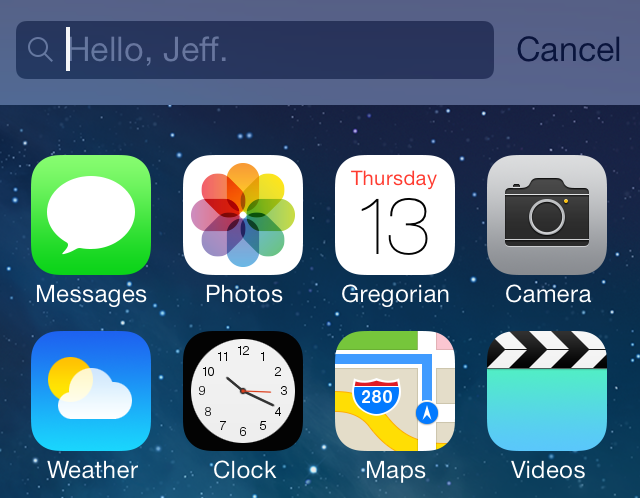
How to add custom text to Spotlight search

Every now and then we are blessed with big-named tweaks and apps like Auxo or ProWidgets or biteSMS. While having releases like those are nice, we realize that they're more the exception than the norm. Far more often, we find ourselves reviewing smaller tweaks like CustomSpotlightText—a new release that makes it possible to change the default text found in the text box after invoking Spotlight.

But that's okay, because these are the type of tweaks that sustain the community and keep it fresh until the next big release. These are the type of tweaks that make jailbroken devices so varied and diverse. With that in mind, step inside, as we walkthrough CustomSpotlightText on video.

How to tone down the Phone app’s neon green in-call status bar

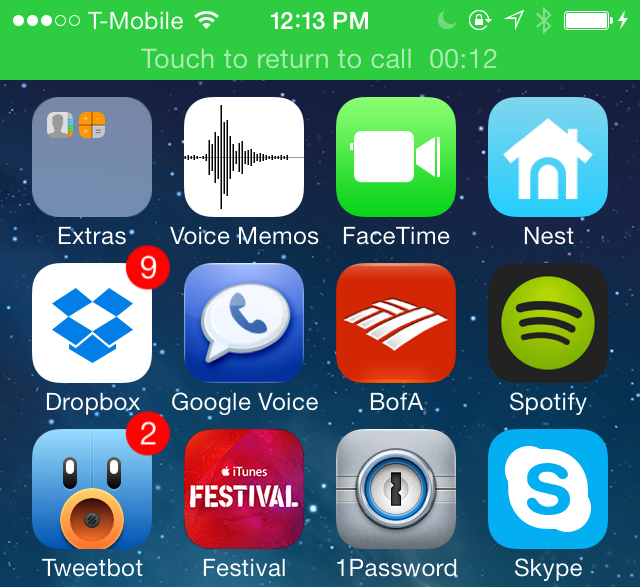
When you make a phone call with the stock Phone app on iOS, you'll notice a green status bar appear at the top of the interface when you exit the app. This status bar serves as a quick shortcut to get back to the stock Phone app, and it also lets you know how long the Phone call has lasted.

If you have sensitive eyes, then you may find the neon green color used on the status bar to be annoying, or at least visually unappealing. Thankfully, there is a simple and easy way to rid the status bar of its neon properties, and it comes in the form of a jailbreak tweak called CalmCall. Have a look at our full video walkthrough after the break to see what I mean.

iOS 7: The ultimate Notification Center guide

Notification Center first appeared in iOS 5 as a way of receiving and accessing notifications from anywhere. It consists of an overlay slide down menu interface, banner notifications, and other types of alerts. Prior to iOS 5, notifications were extremely intrusive and clunky. Notification Center solved many of the issues stemming from receiving notifications on iOS.

Over the past two iOS iterations, Notification Center has been streamlined and improved. iOS 7 brought about several new changes to Notification Center, including the new Today View, which provides users with an overview of the pertinent appointments, stock prices, and even driving alerts.

Needless to day, Notification Center has evolved into a significant feature in iOS with many moving parts. To assist you, we’ve created this ultimate Notification Center guide in order to help you understand how to benefit most from this handy feature.

Apps of the Week: Brushstroke, Sliver, Faif and more

Nothing says, “Its time for the weekend” like an apps of the week list. This weekend is merely a rest up for the real party that happens on Monday, St. Paddy’s day. Don’t forget your green undies.

If you are sick of green beer, green cupcakes, and goofy green hats, maybe it is time to stop reading Reddit and start playing some mobile games. If you are looking for something to help you detox after Monday night’s debauchery, we have a list of apps and games that will take your mind off of those pink elephants on parade…

Rovio teases new Tiny Thief episode ‘Bewitched’

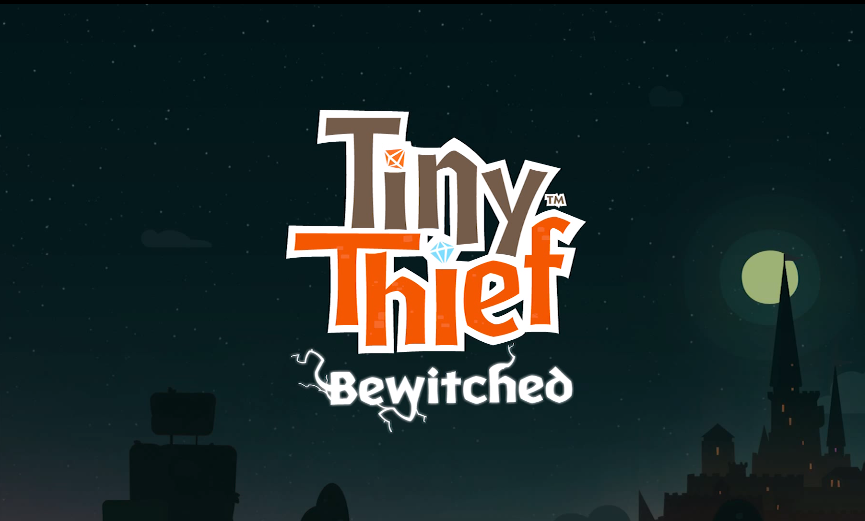
It seems like Rovio has been 'teasing' a lot of things lately. There's its upcoming RPG 'Angry Birds Epic,' and then 'Angry Birds Stella,' which is coming this fall. But what about for the folks who aren't a fan of the furry fowl-flinging franchise? Two words: Tiny Thief.

That's right, the Finnish developer has posted a teaser trailer for a new episode of its popular puzzler this weekend. The episode is entitled 'Bewitched,' and as you'd imagine it has a Halloween-kind of vibe with witches flying on brooms and—well, just watch the clip...

Auto manufacturers say aftermarket CarPlay support will be difficult

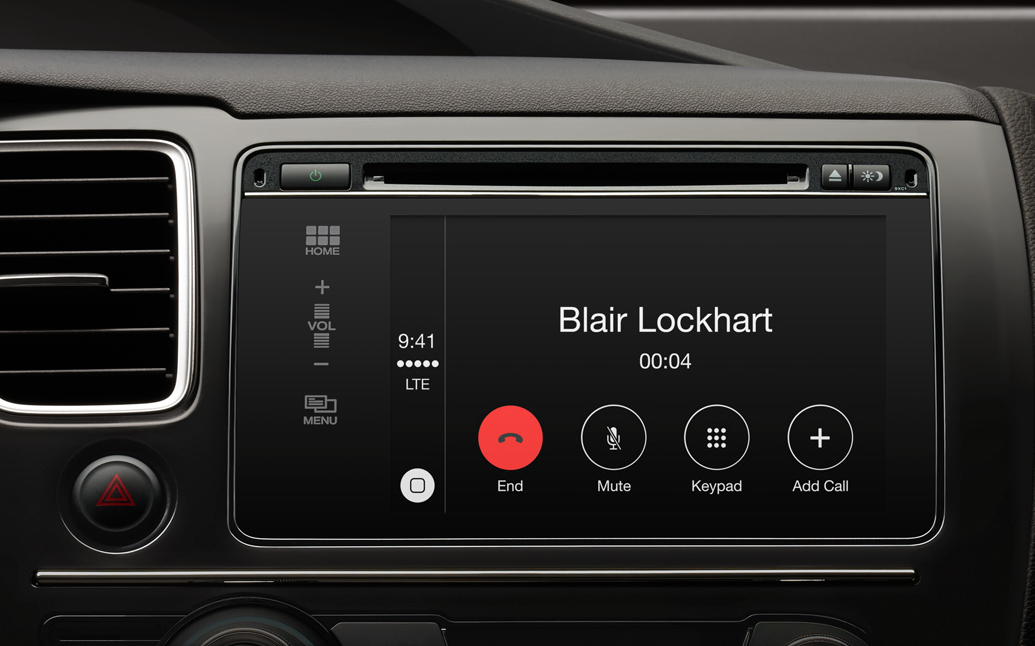
The hope that older vehicles and aftermarket products will eventually support Apple's new CarPlay system took a bit of a blow yesterday. How-to website AppleToolbox spoke with reps from both Volvo and Ferrari, and both made it sound like it's going to be extremely difficult to do.

In fact, Ferrari has dismissed the possibility all together, saying that CarPlay "is available only on new range cars and cannot be installed on older ones." Volvo, on the other hand, hasn't ruled it out yet, but admits those adding aftermarket CarPlay support will face "major roadblocks."

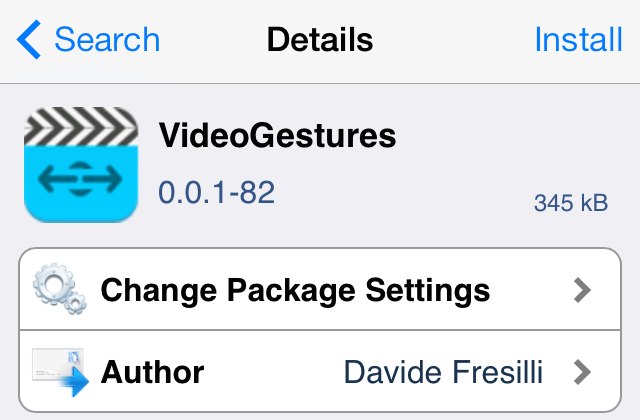
How to add swipe gestures to video playback

VideoGestures is a recently released tweak that allows you to perform gestures while playing video to adjust volume and playhead position. The tweak features several settings to adjust the velocity of swipe gestures, along with a setting to invert the gestures for natural scrolling.

If you're looking for an intuitive way to control video playback on iOS, then look no further. Check out our full video walkthrough after the break.

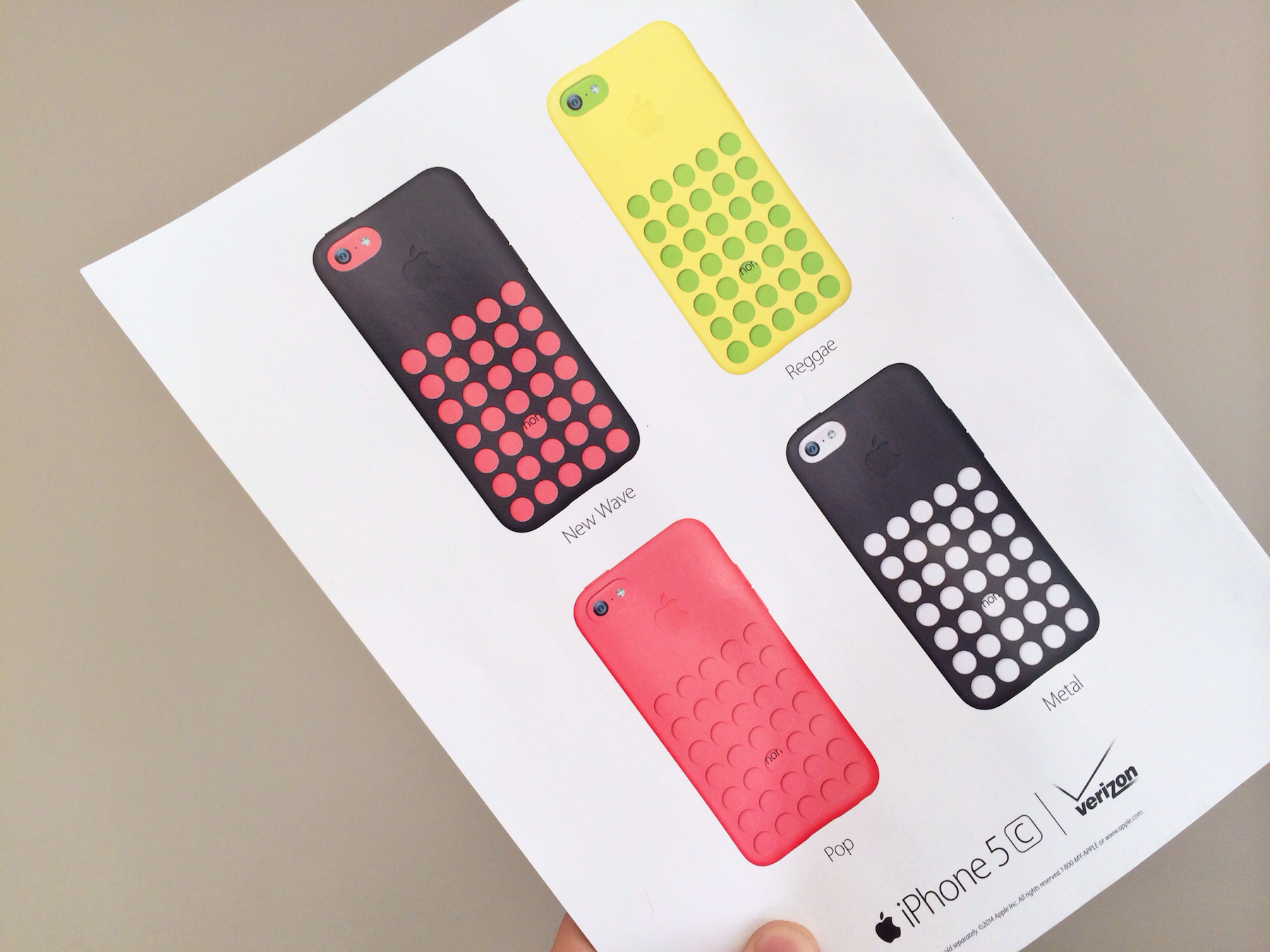
Apple extends iPhone 5c ad push to Rolling Stone magazine

Continuing with its advertising push for the iPhone 5c, Apple has taken out a high-profile ad in this month's issue of Rolling Stone. The print ad, which resembles the art we have seen in online spots, can be found on the back cover of the magazine.

Earlier today we noted that Apple had launched a rather aggressive campaign for the handset, which it launched last fall. In the past few weeks, animated 5c ads have popped up on expensive real estate, including Yahoo.com and NYTimes.com...

Both Apple Store apps updated with various improvements

Apple has pushed a pair of tiny updates to its two Apple Store clients (iPhone and iPad versions are separate downloads) this afternoon. The updates bring the two apps to version 2.9.2 and 1.1.1 respectively, and include various improvements.

On the iPhone side, Apple has improved notifications for folks using the app in retail stores—users can now view notifications from within the app and on the Lock screen. And as for the iPad, Apple has added the ability to gift card purchases...

Nozoku Rush: is your brain quick enough for this matching game?

When you see the word “math” or “subtraction” in a title, you probably have a preconceived idea of what the game will entail… learning. Most of the time, educational games are synonymous with boring.

Nozoku Rush may be about math, but it is not about learning and it is not boring. In fact, you have to already be pretty good at quickly answering subtraction equations in order to score well…