Year: 2014

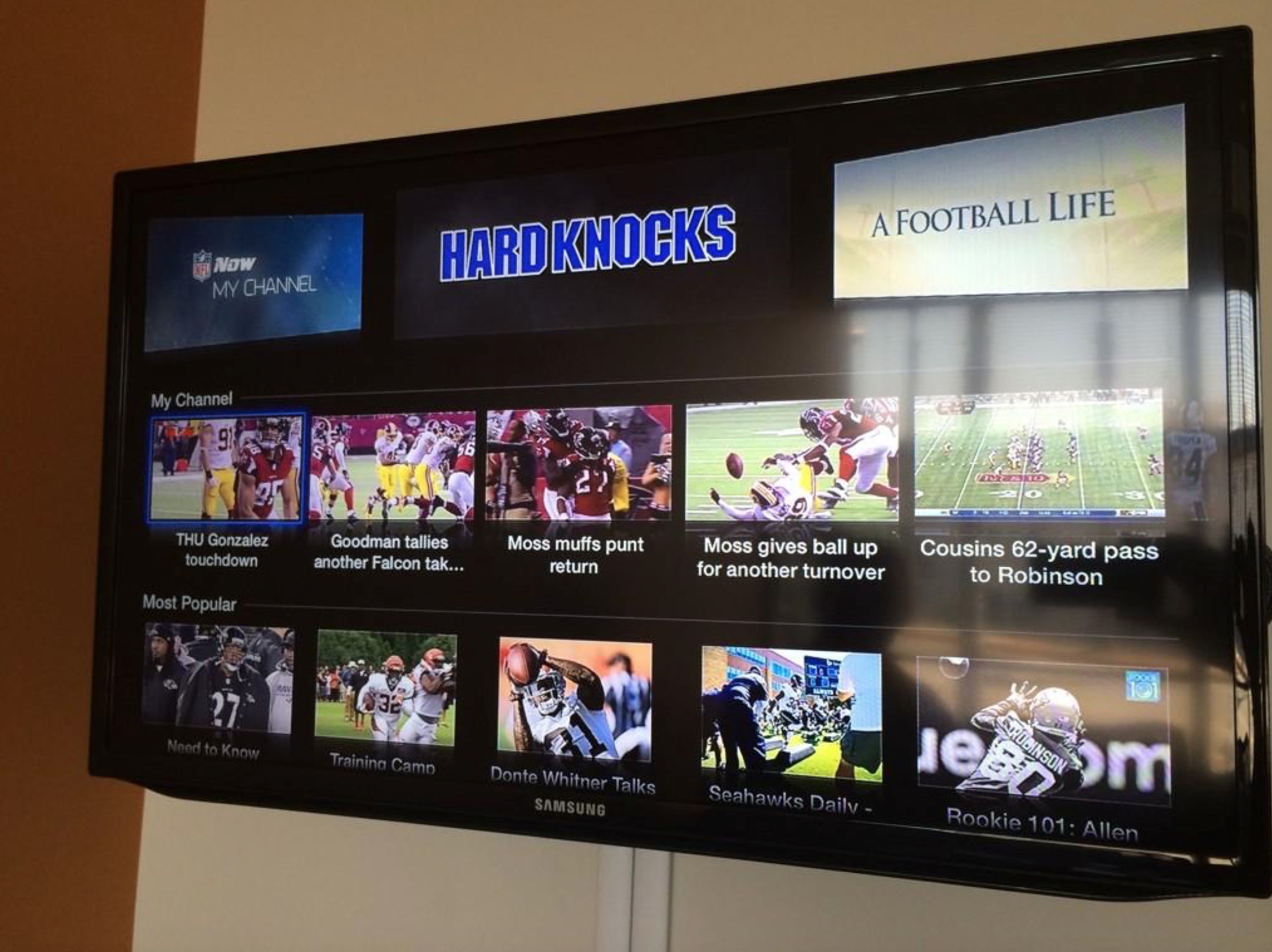
Up next on Apple TV: NFL Now

Back in January, the NFL said it will be rolling out an all-new NFL Now service this summer and now a new rumor Monday morning alleged that launch is imminent. Moreover, NFL Now should launch in time for the new season as a channel on the $99 Apple TV box, too.

Announced back in January, NFL Now is a personalized on-demand video service for sports fans that delivers a steady stream of original content such as news broadcasts, features, highlights, extensive archives, live streams of press events and more.

The service will be launching across multiple platforms ahead of the 2014-2105 NFL season, which kicks off later in August...

Samsung to unveil Galaxy Note 4 and other new gizmos at September 3 ‘Unpacked’ event

Apple's arch-rival Samsung just made it known it'll be holding a major media event on Wednesday, September 3, 2014. The invites for the new 'Unpacked' event, something of an annual tradition for the South Korean conglomerate, have now gone out to select members of the press, hinting at a possible unveiling of the Note 4 phablet.

Although the Galaxy S5 smartphone is already there, the firm is rumored to be also unveiling a premium all-metal edition of the smartphone to help improve its market standing in the wake of the expected massive iPhone 6 launch, which is also expected to be unveiled at a media event some time in September...

PHHHOTO lets you take moving pictures you can share with all your friends

By now, most people have an Instagram or Vine account. Even if you don’t, you probably use Facebook or Twitter to share pictures with friends and family. Frankly, I’m getting bored with all of these sedentary images. I want my pictures to move.

PHHHOTO might be called the next-generation of photography-based social networking. Instead of plain, non-moving snapshots of your trip to the fair, you can create one-second animated GIFs to share with the world. We took the app for a test spin and have a review of PHHHOTO for you today…

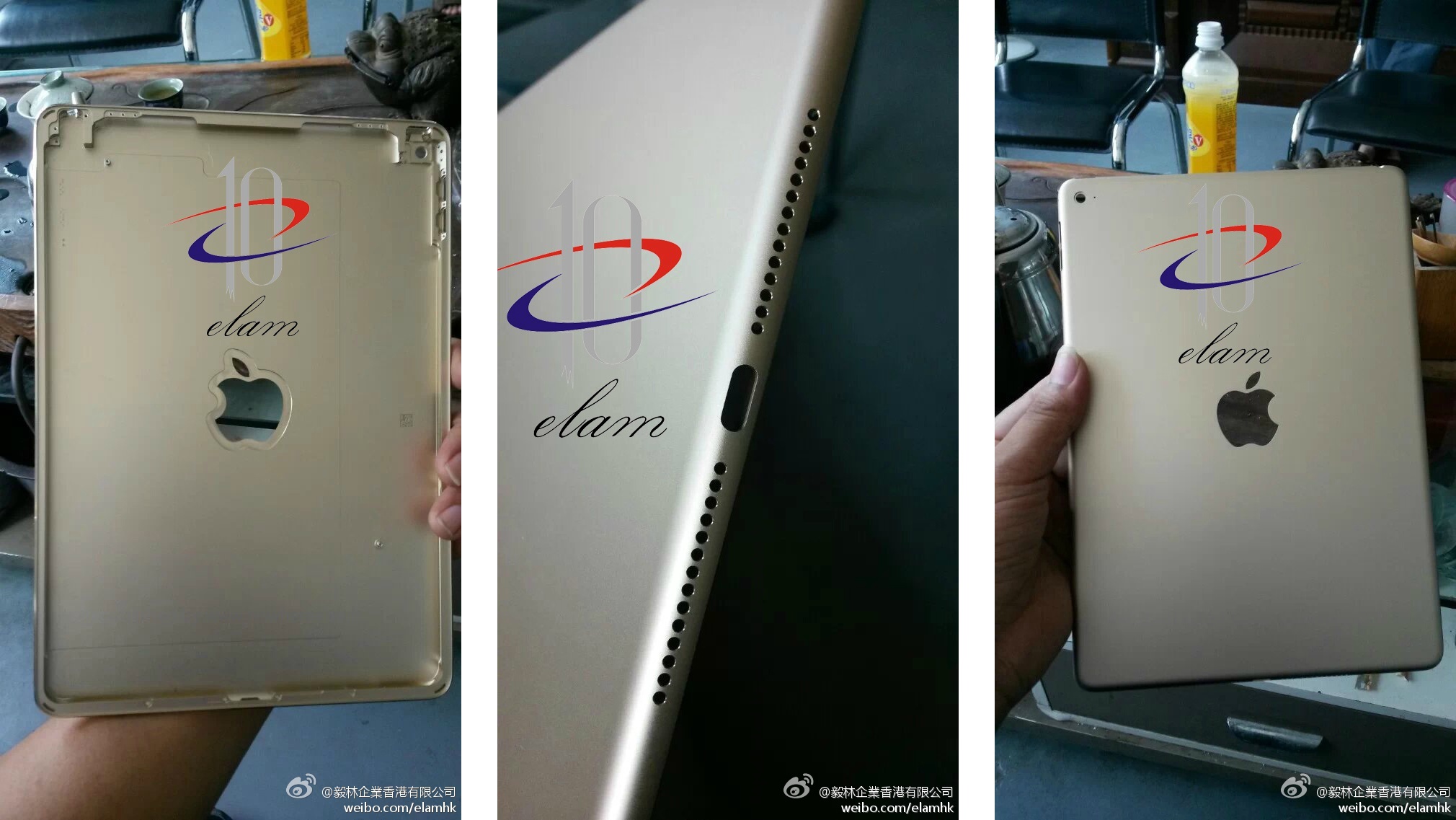
New photos show alleged iPad Air 2 shell

Some new photos popped up on China's Sina Weibo microblogging site this weekend of what is claimed to be the rear shell of a second-gen iPad Air. Posted by accessory maker Yi Lin Enterprises, the photos could shed some light on what Apple's upcoming tablet looks like.

For the most part, the component matches up with the one found on the current iPad Air, but there are a few differences. For starters, the speaker grille now features one row of large holes instead of two rows of tiny holes, and it looks like the rear mic has been relocated...

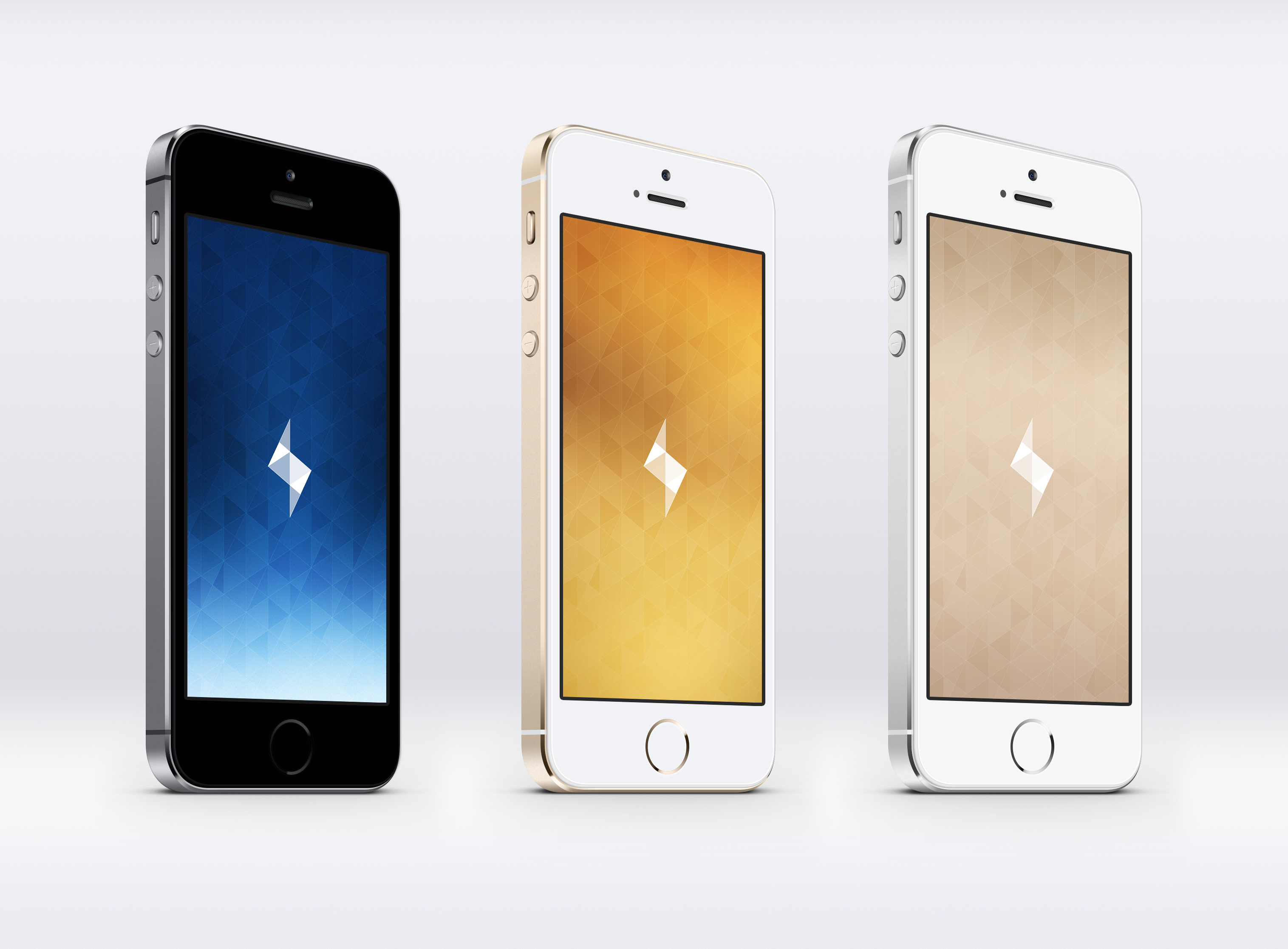
Instagram’s Bolt wallpapers

As with previous Wallpaper of the Week editions, there is a desire to populate relevant media to the section. Typically, the section is completed with wallpapers by theme or genre. Alternatively, when there are time related walls, we like to make sure they spot light on the Sunday afternoon post.

Instagram released a new Snapchat competitor, Bolt. Considered a "one-tap photo messaging" solution, Bolt does not require a Facebook or Instagram account to operate. Instead, Bolt utilizes a mobile phone number to interact with friends via photos and videos.

With a minimal and elegant home page, Bolt sparked the interest of @JasonZigrino, who submitted his wallpapers inspired by the new app.

The best apps for shooting and editing videos

Let me fill you in on a little secret; no one wants to watch your hour-long vacation videos. Friends and family will oblige you, but they are only being polite. What would make everyone’s day is if you would just throw together the best five or 10 minutes of the trip, set it to a nice soundtrack, add a few effects, and call it a day.

We’ve got a list of the best apps for shooting and editing videos so you can quickly slap together the perfect montage and keep your friends from falling asleep during your kid’s graduation memories.

This week on iDB: the best of iOS 8

Like every Sunday, we get to take a look at some of the most popular posts that were published on iDB during the week that just ended. Whether it is a news item, a new jailbreak tweak, a tutorial, or an app review, we sum it all up in one convenient place for you.

As always, if you like what you're reading, please feel free to spread the love by sharing our posts on your favorite social network.

We're usually hanging out a lot on Twitter and Facebook, more rarely on Google+.

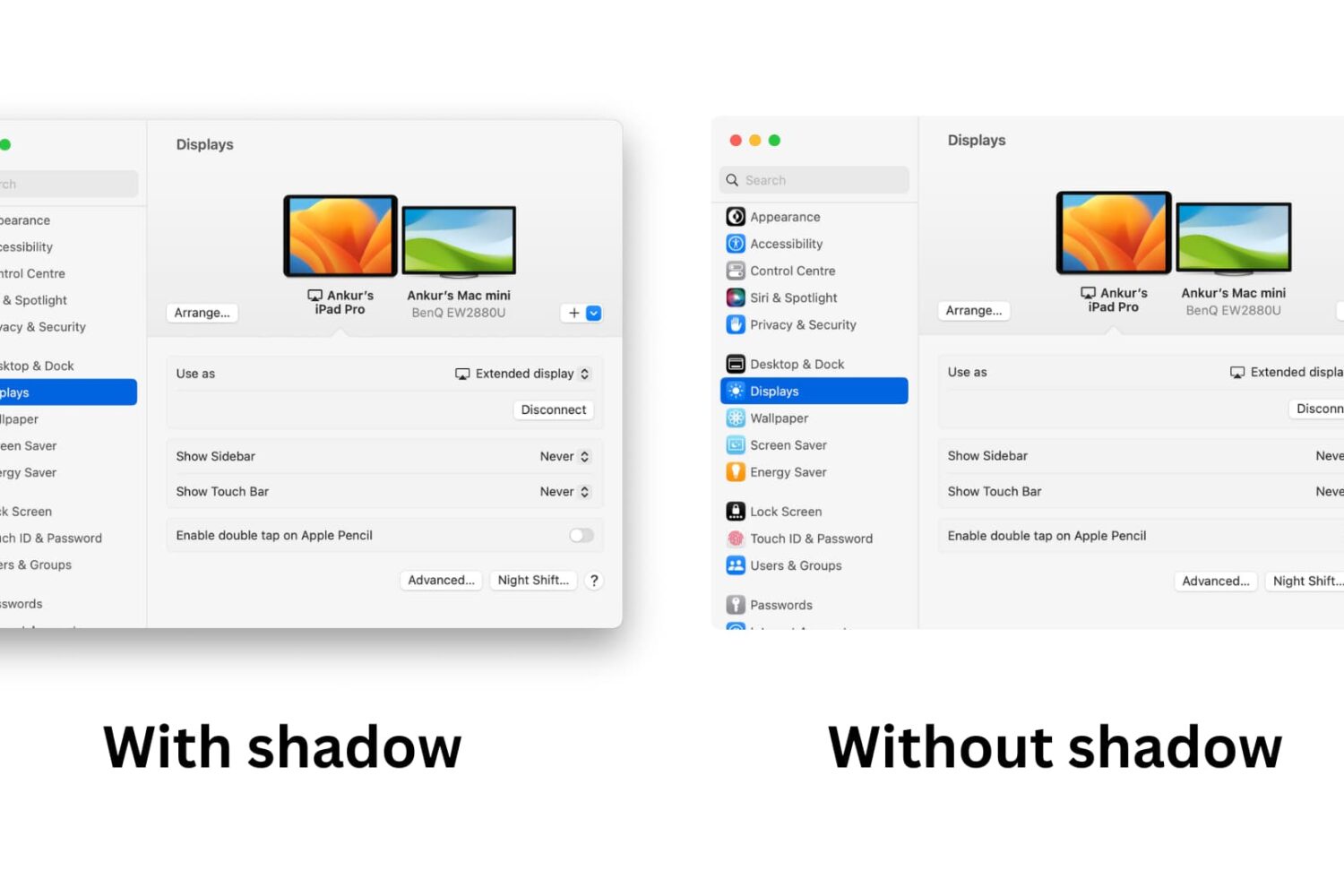
The best of iOS 8: from new features to developer tools The best jailbreak tweaks for the Messages app on iOS 7 How to delete old iPhone backups How to stream torrents to your Apple TV, no jailbreak needed ‘Mikoto’ is like Springtomize for apps President Obama signs bill making it legal to unlock your phone again Another video surfaces showing off alleged iPhone 6 back assembly enclosure How to grab Mac screenshots like a pro How to change Mac screenshot file format in OS X Photos of alleged Home button parts for both iPhone 6 models surface The best dating apps for iPhone Samsung’s troubles prove Apple knows exactly what it’s doing Wallpapers of last week: Colorado landscapes Apps of the week: NPR One, Blood Bowl, 80 Days, and more

Don't forget to listen to the latest episode of our new podcast, Let's Talk iOS:

Subscribe on iTunes

And of course, make sure to catch up with the new episode of Let's Talk Jailbreak:

Find iDB on Twitter, Facebook, Google+, App.net, YouTube, and in your RSS reader. Also make sure to subscribe to our new podcast!

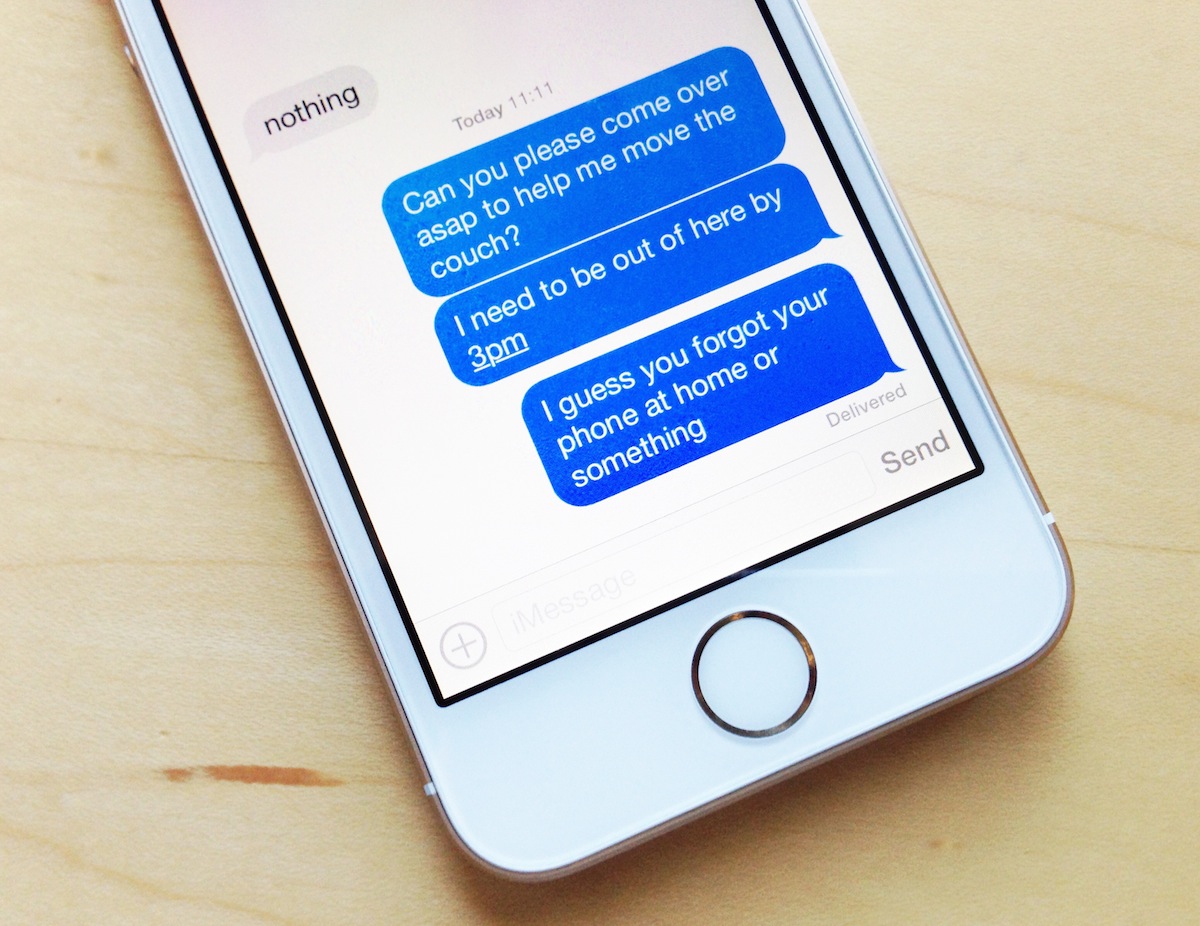
The best jailbreak tweaks for the Messages app on iOS 7

Last week, we presented you a list of best jailbreak tweaks for the Music app on your jailbroken iOS 7. Today, we're back it again to show you a list of best jailbreak tweaks that will spice up the stock Messages app.

The Messages app has been greatly improved over time and comes packed with amazing features in the latest version of iOS 7. The Messages app is both used for SMS as well as iMessage for communication with other Apple devices. However, there are a few features that it lacks but can be achieved by using the tweaks listed below. Read on to find out the best jailbreak tweaks for the Messages app on iOS 7.

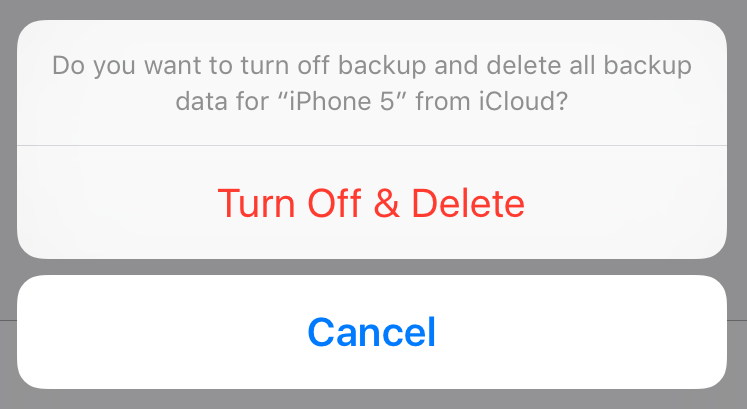
How to delete old iPhone backups

Manually backing up your iPhone or iPad, or taking advantage of iCloud automatic backups, is the best way to guarantee that you will be able to get all your data back in the event something goes wrong.

Whether you choose to backup via iTunes or iCloud, you might want to delete this backup at some point. Maybe the backup file got corrupted, or maybe you're running out of storage space on your Mac or in iCloud. Or maybe you have an entirely different reason to delete your iPhone or iPad backup file.

Whatever the reason is, we've got you covered. In this post, we will learn how to delete an iPhone backup from a Mac and we'll also see how to delete a backup file from iCloud.

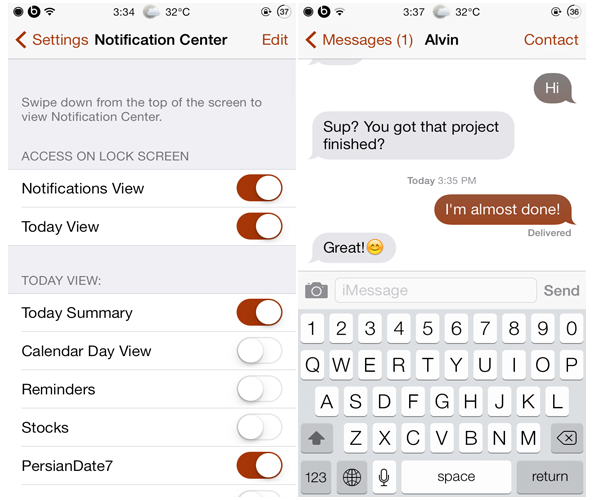
Chroma: customize the system-wide tint in iOS

One of the reasons that users jailbreak their iOS device is to customize almost every aspect of iOS's UI elements. The default tint color in iOS is blue and that is why you'll notice most of the buttons, toggles or chat bubbles colored blue. However, Chroma is a brand new jailbreak tweak that just hit Cydia's ModMyi repo recently and is the best way to customize the tint color in iOS.

Chroma allows users to customize the system-wide tint in iOS with an unlimited range of colors. In other words, there's no limited color combinations, the end result depends totally upon you and your choice. Once you choose a color, it will be applied to many different user interface elements across all applications such as the buttons in App Store's navigation bar, chat bubbles in the Messages app etc...

WidgetMemo lets you create memos you can pin to Notification Center

Whenever someone tells me something important to remember, or I have a thought that I don’t want to forget, I write it down on whatever scrap of paper I have within arms reach. Oftentimes, those notes get tossed out with the garbage and I forget about them anyway.

WidgetMemo aims to stop the unnecessary loss of important notes by letting you create them on your iPhone using a simple user-interface. Your memos can easily be viewed in Notification Center, where you presumably check regularly throughout the day anyway. So, you’ll never forget what you were supposed to remember…