Year: 2014

Rumor: low-powered M7 successor code-named ‘Phosphorous’ to collect health and fitness data (Updated)

An Apple chip internally code-named 'Phosphorous' has been identified on leaked schematics and thought to replace the M7, a motion coprocessor which debuted inside the iPhone 5s last Fall. (Update: It's looking like a barometer pressure sensor instead.)

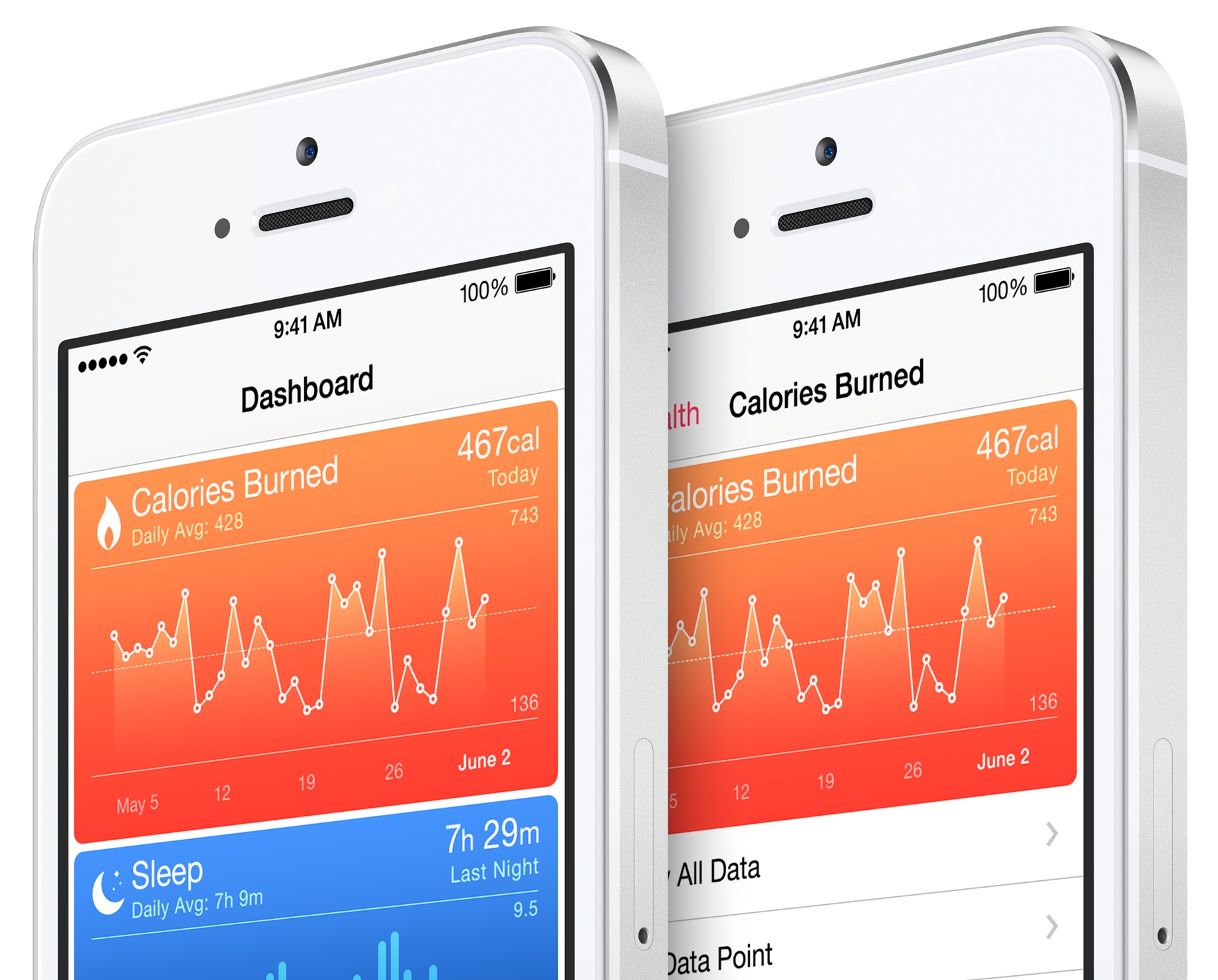
It's said to include the M7's motion tracking functions and thought to be able to collect a number of health and fitness data from various health and fitness accessories and specialized medical devices.

This apparently includes heart rates, calories burned, cholesterol levels, blood sugar and more. It's believed the chip works in tandem with iOS 8 and the new Health app, which allows users to enter a number of health and fitness-related data manually, or automatically collect these from various HealthKit-friendly accessories and wearables.

Lion wallpapers for iPhone and iPad

We are back with another edition of Wallpapers of the Week. Last week, we featured a grouping of wallpapers termed "stars and moons," to much excitement. However, there were several comments about not receiving the posted wallpapers in iPad format. The Wallpapers of the Week section is designed for iOS device wallpaper downloads, but that doesn't guarantee any certain size submission. With the intent to make a conscious effort to please those readers looking for iPad wallpapers, this week I chose a set of wallpapers with iPad specific sizes.

Taking the subject back to nature, the walls herein are of the jungle's king. With no intent on striking a resemblance between Apple's operating system and the subject matter, simply, lions are a very striking and photogenic creature. The lion's majesty is caught in these images and shared for all your iOS devices.

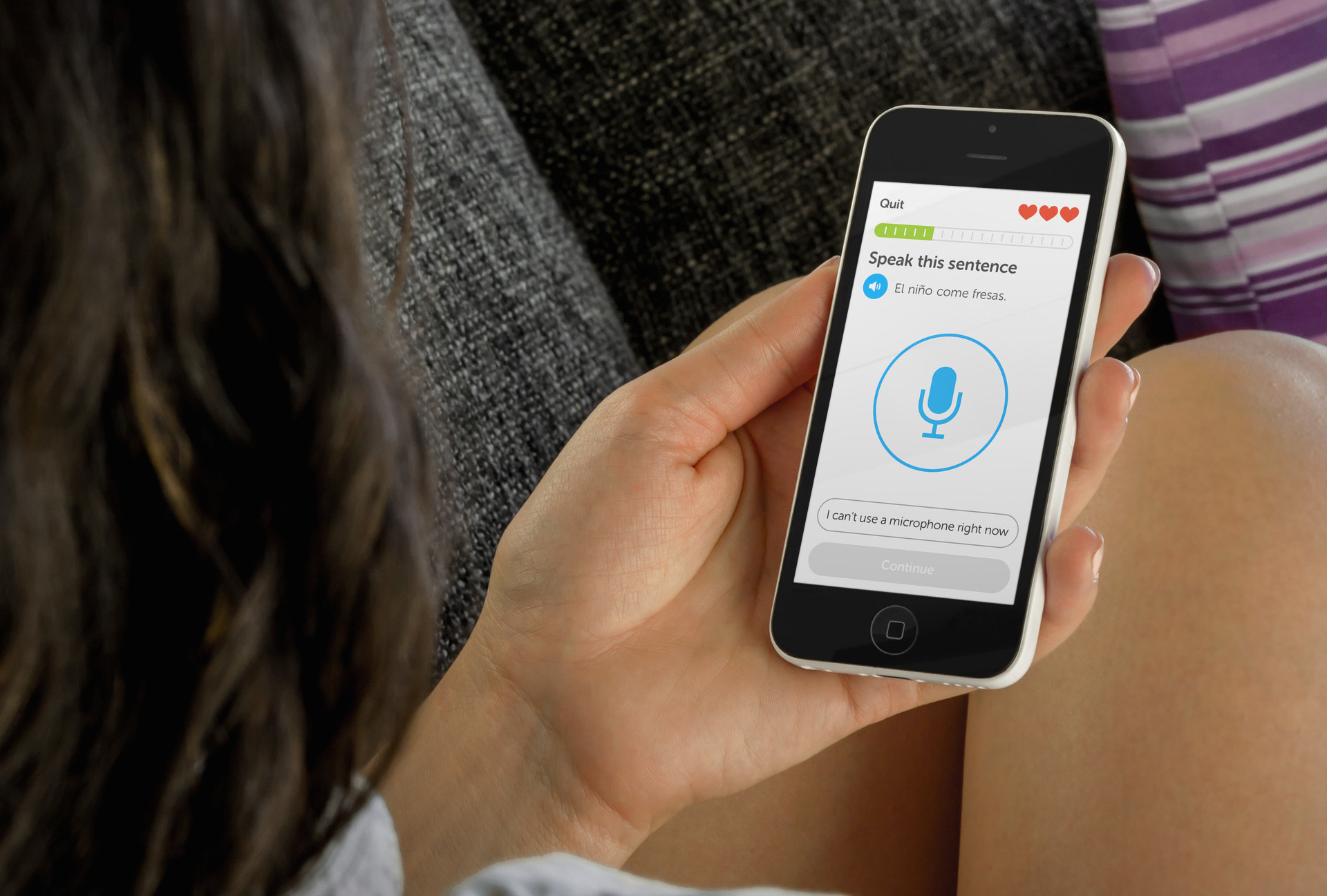
The best apps for learning a new language

I’ve learned three languages in addition to my native English over my lifetime. I took three years of Spanish in high school, two semesters of Mandarin in junior college, and four semesters of French in college. Guess what? I forgot everything. If you don’t use it, you lose it. Seriously.

If you used to know multiple languages but forgot everything, want to brush up on a language you don't get to use very often, or just want to learn a new one, we’ve got a list of what we think are the best apps for learning a new language.

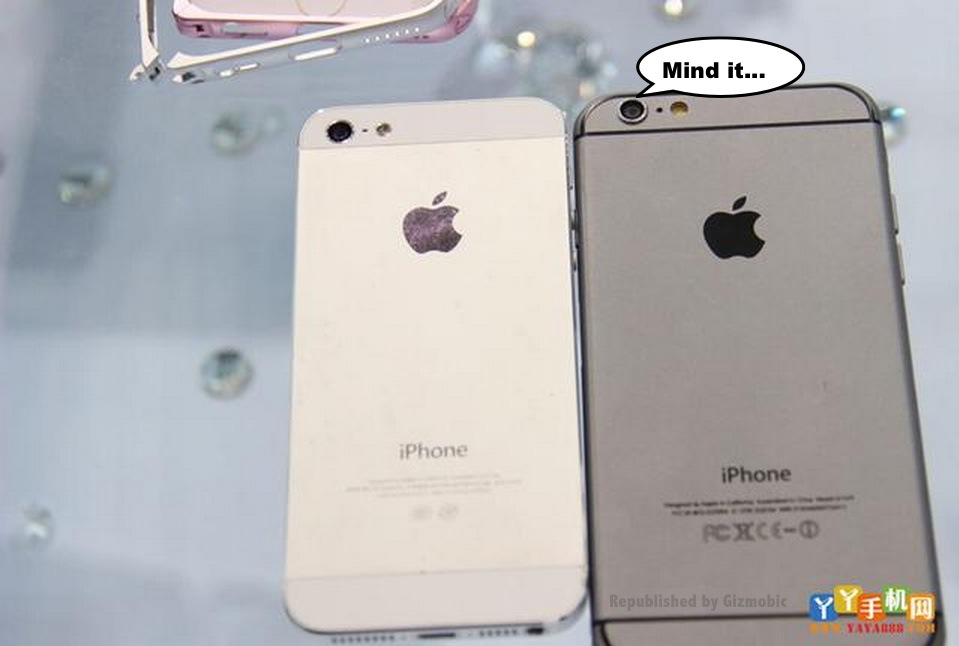
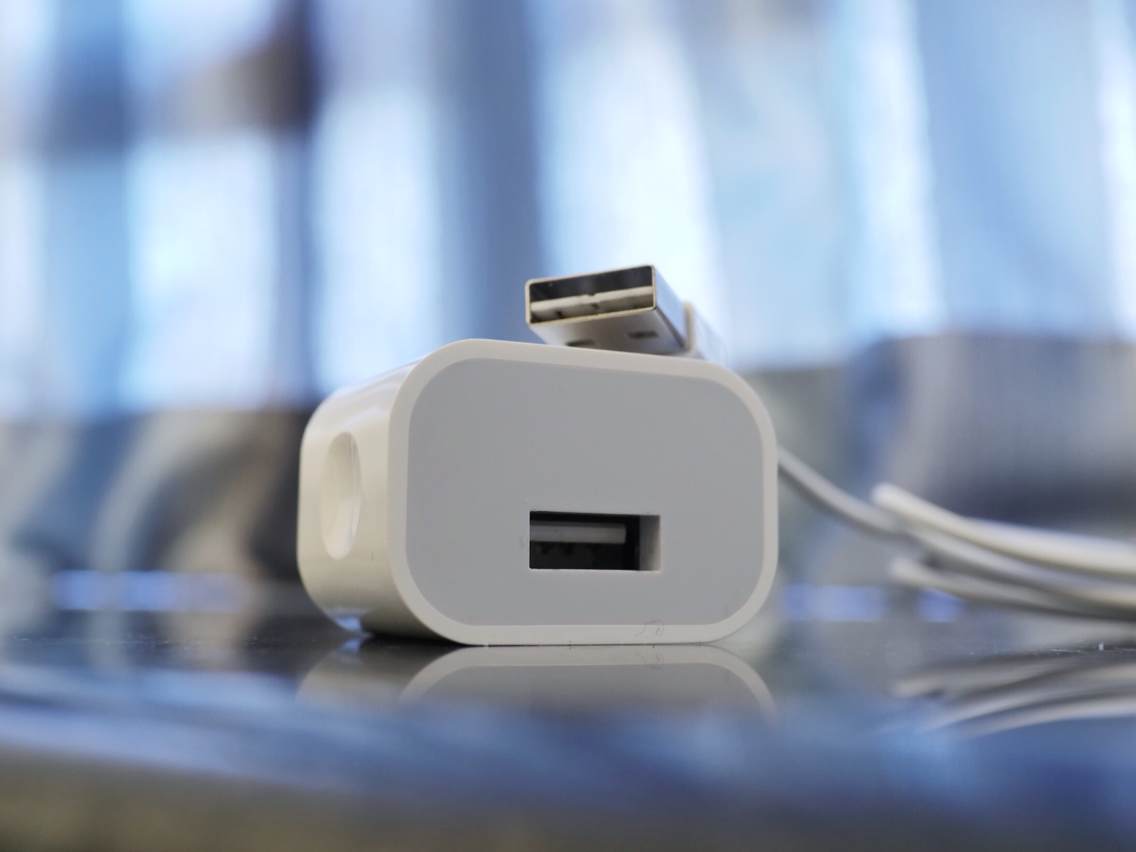
This week on iDB: iPhone 6 and reversible Lightning USB cable

Like every Sunday, we get to take a look at some of the most popular posts that were published on iDB during the week that just ended. Whether it is a news item, a new jailbreak tweak, a tutorial, or an app review, we sum it all up in one convenient place for you.

As always, if you like what you're reading, please feel free to spread the love by sharing our posts on your favorite social network.

We're usually hanging out a lot on Twitter and Facebook, more rarely on Google+.

Here’s why Beta 5 may be the final iOS 8 build seeded to devs ahead of Gold Master Apple releases OS X Yosemite Developer Preview 6 Hands-on with the TouchPal third-party keyboard for iOS 8 Having iPhone 5 battery problems? You could be eligible for a free battery replacement Weight, size, camera design, battery: more details about iPhone 6 emerge Alleged reversible Lightning to USB iPhone 6 cable caught on video More evidence that iPhone 6 and new iPads may ship with fully reversible Lightning cable New photos show partially assembled iPhone 6 How to protect yourself from iMessage spam How to erase everything on your iPhone or iPad This app tells you what apps are battery hogs Beautiful iOS calculator Tydlig goes temporarily free in official Apple Store app Apps of the week: Star Walk 2, The Firm, PAC-MAN Friends, and more… The best jailbreak tweaks for Control Center on iOS 7 The best jailbreak tweaks for Touch ID Download the new OS X Yosemite wallpapers for Mac, iPhone, and iPad Wallpapers of the week: stars and moons

Don't forget to listen to the latest episode of our new podcast, Let's Talk iOS:

Subscribe on iTunes

And of course, make sure to catch up with the new episode of Let's Talk Jailbreak:

Find iDB on Twitter, Facebook, Google+, App.net, YouTube, and in your RSS reader. Also make sure to subscribe to our new podcast!
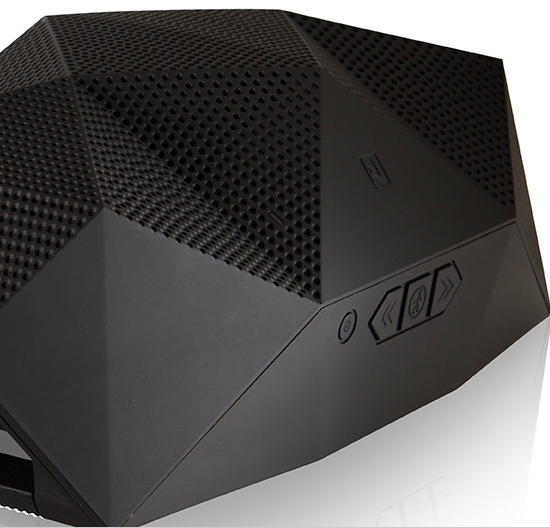
The Big Turtle Shell and its 2.0 sidekick are Bluetooth speakers that can handle the elements

I'm partial to having a speaker in almost every room of the house. There is no particular reason why and, after thinking about it, I am not really that into music. However it is nice to always have some jams going in the background. Thanks to Outdoor Tech, I can have music going in one room, but still hear it in the next. Or, if I am rocking out in the neighborhood pool, I am loud enough to get in trouble.

After meeting with Outdoor Tech at CES, I was really excited about both the Big Turtle Shell and the Turtle Shell 2.0. If you can recall, I reviewed the Turtle Shell gen. 1, and was pretty impressed. In fact, the Turtle Shell has not left my kitchen, except for a couple of roadie tours, for a complete year. I have access to a lot of gear, so it is definitely a credit to the product for any one to make it a full year.

I must admit, the Turtle Shell has been de-throned, in favor of the 2.0 version and the big brother, Big Turtle Shell.

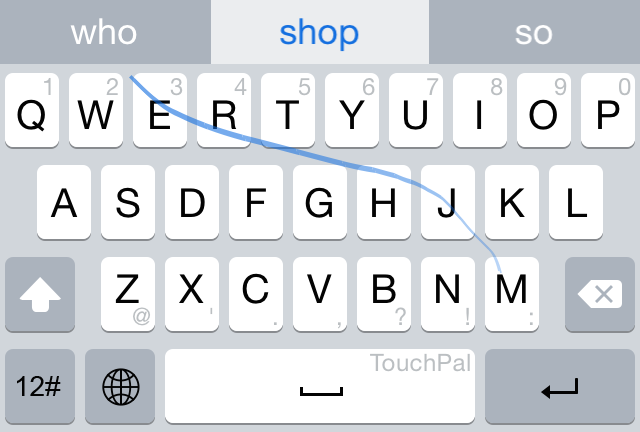
Hands-on with the TouchPal third-party keyboard for iOS 8

It's no secret that I've dipped my toes into the Android waters a time or two during my tenure at iDB, but I always end up hugging my iOS devices in the end. Android has some great ideas, but, at least for me, the experience is still not cohesive enough to warrant a switch.

One of the big takeaways from my last Android experience was how much I loved having third-party keyboards. I've ranted about this in the past on an episode of Let's Talk iOS. It doesn't make sense that we treat software keyboards just like we do a standard desktop keyboard.

We type on each key individually on a desktop keyboard because we have to, but the glass surface of a touch-screen tablet or phone doesn't have this restriction. Why are we still typing in such an antiquated way? It's slower, prone to mistakes, and doesn't take advantage of the software. This is one of the most frustrating aspects of iOS, and one of the key reasons that I had a hard time letting go of my Samsung Galaxy S5.

You can only imagine my excitement when Apple revealed that it would be allowing third-party keyboard access in iOS 8. This, not widgets, not extensions, was by far the most exciting thing to me about iOS 8. It's something I've been longing for since I saw how much better it is to type, or should I say swipe, using third-party keyboards.

Yesterday, I got the chance to go hands-on with TouchPal—one of the very first third-party keyboards for iOS 8. Watch, as I show you how to enable and use a third-party keyboard in iOS 8.

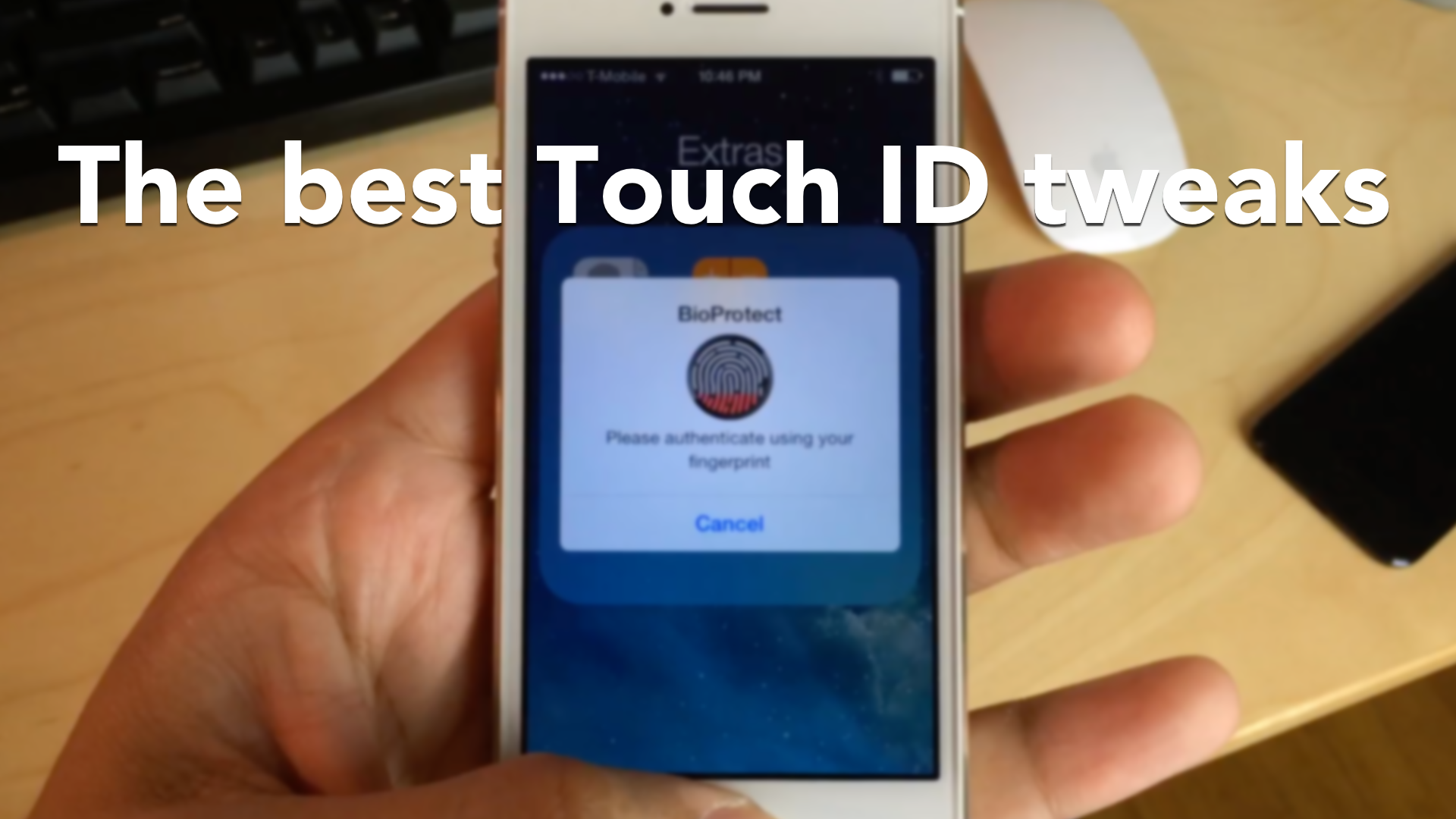
The best jailbreak tweaks for Touch ID

Touch ID has been at the forefront of jailbreak development since it arrived, and for good reason: it's the flagship feature on Apple's iPhone 5s. As a result, there are many jailbreak tweaks that seek to alter the way that Touch ID works. Some tweaks allows you to secure individual apps with Touch ID, while others allow you to authenticate logins to websites and apps using only your fingerprints.

We've taken the liberty to compile a list of the best jailbreak tweaks for Touch ID to hit Cydia, and we break them down for you in a brand new video walkthrough.

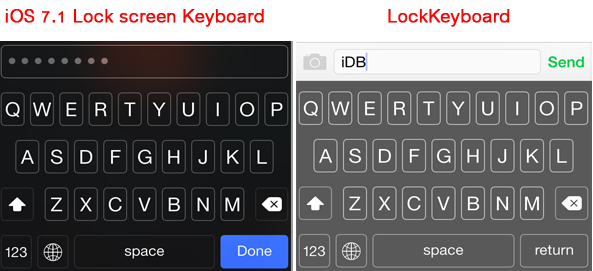
LockKeyboard lets you use the iOS 7.1 Lock screen keyboard across iOS

If you've updated your device to iOS 7.1.x, you might have noticed that the Lock screen keyboard looks quite different than the default keyboard that pops up when you're typing. The new keyboard appears only on the Lock screen when you're entering an alphanumeric passcode, and it is not available for other parts of iOS 7.1. A new tweak appropriately called LockKeyboard allows you to bring the iOS 7.1 Lock screen keyboard to your entire device.

Apps of the week: Star Walk 2, The Firm, PAC-MAN Friends, and more…

This has been a great week for discounts on great apps and games. We saw Tydlig drop in price to zero from $2.99 and the exciting arcade runner Atom Run is this week’s Free App Of The Week. There were some sweet updates as well, like Vine’s new camera roll upload feature and the SoundHound-Rdio integration.

We also saw the launch of some fantastic new titles. If you are looking for some great new content for your iPhone, we’ve got a great list of new apps and games for you to check out this weekend.

Having iPhone 5 battery problems? You could be eligible for a free battery replacement

Apple initiated a new Battery Replacement Program on Friday, acknowledging a small percentage of iPhone 5 units may be having battery problems. According to Apple, affected "iPhone 5 devices may suddenly experience shorter battery life or need to be charged more frequently." If you purchased an iPhone 5 between September 2012 and January 2013, and if you’re experiencing these symptoms, then you might be eligible for a free battery replacement.