Month: April 2013

Messages: a compromise between biteSMS and the stock Messages app

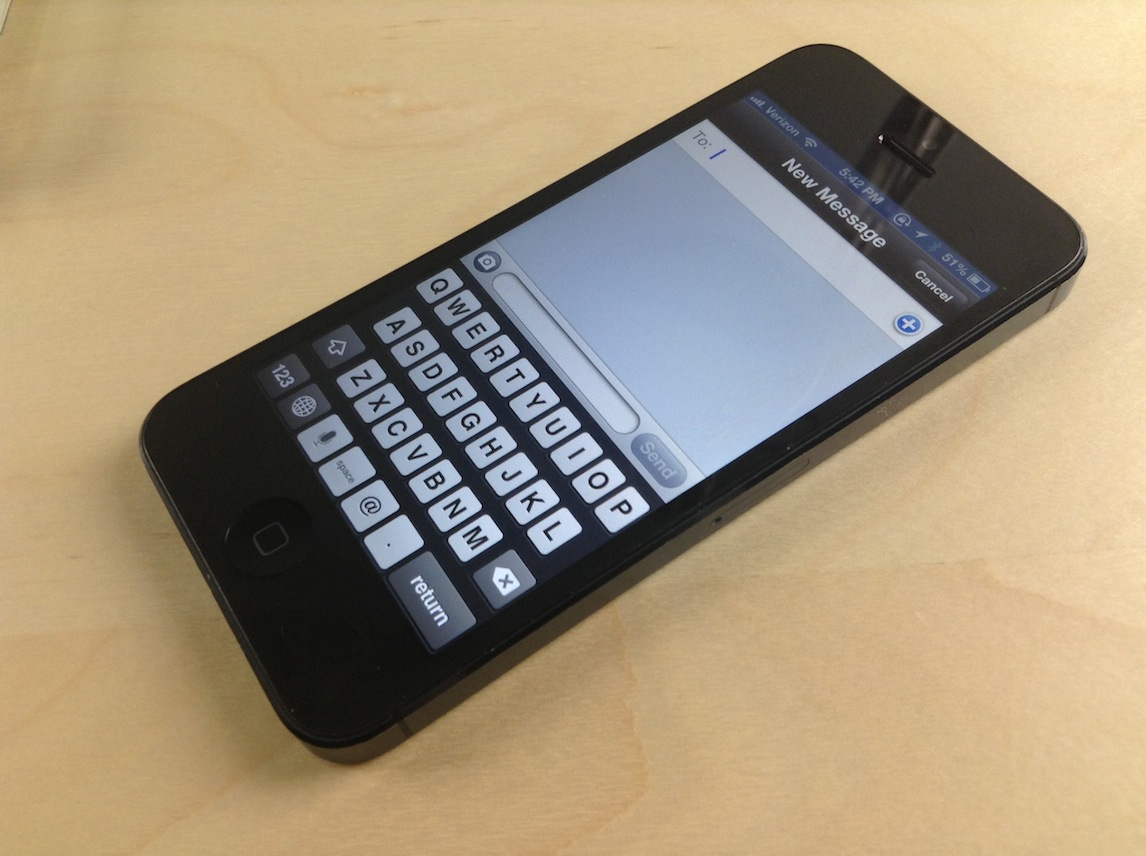
If you already listened to our latest episode of Let's Talk Jailbreak, then you know that Sebastien and I discussed jailbreak tweaks for the Messages app. We talked about biteSMS, Messages+, iRealSMS, and the like. We talked about these tweaks as we discussed the validity of a new tweak, simply called Messages, and whether or not it was worth the investment.

At the time, neither of us had really put any hands-on time into the tweak, although Cody has given it a shot and seemed to like it. On the show, I promised that I would check out the tweak and provide my two cents, and that's just what I did today.
Technical challenges delaying iPhone 5S, budget iPhone, iPad mini 2?

KGI Securities analyst Ming-Chi Kuo, who actually has a pretty good track record in predicting Apple's product plans, has some bad news for Apple fans. In a note issued to clients Thursday, he basically wrote that Apple's next batch of iDevice upgrades may hit the market later than originally expected due to a number of "technical challenges" related to the inclusion of fingerprint sensor beneath the Home button.

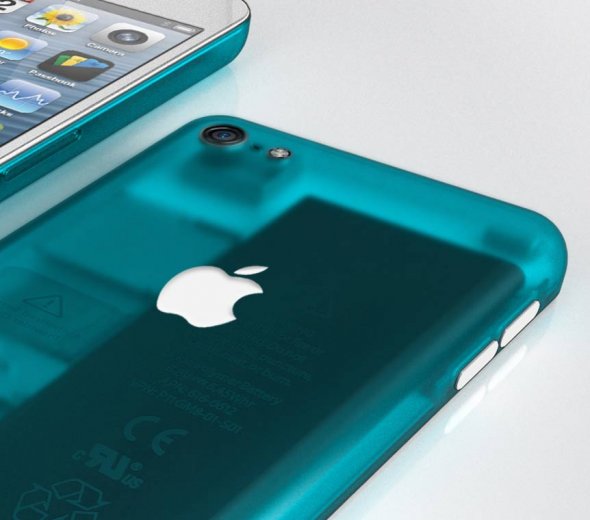
The rumored budget iPhone may be delayed because its slimmer-than-usual polycarbonate casing is proving harder nut to crack, while the second-generation iPad mini continues to face challenges with its high-resolution Retina panels. Jump past the fold for the full disclosure...

How to add an animated clock to Notification Center

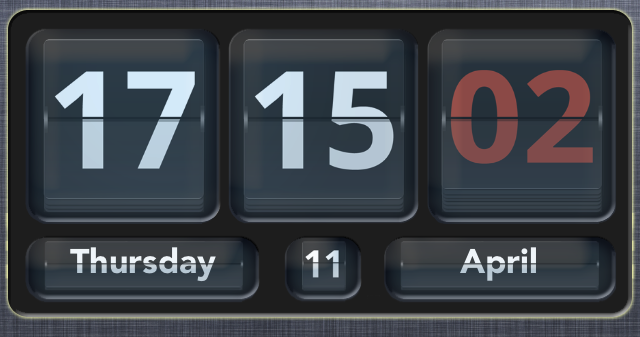
Flip Clock is a jailbreak widget that allows you to add an animated flipping clock to Notification Center. The tweak features a nice helping of options to configure the look and feel of the clock to your personal liking.

Once Flip Clock is installed, simply enable it in Settings > Notifications in order to display it within your Notification Center. The tweak also works with packages like LockInfo for placing the widget in more places than just the Notification Center panel. Check out a few more tidbits about this great looking jailbreak tweak after the break...

Badger beta updated with support for all apps and more

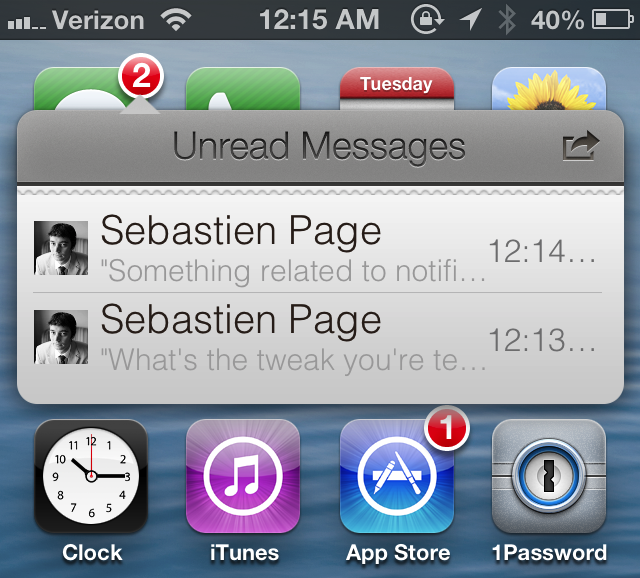
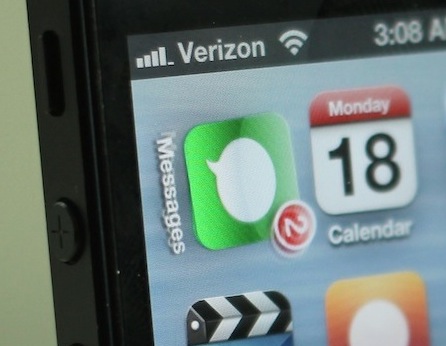
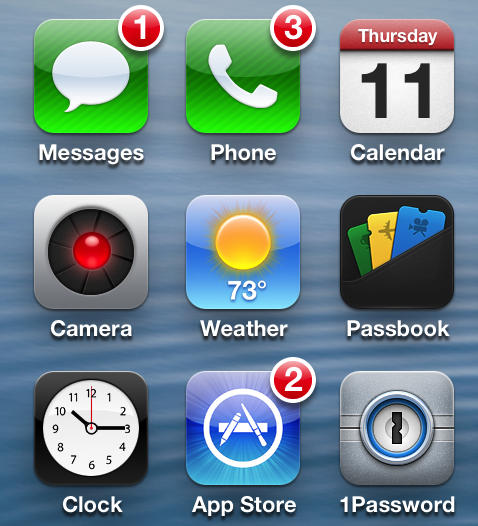
Badger — the highly anticipated jailbreak tweak that let's you view notifications right on the Home screen — has been updated. The tweak, still in beta, continues to receive incremental updates as it inches closer to a public release.

In our very first look at the tweak, Badger was extremely limited, only allowing users to view notifications for the Messages app. After the recent updates, Badger now allows users to view notifications for every app installed on the device, and more.

Filippo Bigarella donates over $5,000 from proceeds of his jailbreak tweak LivelyIcons to charities

Back in mid February, we brought you coverage on a jailbreak tweak called LivelyIcons. It was a tweak, created by Filippo Bigarella, that let you have animated app icons on your Home screen. The animations were nice, but the big news about LivelyIcons' was Bigarella's promise to donate some of the proceeds to cancer research.

To be honest, I had almost forgotten about the tweak until Bigarella sent out a tweet today updating the progress of the earnings and donations. Judging by the numbers, it looks as if LivelyIcons was a huge success. Check inside for the details...

QuickShoot Pro: a great way to quickly snap photos and videos

Have you ever missed an ideal snapshot as you waited for the Camera app's animation and UI to finish loading? I think it's safe to say that all of us have missed a perfect photo as a result of having to wait on the iPhone's Camera app. Things have gotten considerably better in this regard as hardware speeds have improved, but it's still not exactly perfect.

QuickShoot Pro is a jailbreak tweak that seeks out to solve the issue by letting you snap photos and videos directly from the Home screen. It accomplishes this feat using a couple of different methods. The first method requires you to double tap on the Camera app icon for a photo, and a triple tap on the app icon for video. By doing this, a photo or video is taken without the Camera UI, hence resulting in a faster composition.

The second method is a simple Activator gesture. You can setup an Activator gesture for taking a photo or starting a new video. QuickShoot Pro features quite a few options that can be used to configure the tweak to your needs and liking. It's not going to completely reduce the wait time associated with taking a new photo, but it's certainly faster than the stock method for taking photos and videos. Take a look inside as we break down QuickShoot Pro in our hands on video walkthrough...

Gameloft’s free to play Dungeon Hunter 4 hits iOS

http://www.youtube.com/watch?v=dxAw-0lxH28

French publisher Gameloft, one of the most prolific iOS games publishers, has joined Electronic Arts in offering latest triple-A titles for free, a major shift in strategy in recognition of the free-to-play concept. Today, Gameloft's Dungeon Hunter 4, a major new release, has hit the App Store as a free download.

The Diablo-like title is classes as a role-playing game set in the land of Valenthia and you're tasked with saving the mortal realms from darkness. It includes the usual assortment of potions, daggers, swords, monsters and character classes such as Sentinels, Imps (compared in savagery to a wolverine) and what not...

I’m sorry Verizon CEO, but you didn’t talk Steve Jobs into bringing LTE to the iPhone

Apple has long been criticized for not making an LTE iPhone at a time when most Android handsets boasted high-speed cellular networking capability. Verizon CEO Lowell McAdam has come out of the woodwork to take credit for personally persuading Apple's late co-founder Steve Jobs to add LTE connectivity to the popular smartphone.

He also shared interesting stats regarding the technology, saying that half of all wireless traffic on Verizon's network is now related to video content. McAdam remarks he's expecting that video will comprise two-thirds of all wireless traffic on the Verizon network by 2017, thanks to the company's capital expenditure in deploying LTE technology. As for his comment regarding an LTE iPhone, I'm not buying it and here's why...

Slides from the evad3rs’ Hack In The Box 2013 presentation now available for download

Interested in some detailed analysis of the evad3rs' mobile exploit strategies? If so, then look no further than the slide presentations from the 2013 HITB Security Conference in Amsterdam.

The presentation, entitled Swiping Through Modern Security Features, features low level details on the exploit strategies used by Pod2g, Planetbeing, Musclenerd and Pimskeks. Take a look inside for the full download link.

How to quickly share notes on Twitter and Facebook

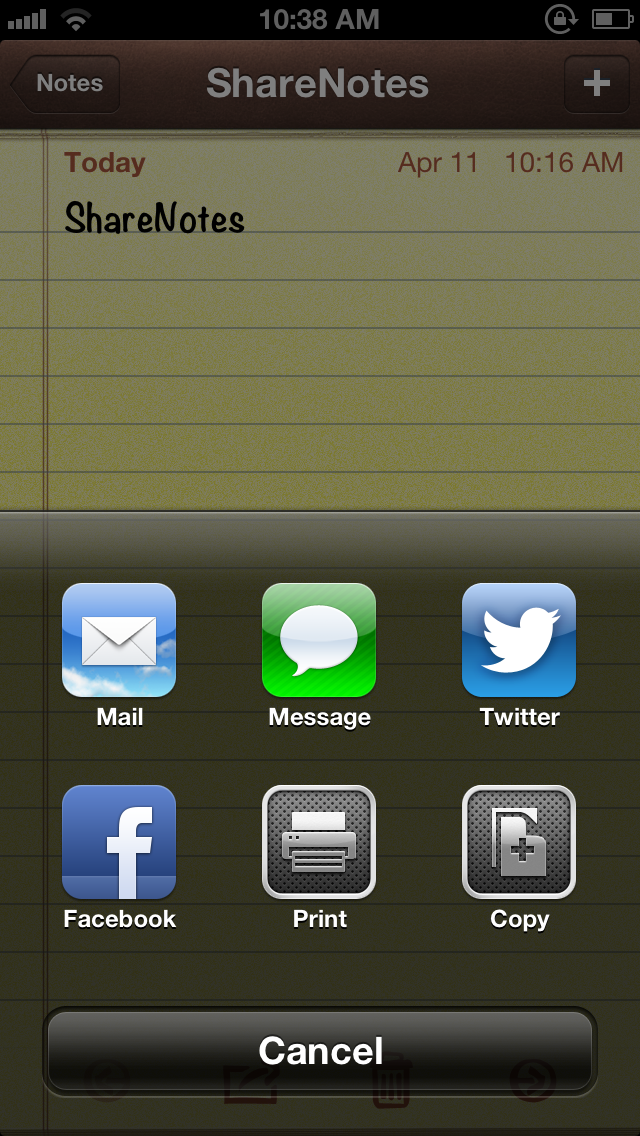
ShareNotes is a new jailbreak tweak that allows you to share notes on Twitter and Facebook using iOS' built in share sheet. The sheet is accessible via a tap on the share button in the Notes app, and it features two new buttons for Facebook and Twitter sharing once this tweak is installed.

The stock sharing options for notes are quite limited; you can only share notes via Mail or Messages. This jailbreak tweak opens things up a bit. Take a look inside for screenshots and more info...

BlackBerry tops ‘don’t want’ poll ahead of iPhone and Android

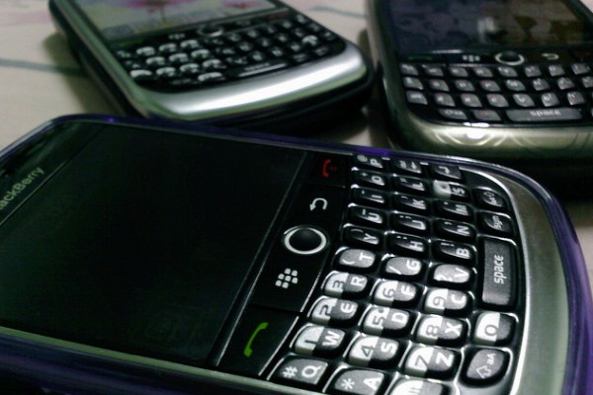
Finally, a survey appears where BlackBerry is leading the big guys. On a twist of the usual polling of which device consumers want to buy, one research firm asked what smartphone would you not be caught dead using. The BlackBerry "crushed" the competition in the 'don't want' department. In fact, 71.4 percent of consumers polled by Raymond James said no feature would get them to use a BlackBerry.

Basic math tells us this corresponds to nearly three out of each four respondents. Additionally, nearly twenty percent said you couldn't give them an iPhone, or one out of each five. And, just over thirty percent replied they'd never touch a smartphone powered by Google's Android, or approximately one out of each three...