In this quick tutorial, we’ll show you how to save a PDF you received on WhatsApp to another app like the Apple Files app, and also guide you on sending a PDF to other people via WhatsApp.
How to send and save received PDFs on WhatsApp on iPhone

In this quick tutorial, we’ll show you how to save a PDF you received on WhatsApp to another app like the Apple Files app, and also guide you on sending a PDF to other people via WhatsApp.

The popular mobile messaging service WhatsApp today received a pretty cool update in the App Store which adds the ability to share photos or videos from other apps installed on your iPhone via a new option exposed after tapping the Photo/Video Library button.
In addition, WhatsApp has gained a pair of new shortcuts in the 3D Touch menu on the Home screen and now supports solid colors as chat backgrounds.
Oh, and you can now zoom in on videos while they're playing.
Facebook-owned WhatsApp is about to integrate more tightly with the social networking firm's mobile client, as discovered Monday by German blog Macerkopf.de.
Facebook is testing the forthcoming version 2.12.17.689 update to WhatsApp for iOS which will permit users to export their chat archive as a ZIP file.
Currently, WhatsApp lets you back up and restore chat history via iCloud, so the addition of ZIP chat exporting will make it easier for users to download their instant messages to a computer.
In addition, Facebook is also testing a new WhatsApp integration in its mobile application for the iPhone, iPod touch and iPad.
WhatsApp, a Facebook-owned mobile messaging service, announced on Monday that it's going to stop charging customers a subscription fee of 99 cents per year. The service is currently provided at no cost during its free year, after which customers are being charged 99 cents per year to continue using the service.
Over the course of coming weeks, everyone will be able to download and use WhatsApp on their device totally free of charge and without a subscription fee.
Facebook has been promising to add video calling to WhatsApp for over a year now and it looks like they could be on the cusp of releasing the feature in the coming days and weeks, as evidenced by a pair of leaked screenshots obtained by German Apple blog Macerkopf.de.
Moreover, the app will gain tabs for moving between multiple conversations with ease. Like Apple's FaceTime, Skype, Messenger, Viber and many other messaging platforms, WhatsApp should permit users to send and receive video calls via Wi-Fi or cellular.
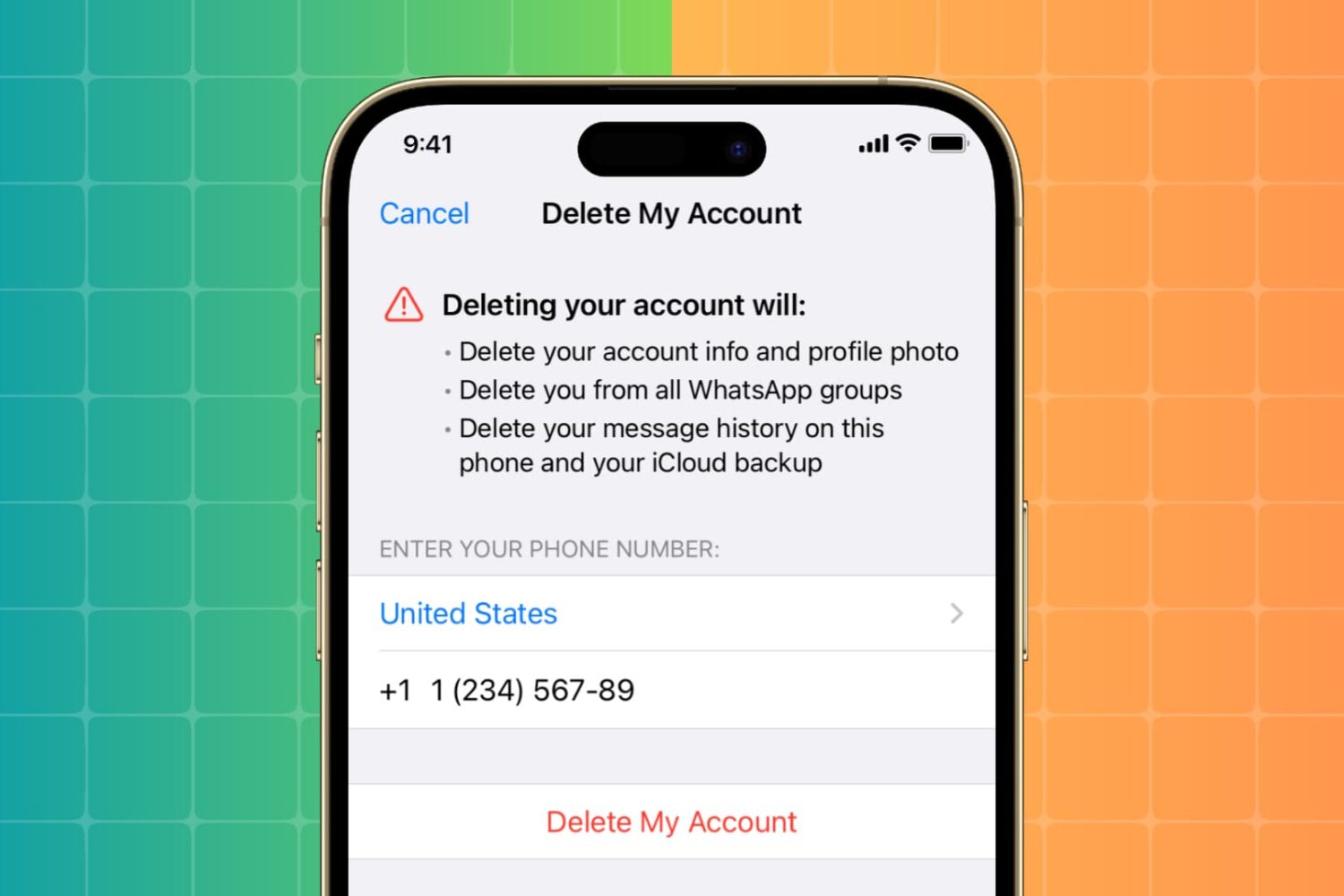
Learn how to permanently delete your WhatsApp account from your iPhone or Android phone if you no longer need to use this Facebook-owned messaging service.
After testing out with a subset of its user base a new ability to quickly respond to incoming messages directly from the notification banner, Facebook-owned WhatsApp today began rolling out this feature to its massive 900+ million monthly active users. In addition, this edition of WhatsApp for iPhone also makes it easy to reply to incoming WhatsApp VoIP calls with a message, right from the call notification. Both features require Apple's latest mobile operating system.
At long last, iOS is allowing app makers to implement text replies in notifications, a feature Apple used to reserve exclusively for its Messages app.
Twitter was the first App Store app to gain this great time-saver of a feature. On iOS 9.1, WhatsApp for iPhone now supports a handy text field for quickly replying to incoming messages without leaving the app you're currently using.
This feature requires an iPhone with iOS 9.1 or later.
Facebook-owned WhatsApp messaging platform has received an update today, bringing support for 3D Touch gestures on new iPhones to the popular software.
The new WhatsApp 2.2.18 allows you to press in-app content harder to Peek and Pop pictures, videos, links, contacts cards and locations in chats. Home screen shortcuts via 3D Touch are not available yet in this release.
In addition, the app's interface is now mirrored and optimized for right-to-left languages on iPhones running iOS 9.0 or later.
Not to be outdone by rival Viber which rolled out animated stickers, location sharing, a brand new keypad and other enhancements in yesterday's refresh, Facebook-owned WhatsApp today pushed a substantial update to its App Store application.
WhatsApp for iPhone now features richer notifications settings with per-chat rules and mute options, a new swipe gesture to mark chats as read or unread, the ability to directly share contacts from the Contacts app and locations from Apple Maps, backups for your videos and much more.

If you're looking to have true native quick reply for WhatsApp on iOS, you may want to consider jailbreaking your iPhone. A new tweak from WhatsApp-centric developer iMokhles allows for quick reply from both the Lock screen and traditional banner notifications.
The cool thing about this tweak is that WhatsApp doesn't even have to be launched for quick reply to function. I force-closed the WhatsApp app, sent myself a test message, and still received the message with quick reply in tact. If you're a heavy WhatsApp user, then WAQuickReply ($2.99) is a compelling new package that you may want to consider.