watchOS

MacID update brings improvements for iOS 10, watchOS 3, and macOS Sierra

An important update for the popular MacID utility for iOS and macOS has been released this week with improvements for iOS 10, watchOS 3, and macOS Sierra.

The utility is known for its ability to let you securely unlock your Mac with the Touch ID sensor on your iPhone or iPad, but it also has built-in features that let you unlock your Mac with your Apple Watch over Bluetooth or with a Tap to Unlock gesture on the trackpad.

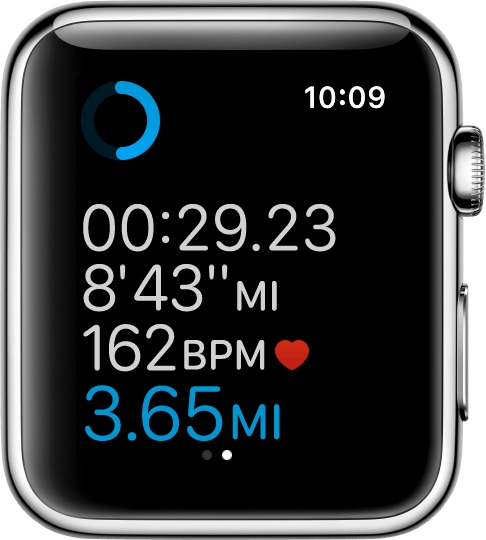
How to customize workout metrics on Apple Watch

If you'll be using your Apple Watch's fitness features, you'll want to become acquainted with the Workout app, which helps you to keep track of your progress.

Starting with watchOS 3, you can customize your workout metrics, and in this tutorial, we'll talk about all the ways you can do that.

Turning on Power Reserve mode on your Apple Watch

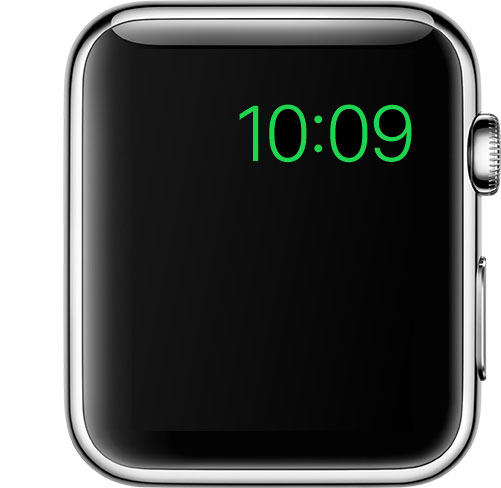
Apple Watch in Power Reserve mode showing just the current time on its watch face

Power Reserve mode is a feature of watchOS that let's you conserve what's left of your battery when you get low on juice by limiting your Apple Watch's functionality to nothing more than a time piece.

Starting with watchOS 3, the steps to enable it has changed, so we'll show you how it's done.

65+ new Apple Watch features in watchOS 3

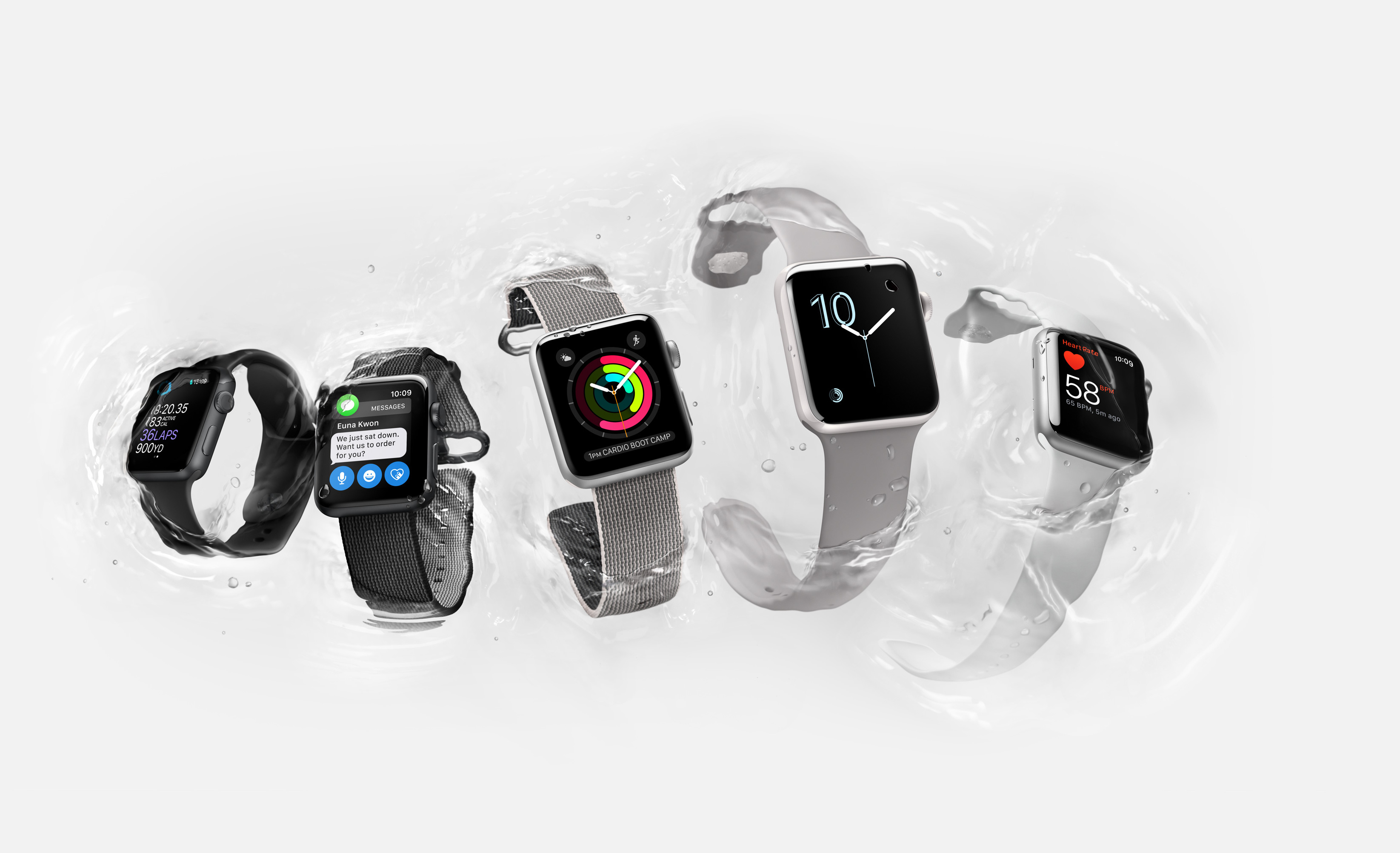
watchOS 3 released alongside iOS 10 with a bunch of new features, core technologies and user interface enhancements. With watchOS 3, navigating your watch is now intuitive, as it should have been from the onset. A new Dock feature lets you access your frequently used apps with a press of the Side button and they load way faster, even on the original watch.

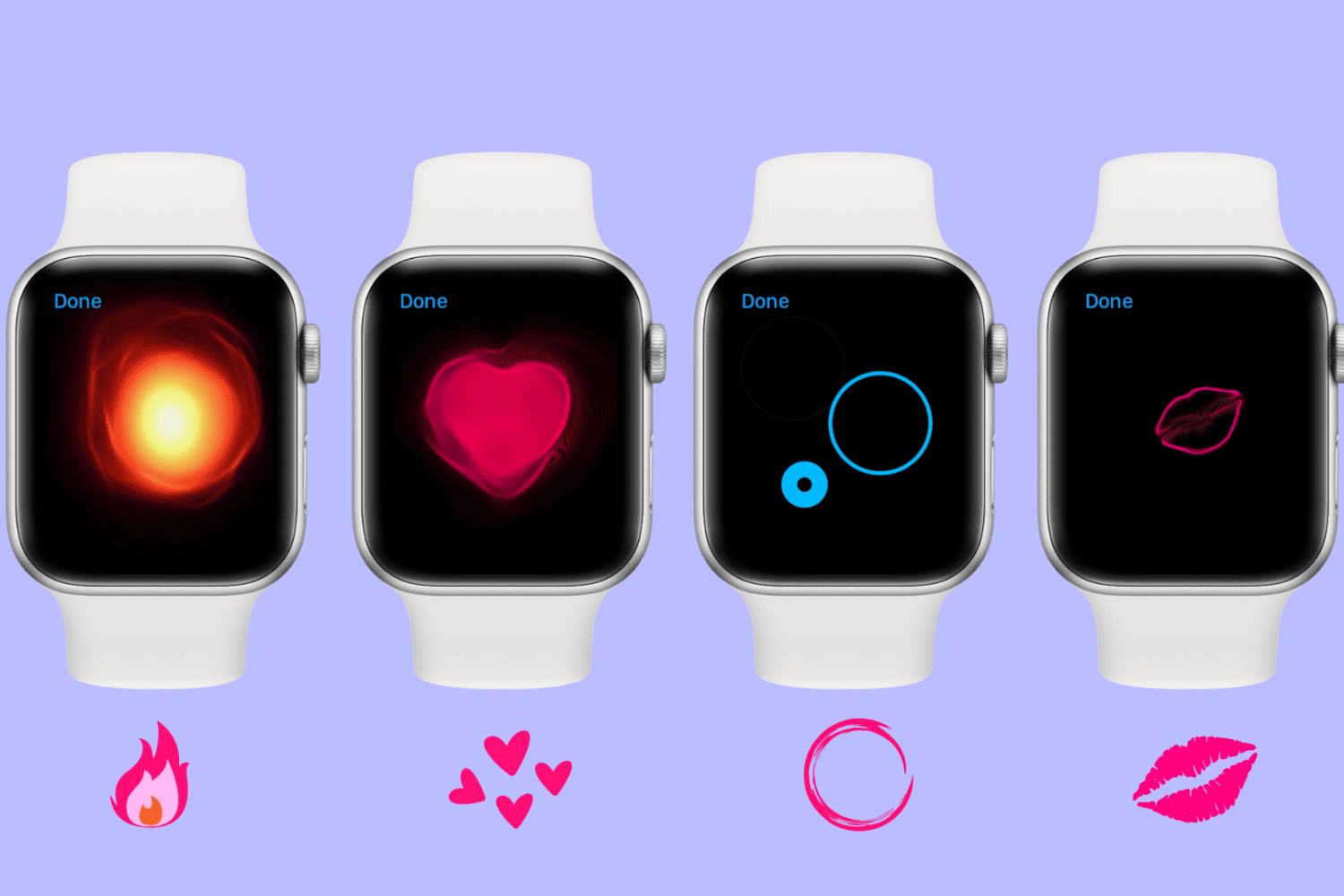
Apps can also take advantage of Background App Refresh technology to stay up to date, Messages now supports stickers, enhanced Digital Touch features and even fullscreen and bubble effects, like in iOS 10, plus tons more.

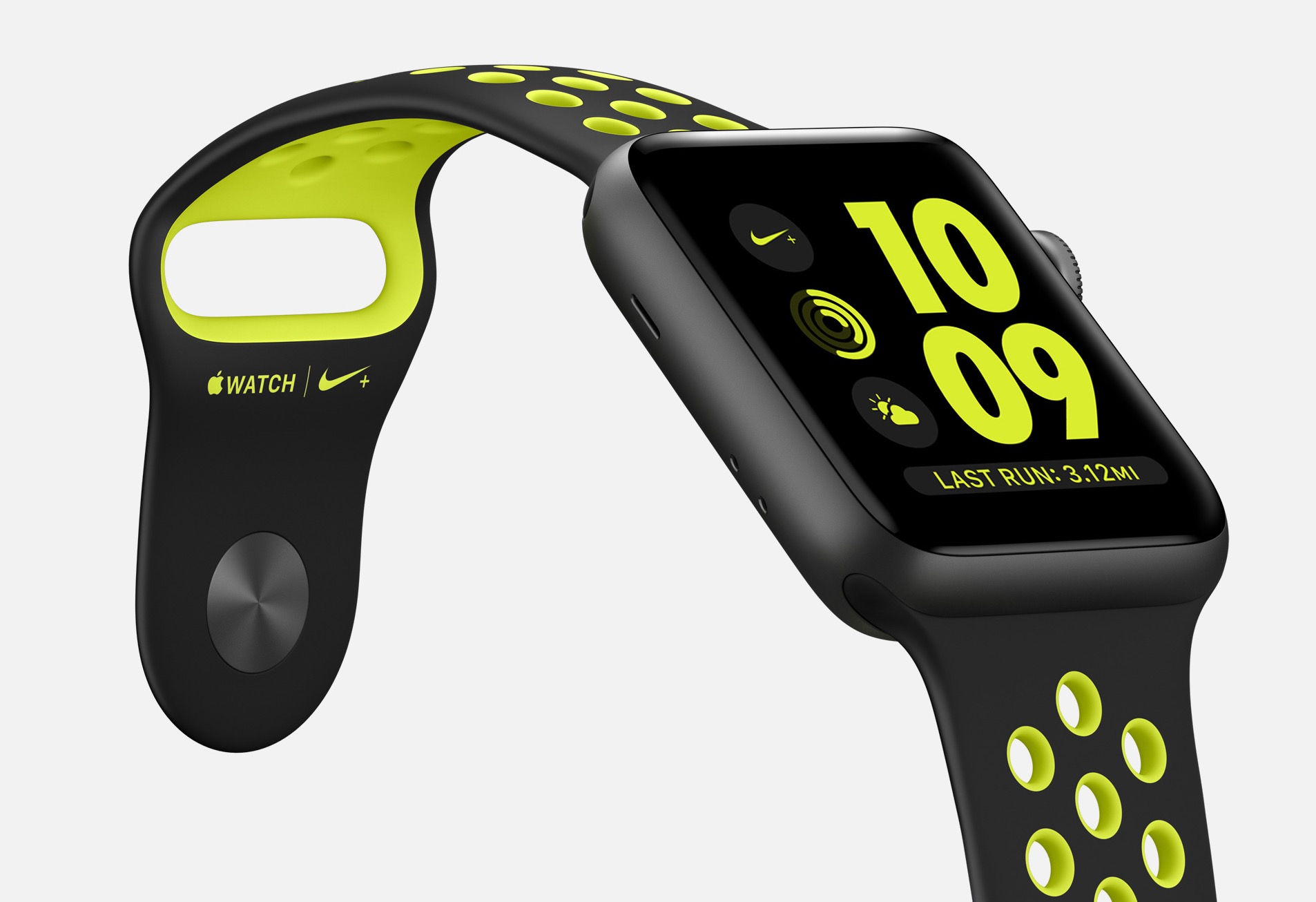
How to have Apple Watch automatically pause and resume your runs

Among a myriad of varied health and fitness focused features, watchOS makes pausing and resuming your runs in the stock Workout app a frictionless experience, based on the inclusion of a new feature which taps into built-in sensors to determine when you start and stop moving. This new feature doesn't require a dedicated GPS so it'll work on every Apple Watch model.

Even better, you can enable it with just one tap, here's how.

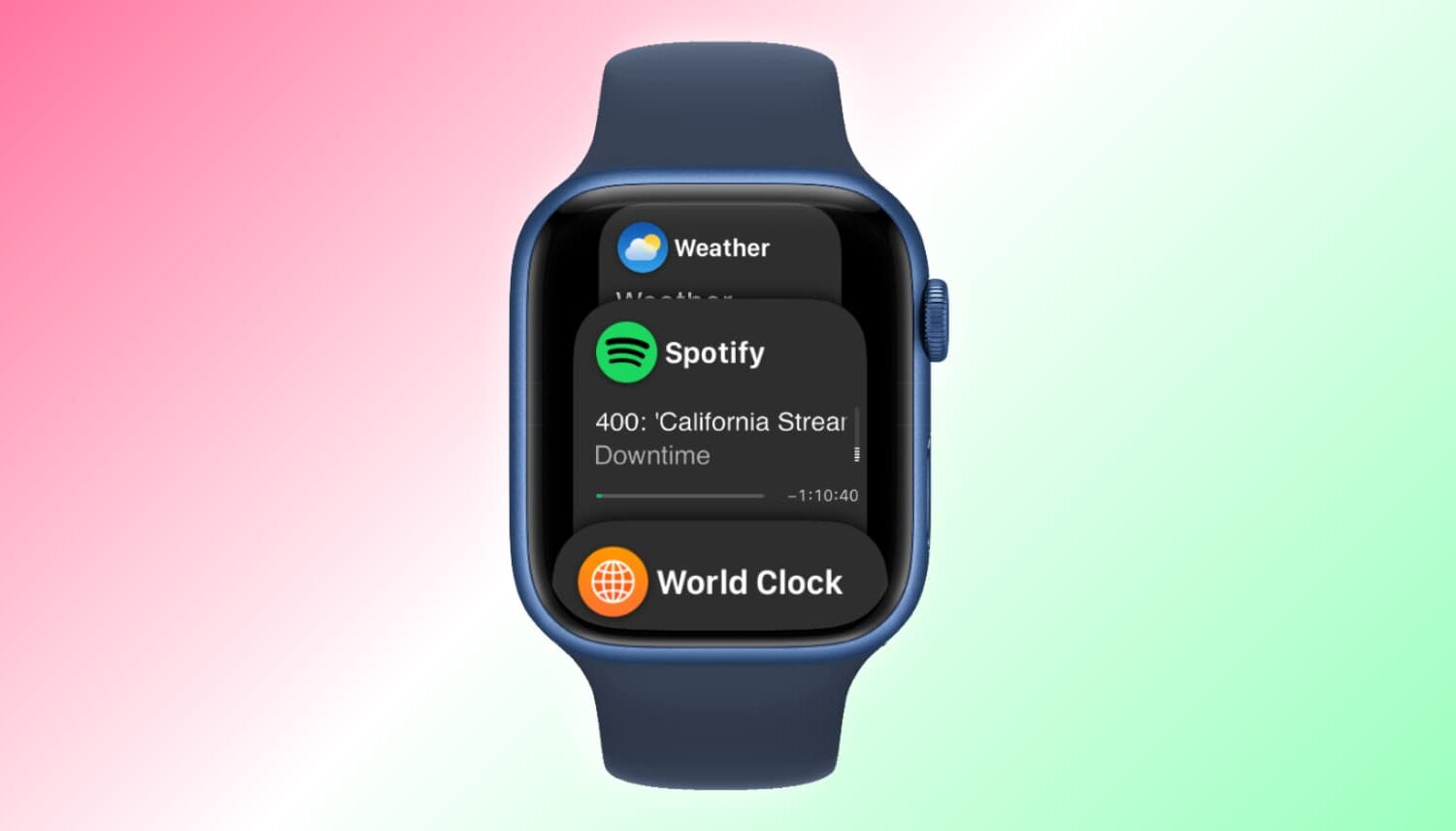
What’s Dock on Apple Watch and how to use it?

Apple Watch showing Dock

When you press the side button on your Apple Watch, you see the Dock. Depending on the setting, the watchOS Dock has either your favorite apps or the ones you used recently. In this tutorial, we tell you more about the Apple Watch Dock, how to use it, add favorite apps, and get the most of it.

Using the Reminders app on Apple Watch

Apple Watch offers a standalone Reminders app, and as you'll soon learn, it can be just as functional as the iPhone app.

The introduction of an official Reminders app on Apple Watch was great because this little app on your wrist will help you get through all your errands throughout the day and keep track of your busy life.

The app is used with Siri since there is no keyboard to input text on the Apple Watch like there is on your iPhone. With that being said, using the Reminders app may feel a little awkward at first, but it should become a second nature to you in no time at all.

Video walkthrough: changes in beta 6 for iOS 10, macOS Sierra & watchOS 3

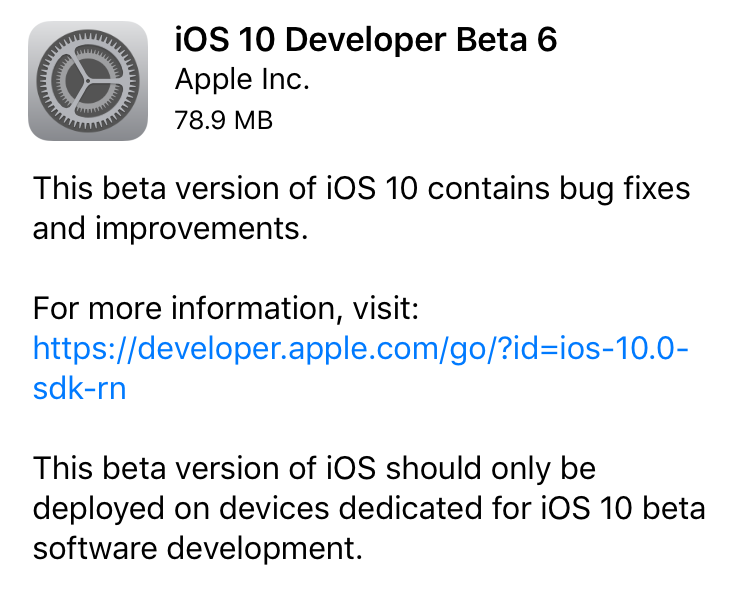
As you know, Apple yesterday seeded a sixth beta of iOS 10 and macOS Sierra to its registered developers and public beta testers along with developer-only builds of watchOS 3 and tvOS 10.

As we're now weeks away from their tentative fall release, small wonder the latest betas lack new outward-facing features. Here's Andrew's hands-on video detailing changes in the latest betas of iOS 10, macOS Sierra and watchOS 3.

Apple seeds fourth beta of iOS 10, watchOS 3, tvOS 10 and macOS Sierra to developers

Two weeks following the release of the third beta of iOS 10, watchOS 3, tvOS 10 and macOS Sierra, Apple on Monday issued iOS 10 beta 4, macOS Sierra beta 4, watchOS 3 beta 4 and tvOS 10 beta 4 to members of the Apple Developer Program. The public beta of iOS 10 and macOS Sierra matching the latest developer-only releases should be released tomorrow to public beta testers enrolled with the Apple Beta Software Program.