Learn how to browse, find, download, and purchase apps from the watchOS App Store to get apps on your Apple Watch without reaching for your iPhone.
How to use the App Store on Apple Watch
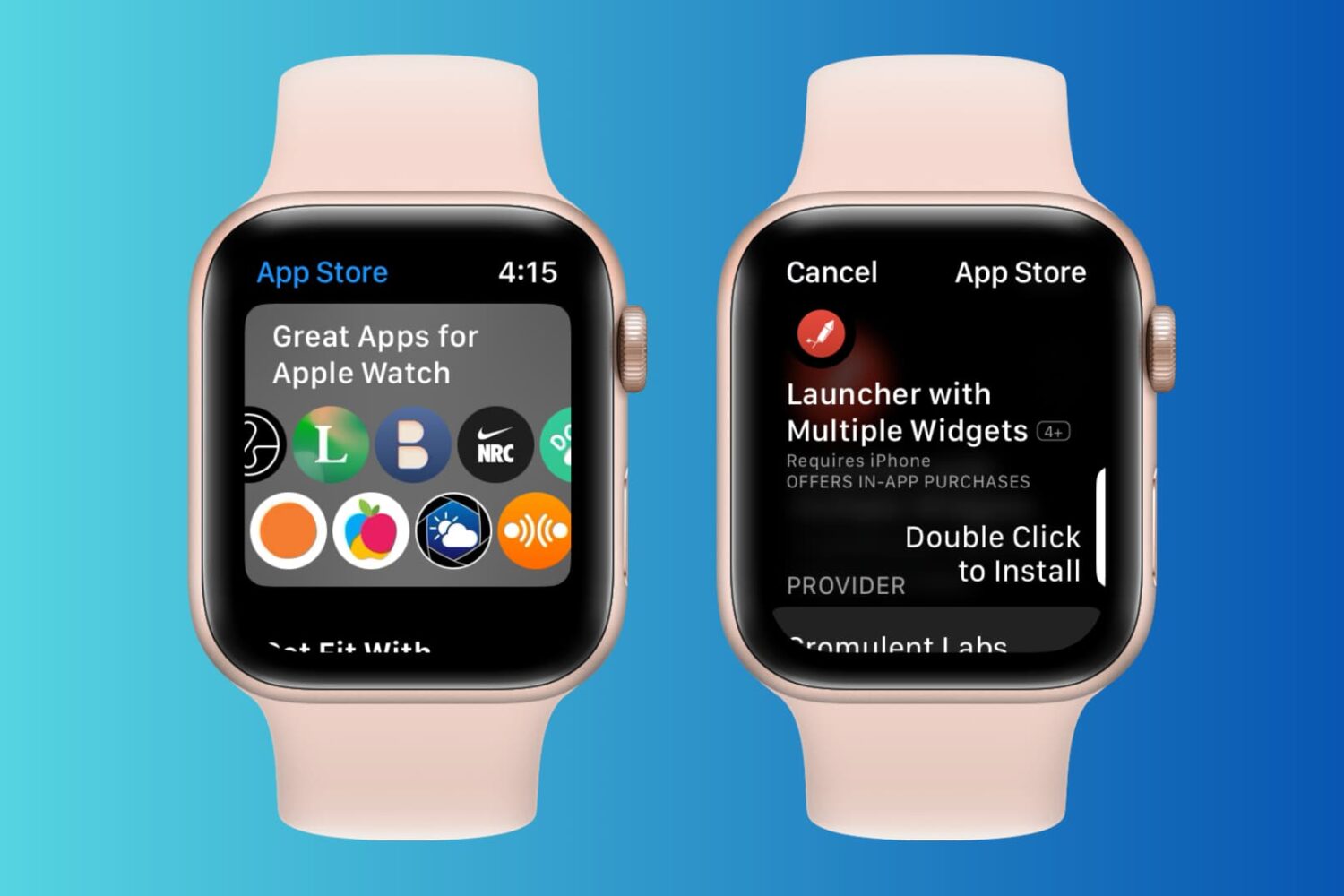
Learn how to browse, find, download, and purchase apps from the watchOS App Store to get apps on your Apple Watch without reaching for your iPhone.
Following hot on the heels of the most recent update for iOS 13, Apple is also releasing a new software update for the Apple Watch's watchOS 6.
After releasing watchOS 6 to the public in mid-September, Apple is moving ahead with the latest beta of the smartwatch's next update.

This week saw plenty happen, including the launch of the iPhone 11 and iPhone 11 Pro, so here's a quick recap.
Apple is ready to update the Apple Watch lineup with the next big software update, finally rolling out watchOS 6.
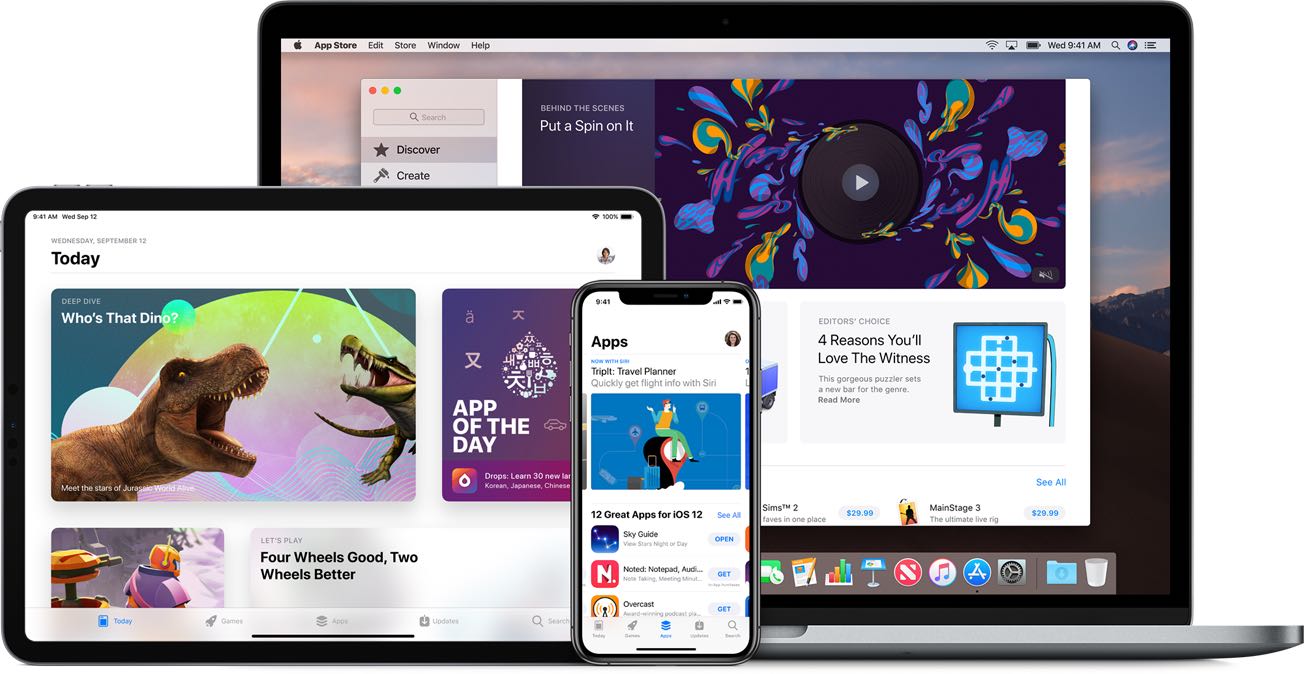
With the impending arrival of new software versions for iOS, iPadOS, macOS, watchOS, and its other platforms, Apple is sending out semi-regular updates to developers on some important matters.
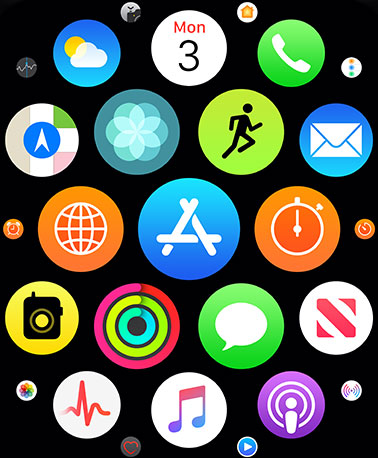
Apple is set to launch watchOS 6 to the public on Thursday, September 19. Ahead of that, the company is asking developers to start making an important change for Apple Watch apps.
With the next major version of Apple's smartwatch operating system launching soon, the company has released the final Golden Master version of the mobile OS to developers.
Apple has gone ahead and seeded the latest developer beta of watchOS 6.
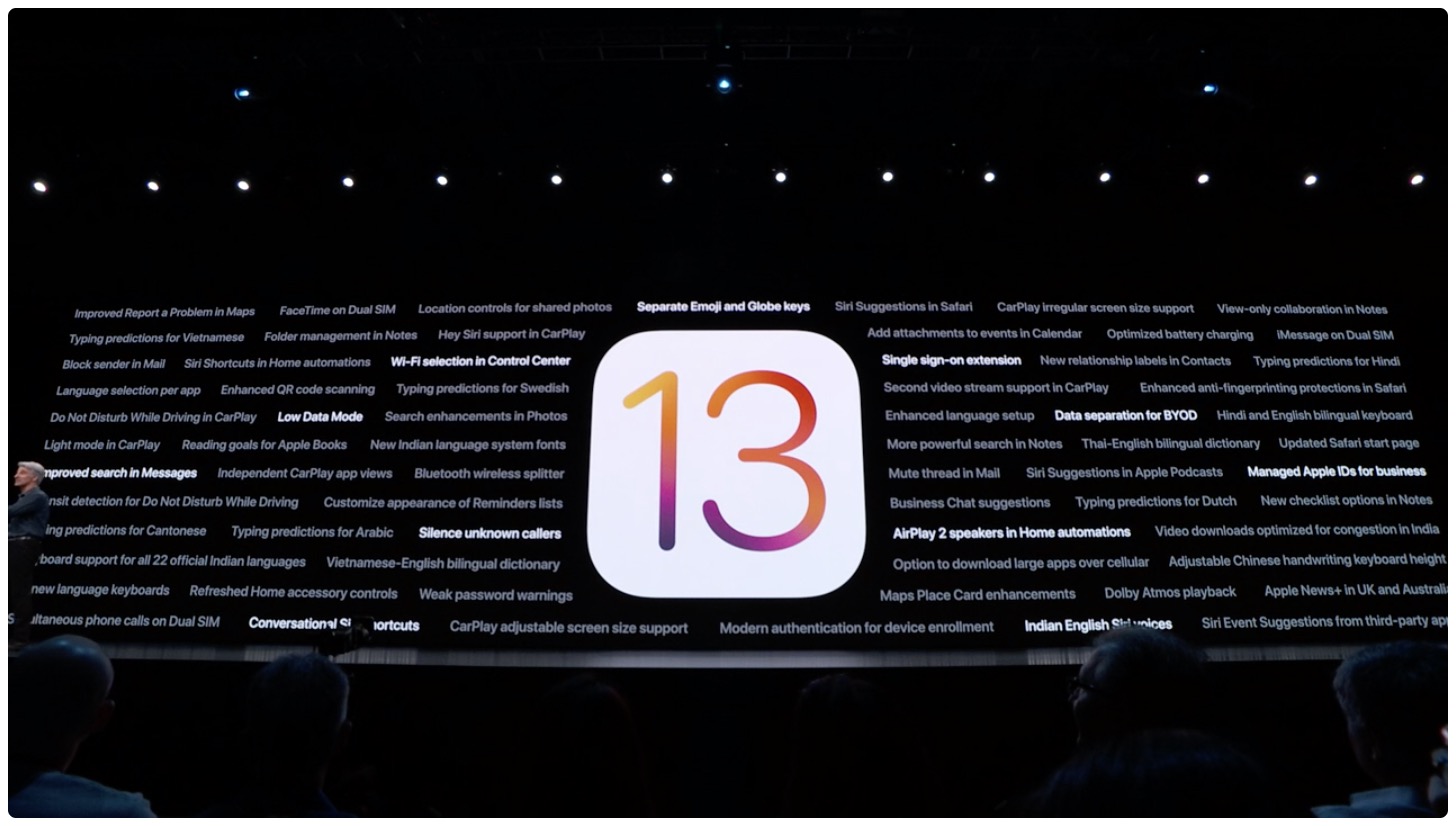
Apple this week has seeded the latest betas of iOS 13, iPadOS, watchOS 6, and tvOS 13 to developers.
Apple this week seeded the latest developer betas of iOS 13, iPadOS, tvOS 13, and watchOS 6.
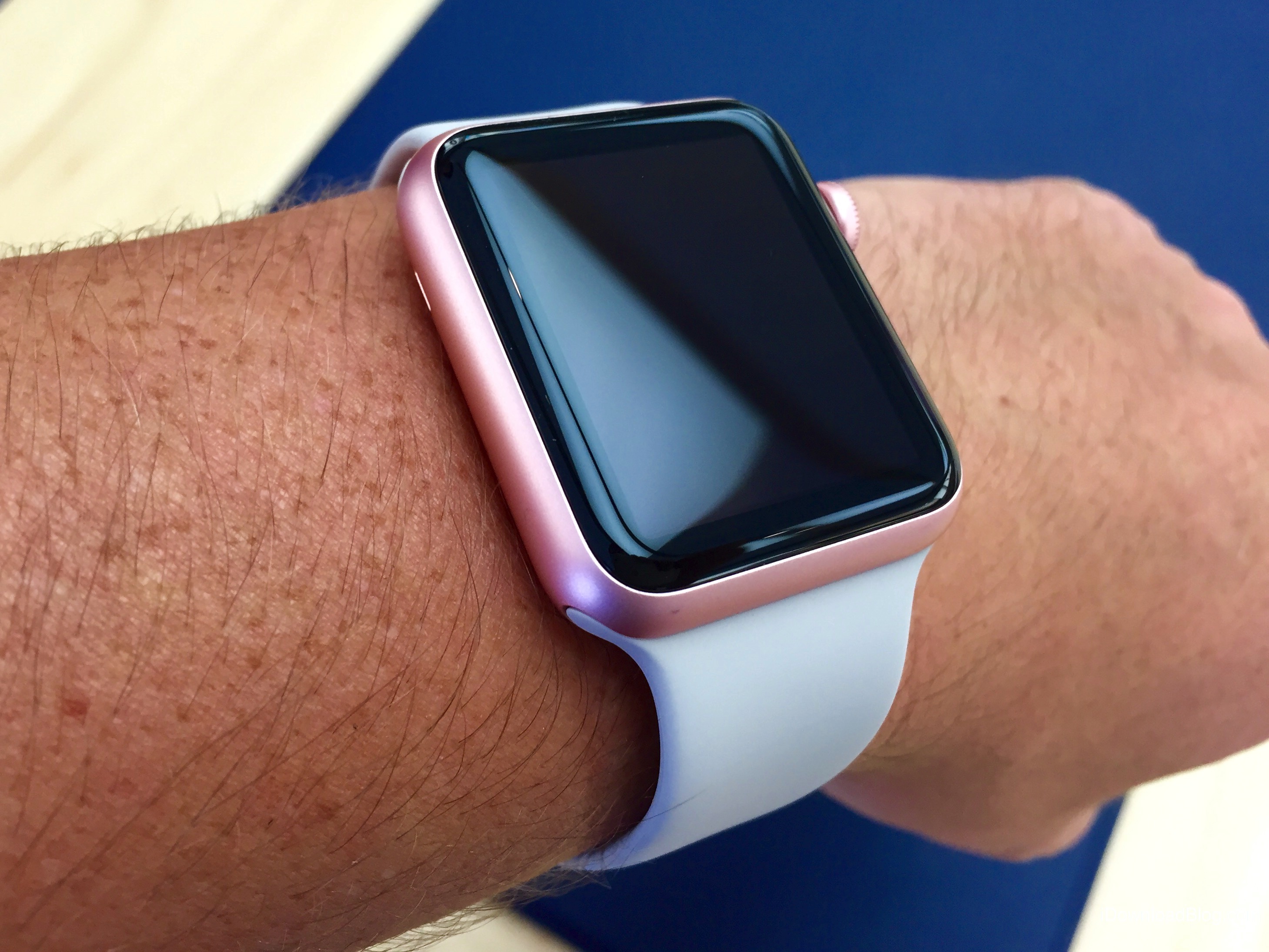
watchOS 6 debuted a new Taptic Chimes feature that takes advantage of Apple's custom vibrator, called Taptic Engine, to render quick vibrations on your wrist at the top of the hour to help you keep track of the time in a subtle manner, without having to engage the device.