watchOS

Apple releases iOS 10.2.1, watchOS 3.1.3, tvOS 10.1.1, and macOS Sierra 10.12.3 with bug fixes and improvements

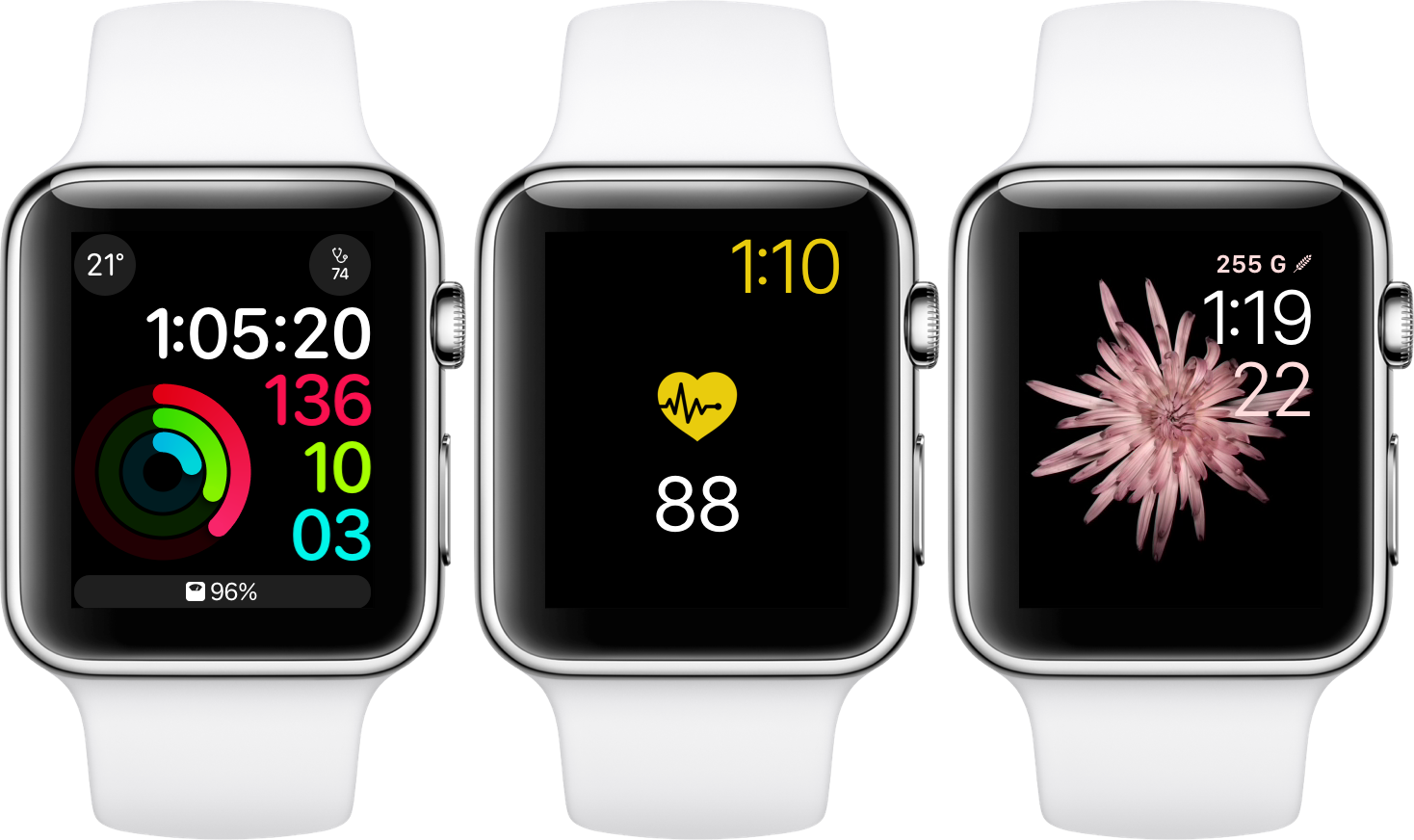
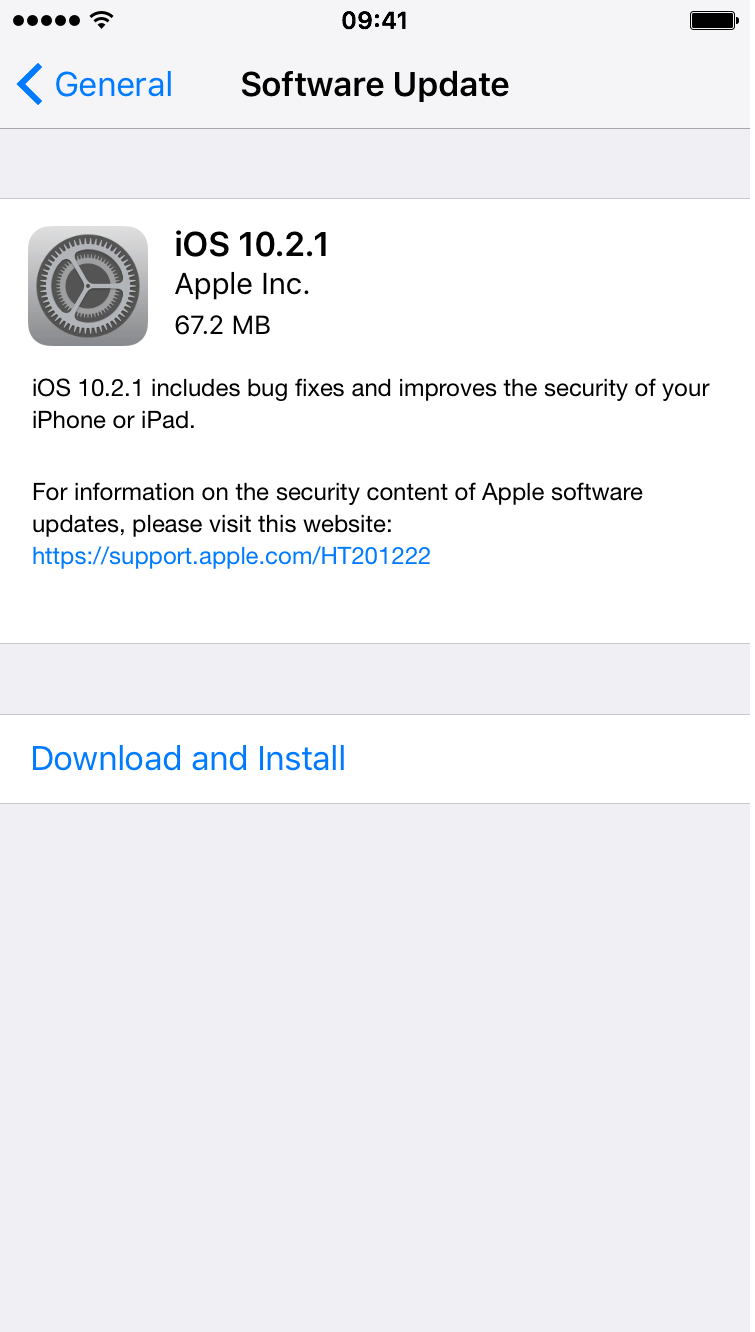
Apple on Monday released several updates for its various platforms. iOS 10.2.1 is out for iPhones and iPads, tvOS 10.1.1 for fourth-gen Apple TVs, watchOS 3.1.3 for Apple Watches, and macOS Sierra 10.12.3 for Macs. All of the updates can be installed via their respective OTA mechanisms, or you can grab the standalone packages from our Downloads page.

Want podcasts on your Apple Watch? There’s finally an app for that

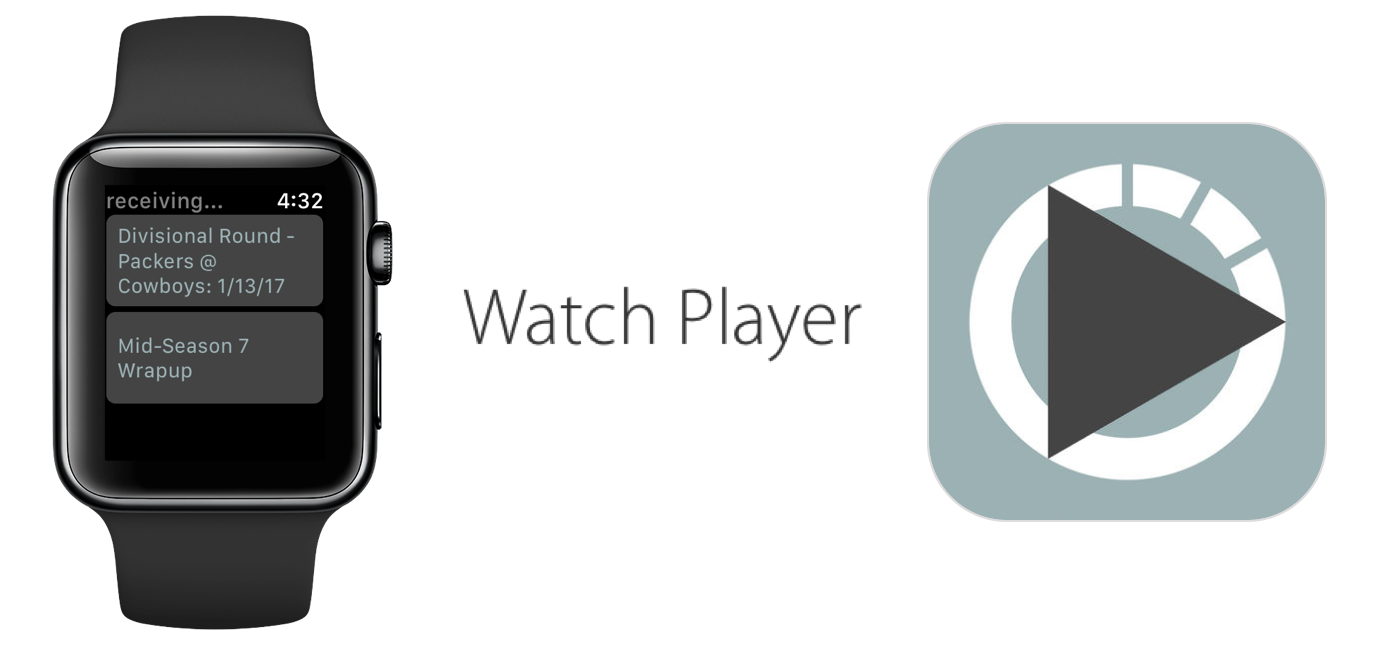
The ability to store and play podcasts on Apple Watch is one of many features advocated for regarding future watchOS updates, but so far it has fallen on deaf ears at Apple. With the cries for podcasts on Watch slowly reaching fever pitch, developers have taken matters into their own hands and released a fully functional podcast app that enables the transfer of your favorite subscriptions from iPhone to Apple Watch.

The app goes by the name WatchPlayer and (while moody at times) gives a solid account of itself, effectively beating Apple to the punch in the podcast race. Find out below how the data transfer is realized, where it trumps Apple's stock apps and what areas of WatchPlayer could do with some attention.

Glimpse is an Apple Watch app news addicts will love (with reservations)

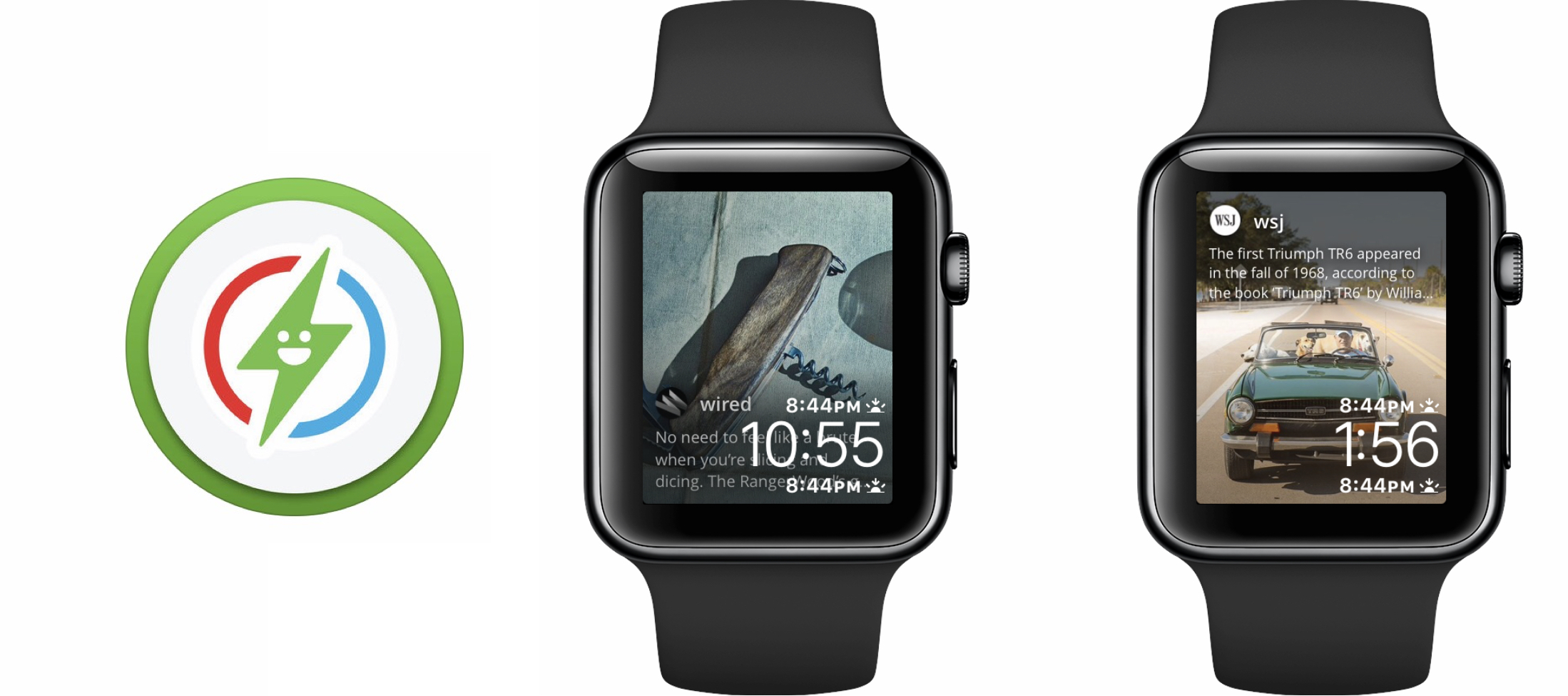
Every once in a while a Watch app comes along that brings something ostensibly new to the table. Glimpse, a project that sets out to relay real-time content from your iPhone straight to your Apple Watch’s watch face, is one of those notable additions. The app is home to a handful of social networks and about twenty prolific news outlets, which subject to your taste can selectively refresh on your iPhone and welcome you with new content every time you glance at your watch face.

The promise and potential of Glimpse is uncontested, but so are the flaws in its execution as of today. So before you speed to the App Store, think over the following items to find out if Glimpse has been tailored to you.

New betas of iOS 10.2.1, macOS Sierra 10.12.3, watchOS 3.1.3 and tvOS 10.1.1 now available

Apple today released new OS betas to its registered developers. iOS 10.2.1 beta 3 (build 14D23), macOS Sierra 10.12.3 beta 3 (build 16D25a), watchOS 3.1.3 beta 2 (build 14S959) and tvOS 10.1.1 beta 2 (build 14U711) are now available for testing to the members of Apple Developer Program.

The latest builds can be installed over-the-air via the Software Update mechanism on devices that have an appropriate configuration profile installed on them.

The new builds have arrived nearly three weeks after a second beta of iOS 10.2.1 and macOS Sierra 10.12.3 released to registered developers.

How to mute progress updates from your friends and hide your own data in Activity sharing

Apple Watch Activity teaser

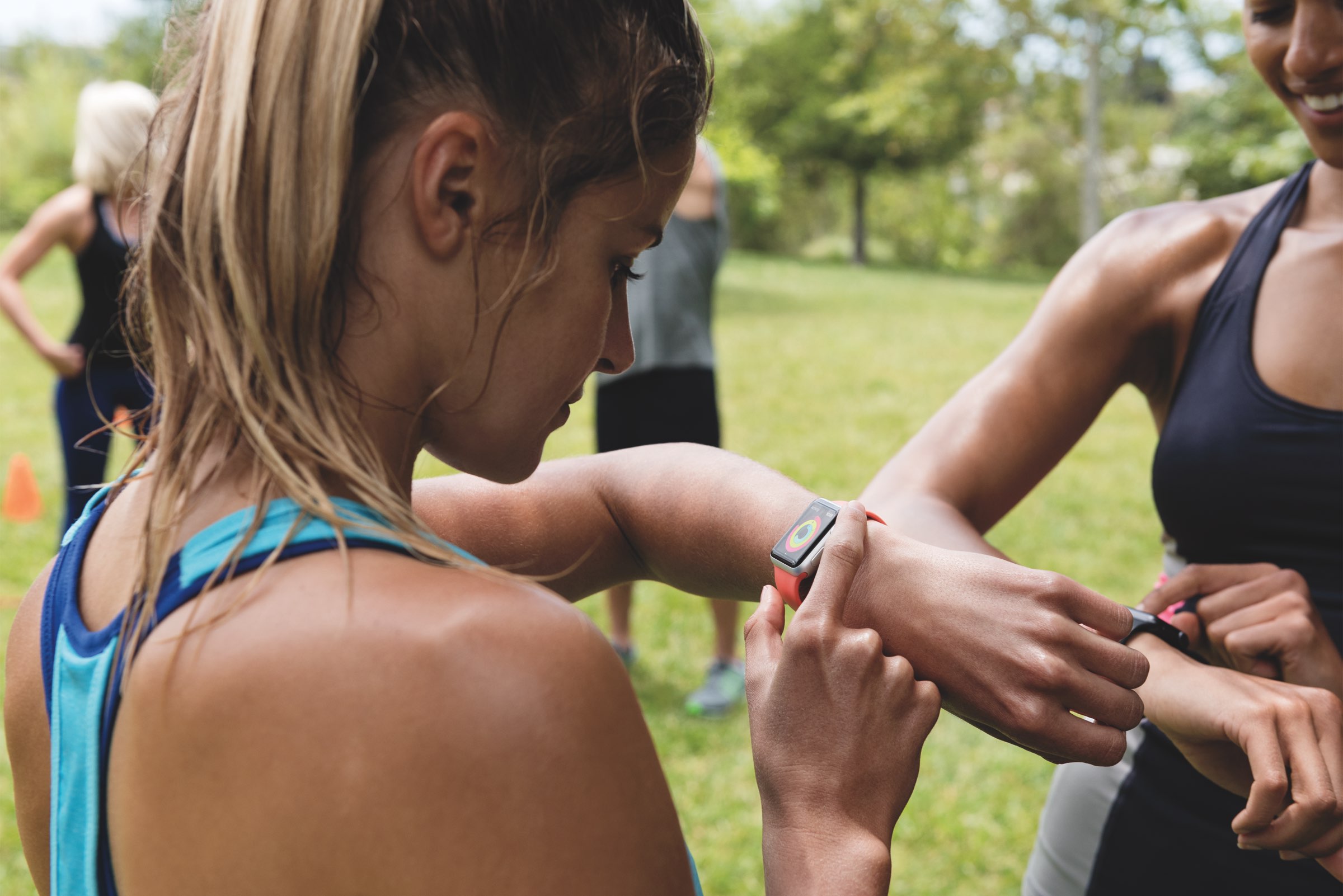
Activity sharing is a tried and tested way to boost your app engagement by pitting your own fitness data against others that are willing to share theirs. Fitbit and Nike knew for a while of the extra motivation released when someone else monitors your activity, Apple knows full well since iOS 10 and watchOS 3. Agreeing to share and relay your activity on Apple Watch can hence be an inspirational thing, but it also results in a considerable increase of wrist-buzzing every day.

If you have committed to sharing your activity and your patience with the daily activity updates from your friend is starting to wear thin, remember that there is an option to mute those notifications. The tutorial also demonstrates how to hide your own activity from that friend, in case you don’t want them to know about your newest calories crushing workout just yet.

Twelve South’s new ActionSleeve for Apple Watch is designed for the active lifestyle

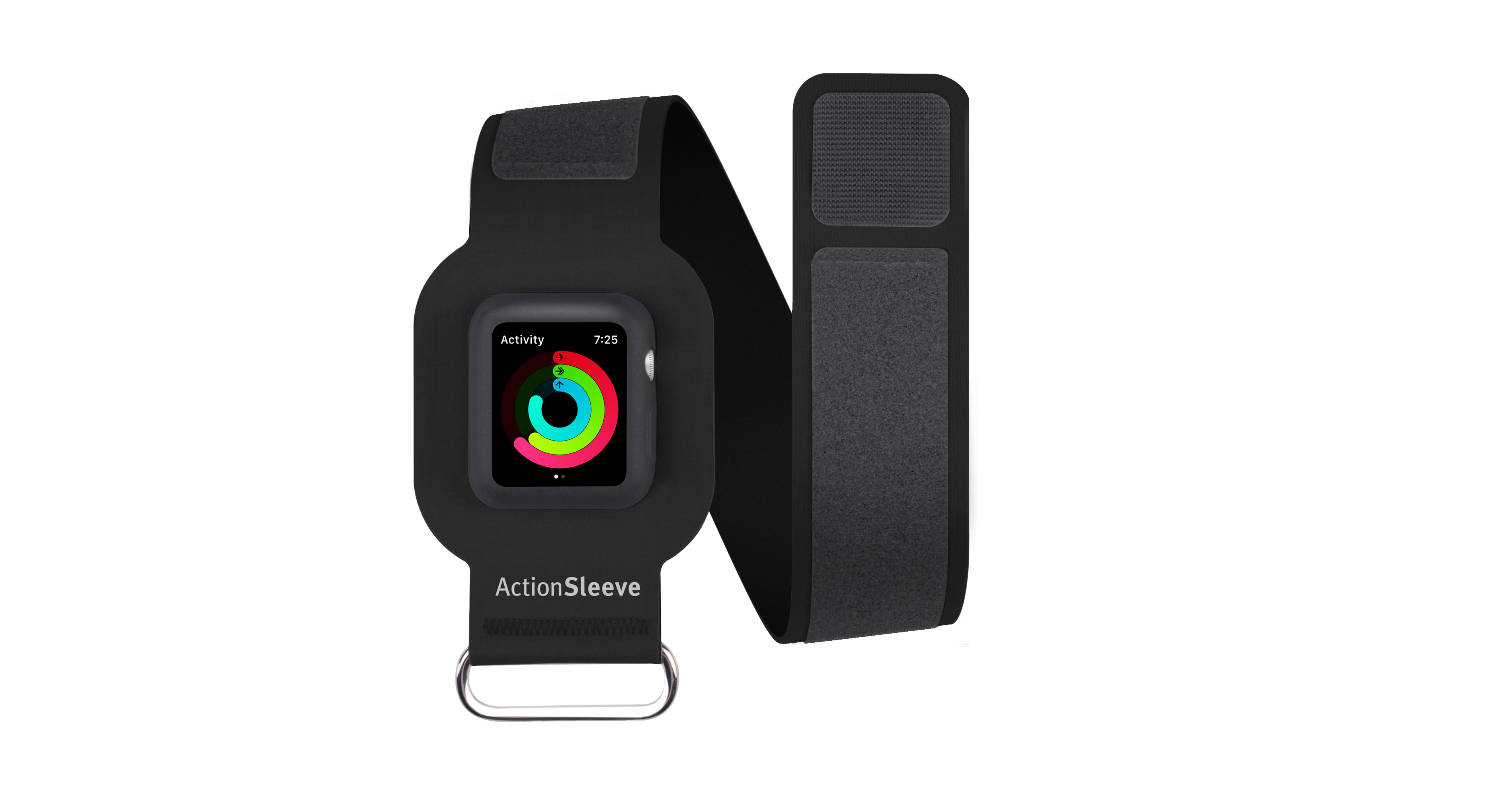
Twelve South has removed the veil from the all-new ActionSleeve accessory for Apple Watch, which is an armband accessory tailored specifically for the active lifestyle. It's made to work with all sizes of arms and works with both the 38mm and 42mm variants of the smart watch.

ActionSleeve is intended to provide those who participate in more rigorous sporting activities a more secure way to wear the Apple Watch when the stock wrist location isn’t ideal, and it does so in a complementary way without sacrificing any of the Apple Watch's functionality.

Have any Health information at a glance with HealthFace for Apple Watch

The developer team at Crunchy Bagel has taken the wraps of HealthFace, a product designed to assist regulars of Apple’s Health app in monitoring their vital data on the fly. HealthFace is capable of reaching deep into your personal Health catalogue and displaying virtually any data point in form of a complication on your wrist.

For users constrained to keeping a close eye on their vitals, food intake or other health related parameters, the app sets out to become a quasi extension of Apple’s Health app.

Gamify your stand goals with Standland for iPhone and Apple Watch

Filling all three activity rings at the close of day has become a proper ritual and incentive for many Apple Watch owners. Out of the three, the one most likely to botch your hard-earned, months long streak is going to be the blue circle gauging standing times per day. The reasons for it are manyfold, but it often comes down to the simple fact that you cannot pencil in a time slot before or after work to quickly fill up the blue one, as it is contrived to be an achievement realized over the course of 12 hours per day.

Standland, an app for iPhone and Apple Watch users, has identified that pitfall of Apple’s activity tracker and plays on it nicely, offering more control, analytics and motivation to get users standing up at least once per hour. Japan’s iPhone App of the Year 2016 achieves this by serving up a creative blend of pet collection (resemblant of the old tamagotchi days) and fitness curation. Standland can track your standing hours right from your wrist or the inside of your pocket (for iPhone-only users) and has recently been updated for the festive season that is upon us. Follow our review below to find out about the role of in-app purchases and whether or not the stripped-down version of Standland is worth your time.
Deliveries gains full iOS 10/watchOS 3 support & many new features in latest update

Deliveries, my favorite package tracker for iPhone, iPad, Mac and Apple Watch, received a major update on the App Store this morning. Bumped to version 8.0, Deliveries is now fully compatible with iOS 10 and watchOS 3 and supports many new iOS 10 features, from rich notifications and haptic feedback to a reworked widget, deeper 3D Touch support, faster background updating for the Deliveries widget and its Apple Watch app, improved suggestions when you add a delivery, an iMessage sticker pack and more.

watchOS 3.1.1 disables Lock feature in Control Center—here are four workarounds

Don't bother trying to lock your Apple Watch by tapping a dedicated Lock button in Control Center!

That's because watchOS 3.1.1 update (currently pulled over bricking complaints) has killed that button. It's not a bug—the feature disappeared from Control Center in the first beta of watchOS 3.1.1.

I'm unsure as to why Apple has tweaked how manual unlocking works, but am certainly not a fan of the change. Actually, I've felt so ticked off by this apparent “feature” of watchOS 3.1.1 that I've decided to come up with a few workaround solutions for those of us who manually lock our watches before going to sleep.