Wallpapers

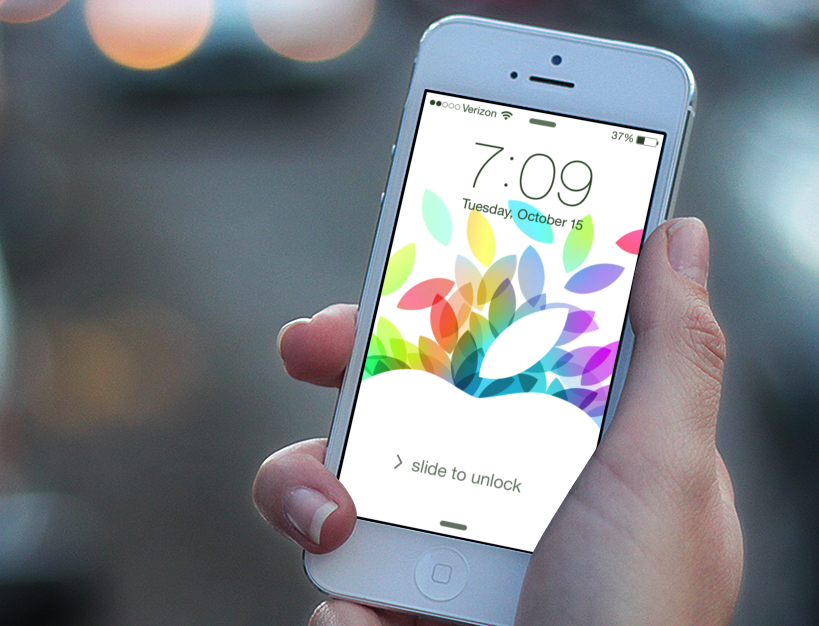
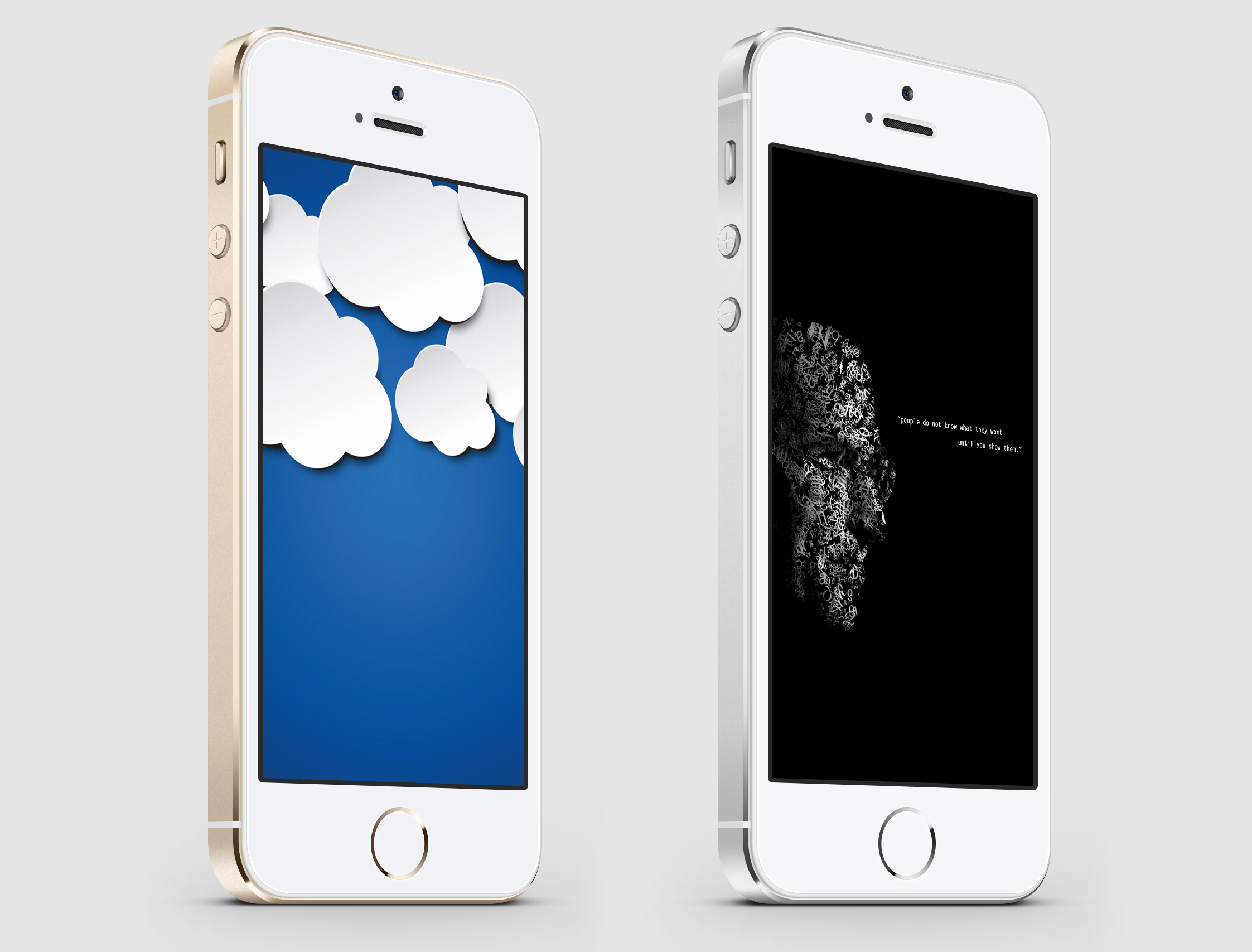
Wallpapers are a great way to personalize your iPhone and make it stand out. There are countless designs to choose from, including nature scenes, abstract patterns, and iconic imagery. Whether you prefer a bold and colorful look or something more subdued and minimalistic, there’s a wallpaper for every taste and style. With new options added regularly, you’ll never run out of options for customizing your iPhone.

Refine your search for the perfect background by selecting a category below, or simply browse our archive of thousands of images for free.

CameraWallpaper, a New App to Use Your Camera as Your iPhone Wallpaper

CameraWallpaper is a new tweak available in Cydia that lets you use the camera of your iPhone as your wallpaper, meaning that anything your camera sees will be displayed as your wallpaper.

As soon as you are on your iPhone springboard, you will see whatever is in front of your camera as a wallpaper. Thanks to an intuitive Activator integration, you will also be able to snap a picture at any time and use this picture as your wallpaper.

Confused about how CameraWallpaper works? Then check out the video below...

DeepEnd is a Jailbreak Tweak That Shifts Your iPhone’s Wallpaper Based on Orientation

Earlier this week we talked about 3DBoard, which is an upcoming jailbreak tweak that adds a 3D effect to your iPhone's Home screen. DeepEnd works in a similar way, altering your wallpaper's orientation based on movement.

DeepEnd is from a staple in the jailbreak app community, and one of our favorite developers, Ryan Petrich -- the same guy behind ActionMenu.

Want to see how DeepEnd works in action? Check out our video inside as we explore this nifty looking jailbreak tweak...

Create Wallpapers and Contact Photos for Your iPhone With ‘Ensoul’ for Mac

I love pretty iPhone wallpapers. The Mac App Store recently launched, and I've been looking for an app that will easily allow me to create iPhone-size wallpapers out of the hundreds of desktop wallpapers and hi-res photos I already have on my Mac. After a little searching, I found Ensoul by MacPaw software.

Ensoul is the perfect desktop companion for creating iPhone wallpaper and contact photos on the Mac. The app is incredibly well designed and focused. And, for a wallpaper addict, there's enough under the hood to make it worth the $9.99 price tag.

With Ensoul, you can easily crop and create iPhone-sized wallpapers out of your already existing wallpapers and photos on your Mac. But that's not all, Ensoul has more to offer than just wallpaper resizing...

Easily Switch Springboard Configurations with BackBoard for iPhone

One of the biggest cons of jailbreaking has always been how difficult it is to restore a jailbroken iPhone's settings and configuration. If you ever need to restore iOS or upgrade/downgrade to a different iOS version, there is no clear way to easily restore your iPhone's (both jailbreak and general) configuration.

BackBoard is a new jailbreak app that aims to help you save your iPhone's springboard/home screen configuration. There are other apps, like PkgBackup, that help you back up your jailbreak apps and settings; but BackBoard has some different features that make it appealing...

Bring the Awesome Look of TRON to Your iPhone

The recent movie release of "TRON: Legacy" has lots of geeks salivating over the amazing universe  of "The Grid." I went and saw the movie this past weekend, and I was blown away by the special effects used to create the world of the film.

Luckily, I've found some nice TRON iPhone wallpapers and an awesome theme for jailbreakers. After using these wallpapers and theme, your iPhone will look like it was designed by Kevin Flynn himself...

SBRotator Adds Landscape Mode to Your iPhone Home Screen

Most apps in iOS support both portrait and landscape mode. The iPad even supports portrait and landscape on the home screen. Apple has limited the iPhone's home screen to portrait mode only, but there is now a jailbreak tweak for adding landscape rotation to your iPhone's home screen.

SBRotator changes your home screen to match your iPhone's orientation, just like most apps will already do in iOS. If you have been dying to have this capability since you saw the iPad's rotated home screen, you should be very happy with SBRotator...

Mimicking the “Launchpad” With Your iPhone’s Wallpaper

In the recent Steve Jobs keynote, Apple introduced the next major version of Mac OS X. "Lion" boasts many new graphical innovations, and iOS seems to have been sewn into the new interface. One of the most interesting additions to Lion was the "Launchpad."

Launchpad brings the iOS home screen to OS X. In OS X Lion, when you activate your Launchpad, your desktop wallpaper is blurred and given a nice vignette so that you can clearly see your app icons. The effect is very pretty. And, fortunately, it's fairly simple to duplicate this visual effect with your iPhone's locks screen and home screen...

Three Simple, Minimal Wallpapers for Your iPhone

I love non-distracting wallpapers. Both on the iPhone and desktop, I like my wallpaper to not overwhelm my focus every time I look at it. I'm always looking for simple, pretty wallpapers that I can use on all of my devices.

Recently, I stumbled on Hector Simpson's "Redefined Desktop Collection." This free wallpaper pack consists of three different designs for multiple desktop resolutions and the iPhone...

New Jailbreak Tweak Brings Panoramic Wallpaper Scrolling to Your iPhone

Here is an interesting tweak for jailbroken iPhones. Parallax is a new jailbreak app that allows you to add a panoramic widescreen wallpaper to your iPhone springboard. Once set up, you can flick through the panoramic image simply by scrolling left and right.

Simply select a widescreen wallpaper from Settings or Photos, and watch your background scroll behind your icons! The wallpaper scroll speed is configurable from Settings.

Watch the video below to Parallax it in action...

A Collection of Water Droplet iPhone Wallpapers

Do you remember the day? It was the Stevenote of June 7th, 2010. I remember it like it was yesterday. It was the day that Apple unveiled iOS 4 for the iPhone. Every Apple geek was brimming with excitement as the first, official look at Apple's new software on the iPhone 4's mind-blowing retina display.

That beautiful water droplet wallpaper on Steve Job's iPhone 4 made every wallpaper geek drool. Apparently, Apple's pre-installed wallpaper on the iPhone 4 has inspired some designers out there to create more amazing water droplet wallpapers for your iPhones. I have collected three of the best water droplet wallpapers for the iPhone...

Website Review: iPhone Ringtones and Wallpapers [Sponsored]

I get many offers from websites to do paid reviews of their services but I rarely (if ever) do it because I usually don't think the site is good enough to share with you. I was recently contacted by the guys over at eSeth.net to do a review of their site. To be honest, they're paying me money for this but that doesn't mean I'm going to be gentle with them.

The site is a mobile community where quality content like themes, wallpapers and ringtones are shared by members around the globe. The site currently has over 500 iPhone 4 wallpapers, and over 1,000 wallpapers for iPhone 3GS. There are also over 2,600 mp3 ringtones. Obviously these numbers are changing everyday as more and more content is added by members...

This Might Be the Coolest iPhone Lockscreen Ever

I found this awesome lockscreen on Cydia yesterday, with a little help from AtomicMufin on Twitter. It's called TypoPhone 4 and it's basically a lockscreen theme that shows the time and date in large bold letters. It also contains this cool unlock slider. You can download it from Cydia and activate it with Winterboard.

To have it look exactly like the image above, you'll also need to download Lockscreen Clock Hide from Cydia, which like the name suggests, hides the clock on your iPhone.

I think that's an awesome mod and it is without a doubt the coolest iPhone lockscreen I've seen so far. Now this thing just needs a little bit of colors to make it perfect.

What do you guys think? You like it?