Learn about these six quick ways to start an audio recording on your iPhone, iPad, or Apple Watch so you never miss recording an important conversation for memories or record-keeping.
6 ways to quickly record audio on iPhone and Apple Watch

Learn about these six quick ways to start an audio recording on your iPhone, iPad, or Apple Watch so you never miss recording an important conversation for memories or record-keeping.

Find out how to cut out unwanted parts of a phone or FaceTime audio call recording on your iPhone and save just the meaningful portion.

Learn how to trim an audio file on an iOS device to remove the beginning, end, or middle parts and keep just the desired portion.

Normally, whenever you tap on the record button in the Voice Memos app on your iPhone, the app instantly begins recording whatever sound the microphone picks up, be it someone’s voice or something else.

Learn how to record audio in the Notes app on your iPhone, iPad, or Mac, and also see and copy the transcription of that voice clip.
In this tutorial, we will show you how to transcribe a voice memo into text without using third-party apps or services.
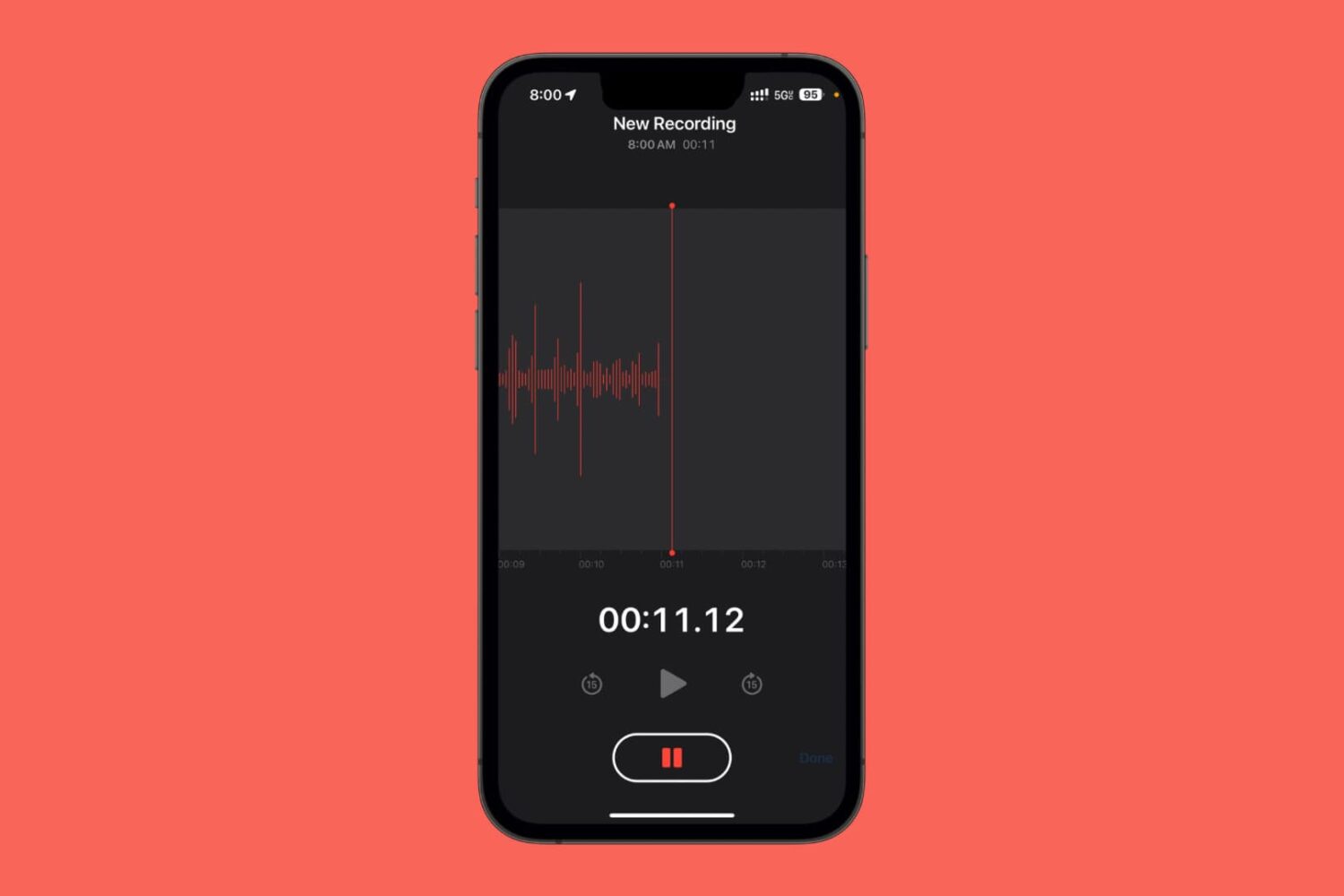
The stock Voice Memos app on the iPhone can be particularly useful for recording audio events, but it’s so non-discreet that anyone who sees your iPhone would be able to tell you were recording their voice.
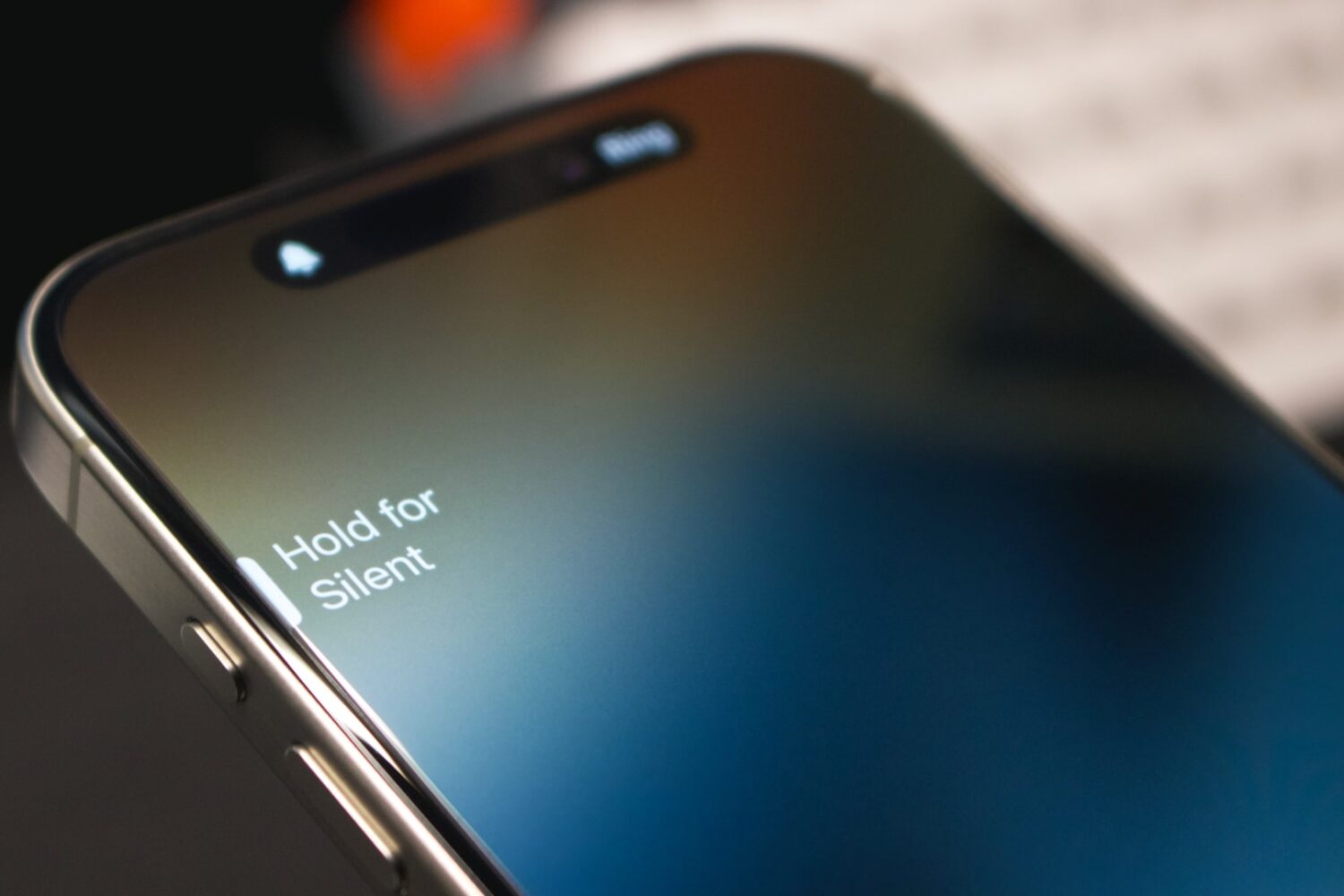
iOS 17.1 tweaks the Action button on the iPhone 15 Pros to prevent it from triggering the camera, flashlight and other actions in your pocket.
Find out what to do if the audio recordings made in the Apple Voice Memos app are not syncing via iCloud from your iPhone, iPad, and Apple Watch to your Mac or vice versa.
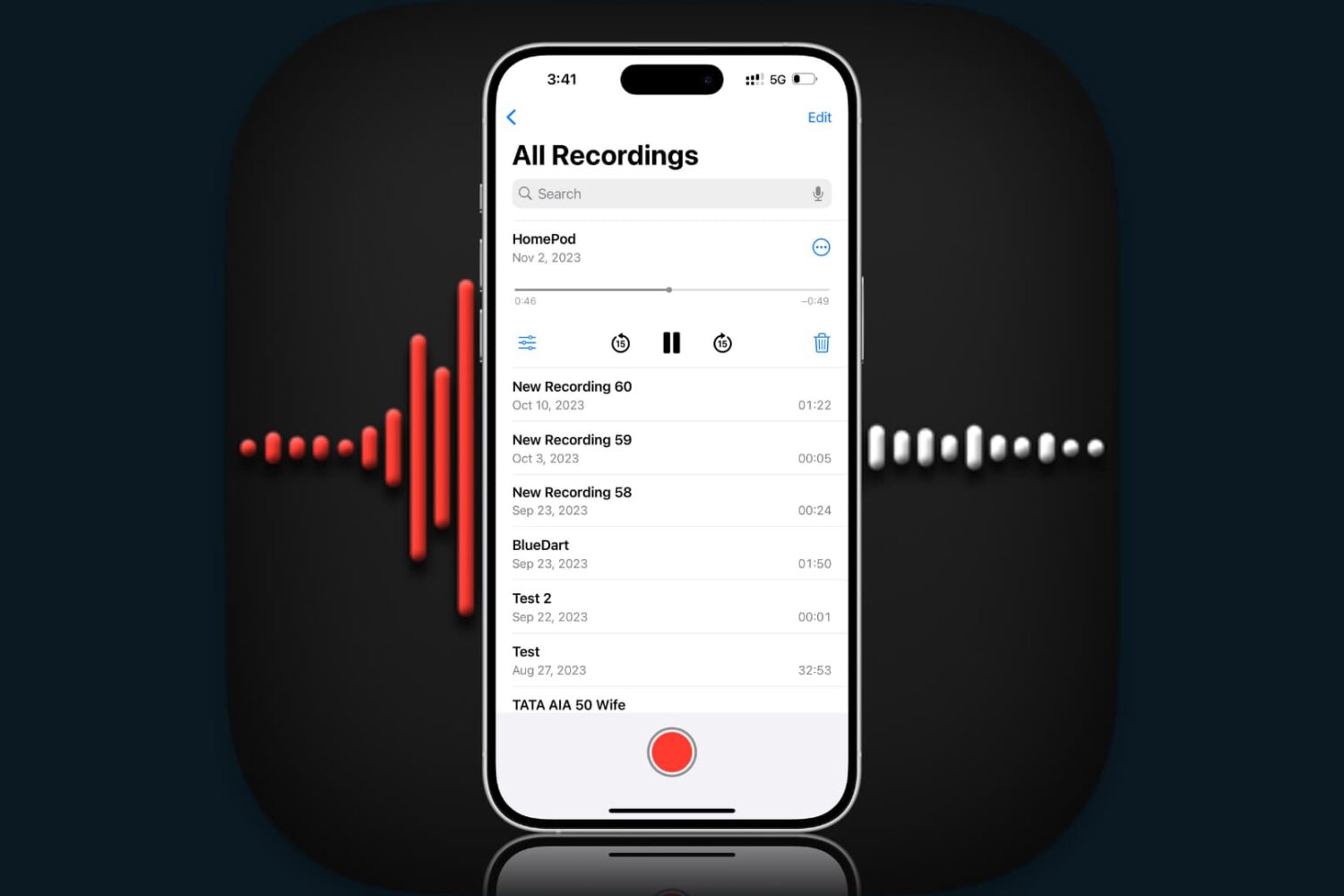
Did you record an important voice clip and want to send it to a coworker or family member? In this brief tutorial, we’ll show you how to share recordings from the Apple Voice Memos app on iPhone, iPad, and Mac.
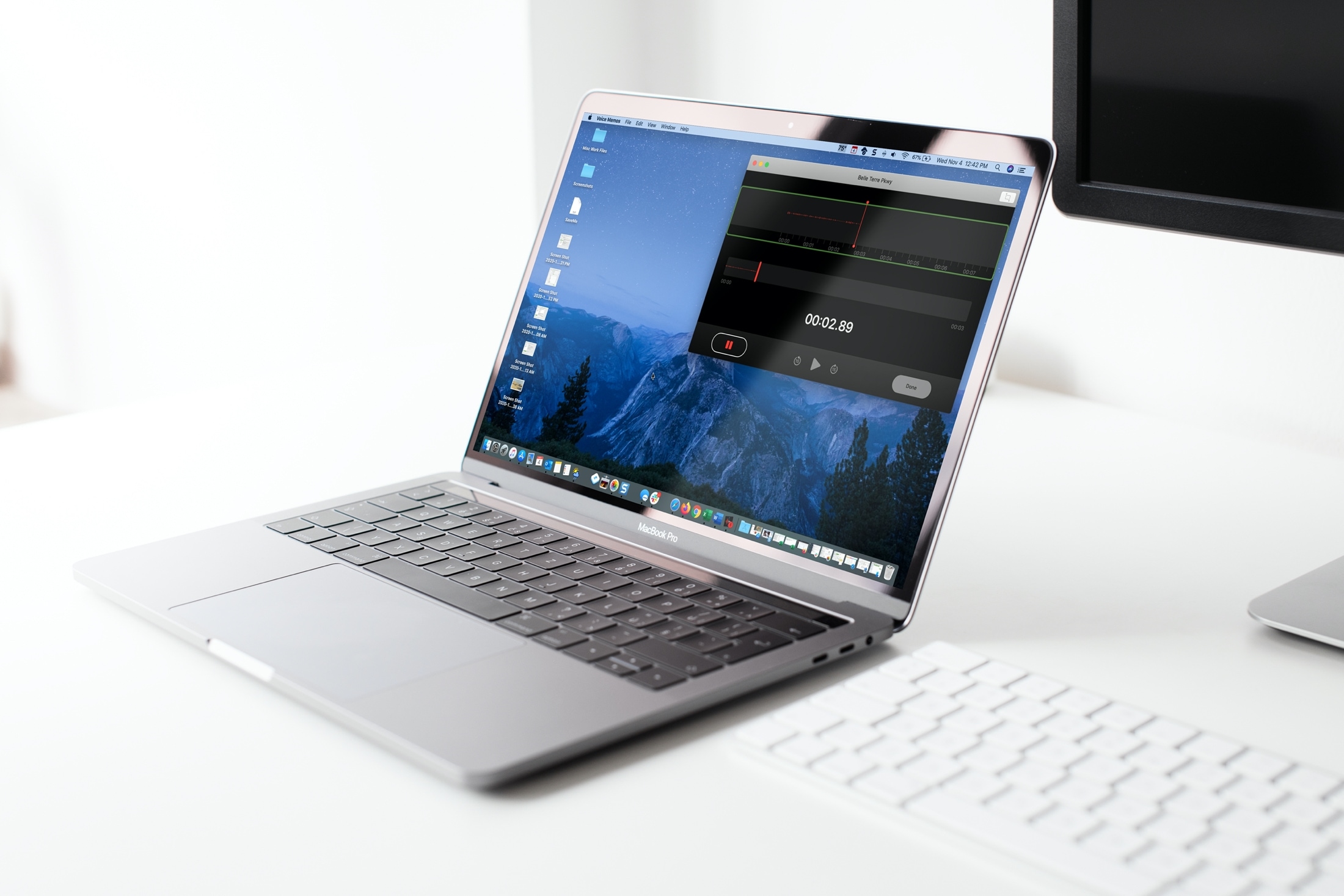
In this tutorial, we’ll help you set the Voice Memos app on your iPhone, iPad, and Mac to automatically empty the recently deleted voice recordings immediately, after a few days, or never!
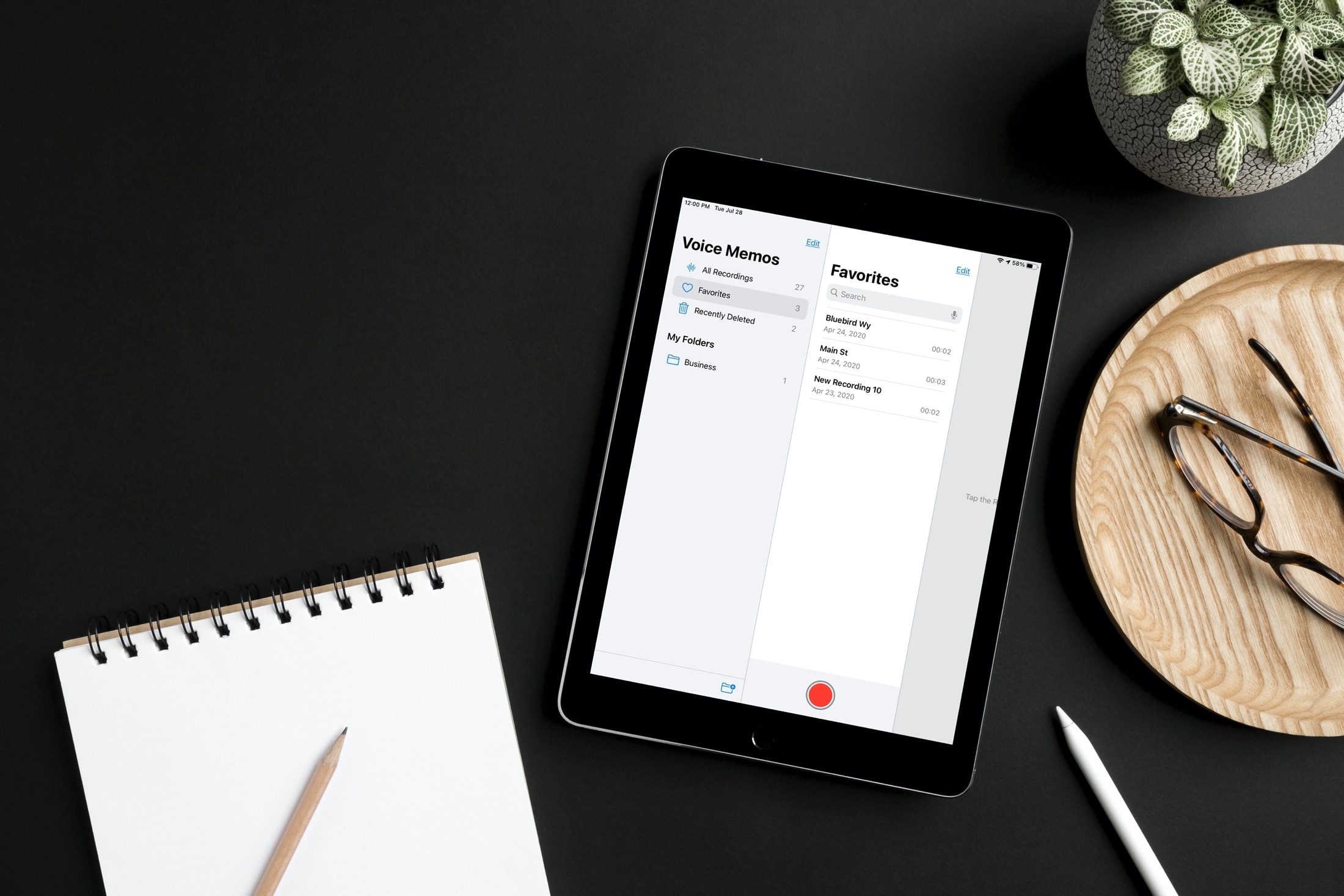
Label specific audio recordings as favorites in the Voice Memos app on your iPhone, iPad, and Mac so you can quickly access those important voice clips when needed.