Video

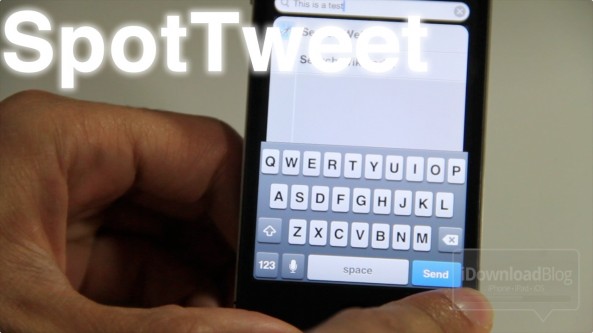
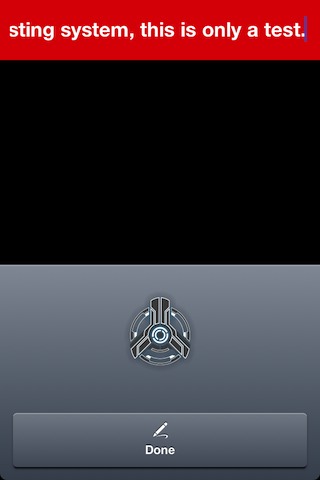
You can bypass Clear’s 30 character limit using Siri Dictation

Clear, the minimalistic, yet insanely stylish todo app is all the rage right now. Perhaps you've been enjoying it?

To maintain its simplistic look and feel, the developers imposed a 30 character limit for tasks, which is completely understandable — especially after you see what more than 30 characters looks like.

You can use Siri Dictation to outright bypass the 30 character limitation for a seemingly infinitely long task entry. Obviously this trick isn't amongst the most practical tricks in the book, but it's cool because, well, it can be done.
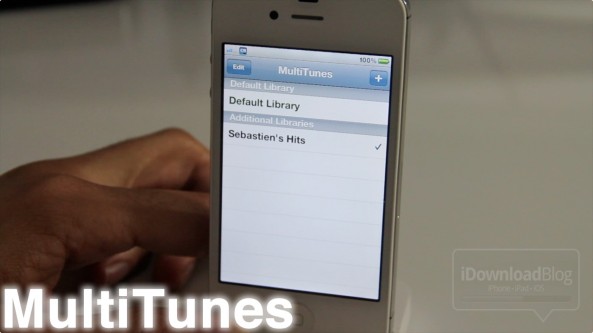
How to sync multiple iTunes libraries with your iPhone

Whenever I hear of a jailbreak app that somehow alters the iTunes syncing experience, a red flag goes up. I guess it was one bad experience I had when I was new to jailbreaking a few years ago that keeps me on guard whenever anything wants to touch my music.

Needless to say, I downloaded MultiTunes and decided to give it a try anyway. What I found was an awesome tweak that works just as advertised. With MultiTunes, you can sync multiple iTunes libraries on your iPhone with ease...

‘Screen Swipe Sounds’ adds sound effects when swiping between pages

It's sure to be a battery drainer, but for those looking for sound effects while swiping between screens, Screen Swipe Sounds is an interesting solution.

For $0.99, the developer has provided over a dozen sounds and the ability to enable vibration when swiping between pages on your iDevice.

The only downside (besides the obvious battery issue) is that the sound selection is quite abysmal. Listen in on our hands-on video inside...

How to launch Siri from Notification Center

Since just about everything else can be launched or accessed from Notification Center, wouldn't it be nice if you could invoke Siri directly from there as well?

With the help of a jailbreak tweak entitled SiriLaunch, now that's possible. SiriLaunch places a little Siri icon shortcut in the bottom left-hand corner of your Notification Center panel for easy access to your personal assistant...

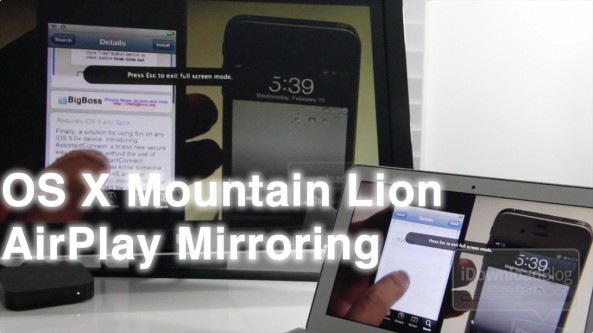
OS X Mountain Lion AirPlay Mirroring hands on

So I finally got some time to take OS X Mountain Lion's new AirPlay Mirroring functionality for a spin, and what I found was just what you would expect.

AirPlay Mirroring is a fairly seamless affair for Apple TV owners, and it works remarkably well — even in its current beta form.

Check out our hands-on experience with OS X Mountain Lion's AirPlay Mirroring on video inside...

OS X Mountain Lion borrows heavily from iOS

Today Apple took the wraps off of OS X Mountain Lion (I know, we should have saw that one coming) and continuing with the movement started with its predecessor, OS X Lion, it borrows heavily from iOS.

In fact, you could say that OS X Lion's iOS implants were rather mild compared to what Mountain Lion plans to offer. Apple is obviously serious about completely combining the best elements of iOS directly into its desktop operating system, and no where is this more evident than with Mountain Lion.

Like times past, Apple has released a video teaser outlining various components of their upcoming OS X update. You're already aware of one of them — iMessage — but what are the others?

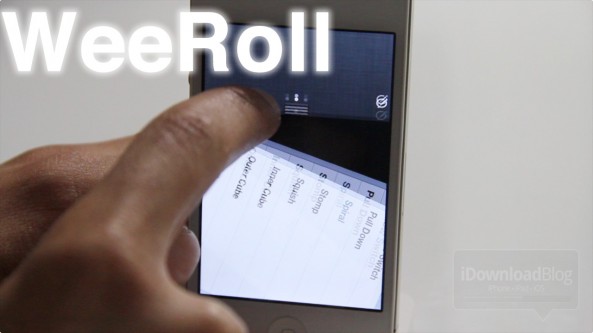
‘WeeRoll’ will add over a dozen animations to Notification Center

WeeRoll is an unreleased jailbreak tweak that lends the ability to add over a dozen animations to iOS 5's Notification Center.

It's very similar to the Flowtation tweak we covered a while back, except that there's a lot more animation options bundled with WeeRoll.

I asked the developer why his tweak had so many animations, and he replied: "That's just how WeeRoll". Okay, I admit that was bad, really bad.

To make up for it, enjoy this special video preview of WeeRoll in action...

How to get Siri working on older devices the easy way, no proxy required

Ladies and gentlemen, this is by far the easiest way to get Siri running on your older devices like the iPhone 4, or iPod touch G4, and it requires no proxy server or meticulous setup.

As long as you have a generous friend that's willing to send you a file from their jailbroken iPhone 4S, you can have Siri running on an older device in just a few minutes.

Inside, we'll walk you through how to use AssistantConnect and AssistantConnect4S on video. It's extremely simple, just follow this brief tutorial...

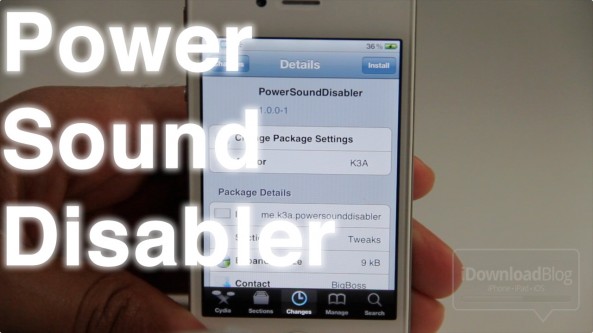
‘PowerSoundDisabler’ disables your iPhone’s charge alerts

Don't you hate it when it's late at night, and you forget to turn on silent mode before plugging your iPhone in to charge? The audible alert that results seems loud enough to wake up the whole residence!

Sadly there's no native way to totally disable the charging alerts, but don't fret, the jailbreak community has your back.

PowerSoundDisabler is a jailbreak tweak that disables the charging sound and vibration notification whenever you plug your iPhone or other iOS device into a power source.