Video

How to restore SAM unlock activation tickets with RedSn0w

The latest version of RedSn0w now includes a new option nestled under the extras menu for restoring SAM unlock activation tickets. The iPhone Dev Team relates in the release notes that "you can now include your SAM tickets as part of your initial ramdisk jailbreak of iPhone 4 or earlier, or alternatively you can upload your SAM tickets to any device after its been jailbroken."

Previously, we posted a manual method to go about restoring your activation tickets, but this newer method is preferable due to its simplicity.

Since the SAM ticket upload feature works universally with A5 and A4 devices, we suggest sticking with this method when it comes to restoring your unlock activation tickets. We've also posted a full video walkthrough; be sure to take a look inside...
MountainLionCenter brings OS X’s Notification Center back to iOS

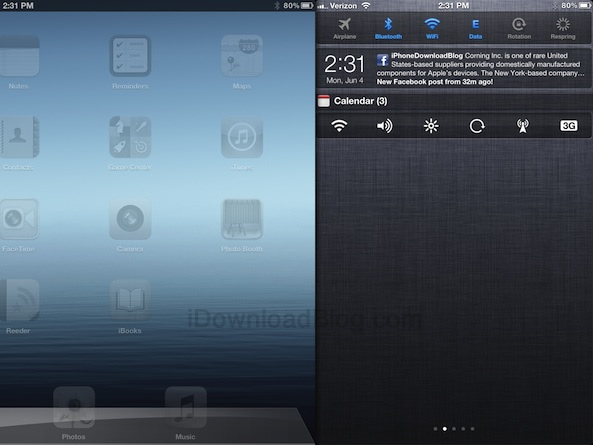
Apple's initiative to bring several highly notable iOS features "back to the Mac" is one of the hallmarks of its upcoming release of OS X Mountain Lion. One of the most touted iOS features to make its way to Mountain Lion is Notification Center. Notification Center on the Mac works similar to the way it does on iOS, with a few noted differences.

One of the main differences is the location of Notification Center — on the Mac it is docked and hidden on the right-hand side of the screen. Wouldn't such change be welcomed to Notification Center on the iPad? I say this, because in its current form, it's placed square in the middle of the screen no matter the orientation. In fact, it's sort of like an afterthought.

MountainLionCenter is the upcoming jailbreak tweak that plans to change this, placing it more in line with the way Notification Center works on OS X Mountain Lion. For more details, watch our full video walkthrough inside.

How to enable Lock screen wallpaper even when your device is charging

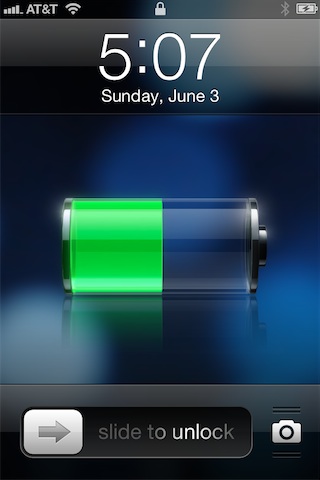
ChargingBackground is a tweak that lends the ability to view wallpaper on the Lock screen even while your iOS device is charging. For some reason Apple throws up a black background whenever the device is charging, eliminating your wallpaper. ChargingBackground allows you to reclaim your device's background while it's plugged into a power source.

I'm pretty sure this tweak isn't the first on the block to do this, but sadly, the original tweak's name escapes me at the moment. Nonetheless, ChargingBackground is free, and it works. Check out our video demonstration inside...

This tweak lets you lock your device by swiping to the Spotlight page

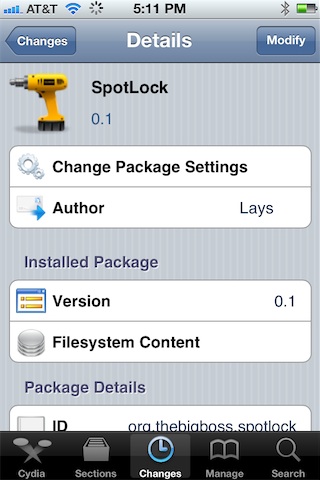
SpotLock is a new jailbreak tweak that allows you to lock your iPhone simply by swiping over to the place where Spotlight search normally resides. Granted, this tweak will totally eliminate the ability to use Spotlight search, but I believe the popular consensus is that many of you don't use Spotlight to begin with.

Of course, a quick press of the sleep button at the top of your iPhone is the quickest way to secure your iPhone from a software perspective, but SpotLock is an interesting way to break the monotony and switch things up a bit...

Jukebox now available on Cydia

[tube]http://www.youtube.com/watch?v=auCwQQpr-Mw[/tube]

Jukebox — the Dashboard X and Notification Center compatible music widget — is now available for download on Cydia. As you no doubt saw in our walkthrough, Jukebox is an awesome music widget that can be used to directly manipulate your Music app from the convenience of your Home screen.

One of my complaints with Jukebox was that it currently only supports the stock Music app, but the good news is that support for 3rd party music apps like Pandora and Spotify is in the works. Check out our full coverage of the tweak, and be sure to head over to Cydia's BigBoss repo where it can be had for $0.99.

How to make iPad banner notifications span the full width of the screen

Would you like to make your iPad's banner notifications span the entire width of the iPad's screen? Now you can, courtesy of a new jailbreak tweak entitled NCPad.

NCPad features no options or settings to configure, simply install it, and it begins working immediately. It won't expand the entire Notification Center width as its name might suggest, but it will increase the width of banner notifications, which in turn allows you to read more of the contents of the notification.

NoCameraGrabber eliminates Lock screen camera shortcuts

I've never been particularly fond of the new Lock screen camera "grabber" feature on iOS 5.1 and above, and frankly, I never find myself using it. In fact, I never used the camera shortcut that appeared with a double press of the Home button on firmware below iOS 5.1. Call me crazy, but I'm just not a big fan of using the camera directly from the Lock screen.

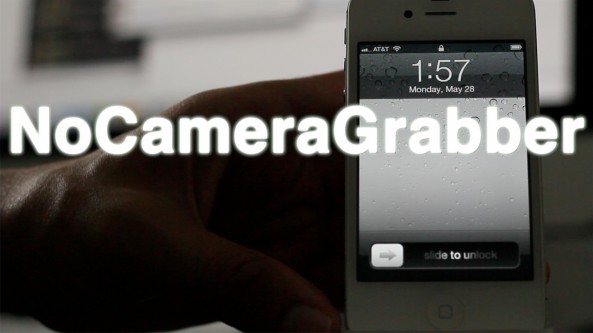
NoCameraGrabber is a jailbreak tweak designed with people like me in mind. It completely removed the camera grabber feature from your iPhone's Lock screen, and it doesn't even bring up the camera button with a double press of the Home button. NoCameraGrabber is a great way to completely eliminate camera shortcut functionality from the Lock screen. Take a look at our video preview for more info...

How to change your app icon labels from white to black, no WinterBoard required

Some jailbreak tweaks are immediately labeled as being worthless, and Black Icon Labels is one such tweak. I understand that there are a few users out there who will find this tweak handy, but most will probably claim otherwise.

Black Icon Labels changes the color of your app icon labels from white to black, and nothing more. If there's one good thing that I can tell you about this tweak, it is that it doesn't require WinterBoard to make the change. If you have a light colored wallpaper set on your iPhone's Home screen, then Black Icon Labels might be something you want to check for...

NoDictation removes dictation while keeping Siri enabled

Do you rarely use dictation on your iPhone? Would you prefer if there was a way to completely get rid of the dictation button without totally getting rid of Siri? Well, if you're jailbroken, now you can.

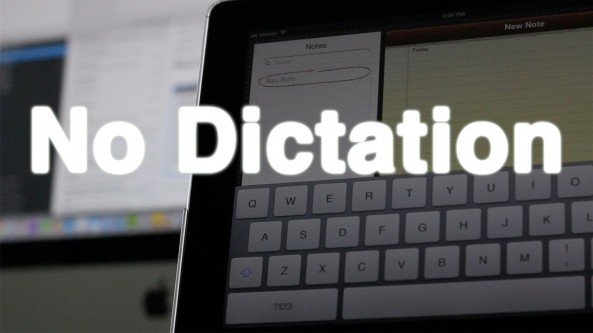
Introducing: NoDictation — a simple jailbreak tweak that removes the dictation button on the iPhone keyboard once installed. The nice thing about NoDictation is that you can disable dictation on your iPhone, without having to totally disable Siri.

Take a look at our video walkthrough of NoDictation for more information on how it operates...

An easy way to seamlessly play Safari videos in the background

Web Background Video Playback is a relatively new tweak by iOS developer Steven Troughton-Smith. The aim of the tweak is to allow video content to continue playing in Safari while it is running in the background. This is especially helpful when you're listening to video content, and seeing the video isn't necessary; for example, when watching a music video, podcast, etc.

This tweak is also handy in the cases where you wish to send a quick tweet or text message, but don't want to completely interrupt the video playback. I've noticed that it even plays nice with video that's streaming to a television via AirPlay.

Take a look at our video demonstration of Web Background Video Playback for more details...

Video compares 4.07-inch iPhone 5 glass panel vs. current iPhone

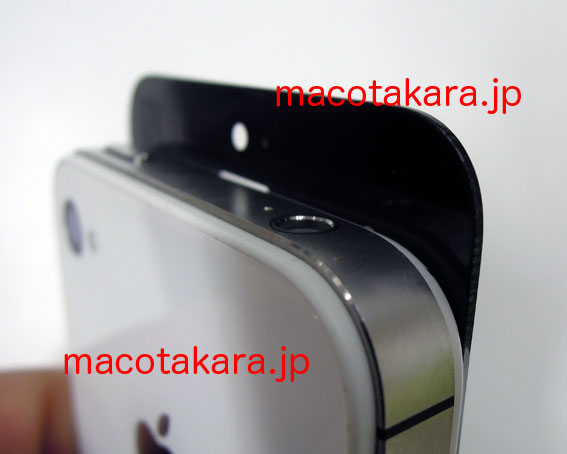
Japanese blog Macotakara just posted an interesting video which seems to compare an alleged next-generation iPhone glass panel against the current iPhone model. The clip depicts a taller but wider glass panel, supporting the mounting evidence that the iPhone 5 will introduce a new display size measuring slightly above four inches diagonally...

This jailbreak tweak allows you to have a more engaging Siri conversation

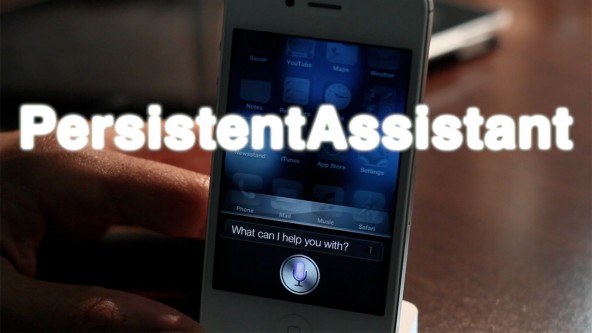
Are your Siri conversations feeling a bit like a dead end? Are you looking for a more conversational personal assistant? If that's the case, then PersistentAssistant is a jailbreak tweak you need to investigate. PersistentAssistant forces Siri to continuously listen for new queries until your close the Siri window, making for a more engaging conversation.

PersistentAssistant is especially useful if you're in a situation where you can't use your hands to continuously re-invoke Siri — for example, when driving. Check out our video walkthrough inside to see how it works...