Video

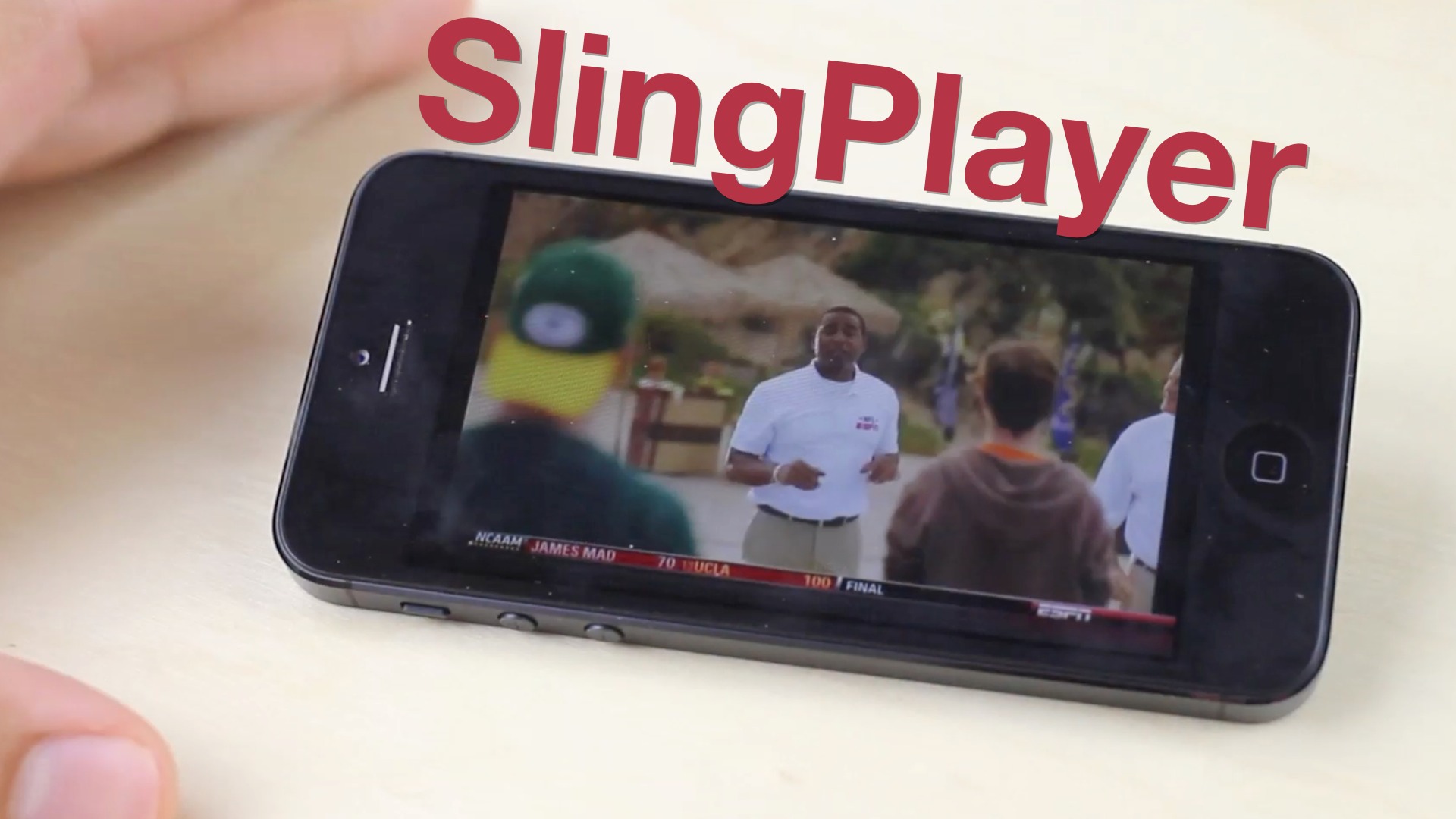
The SlingBox is worth a look for cable TV or satellite subscribers

I give up. Actually, I gave up. At least temporarily that is.

I tried to be a responsible cable cutter. I ditched cable TV years ago, but I've admittedly let it back into my life. I've been a Netflix advocate, a Hulu user, and I love my Apple TV. Still, I've failed.

I've used a Boxee Box. I've gone as far as to build a dedicated HTPC running Windows Media Center. Now If that doesn't tell you how far I went to kick cable TV out of my life permanently, I don't know what will.

How did this happen, you may ask? How did someone who fought tooth and nail to maintain their status as a permanent cable cutter let the "enemy" back into the household? One word. Sports.
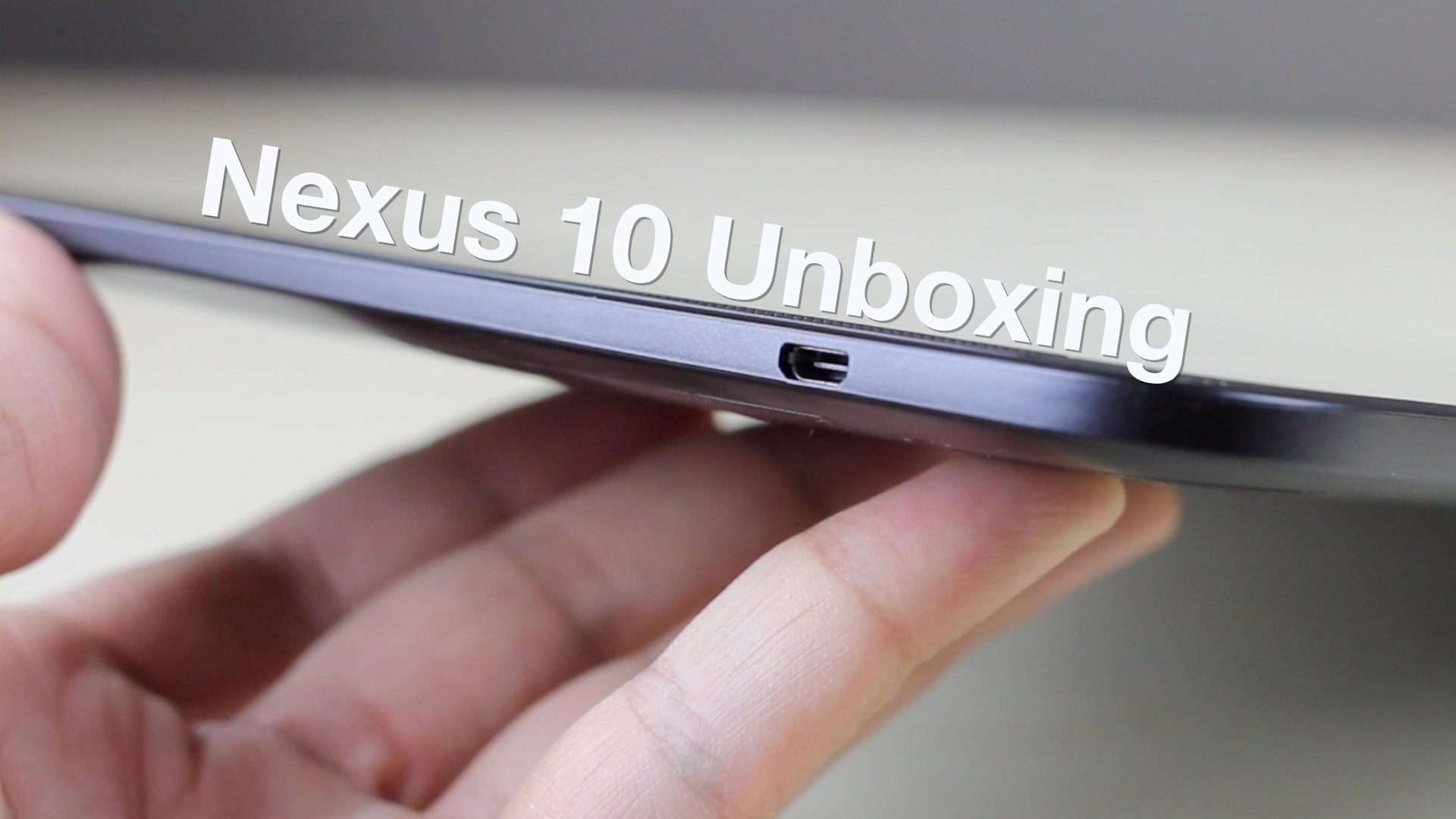

Google Nexus 10 unboxing and first impressions

Today I got my hands on the Google Nexus 10 in order to do a proper comparison with the iPad, and to stay up to date on the iPad's closest competitors. As you'll recall, I already did a review of the Nexus 7, and came away with a favorable impression of the device.

For the Nexus 10, a lot is the same as the Nexus 7, but a lot has changed as well. The most obvious difference is the form factor. This tablet competes directly with the iPad as far as size is concerned. You'll also notice a fairly original design, and one of the best, if not the best, screens on a tablet that you've ever seen...

Xiaomi Box, an Apple TV knockoff, does AirPlay at a very tempting price

http://www.youtube.com/watch?&v=jKLeqv_GQw8

Tempting ability to wirelessly beam whatever is displayed on your iPhone or iPad to a big-screen TV set has a major downer: it requires Apple's $99 set-top box to decipher encrypted AirPlay streams and then feed video to your telly via HDMI. And for many, Apple TV is just not a very useful set-top box so parting with their hard-earned $99 just to get AirPlay is not an option.

But what if you could get AirPlay functionality at a very tempting price plus choice of other popular video formats and apps, none of which Apple's device supports? That's what Xiaomi Box does for you. Basically an Android set-top box, it'll run you somewhere in the $60-ish. The thing's compatible with DLNA, Miracast and Apple’s AirPlay, letting you wirelessly stream content from Apple’s iPhone and iPad, personal computer and Android phones with MIUI installed...

Talk of Apple getting into TV space is premature

The holidays are a season when people believe in the impossible. But just as a fat man and a string of reindeer criss-crossing the globe overnight is a stretch of the imagination, so is the belief that Apple is about to get into the TV business. Like children wanting to believe, analysts have renewed speculation that the Cupertino firm is set to enter the fractious TV sector.

Not so fast, says one season observer. What some on Wall Street interpret as the "imminent launch" of an HD TV bearing the Apple logo likely is the iPhone maker simply exploring the cable television terrain ahead of a new product...

CallBar v2 brings iOS 6 support and other new features to our favorite Phone app tweak

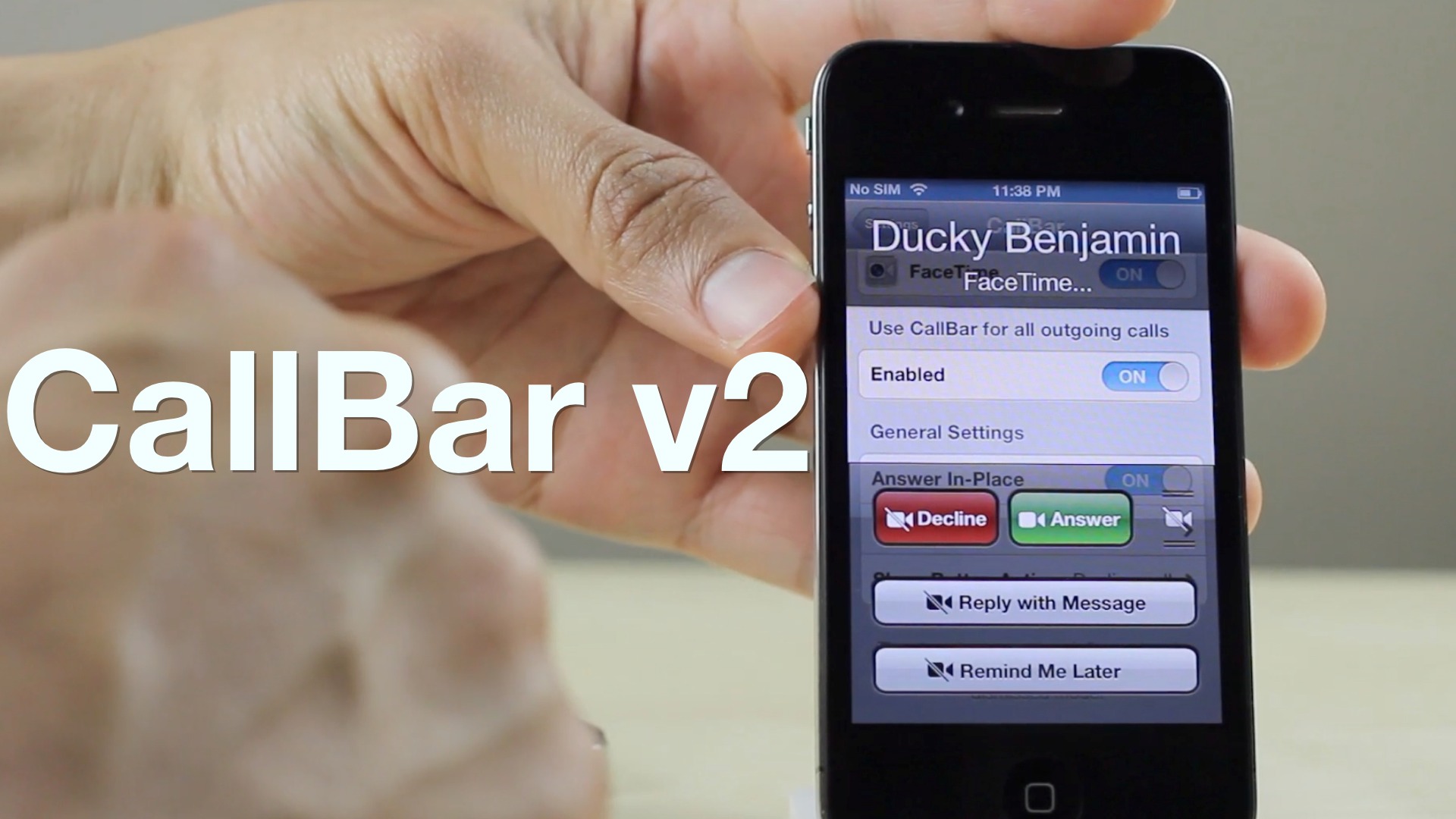
CallBar v2 is now available on Cydia's BigBoss repo, and it brings iOS 6 support and a host of additional new features to the popular telephony tweak for jailbroken iPhones. One thing I noticed by looking at the change log, and from using CallBar v2, is that it is a very refined experience. Elias Limneos and Joshua Tucker spent a lot of time stamping out bugs present in previous versions, and it shows.

While fixes are nice, new and improved features are even better, and CallBar v2 benefits from a number of them. First of all, there's true iOS 6 support built right in. I was able to test CallBar v2 on both an iOS 6.x and iOS 5.x device, and they both worked pretty much identical to one another.

For those of you who still may feel a little reluctant to upgrade to iOS 6, you'll no doubt appreciate how CallBar v2 brings many of the iOS 6 phone features to iOS 5.x. Options that are normally only available on the latest firmware like "Reply with Messsage" and "Remind me Later", are now available on iOS 5, and they work exactly as you would expect.

As we normally tend to do, we've created a video walkthrough that showcases some of the new features present in CallBar v2. We invite you inside to take a look at our video, along with more details concerning the new upgrade...

Warner’s new iOS app streams paid TV shows the day after airing in the US

Aptly named Day After US, a new mobile application for iPhones and iPads by Warner Bros. brings you the goodness of the studio's prime television shows, provided you can wait 24 hours after the episodes aired on television. A free download from the App Store, it works natively on any iPhone, iPod touch and iPad with iOS 4.3 or later. You can download individual episodes directly to your device over Wi-Fi for offline viewing. Warner Bros. is throwing in the first episode of each show free of charge. Want more? Have your credit card handy...

How to add Facebook, Twitter, and more search options to Spotlight

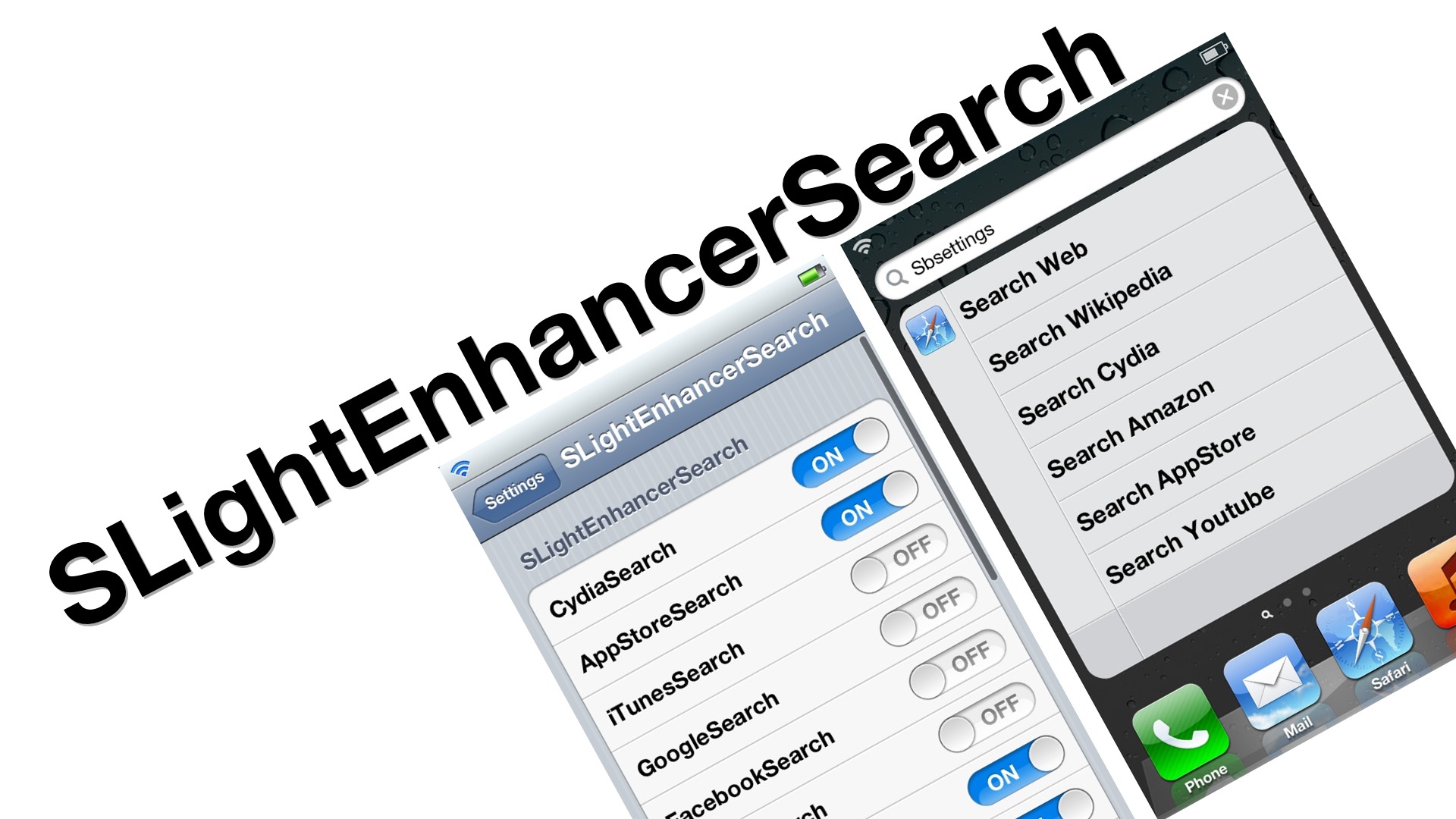
The awkwardly named SLightEnhancerSearch, is a recently released jailbreak tweak that adds a ton of new search options to the stock Spotlight search on iOS. When it was first released, I ran into many issues with the tweak, namely, the search options not showing up on the Spotlight page when enabled.

The tweak was updated today, and the developer seems to have stamped out all of the bugs that plagued the initial release. SLightEnhancerSearch, as silly as its name may be, is a quality jailbreak tweak that many will no doubt find useful...

How to disable Cover Flow in the Music app with NoCoverFlow

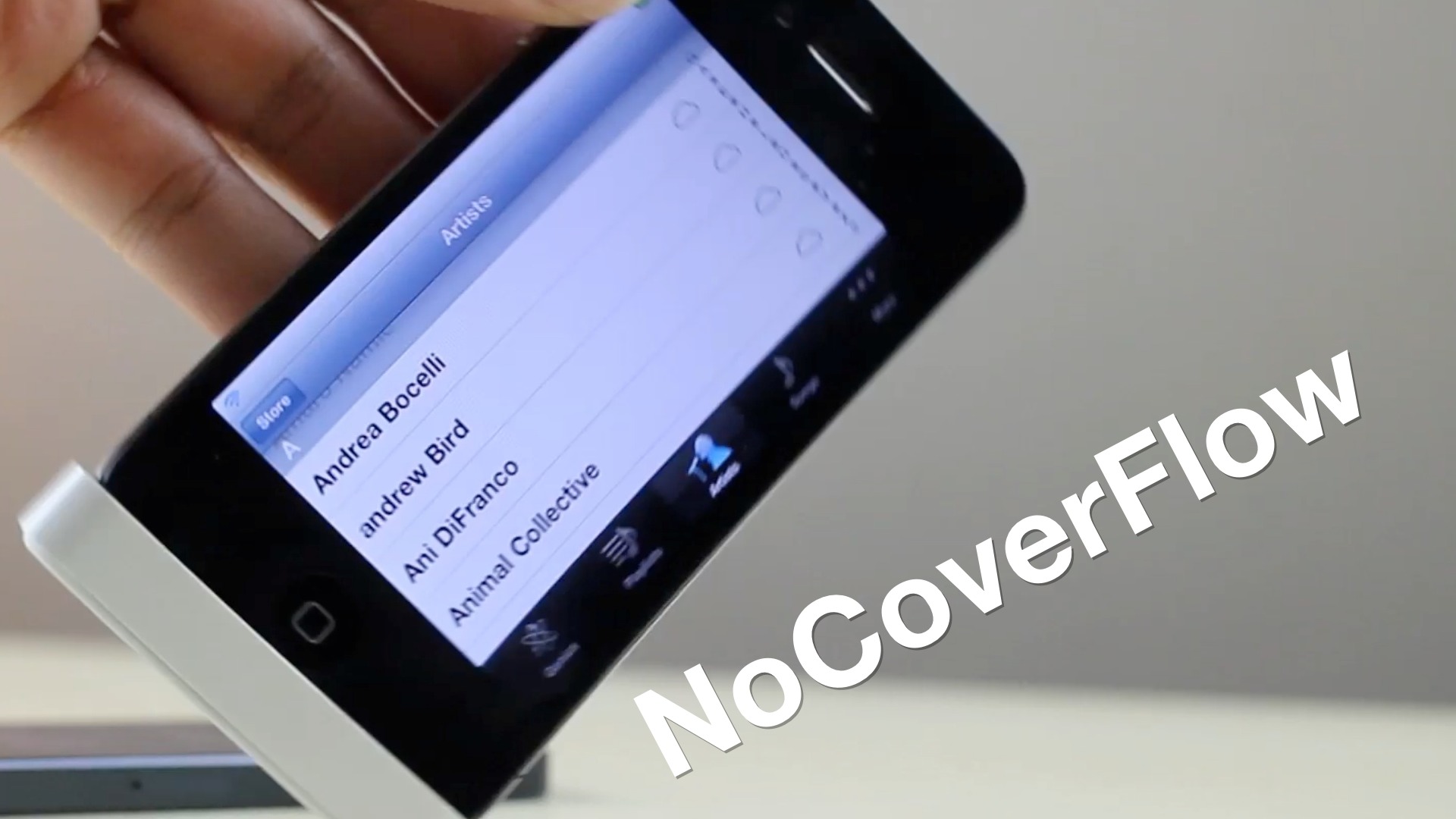
Cover Flow is a nice feature, but that's more due to its visual appeal than actual functionality is concerned. If you hate Cover Flow, then you'll be happy to know that it can be easily disabled by means of this new jailbreak tweak.

NoCoverFlow is a tweak from jailbreak developer, Ryan Petrich. With a quick installation, it will easily rid your stock Music app of Cover Flow if you so desire to do so. Take a look at our video walkthrough inside to see NoCoverFlow in action.

Battery Status provides spoken and pop-up battery alerts

Battery Status is a jailbreak tweak that will keep you informed about the status of your iOS device's battery. Battery Status provides either a spoken or pop-up alert, or a combination of the two — with both outlaying your current battery life situation.

This $0.99 tweak will tell you how much battery life you have remaining, how much you need to get to 100%, and how long it will take you to get to a fully charged battery. Take a look at our video walkthrough inside for a full synopsis of how it works.

Despite Android growth, iOS accounts for 60 percent of mobile videos

More evidence that our hunch was right: most mobile video traffic comes from iOS devices. Indeed, a new study finds that 60 percent of video not shown on PCs appear on iPad or iPhone screens. This despite a growing number of Android devices becoming a third screen for video consumers.

The news follows an earlier study in May by the same video monetization firm Freewheel. That research found iOS devices displayed 80 percent of mobile videos, hinting at inroads made by Android players...

Dial allows you to dial and text friends from a variety of places

Dial is a brand new tweak that allows you to use a dialer to text or call your friends and family from the App Switcher, Siri interface, or from Spotlight. The tweak has options to outright replace both Siri and the App Switcher, or to be invoked in tandem with the two.

In principal this might sound like a good idea. Wait a minute...let's not kid ourselves, it sounds like a terrible idea, but I was hoping that the execution would surprise me and change my mind. It didn't. Even still, there may be some of you out there who will appreciate Dial for what it is. With that in mind, we've created a video walkthrough showing how the tweak works.

How to jailbreak iOS 6.1 beta 2 with RedSn0w 0.9.15b3

If you're a developer, then you might be interested in jailbreaking the latest beta version of iOS — iOS 6.1 beta 2. The beta was just released today, and like we always do, we've created a video tutorial that shows how to successfully jailbreak it if you happen to be a developer.

Take a look inside as we walk you through the iOS 6.1 beta 2 jailbreak process step-by-step.