Video

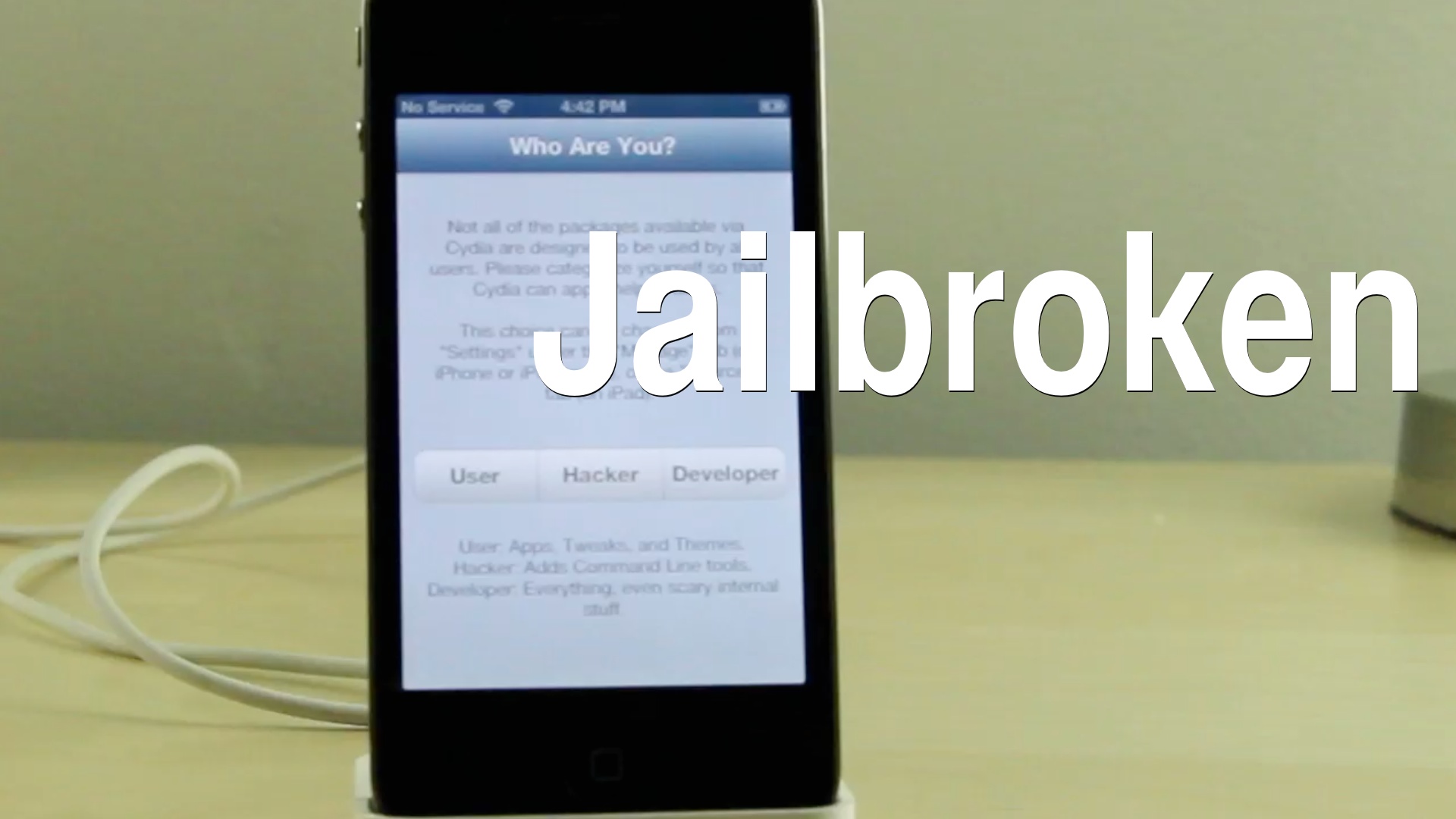
How to jailbreak iOS 6.1 final using RedSn0w 0.9.15b3

Let me just preface this by telling you this is probably not the jailbreak you have been anticipating, but for the sake of being completionists, we are showing you how to jailbreak a pre-A5 device using the final public version of iOS 6.1.

As you know, the final version of iOS 6.1 just dropped for all devices, and that means that Sunday, we should probably expect a jailbreak of the untethered variety to hit all iOS 6.1 compatible devices outside of the obstinate Apple TV 3 (update: we now know the jailbreak will be called evasi0n). In the interim, however, for those of you wishing to jailbreak Apple's latest firmware on a pre-A5 device, we'll show you how.

Check inside for the full video and written tutorial that guides you step-by-step through the process.

How to jailbreak iOS 6.1 beta 5 [Video]

Is it, or is it not the "GM" release that we've all been waiting for? That's still up for debate, but, regardless if it is or not, it's unlikely that we'll see an iOS 6.1 jailbreak released until iOS 6.1 goes public.

In the meantime, if you happen to be a developer, you can enjoy a jailbroken version of iOS 6.1 beta 5 on your pre-A5 device. This jailbreak is a tethered jailbreak only, unless you happen to be rocking an old-bootrom version of the iPhone 3GS.

Take a look inside as I walk you through the step-by-step process of jailbreaking iOS 6.1 beta 5...

How to change an iPhone 5 screen in 3 minutes

http://www.youtube.com/watch?feature=player_embedded&v=qvsLjaW2Qbo

In the DIY category, this one might come in handy to those of you who accidentally dropped their iPhone 5 and broke the screen. In this video, we are showed how to change the iPhone 5 screen in just about 3 minutes.

Note that the iPhone 5 screen is integrated with the digitizer and is replaced with the entire front assembly. Of course, you'll need a few tools to do the job, namely a Pentalobe screwdriver, a plastic pry tool, and a suction cup, all of them available for less than $3 on Amazon. Of course, you'll also need the digitizer frame assembly as well.

Google upgrades YouTube Capture with 1080p video uploads

http://www.youtube.com/watch?v=l0sOzdXce6o

When Google in December released the YouTube Capture iOS app, the company instantly goy my attention. I love its sleek design, simplified user interface and the effectiveness of having an app dedicated to recording and uploading video clips to YouTube. It would be a must-have if not for the inexplicable lack of support for 1080 uploads - the software would limit any upload to 720p.

Not anymore. Today, a new maintenance released has been pushed which now lets you upload footage in the full HD 1,920-by-1,080 pixel resolution, along with a few other tweaks. More details right after the break...

The Daily Recap – Jan 24, 2013 edition

http://www.youtube.com/watch?v=YvNfhojILPU

Welcome to The Daily Recap for January 24th, 2013. Watch our video for a quick look at some of the top stories from the day in less than two minutes. If you missed out on any of today's big news, this is a great way for you to get caught up fast.

For your convenience, you'll also find links to all of the stories listed in today's recap inside...

Sentry teases video for upcoming ‘iOS MiniPlayer’ tweak

Do you love iTunes 11's MiniPlayer so much you wish you could just take it with you when you leave the house? If so, Sentry's latest concept for an iOS MiniPlayer will be a dream come true.

Sentry's iOS MiniPlayer concept is a bar-shaped widget which displays the name of the song currently playing, along with the album art and subtitles for the album and band. Tap on the title, and you've got basic playback controls for pause, fast forward, and rewind. There are even bars at the side of the MiniPlayer which you can drag to hide or reposition the widget...

‘Revelation’ reveals masked passwords on iOS

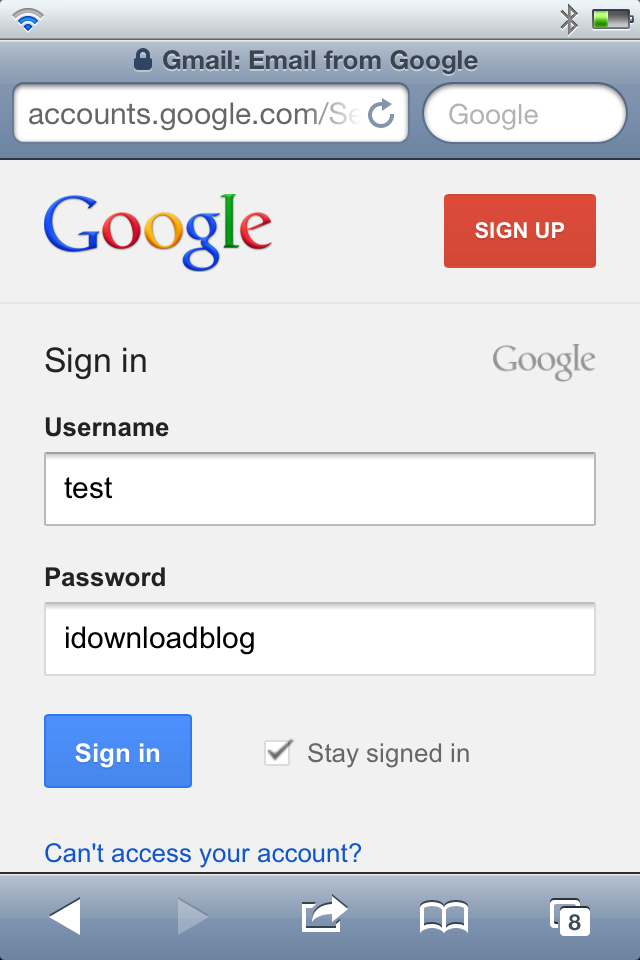
If you find yourself forgetting a saved password in your favorite browser, whether it be Safari, Chrome, or the like, then Revelation may come to your aid. But what if you forget a saved password in something like your Gmail email account saved within iOS? Revelation can help there, too.

As you can probably tell by now, Revelation is a new jailbreak tweak that allows you to see your otherwise hidden passwords in the clear. Not only will it prevent your passwords from being masked as you type, you can also go back and reveal saved passwords in their unmasked form.

Indeed, it's certainly a security violation, but if you find yourself up a creek without a way to reset your password, then Revelation may be a good last resort. Take a look at our video walkthrough inside, and decide if its something you might benefit from.

Twitter launches Vine, a 6-second video sharing iPhone app

The popular micro-blogging service, Twitter, Thursday launched a brand new iPhone and iPod touch app called Vine. Twitter also officially confirmed it has acquired the startup behind Vine. Little wonder that it's hailing the new software as "the best way to see and share life in motion".

In a nutshell, the app lets you capture and share 6-second looping videos in a simple manner and share them with your friends and family. It supports the iPhone 3GS and higher and iOS 5 or later, is optimized for the iPhone 5 and can be downloaded from the App Store right now, free of charge. Go past the fold for more info...

The Daily Recap – Jan 23, 2013 edition

http://www.youtube.com/watch?v=bv3hEdEnrYg

Welcome to The Daily Recap for January 16th, 2013. Watch our video for a quick look at some of the top stories from the day in less than two minutes. If you missed out on any of today's big news, this is a great way for you to get caught up fast.

For your convenience, you'll also find links to all of the stories listed in today's recap inside...

How to quickly respring your iPhone without jailbreaking

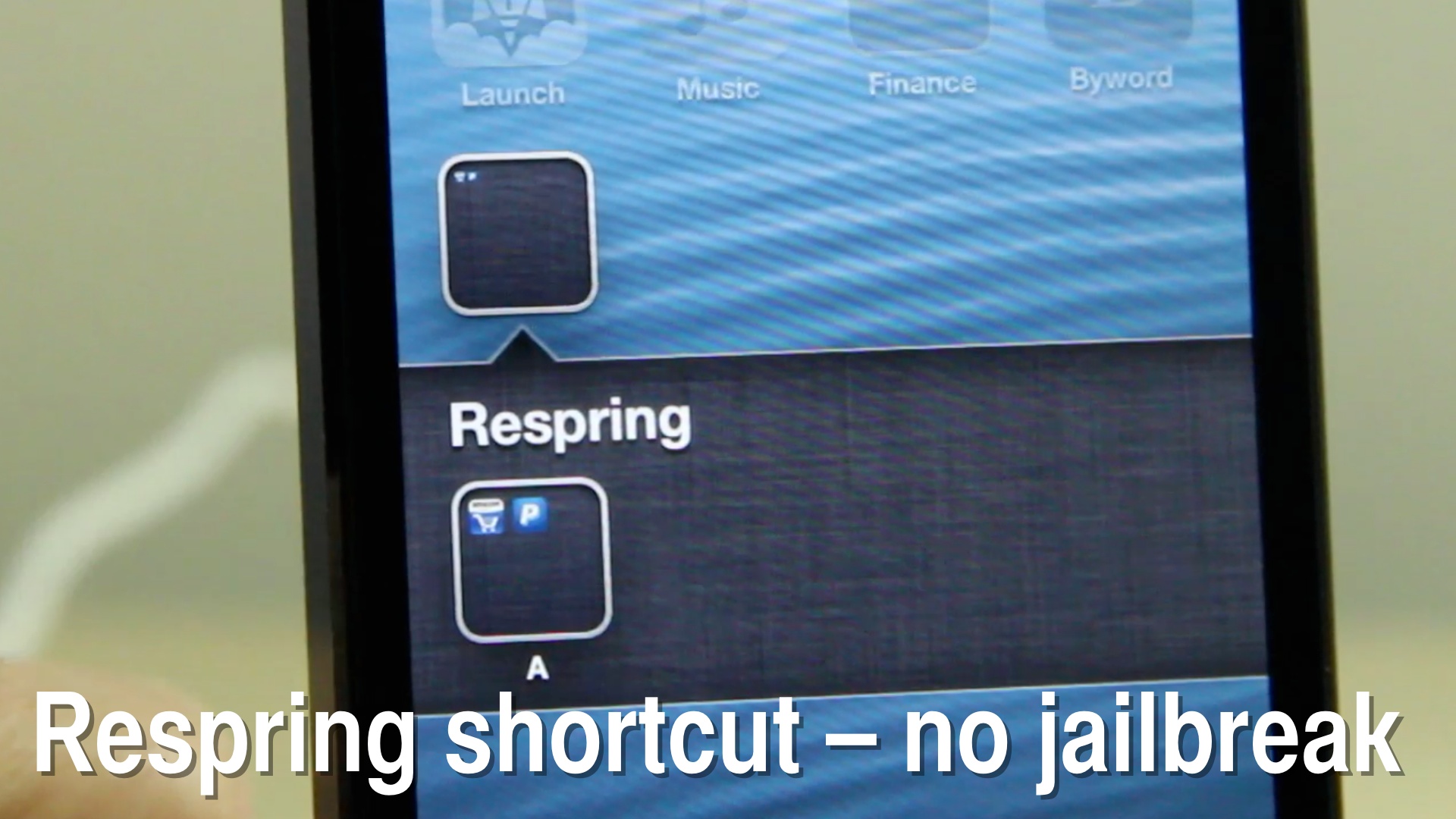
It may seem kind of obvious when you think about it, but did you know that you can setup a quick respring shortcut using the Newsstand glitch that we showed you? Basically it involves adding a folder to a folder, which causes the device to crash and respring when trying to open the folder inside the folder.

By establishing this setup permanently, you'll create an easy way to respring at any time. This is despite the fact that the device is not jailbroken. Check out our video tutorial for the full how-to.

Concept video shows what a 4.8-inch iPhone could look like

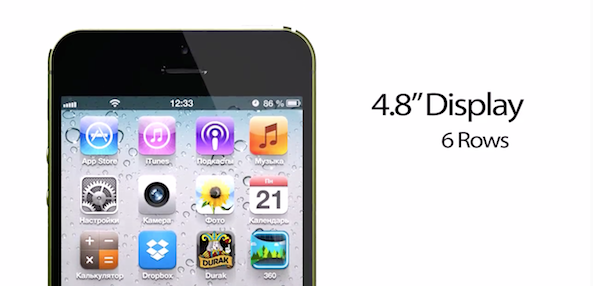
Amidst growing speculation that Apple is working on a larger handset, a Russian site has created this mockup of what it believes a bigger iPhone could look like. Created from details in the recent 'iPhone Math' rumor, the device has a 4.8-inch display and 12MP camera.

Contrary to other iPhone concepts, which typically travel outside the realm of possibility, this one opts to stay within the lines of Apple's current design schemes. It looks like the iPhone 5, but its footprint has been both lengthened and widened to support the larger display...

Orchestra now offering reservations for upcoming Mailbox email client

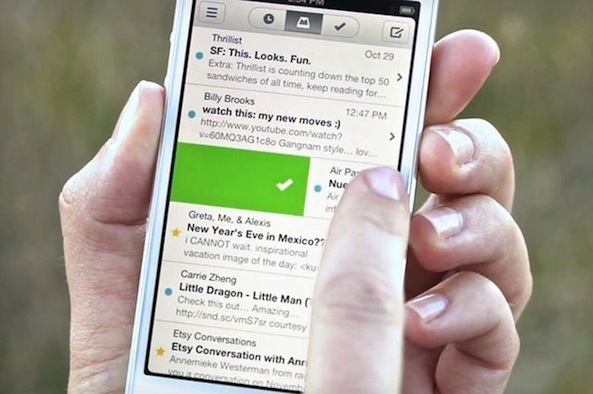
Last month, we told you about an exciting new iPhone email client called Mailbox. The app, which has been described as a cross between Clear and Sparrow thanks to its simple, swipe-based UI, is slated to hit the App Store in the next few weeks.

And in anticipation of high demand for the free email client, Mailbox-creator Orchestra opened up a reservation system this morning. It operates on a first-come, first-served basis, and will help the team manage server traffic when the app lands...