Video

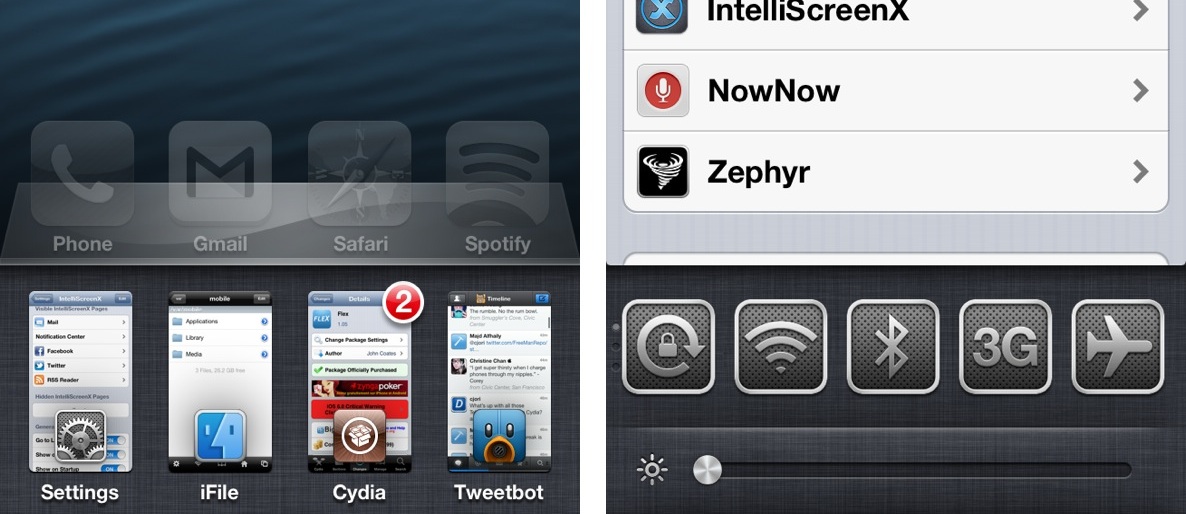
How some of our favorite jailbreak apps look like on the iPhone 5 [Video]

The just released evasi0n jailbreak is remarkable for a few reasons. For starters, it's the first untethered jailbreak released for iOS 6. Secondly, it's the first time that iPhone 5 owners have had the luxury of experiencing Cydia, and all of the jailbreak apps that come with it, on the larger screen.

We've seen a few folks tease us in the past with Cydia running on the iPhone 5, but never have you had the ability to experience it for yourself, firsthand. Inside this post, we'll showcase a few of our favorite jailbreak apps and tweaks, and show you how they look on the iPhone's 5 larger screen.

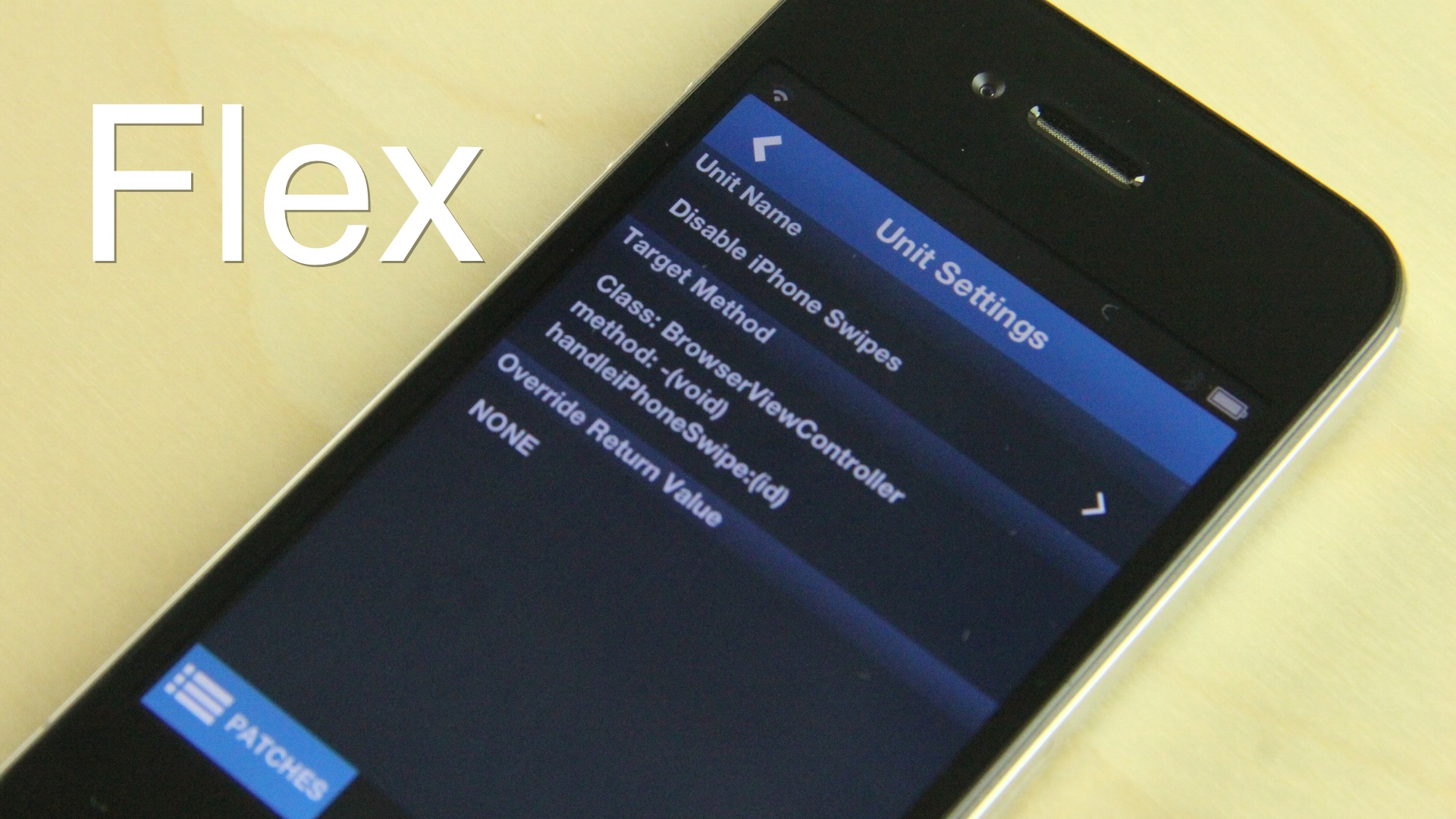
Flex now available on Cydia

http://www.youtube.com/watch?v=XG-dICc0i0o

Flex — the jailbreak app that allows you to create your own jailbreak tweaks — is now available for download on Cydia's BigBoss repo. As we showed you in our hands-on walkthrough, the app allows you to create patches and run them on the fly to modify aspects of iOS.

Flex has been met with a bit of controversy. Some developers believe that the tweak is too powerful for the average user, and thus shouldn't be released. Others believe it's an awesome attempt to get users familiar with how iOS works on a low-level. Wherever you stand, it can't be denied that Flex is an awesome looking tweak with an excellent UI to boot.

Flex can be had now for $3.99 on Cydia. Let me know what you think about it in the comment section.

Bloomberg: Apple and HBO working on Apple TV content deal

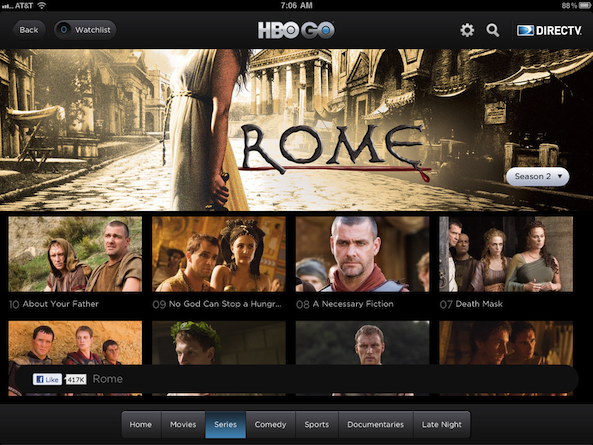
HBO fans will be happy to hear that the premium TV network is reportedly working with Apple on a content deal that would bring a large chunk of its programming to the Apple TV.

As most of you know, HBO already has an iOS app for viewing content, called HBO GO. But it doesn't support AirPlay, meaning it can't be watched on a TV via the set-top box...

5 tweaks that you must download after jailbreaking iOS 6

Once the iOS 6 jailbreak is released, there are a few tweaks that you absolutely must download. Thankfully, Cydia will be better equipped to handle the barrage of users so that you will be able to download all of your favorite apps and tweaks with little issue.

While we wait, why not consider a few of my must-have jailbreak tweaks for iOS 6? Post jailbreak, we'll follow up with more recommended apps and tweaks, but we think this list would be enough to wet your appetite...

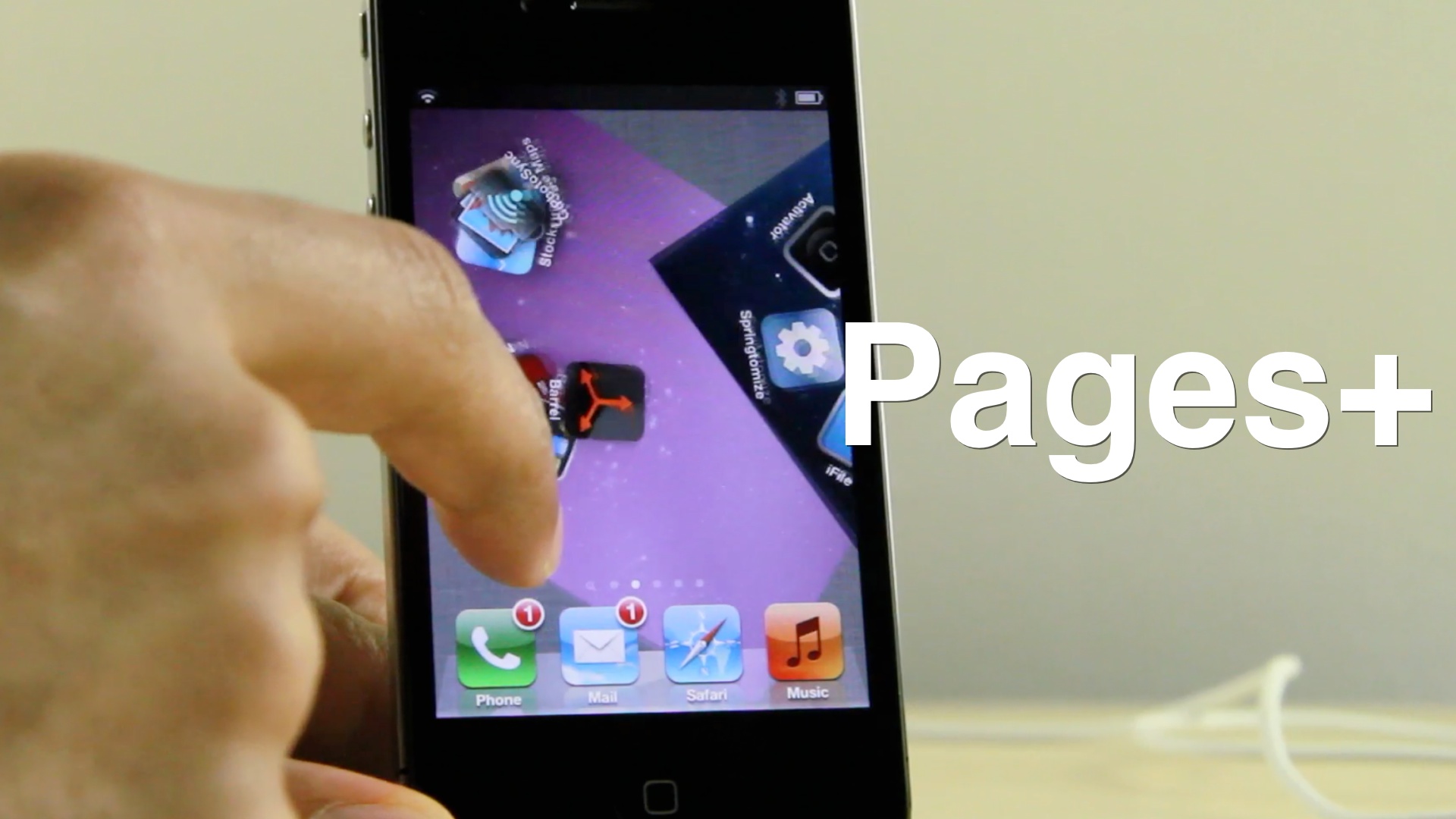
‘Pages+’ adds customizable backgrounds to each Home screen page, boasts Barrel compatibility

Evasi0n, the much anticipated jailbreak tool for iOS 6 compatible devices, will be available in the very near future. With that in mind, many jailbreak developers are updating their tweaks and apps, and even establishing brand new creations to prepare for the new jailbreak.

One such developer is SBCoders, the same team behind such hits as Aero and Dash. SBCoders' latest creation, the yet to be released Pages+, continues the tradition of solid jailbreak tweaks. Pages+ allows you to customize each page on the iPhone's Home screen. You can accomplish this by means of custom wallpaper packs, or by its built in page tinting system.

The most exciting thing about Pages+, however, is that it plays nice with Aaron Ash's Barrel. Barrel, of course, is the jailbreak app that allows you to implement various page transitions on your iPhone. When you mix both creations together, you're guaranteed to get some wild results.

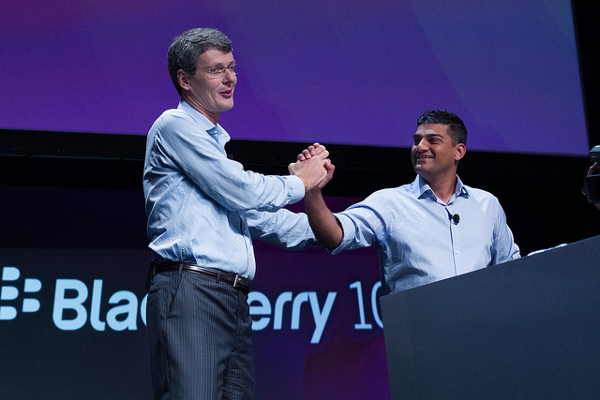
RIM rebrands, announces the first two BB10 devices

RIM's long-awaited BlackBerry 10 event just finished up, and the company had quite a lot to talk about. On top of announcing that it's rebranded itself to BlackBerry (no more Research in Motion), it unveiled its first two BB10 handsets.

I won't get into the dramatics here. Everyone knows what's on the line for the struggling smartphone-maker. And it has essentially bet its entire future on this new mobile OS and these new devices. So without further ado, let's take a look...

The Daily Recap – Jan 29, 2013 edition

http://www.youtube.com/watch?v=-7ngFg3vYgM

Welcome to The Daily Recap for January 29th, 2013. Watch our video for a quick look at some of the top stories from the day in less than two minutes. If you missed out on any of today's big news, this is a great way for you to get caught up fast.

For your convenience, you'll also find links to all of the stories listed in today's recap inside...

6 tweaks that don’t require a jailbreak

Yes, the iOS 6.1 untethered jailbreak is almost here, and from the looks of things it will support nearly every recent iOS device. But until that time, why not take a look at some of the cool "non-jailbreak" that have been recognized over the last few weeks and months.

As its name alludes to, a non-jailbreak tweak is a method for tweaking your iPhone even though the device is not jailbroken. These so-called tweaks usually, but not always, rely on simple glitches present within stock iOS firmware. Take a look inside for a brief overview of some of our favorites...

The Daily Recap – Jan 28, 2013 edition

http://www.youtube.com/watch?v=RPYdVg7qYRM

Welcome to The Daily Recap for January 28th, 2013. Watch our video for a quick look at some of the top stories from the day in less than two minutes. If you missed out on any of today's big news, this is a great way for you to get caught up fast.

For your convenience, you'll also find links to all of the stories listed in today's recap inside...

Flex allows you to create your own jailbreak tweaks [Video]

Two weeks ago, we showed you an upcoming jailbreak app entitled Flex. The app, the first of its kind, allows every day users to dig into the code, and create custom jailbreak tweaks — called patches — on the fly, with little to no programing knowledge.

Usually when you encounter ambitious apps like this, something is missing. Either the app looks amazing, but fails in execution, or the app looks a hot mess, but is solid from an executional perspective. With Flex, I was happy to find little compromise in either direction. It's a beautifully designed jailbreak app that's extremely functional as well.

To be frank, not everyone agrees that end-users should be able to wield such power, especially those with no programing background. Ultimately, that's going to be a decision you're going to have to make when considering whether or not to use Flex.

Wherever you stand, you have to be impressed that such an idea has been executed with this level of precision. Take a look at our full video walkthrough of the Flex beta in action, and see for yourself.