Video

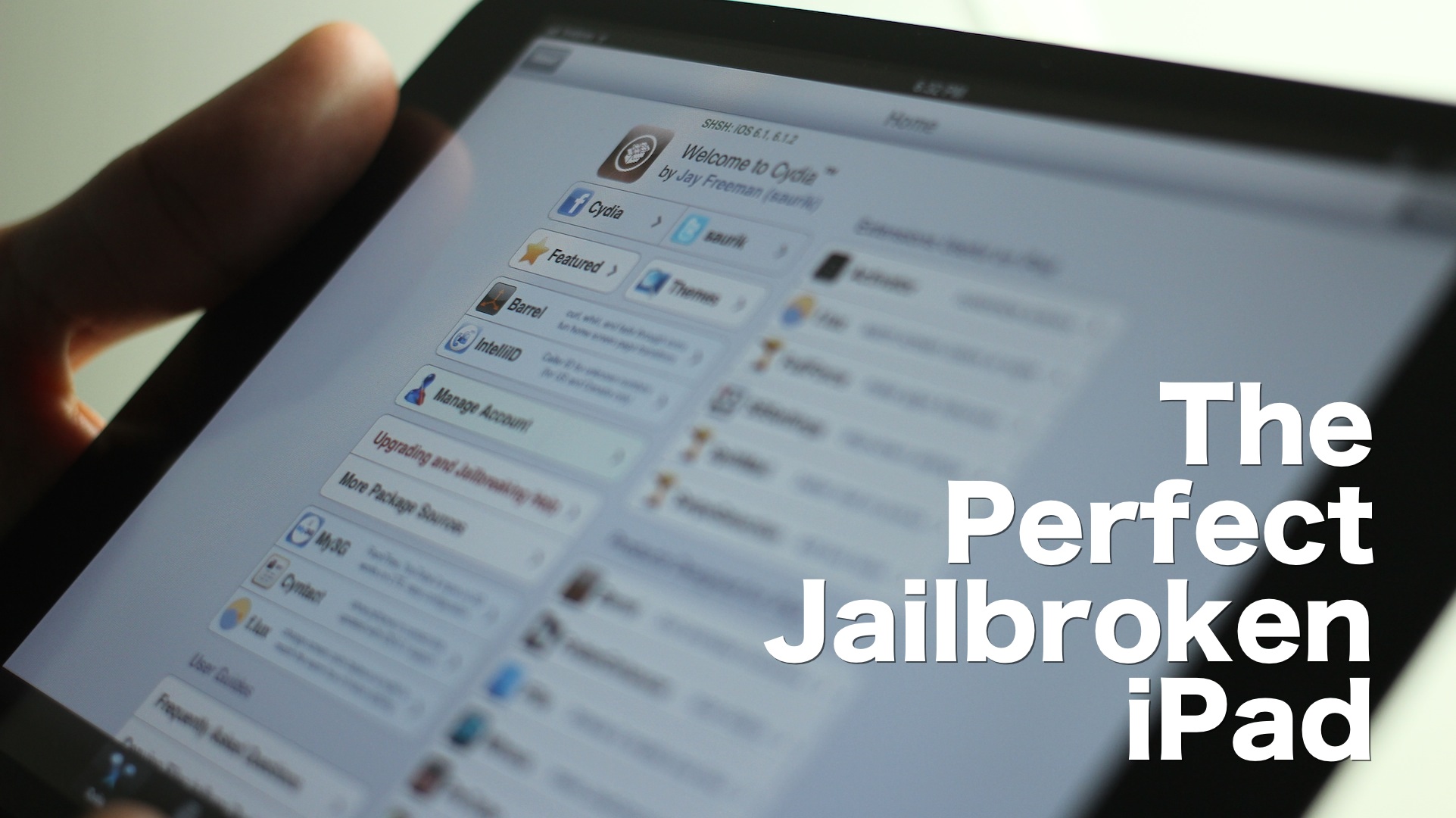
The best iPad jailbreak tweaks

I’m going to be honest with you — jailbreaking an iPad hasn't been nearly as appealing to me as jailbreaking my iPhone. But as I started working on this list, I realized that there really are some awesome, and I mean awesome ways to trick out your iPad once it's jailbroken.

Considering that I do a lot of writing on my iPad, I found that a many of these tweaks immensely helped my writing workflow. Tweaks like BeeKeyboard, and SwipeSelection are absolute essentials for iPad writers, even if you're not really into the jailbreak scene.

Obviously that's not all, as virtually everyone will find a jailbreak app or tweak that suits their fancy. Yes, the iPad jailbreak scene is alive, and it's better than ever. Despite my initial doubts, I was able to come up with this solid list of 15 best jailbreak tweaks for iPad running iOS 6. There's no filler here, and no fluff — each of these tweaks represent, what in my opinion, is the best of the best. Take a look inside, and see for yourselves.


Animer video walkthrough

http://www.youtube.com/watch?v=d1omc9QXusY We've already done a written review of Animer, but now it's time to bring you our traditional video walkthrough. Animer, as we already told you, is a jailbreak tweak that allows you to add different styles of animation to the app switcher, banner notifications, and the HUD. It's available for $0.99 on Cydia's BigBoss repo, and if you're viewing this from an iOS device, you can click here to be taken directly to the Animer page on Cydia. Be sure to let us know how you're digging it in the comments section.

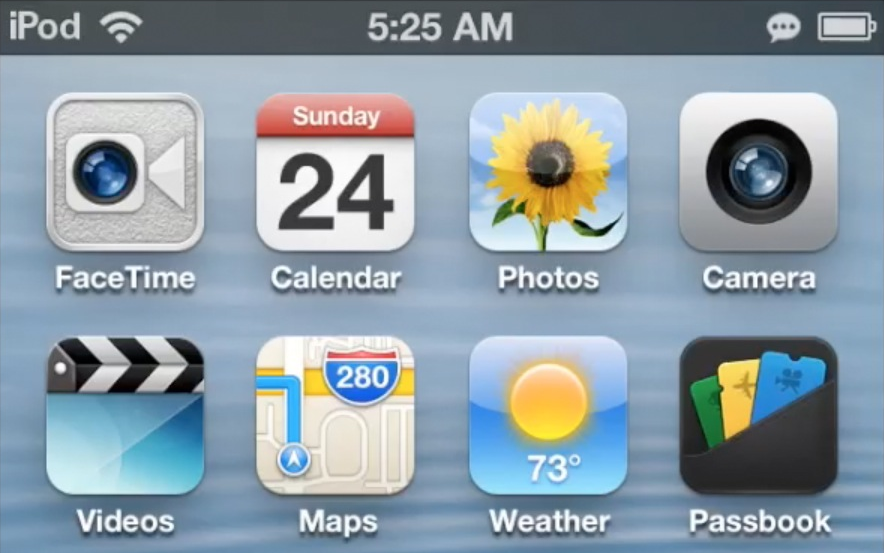
How to link Fantastical to the stock Calendar app icon

I absolutely love Fantastical. It's a wonderful way to manage my week-to-week activities via my iPhone, and there's a desktop client as well. Fantastical uses "real" language when it comes to adding appointments to your calendar. This means that I can simply type: Dinner with the wife next Wednesday at six, and it knows to setup an appointment on March 13 at 6PM. That's really just the beginning of how useful Fantastical is, but this isn't meant to be a review of Fantastical, this is a tutorial that shows you how to link Fantastical to the stock Calendar app.

Google adds ‘send to TV’ and video recording features to YouTube iOS client

Google last updated its official YouTube iOS client on December 4, adding native iPad and iPhone 5 support, the ability to beam clips to your Apple TV via AirPlay, a brand spanking new icon and other under-the-hood goodies.

Today, the Internet giant has issued a new version which improves streaming over slow Wi-Fi connection and packs in overall stability improvements. In addition to a pair of these tidbits, two major changes stand out.

First, you can now use the new YouTube app version 1.2.1 to pair with YouTube on your Xbox or PlayStation 3 console and control playback from your iOS device. This also works with Google TV devices and Android users got the 'send to TV' feature in November 2012. Also, the program finally lets you record and upload video clips via YouTube Capture, a standalone app Google released on December 17, 2012...

Real Racing 3 now available in the US App Store

It's been a long wait, but it's finally here. Real Racing 3 has officially landed in the US App Store as a free download. A couple of weeks ago, we spent some hands-on time with the game, and came away blown away by the graphics. Some of you guys might not dig the game's new freemium approach — an approach that ditches paying up front in favor of paying for in app purchases — but only time will tell if this negatively impacts the game's reception.

Real Racing 3 features tons of new cars, tracks, and all sorts of upgrades for your vehicle of choice. It's a polarizing title due to the fact that iOS' most popular racing game franchise has taken an abrupt turn towards the freemium model. But even if you don't appreciate the new approach, you owe it to yourself to download this game just to take in the visuals. Real Racing 3 is eye candy in its most concentrated form.

Who wants to win an iPad mini?

Ladies and gents, you read the title correctly, we're giving away yet another iPad mini. We've again teamed up with the outstanding folks over at Big Fish Games to bring you this exciting giveaway.

Big Fish Games, as you probably already know, is a huge iOS developer responsible for dozens of iOS games for the iPhone and the iPad. Along with sponsoring this iPad mini giveaway, they've also decided to provide each one of you with a free copy of Fairway Solitaire.

This time around, we're doing things a bit different. In order to enter our latest iPad mini giveaway, you need to visit our YouTube channel, watch the iPad mini giveaway video, and follow the instructions. It's that simple.

Winners will be announced next Tuesday, March 5th. Head over to our YouTube channel now, and enter now!

‘LivePapers’ adds animated wallpaper to jailbroken devices

Looking to spice up your iPhone's Home screen and Lock screen? If so, then look no further than LivePapers, a recently released jailbreak app available on Cydia's BigBoss repo.

LivePapers allows you to enable animated wallpaper that you can display on both your Home screen and Lock screen. You can interact with the wallpaper on your Lock screen using taps, and configure settings for each of the custom wallpapers.

By itself, LivePapers isn't exactly a home run, but with the purchasable addons, the jailbreak app is tons of fun. Take a look inside as we go in depth with LivePapers, plus we'll talk about and demonstrate its purchasable addon packs.

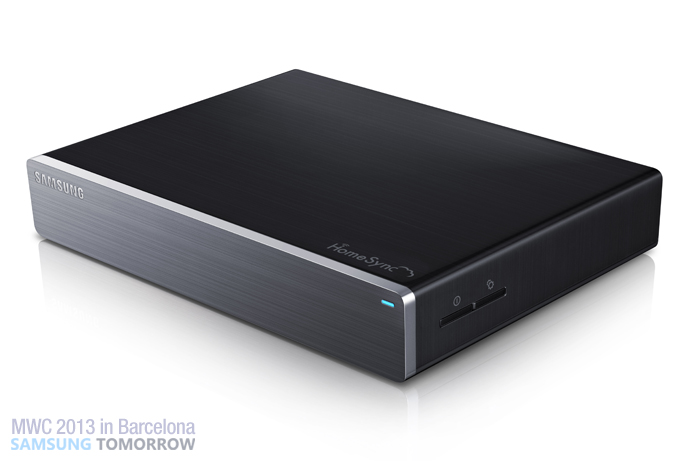
Meet Apple TV’s newest competitor, the Samsung HomeSync

As you've probably noticed by now, we're huge fans of the Apple TV here at iDB. Apple's set-top box is inexpensive, easy-to-use, and it integrates perfectly with our iOS devices. Plus, older versions of it can be jailbroken.

The device has been doing remarkably well for Apple, despite the fact that it has several competitors. But we'll see if that hot streak can continue now that Samsung's throwing its hat in the ring with its new HomeSync...

TypeStatus now available on Cydia

http://www.youtube.com/watch?v=3q0yMz41Ojc

TypeStatus — a new jailbreak tweak that we previewed in the wee hours this morning, has gone live on Cydia. This tweak places a handy ellipsis notification in the status bar when someone is in the midsts of composing an iMessage reply to one of your ongoing conversations.

If you want to try TypeStatus out, then head over to Cydia's BigBoss repo where it can be downloaded for free. As always, we urge you to share your sentiments in the comments below.

ActiveDock now available on Cydia

http://www.youtube.com/watch?v=pTafIirge1c

ActiveDock — a tweak inspired by the dock featured in OS X — is now available on Cydia for download. Last week, we took an in-depth look at ActiveDock, and determined that it is hands-down better looking than the stock dock in iOS. There are also features for alerting you when an app is launched and when an app receives a notification.

Take a look at our video walkthrough for more information. In the meantime, if you're browsing this post on your jailbroken iOS device, hit up this link to be taken directly to ActiveDock's Cydia page. You can find it on the BigBoss repo for $1.99. Be sure to let us know what you think about it in the comments section.

TypeStatus adds an iMessage ‘now typing’ indicator to the status bar

TypeStatus is a new jailbreak tweak that has a special place in my heart. Why? Well, it's because for once I can claim some sort of credit for its creation. A couple of weeks ago, I suggested, just on a whim, that someone create a tweak that allows you to see the "now typing" indicator for iMessages in the status bar.

A few hours later, I was informed that the tweak was being worked on, and not long after that, I had a working copy in my inbox. Folks, this is what makes the jailbreak community so special. It's filled with uber-talented developers who have a knack for creating great things, and bringing ideas to life.

Truth to be told, I never expected anyone to take my request and bring it to fruition, but I'm happy that someone did. @thekirbylover of Hashbang Productions is the one I have to thank for making it a reality. I'd like to say I can take credit for this tweak, but the majority of the credit goes out to the mind behind the code. Check out my hands-on video preview of TypeStatus inside.

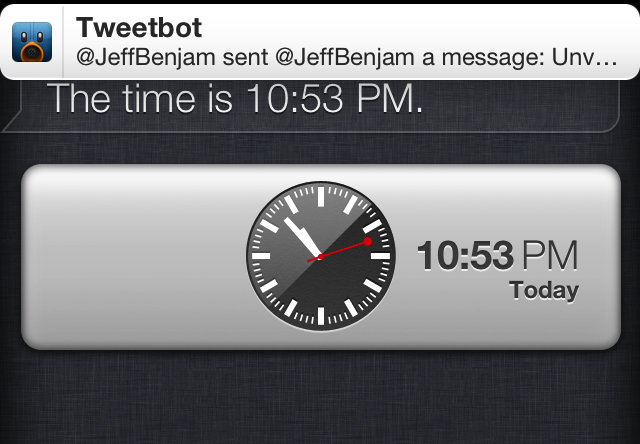
‘Unveil’ allows you to view banner notifications while using Siri

You probably haven't noticed it personally, but did you know that banner notifications are supressed while the Siri interface is open? Well, to be honest, I didn't either, until I saw this tweak pop-up in Cydia.

The premise behind Unveil is simple, allow banner notifications to be displayed within the Siri interface. If you're someone who absolutely must have access to banner notifications at all times, then Unveil is something you should consider using.