Video

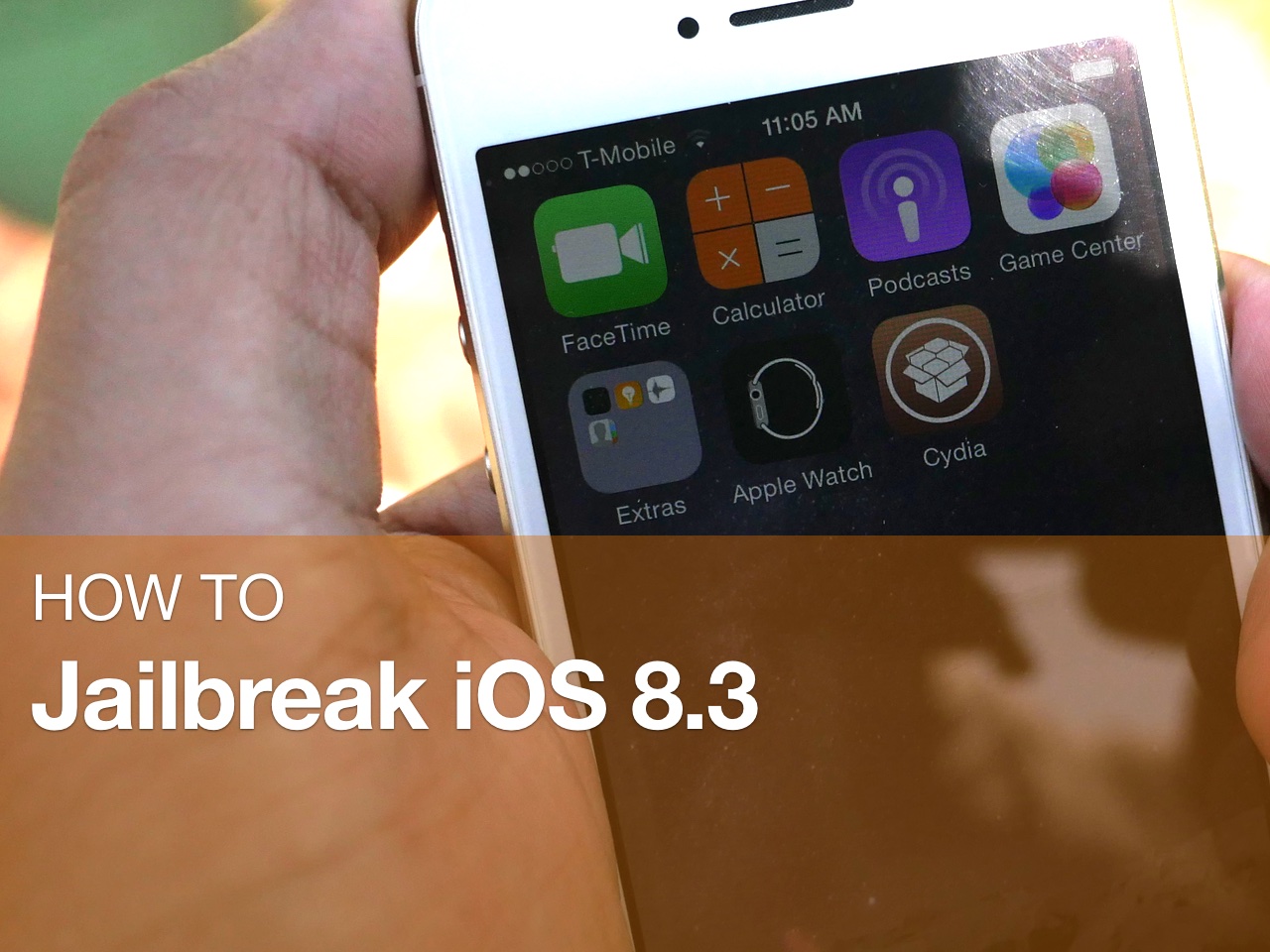
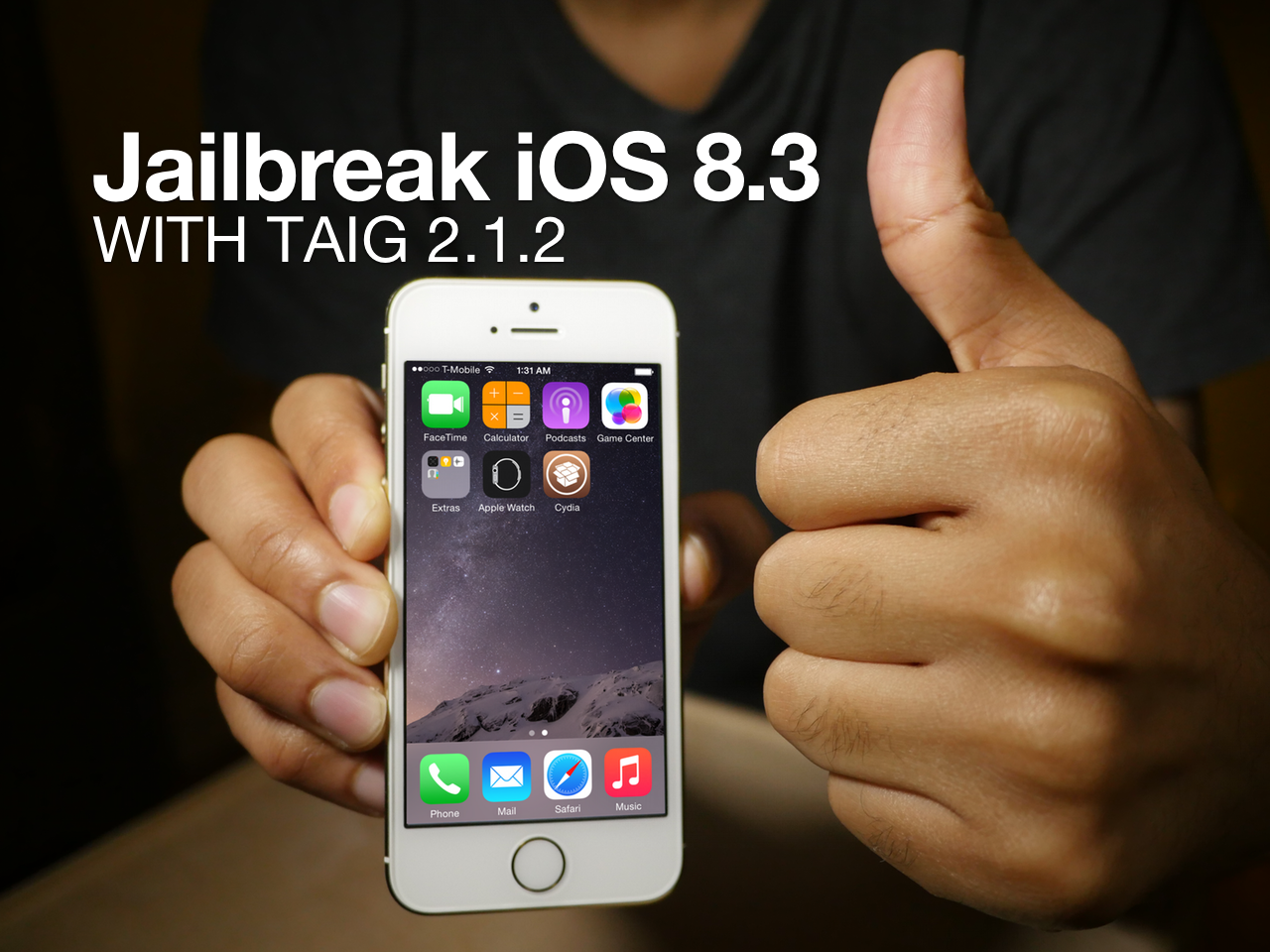
How to jailbreak iOS 8.3 with TaiG 2.1.2 + Cydia Substrate

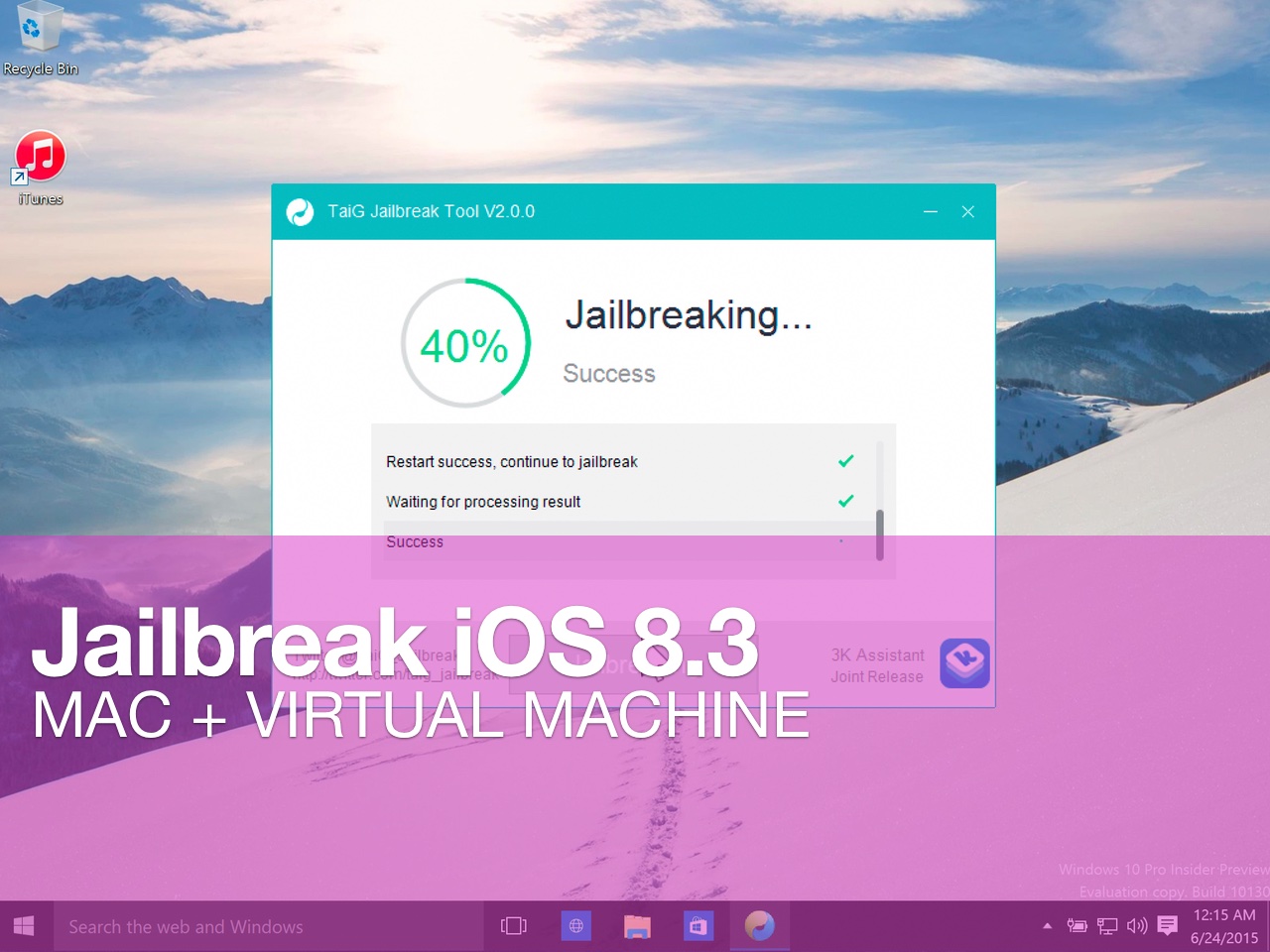
As we noted earlier, the TaiG 2.1.2 untethered jailbreak tool was just released to much fanfare. This is the version of the tool that works as you would expect. It's compatible with the latest version of iTunes, and works with Cydia Substrate out of the box.

Sadly TaiG 2.1.2 is still Windows only, but we have a good virtual machine tutorial for Mac only users. In this tutorial, we'll show you how to jailbreak iOS 8.3 with TaiG 2.1.2 in mere minutes.

Activator beta updated to support iOS 8.3

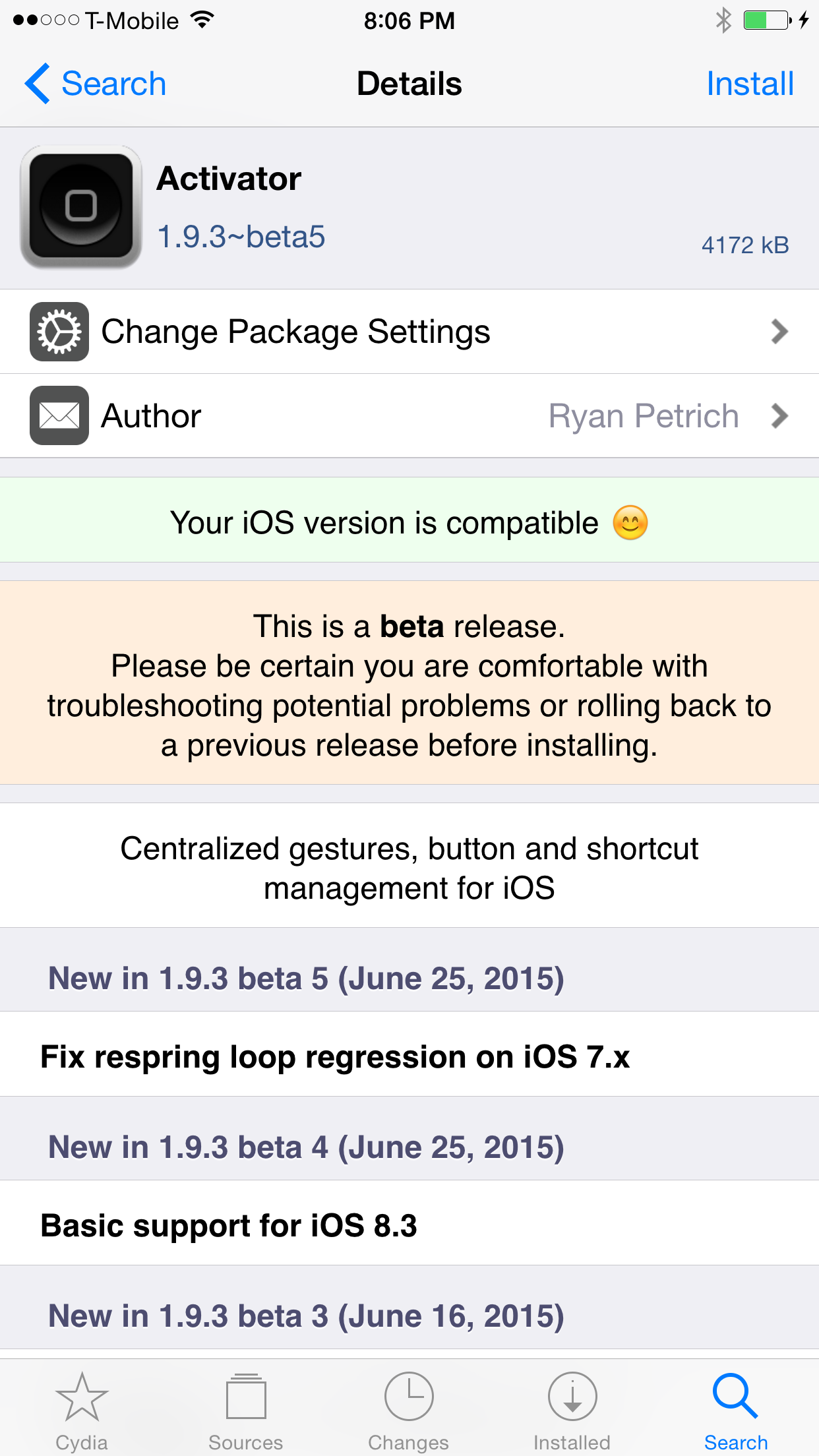
Activator, an absolute staple tweak for jailbreakers, has been updated for iOS 8.3. The Ryan Petrich developed jailbreak tweak is not only great on its own, but it's the backbone to a lot of the existing jailbreak tweaks, and opens up the floodgates to the rest of the vast Cydia library.

To install Activator 1.9.3 beta 5, you'll need to add Ryan's beta repo to your list of Cydia sources. Check inside for all of the details.

The iOS 8.3 jailbreak roundup

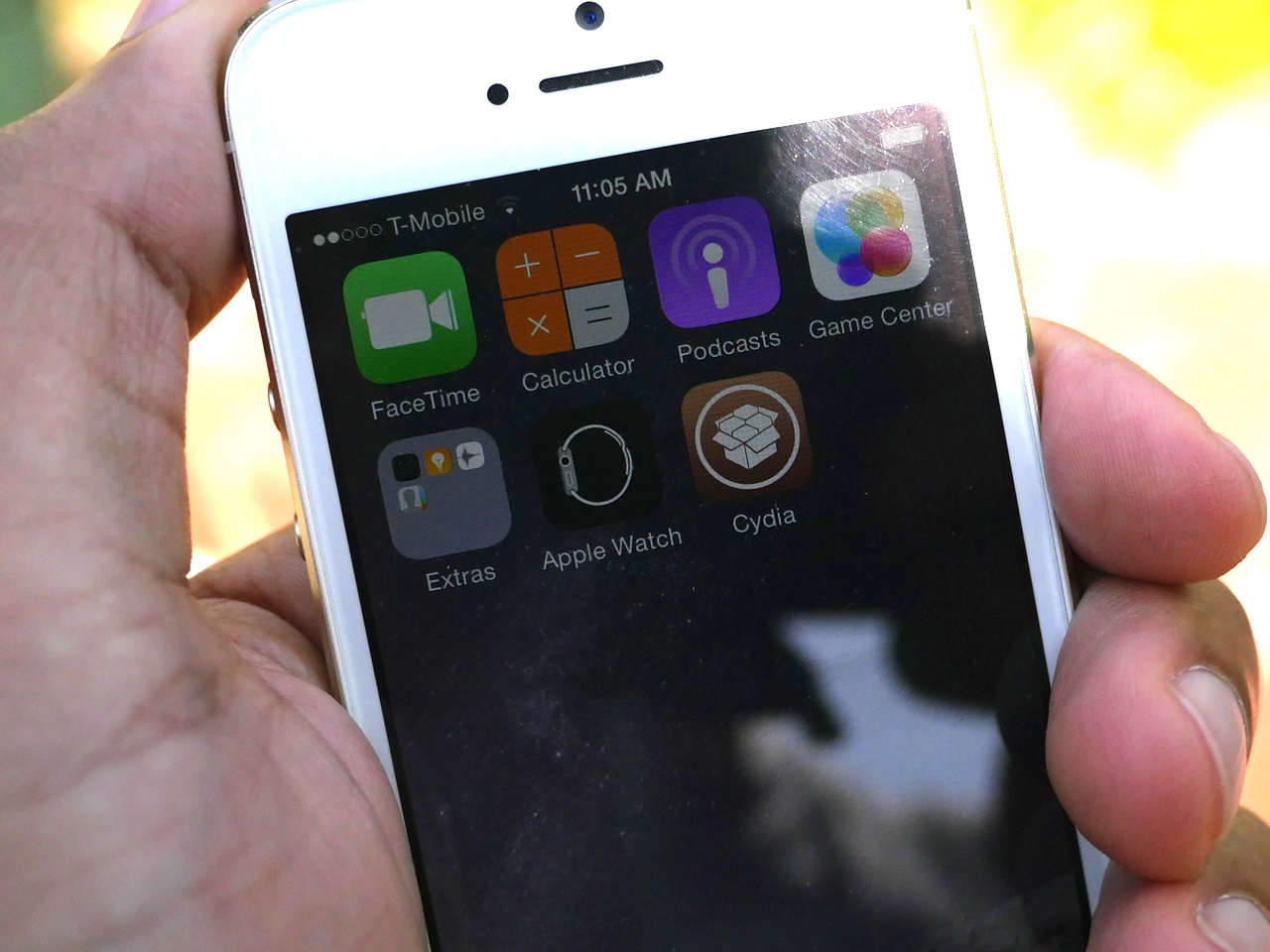
It's been a crazy last couple of days, but it's also been very exciting. It all started when the jailbreak for iOS 8.3 came unexpectedly on Tuesday morning, and it culminates with the release of a Cydia Substrate compatible update this evening. No doubt, there's still much more to come, but now we'd like to take the time to wrap up the ongoings of the last two days.

In this post, we'll tell you everything you need to know about the iOS 8.3 jailbreak, and what you might expect in the future.

How to enable Cydia Substrate on the iOS 8.3 jailbreak

If you're jailbroken on iOS 8.3, you've likely been frustrated by the lack of Cydia Substrate support up until now. As you're no doubt aware of by now, Cydia Substrate hasn't worked on iOS 8.3 due to a fix that needs to be implemented by the folks at TaiG.

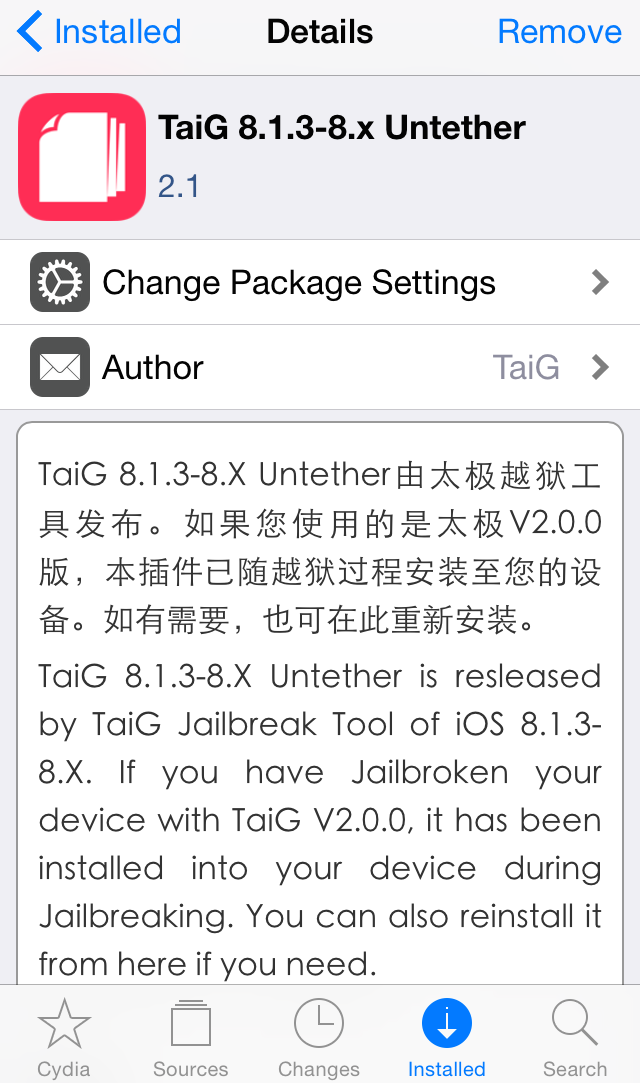
The good news is that the fix is out, and I've confirmed that it works. If you've jailbroken your device with the TaiG 2.0 tool yesterday or earlier today, you can use a simple .deb file install to fix Cydia Substrate in just a few minutes.

In this tutorial, I'll show you how to install the TaiG 8.3 Untether .deb on your jailbroken iOS 8.3 device and fix Cydia Substrate.

How to jailbreak iOS 8.3 or iOS 8.4 on Mac using a virtual machine

Although the iOS 8.3/iOS 8.4 jailbreak was a surprise, it was no surprise that the release was limited to Windows only. While this can make some Mac users feel bitter, it's actually not a very big deal at all.

Thanks to the awesome virtual machine software that we have on the Mac, it's super-easy to jailbreak an iPhone on our Macs, even if said jailbreak is Windows only.

In this complete tutorial, I'll walk you through the entire process of setting up the virtual machine, installing a valid version of iTunes, and jailbreaking your iPhone.

The most impressive thing about this tutorial is that it can all be done in less than 18 minutes (not including the necessary file downloads), and it's 100% free to do.

If you're a Mac-only user, there really is no excuse for you not to be jailbroken if you want to be. This method is tried and true, super-reliable, and it just works. In fact, by sticking to this method and following my video, you'll likely be able to avoid many of the pitfalls plaguing those who are experiencing issues with the TaiG tool.
How to jailbreak iOS 8.3 with TaiG 2.0

In this tutorial, I will show you how to jailbreak your iPhone or iPad running iOS 8.3 using TaiG 2.0. This jailbreak is super easy to do, and takes minimal effort if the instructions are followed closely.

Watch our full video walkthrough inside, as I take you through the step-by-step jailbreak process for iOS 8.3.

Vimeo reworks iPhone video editing app Cameo so it’s easier to create cinematic videos

The movie-editing app category has been receiving some renewed love from iOS developers, big and small alike. In addition to Apple's own iMovie for iOS—free with new iOS device purchases, otherwise a $4.99 download—Camera+ makers have recently launched a video editing app called Vee for Video.

And now Vimeo, the popular video sharing service, has re-released a mobile app called Cameo that the company purchased in May 2014. After rebuilding the app from scratch, it's now even simpler and more enjoyable to edit cinematic videos on your iPhone, add themes and soundtracks and share with your friends.

SnoozeHelper turns your entire Lock screen into a snooze button

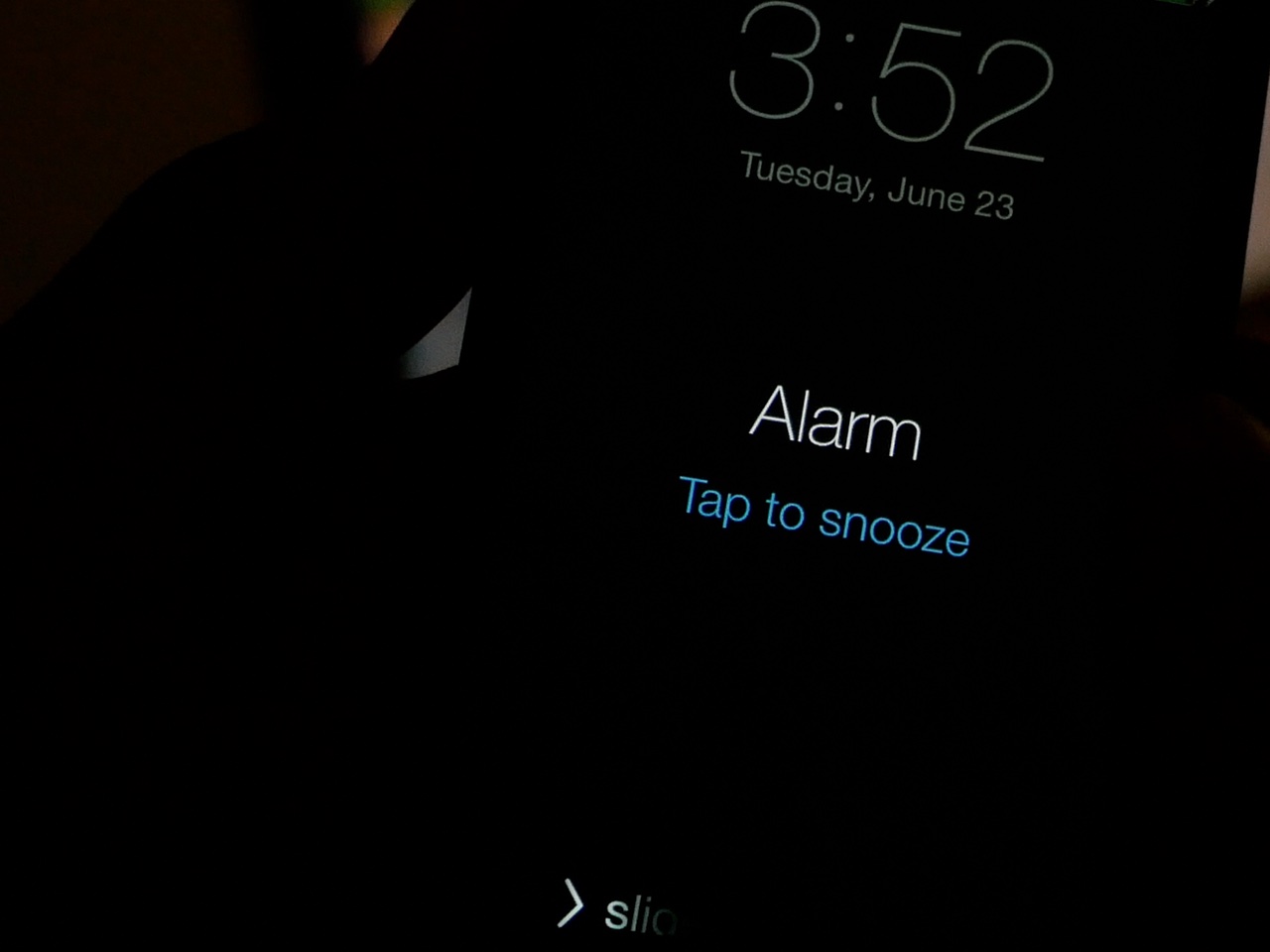
When you're half awake, tapping the tiny "tap to snooze" button on the Lock screen can be a daunting chore. Fortunately, if you're a jailbreaker, it's much easier to snooze an overzealous alarm

By turning your Lock screen into one giant button, SnoozeHelper (free) makes it super easy to snooze a pesky alarm clock. Watch our video walkthrough inside to see what I mean.

Blocked is a new security tweak that lets you limit iPhone access

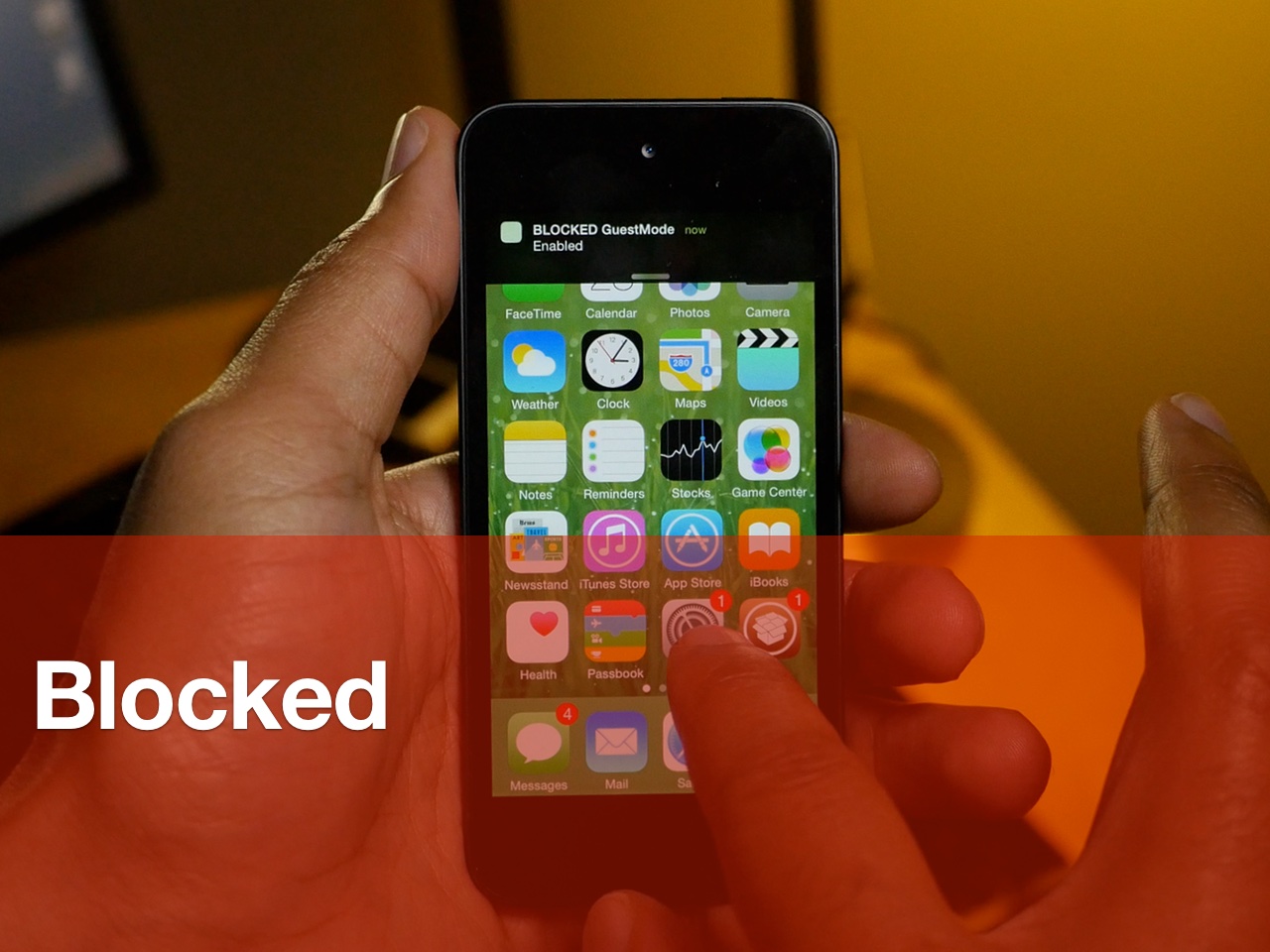
Jailbreakers Nikias Bassen (Pimskeks) and Melissa Archer have teamed up for a new security-oriented jailbreak tweak called Blocked. Released at WWJC 2015, Blocked brings two new operation modes to the iPhone for enhanced security.

The two modes, SleepMode and GuestMode, each work to block access to certain features. By using Activator gestures, users can quickly and stealthily enter either mode to beef up device security.

Watch our video walkthrough inside to see how to the tweak works.

How to mute tabs in Safari on your Mac

Like pinned tabs, tab muting isn't a new idea, as it's been implemented in other web browsers in the past. But starting with OS X 10.11, Apple has brought native tab muting to the Safari browser.

The ability to mute tabs at will brings more control to the user. It's especially beneficial when encountering those annoying auto-playing advertisements.

In this video walkthrough, I'll show you how to use Safari tab muting, and explain its ins and outs.

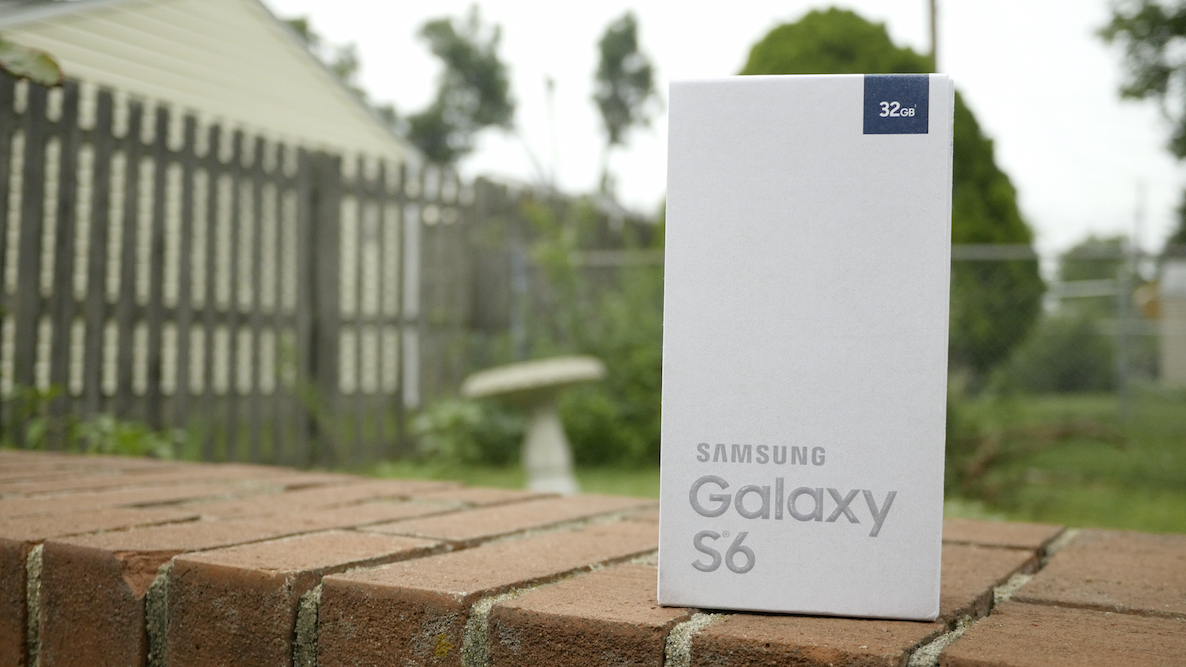
5 Galaxy S6 features that iPhone users will like

I've been testing out the Samsung Galaxy S6 for some time now, and I've used it for long enough to be able to confidently compile some of my thoughts on what is Apple's main iPhone competitor.

Obviously, the most stand-out feature with this device is the build quality. Samsung, after many Galaxy iterations, has finally stepped up its game when it comes to design materials. The Galaxy S6 is made out of metal instead of plastic, and it's a huge improvement over the cheap-feeling Galaxy phones of yesteryear.

But not only is build quality vastly improved, this phone packs quite a punch with regard to features. In fact, there are even some features that I, as someone who unequivocally prefers the iPhone, can't deny are pretty great. Inside, I'll cover 5 features from the Galaxy S6 that many iPhone users will enjoy.