Video

Rumor: iPhone 6s has 5MP FaceTime camera, 12MP back camera with 4K video capture

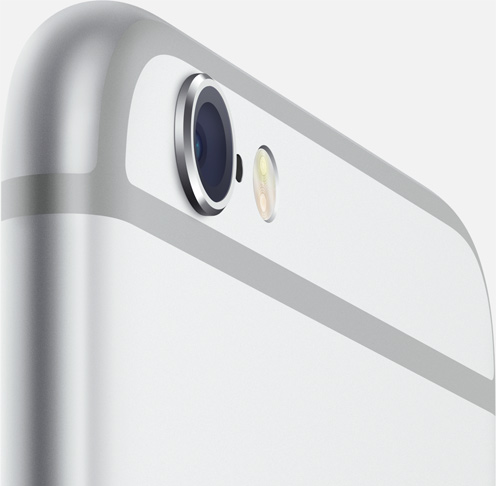
This year's “S-upgrade” to the iPhone 6 and iPhone 6 Plus should introduce “the biggest camera jump ever,” as Apple pundit John Gruber claimed on his Daring Fireball blog. Numerous rumors have pointed to a resolution upgrade in the form of a twelve-megapixel camera on the back.

Thursday, an unconfirmed internal document that surfaced on Chinese microblogging website Weibo suggested that the back-facing camera of the iPhone 6s and iPhone 6s Plus will also capture video in 4K resolution.
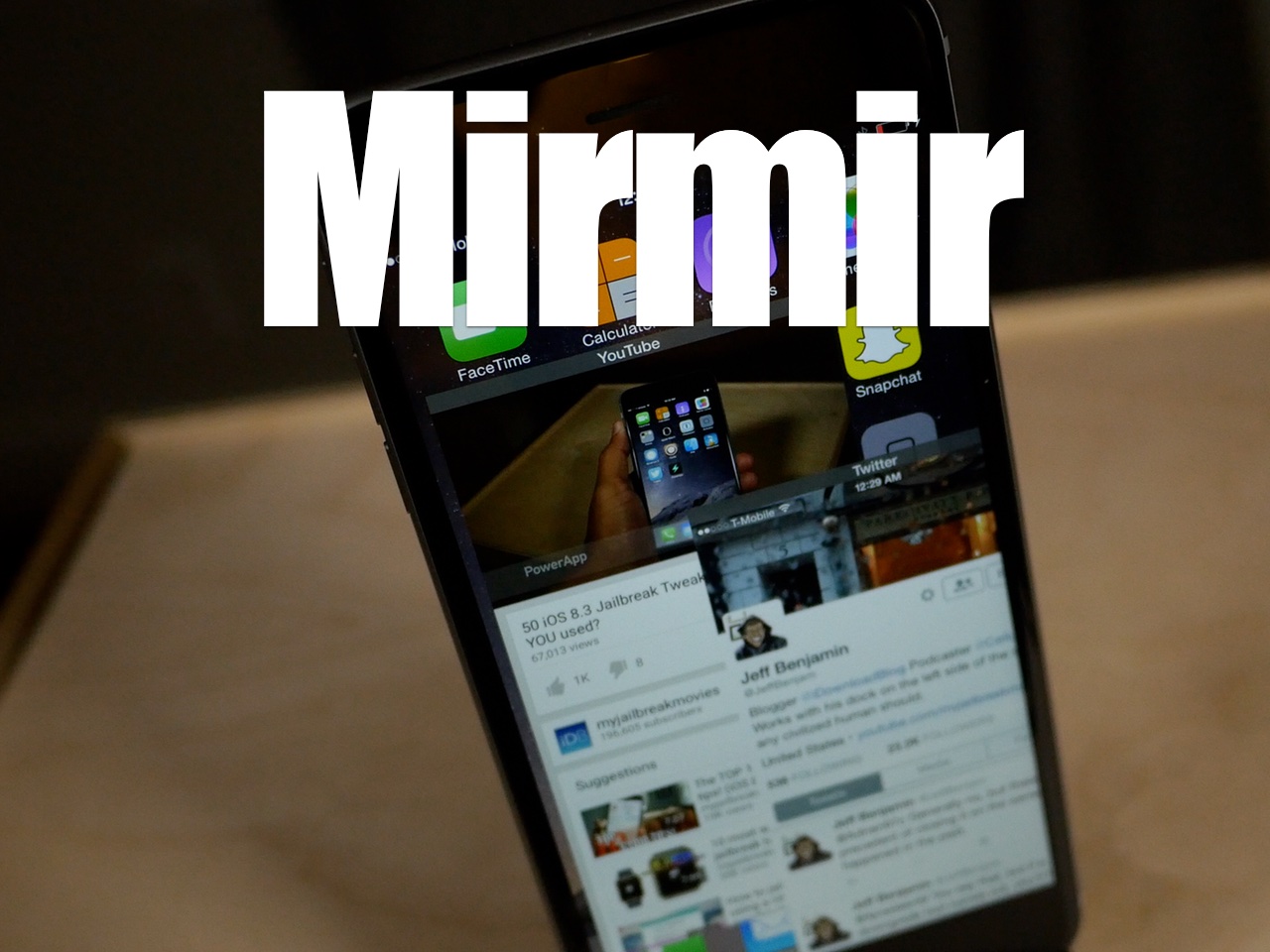
‘Mirmir’ multitasking tweak for iOS 8.4 now available on Cydia

Yesterday, we brought you a full review of a hot new jailbreak tweak called Mirmir (formerly Mimir). This is a new tweak that allows you to have true side-by-side windowed multitasking on jailbroken iPhones and iPads running iOS 8.3 or iOS 8.4.

If you'd like to try Mirmir, you can get it today for $3.99 on Cydia's BigBoss repo. Watch our video review in this post if you'd like more info before you buy.

Universal releases full trailer for ‘Steve Jobs’ film

Following a teaser trailer for the Steve Jobs movie we saw back in May, Universal on Wednesday released the full official trailer for the forthcoming flick.

“Set backstage at three iconic product launches and ending in 1998 with the unveiling of the iMac, Steve Jobs takes us behind the scenes of the digital revolution to paint an intimate portrait of the brilliant man at its epicenter,” teases Universal Pictures.

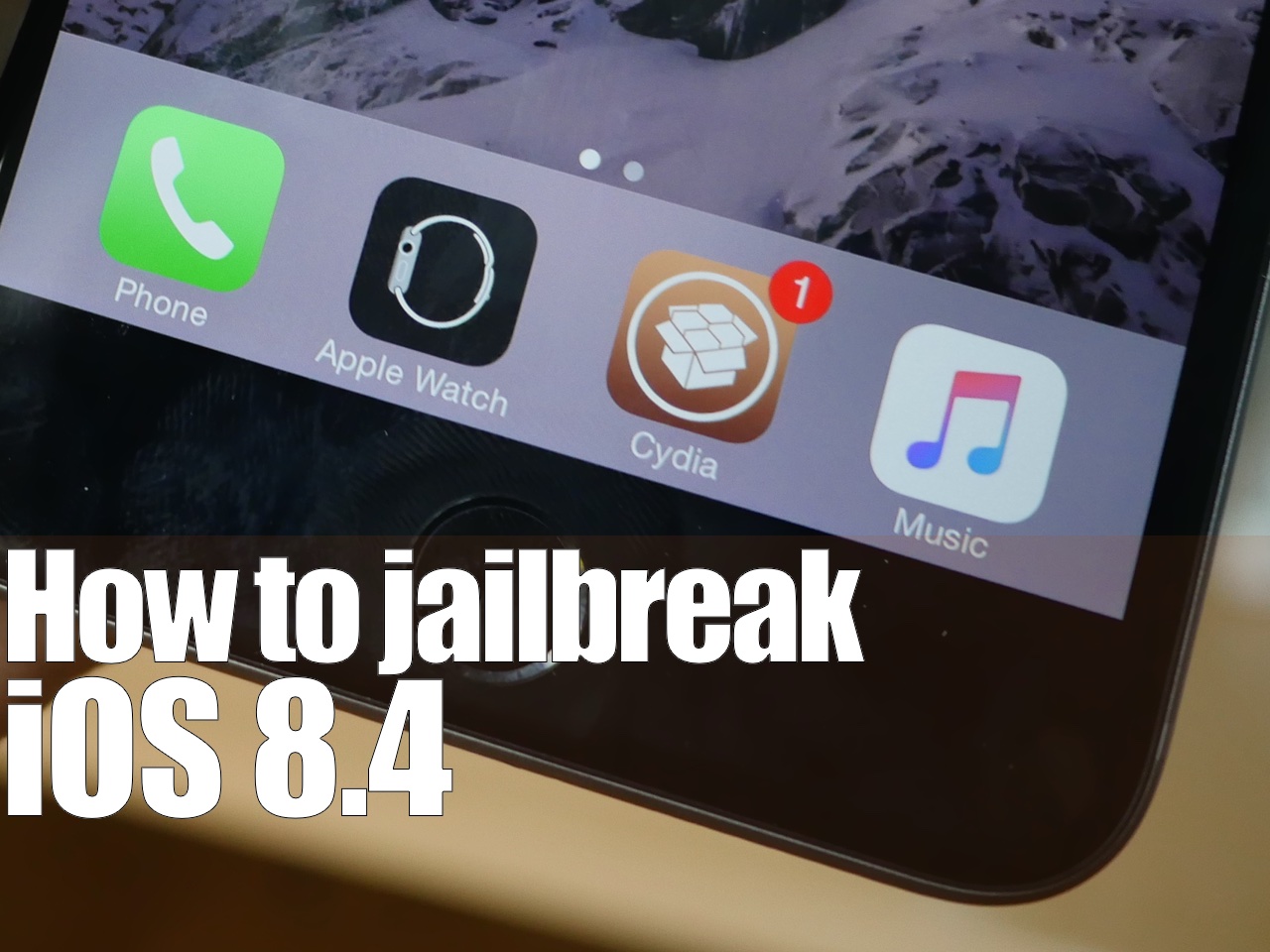
How to jailbreak iOS 8.4 with TaiG 2.2.0

TaiG 2.2.0 was just released about an hour ago, and it brings with it support for iOS 8.4. Like previous versions of TaiG's tool, this version is Windows-only, so you'll need to use a Windows machine or a virtual Machine.

We've created a full video walkthrough and tutorial to show you how to jailbreak your iPhone, iPad, or iPod touch running iOS 8.1.3-iOS 8.4 using TaiG 2.2.0. It's an extremely easy jailbreak that only takes a few minutes if the directions are followed closely.

How to jailbreak iOS 8.4 with PP Jailbreak

Surprise. Only a few hours after iOS 8.4 released, there is a working jailbreak. The tool, entitled PPGhost, is a Windows only jailbreak tool that works for iOS 8.4. In this tutorial, I'll show you how to jailbreak iOS 8.4 on your iPhone or iPad using the PP Jailbreak tool.

There are some rumblings that PP took the code from TaiG, but we have not confirmed this. As such, you may want to wait for the TaiG tool update to jailbreak iOS 8.4. I personally prefer waiting, as it's wrong to steal code, if the claims are true, which are difficult to prove. When TaiG releases their updated tool, we'll post a tutorial, and deprecate this one. In the meantime...

Mimir: a tweak for running multiple apps at the same time on iOS 8.3 and 8.4

Mirmir (formerly Mimir) is a new jailbreak tweak by Ethan Arbuckle and Liam Thynne, which will allow you to run multiple apps at the same time on your iPhone or iPad. I was able to run four apps side-by-side-by-side-by-side with minimal slowdown on my iPad Air 2. It was quite impressive.

Mirmir uses its own built in gesture system for invocation, but it works with Activator as well. If you're looking for a true-multitasking tweak for iOS 8, then look no further. Watch our full video walkthrough for all of the juicy details.

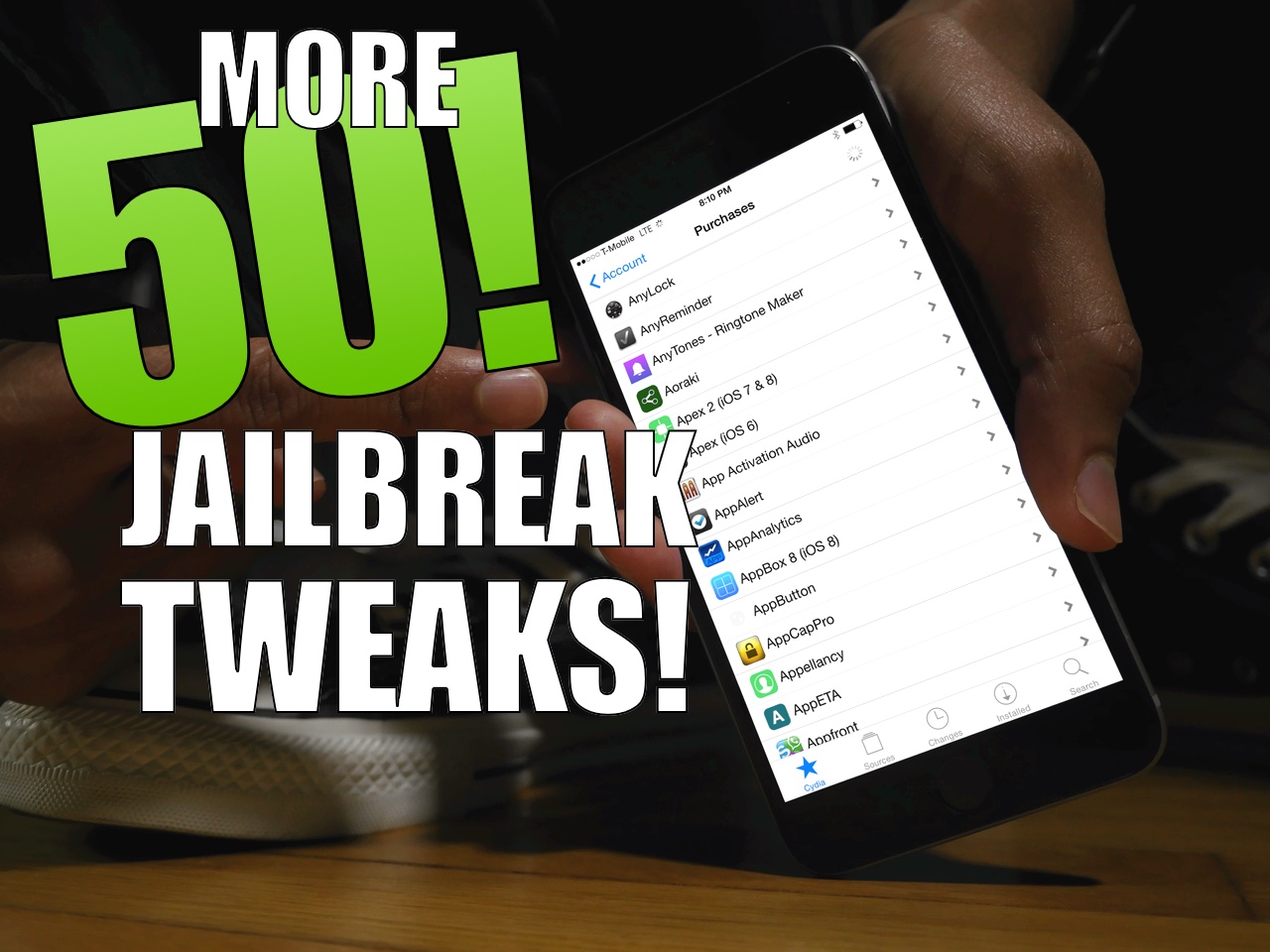
50 more jailbreak tweaks for iOS 8.3 [Video]

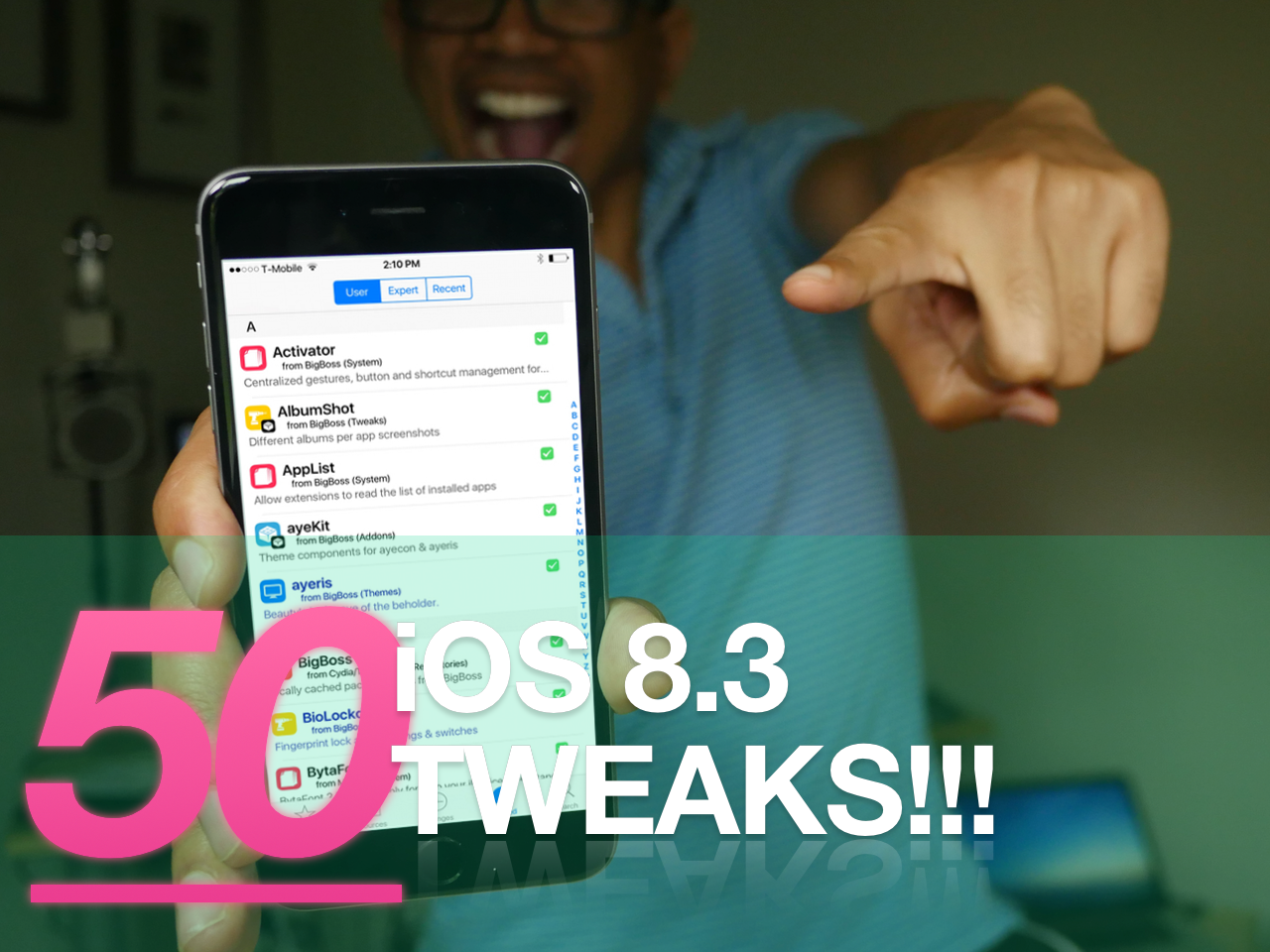
A couple of days ago, we posted 50 tweaks to try out on iOS 8.3. Is that the end of the great jailbreak tweaks? Not at all! Today, we follow up with 50 additional jailbreak tweaks for iOS 8.3. If you're looking to try something new, or you're completely new to jailbreaking, then you need to watch this video.

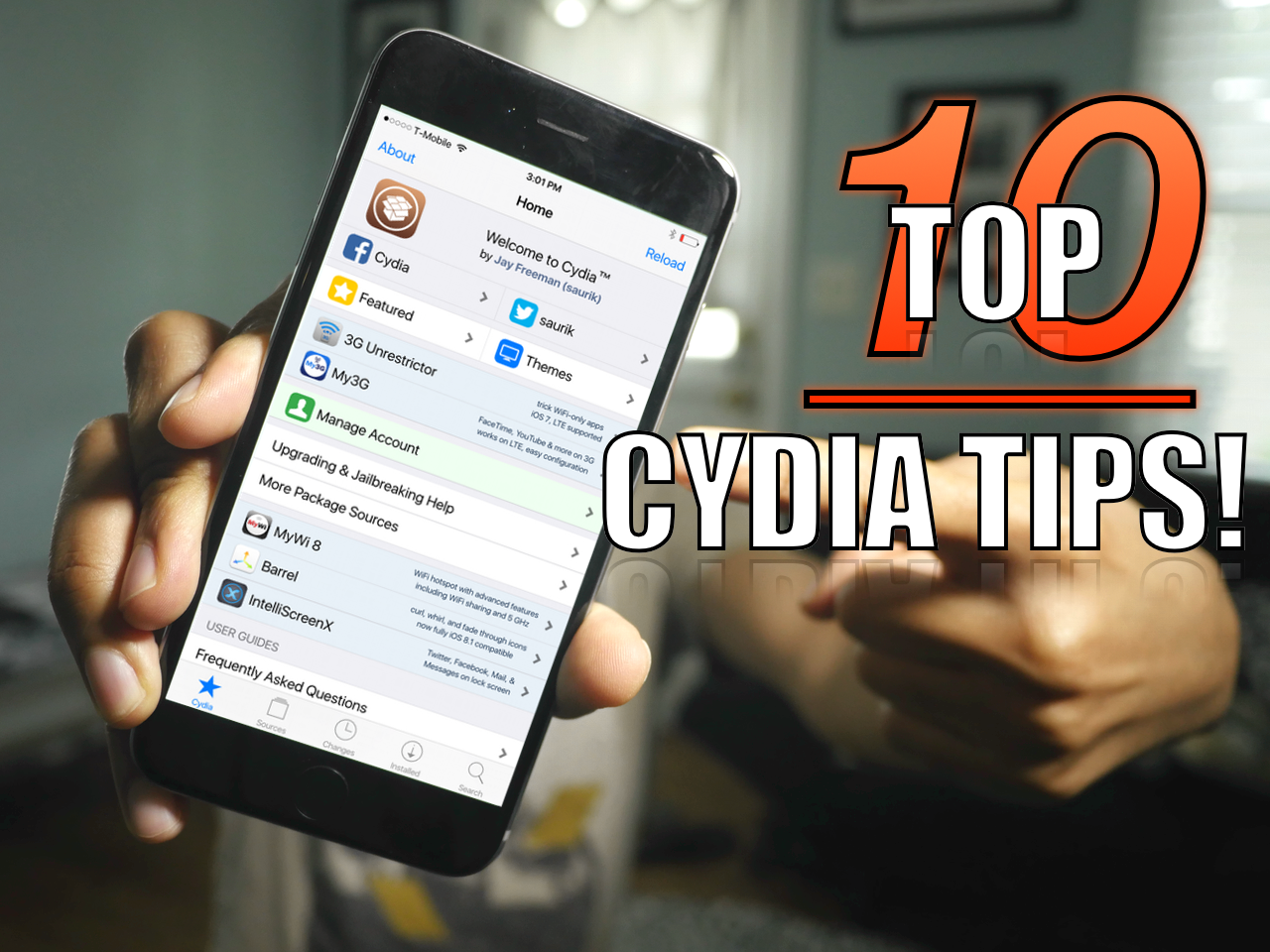
The top 10 must-know Cydia tips [Video]

Since I imagine that there are probably tons of new jailbreakers since the iOS 8.3 jailbreak touched down, now is a great time to review some of my favorite Cydia tips. But even if you're a seasoned Cydia veteran, you may find a tip or two in this list that you'll find handy. How many of these tips do you use on a regular basis? Watch our video and find out.

Power Saver Mode tweak brings impressive iOS 9-inspired battery management features to older firmware

iOS 9 has some significant new power saving features that will lend users up to an additional three hours of battery life. Dubbed Low Power Mode in iOS 9, users can eek out up to an extra 3 hours of battery life with the option enabled.

Low Power Mode works by disabling animated wallpapers, Mail Fetch, Background App Refresh, motion effects, and, as recently discovered, throttling the CPU.

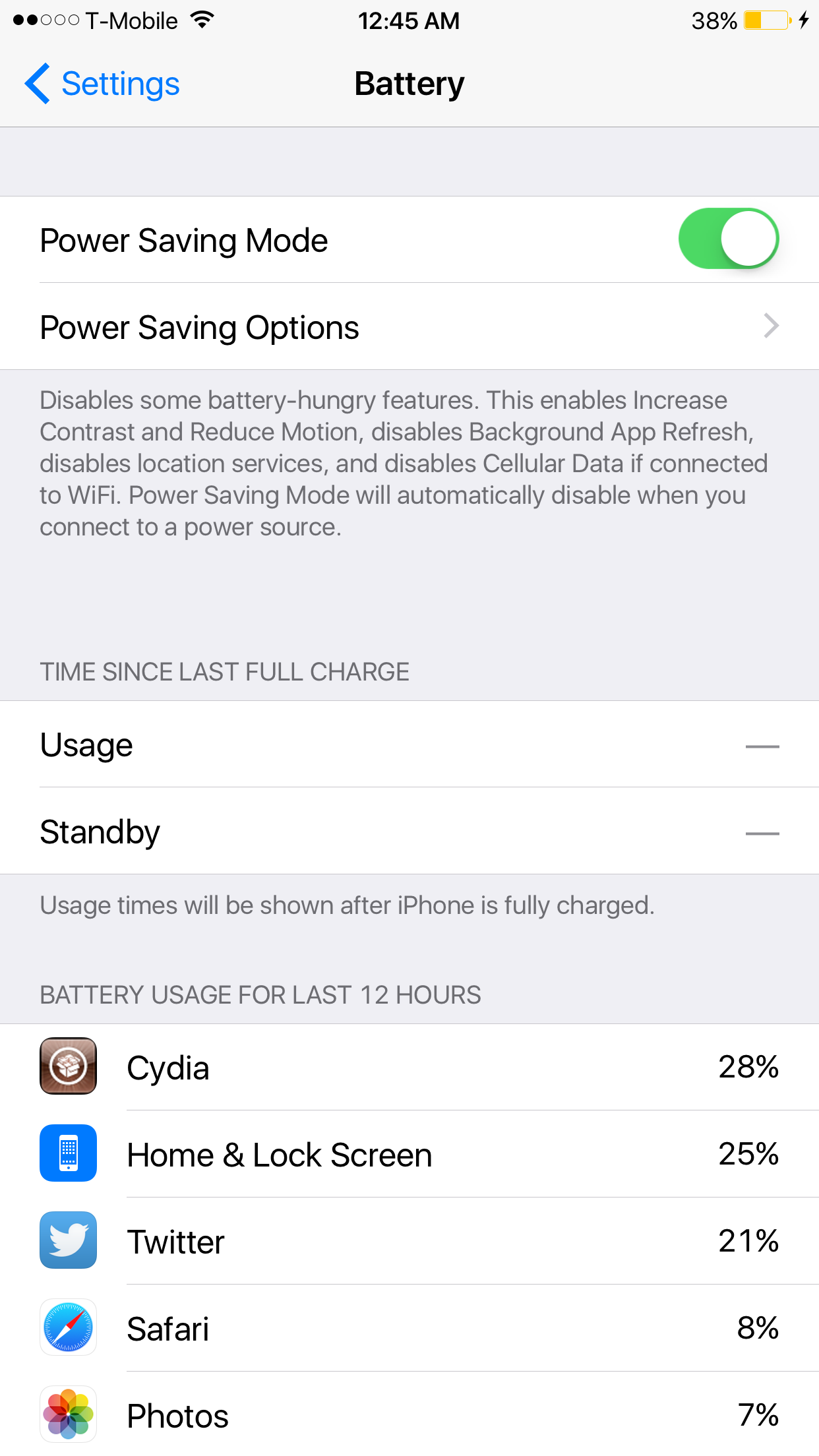
Power Saver Mode, a new iOS tweak developed by Elijah Frederickson, tries its best to provide many of the same benefits to jailbroken iPhone users on iOS 8. Power Saver Mode increases contrast, enables Reduce Motion, disables Background App Refresh, location services, Cellular Data when on Wi-Fi, and more. 

Still having problems jailbreaking iOS 8.3? These tips may help

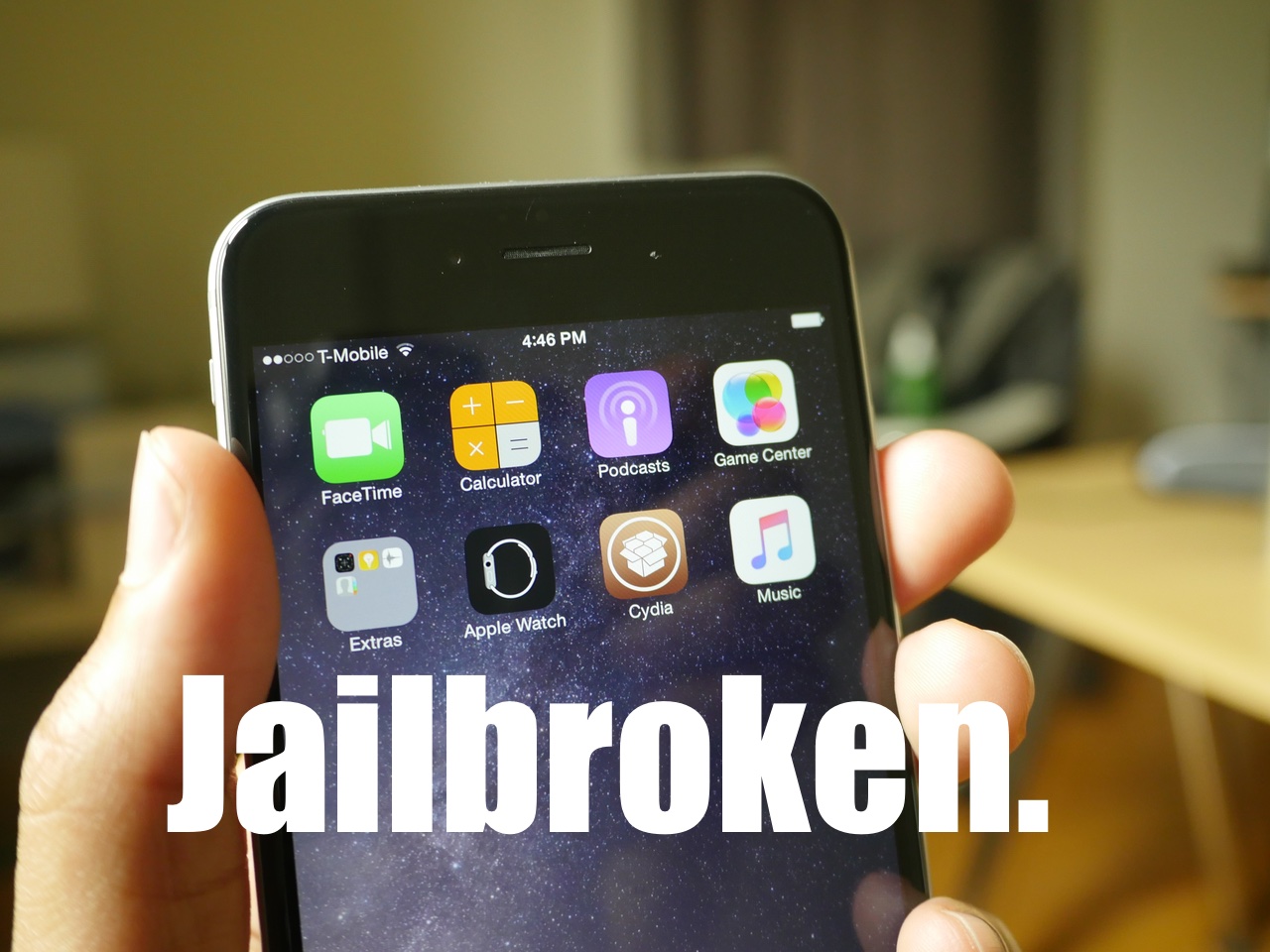
Sadly, there are still many individuals that cannot successfully jailbreak iOS 8.3 with the TaiG. I understand how insanely frustrating this can be, but also want to help. Trust me, I feel your pain on this, as it's super-frustrating when you see everyone else enjoying their jailbreak and you're stuck with a stock phone.

But don't give up! You're going to do this. Consider some of my tips inside. Some may be obvious, but some may be not so obvious. Whatever you do, just give it a try.

50 tweaks that work with the iOS 8.3 jailbreak [video]

Now that TaiG has updated its iOS 8.3 jailbreak to play nice with Cydia Substrate, it's time to start exploring the vast library of jailbreak apps and tweaks available on Cydia. If you're new to Cydia, or even if you've just been out of the game for a while, it can be overwhelming.

With this in mind, I've compiled a video that showcases 50 different jailbreak tweaks. My goal isn't to be super extensive with the coverage of each tweak, but it's to provide you with an overview of some of the things that are out there and some of the stuff that is possible with jailbreaking.

Watch our video, and be impressed by the sheer breadth and variety of the Cydia catalog!

How to manually update to TaiG 2.1.2 if you’re already jailbroken

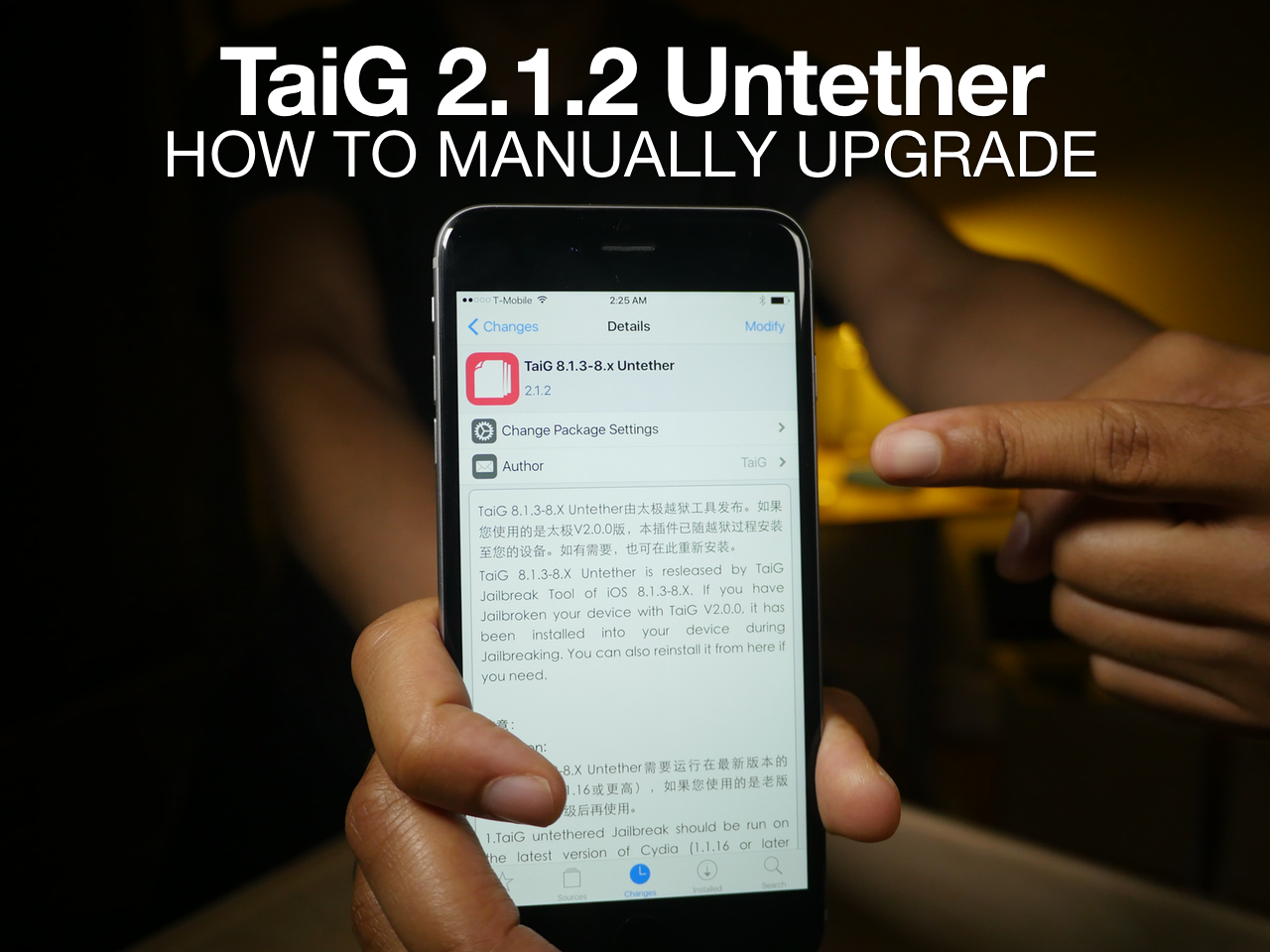
If you're already jailbroken, and let's face it, a lot of you are, then you may be wondering how to update your jailbreak to the latest version of TaiG—version 2.1.2. Should you start from scratch, or try to use the TaiG jailbreak tool again? No.

That's because it's super easy to update to the latest version of TaiG directly from Cydia itself. In this tutorial, we'll show you how to get up and running on the latest version of TaiG, which fixes all sorts of bugs, in just a few minutes.