Video

Review: the Shure MV5 is a versatile Lightning-enabled microphone for the iPad, iPhone and Mac

Since the iPad Pro debuted, I’ve been a little obsessed with trying to find the right microphone for recording on the go. I’ve tried a handful of microphones thus far in an effort to find a good balance of portability, ease of use, and sound quality.

The Blue Spark Digital is a very good microphone for general purpose use, but when it comes to portability and versatility, there are other microphones that I wish to check out.

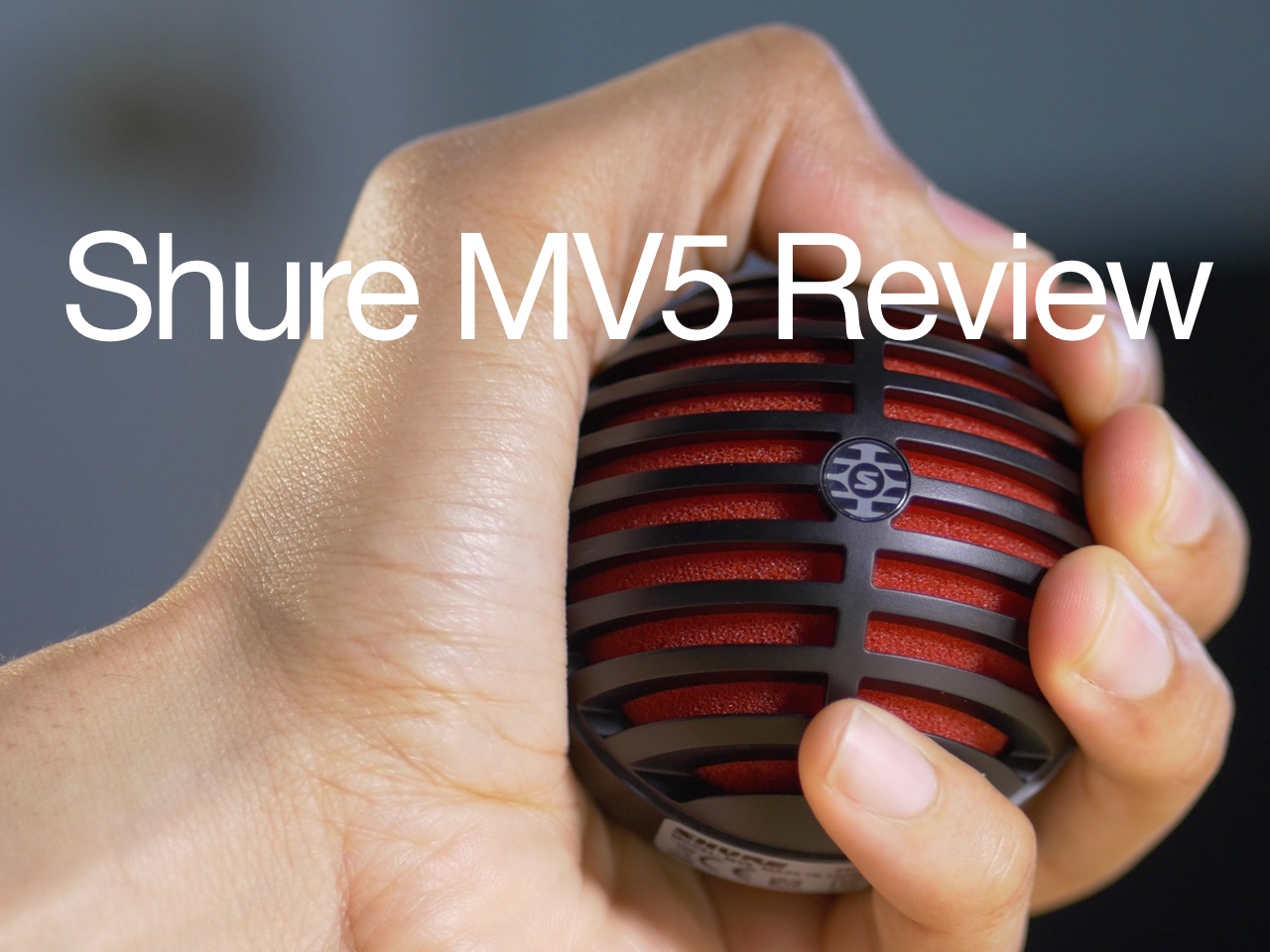
The Shure MV5 ($99 on Amazon) is a super-portable digital condenser microphone with a low profile, lots of options, and sound quality that’s good enough. It’s a much smaller package and setup when compared with the Blue Spark Digital, and a good choice for podcasting, Skype calls, and more.
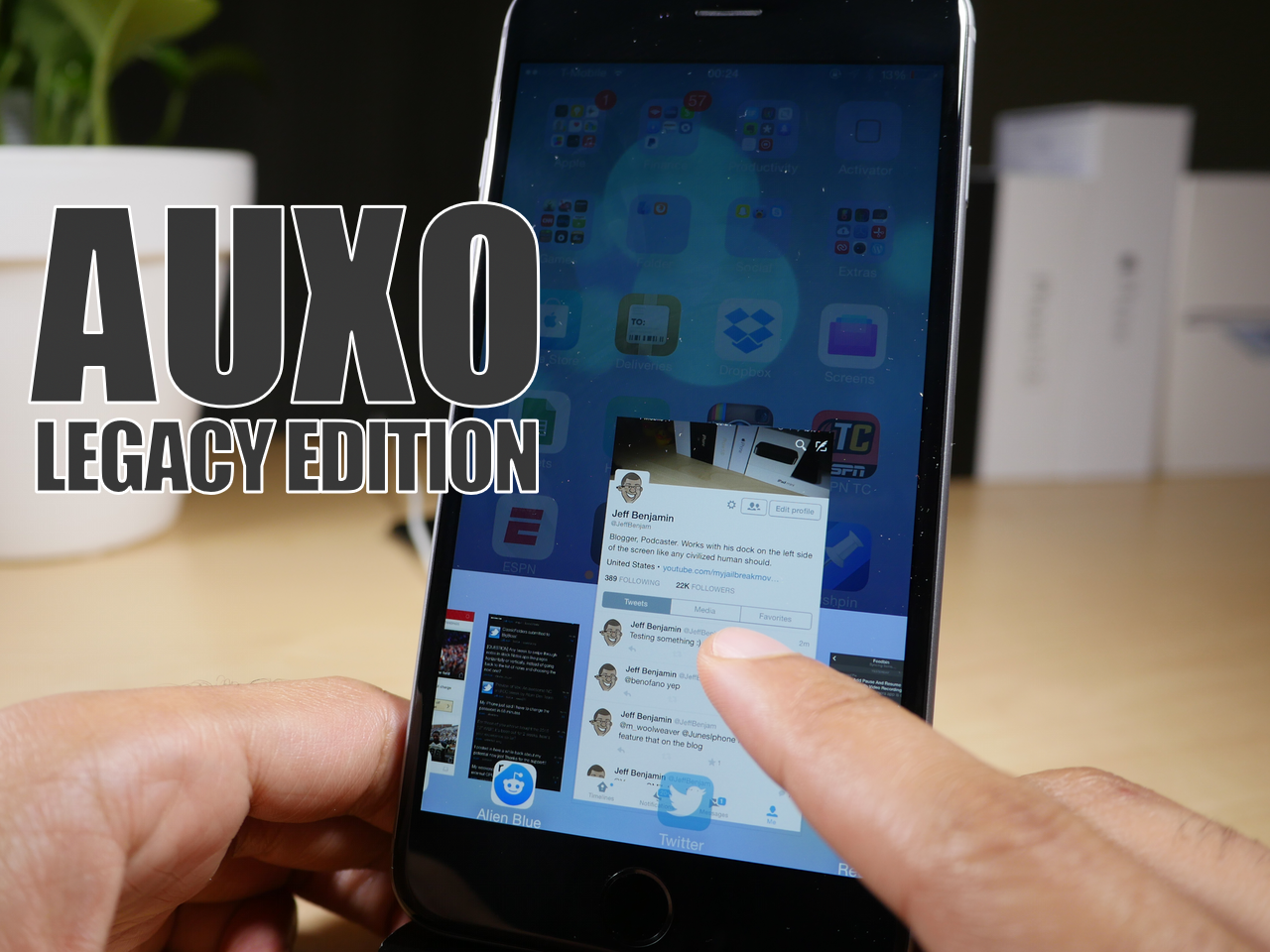
Auxo Legacy Edition gains support for iOS 9

Good news for those of you who are fans of Auxo—Auxo Legacy Edition, the jailbreak tweak created via a collaboration of Ryan Petrich and Sentry, has been updated for iOS 9. As you might remember, Auxo LE was a release that was built in the image of the original version of Auxo, which was a legendary jailbreak tweak that brought a new multitasking interface to iOS.

No new features can be expected with this latest update, but if you're running an iOS 9 jailbreak, you'll be happy to hear that Auxo LE should play nice with your jailbroken iPhone.

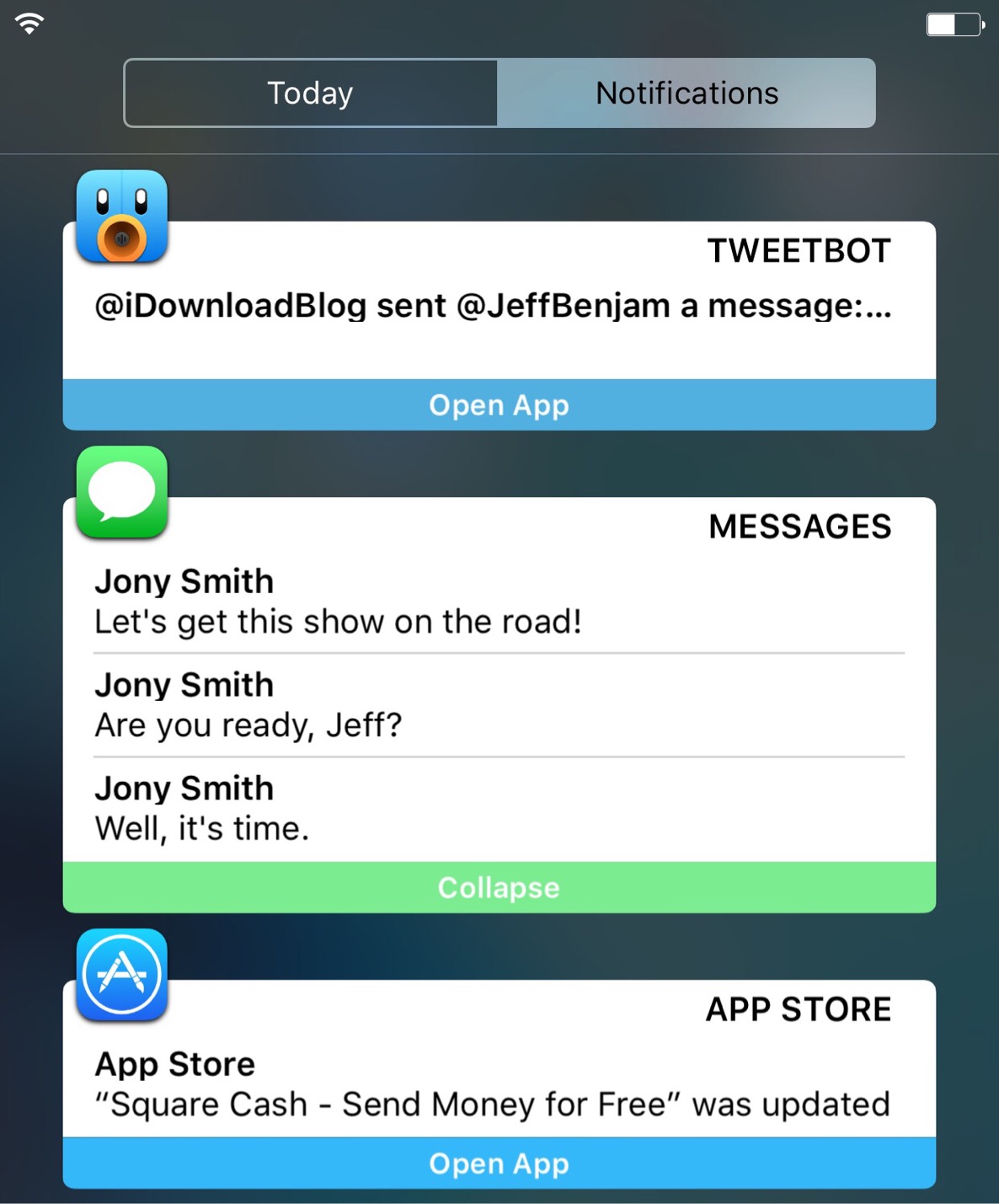
NCCards: customize Notification Center notifications

NCCards is a recently released jailbreak tweak that ushers in a new interface for the notifications shown in Notification Center. The $2.99 tweak, now available on the BigBoss repo, brings new visual cues to notifications, but retains much of the functionality that iOS users are familiar with.

Testing out NCCards reveals a promising feature-set with a few notable miscues. Watch our video walkthrough to see the tweak in action.

Amazon allegedly confirms that Instant Video is hitting Apple TV before year-end

Online retail giant Amazon is bringing its Instant Video service to the new Apple TV after all. As a quick refresher, Amazon recently pulled both Google’s Chromecast HDMI dongle and Apple’s Apple TV from sale because the two set-top boxes, in Amazon's own words, don’t “interact well” with its video subscription service. Confirmation of a tvOS version of Instant Video was inadvertently leaked by Amazon itself in response to a question on Twitter.

The app should hit the Apple TV App Store by the end of the year.

Nightmode9: a tweak that brings a system-wide dark mode to iOS 9

Using a bright screen in a dark environment isn’t doing any favor to your eyes, and that’s why some apps incorporate a so-called night-mode for dark settings. But night mode features within apps have a big limitation, and that’s that they only work within specific apps.

Wouldn’t it be better if iOS had a true system-wide night mode that worked in apps as well as the iOS interface as a whole? That’s the basic idea behind Nightmode9, a recently released jailbreak tweak that adds tons of user-configurable night mode features to iOS 9.

How to save Vine videos

Who knew 6-second-long looping video clips would turn out to be so much fun? If you're into short-form entertainment, there's probably no better place to get your daily fix of user-posted clips, some of which are quite interesting—I've seen whole how-tos compressed into six seconds—than Vine.

The problem is, both Vine the website and mobile app prohibit you from saving your favorite clips to your computer or mobile device. Thankfully, there are apps for that, too.

In this tutorial, you'll learn how to save Vine videos to your iPhone, iPod touch, iPad or Mac using a nifty little utility and a free of charge web app.

Vine rolls out Apple Watch app and new ways to discover and watch videos

Twitter-owned Vine, a short-form video sharing service, is now available on the Apple Watch with a native watchOS 2 app that streams best videos from Featured and Favorites sections to your wrist.

A Vine complication is available as well so you can track your account's loops and access the native app from your watch face. In addition to the Apple Watch app, this edition of Vine includes features that make it easier to make and discover audio remixes on the service and more.

Amazon Video for iOS gets X-Ray, 3D Touch and multitasking support & more

Amazon pushed a nice update to its video-streaming app in the App Store this morning. Amazon Video version 3.3 now includes 3D Touch shortcuts on the iPhone 6s and iPhone 6s Plus Home screen for quick access to the following features: Library, Downloads, your Watchlist and Search.

In addition, the app is now fully optimized for the iPad Pro and supports iOS 9's new Picture in Picture mode and Slide Over multitasking on supported devices.

Review: the $10 iPad Pro Smart Case

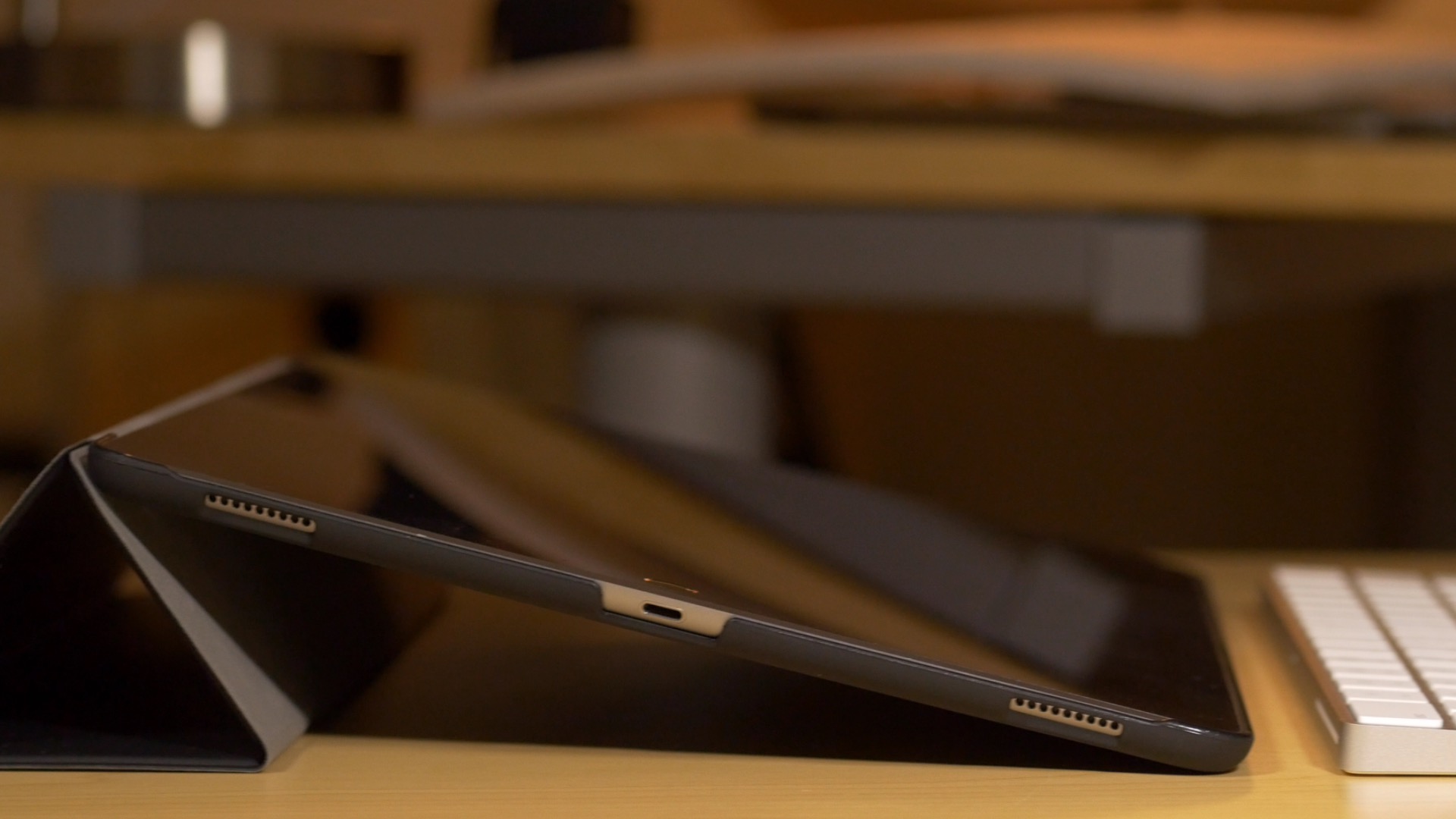
Earlier today, I got my hands on the JETech Smart Case for iPad Pro. The JETech is an uber-cheap iPad Pro case offering that's currently available for purchase on Amazon.

As you're probably aware of, Apple hasn't produced an all-in-one Smart Case solution for the iPad Pro. Instead, users wanting full 360° coverage will need to opt for both a Smart Cover and a Silicone Case. That combination, while certainly premium feeling, also comes with a premium price at around $140 before tax. In contrast, I was able to pick up the JETech case for a hair under $10.

The JETech isn't perfect, but its exceptionally low price will tempt more than a few iPad Pro adopters. Of course, you do tend to get what you pay for, so should you even bother?

Sidefari review: A clever app that lets you use two Safari windows with Split View

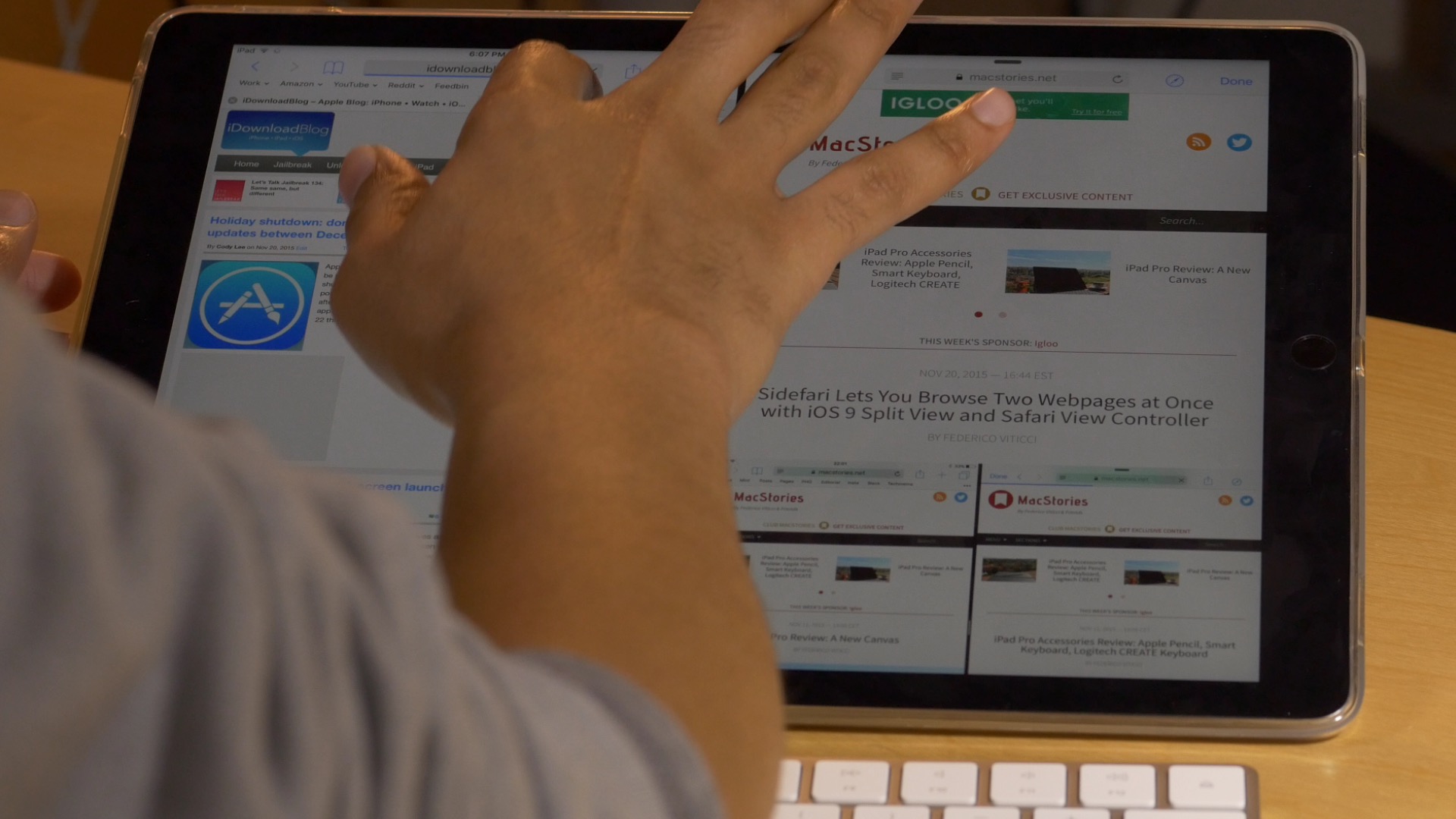
Sidefari, an App Store app first brought to my attention by MacStories, is a release that allows you to view two Safari windows side by side by means of some clever use of iOS 9's Safari View Controller.

The app, which is available for purchase for only $0.99, comes courtesy of developer Franscico Cantu. Just made available today, Sidefari can come in handy for any user with an iPad that's capable of Split View, but will be something that is most appreciated by iPad Pro owners.

Logitech Create Backlit Keyboard Case Review: a great keyboard solution for iPad Pro owners

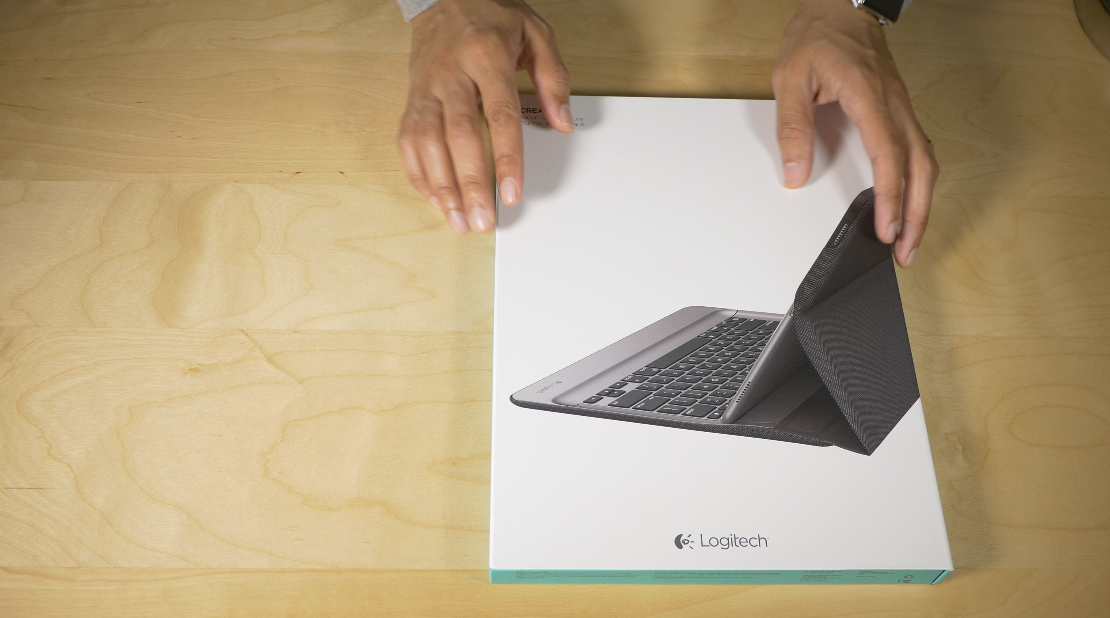
The Logitech Create Backlit Keyboard Case for iPad Pro is a great solution for those of you who are heavy typers.

Because this keyboard case, unlike Apple's Smart Keyboard, fully surrounds the iPad Pro when closed, it actually saves you money to go with Logitech's offering over Apple's Smart Keyboard + Silicone Case combo.

Of course, the protection elements offered by the Logitech Create are mere side points to the main questions: How does this keyboard perform for typers? Can I use the Logitech Create to type long-form content, or is it primarily suited for quick text outbursts? How does it fair when attempting to lap type? These are concerns that anyone who's interested in doing real work with the iPad Pro will have.

The Logitech Create Backlit Keyboard Case isn't without a few downsides, but for those of you primarily concerned with having a serviceable keyboard available at all times, it's a very good option that's worthy of your consideration.

Apple posts new ads highlighting apps for Apple TV

Tim Cook has said in numerous interviews that apps are the future of TV. Apple's marketing department seems to be taking that statement to heart, releasing five new Apple TV ad spots on their YouTube channel today. In these ads, Apple is showcasing both content and games, from a variety of creators.

All of the ads feature a slick introduction from the moment the app starts to when the actual apps are shown. No users of the Apple TV are shown, but instead Apple is focusing only on the content of the apps themselves.