Jailbreak Apps

biteSMS Adds New Quick Compose Feature in Notification Center

The latest version of biteSMS is shaping up to be something special. The team has worked hard for months, issuing beta after beta to get version 6 of our favorite jailbreak messaging client just right for iOS 5.

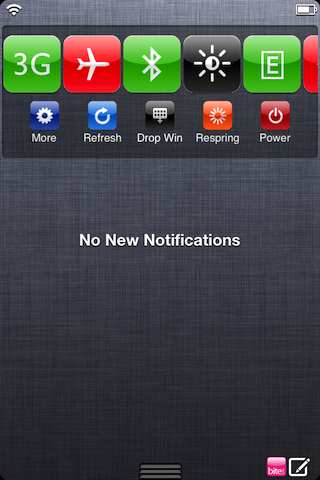
We already covered some of biteSMS' upcoming new features before, but this time around we're focusing exclusively on one feature in particular — quick compose from Notification Center.

IntelliScreenX has it, and now the biteSMS team has it as well. Check inside for a full video walkthrough of the new quick compose elements of biteSMS...
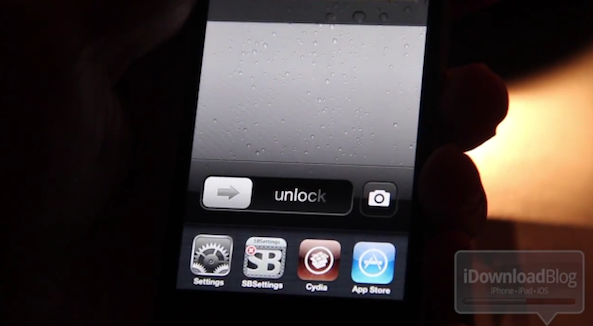
How to Open the App Switcher From Your Lock Screen

Multitasking on the Lock screen you say? Indeed. LockScreen Multitasking is a new jailbreak tweak that allows you to launch your iPhone's App Switcher directly from the Lock screen.

This makes it possible to launch apps, and enjoy the other features contained in your device's App Switcher without even unlocking it...

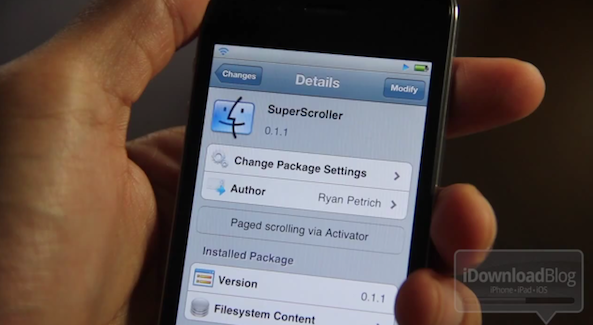
SuperScroller: Page Up and Page Down Using Activator Actions

SuperScroller is a jailbreak tweak from Ryan Petrich that allows you to scroll up or down using an assigned Activator action.

Many viewers are questioning the tweak's usefulness on our YouTube channel, but I could certainly see someone using SuperScroller as their preferred method of page navigation; for instance, when reading.

Check out the video walkthrough inside, and judge for yourselves...

How to Tweet Your Current Song Using iOS 5’s Built in Twitter Integration

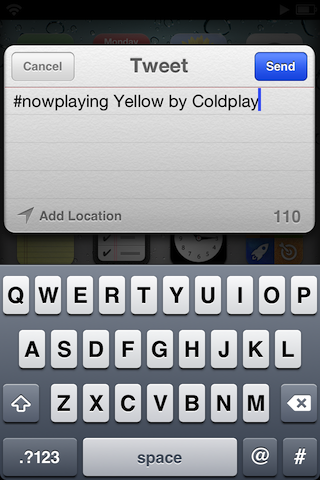
TweetSong is a jailbreak tweak for iOS 5 that makes it easy to tweet out your #nowplaying song using iOS 5's built in Twitter integration.

It works by assigning an Activator action to pull in the current playing song from your music app, placing it conveniently into the body of your tweet.

If you're curious to see TweetSong in action, check out our video walkthrough inside...

WeeSearch Pro: Search Google and Create Custom Search Queries Right From Notification Center

When we used the basic version of WeeSearch, we came a way a little less than impressed. While the pro version of WeeSearch isn't perfect, it's a lot better than its predecessor.

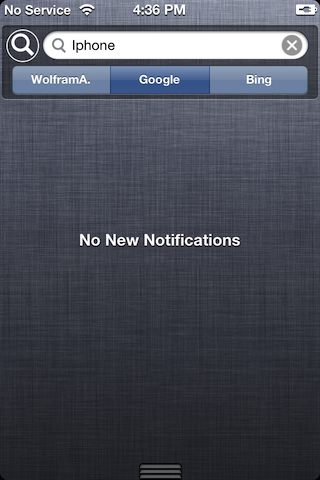
With WeeSearch Pro you can search a variety of built-in search engines. If that doesn't suit your fancy, you can even add your own custom search queries.

The great thing about WeeSearch Pro is that you can do all of this without ever leaving the comfortable confines of iOS 5's Notification Center...

More Lines in Notification Center: Read Entire Messages Directly From Notification Center

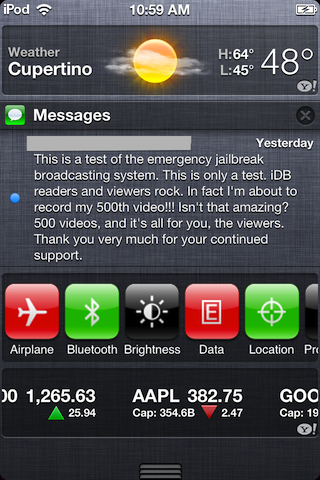
By default, Notification Center only displays 4 lines of text in any of your messages. This is okay, but for longer messages like email, it forces you to open the message to read its entire contents.

With More Lines in Notification Center, a jailbreak tweak available on Cydia, you can display up to 12 lines of text at a time, which is usually enough to read the body of an entire (moderately sized) email or text message...

A Quicker Way to Enable iOS’ Hidden Autocorrect Bar

A few days ago we showed you how to enable iOS's built-in but hidden autocorrect bar using a series of simple yet time consuming steps.

If you're still interested in enabling the autocorrect bar, but the manual process turned you off, then we have good news for you.

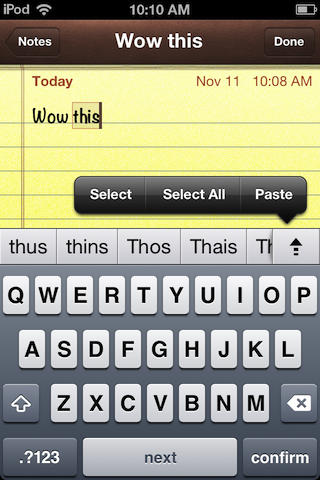
Autocorrection Bar is a simple to use jailbreak tweak that will easily enable the autocorrect bar if you have a jailbroken iPhone. It even includes an enhancement...

How to Add Custom Weather Notification Center Themes

Apparently I'm not alone in my thoughts about Apple's stock weather theme for Notification Center — it's a bit lacking in style.

NC weather widgets is a jailbreak tweak that adds custom Notification Center themes to iOS 5 via WinterBoard with just a few steps.

Step right inside to see how the improved weather icons look like on video...

How to Download Deb Files From Cydia

It's easy to venture into Cydia and download your favorite apps and tweaks, but what if you want to save the files that you download for backup or later use?

There are tools like PKGBackup that save the links to the apps and tweaks that you have on your device, but it's not as straightforward to backup and save the actual .deb files responsible for installing the packages that we use.

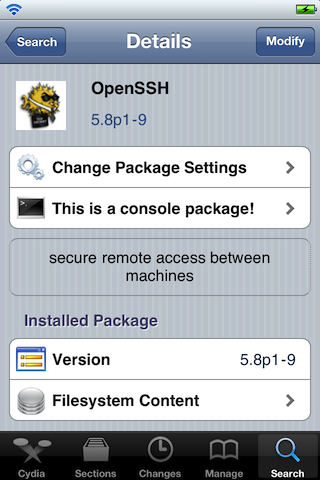
What to do? In the following video tutorial, I'll show you how to easily download deb files using OpenSSH and a handy FTP client...

How to Install OpenSSH on Your iPhone

If you're a jailbreaker, then you realize how important OpenSSH is to the jailbreak community and you likely use it often.

But if you're new to the world of jailbreaking, you might not see the benefit right off hand.

This video tutorial not only shows you how to install OpenSSH onto your iPhone, iPad, or iPod touch, but why it's beneficial as well...

IntelliScreenX Adds Quick Reply and Quick Compose Features

IntelliScreenX, the highly anticipated iOS 5 jailbreak app, is coming right along in its development, and the latest build features some exciting new features.

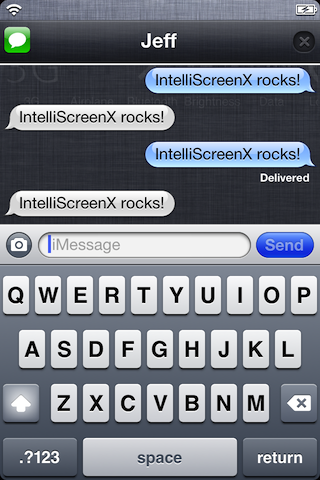
To capitalize on Apple's lack of any sort of quick reply or quick compose for messages, Intelliborn has baked their Messages+ app in directly with IntelliScreenX for a very robust messaging solution.

Now you can quick reply, and/or quick compose from Notification Center, the Lock screen, and from banner message notifications. Check out the full video demonstration inside...

Firebreak: An Easier Way to Enable Panorama Camera Mode in iOS 5

Not five minutes after we posted the plist hack method for enabling panorama mode in iOS 5, the promised jailbreak tweak that does the same thing hit Cydia.

The tweak is titled 'Firebreak' in reference to the plist value, and it's much simpler to use than editing a plist value via iFile.

If you want to use iOS 5's hidden panoramic camera, then this is the definitive way to enable it...