Jailbreak Apps

How to Easily Clear iOS 5 Lock Screen Notifications With Ipsum

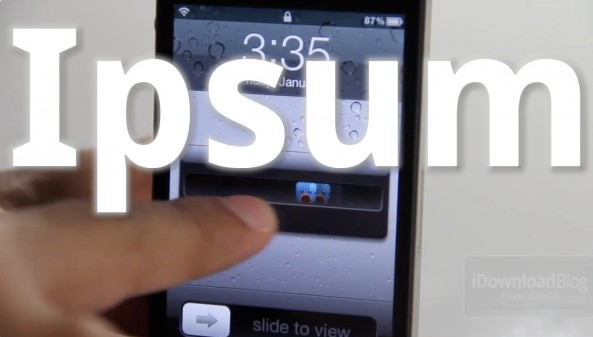
Ipsum is a jailbreak tweak that makes it ridiculously simple to clear iOS 5's Lock screen notifications.

A single swipe of the notification will work as normal — unlock the phone and go to the app that created the notification. With Ipsum installed, all it takes is a double swipe of the Lock screen notification to get rid of it...

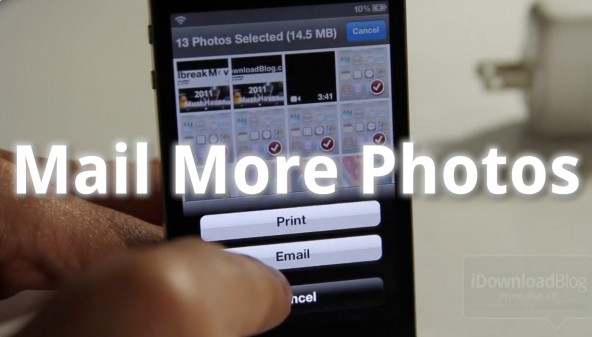
Mail More Photos: Attach More Than 5 Photos to an Email

iOS is a bit on the limited side when it comes to sending a multitude of emails from the Camera Roll. Apple has limited users to just 5 photo attachments if users want to use the built in email sharing option.

Fortunately, jailbreaking exists to get rid of such limitations. Check inside for a video walkthrough of Mail More Photos, a tweak that allows one to send a seemingly infinite amount of photos via email...

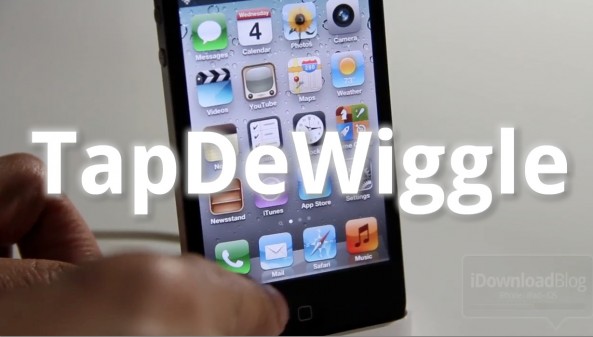
Easily Exit Wiggle Mode With TapDeWiggle

Have a broken Home button, or just to lazy to use it? If so, then you may want to give TapDeWiggle a shot.

TapDeWiggle is a jailbreak tweak that allows you to exit the iPhone's edit mode — a.k.a. "wiggle mode" — by tapping any blank spot on your Home screen.

To see it in action, check inside for our video analysis...

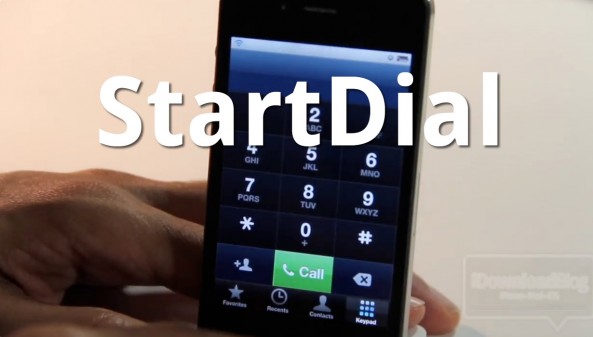
Whip Your Phone App Into Shape With StartDial

Do you ever get annoyed when you open your Phone app and it doesn't go to the section you were expecting?

With StartDial, that problem is a thing of the past. StartDial allows you to always start at a specific section of your Phone app every time you open it by means of a predefined setting.

It's even smart enough to start at your recents whenever you have missed calls. If you make a lot of phone calls, and your iPhone is jailbroken, check out our hands-on experience with StartDial inside...

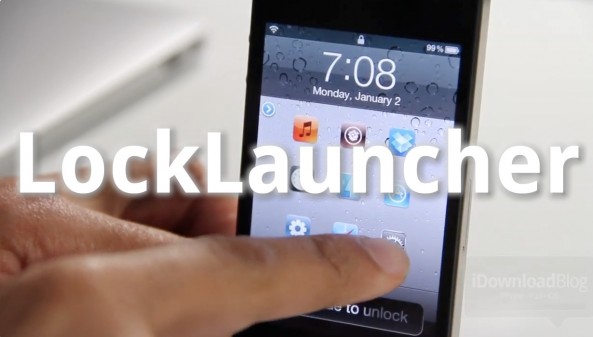
LockLauncher: Launch Up to 9 Apps From Your Lock Screen

LockLauncher — not to be confused with, well, LockLauncher — is a jailbreak tweak that allows you to launch up to 9 different apps directly from your lock screen.

Despite its unoriginal name, LockLauncher differs from the previous LockLauncher we reviewed last summer. This version of LockLauncher is both free, and features the ability to launch more apps.

Be sure to check out our video walkthrough to see what it brings to the table...

Top Jailbreak Videos of the Week

This past week was the biggest week for the jailbreak community in quite some time. The iOS 5 untethered jailbreak was released, along with a legal Siri Port entitled Spire. Not only that, but we also saw multitasking gestures make their way to the iPhone by means of Zephyr.

Like always, please be sure to spread our iPhone, iPad, and iOS video tutorials by sharing our posts on Twitter and Facebook.

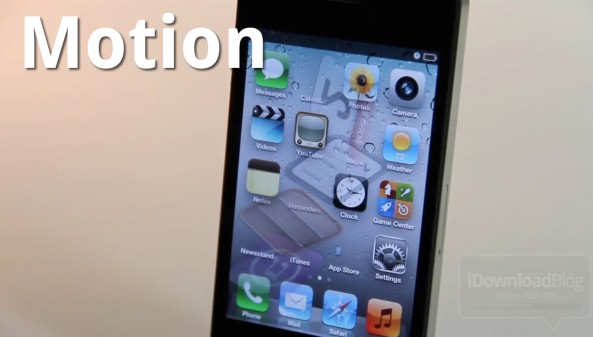
Motion Adds Visual Mayhem to Your iPhone’s Home Screen

Motion is a new jailbreak tweak that can seriously spice up your iPhone's Home screen, if you're into that sort of thing. The tweak does this by adding quite a few animation options to the app icons on your Home screen.

Best of all, Motion clocks in at a reasonable $1 on the Cydia Store. Should you try it out? Check out our hands-on video inside and judge for yourselves...

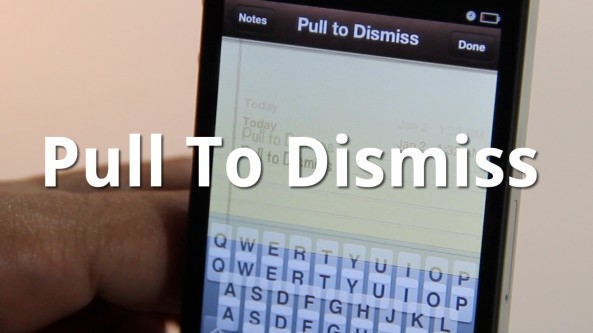
Easily Dismiss Your Keyboard With Pull To Dismiss

Is your iPhone's keyboard getting in the way? If so, then you may want to give Pull To Dismiss a try.

Pull To Dismiss is the latest jailbreak tweak from Ryan Petrich that allows you to easily dismiss your iPhone's keyboard with a simple pull. It works similar to pull to refresh, except instead of refreshing the content on the page, it dismisses your keyboard...

How to Set Up Spire [Video Tutorial]

A few days ago chpwn released Spire, a legal Siri port for the iPhone 4 and other devices. The release was met with much excitement, and likely just as much confusion. How does it work? Can it work with an existing Siri Proxy?

Getting Spire working on your non-iPhone 4S device may seem daunting, but it's actually fairly straight forward, especially if you've successfully followed our Siri Proxy tutorial in the past. The Spire setup pretty much involves the same steps needed to get Siri Proxy working, with a few notable differences thrown in.

Check inside as I show you how to get Siri running on your iPhone 4 using Spire. This should also work for other devices, like the fourth-generation iPod touch...
MapReminders: Setup Location Based Reminders Using Maps

The location-based aspect of the Reminders app is convenient but limited. As of now, all you can really do is setup reminders based on your current location or the contents of your Contacts app.

With MapReminders, you can peruse an entire map to setup reminders for certain locations easily. Check out our video walkthrough of this upcoming jailbreak tweak...

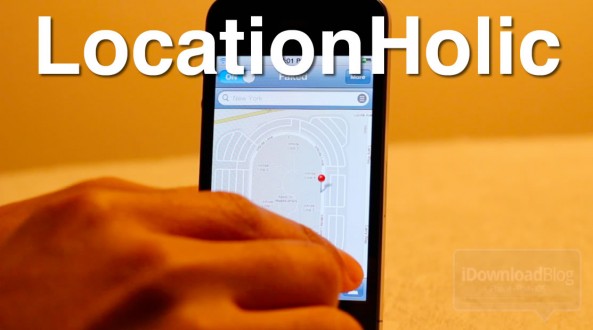
LocationHolic: Fake Your iPhone’s Location [Sponsored]

Want to travel across the globe without leaving the confines of your humble abode? If so, then look no further than LocationHolic, a location-spoofing jailbreak tweak for the iPhone, iPod touch, and iPad.

LocationHolic works by essentially overriding your device's location data with a location of your choosing. Choosing the location is as simple as searching or even placing a pin on a map. It really doesn't get any simpler than LocationHolic, as you'll see in our video walkthrough...

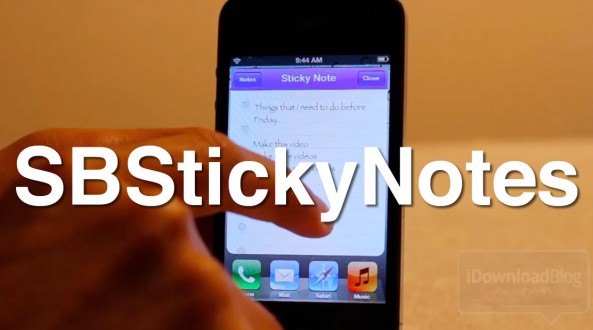
How to Save Favorites Notes to Your Home Screen With SBStickyNotes

The Notes app is a great app for saving quick items that you need to get back to later, but often it's easy to forget that you wrote anything down in the first place.

With SBStickyNotes, forgetting just became a tad more difficult. That's because this tweak allows you to save favorite notes to you Home screen as a bookmark.

We've gone hands-on with SBStickyNotes on video; check inside to view the full walkthrough...