Airplane Mode is a special mode you can toggle on or off on mobile devices in order to effectively shut off all radio communications. While intended for airline travel, the function is often used by people on the ground just for killing distracting Internet communications.
Vibrate
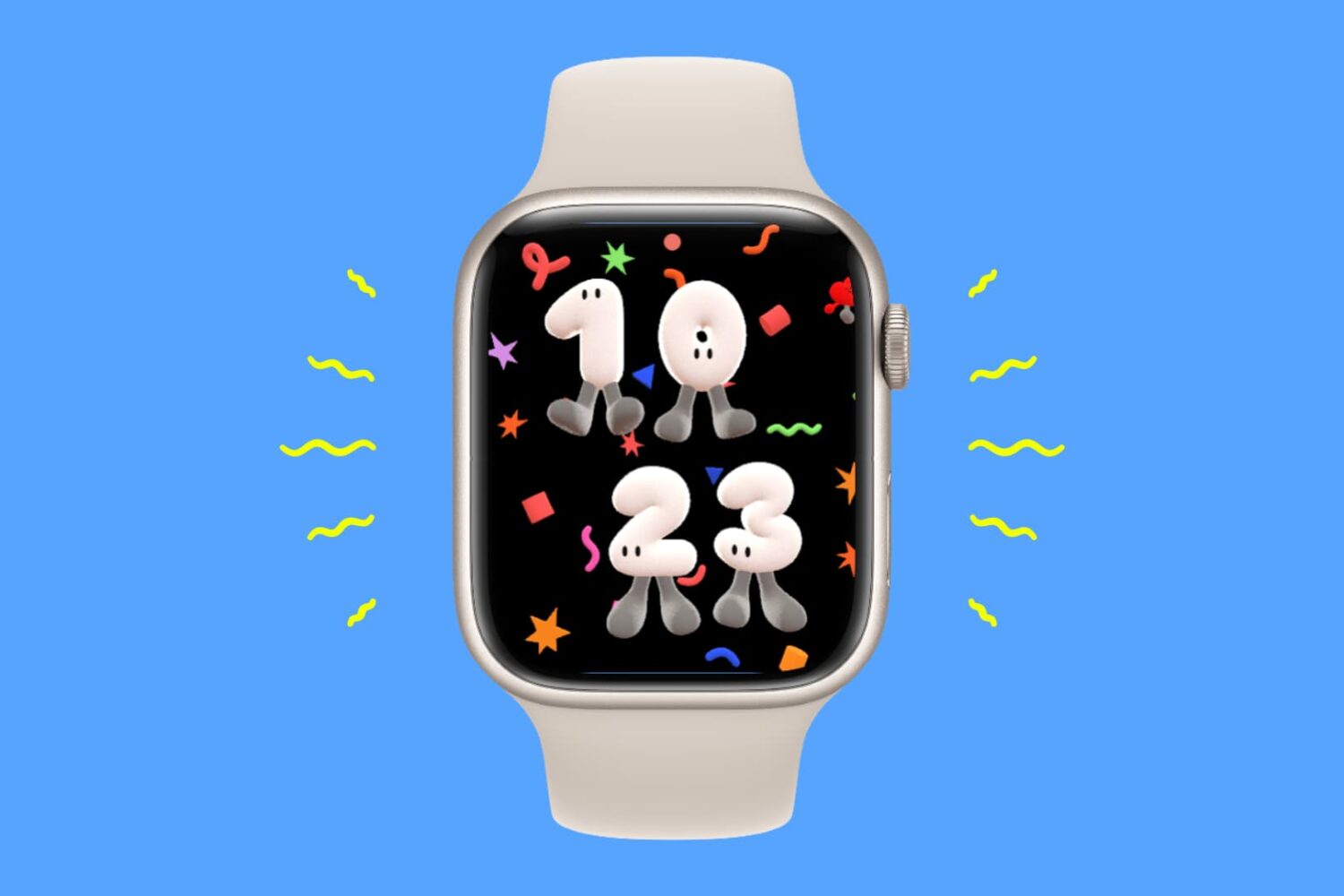
Does your Apple Watch vibrate randomly? Here’s how to stop it
In this guide, we will explain why your Apple Watch can randomly vibrate and what steps you can take to prevent it from happening.
Add haptic feedback to your apps’ Tab Bars with this jailbreak tweak
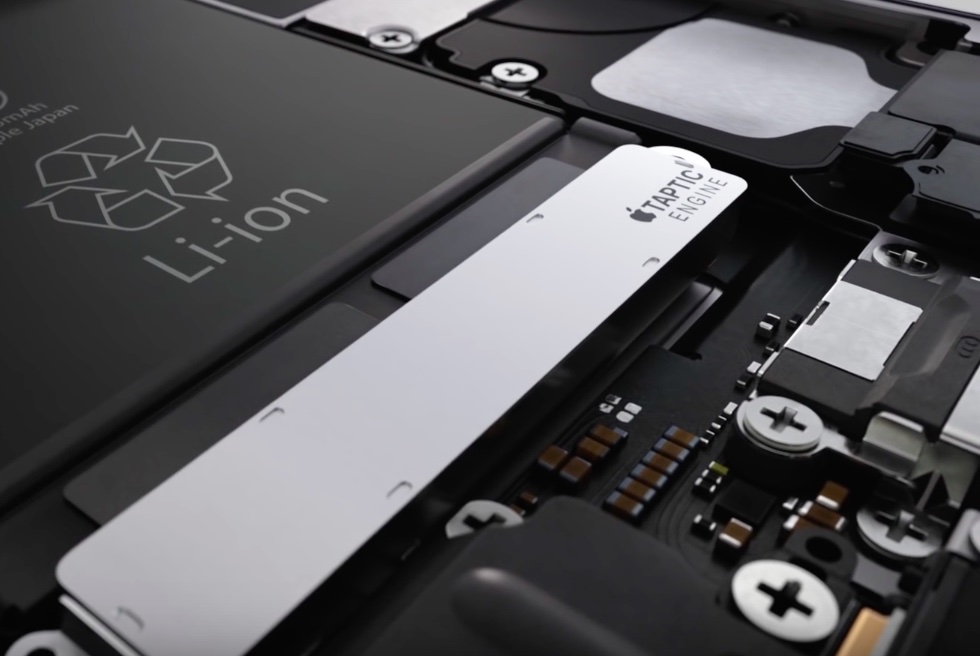
Haptic feedback is something that has evolved with the smartphone industry over the years, which Apple’s Taptic Engine replacing traditional vibes for motors for a more realistic effect, and smartphone users have really fallen in love with the feature.
The new CellTic jailbreak tweak enables haptic feedback in more places
If you love haptic feedback, then a newly released and free jailbreak tweak called CellTic by iOS developer Mostafa89 should be your next consideration for installation.
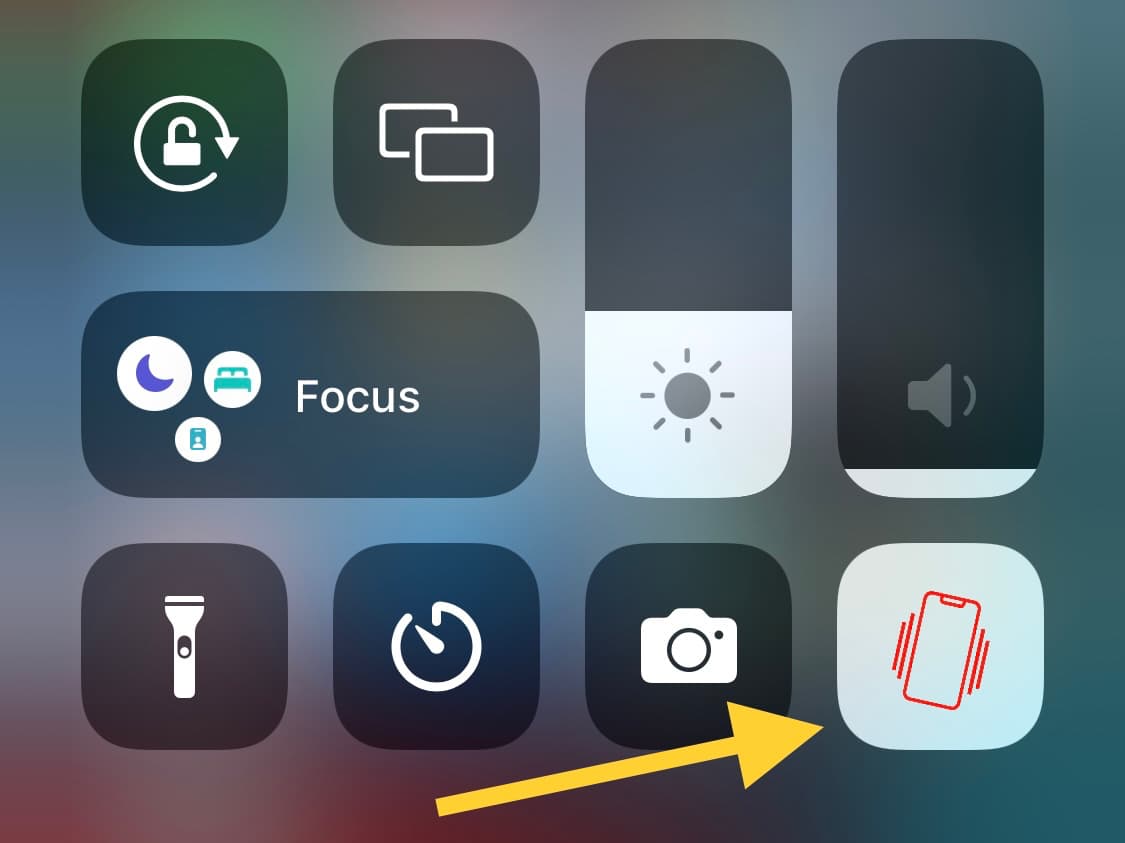
Turn your iPhone’s vibration on or off from Control Center with CCVibration
Among the different types of toggles and shortcuts that exist in Control Center, it seems like Apple left out all the good ones, and iOS developer kingpuffdaddi knows what’s up.
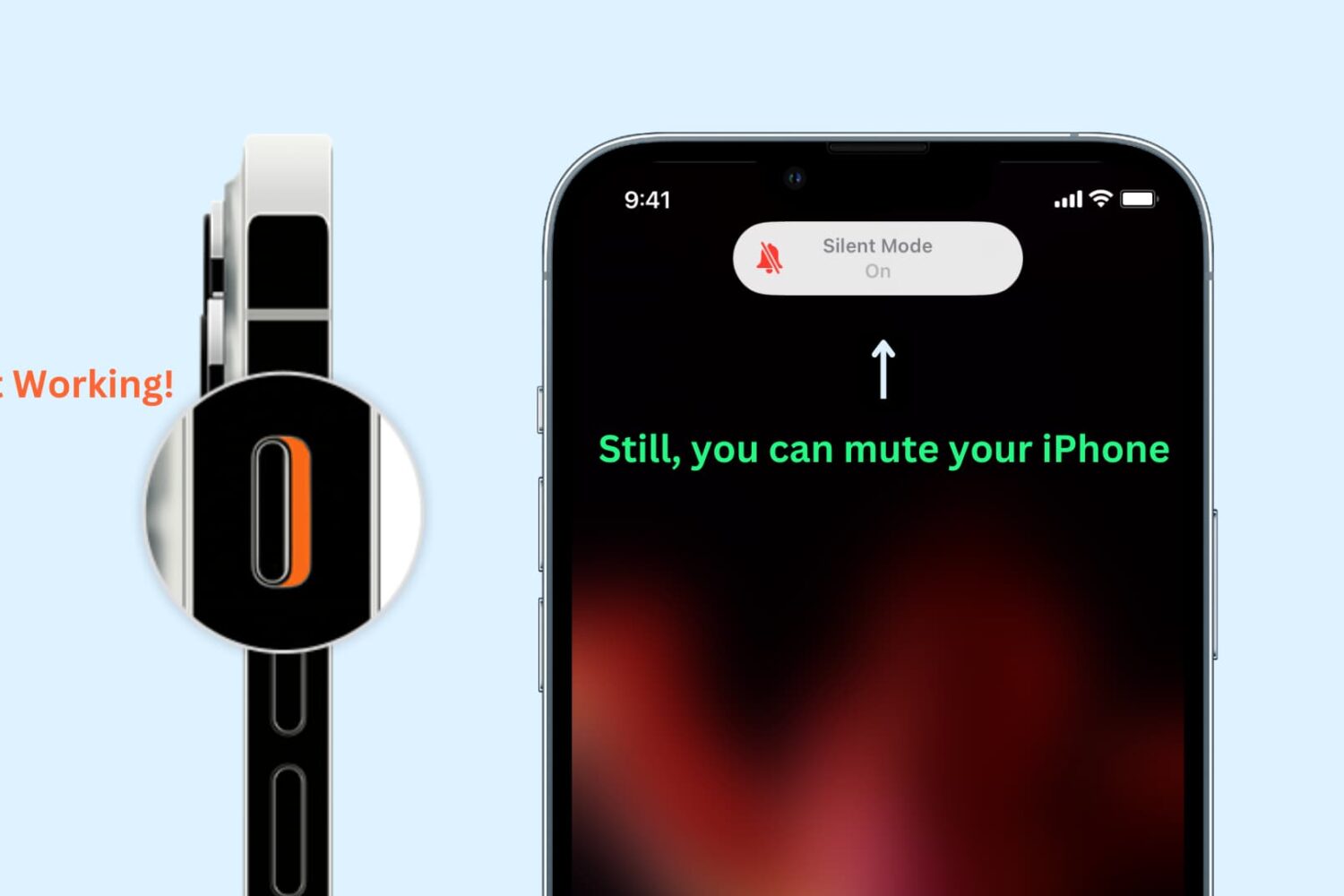
How to mute your iPhone if the Silent switch or Action button is not working
Learn how to enable silent mode or vibrate-only mode on your iPhone, even if the physical Ring/Silent switch or the Action button on the side of your device is broken or unresponsive.
Add haptic feedback to the Control Center opening experience with Taptic Centre
Everyone I know likes the feeling of haptic feedback they get when interacting with certain features in their iPhone’s operating system, so it comes as no surprise that jailbreak tweak developers are always adding it to more places.
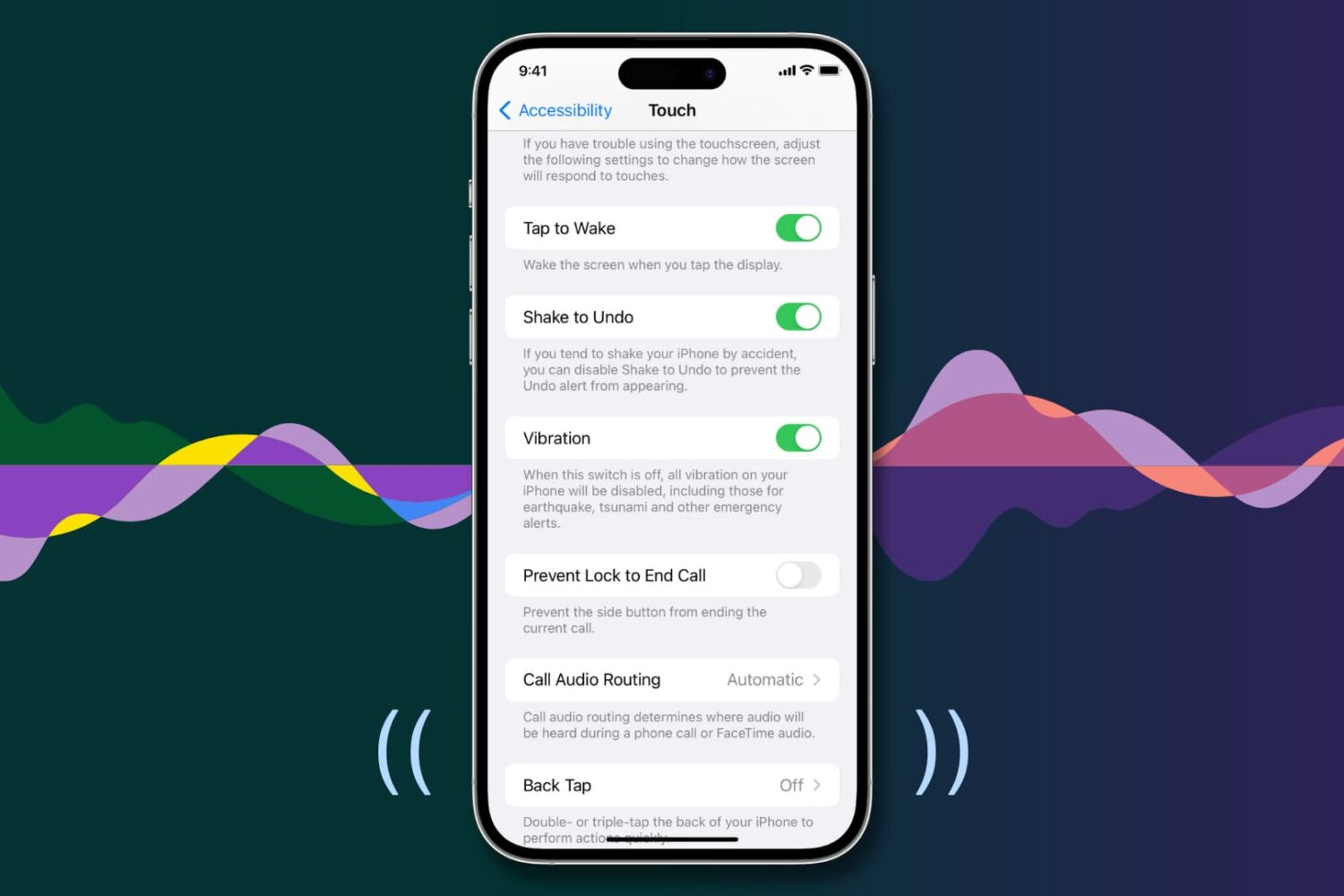
Fix vibrations not working for calls, texts, and alerts on iPhone
Your iPhone vibrates to alert you about incoming calls, texts, and app notifications, making it easier to react when the device is deep in your pocket or set to silent mode.
Similarly, iOS offers haptic feedback throughout the operating system to complement touch input and elevate interactions.
If you aren’t getting any vibrations or haptic feedback from your iPhone, the troubleshooting tips below should help fix that.
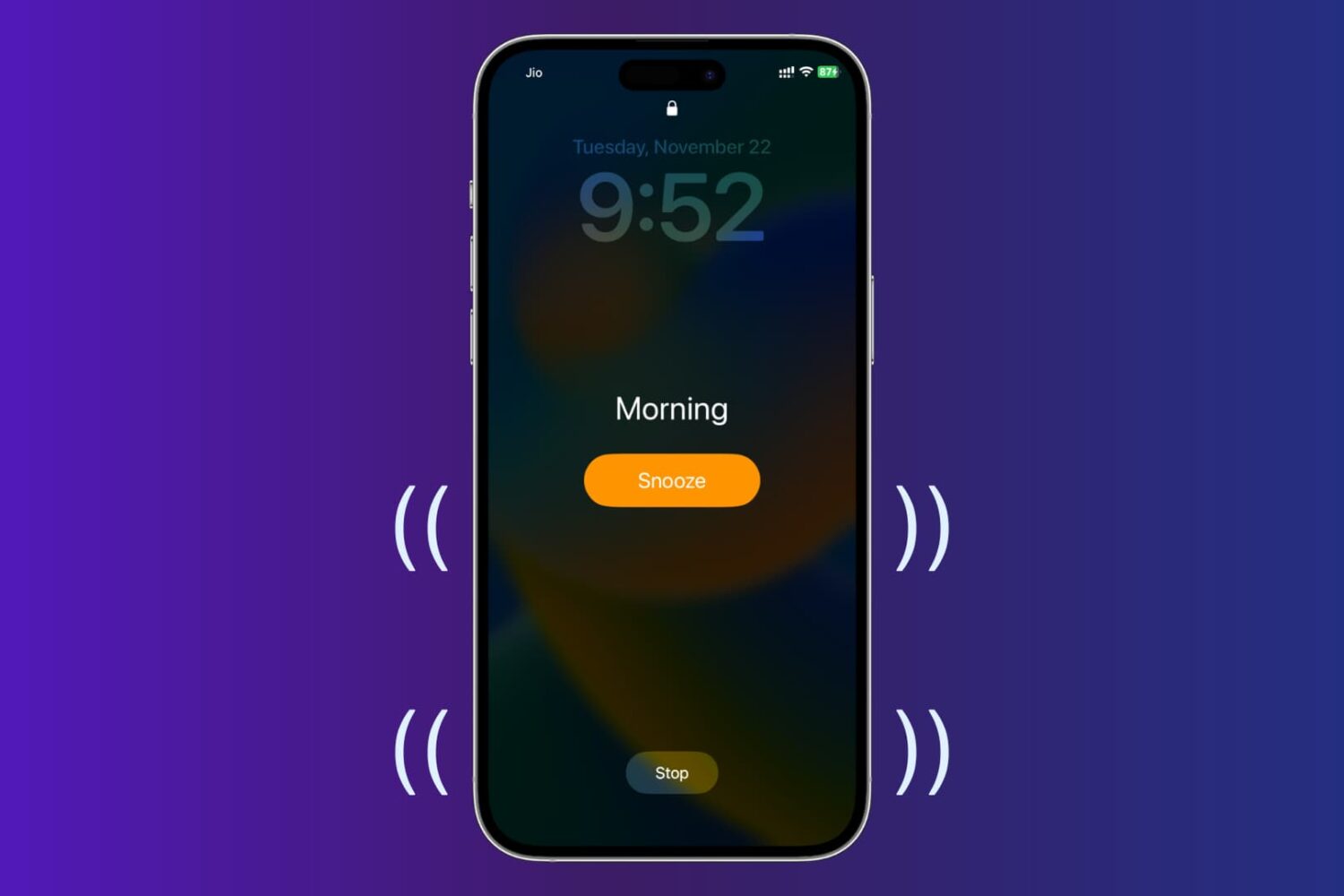
How to set vibrate-only alarm or timer on iPhone with no sound
In this tutorial, we’ll show you how to set vibrating alarms and timers on your iPhone, which won’t play a sound but only vibrate.
Some of the best jailbreak tweaks for haptic feedback on iOS 14
If you’re on the hunt for the right jailbreak tweak for your pwned iPhone or iPad on iOS or iPadOS 14, then you’ve come to the right place. That’s because we’re always curating specialized lists of what we believe are some of the best jailbreak tweaks for various facets of Apple’s mobile operating systems.
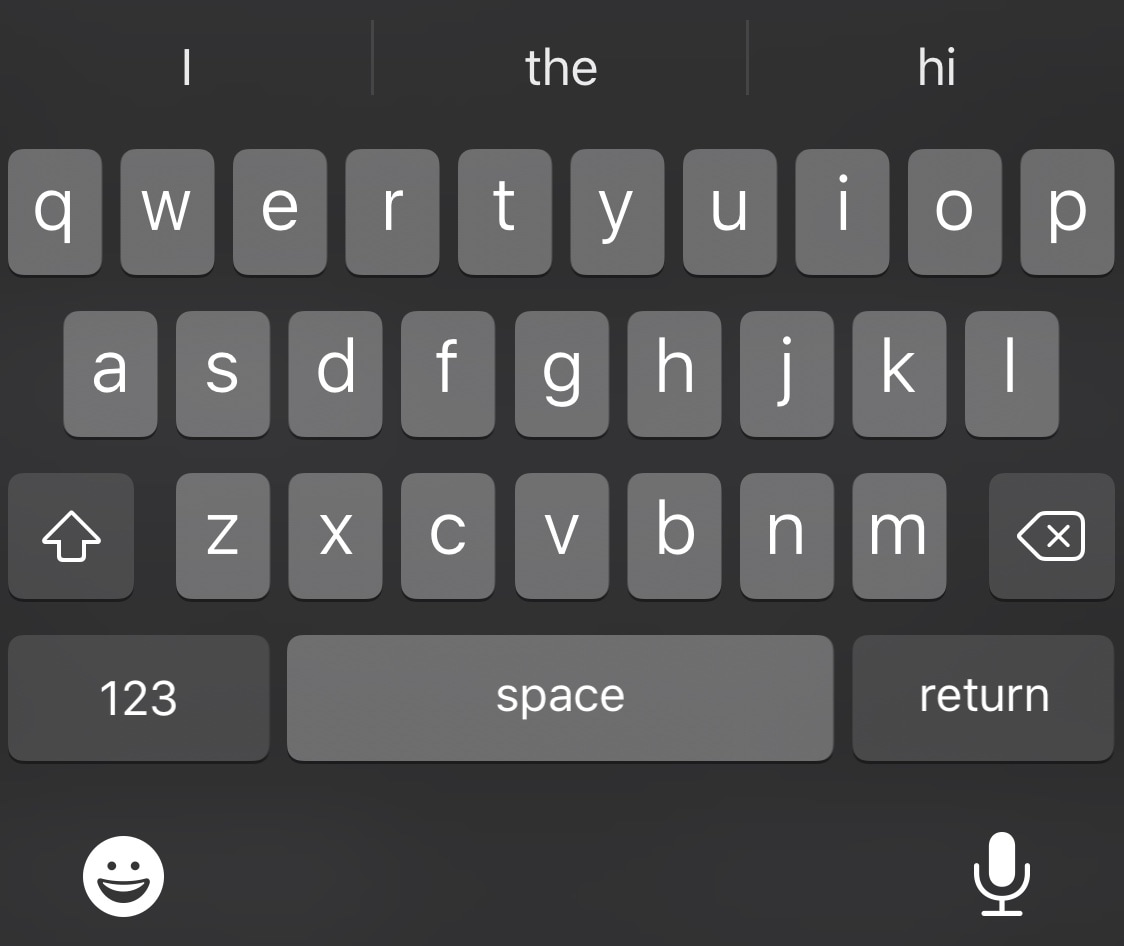
Get haptic feedback when typing on your jailbroken iPhone with TappyKeyboard
iPhone owners have been begging Apple to implement some sort of Android-style keyboard haptic feedback for as long as I can remember.
Fast forward to the post-Taptic Engine world we live in today, and we still don’t have the option to enable keyboard haptic feedback on stock iPhones.
Buzz Buzz Lite brings universal haptic feedback to your iPhone for free
Just yesterday, we showed you a jailbreak tweak called Haptify that could make your iPhone exhibit haptic feedback in more places that it would out of the box. While it was indeed a fine tweak, it also came with a price tag, and that’s one of the primary reasons why we’re eager to show you a newly released and free add-on dubbed Buzz Buzz Lite by iOS developer Jax Roth.
Just like Haptify, Buzz Buzz Lite provides a little bit of haptic feedback to many of the actions that you might regularly perform on your iPhone. But it’s worth noting that Buzz Buzz Lite supports several more actions than Haptify did, and that the tweak’s execution is somewhat different as well. We’ll be bringing many of those differences into the light in this piece.