Update

How to transfer only Activity and Health app information to a new iPhone

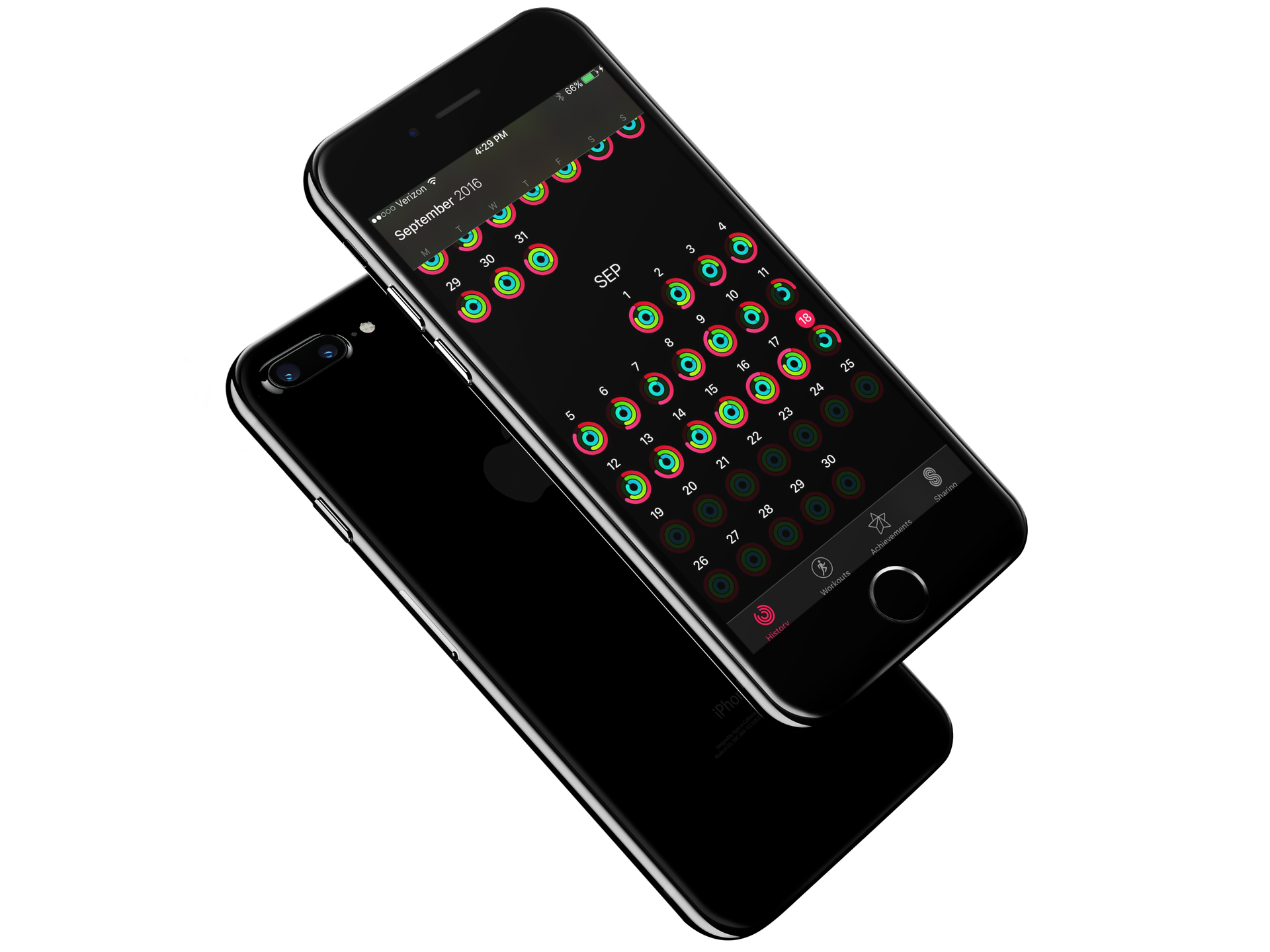
Each year when a new iPhone lands on my doorstep, I am excited to carefully unpack the new device and get everything installed. Like you, I prefer to think of loading up a new iPhone as one of the best digital experiences. It is like taking a new car for its first run on the highway. To ensure the best experience, those among us with strong opinions always start from a fresh iPhone and never restore from a previous backup. By starting from scratch, you guarantee no faulty details work their way into an otherwise fresh system.

However, with the advent of Apple Watch and encrypted Health and Activity data, the only way to transfer those precious Activity rings is via an encrypted backup. If there was just some way, to only restore the Activity and Health data... 

tvOS 10 update for Apple TV now available

Hot on the heels of iOS 10 and watchOS 3, Apple on Tuesday released tvOS 10. The software update is available free and compatible with all fourth-gen Apple TVs—the latest generation of Apple's popular set-top box.

tvOS 10 should install automatically on your Apple TV, but depending on your settings you may have to push it manually. You can do this by navigating to System > Software Updates > Update Software on your device.

watchOS 3 update for Apple Watch now available

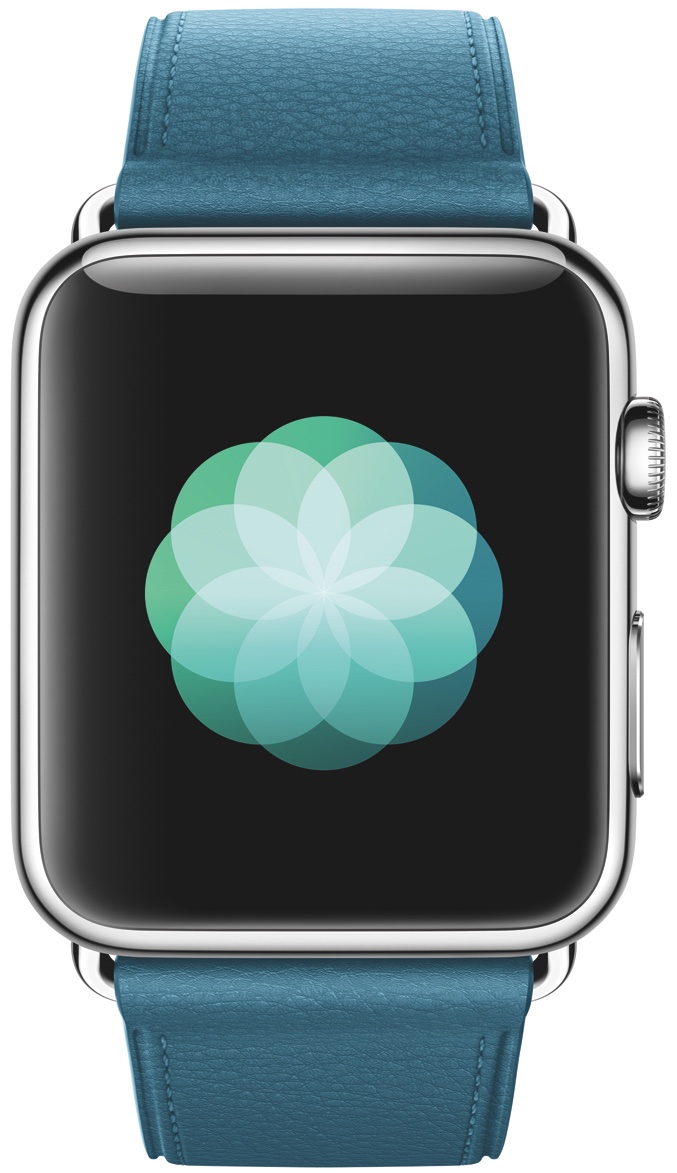
In addition to iOS 10, Apple on Tuesday also released watchOS 3 for the Apple Watch. The update, which has been in beta for the past 3 months, is free and compatible with all available models of the Apple Watch.

To install the new software, you'll have to ensure your iPhone is on iOS 10. Once that's confirmed, simply open the Watch app and navigate to General > Software Update. Your Watch must be within range of your iPhone on Wi-Fi, connected to its charger, and have at least 50% battery life.

iOS 10 software update now available

As promised, Apple on Tuesday released iOS 10 for its mobile devices. The software update is free and technically compatible with the iPad 4, iPad mini 2, the iPhone 5, the iPod touch sixth-generation, and all subsequent models.

If you have one of these devices, you can update to iOS 10 by navigating to the Settings app > General > Software Update, and it will install automatically. The update is also on our Downloads page, and you can install it manually by plugging your device into a computer with iTunes installed. Obviously if you're jailbroken, you'll want to steer clear of iOS 10.

Apple updates select iPad models with new pricing, storage options

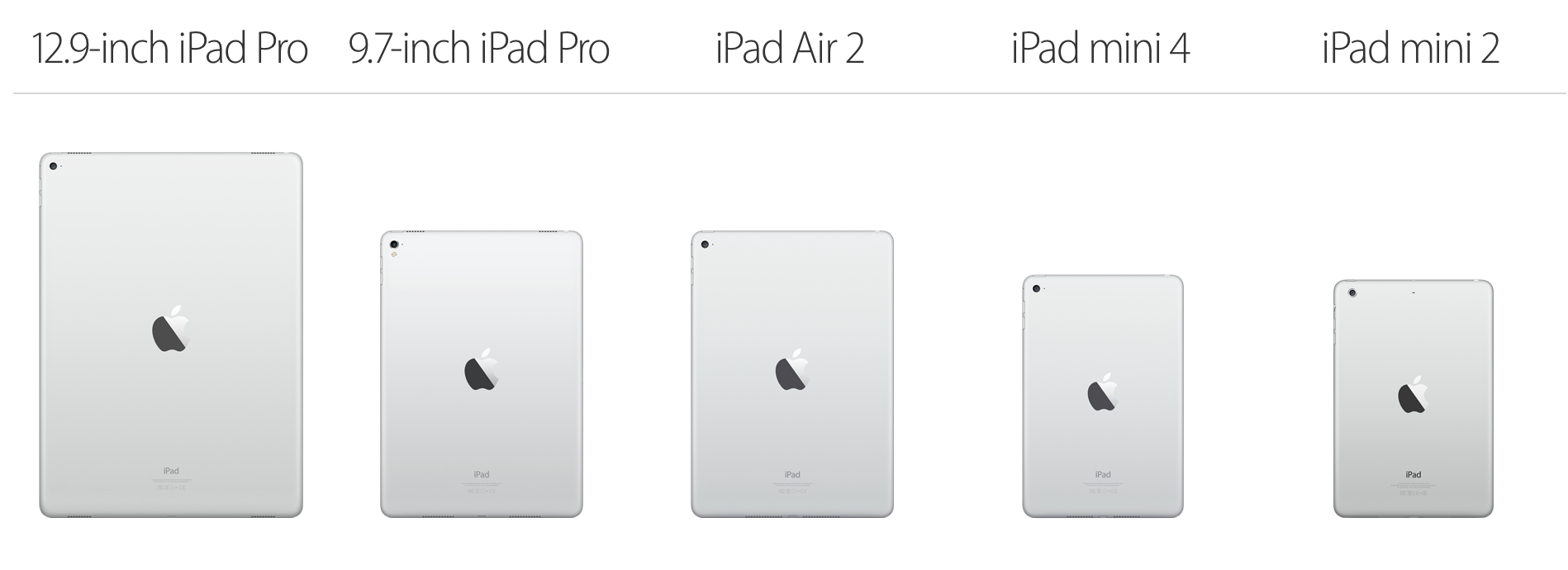
Despite not mentioning the iPad once during today's iPhone 7 event, Apple has issued some minor updates to select models in its tablet line. For starters, all standard iPads have had their base storage option doubled from 16GB to 32GB.

This change brings the iPad family inline with Apple's just-announced iPhone 7 storage options, and it applies to the iPad mini 2, iPad mini 4, and the iPad Air 2. The nice thing is that all of these models will stay at their current prices.

Apple issues Security Updates for OS X El Capitan and Yosemite

Apple on Thursday issued Security Updates for OS X El Capitan and Yosemite. The releases patch multiple vulnerabilities that allow an application to disclose kernel memory, and executive arbitrary code with kennel privileges.

If this sounds familiar, it's because these are the same exploits patched in the latest iOS 9.3.5 update. Apple again credits Citizen Lab and Lookout research firms with the find, and recommends that all users install the updates.