UI

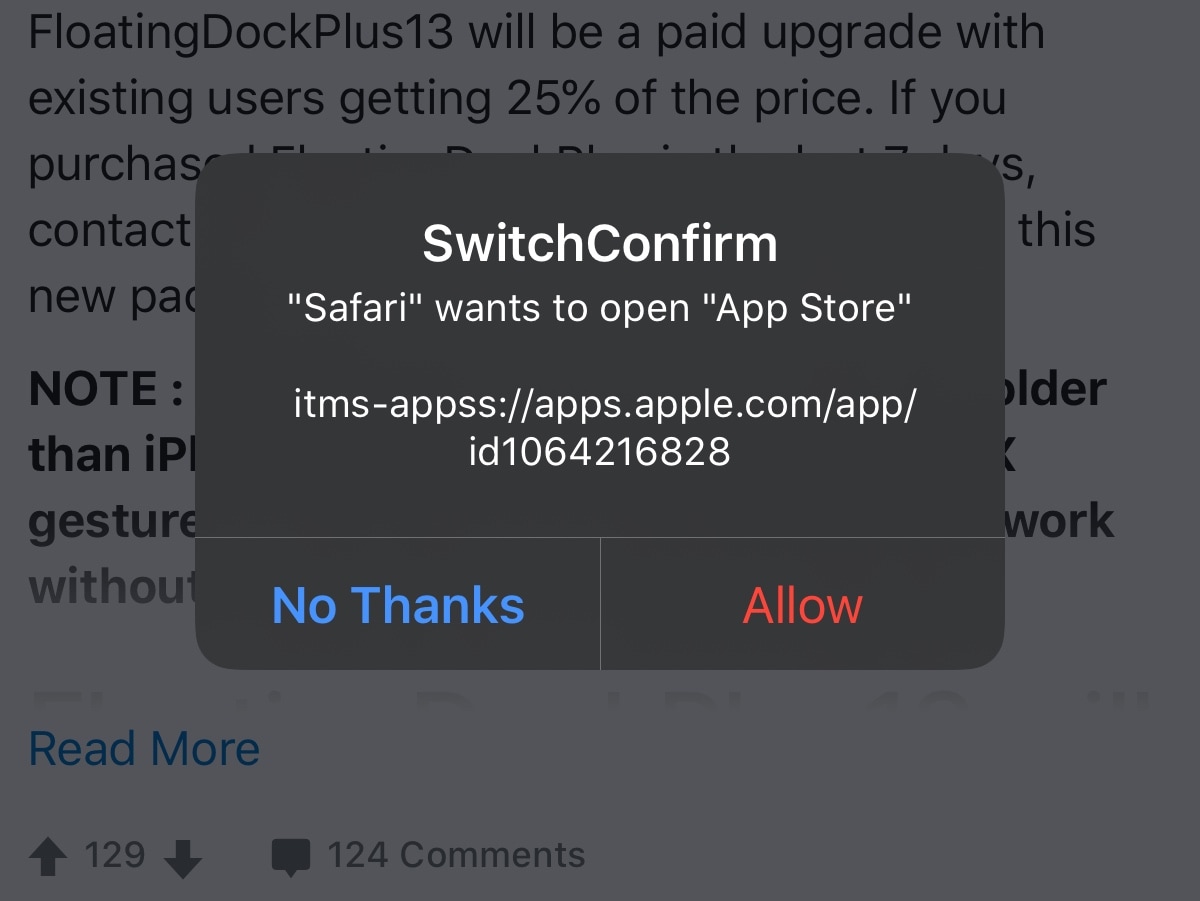
SwitchConfirm prevents links from automatically redirecting you to other apps

There’s nothing I hate more than when I’m trying to enjoy a good article or conversation thread on a web page in Safari, and then I suddenly get smacked in the face with a redirect to another app. Whether it’s the App Store, my Reddit app, or something else, getting forcibly ejected into another app doesn’t feel nice, and it’s downright annoying!

That’s why I’m excited about a new and free jailbreak tweak release called SwitchConfirm by iOS developer P2kDev, as prevents these automatic application redirects from hijacking your user experience by displaying a popup that asks you to confirm if you want to be redirected or not. Snazzy indeed!
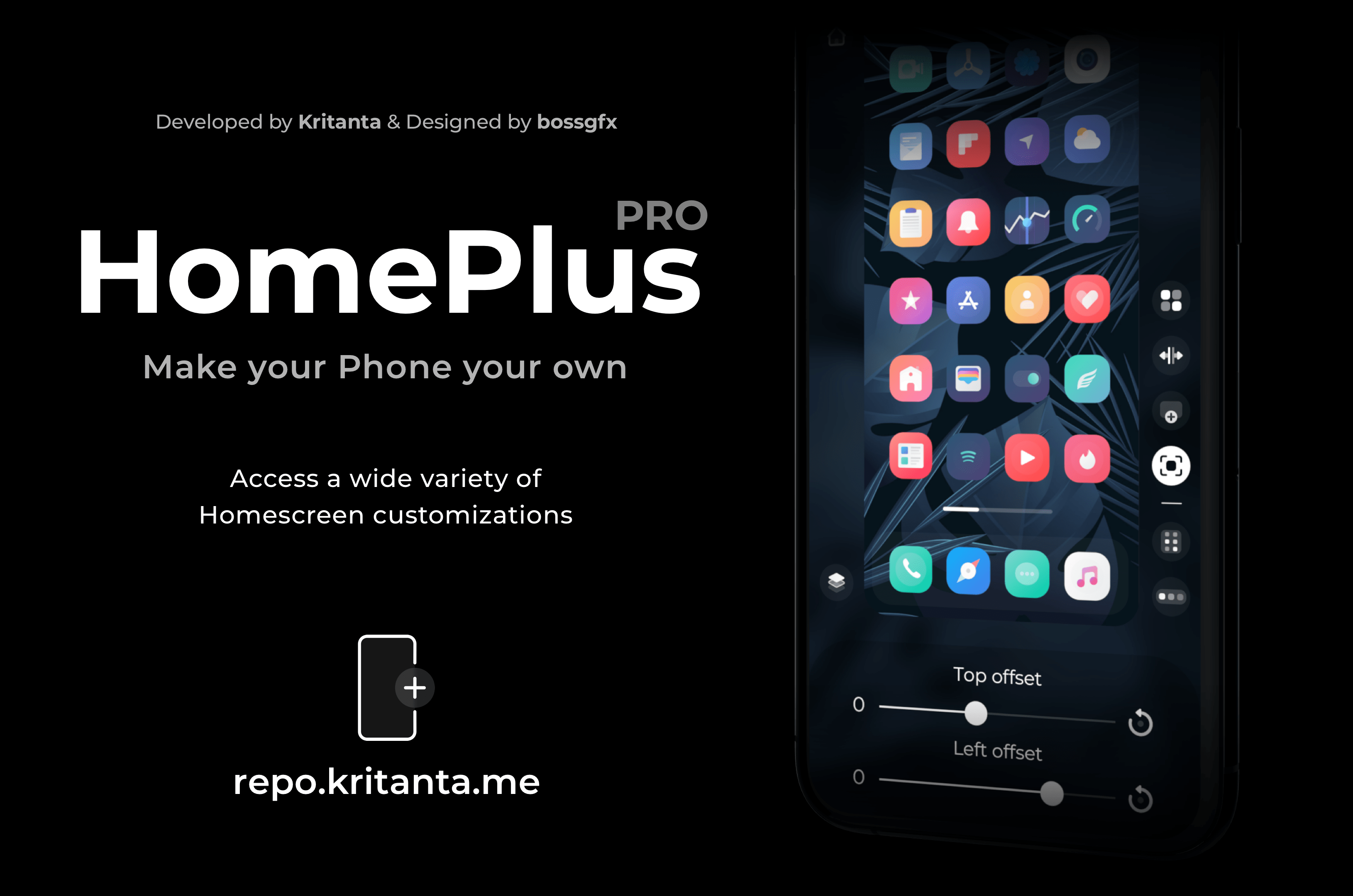
Dynamically modify your iPhone’s Home Screen layout with HomePlus Pro

One of the hallmark things you can do with a jailbroken iPhone is customize the Home Screen’s app icon layout. Not only does it help break the monotony that you deal with when everyone around you uses an iPhone, but it also lets you enjoy custom formats for themes, widgets, and other extensions not mentioned here.

While there have been a lot of Home Screen layout-based jailbreak tweaks in the past, a new release dubbed HomePlus Pro by iOS developer Kritanta seems to provide one of the sleekest user interfaces we’ve seen. Best of all, it’s entirely dynamic, which means you can make edits on the fly directly from the Home Screen without spending much time in the Settings app.

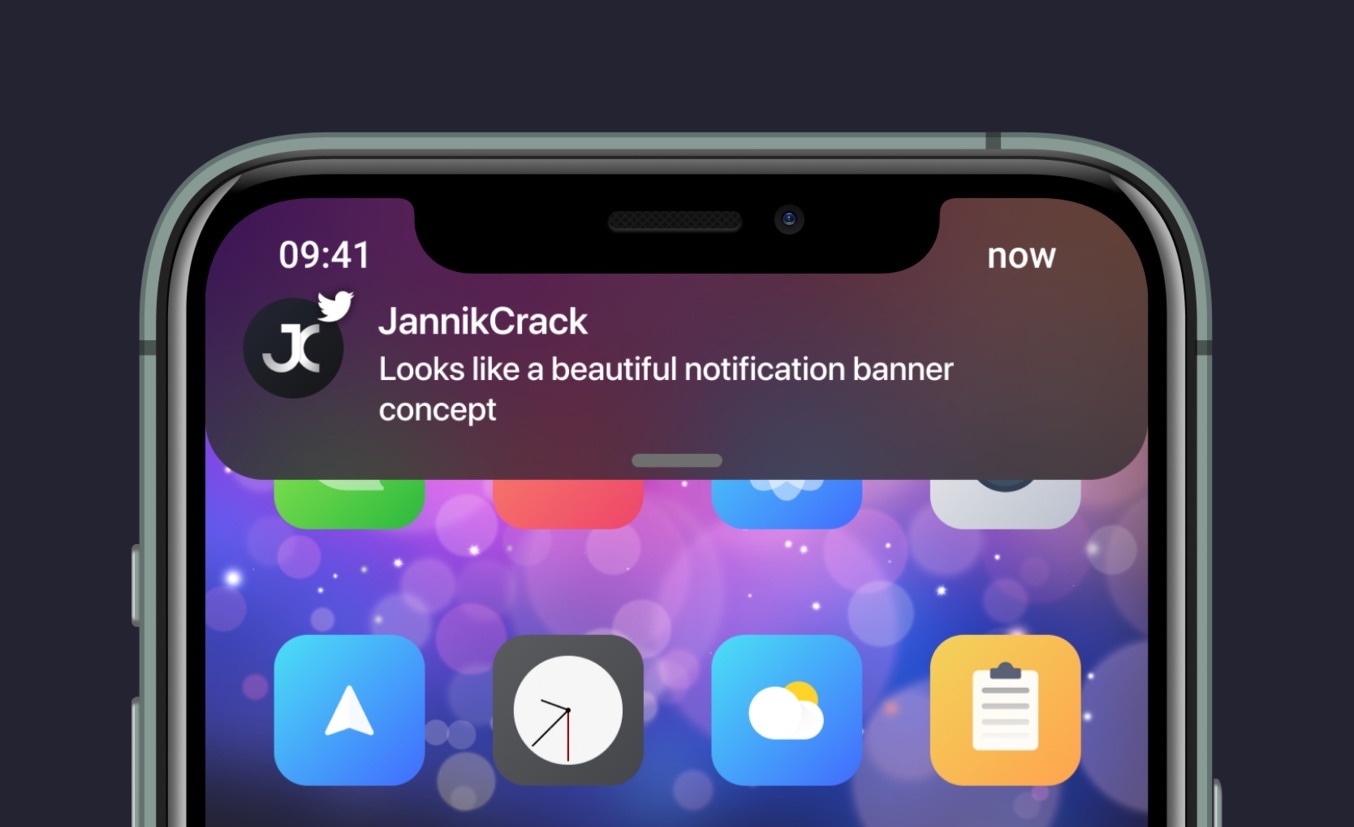
Enjoy an improved iOS notification banner experience with Dayn

I’ll be the first to say that I love how notification banners look on the iPhone in a post-iOS 13 era, but I also think there’s room for improvement in both the aesthetics and the functional implementation to make the user experience a bit better from anywhere in the operating system.

While perusing the New tab in my package manager over the weekend, I happened upon a new jailbreak tweak release dubbed Dayn by iOS developers Devvix and JannikCrack, which appears to offer some serious upgrades to the native notification system found in iOS 13. Curious as I was to better understand how it worked, I decided to give it a try.

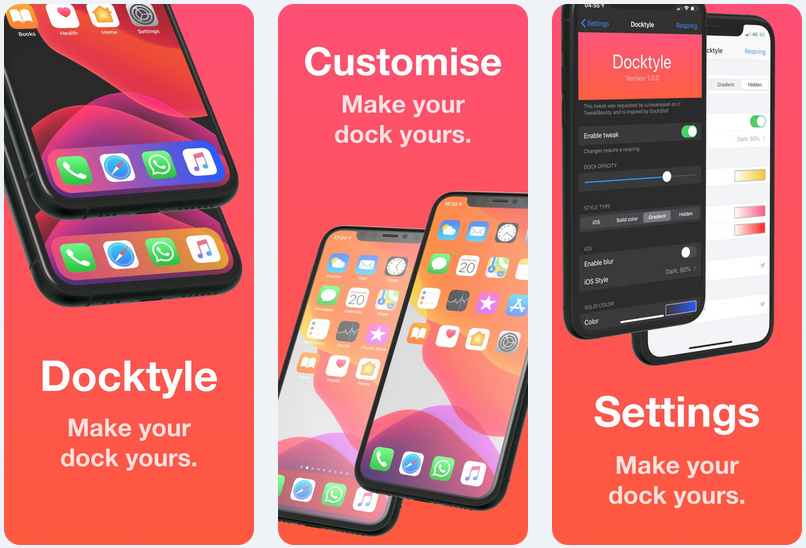
Add some personality to your jailbroken iPhone’s Dock with Docktyle

Anyone invested in the Apple ecosystem knows just how essential the iconic Dock can be to their workflow. Natively present on the iPhone, iPad, and even the Mac, the Dock is a convenient place to store your most-used apps such that you always have quick access to them when you need them.

As much as we like the Dock on these platforms, it’s worth noting that Apple doesn’t offer much by way of aesthetic customization. Fortunately, a newly released and free jailbreak tweak dubbed Docktyle by iOS developer Marcel Braun lets jailbreakers customize the aesthetics of the Dock on the iOS platform.

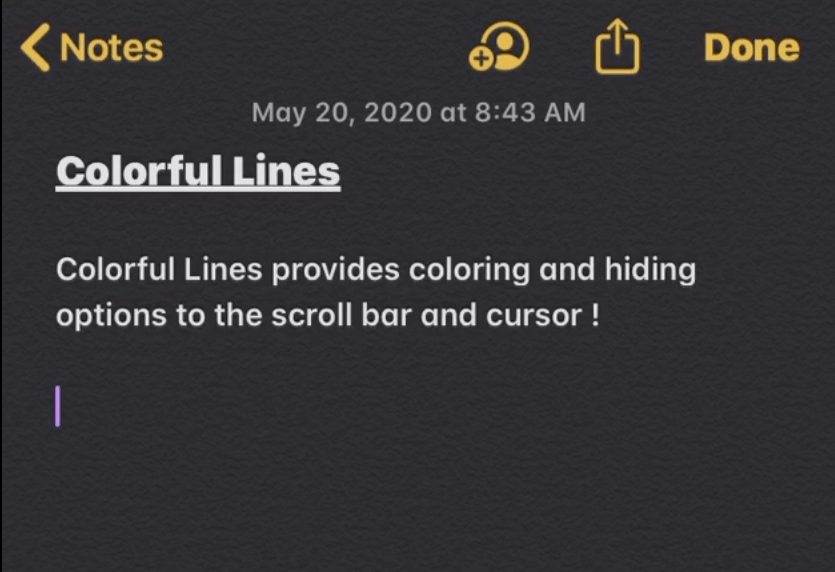
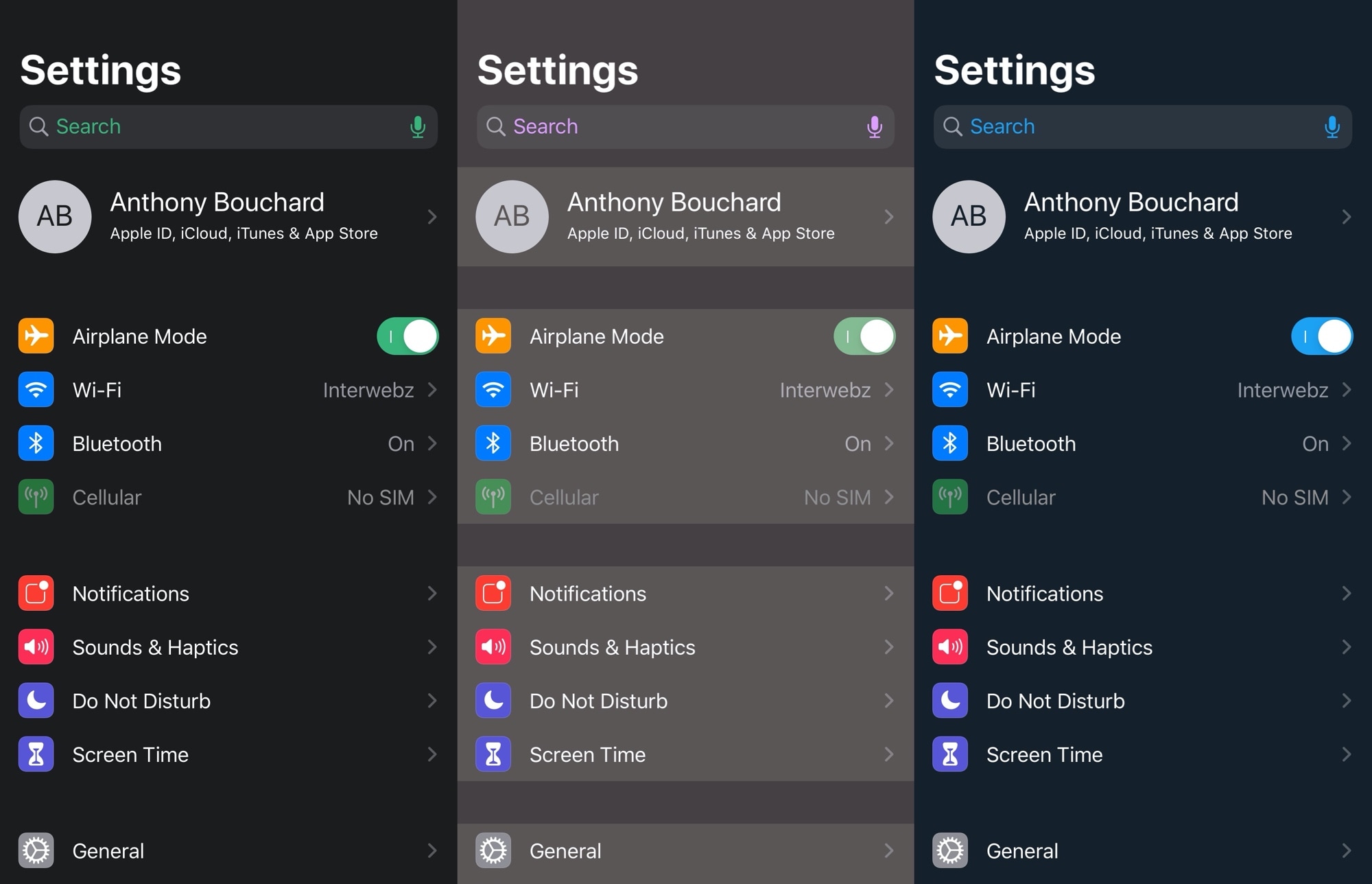
Colorful Lines lets jailbreakers colorize iOS’ cursors, scroll bars, text highlights, & more

If you’re a minimalist, then you may enjoy customizing your jailbroken iPhone, but perhaps not to the extent of installing crazy themes or adding extraneous features and interfaces. One thing you might enjoy doing, however, is making subtle adjustments to iOS’ native user interface.

Anyone who aligns themselves with the aforementioned sentiment will probably enjoy the likes of a newly released and free jailbreak tweak dubbed Colorful Lines by iOS developer Yulky Tulky. Just as its name implies, this tweak doesn’t do much else other than allow custom colorization of certain line-centric interfaces in iOS.

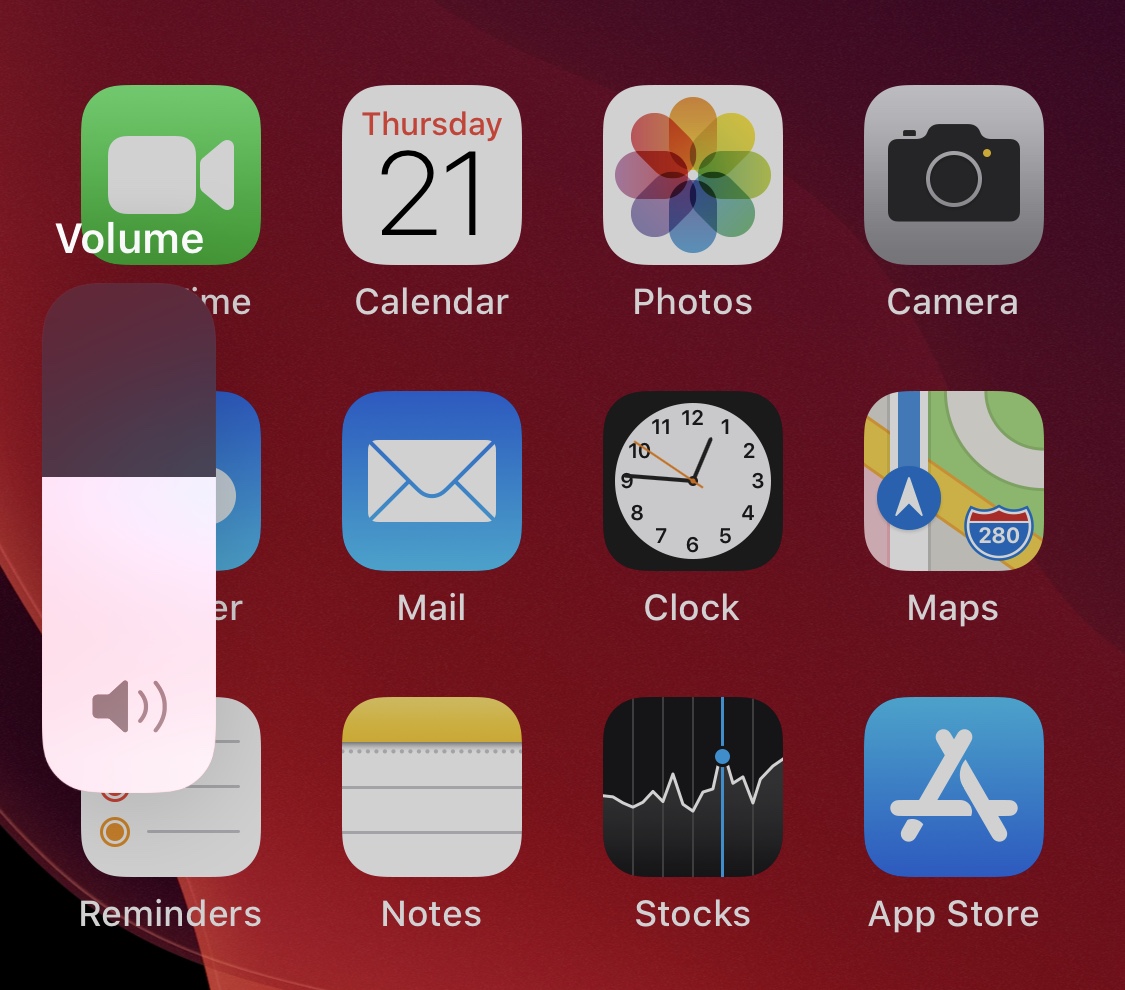
Get more ‘oomph’ out of a single volume button press with VolumeStep13

As you adjust your iPhone’s volume with the physical volume buttons on the left edge of the handset, each button press equates to a tiny amount of adjustment to the volume level itself. If you’re trying to make drastic changes to the handset’s volume all in one fell swoop, then this means pressing the volume button(s) several times in rapid succession until you get it right where you want it.

A newly released and free jailbreak tweak dubbed VolumeStep13 by iOS developer Randy240 attempts to make this process a little bit easier by allowing jailbreakers to set a custom volume step amount. In a nutshell, this means each button press can have more or less influence over the volume level than it would on a stock handset, and as you might come to expect, the step amount is fully configurable.

ShakeLight lets you use your iPhone’s LED flashlight with a shake

I often find myself in situations where I require a flashlight, and when one isn’t readily available. When this happens, I’ll do the only logical thing and grab my iPhone to use the LED torch functionality.

There are some cases, however, when using the touch screen to activate my iPhone’s LED torch just isn’t an option, and that’s one reason why I’m excited about the release of a new and free jailbreak tweak called ShakeLight by iOS developer Kritanta.

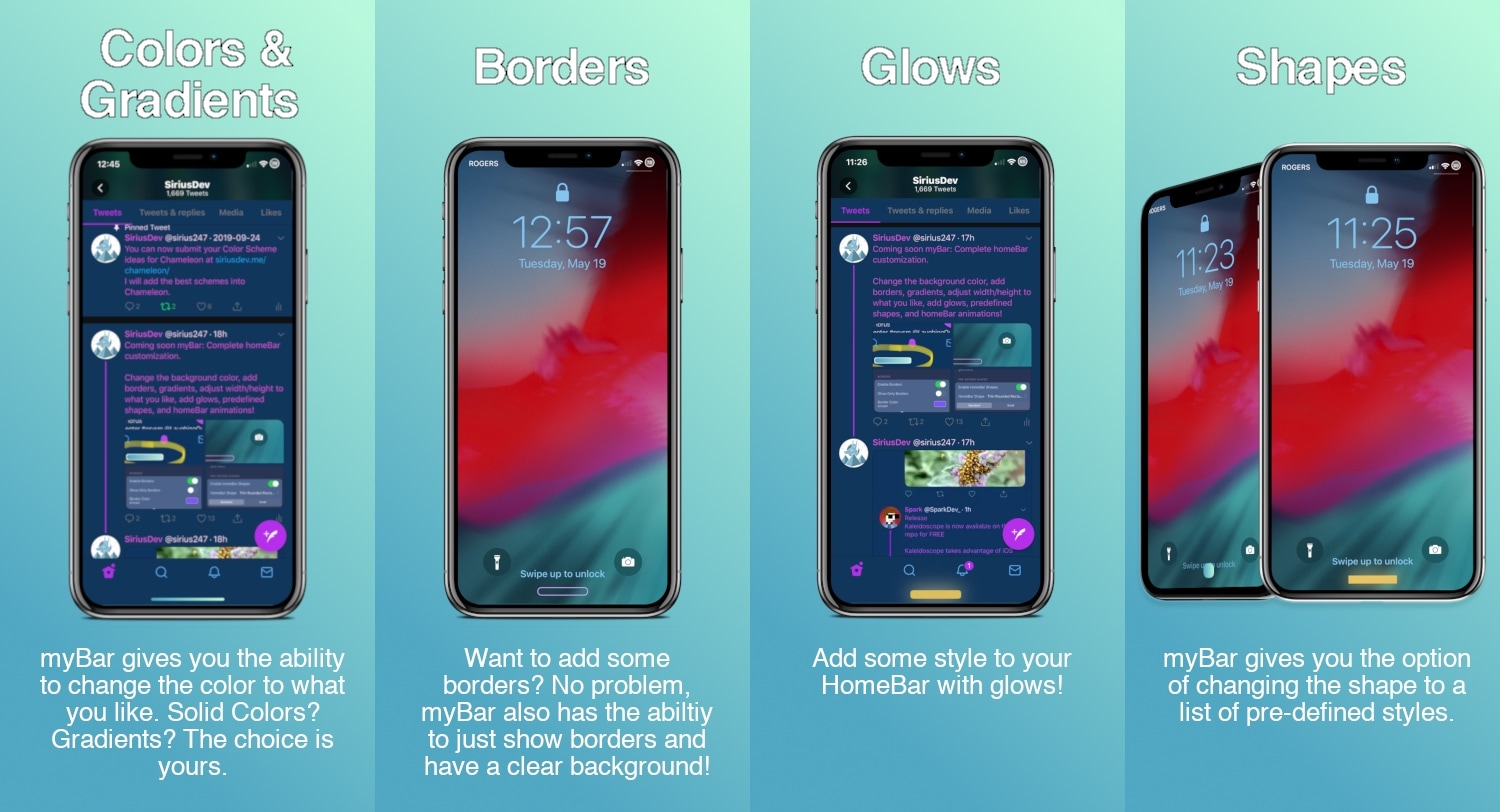
Customize your iPhone’s Home Bar without bounds with myBar

If your iPhone doesn’t have a Home Button, then it probably has a Home Bar instead. The Home Bar provides a convenient pathway for accessing the Home Screen, App Switcher, Reachability, and other imperative things, but one thing Apple appears to have left out is customization.

Enter myBar, a newly released jailbreak tweak by iOS developer Sirius24 that introduces extensive options for customizing the Home Bar’s aesthetics. And if that didn’t sound exciting enough, it should be noted that myBar offers enough configuration out of the box to appease picky minimalists or even the most extreme of interface tinkerers.

Dress is a free and feature-rich Lock screen customization tweak for iOS

The Lock screen is the first thing you see every time you pick up your iPhone to use it, so we’d completely understand if you wanted to personalize it. Apple doesn’t allow much by way of Lock screen customization out of the box, but if you’re jailbroken, then you’ll definitely want to check out a free jailbreak tweak called Dress by iOS developer Litten.

In a nutshell, Dress is probably the most comprehensive Lock screen customization jailbreak tweak that you can get without paying money. It offers a plethora of useful options that will make you excited to get your hands dirty with customization, and best of all, it can get you that personalized Lock screen experience you’ve been looking for.

Kaleidoscope brings resource efficient UI colorization to iOS 13

One of the first things many jailbreakers like to do after liberating their handset is get dirty with interface colorization. After all, folks don’t always like the eye-searing bright white or dismal black user interfaces that Apple provides out of the box. Some users just want some color, a sentiment that I personally understand.

That’s one reason why I’m excited about a new free jailbreak tweak release dubbed Kaleidoscope by iOS developer SparkDev. While we’ve seen user interface colorization tweaks in the past, Kaleidoscope aims to be one of the most simplistic and resource efficient colorization engines available to jailbreakers today.