UI

Toka replaces Home screen’s Today widgets with missed notifications

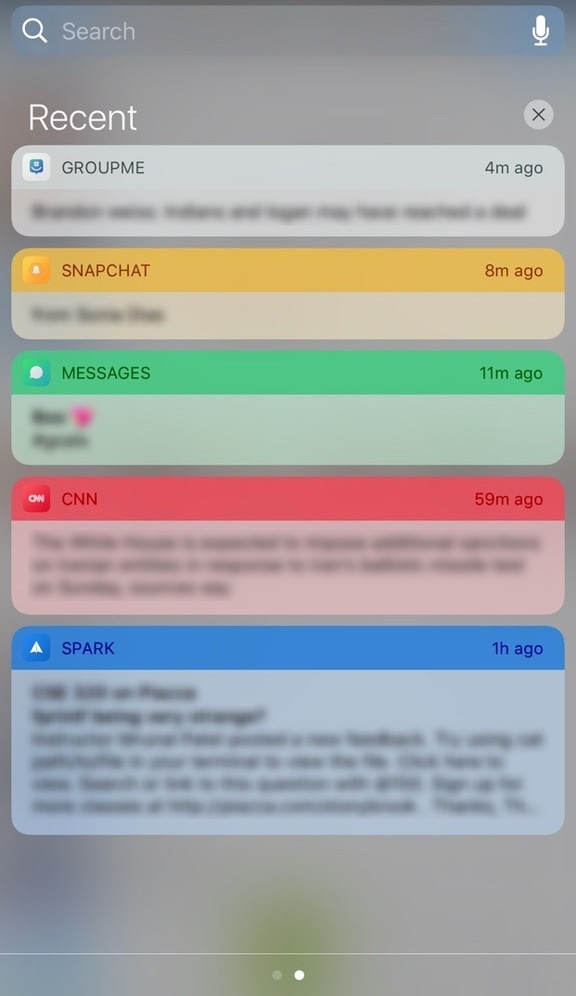
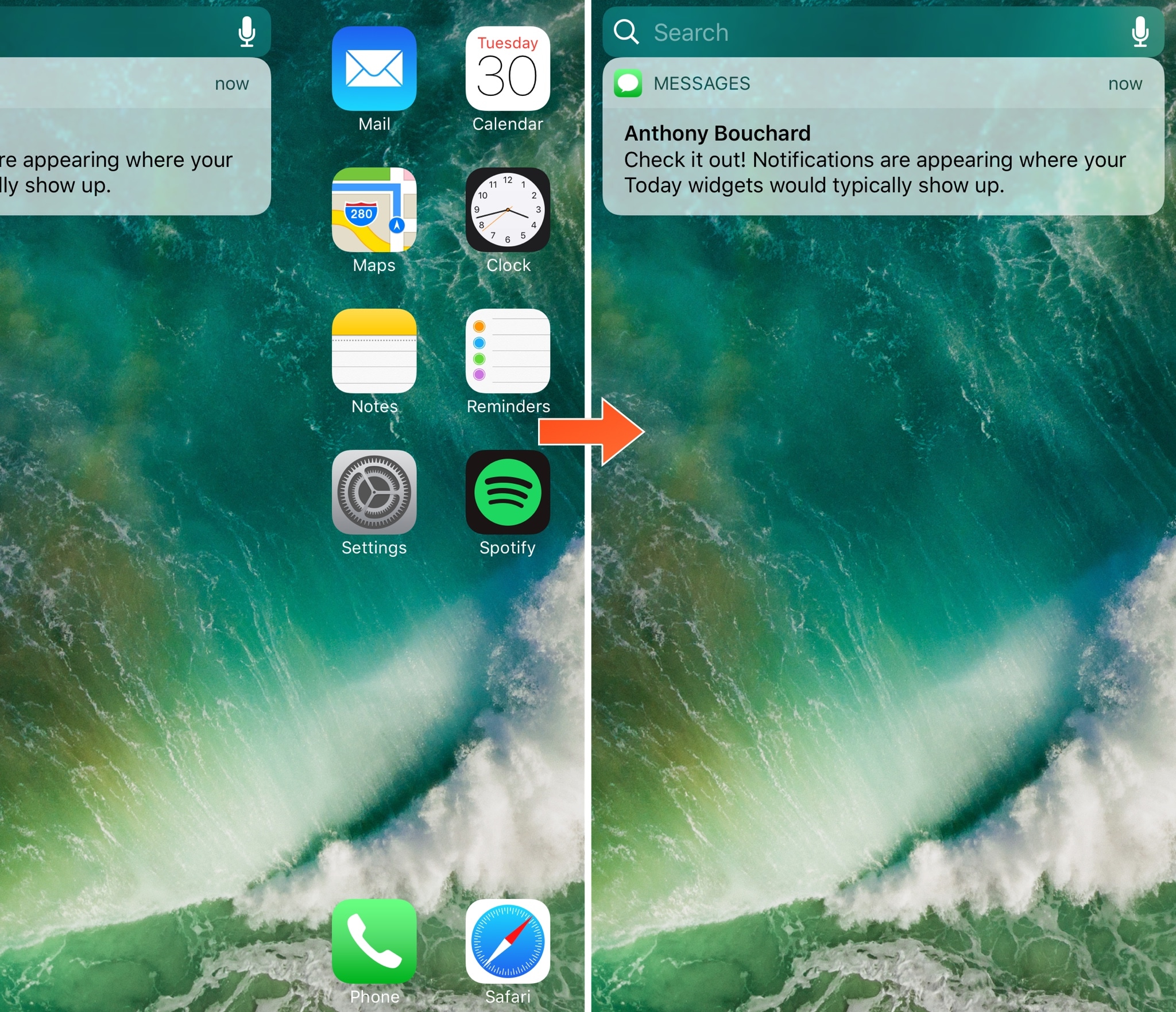
Today widgets appear on the Home screen when you swipe all the way to the left, beyond the first page of your app icons. For those who don't like to use the Today widgets, this page is a significant waste of space.

A new free jailbreak tweak release called Toka by iOS developer maximehip is now available for those who would prefer to see something other than Today widgets when swiping to the left, as it replaces them with your missed notifications instead.
Revamp your Lock screen’s battery charging display with Charge

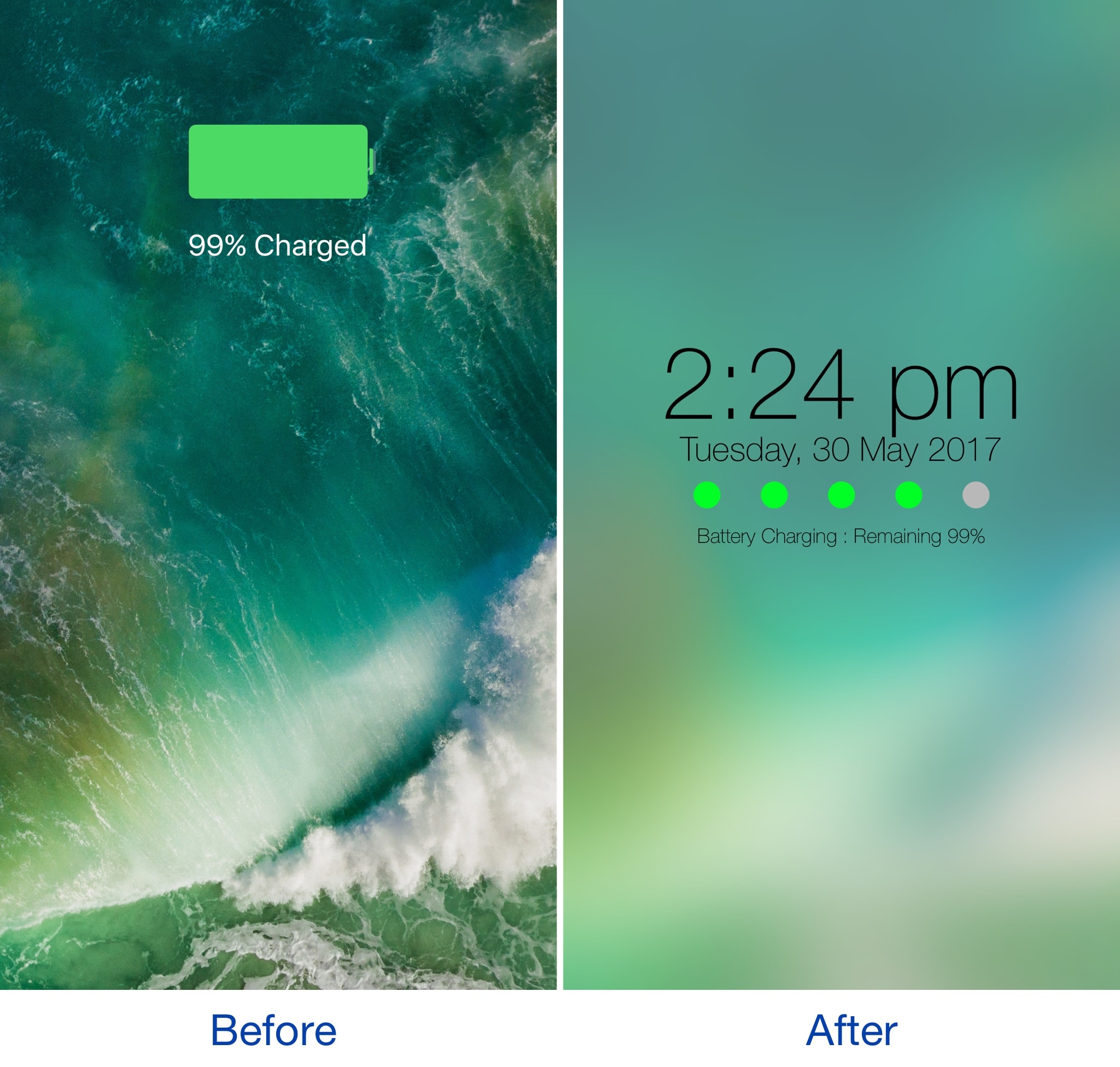
Any time you plug your locked iOS device into a power source, a full-screen charging view with a large battery icon and the percentage you have remaining appears. It’s a simple UI, but one jailbreak developer thought they could do better.

A new jailbreak tweak dubbed Charge by iOS developer Mr Smith, supercharges your Lock screen’s charging view with a bevy of aesthetically-pleasing features. Not only does it provide a dreamy interface for minimalists, but it offers more information at a glance than the stock interface does.

Colorize your iPhone’s toggle switches with SwitchTint

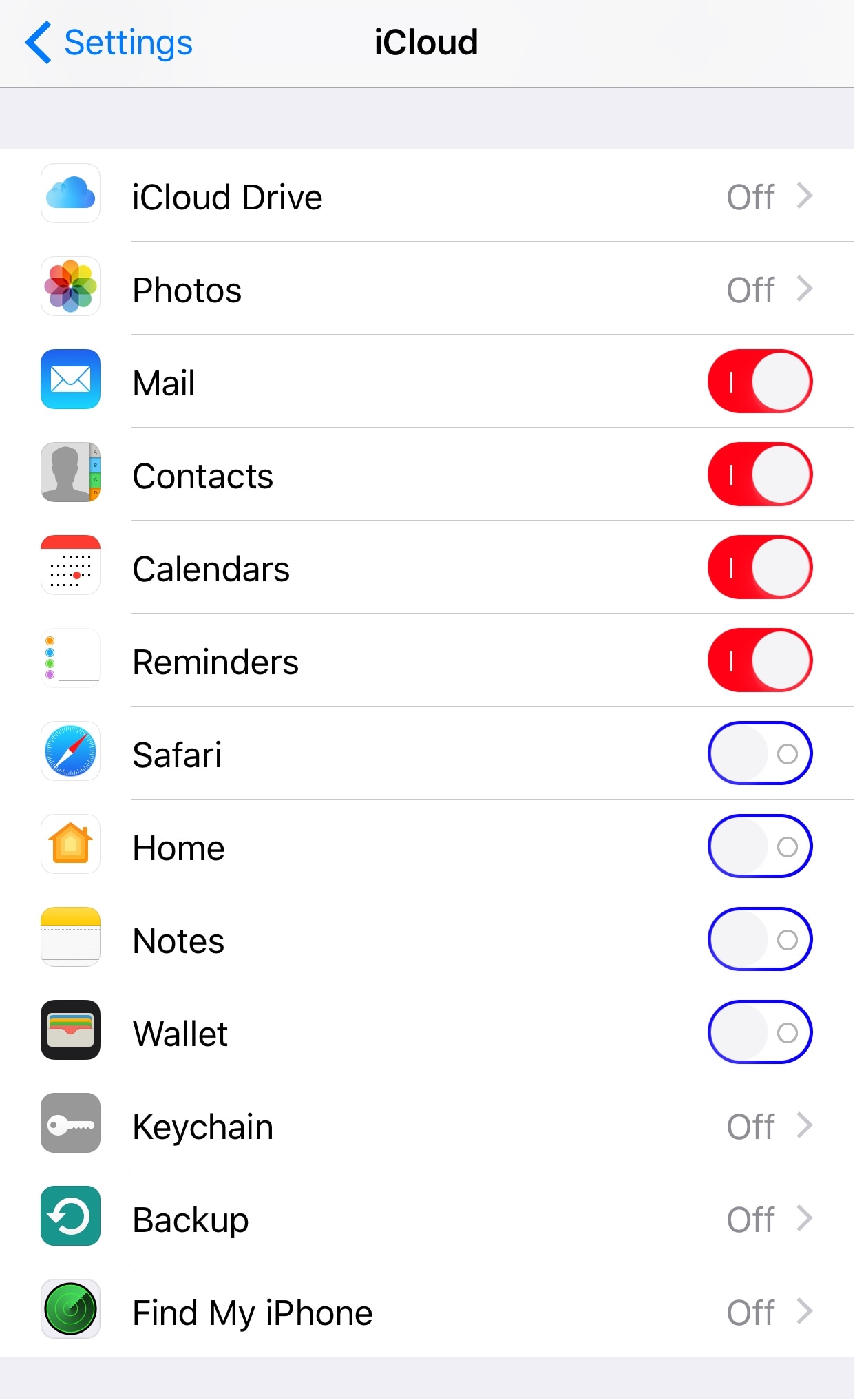
I've always been a fan of simple customization jailbreak tweaks, and one of the latest releases to catch my eye is one called SwitchTint by iOS developer Justin Petkovic.

This tweak lets you add a splash of color to all the toggle switches you’ll find throughout iOS, allowing you to add a personal touch to your own device in a subtle way.

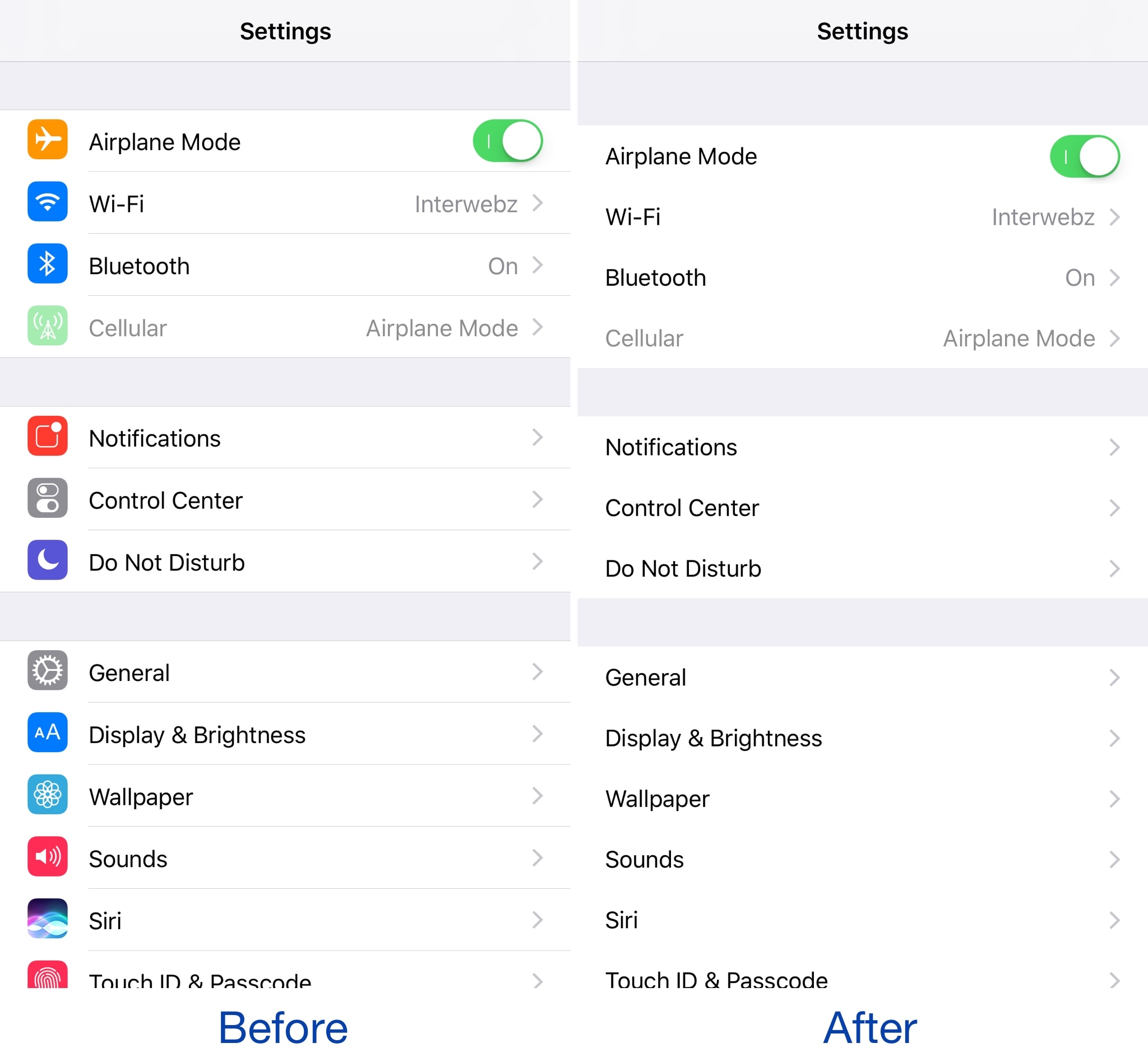
Minimalists can put the Settings app on a diet with SkinnySettings

Most people use the Settings app on a daily basis given just how much functionality is packed inside of it from both Apple and the jailbreak tweaks you’ve installed from Cydia.

That said, if you find the Settings app is more cluttered up than it needs to be out of the box, then you might like the concept behind a new free jailbreak tweak called SkinnySettings by CydiaGeek.

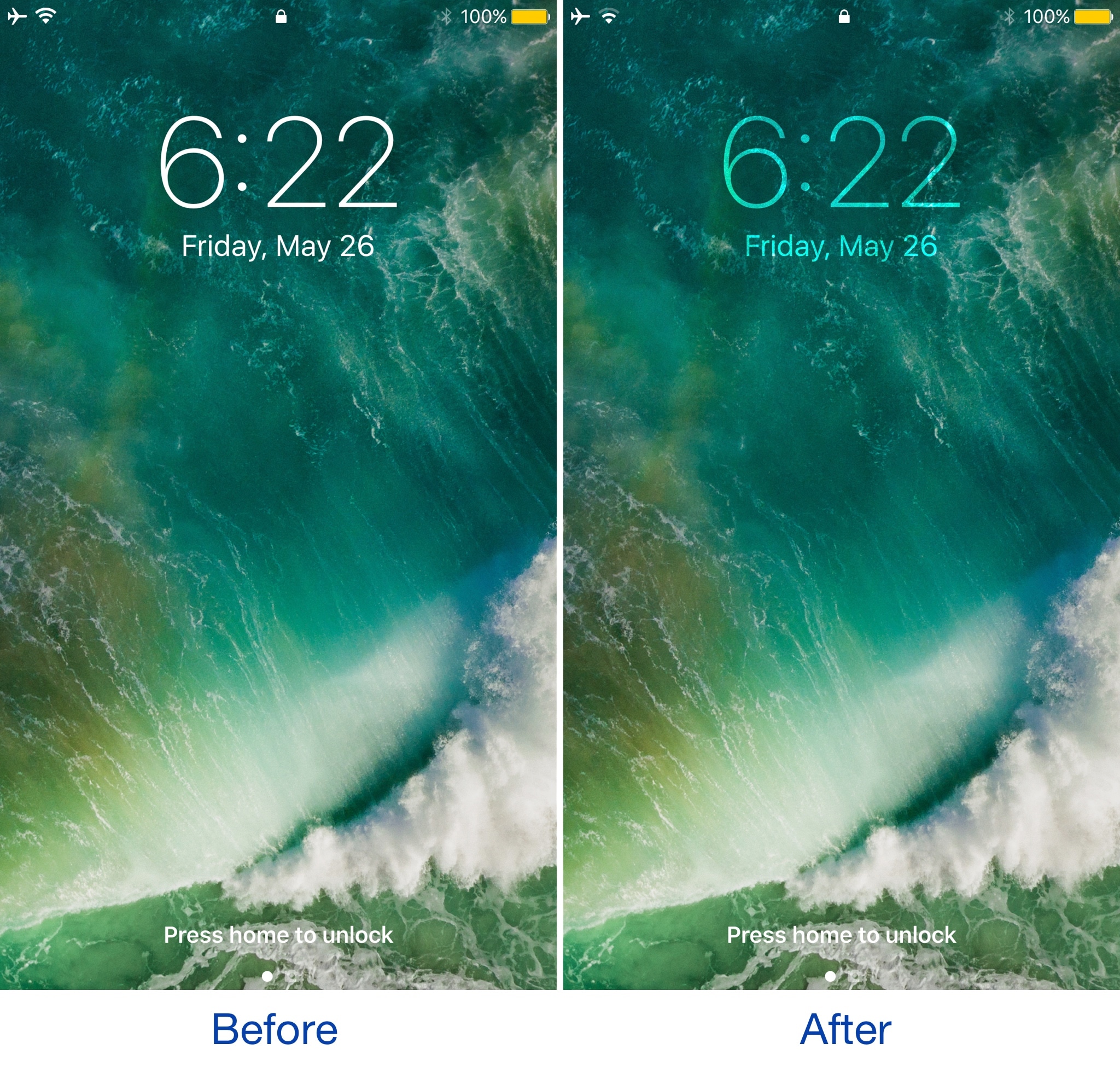
Vibrancy makes your Lock screen clock subtler

Given just how often people use their Lock screen clock to see what time it is, it’s a shame that Apple doesn’t give users visual customization options to tailor its looks around the user's personality.

Nevertheless, those with a jailbreak can use a new free jailbreak tweak dubbed Vibrancy (iOS 10) by iOS developer NeinZedd9 to make the Lock screen clock text subtler, giving the illusion that the time is fading away into the wallpaper.

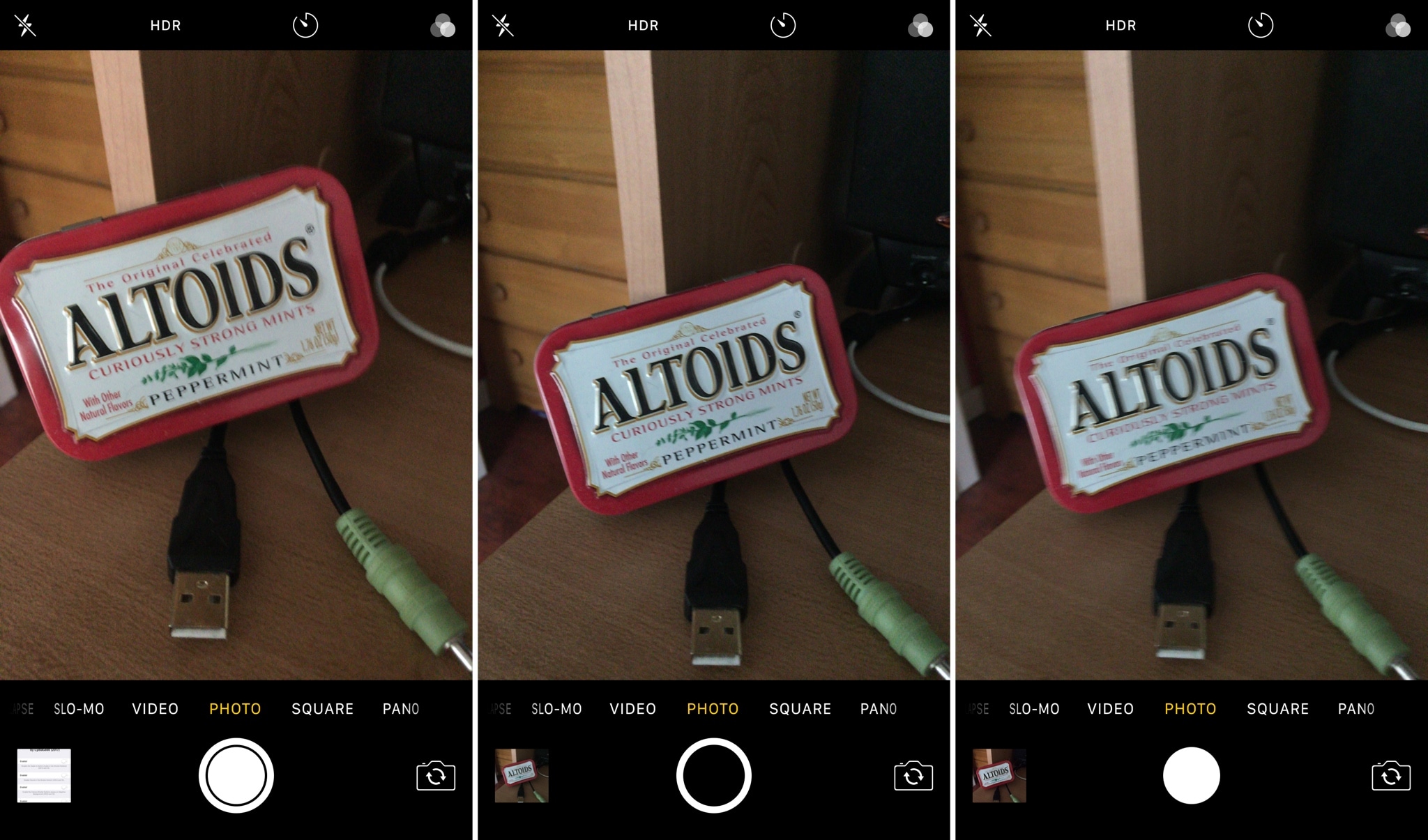
Customize the Camera app with SmartCameraShutter

If you’re looking for new ways to customize the Camera app experience on your iPhone or iPad, then check out a new free jailbreak tweak called SmartCameraShutter by CydiaGeek.

This tweak offers a handful of options for chaging the look and feel of the Camera app’s user interface. Complete with both aesthetic and functional mods, SmartCameraShutter might be worth installing if the stock Camera app experience isn’t cutting it for you.

Pin important notes at the top of the Notes app with Thumbtack

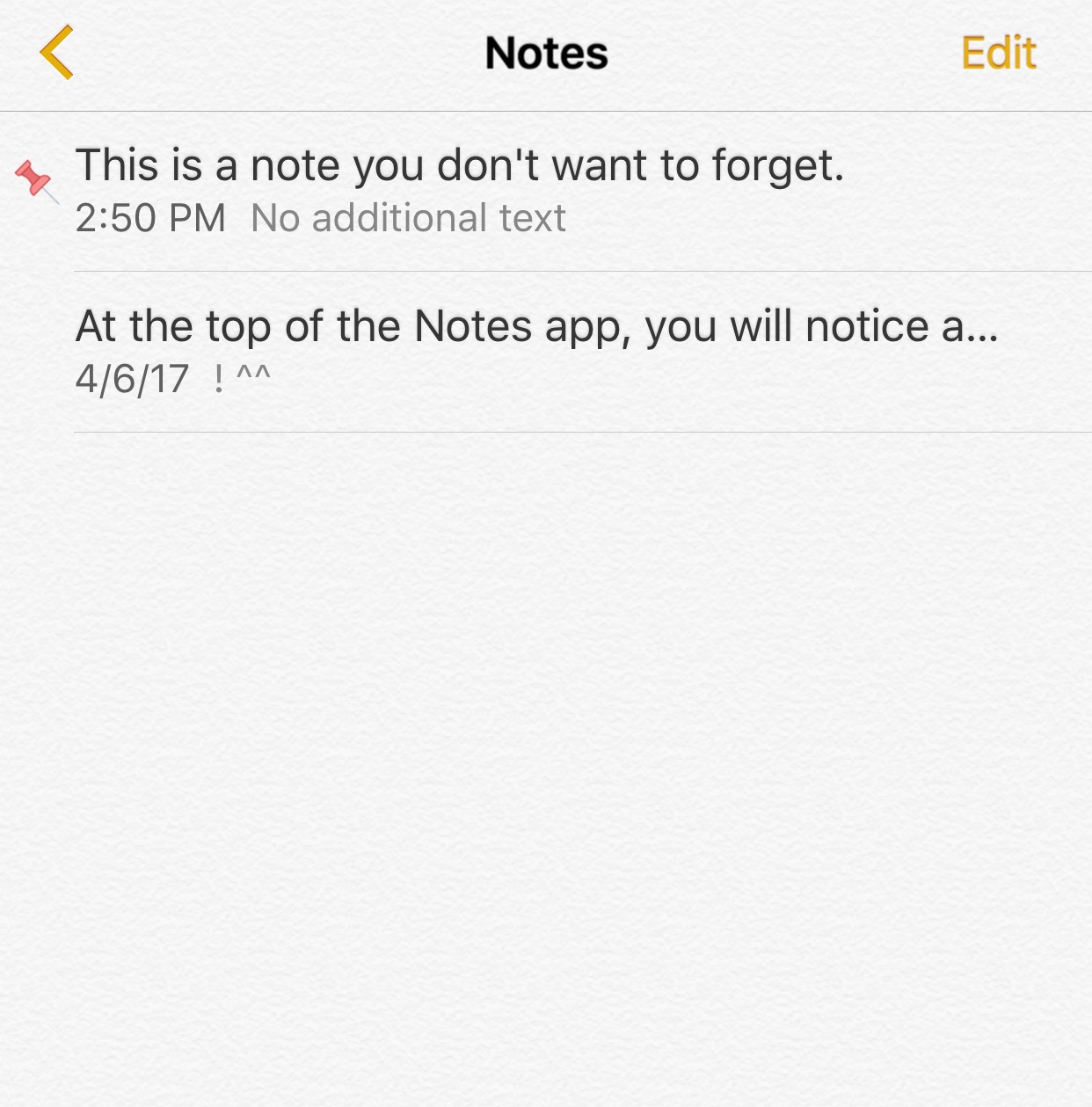
Your iPhone comes equipped with a Notes app right out of the box so you can write things down without forgetting them. On the other hand, people tend to jot down a large number of things, and this makes it hard to differentiate between regular and important notes.

One of the features the stock Notes app lacks is the ability to pin the most important notes so you can tell them apart, and that’s precisely that a new free jailbreak tweak dubbed Thumbtack by iOS developer Evil Penguin aims to fix.

This tweak also clears app icon badges when clearing notifications from Notification Center

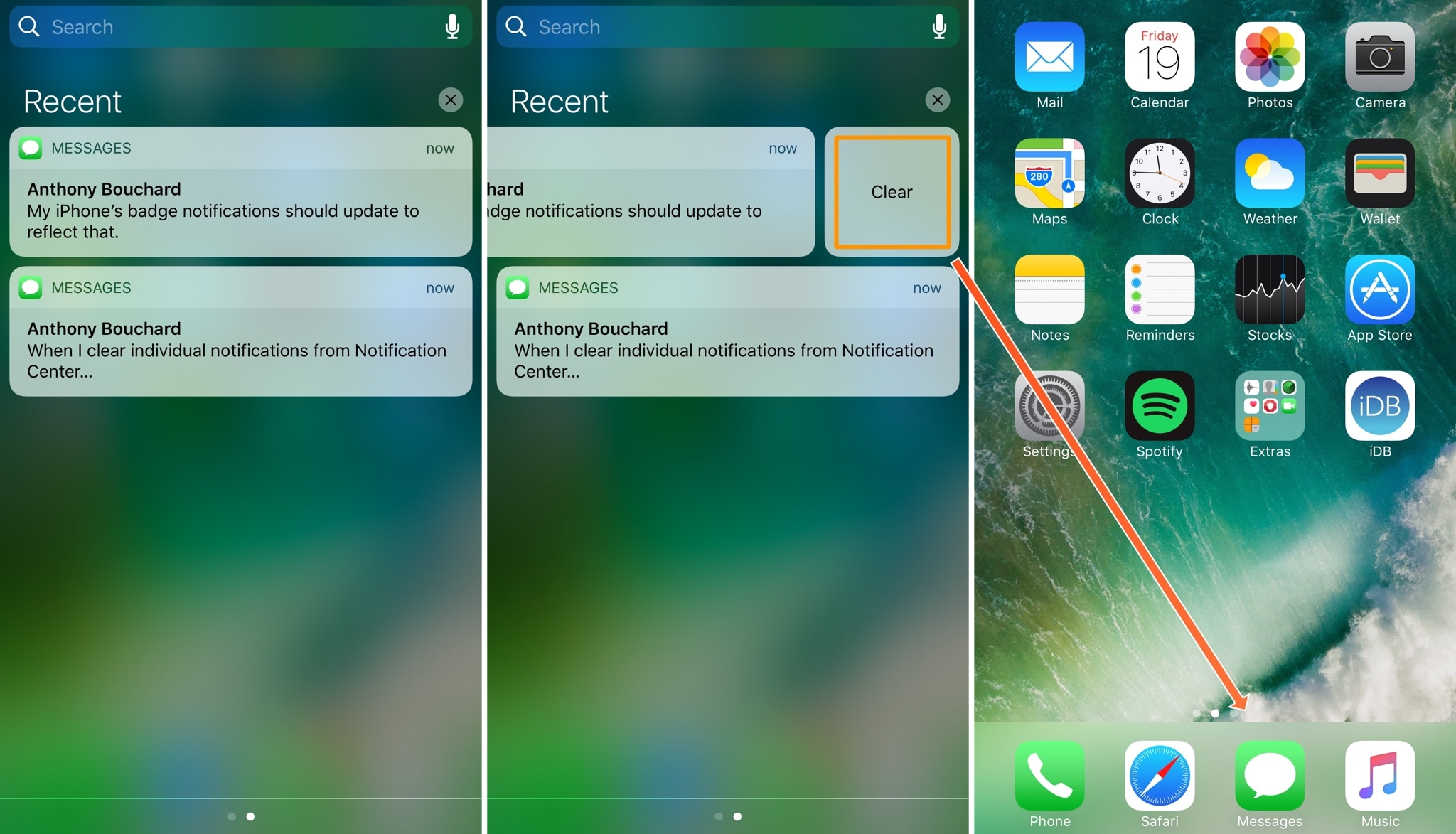
One of the pet peeves I’ve always had as an iOS user is that when I clear notifications from Notification Center, the badges remain on the Home screen app icons, requiring me to manually dismiss the badges after I already went through the process to dismiss the notification in Notification Center.

A new free jailbreak tweak dubbed Pigeon by iOS developer ridn eliminates this tedious problem by automatically updating the icon badge number after you cleared notifications via Notification Center.

Tinc adds a splash of color to Control Center and Notification Center

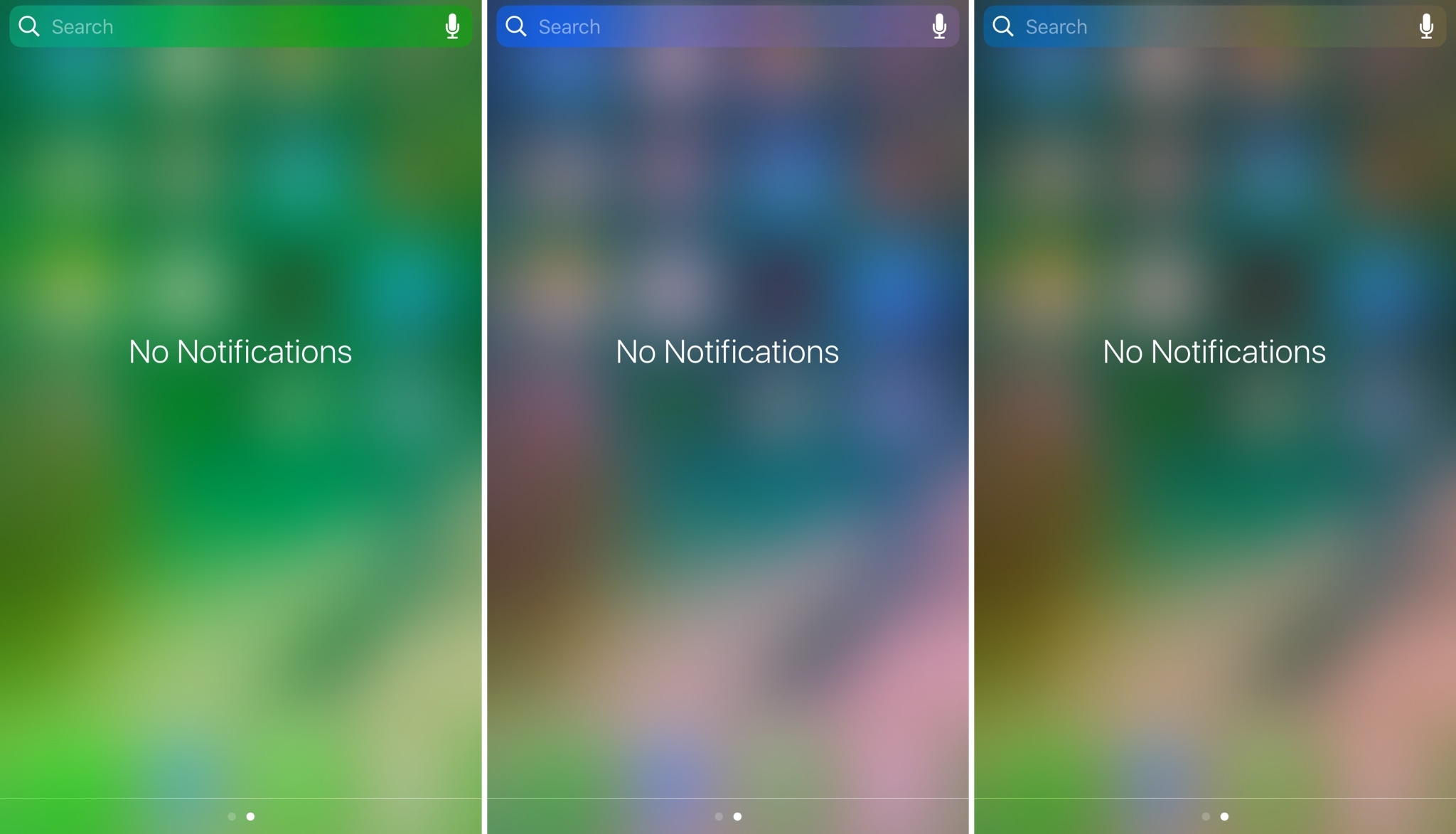
If you like adding personalization on your jailbroken device, then sometimes it’s the simple things that stand out the most. Subtly changing UI colors so they don’t overpower the whole interface or user experience is just one example of this concept.

A new free jailbreak tweak called Tinc by iOS developer ridn lets you tint the interfaces of Notification Center and/or Control Center in iOS any color you like, and is a testament too subtle customization.

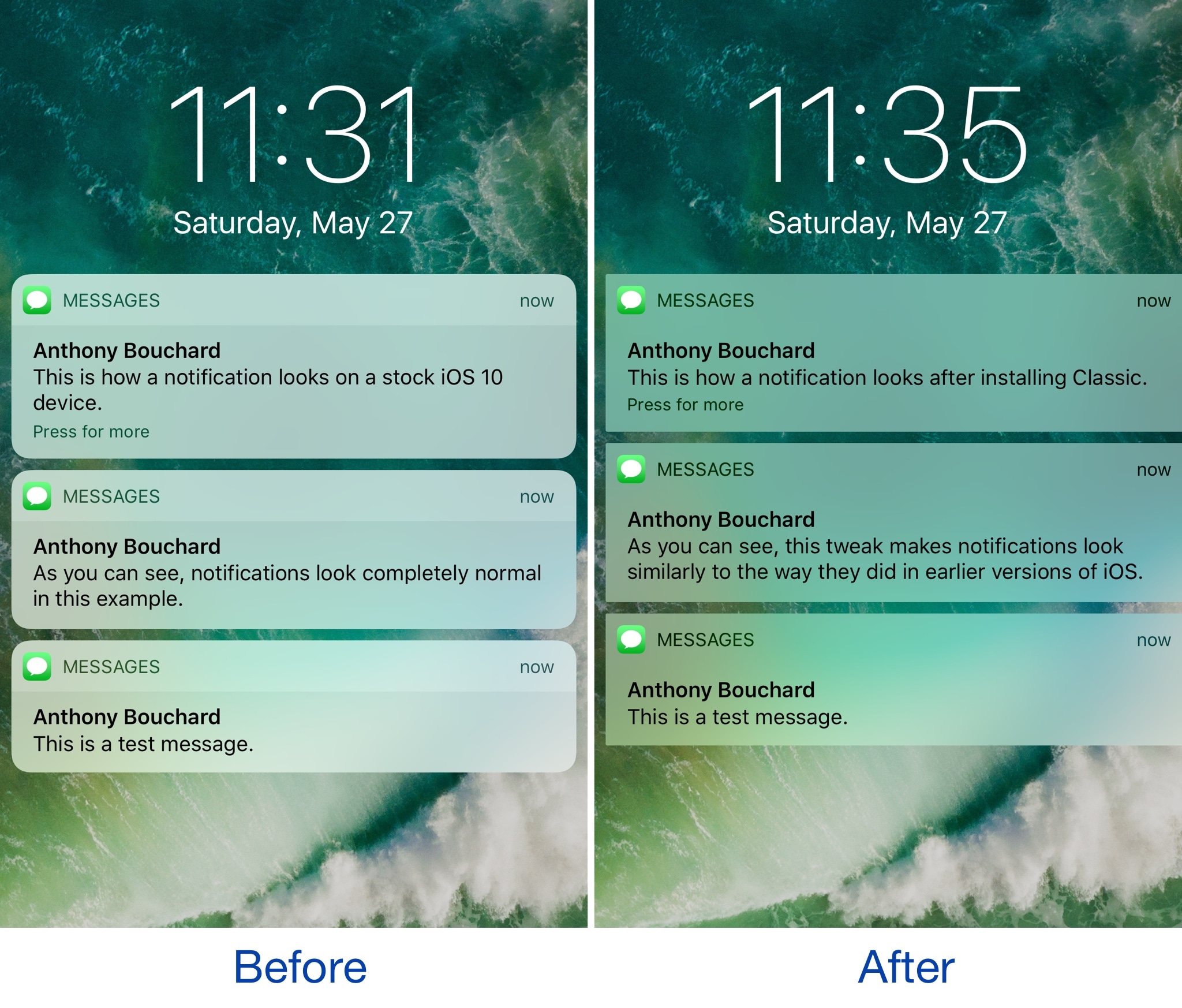
Colorize your notification banners with Cheader

Banner notifications throughout iOS 10 are bland, lacking any visual appeal whatsoever. On the other hand, a new free jailbreak tweak dubbed Cheader by iOS developer ridn aims to fix that.

Once installed, Cheader automatically colorizes your notification banners based on the dominant color found in the icon of the app that delivered the notification.

PresentPage lets you assign a default Control Center card

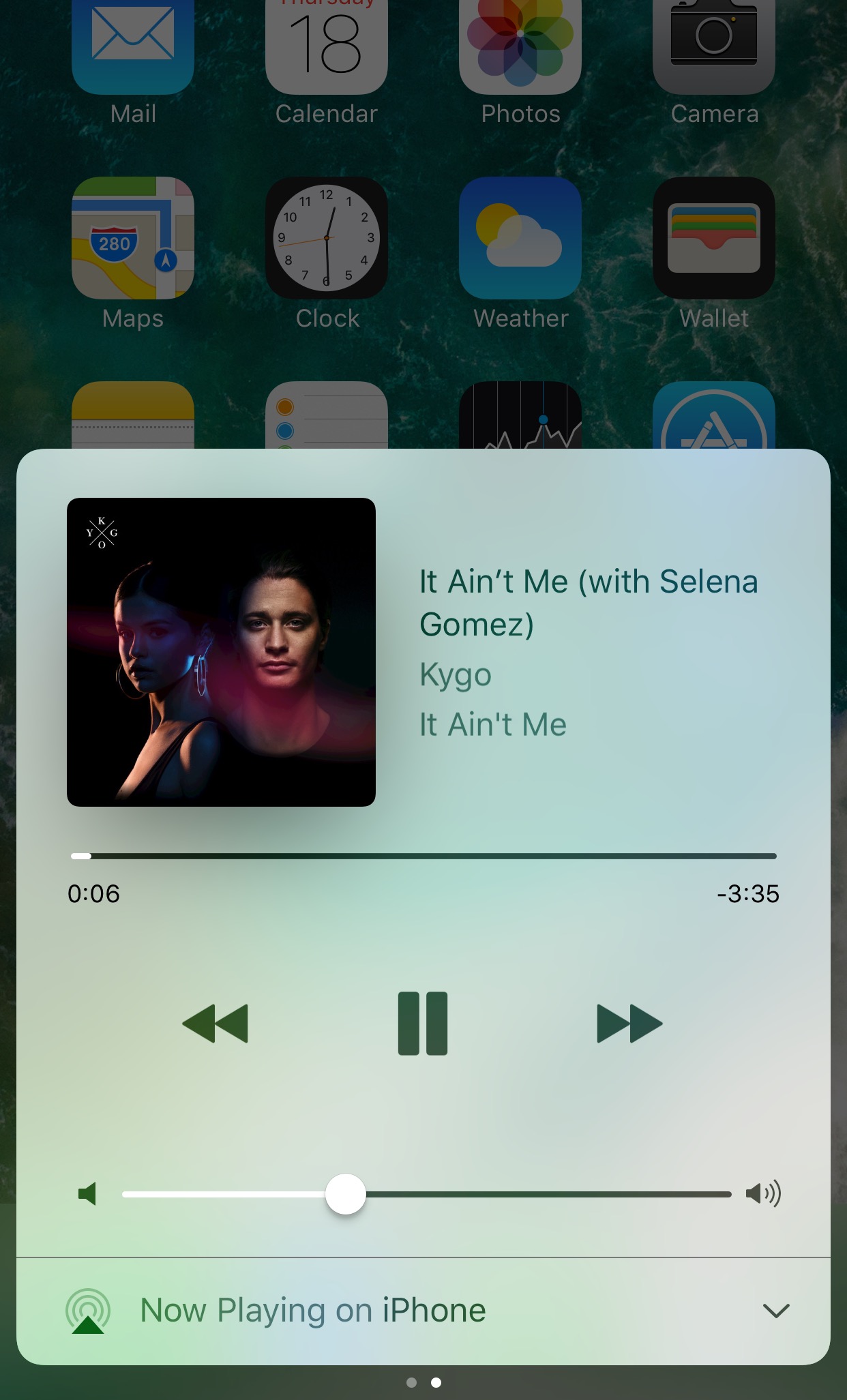
Control Center is one of the most useful interfaces you can use in iOS, as it provides you with quick access to toggles, shortcuts, and music playback options from anywhere.

If you ever find yourself using a specific Control Center card more frequently than the other and prefer the interface wouldn't remember the card you used last, then you’d probably like a new free jailbreak tweak called PresentPage by iOS developer Cole Cabral.