UI

LockWatch adds Apple Watch-inspired clocks to your iPhone’s Lock screen

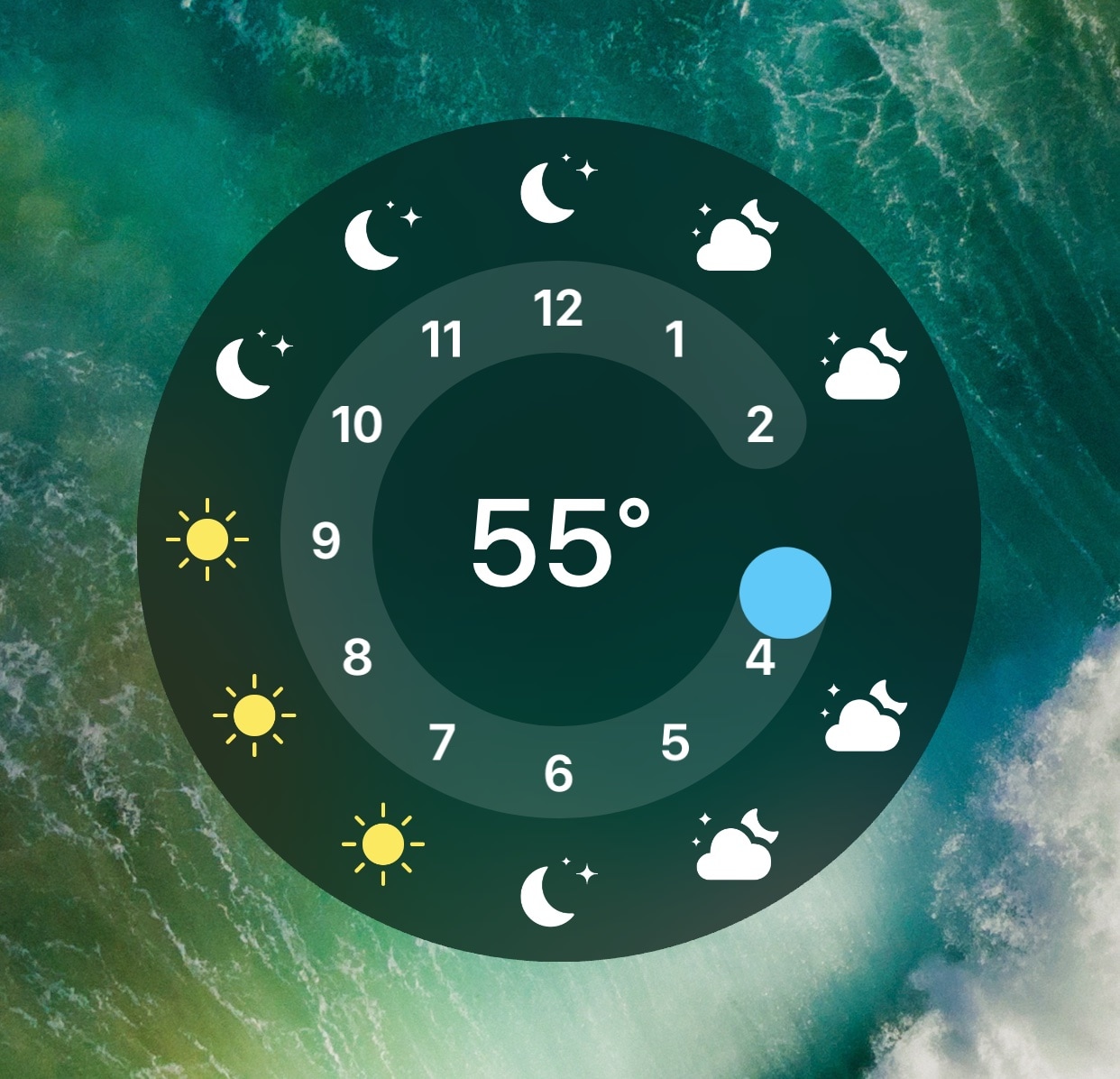
As an avid Apple Watch user, I was excited to learn about a jailbreak tweak dubbed LockWatch by iOS developer Sniper_GER, which ports several of the Apple Watch’s watch faces to the Lock screen of jailbroken devices.

LockWatch continues to undergo development as of this writing, but it’s a fascinating to check the time on your iPhone precisely as you would when glancing at your wrist. Furthermore, the tweak supports both analog and digital watch faces, to provide options for those with personal preference.
Passcode-protect the contents of your Photos app with PhotosLock

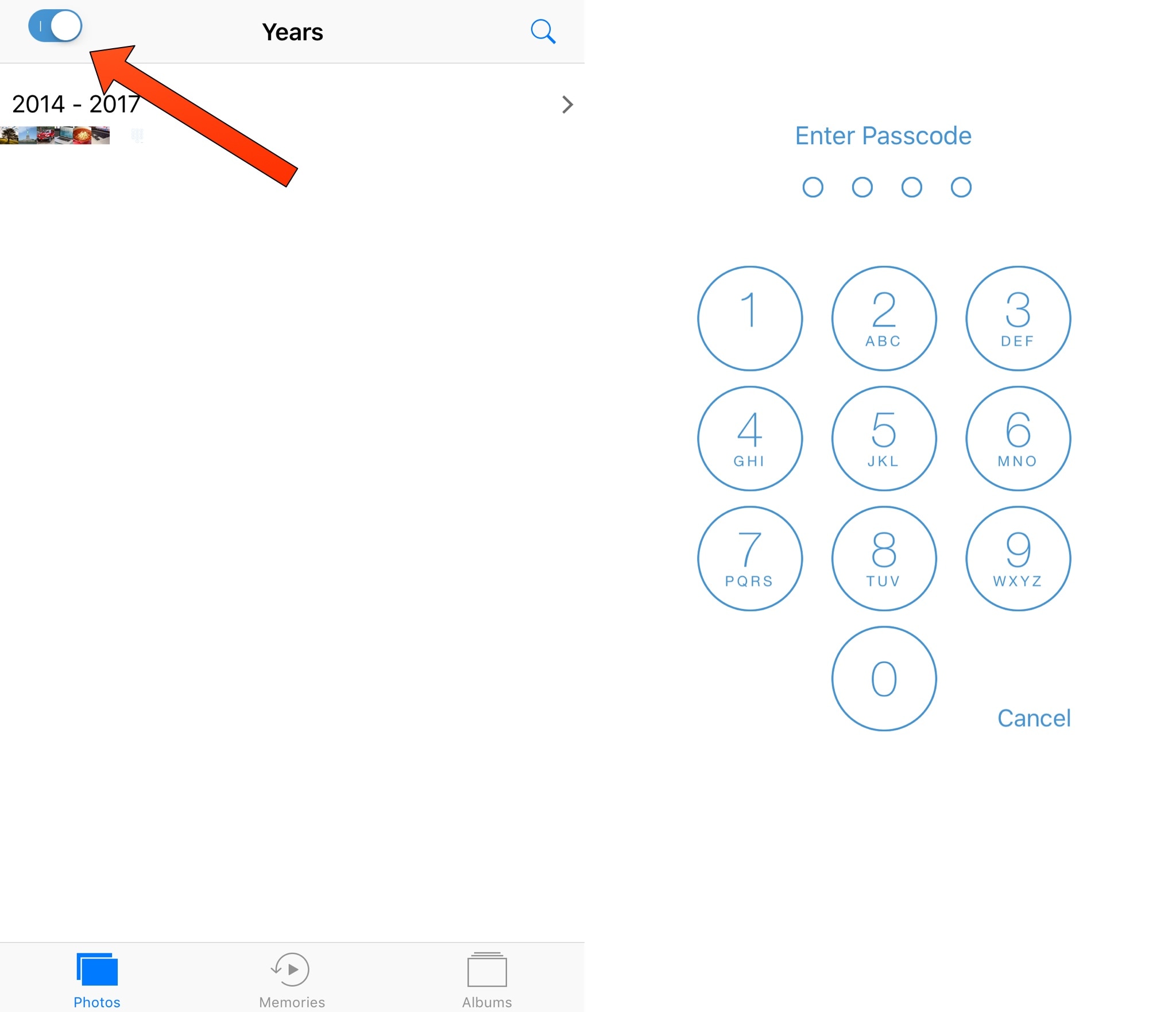
Most people take their virtual privacy seriously, and a new free jailbreak tweak dubbed PhotosLock by iOS developer Ian enforces this rule of thumb for any jailbreakers that might fall under this category.

As you might have inferred from the tweak’s name already, PhotosLock lets you lock your Photos app with an independent passcode. Acting as a second layer of security, it hides your personal photos from prying eyes.

BetterPowerMenu gives your iPhone’s power down menu a new look and feel

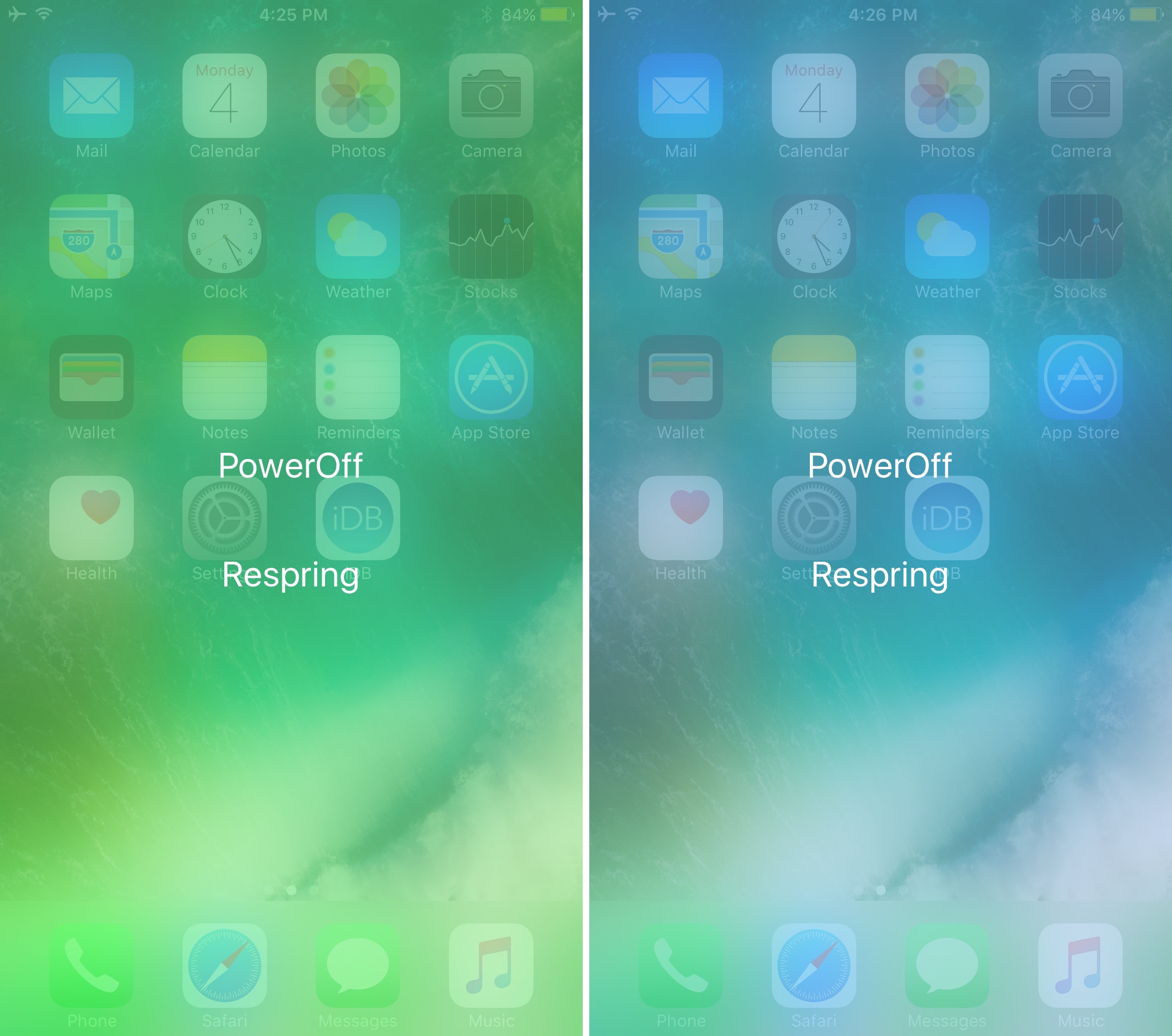
Anyone with a jailbroken iOS 10 device presumably avoids the power down menu because of their semi-untethered jailbreak. On the other hand, a new free jailbreak tweak called BetterPowerMenu iOS developer Huub Lubbers can change that.

The tweak makes two significant changes to the power down menu, such as adding a respring button and supplying customization options so that you have more control over how the interface looks and feels.

Disable Waze’s menu-based swipe gesture with FarewellGestureWaze

Waze is one of the most popular third-party navigation apps for the iOS platform, but some users find that the interface isn’t without its quirks. For example, the swipe gesture you might use to access the app’s built-in menu could potentially clash with other gestures.

If you experience this problem yourself, then a new free jailbreak tweak called FarewellGestureWaze by iOS developer CydiaGeek should remedy the problem. After installation, it prevents this gesture from launching the Waze app’s built-in menu.

ScrollBack returns you to your place on a page after accidentally scrolling to the top via the Status Bar

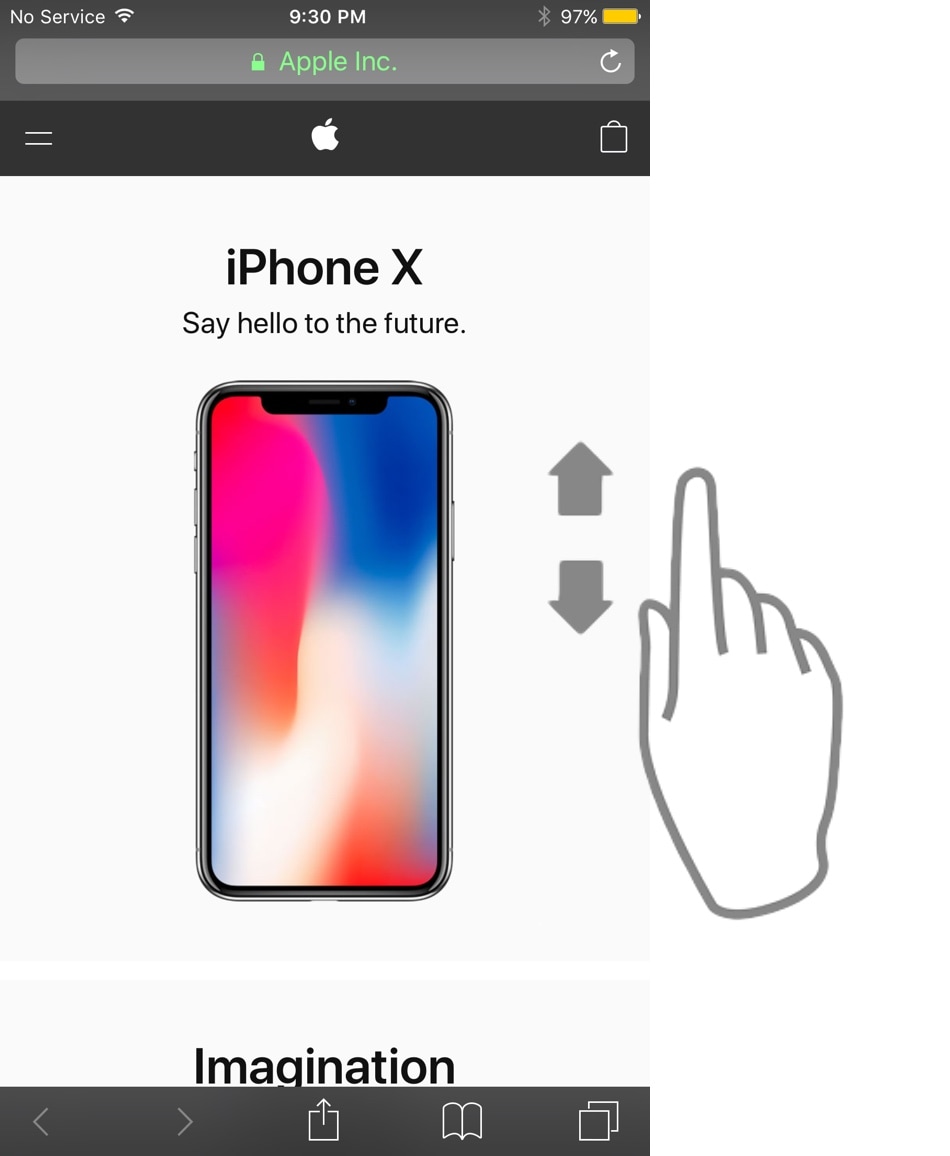
In case you were unaware, you can quickly jump back to the top of a scrollable page in iOS by tapping on the Status Bar. This gesture has been possible in iOS for the longest time, and while it’s helpful, I’ll be the first to admit that sometimes I tap it by accident.

Nothing can be more frustrating than losing your place on a scrollable page and starting over at the top again, but a new free jailbreak tweak called ScrollBack by iOS developer leftyfl1p strives to make your life a little bit easier in these scenarios.

Erie adds haptic feedback to your iPhone’s button presses

One of the things we see a lot of in the jailbreak community are tweaks that bring haptic feedback to the iPhone, and a new free release called Erie by iOS developer Sniper_GER follows in these footsteps.

While most tweaks along these lines bring haptic feedback by way of screen taps, Erie takes a different approach by imposing haptic feedback whenever you press a button on your device.

This tweak lets you spoof your Status Bar’s carrier and signal information

When I first started jailbreaking many years ago, it seemed like tweaks for modifying the carrier details in the Status Bar were a hot commodity. Given just how much times have changed, you really don’t see tweaks like the classics anymore.

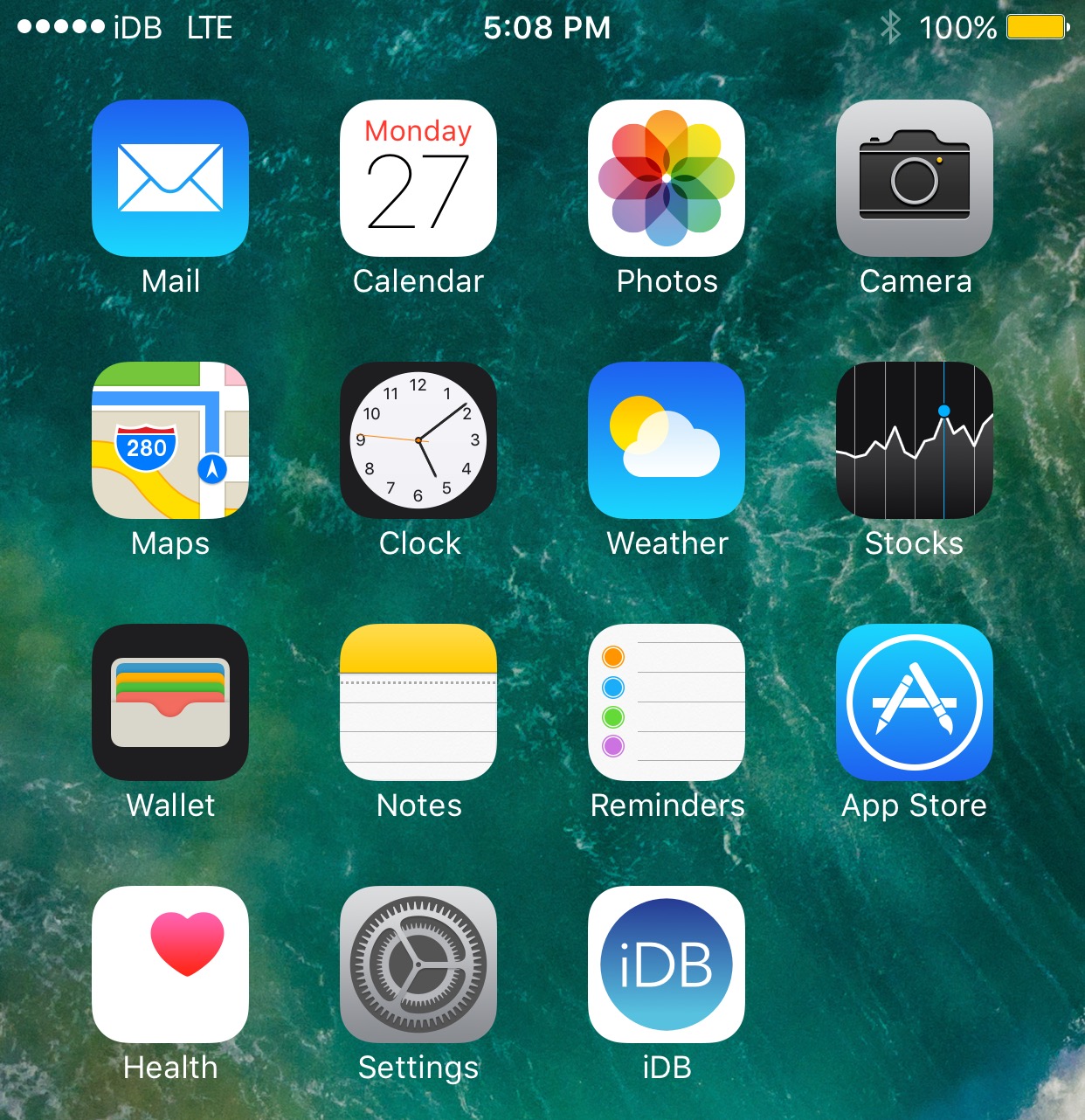
The new Signal jailbreak tweak by iOS developer Sniper_GER is a blast from the past, as it lets you spoof the Status Bar’s cellular information on any jailbroken device whether you have service or not.

This tweak disables the bothersome screenshot banners in several apps

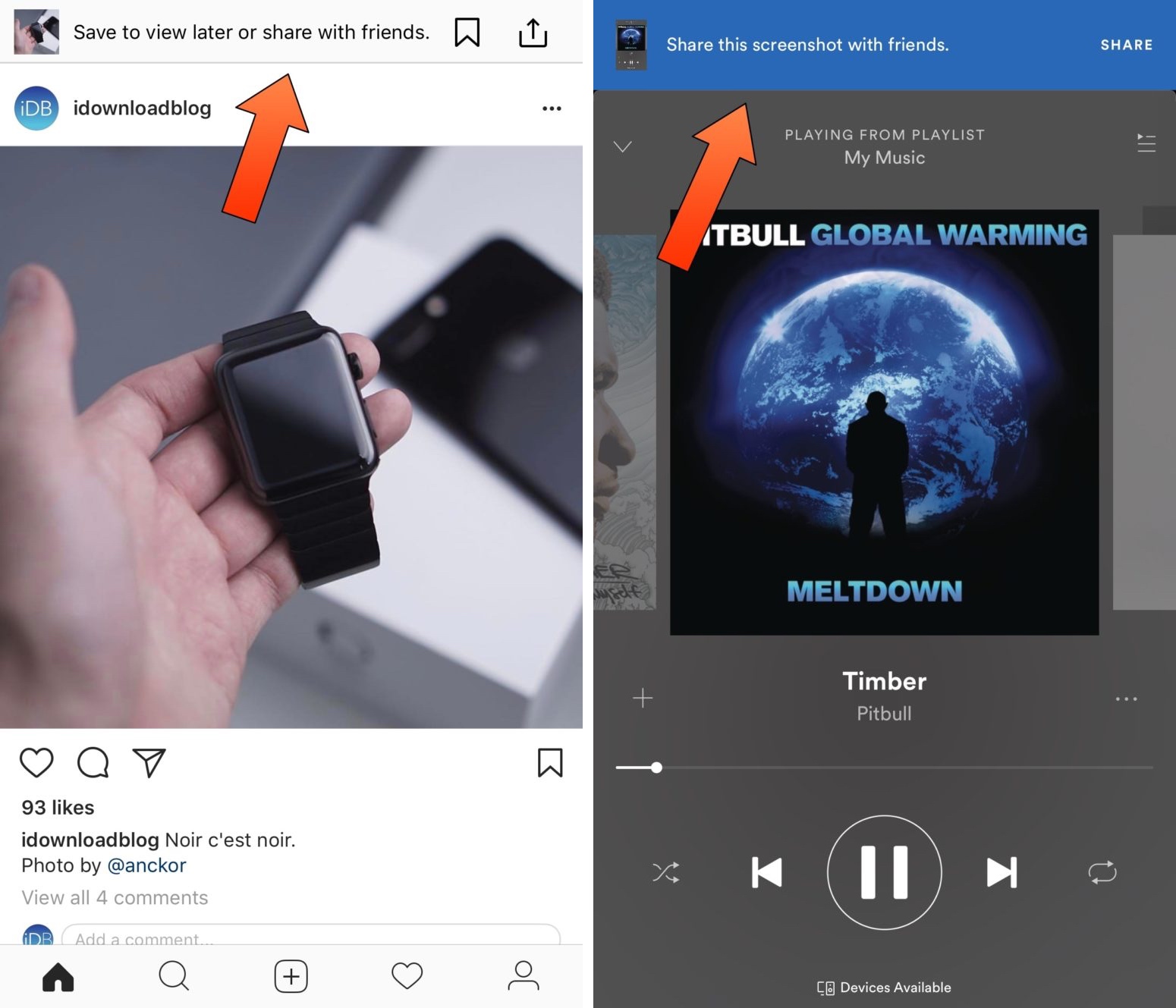
A developing trend inside of App Store apps is to display an in-house notification banner anytime you snap a screenshot from within those apps. Although they’re supposed to make sharing things more accessible, some people don’t find the provided sharing options useful.

A whole host of recent jailbreak tweaks responded to these banners in apps like Instagram and Spotify, but a new free release called KillinAppsScreenshot by iOS developer CydiaGeek strives to become the ultimate all-in-one solution to disable these annoying banners in every one of your apps.

This tweak brings translucency to more of your iOS apps

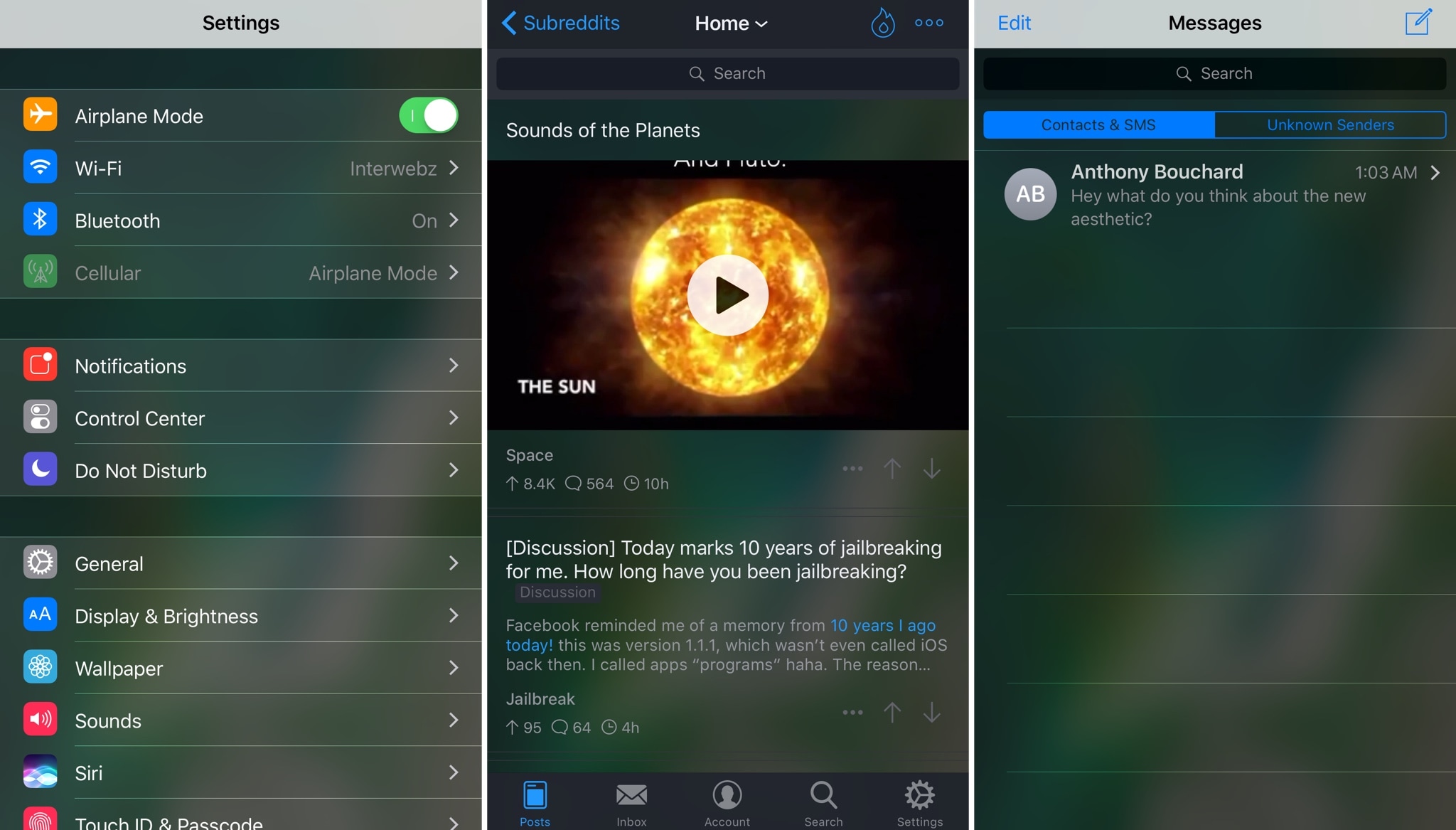
If you look at your Reminders app for a moment, you’ll notice a translucent region near the top of the app. Interestingly, Apple uses this aesthetic in very few of iOS’ stock apps, and this makes the effect feel a little bit out of place.

Here to fix that is a new free jailbreak tweak dubbed Translucency Infinity by iOS developer EthanRDoesMC. This tweak ports a similar effect to as many of your apps as you want, letting you gain a little more consistency across the board.

Augment your BBM app experience with the new BBMEasy tweak

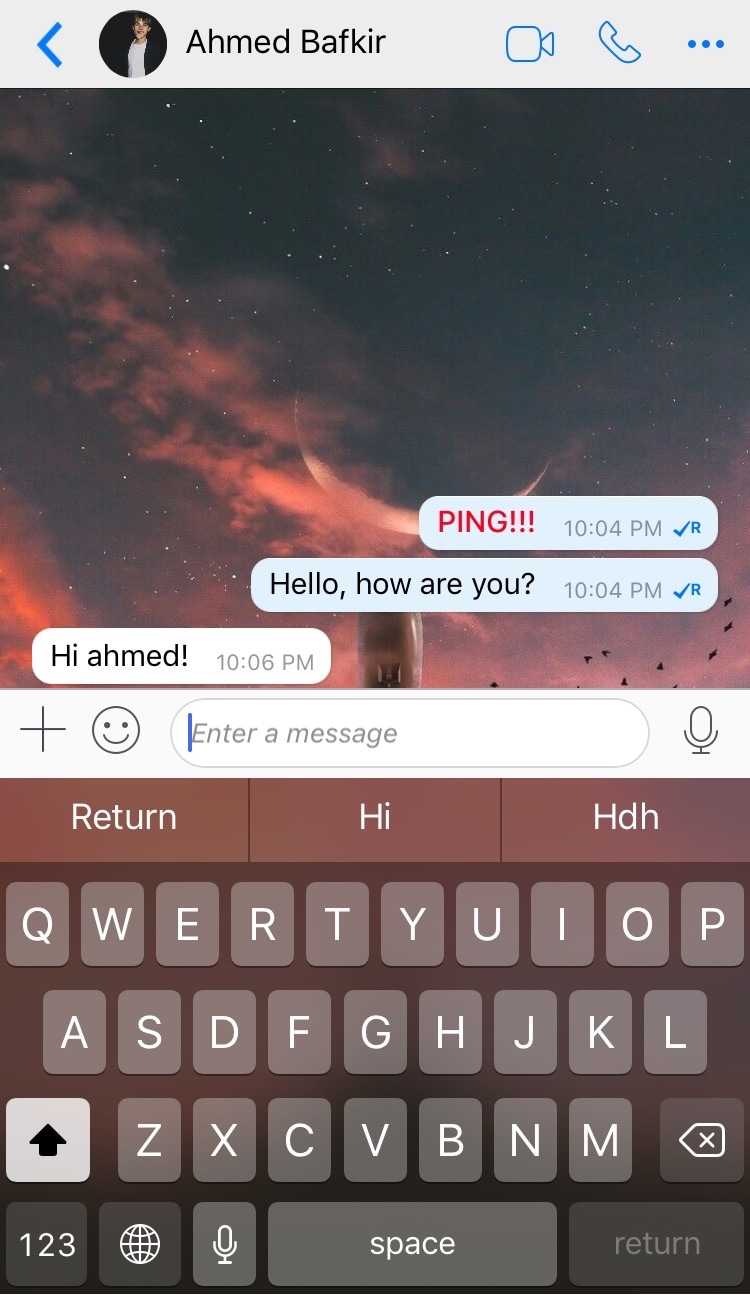
Just like almost any other app available in the iOS App Store, the BlackBerry Messenger (BBM) app could do with a few improvements. iOS developer Ahmed Bafkir had a keen eye for finding ways to augment the BBM experience, so he launched a new free jailbreak tweak called BBMEasy in Cydia.

After installation, you can visit the BBMEasy preference pane inside of the Settings app and discover all the ways you can customize your BBM app experience.

Meet Maize, the best iOS 11 Control Center port for jailbroken devices to date

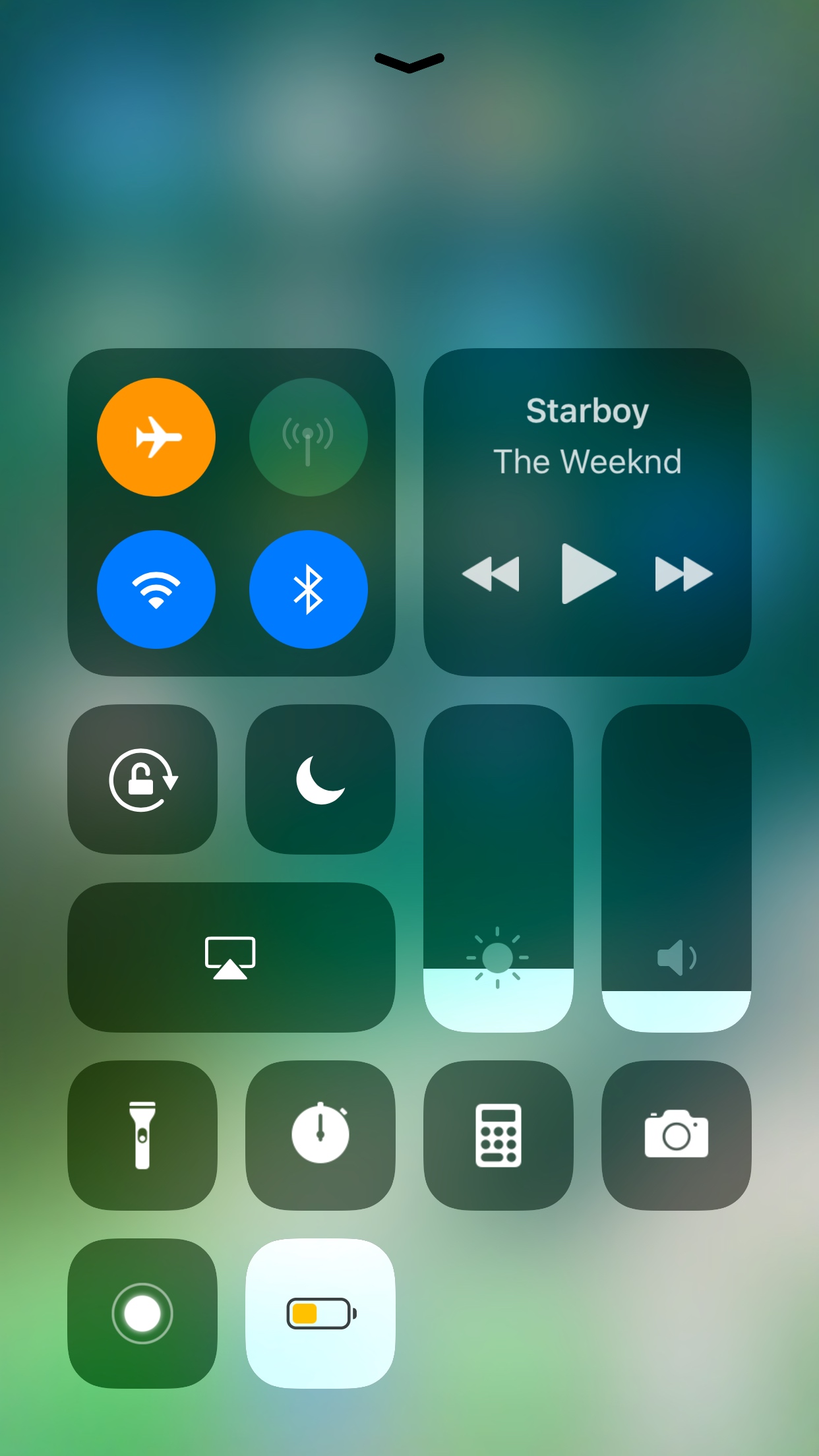
If you’re sticking to your jailbroken installation of iOS 10, then you already know you’re missing out on the new features that ship with iOS 11. On the other hand, an extensive list of jailbreak tweaks can port several of iOS 11’s most sought-after UIs to most jailbroken iOS 10 devices.

One of the most prominent changes to ship with iOS 11 is the modular Control Center interface, which can be tailored to fit your individual needs. While ControlCenterXI ported a significant amount of this interface to iOS 10 devices previously, an upcoming jailbreak tweak release dubbed Maize by the Creatix Dev Team takes everything to the next level.