UI

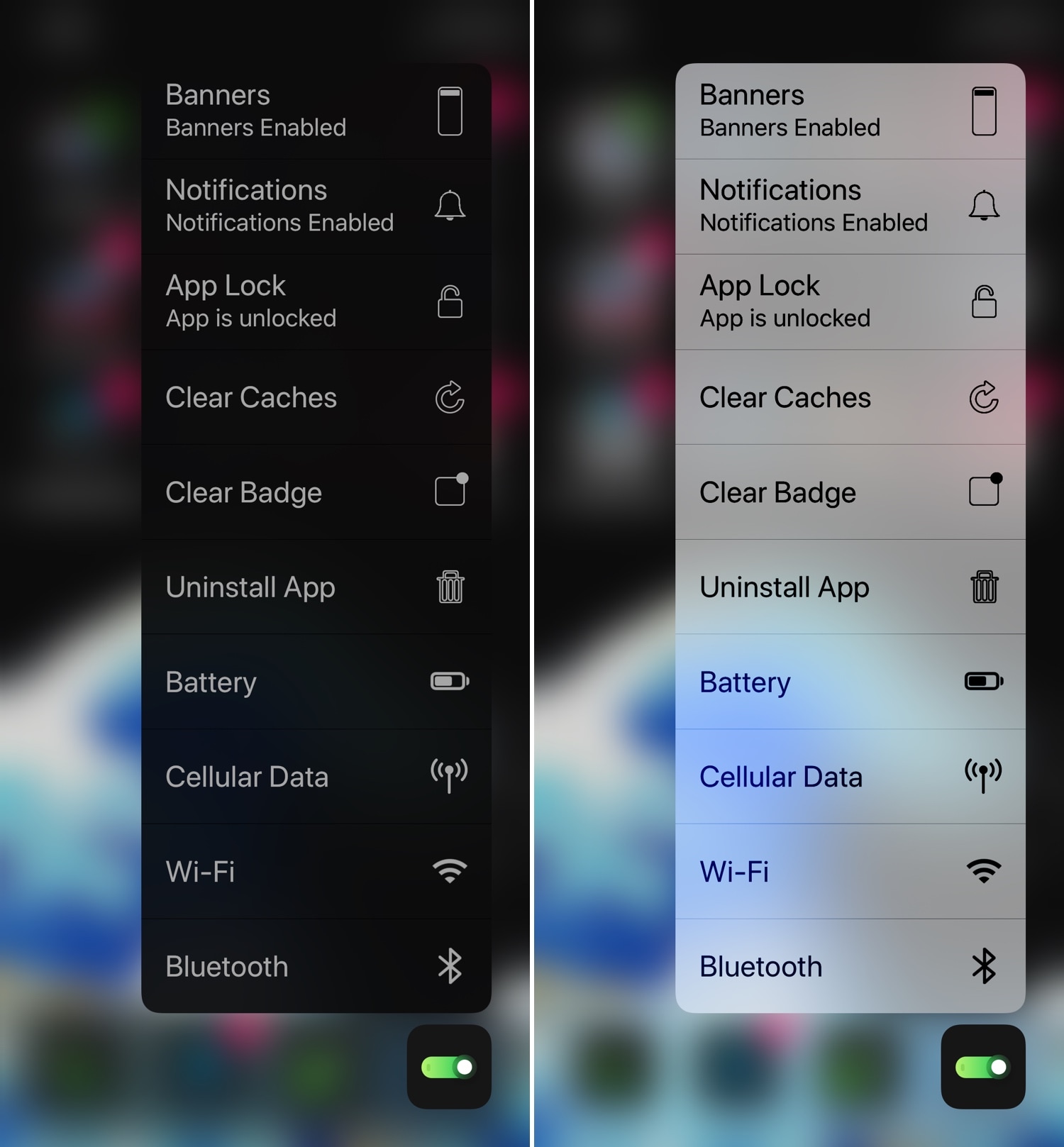
Add useful new options to your Home screen’s 3D Touch menus with 3DTools

Whether you have a handset that already supports 3D Touch or Haptic Touch out of the box or you’re using a jailbreak tweak to simulate similar features on an unsupported handset, chances are you’ve used the Home screen-centric app icon menus at least once in your travels.

This interface is somewhat lacking on a bone-stock handset, but with the help of a newly released tweak called 3DTools by iOS developer smokin1337, you can add several useful new items to these menus that promise to augment your Home screen usage exponentially.
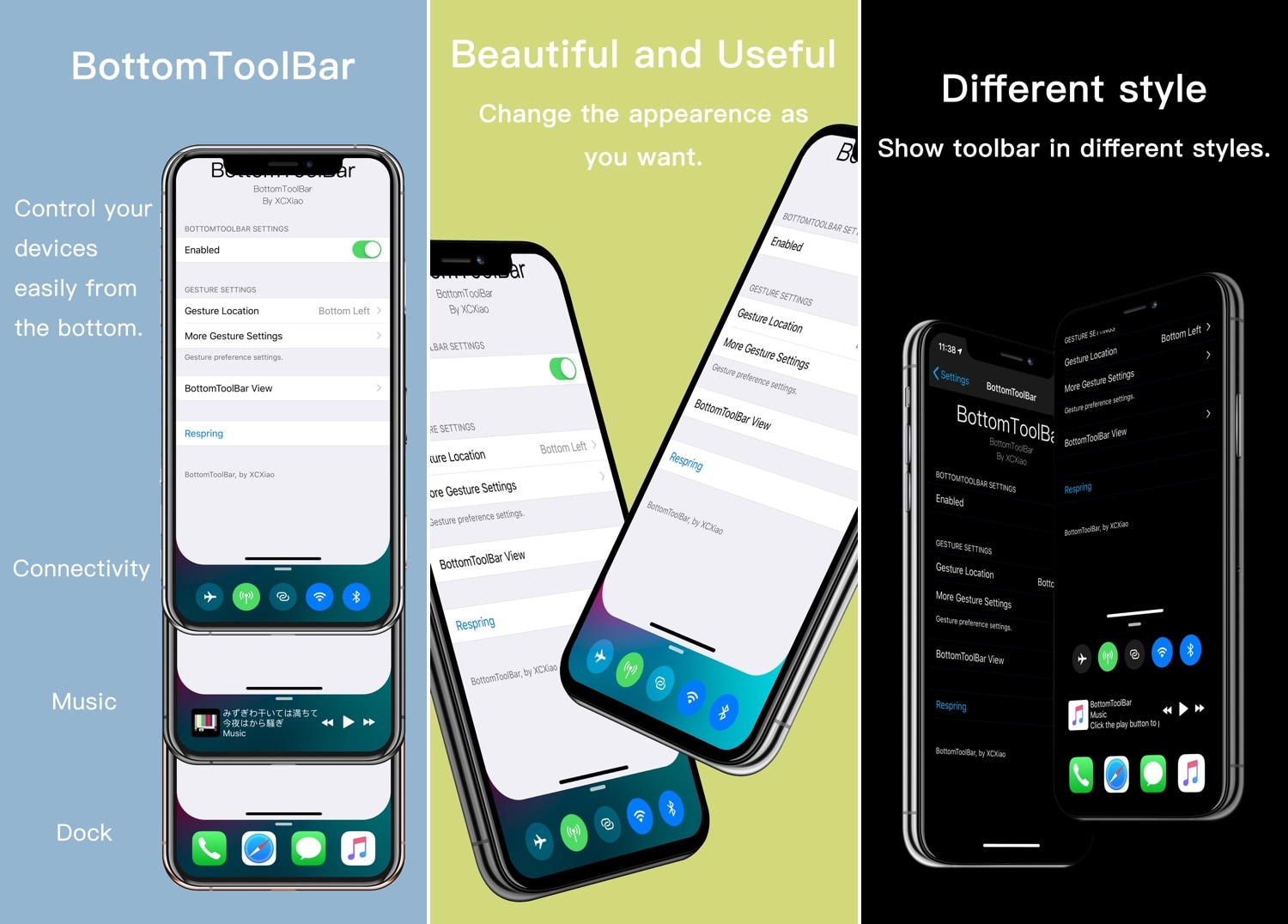
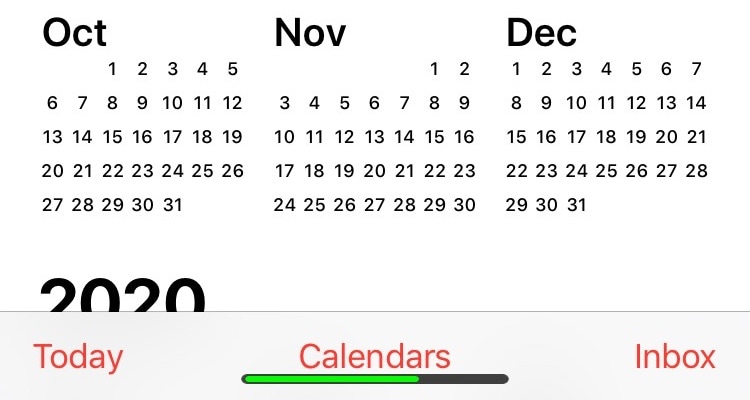
BottomToolBar makes it easier to access your iPhone’s most important features

Those sporting jailbroken iOS devices understand what those without jailbroken iOS devices don’t: the seemingly endless itch to customize and improve your device’s software beyond what Apple designed it to be. Fortunately, we’ve got a tweak that fits this necessity quite well.

Enter BottomToolBar, a newly released jailbreak tweak by iOS developer XCXiao that puts an easy-to-summon shortcut bar at the bottom of your display with fast access to useful shortcuts and information.

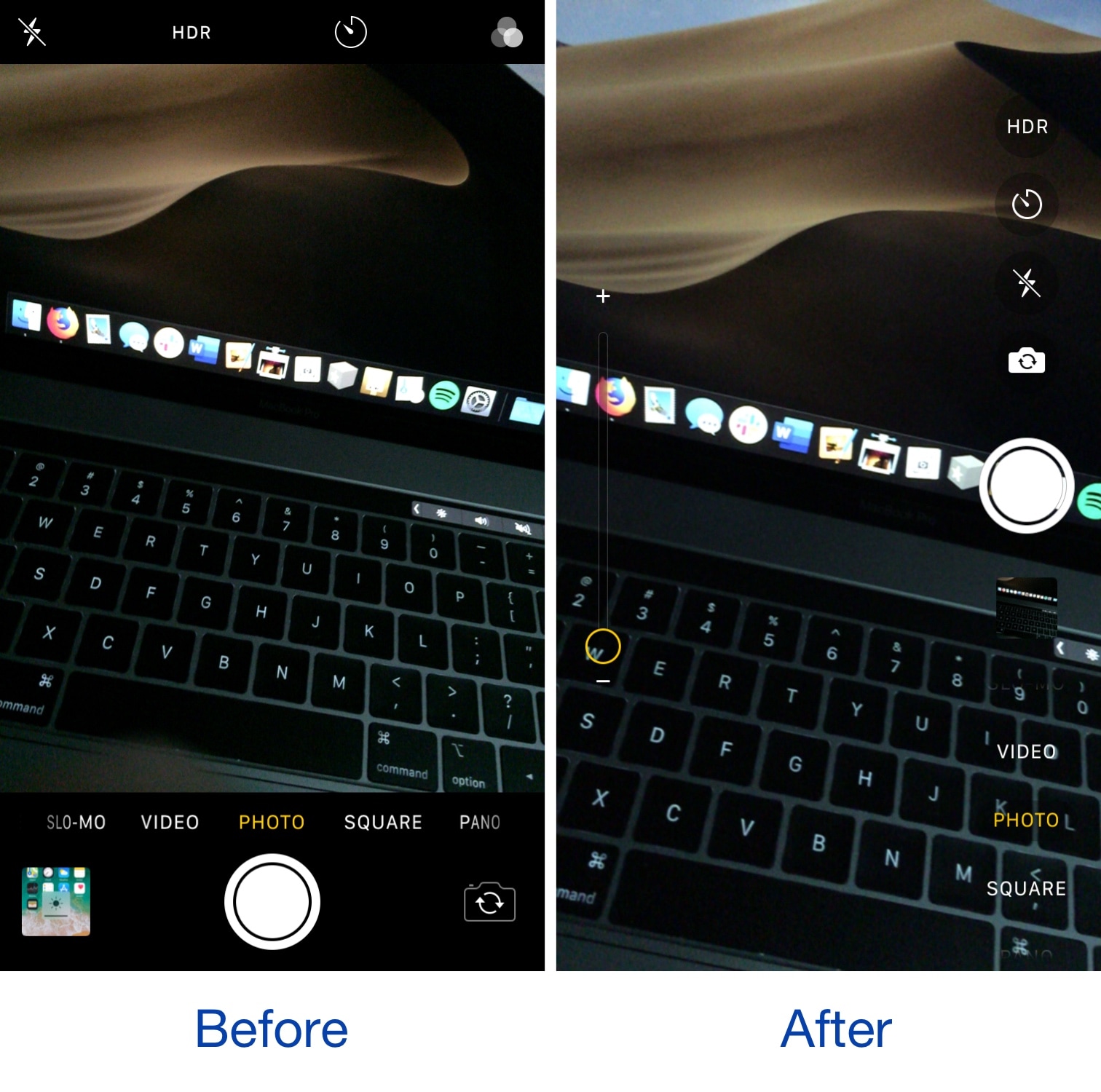
Upgrade your iPhone’s Camera app with smoothCamera

Apple’s smartphones tend to be top-notch in terms of mobile photography, but if there’s one thing I can’t stand about the iPhone’s native Camera app, it would have to be its black and boxy appearance, which in my opinion, feels particularly constraining.

If you’re interested in upgrading the appearance of your iPhone’s native Camera app, then you just might enjoy a newly released and free jailbreak tweak dubbed smoothCamera by iOS developer CydiaGeek.

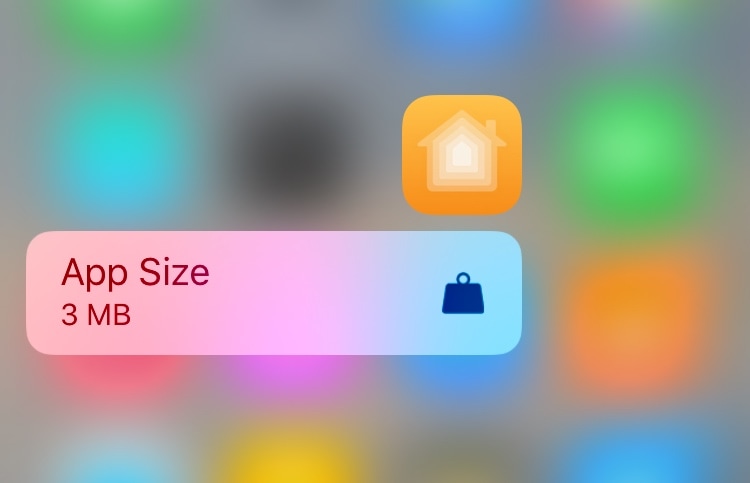
Taille lets you see how much storage space an app is using via 3D Touch

You can determine the amount of storage space that any of your iPhone’s apps are occupying by visiting General > iPhone Storage in the Settings app. Fortunately for those with jailbreaks, there’s an easier way.

Enter Taille, a newly released and free jailbreak tweak by iOS developer MTAC that permits users to ascertain the storage occupancy of any installed app by using a simple 3D Touch (or Haptic Touch where applicable) gesture on its respective Home screen icon.

This tweak makes the Home Bar display your current battery level

Many of Apple’s latest handsets lack a physical Home button, and instead rely on a software-based Home Bar for App Switcher activation, returning to the Home screen, and unlocking the device. Apart from these functionalities, however, the Home Bar itself is somewhat featureless.

If you’d like to give your iOS device’s Home Bar a welcomed helping of new functionality, then we’d recommend turning your attention to a newly released and free jailbreak tweak called BatteryHomeBar by iOS developer Braxton Anderson.

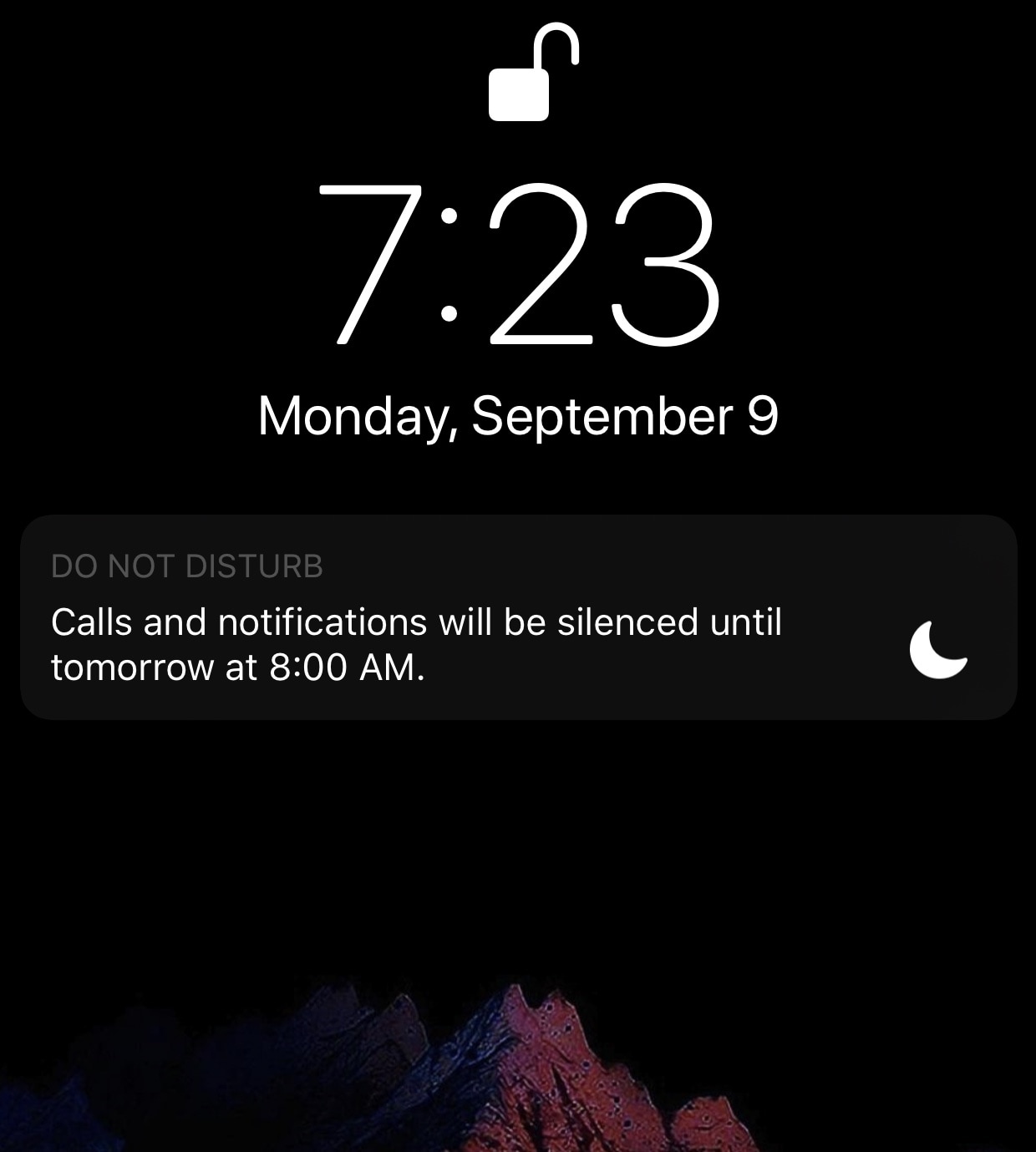
NoDNDBanner disables the Do Not Disturb banner on iOS 12’s Lock screen

If you’re using any of the latest versions of iOS, then you’re probably familiar with the Do Not Disturb banner that rears its ugly head on the Lock screen whenever you have this feature turned on.

While it’s nice to be reminded that Do Not Disturb mode is toggled on, I find the banner to be somewhat intrusive in that it takes up space on the Lock screen and must be manually dismissed. Fortunately, a new and free jailbreak tweak called NoDNDBanner by iOS developer MrGcGamer does away with it automatically.

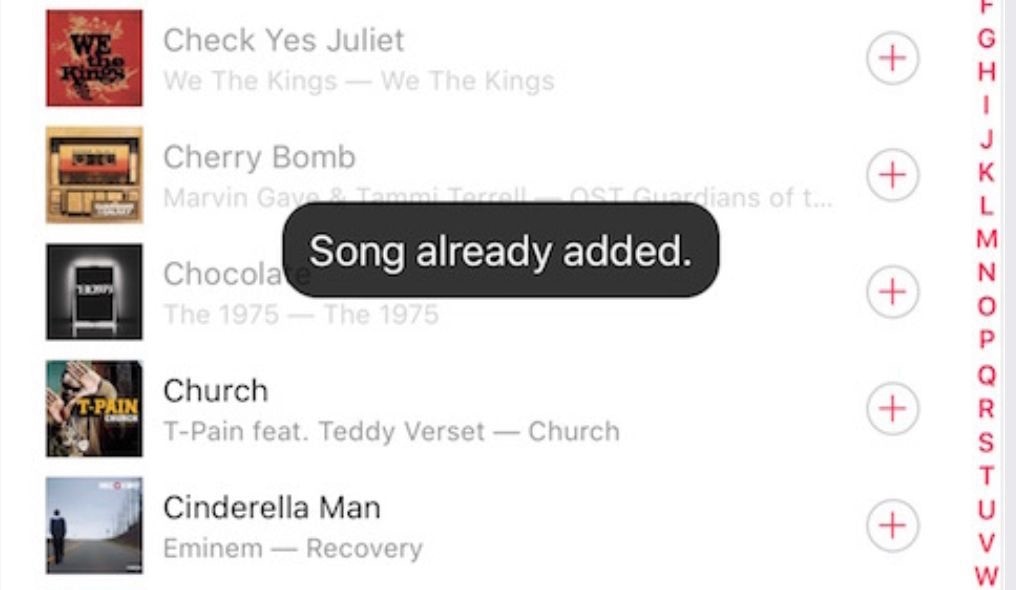
This tweak prevents you from adding duplicate tracks to Music playlists

If you take advantage of Apple’s native Music app to enjoy songs from your favorite artists, then you probably already know just how easy it is to add the same song to a playlist more than once.

Although Apple hasn’t integrated any safeguards against duplicate songs in your playlists, iOS developer Frozen Penguin is here with a solution in the form of a new and free jailbreak tweak called Dejavu2.

Sileo Team teases upcoming update for Sileo with dark mode support

Just minutes after Pwn20wnd released the most substantial stability and reliability update ever for the unc0ver jailbreak, the Sileo Team teased what appears to be an upcoming update for the Sileo package manager with a drop-dead gorgeous dark mode user interface that appears to be heavily inspired by Apple’s upcoming iOS 13 software update.

The Sileo Team shared the images above via the official @GetSileo Twitter page just minutes ago, adding that it would be ‘coming soon:’

Smoothie removes the ‘paging’ effect when navigating the Home screen

As you scroll through the Home screen’s many pages on a stock device, the scrolling will automatically stop once you arrive on the next page, an effect known to many as ‘paging.’

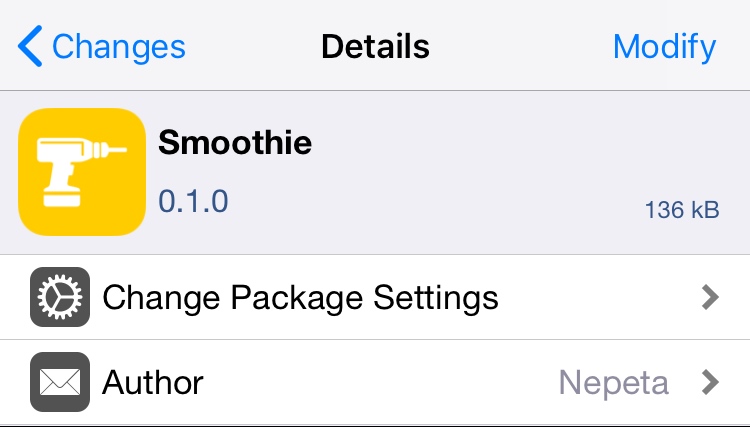
If you don’t like this paging effect and would prefer that your Home screen scrolling experience felt ‘infinite’ as it does when navigating down a long web page, then you’ll probably come to appreciate a newly released jailbreak tweak dubbed Smoothie by iOS developer Nepeta.

Miss Infinidock? Docky is a jailbreak tweak that will trigger your nostalgia

As you scroll through the multitude of pages that make up your iPhone’s Home screen, one thing that’s always visible is the application Dock. That said, the Dock is a wonderful place to store your most frequently used apps, as it makes them quick and easy to access in a pinch.

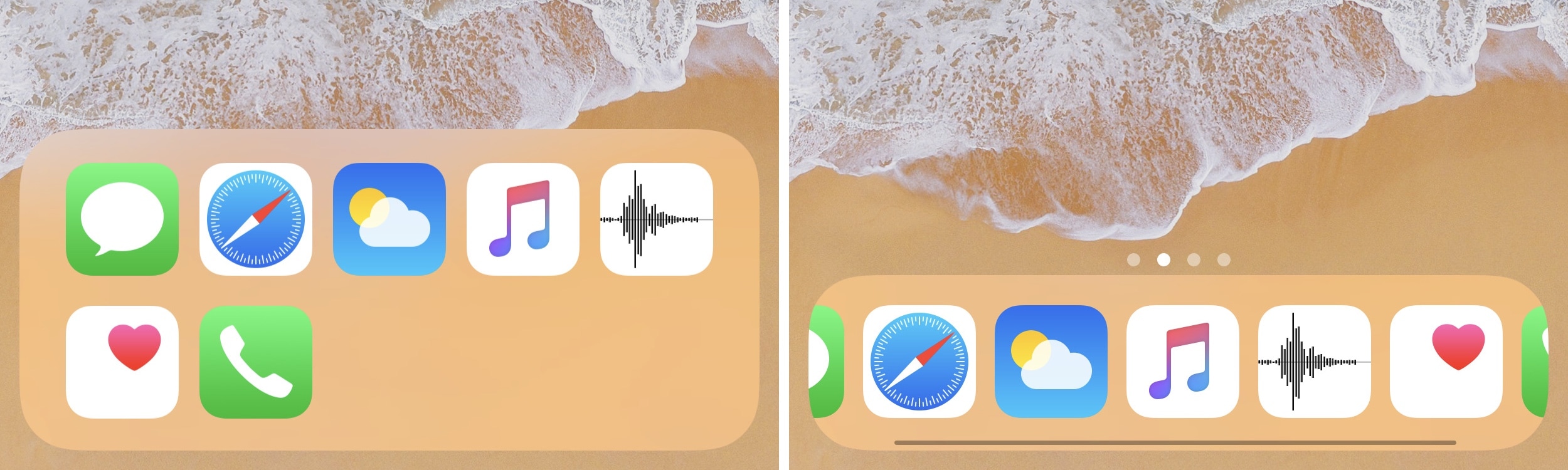
But for those who demand more than just four application spaces in their application Dock, a newly released jailbreak tweak dubbed Docky by iOS developer Nepeta shows a lot of promise.

This tweak adds an auto-brightness toggle button to Control Center

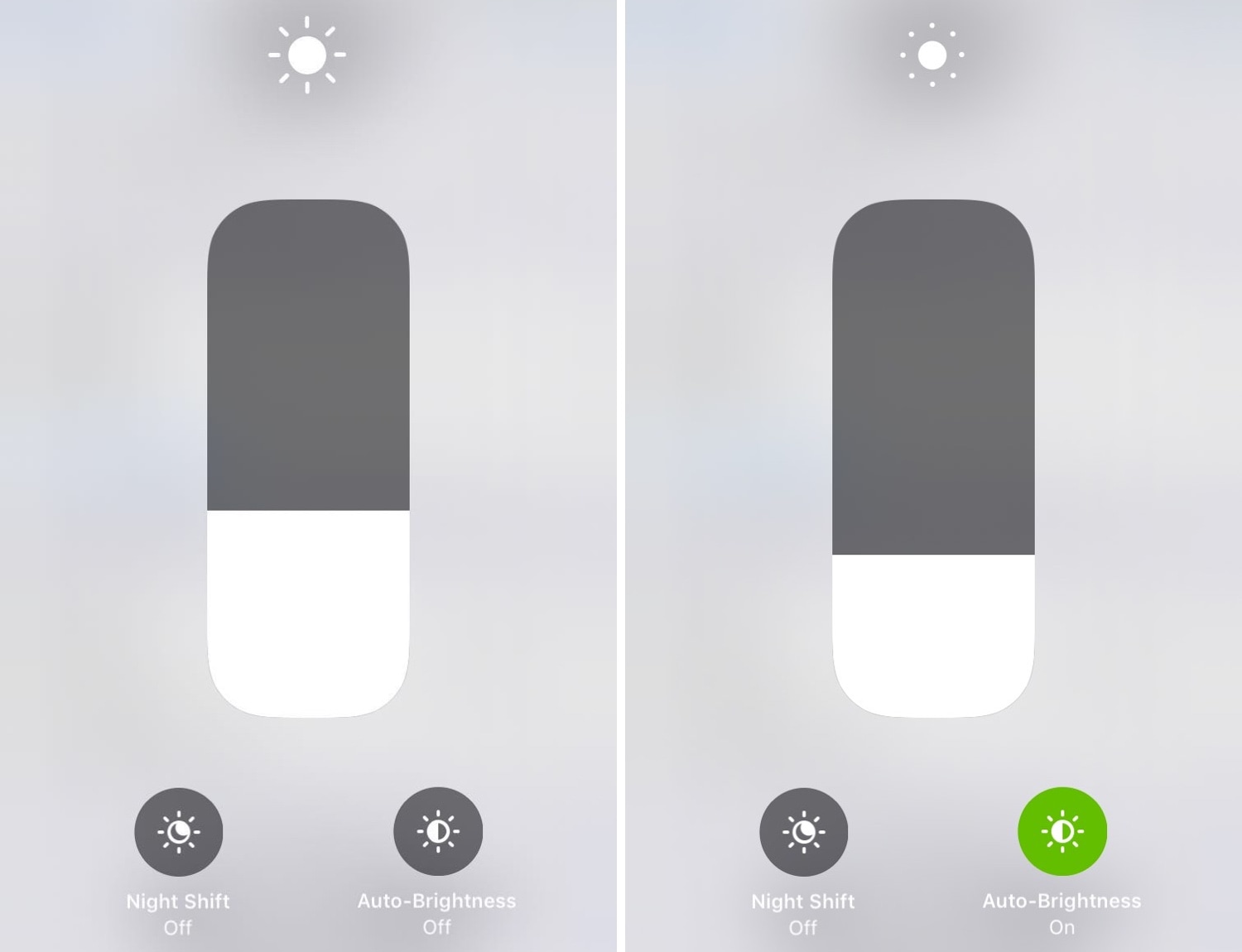
If you’re ready to upgrade Control Center’s display brightness module, then we’d recommend turning your attention to a newly released jailbreak tweak called CCBrightnessExtended by iOS developer Paparajote Team.

In the screenshot examples above, you can see that CCBrightnessExtended augments Control Center’s display brightness module by integrating a toggle that can be used to turn automatic display brightness on or off on demand.