Tweak

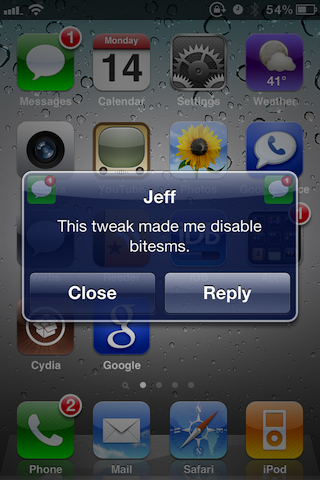
‘Mail Enhancer’ for iPhone Gives You a Crazy Amount of Email Customization Options

In itself, the iPhone's email works fairly well. It's simple, and reliable. In fact it's almost too simple, being devoid of many customization options that you think would be a no-brainer.

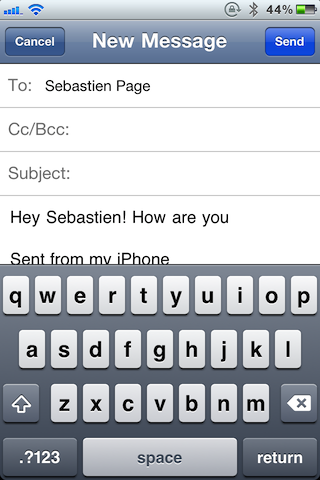
Mail Enhancer is a jailbreak tweak that aims to provide your iPhone's email with some much needed depth in the way of customization.

As you'll see inside, it more than lives up to its name...
PhoneHint Lets You Browse Your Contacts from Inside the iPhone Dialer

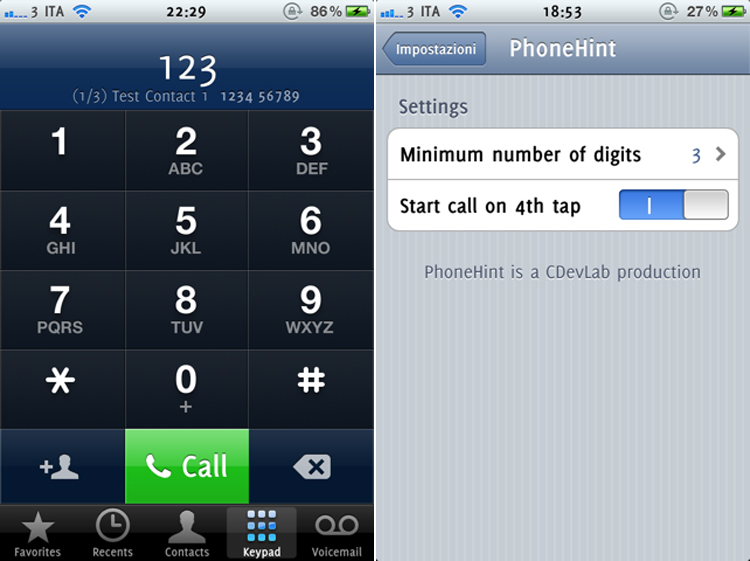
Another day, another reason to jailbreak your iPhone if you haven't already. The latest tweak is called PhoneHint. PhoneHint lets you do a quick contact search right inside the iPhone dialer.

Here's how it works. Simply, swipe left to right over the dialer’s number display to select the right contact, then double tap to select the number. I can see this tweak saving me lots of time, especially when I'm rummaging through my Recent Calls list trying to find the right contact. PhoneHint does not add any new icons to your homescreen and can be configured from the Settings app.

ManualCorrect Puts Your iPhone’s Auto Correct in Check

I don't believe there's one feature on the iPhone that angers me as much as auto correct. It's always misinterpreting what I'm trying to type, usually with ridiculous results.

Auto correct on the iPhone will turn a phrase like "Let's go have lunch" into "Keep on step eagle." I know, that makes no sense whatsoever, and that's my point.

Fortunately for us, the jailbreak community has had enough of this utter nonsense as well, as evident by the release of ManualCorrect...

Everything You Need to Know About “Safe Mode” on a Jailbroken iPhone

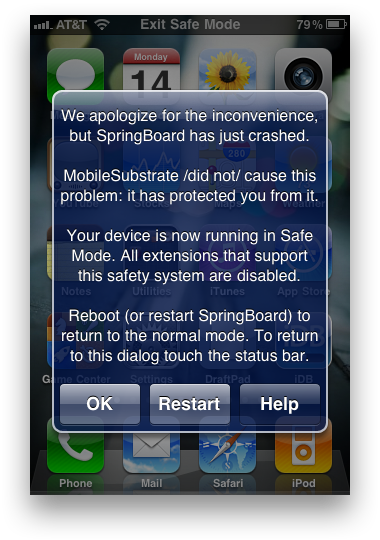
Did you know that the iPhone had a "Safe Mode?" Safe Mode on the iPhone has been apart of jailbreaking for years now, but many people still don't understand it. If your iPhone is jailbroken, Safe Mode will be invoked when MobileSubstrate (the Cydia support framework) crashes.

Desktop operating systems, like Windows and Mac OS X, have had a "Safe Mode" for a long time. On the desktop, safe mode is used for removing corrupted processes that may be causing the operating system to not function properly.

The iPhone has a "Safe Mode" for that exact same reason. A simple Cydia app called "Safe Mode Launcher" allows you to invoke the iPhone's Safe Mode with one tap. Let's take a look...

iPhone Keyboard Tweak Makes It Easier to See Which Case You’re Typing

I've always believed that the iPhone's most frustrating issues surrounded around composing long messages or filling out exceptionally long forms. Not only is the auto correct particularly troublesome, but I find myself from time to time typing uppercase letters when I meant to type lowercase, and lowercase letters when I meant to type upper case.

It's a particularly frustrating affair culminated by the fact that Apple has decided to keep uppercase letters on their keyboard's keys regardless of your actual case. That's where a tweak like ShowCase comes in handy...

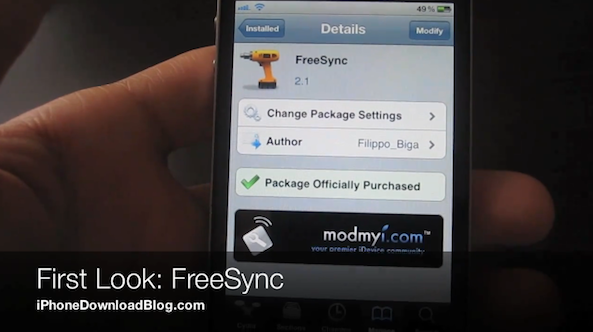
FreeSync Allows You to Use Your iPhone While Syncing With iTunes

If the story sounds familiar, that's because it is. You want to be able to use your iPhone while synching with iTunes, so what do you do?

You jailbreak your iPhone, and install one of two tweaks: Synchronicity or FreeSync. Both tweaks do a good job at allowing you chug away at your iPhonely duties while syncing with iTunes, and both are similarly priced.

With that in mind, which jailbreak tweak should you go with? We've already covered Synchronicity -- a tweak that made it into our Top 10 Jailbreak Apps for 2010 list -- so lets look at the flipside of the coin with FreeSync...

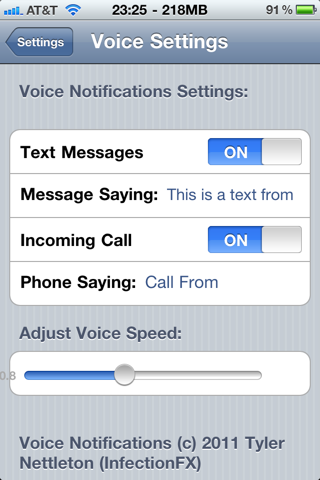
Spoken Notifications Come to the iPhone

If VoiceActivator is going to change the way you talk to your iPhone, Voice Notifications is going to change the way your iPhone talks to you!

The Voice Notifications app allows you to have your iPhone say just about anything you want when you receive a Text Message or Phone Call, replacing the ringtone by the voice of a woman alerting you you received a new text message or call from someone...

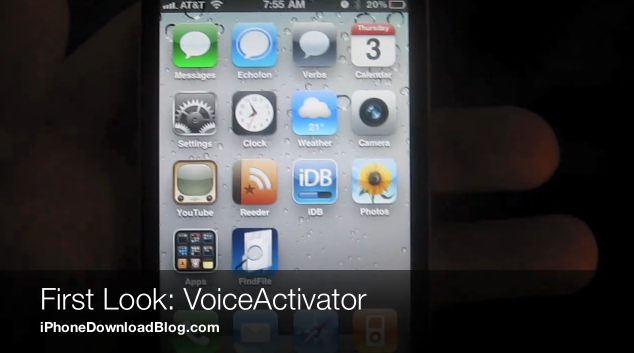
VoiceActivator Is Going to Change the Way You Talk to Your iPhone

Voice Control has always been something of anomaly to me. In fact, I'm always a bit startled when I see it pop up on my iPhone after accidentally holding the home button one second too long.

It's almost as if I've forgotten that the functionality even exists, although I know its tucked away in my iPhone somewhere. The point is, Voice Control just isn't useful in its current state. I can't recall one instance where I've actually used it outside of showing off the capabilities.

Fortunately for us, that's what jailbreaking is for -- turning mundane functions into something useful. VoiceActivator is the epitome of usefulness, transforming Voice Control into a hot commodity...

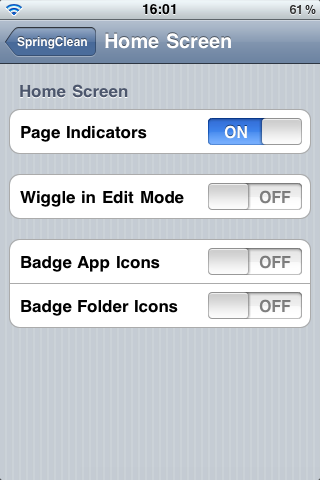
Clean Up Your iPhone Springboard with SpringClean

SpringClean is a new "all-in-one" tweak that has been available for jailbroken iPhones for a couple days now. SpringClean allows you to clean up a few elements of your springboard without the need of WinterBoard.

For example, SpringClean can hide the battery state, the carrier name, page indicators, badges for apps and folders, and much more. The app also allows you to replace your low battery alerts that usually occur at 20% and 10% by setting them up at whatever level you want...

CameraWallpaper, a New App to Use Your Camera as Your iPhone Wallpaper

CameraWallpaper is a new tweak available in Cydia that lets you use the camera of your iPhone as your wallpaper, meaning that anything your camera sees will be displayed as your wallpaper.

As soon as you are on your iPhone springboard, you will see whatever is in front of your camera as a wallpaper. Thanks to an intuitive Activator integration, you will also be able to snap a picture at any time and use this picture as your wallpaper.

Confused about how CameraWallpaper works? Then check out the video below...

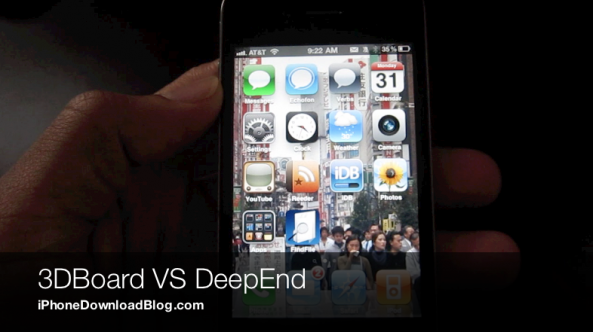
3DBoard Versus DeepEnd – Which iPhone 3D Jailbreak Tweak Reigns Supreme?

When we first posted about 3DBoard -- a jailbreak tweak for the iPhone that lends a 3D effect to your Home screen -- we were excited. When Ryan Petrich one-upped the release of 3DBoard with his own tweak entitled DeepEnd, we were delighted.

That's because not only was DeepEnd available first, it kept a few extra dollars in our pockets by being free. But free doesn't necessarily mean better; after all, you get what you pay for, or do you?

Check inside for the full video evidence, as we compare these two popular iPhone jailbreak tweaks head-to-head...