Tutorial

Learn how to master your Apple devices with our comprehensive tutorials. From iPhone and iPad to Mac, Apple Watch, AirPods, and more, our expert guides will help you unlock the full potential of your Apple products. Discover new features, tips, and tricks each day to enhance your user experience.

How to keep your free OneDrive space before Microsoft’s storage reductions take place

Has Microsoft's unilateral decision to reduce free OneDrive accounts from fifteen to just five gigabytes of cloud storage left you totally flabbergasted? If so, you're not alone. An online petition at the OneDrive feedback website has received more than 70,000 votes already. Feeling the heat, the Windows maker today announced an opt-in offer that will permit all affected OneDrive customers to keep their fifteen gigabytes of free storage space, as well as their fifteen-gigabyte camera roll bonus.

Six 3D Touch shortcuts in iBooks for iPhone

Owners of the iPhone 7 or iPhone 7 Plus can now use Peek and Pop gestures in iBooks to speed up common tasks such as checking out their notes and bookmarks, previewing pages in search results and more.

This tutorial takes you on a quick tour of 3D Touch gestures in iBooks, including six ways applying pressure helps you interact with your fav reads.

How to disable password prompts for free iBooks downloads on the Mac

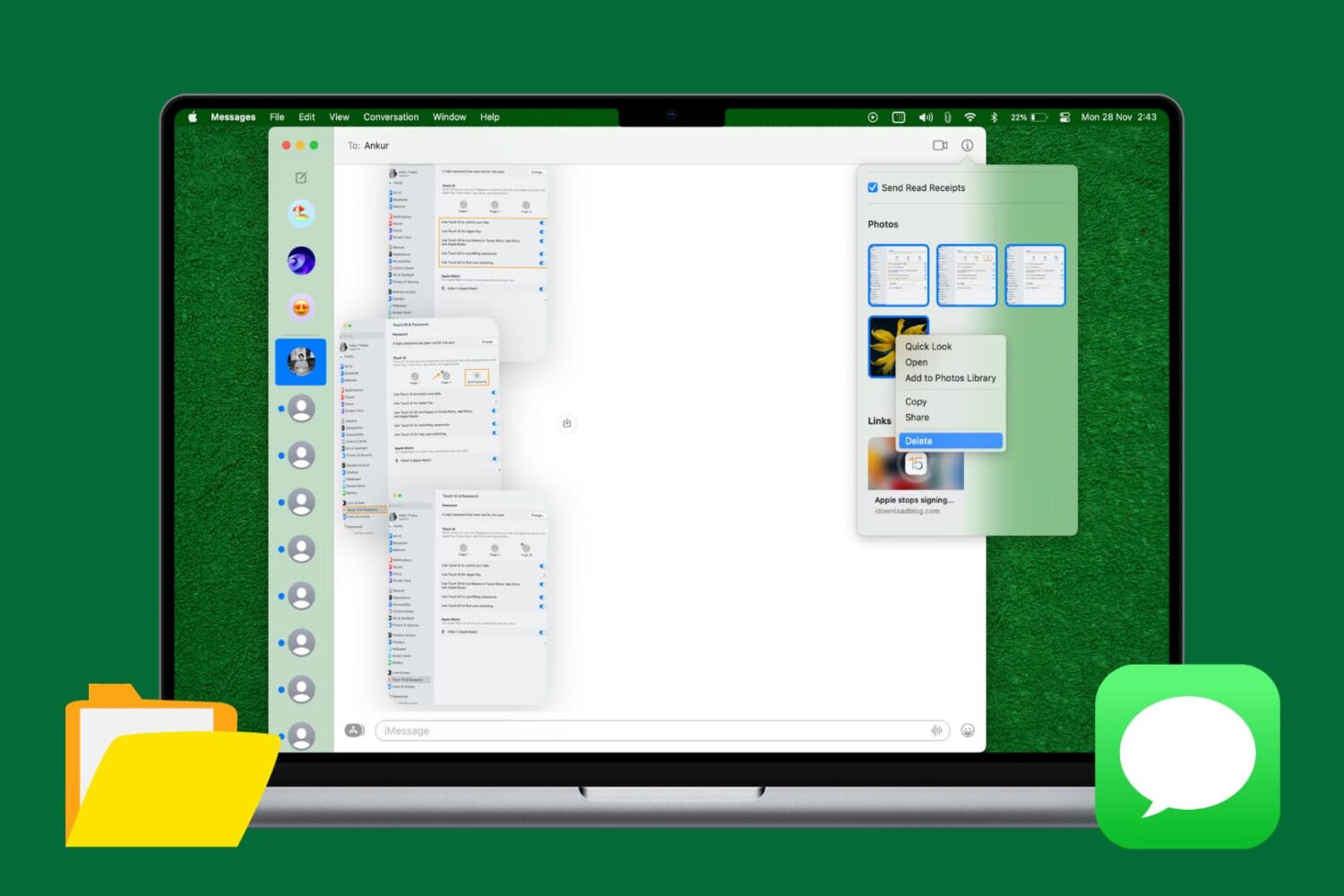
Since last year's iOS 8.3 software update iOS devices have had the ability to stop asking for a password when downloading free applications from the App Store. Soon after, that feature found its way into iTunes and iBooks for Mac.

As electronic books are no longer managed through iTunes, disabling password prompts for iBooks Store downloads is now handled in iBooks for Mac. In this post, you will learn how to disable Apple ID password prompts when downloading free electronic books from Apple's iBooks Store, and we'll also show you how you can manage password settings for paid items.