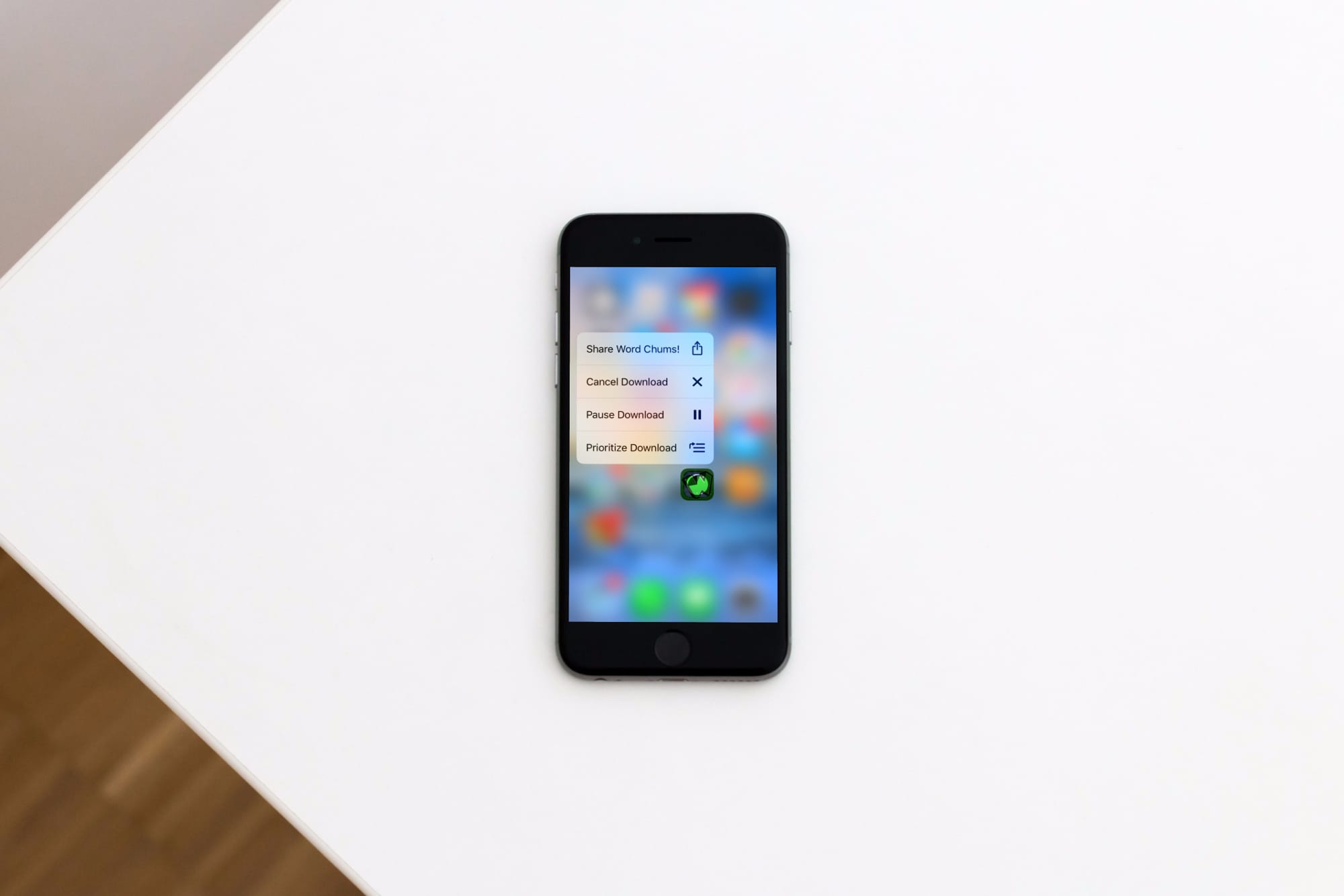
Learn how to prioritize app installations on your iPhone or iPad to speed up specific app downloads or updates from the App Store so the ones you need most finish first.
How to prioritize app downloads or updates on iPhone
Learn how to master your Apple devices with our comprehensive tutorials. From iPhone and iPad to Mac, Apple Watch, AirPods, and more, our expert guides will help you unlock the full potential of your Apple products. Discover new features, tips, and tricks each day to enhance your user experience.
Learn how to prioritize app installations on your iPhone or iPad to speed up specific app downloads or updates from the App Store so the ones you need most finish first.
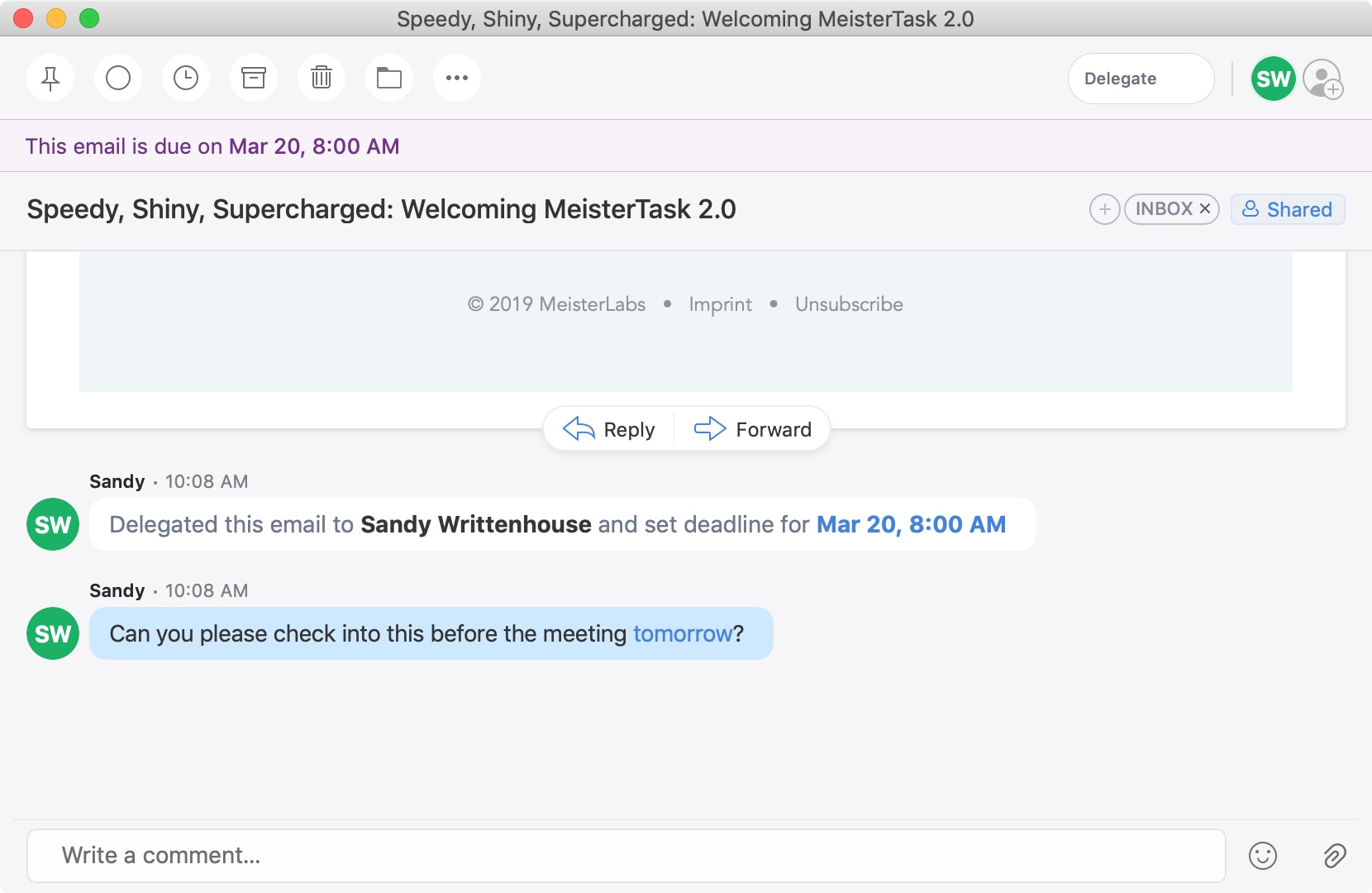
A recent update to the Spark email application brought a cool new feature. You can now delegate emails to your team or employees on iPhone, iPad, and Mac. Along with assigning emails to others, you can set due dates and times and keep track of what’s pending and completed.
This is a great new feature if you use Spark for business but is also handy for personal situations. You might want to delegate an email to a family member or friend like reminders for bills due, appointments made, or travel plans.
If you’re interested in this convenient feature, we’ll show you how to delegate emails in Spark to assign tasks to others.
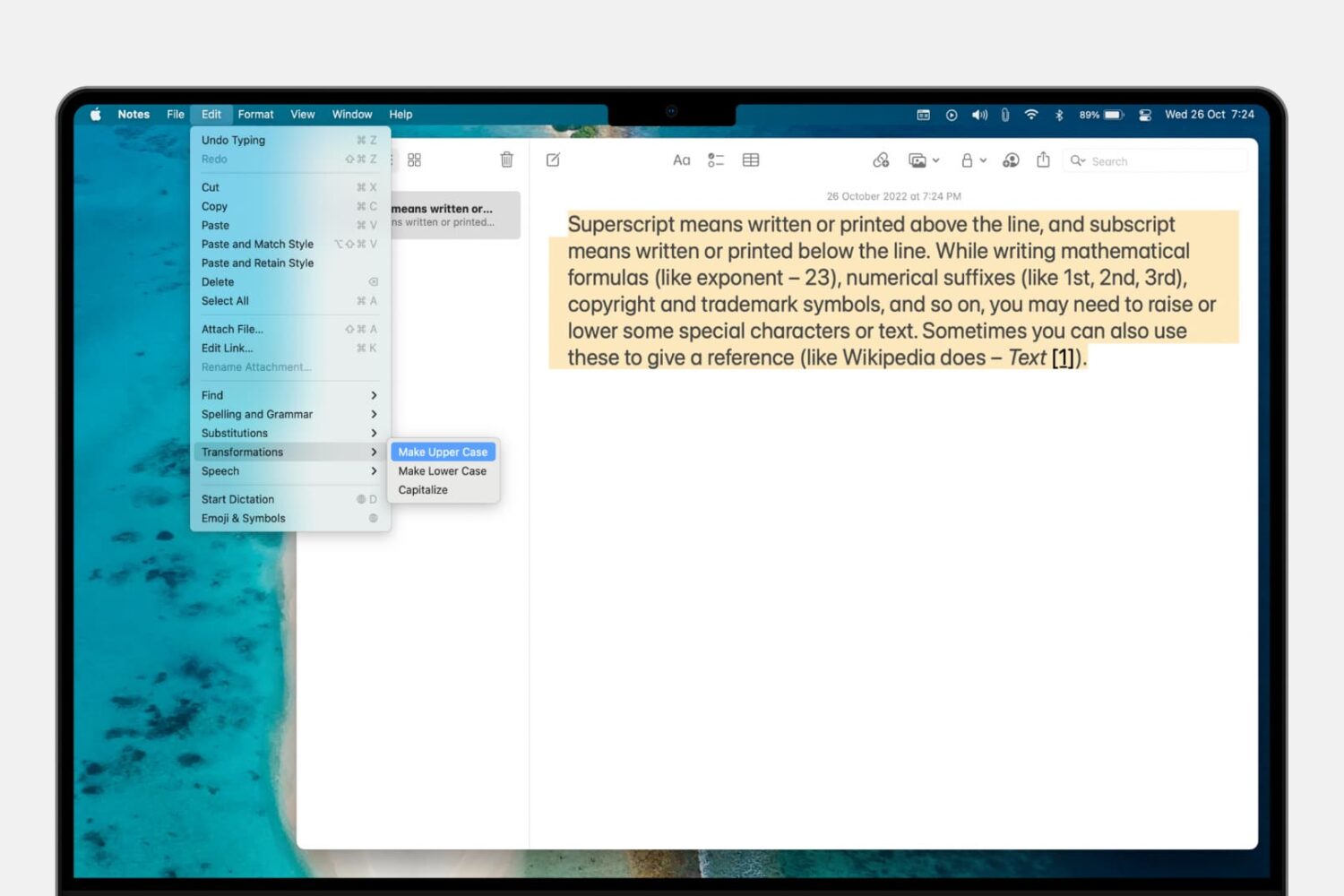
Learn how to convert a piece of text on your Mac from uppercase to lowercase letters instead of manually re-typing all caps as small letters.
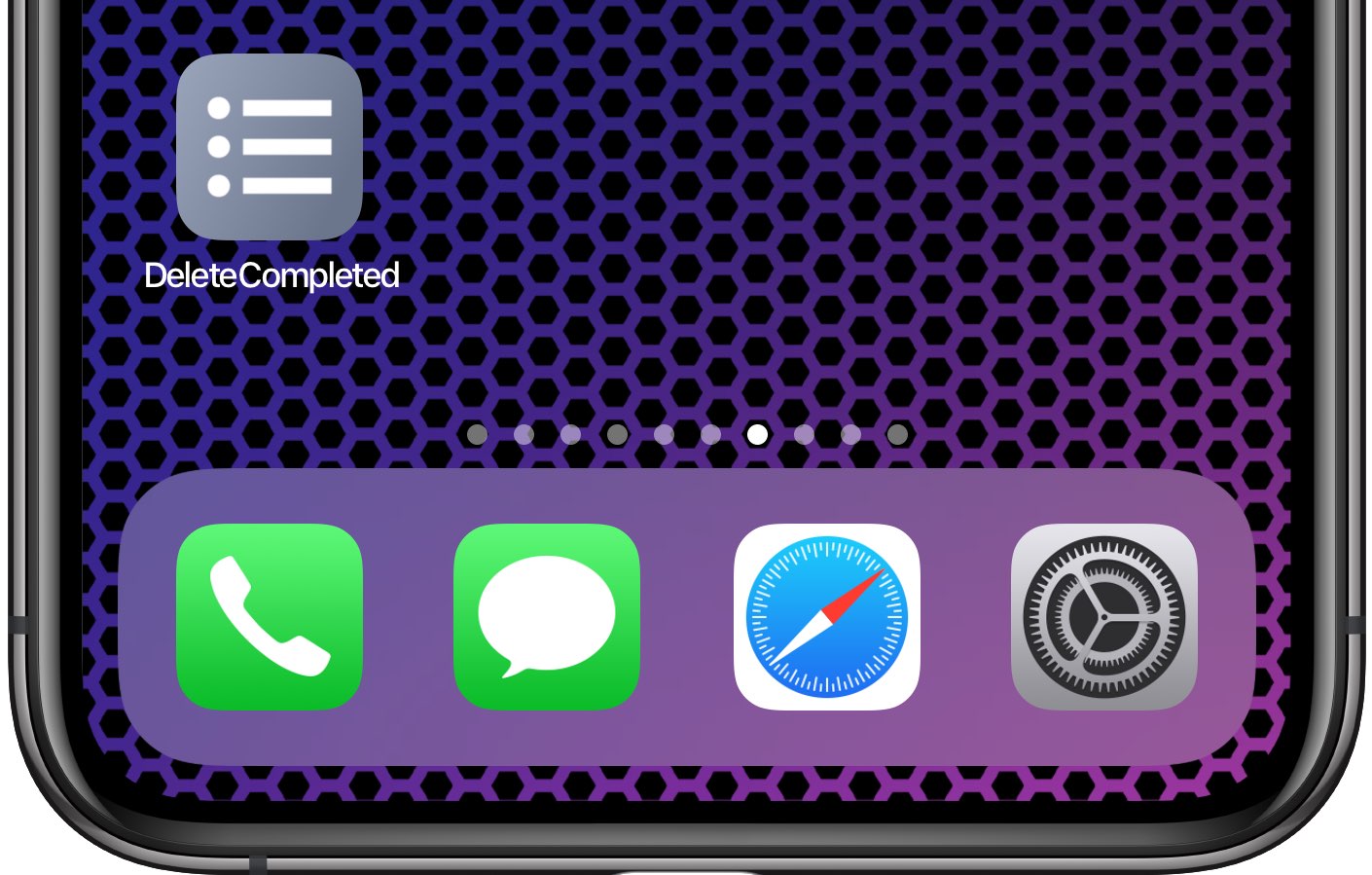
Inexplicably, Apple's Reminders app to this date has not bothered to offer us an option to delete all of the completed reminders at once. It should, at the very least, be able to remove completed items after a set number of days, but even that isn't allowed. Basically, you're left with two choices—either, joy, delete completed reminders manually, one by one, like an animal; or, leverage the power of scripting and iOS automation to your advantage like a boss.
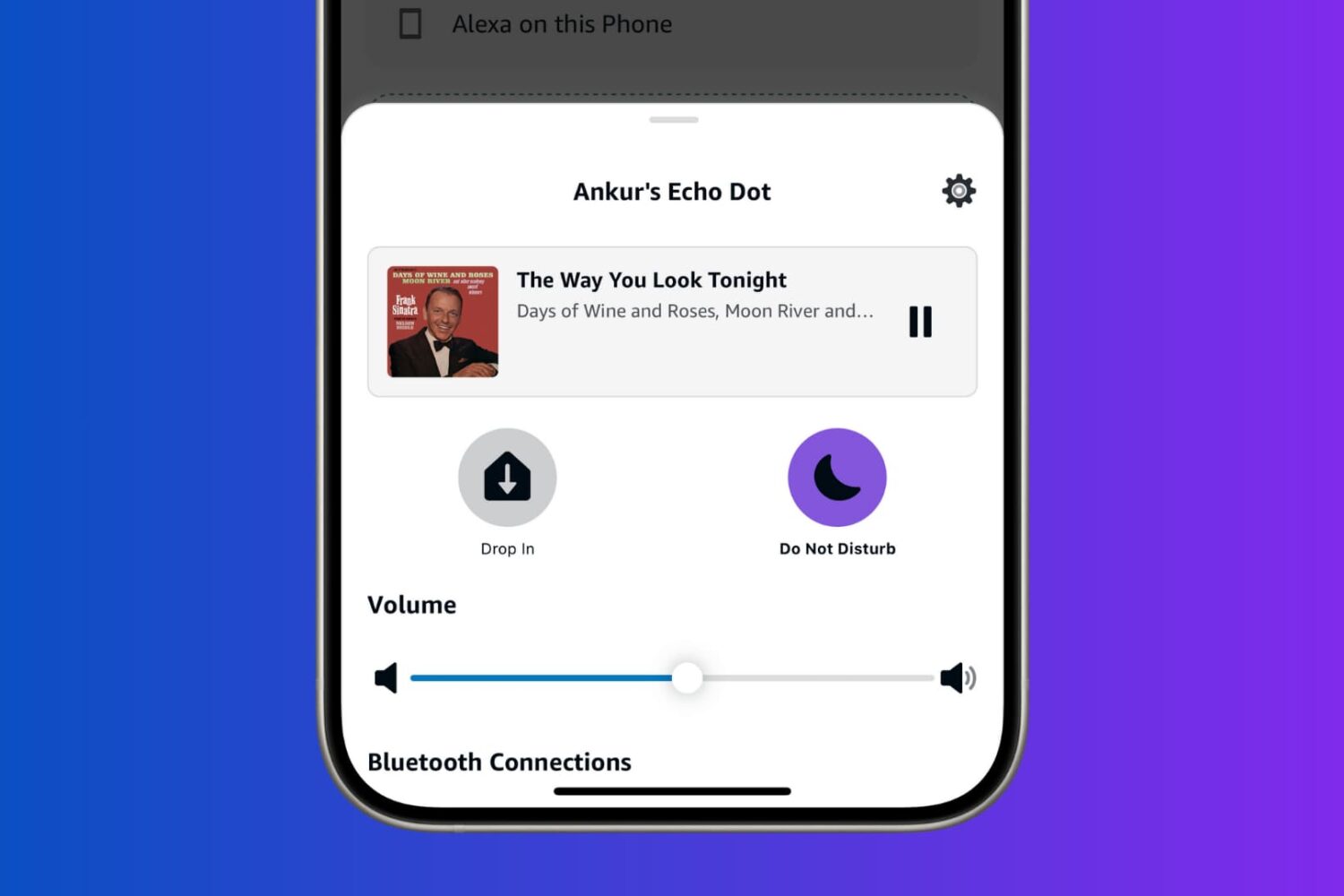
Learn how to turn on Do Not Disturb for Alexa on your Amazon Echo to prevent calls, messages, drop-ins, and other alerts from bothering you.
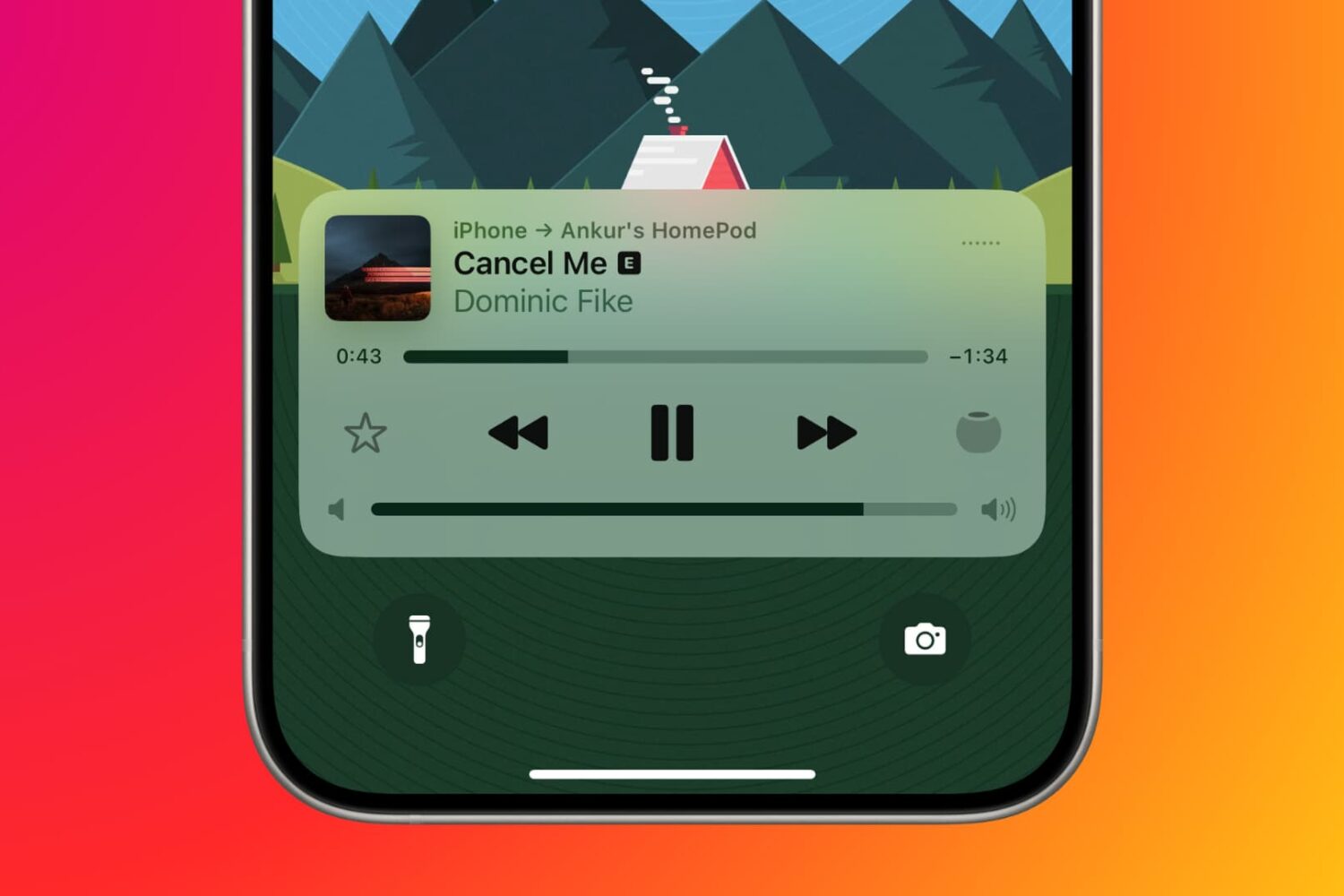
Find out how to manage your Apple Music subscription on your mobile device, computer, or the web if you need to change or cancel your Apple Music plan.
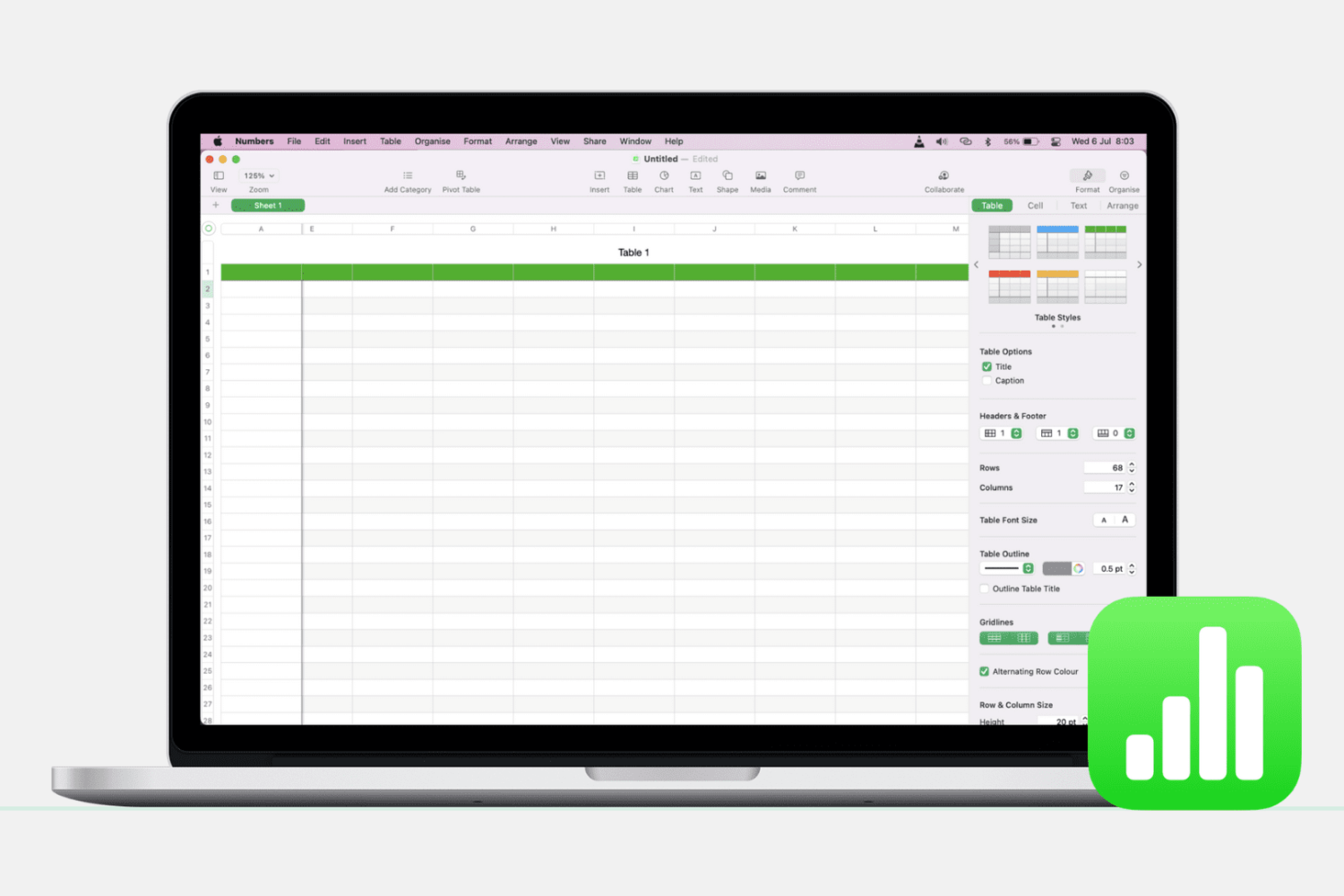
Learn how to add, delete, hide, and move columns and rows in the Apple Numbers app on Mac to better organize your spreadsheets.
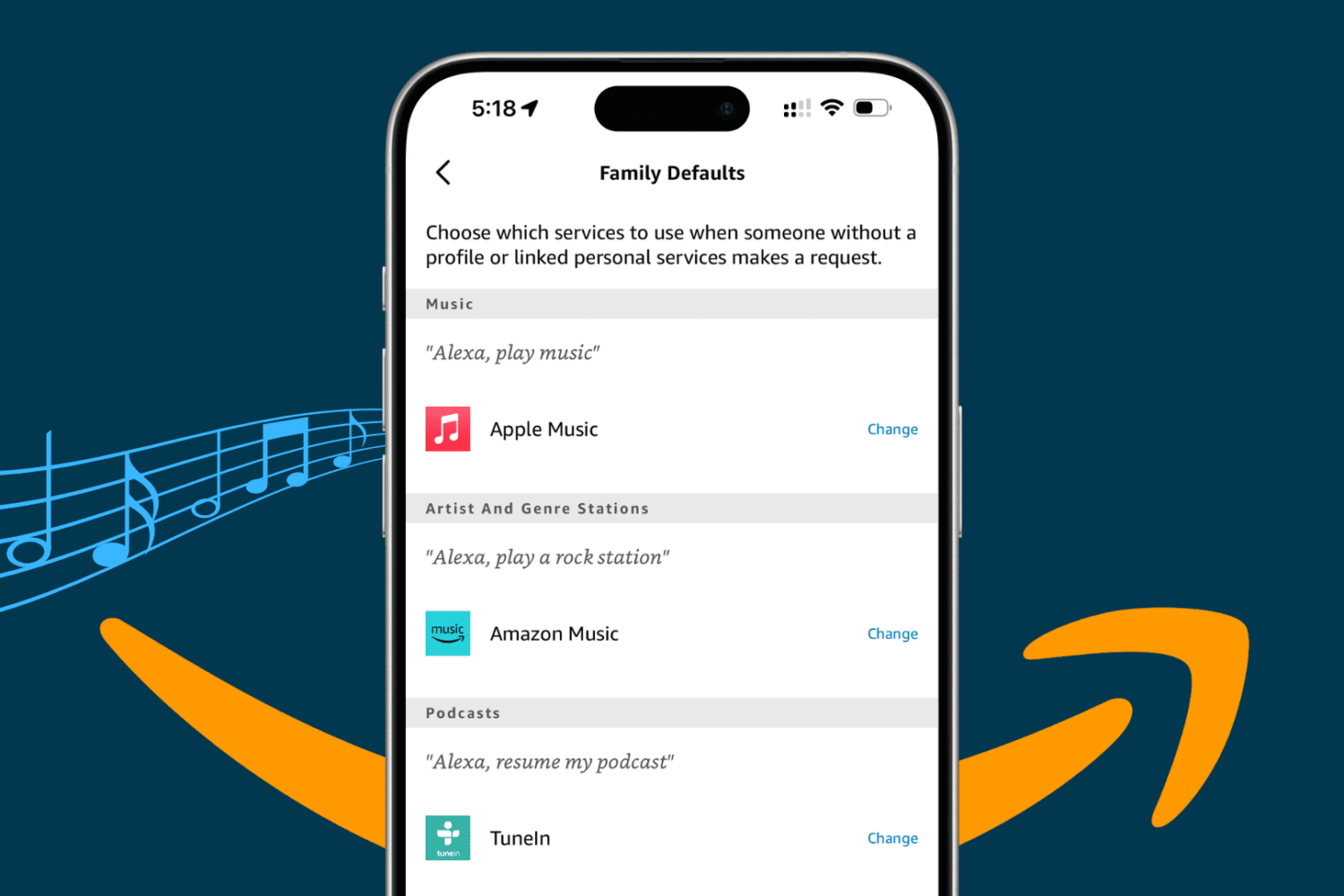
Take your Alexa music experience on the Amazon Echo smart speaker to the next level by adding specific services to it, playing them with voice commands, and setting a preferred streaming platform as the default.

Learn how to highlight text and include comments in a Pages document on your Mac, iPad, and iPhone to make your text stand out.
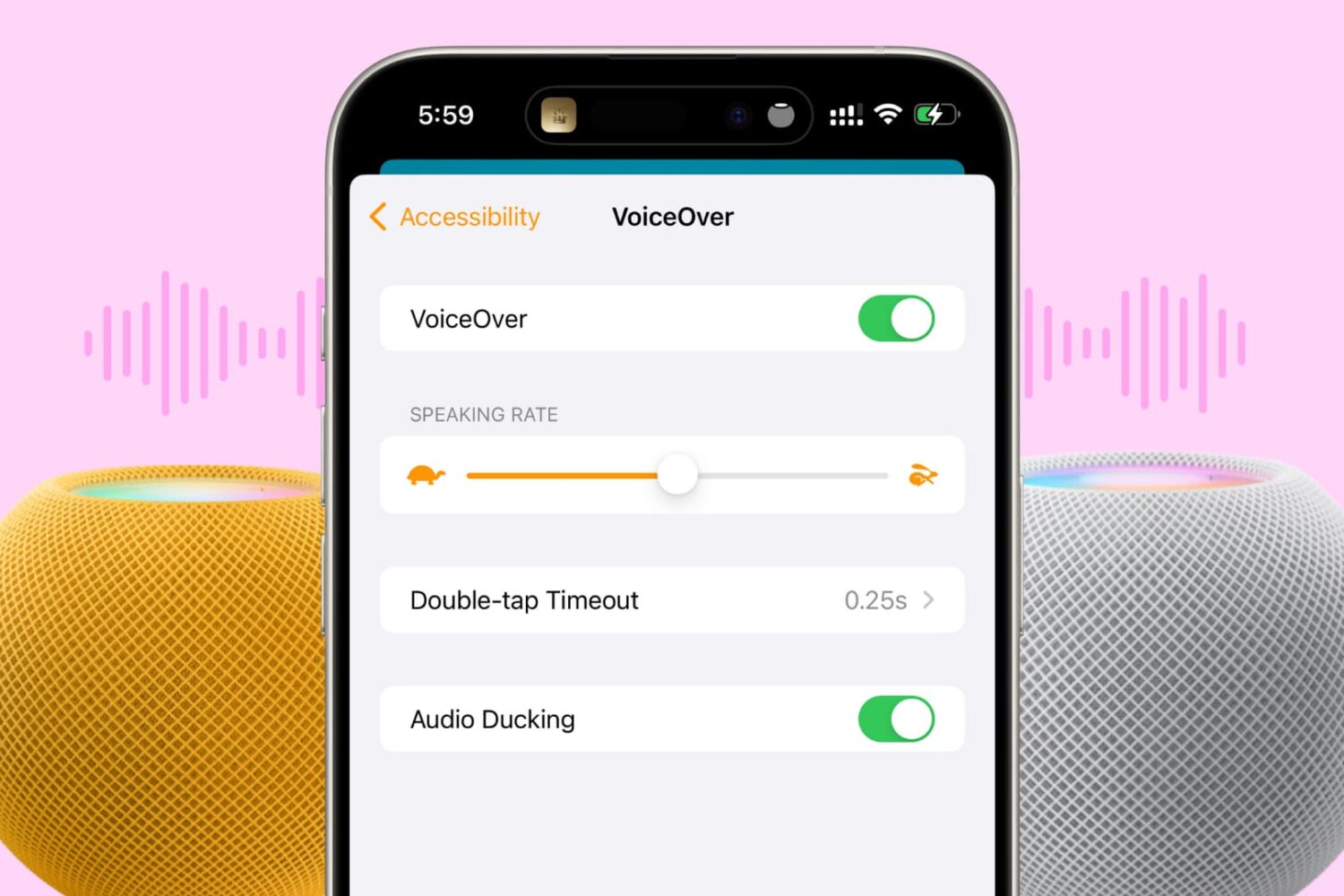
In this tutorial, we’ll show you how to turn on VoiceOver on your HomePod to get helpful audio feedback when interacting with the HomePod’s touch surface.

Find out how to change the slide layout to improve your Keynote presentations in just a few clicks or taps on your Mac, iPad, and iPhone.
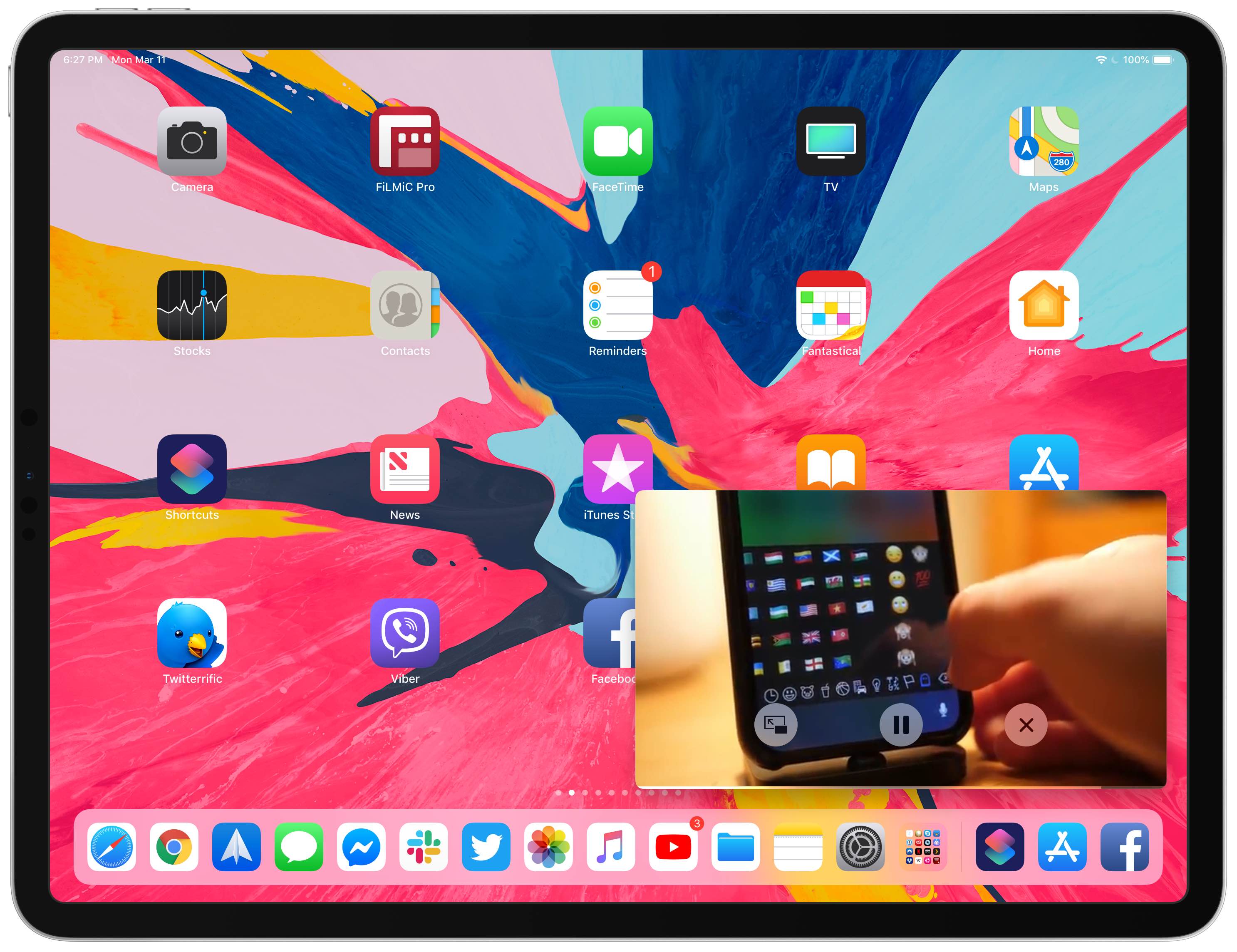
Your iPad supports Picture in Picture (PiP) videos in apps and webpages, but this handy mode isn't universally supported across all video-streaming websites. Crucially, PiP is unsupported by YouTube.com's iPad interface on Safari. But there's a shortcut for that, too—thanks to the power of iOS automation, you can enforce Picture in Picture on YouTube and other websites.