Learn how to use the sidebar in the Photos app on your iPad to easily access and navigate your image library, shared albums, specific media types, and more.
How to use the sidebar in the Photos app on iPad
Learn how to master your Apple devices with our comprehensive tutorials. From iPhone and iPad to Mac, Apple Watch, AirPods, and more, our expert guides will help you unlock the full potential of your Apple products. Discover new features, tips, and tricks each day to enhance your user experience.
Learn how to use the sidebar in the Photos app on your iPad to easily access and navigate your image library, shared albums, specific media types, and more.
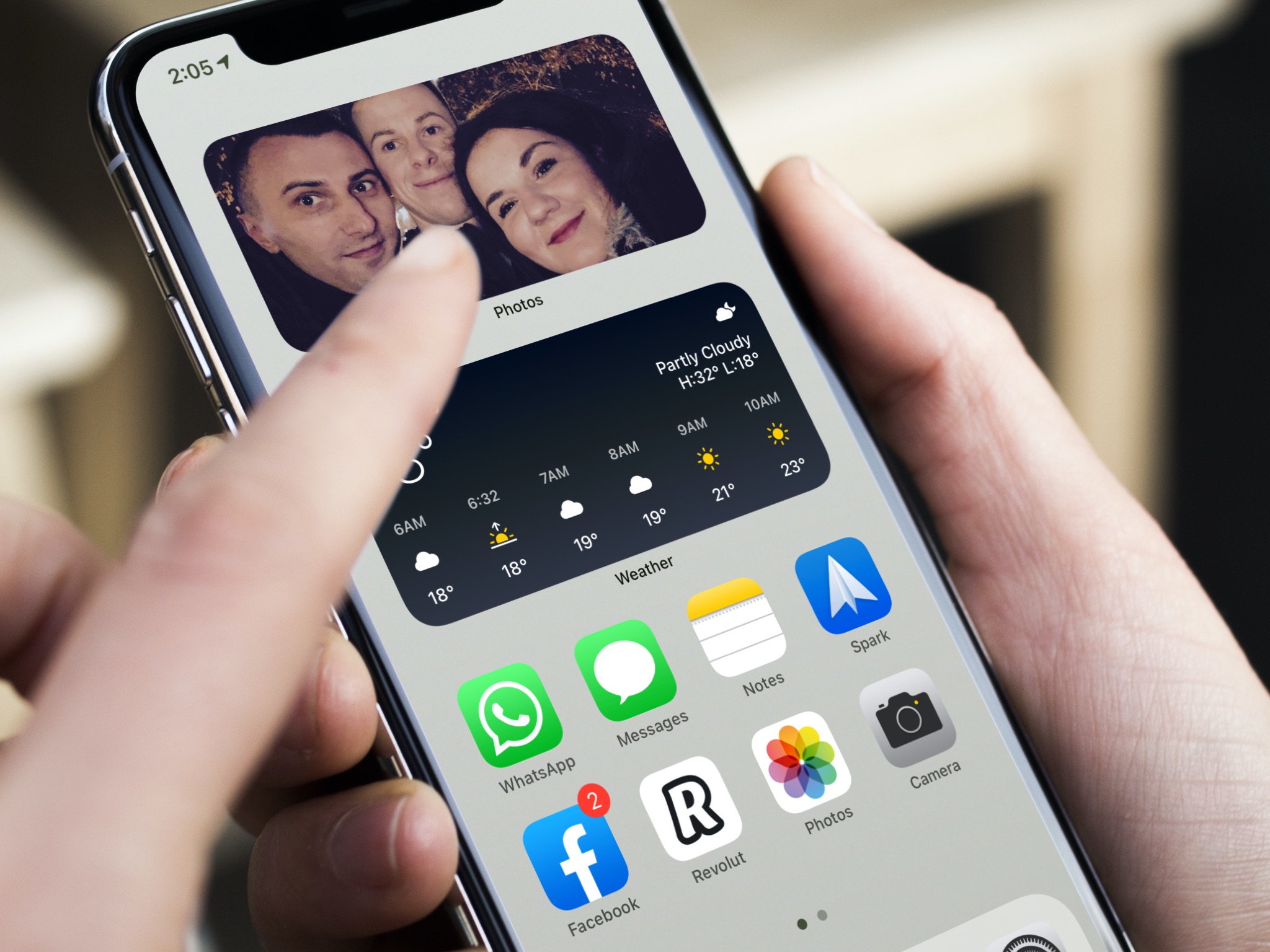
Learn how to add the Smart Stack widget to your iPhone or iPad Home Screen so Siri intelligence surfaces the right widget at the right time, showing you relevant information throughout the day.
The Messenger app for iPhone and iPad includes a handy security feature that allows you to secure your chats from prying eyes. You can protect all your Facebook messages with Face ID, Touch ID, or your passcode.
Follow along as we show you how to lock Facebook Messenger on your iPhone or iPad and adjust how quickly Messenger locks after you close the app.
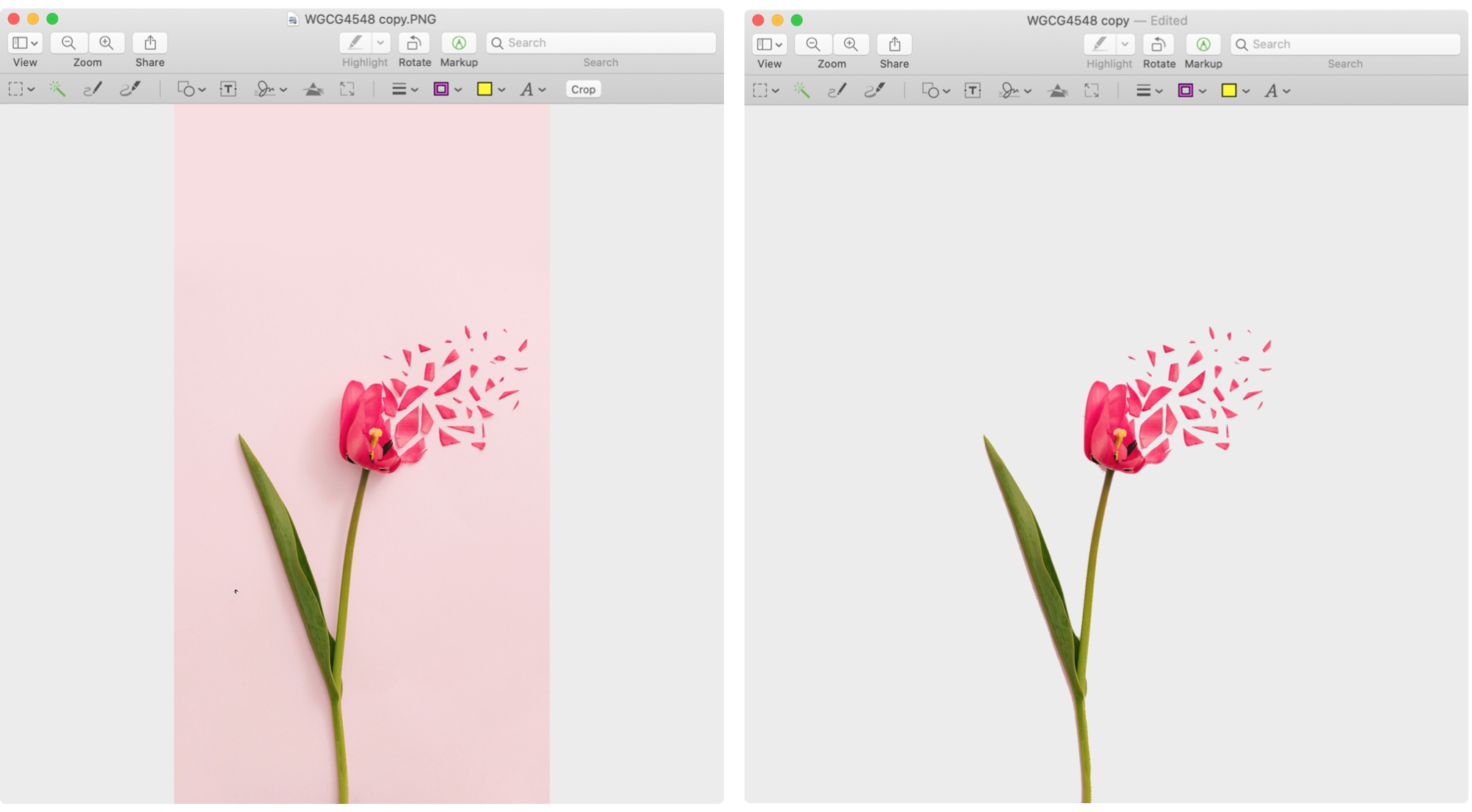
Learn how to use Markup tools in Mac's Preview and Photos apps to annotate, highlight, add shapes, or draw on images without needing third-party apps.
Learn how to customize Apple News on your Mac to make stories easier to read, get more or less suggestions, see only the notifications you want, and more.
Learn how to use a setting in the Preview app on your Mac to automatically reopen PDFs at the last page you were reading.