Learn how to take window screenshots on your Mac without the drop shadow effect which creates distracting extra space and white borders, resulting in a cleaner look.
How to remove the shadow effect from screenshots on Mac
Stay up-to-date on the latest Mac news, and tutorials. Get expert tips and tricks to optimize your Mac’s performance and learn about the latest Apple products and software updates. Discover the best Mac apps and accessories to enhance your user experience.
Learn how to take window screenshots on your Mac without the drop shadow effect which creates distracting extra space and white borders, resulting in a cleaner look.
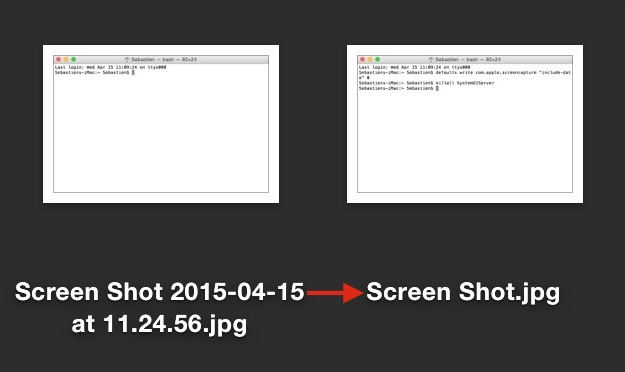
Learn how to change the default Mac screenshot file format in macOS from PNG to JPG or similar to save storage space and avoid manual image conversion.
Following Apple's release of a public beta of OS X Yosemite, iDB reader Antony Verros sent us some code he wrote in AppleScript, which allows users to quickly restart a computer and automatically boot up in the installed OS of choice. For anyone who installed the OS X Yosemite beta on a separate partition, this is an easy solution for booting up into Yosemite or Mavericks without having to hold down the Option key on boot to select the desired partition. The script can even be tweaked to work with BootCamp.
While it's mostly a matter of time-saving convenience, this method can prove to be quite advantageous over time, particularly for users who find themselves frequently switching between OSs, whether it be a Yosemite beta, Mavericks, or Windows 7. Having an easily accessible application for booting into another OS while making a sandwich or refilling a cup of coffee, versus having to wait around to hold down Option, can be highly useful...
Pangu for the Mac was just released today, and it brings with it the ability to jailbreak iOS 7.1.x untethered. The Windows version, which was released last week to much fanfare, has already allowed many people to enjoy the fruits of jailbreaking iOS.
I think it's safe to say that the Mac version has been highly anticipated since word of Pangu first hit the Internet. For those of you who remained patient, your patience has paid off. You can now jailbreak iOS 7.1 and iOS 7.1.1 using your Mac. Check our our full video walkthrough inside for all of the details.
Learn how to sync Safari bookmarks between your iPhone, iPad and Mac for seamless access to your favorite websites wherever you browse.
Learn how to change the default location where macOS saves your screenshots to any folder on your Mac instead of piling them up on the desktop.
Find out how to remove a paired Bluetooth device from your iPhone, iPad, or Mac and learn what to do if you can’t remove them easily.
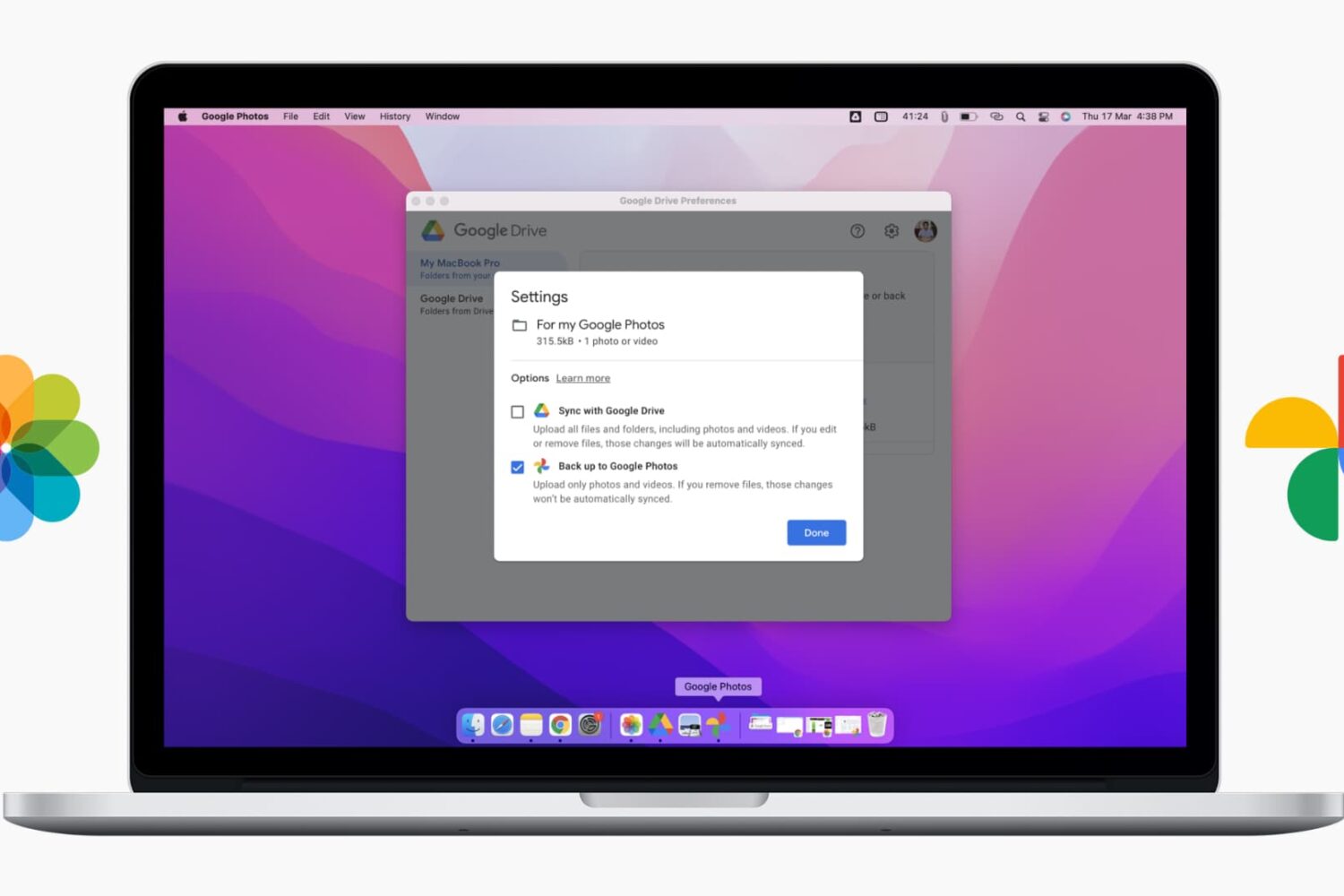
Learn how to stream music, videos, and movies from your Mac to your iPhone, iPad, or another Mac using Apple’s built-in Home Sharing feature.
Learn about 5 quick ways to see the saved Wi-Fi passwords on your Mac if you need to connect a new device or simply want to share the password with someone else.
Recently I ran into a problem that I found to be quite annoying. Flash video playback in Safari began suffering from major stuttering and choppiness. It was so bad that videos essentially became unwatchable while using Safari.
For someone who's constantly watching and editing video like me, this proved to be a big problem. I even pondered switching to Chrome for a bit, but quickly dismissed that thought and set out to find a solution to the problem.
Fortunately, the solution to fixing choppy video playback in Safari is an easy one. Have a look inside and we'll show you how.
Learn how to easily export your Mac contacts for easy sharing and backup purposes in this comprehensive guide.
Creating a group email can be a real time saver as you don't have to manually enter each recipient's email address. Instead, you can quickly type in the name of a group of contacts that you want to send an email to and have the "to:" field of your email client populated for you automatically.
In this post, we will show you how to send group emails from your Mac. As you will soon be able to verify, sending messages to a group from your Mac is a fairly simple and quick process.