iPhone

Stay up-to-date on the latest iPhone news and learn new tips and tricks with our comprehensive tutorials. From software updates to new features, we’ve got you covered.

How to save Vine videos

Who knew 6-second-long looping video clips would turn out to be so much fun? If you're into short-form entertainment, there's probably no better place to get your daily fix of user-posted clips, some of which are quite interesting—I've seen whole how-tos compressed into six seconds—than Vine.

The problem is, both Vine the website and mobile app prohibit you from saving your favorite clips to your computer or mobile device. Thankfully, there are apps for that, too.

In this tutorial, you'll learn how to save Vine videos to your iPhone, iPod touch, iPad or Mac using a nifty little utility and a free of charge web app.
7 tips to get rid of junk files and recover storage space on iPhone

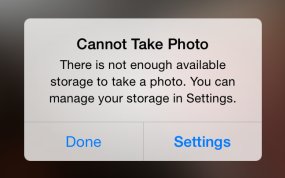
There's nothing worse than pulling an iPhone out of your pocket to capture that brief moment in life that will never repeat itself only to be met with a “storage almost full” message.

It's a sinking feeling so no wonder that most folks tend to immediately remove older photos.

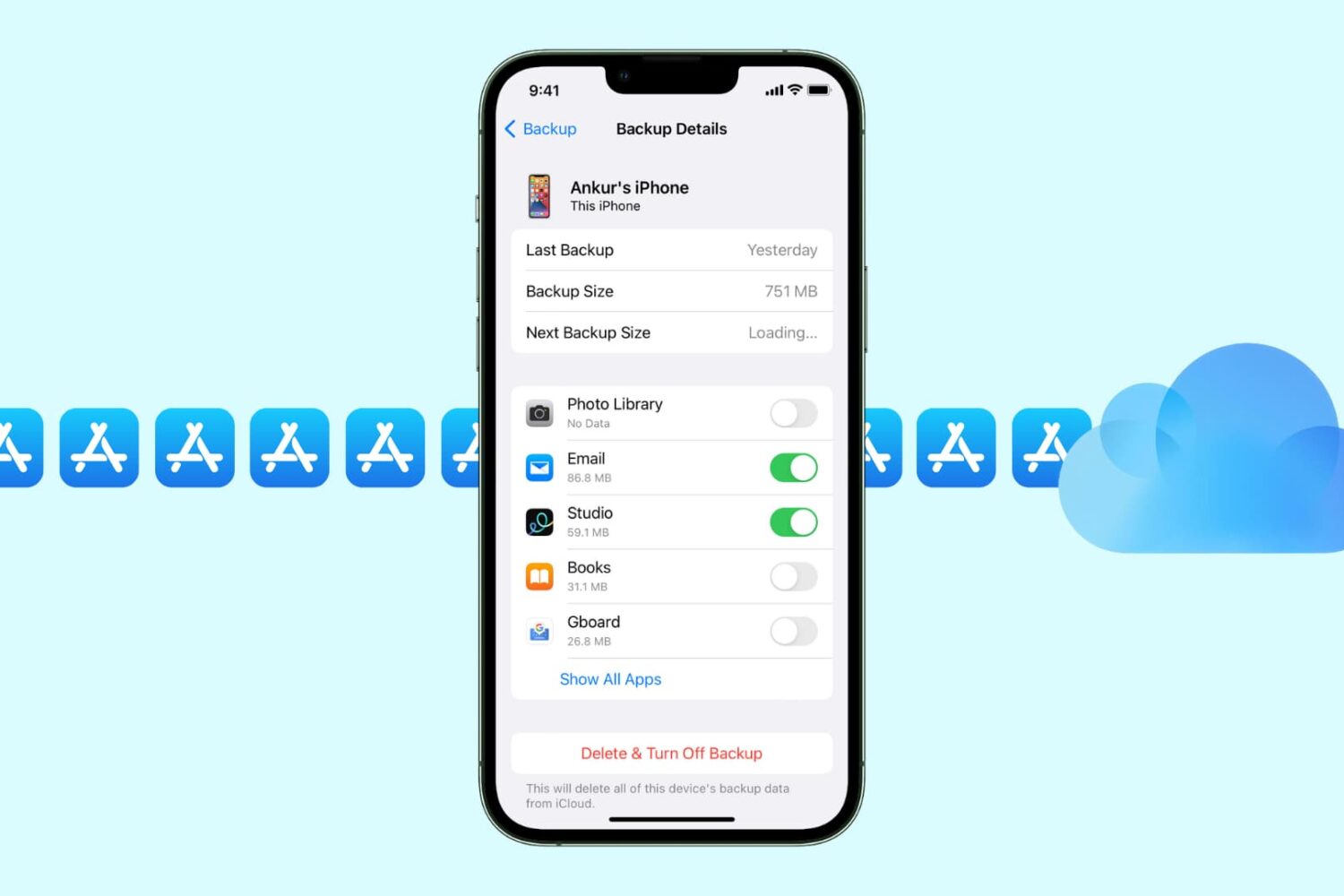
But there are better ways to free up storage space on your device that don't necessarily involve deleting your precious memories. Faced with a low-storage prompt, your first order of business should be checking if apps you frequently use are gobbling up your storage by caching large amounts of data.

That's just the starters, as there're plenty of other space-saving techniques you should be employing on a regular basis. In this tutorial, you'll learn how to manually flush app caches, disable certain iOS features and flip the switches you never knew existed in order to remove as much of the cruft clogging up your iOS device as possible.

How to preview flight information and track flights on iPhone, iPad and Mac

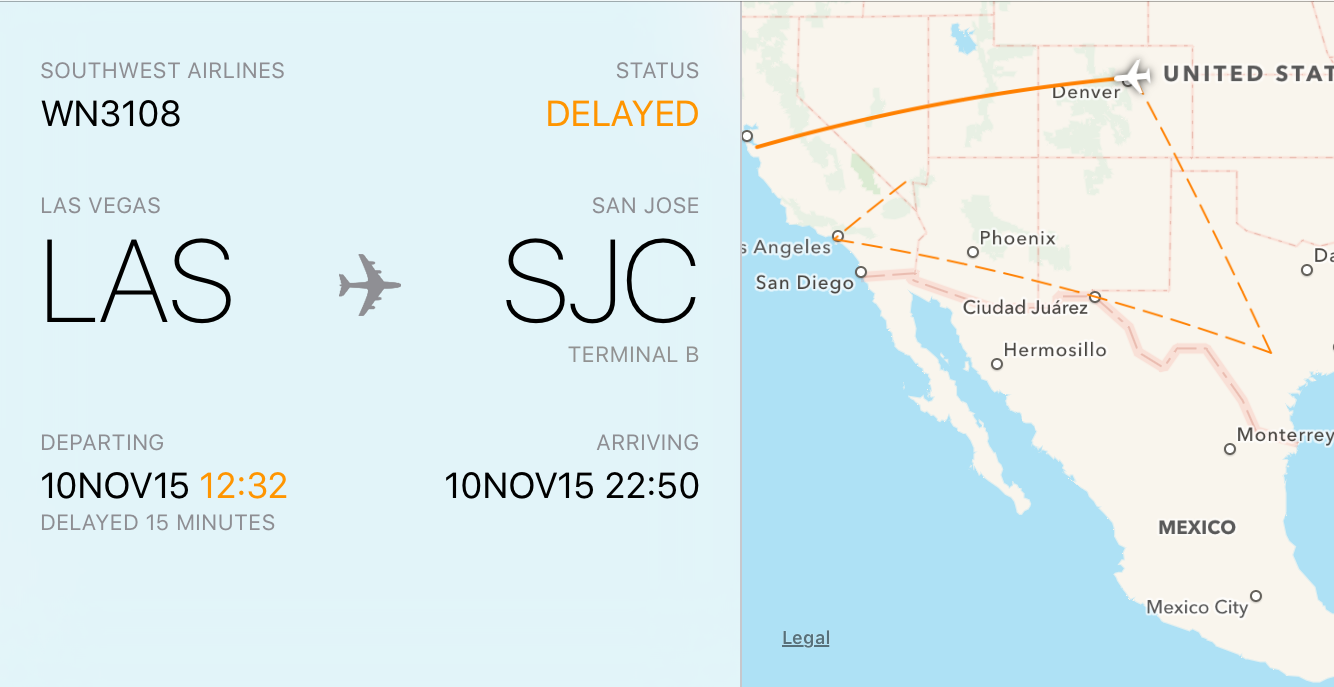
Owners of an iPhone, iPod touch, iPad, or Mac can quickly look up flight status information found in Notes, Messages, and Mail using a rich interface with flight trajectory, flight status, arrival times and other information.

In this tutorial, you'll learn how to quickly preview the current status and other information pertaining to an airline and flight number, with or without leaving the context of what you're currently doing.

How to sort iOS notifications

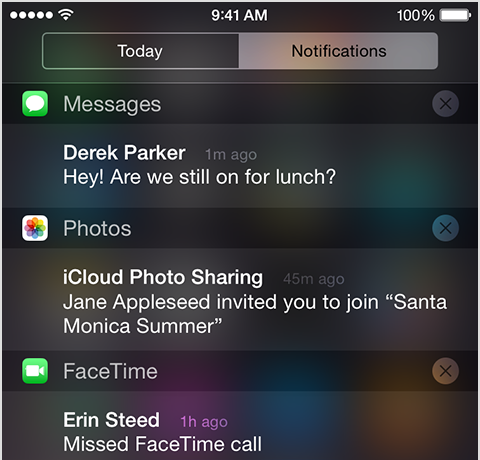
iOS has always grouped alerts in the Notification Center in the order they were received. If you're overwhelmed with numerous notifications from apps and services on a daily basis, this can quickly clutter your view and push important notifications out of the view.

It is possible to change grouping of push alerts to have them compartmentalized according to their respective originating app and listed in the order you define.

In this tutorial, we'll detail how you can select, manage and adjust app grouping within the Notification Center on your iPhone, iPod touch or iPad.

How to disable Location History on Facebook to extend iPhone battery life

Yesterday, Facebook issued an update to its main iOS client to help extend your iPhone's battery life by preventing it from playing audio silently in the background.

File the move under the 'too little, too late' drawer: if history is anything to go by, waiting for Facebook engineers to deliver a fully battery-friendly iOS app might be a fool's errand.

The biggest contributor to Facebook's infamous battery drain has got to be the app's continuous monitoring of your location, which continues after leaving the app. In this tutorial, we'll teach you how to prevent this by disabling a feature called Location History, thereby helping reclaim some of the juice lost to the battery-hogging app.