Learn how to add a convenient Unread folder to the Apple Mail app on your iPhone, iPad, and Mac to display all your unopened emails in one handy place.
How to see all your unread emails in one spot in Apple Mail

Stay up-to-date on the latest iPhone news and learn new tips and tricks with our comprehensive tutorials. From software updates to new features, we’ve got you covered.
Learn how to add a convenient Unread folder to the Apple Mail app on your iPhone, iPad, and Mac to display all your unopened emails in one handy place.

Are some friends spamming you with game requests? In this piece, we will show you how to stop specific Facebook friends from sending you app requests and game invites.

I couldn't care less about FarmVille or Candy Crush Saga or any other game on Facebook, for that matter. If you're anything like me, I suppose pesky invite notifications for Facebook games have been ticking you off.
But don't worry, you can block those annoying requests with just a few taps. In this tutorial, we'll show you how to stop getting invites for apps and games from Facebook friends, both on the web and in the app.
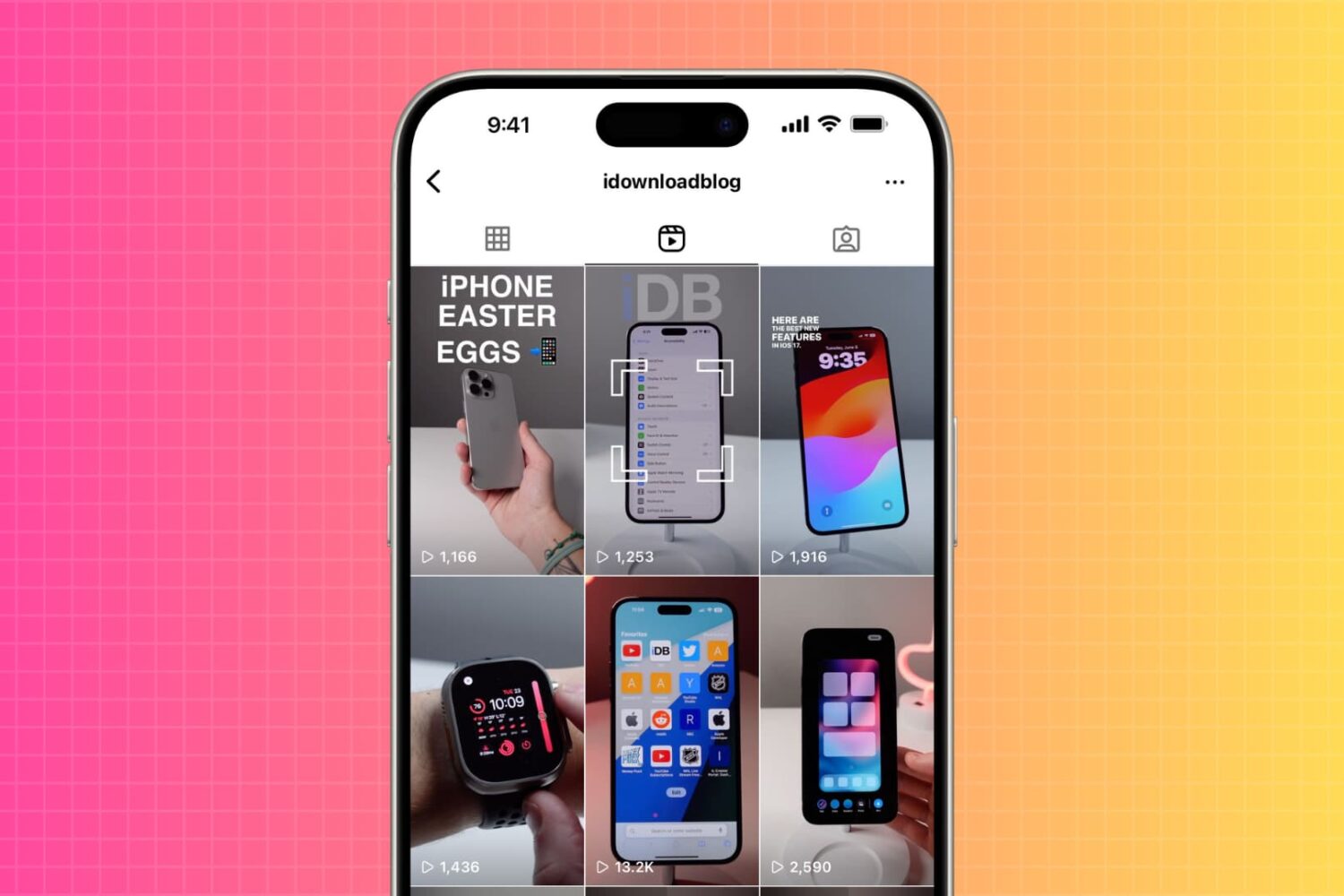
Are you wondering how many people viewed your Instagram video? In this tutorial, we will show you how to do that, as well as see the number of views someone else's Instagram video post has received.
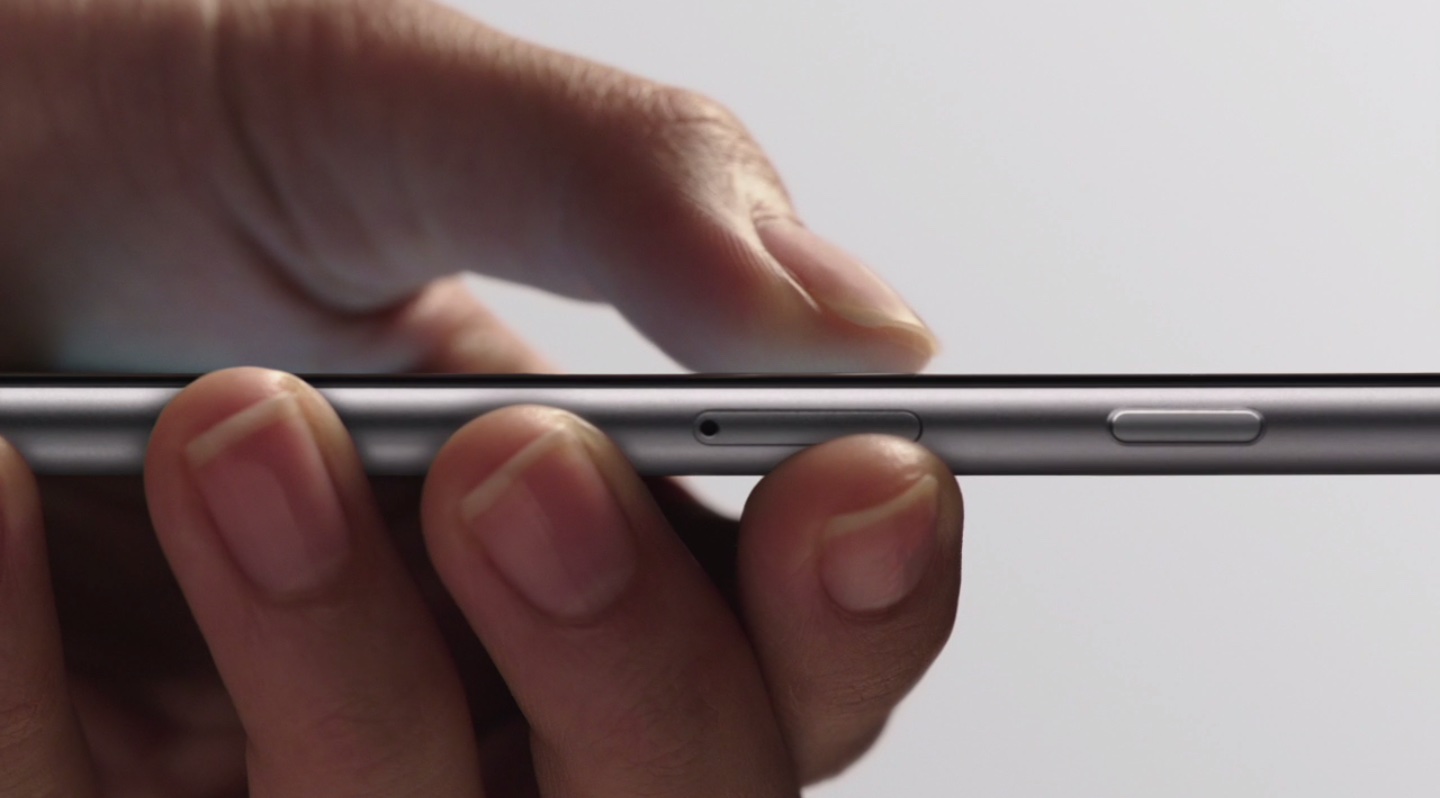
iOS includes a Share sheet action for saving PDFs to iBooks. This is great for, say, turning a webpage or other document into a PDF form with one notable complaint—not everyone wants to read PDFs in the Books app.
As it turns out, you can export a PDF to any app on your device with 3D Touch right from iOS's Print Preview screen. This is an extremely convenient feature, but it's unfortunate that it requires 3D Touch so owners of previous-generation and older iPhones cannot take advantage of it.
The stock Music app in iOS 10 supports 3D Touch Peek and Pop gestures within the app and various Quick Actions on the Home screen.
With 3D Touch, the Music app speeds up common user actions, from tuning in to Beats 1 radio to running a search on your music, previewing the contents of albums and playlists, adding For You playlists (for those who are subscribed to Apple Music) and more.
With 3D Touch, owners of the iPhone 7 and iPhone 7 Plus will have an easier time navigating the Music app's somewhat overwhelming interface while discovering they can accomplish more with fewer taps.
In this tutorial, you'll learn how to use 3D Touch in the Music app like a pro.
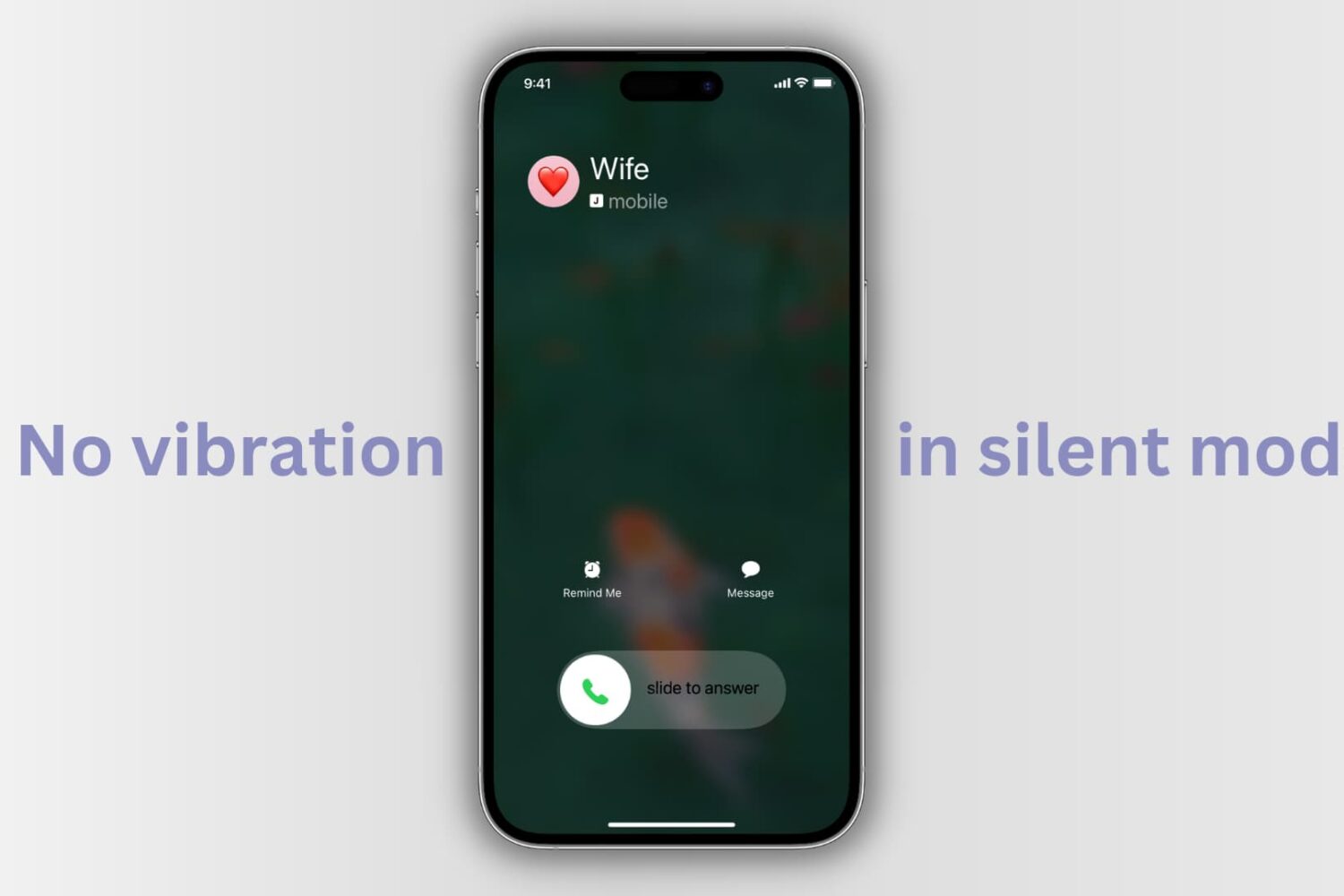
Learn how to stop your iPhone from vibrating when you receive a notification, a text message, or a call—even when muted in silent mode—to reduce distractions.
In this tutorial, we'll guide you through the easy process of transferring your purchased music, movies, television shows, ringtones, podcasts, and books from an iPhone or iPad to a Mac or Windows PC.
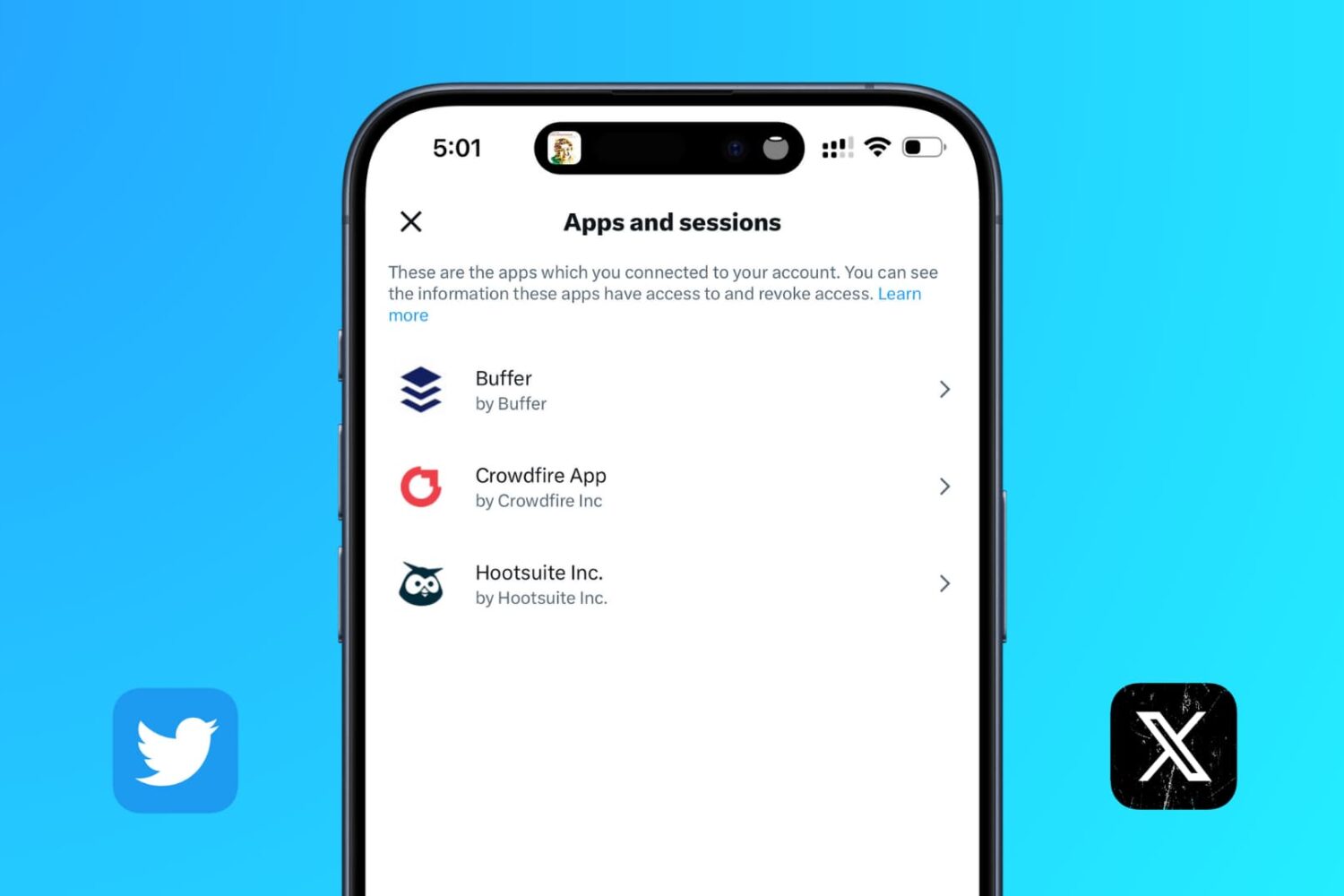
Learn how to revoke permission for apps connected to your X (formerly called Twitter) account so you can clean it up and remove old, unnecessary apps from having access to your account.
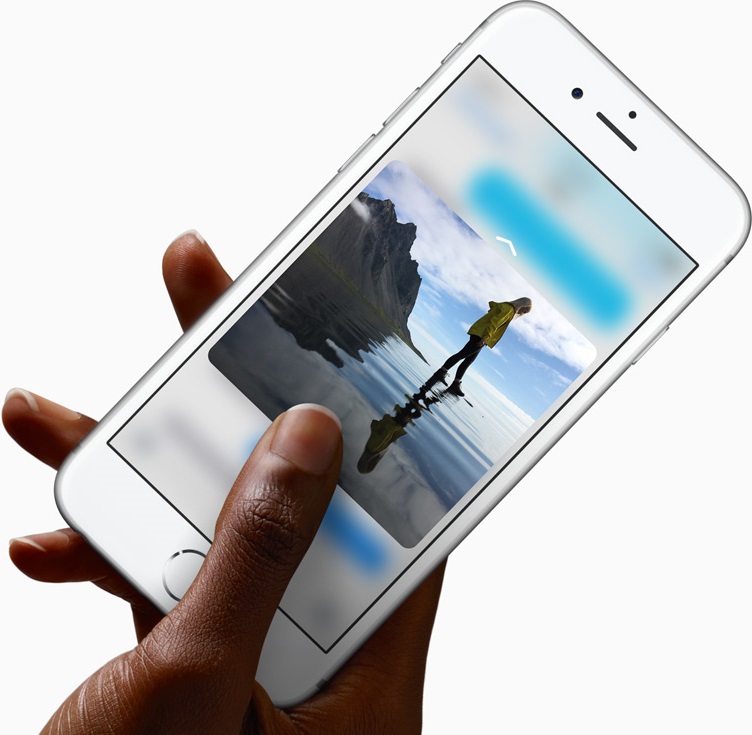
We have covered dozens of the best 3D Touch uses in Apple's most important apps, like Messages, Safari, Mail, Camera, Maps and a few others. Today, we explore how 3D Touch on the iPhone elevates your experience in Photos, one of my favorite stock apps.
With 3D Touch, you can animate a Live Photo and make your wallpaper come alive with a deep press, peek at your photos and videos within the stock Photos app, go to your best photos and see what you were snapping up this time last year, right from the Home screen, and much more.

In this article, we cover the most common AirDrop issues and how to fix them on your iPhone, iPad, and Mac.
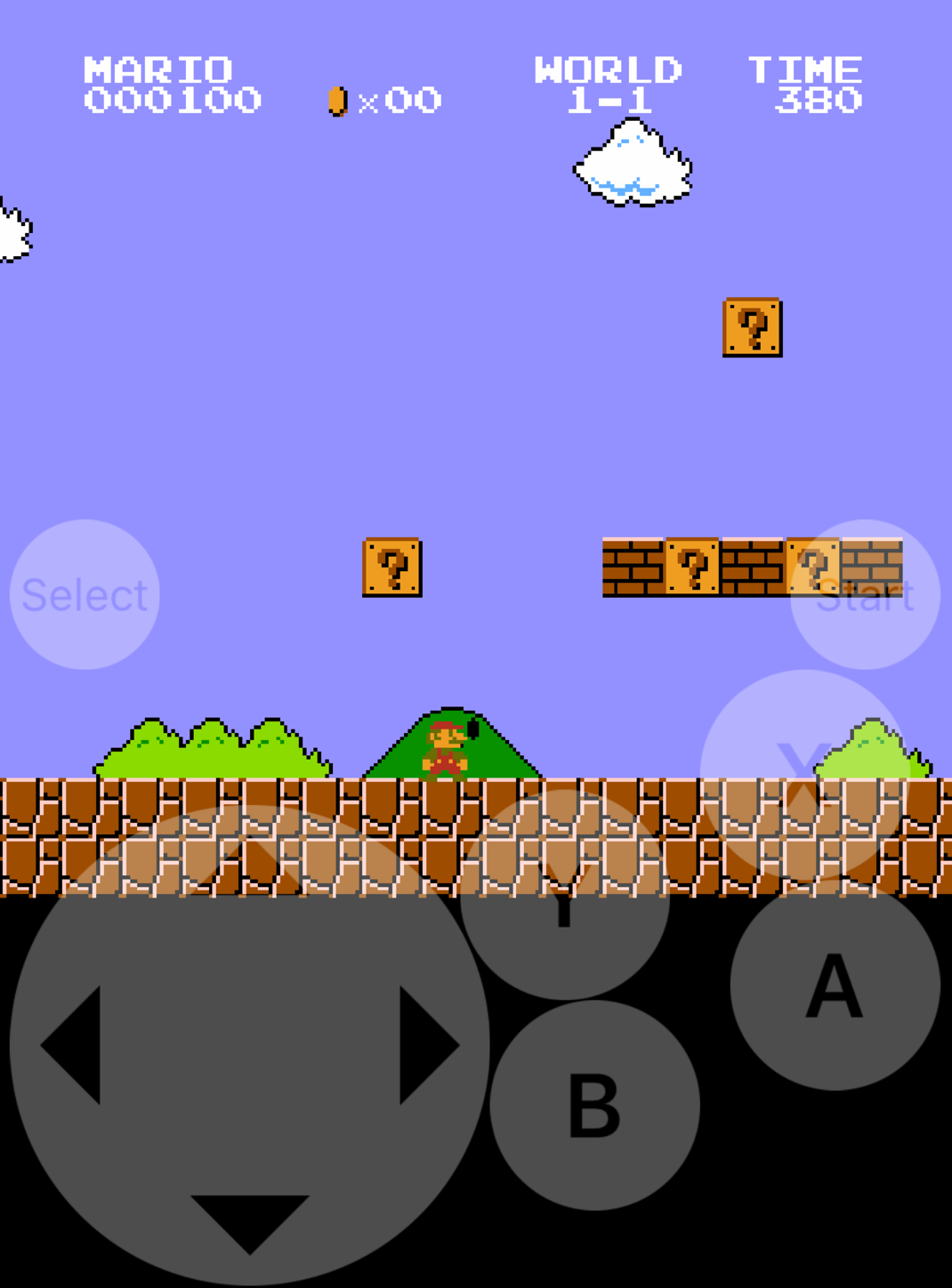
Emulators are a way to play your favorite childhood games on your iPhone, iPod touch, or iPad without carrying the game disks or cartridges and game consoles around with you. Instead, they sideload the games on your device as a piece of software, and they're given controls that are adapted for the touch screen.
In this tutorial, we'll be showing you a method that still works to this day for getting emulators on your iOS device, and the best part is, you don't even have to be jailbroken to do any of it.